-
-
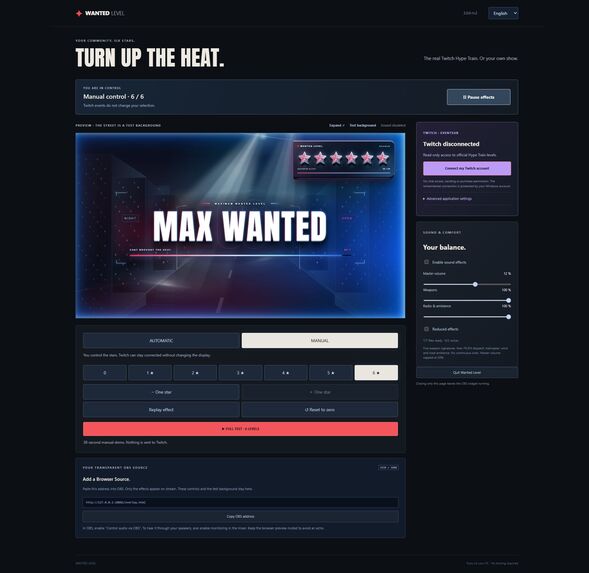
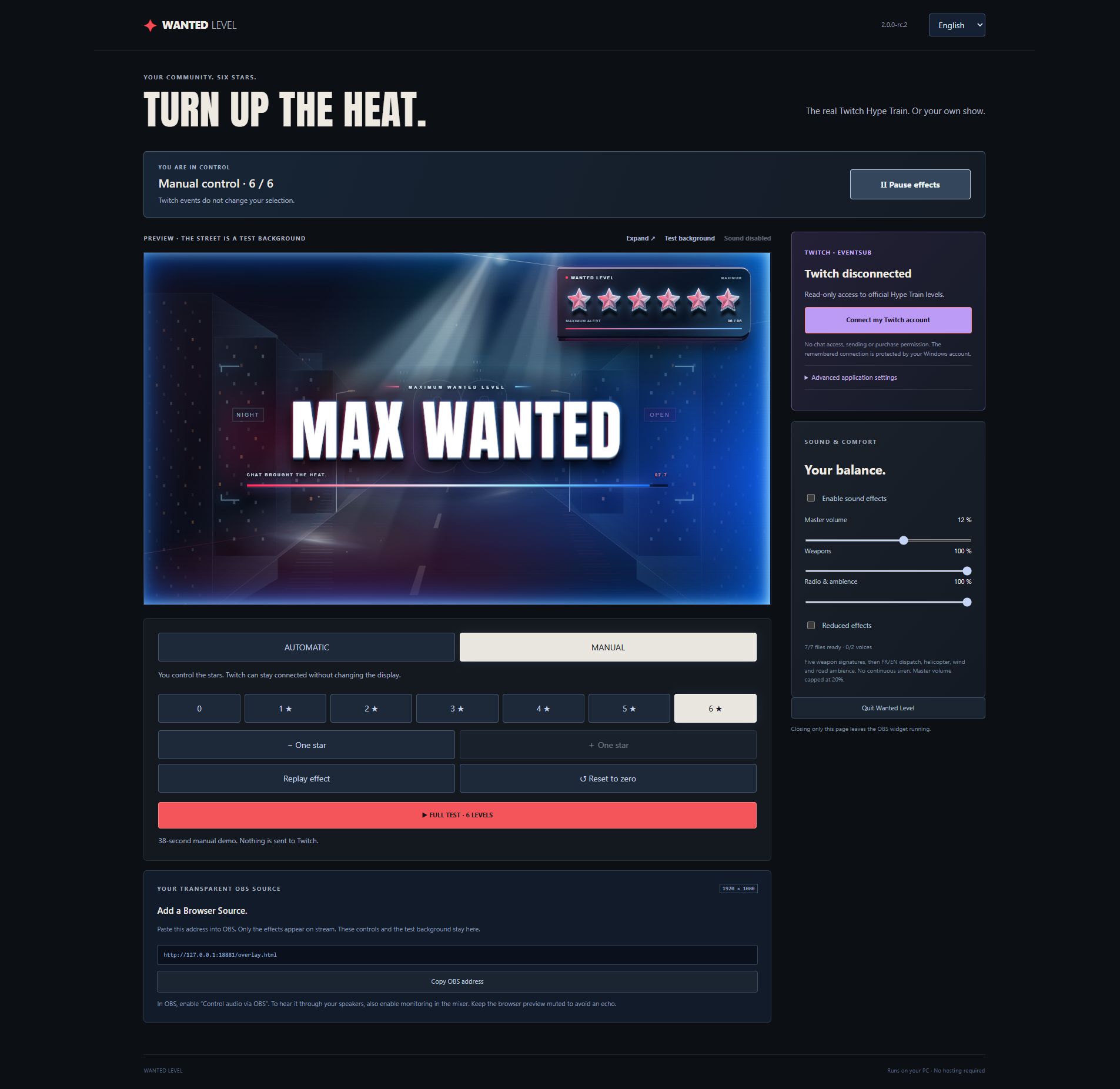
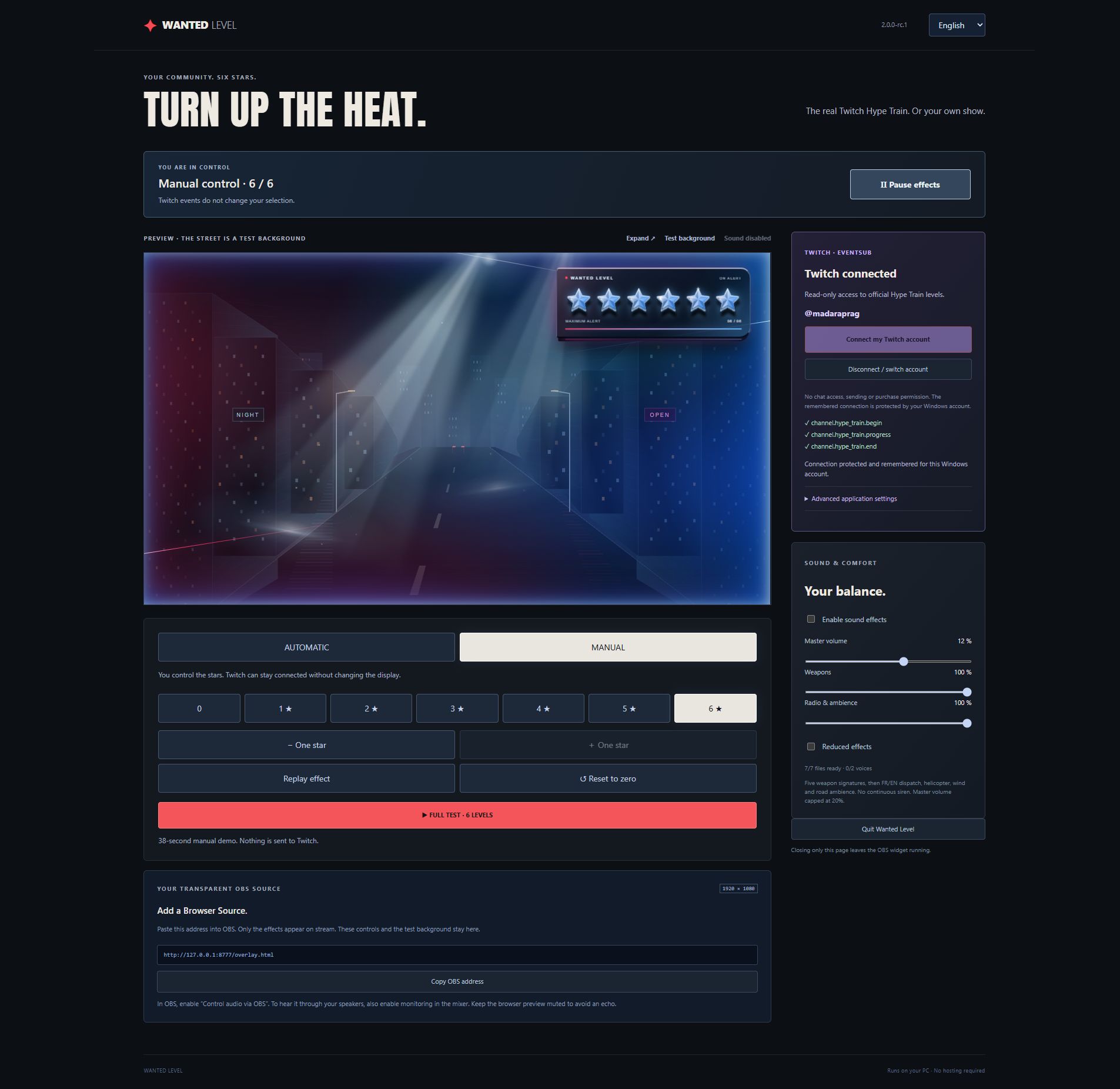
Manual six-star demonstration from a clean rc.2 package. The street is a preview background, excluded from the OBS source.
-
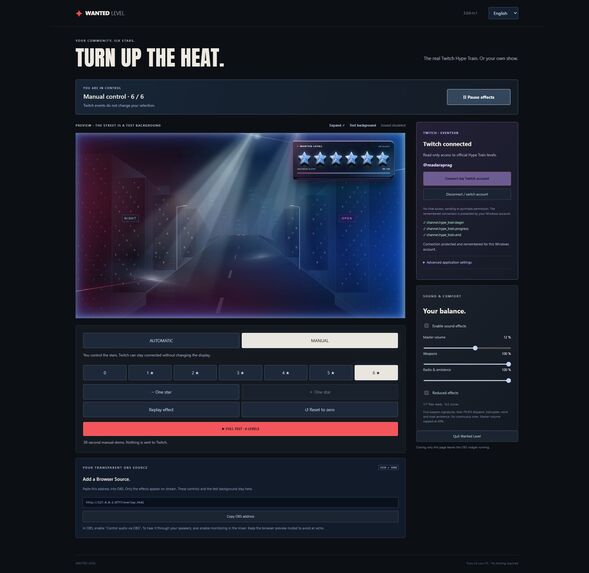
Real Twitch connection on the test channel: three enabled official EventSub subscriptions. No active Hype Train was available.
-
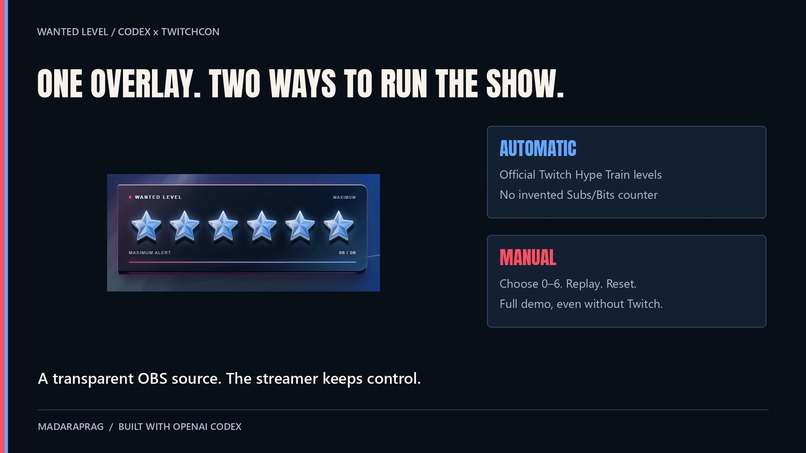
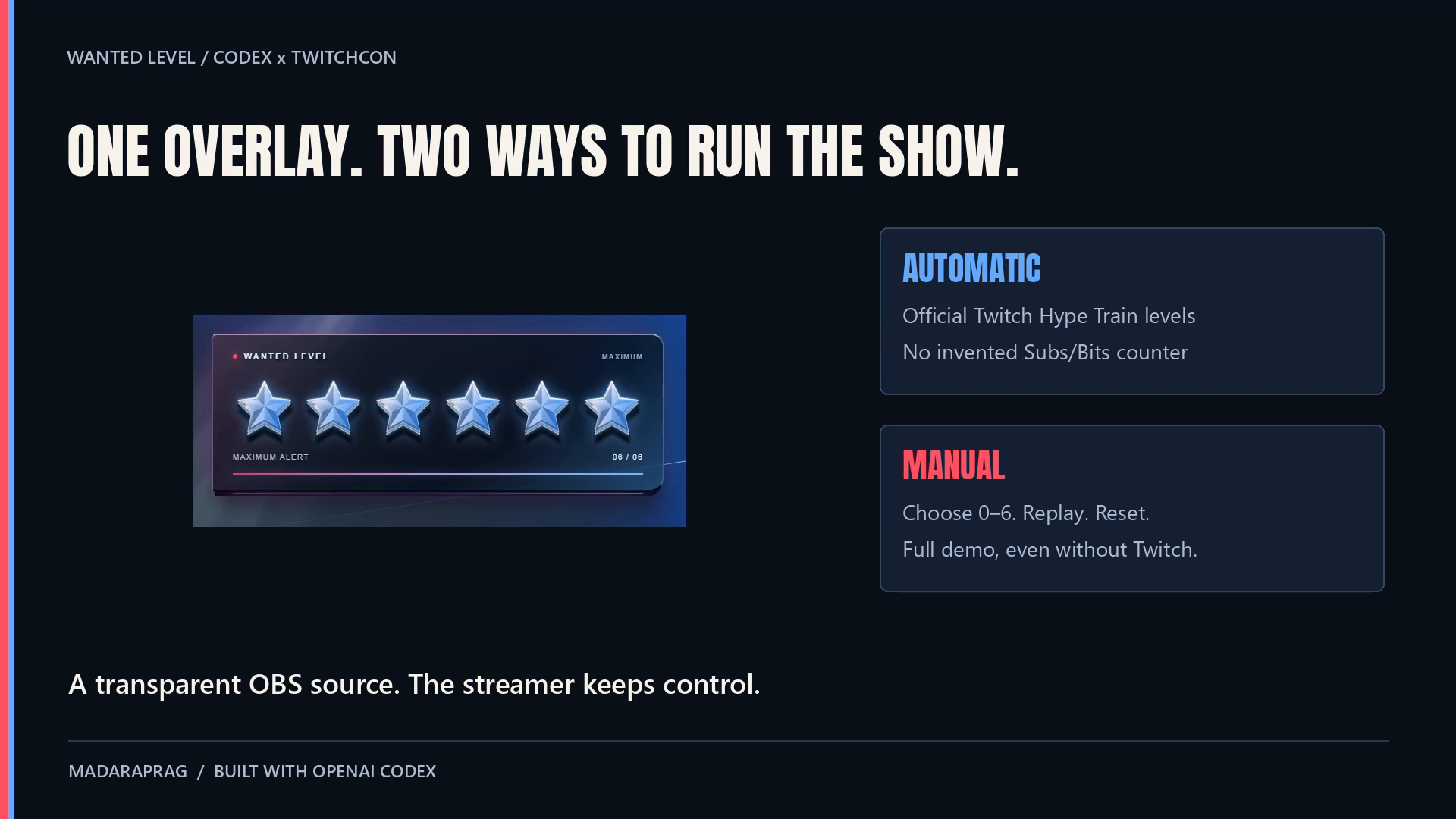
One overlay, two control modes: official Twitch automation and independent manual direction.
Inspiration
A Hype Train is a shared community moment. We wanted it to feel like a change in the atmosphere of the stream: stars lighting up, red and blue reflections, moving searchlights, and a short radio dispatch at the peak. The streamer should be able to create that moment without managing a complicated setup or giving up control.
What it does
WANTED LEVEL is a transparent OBS overlay with two independent control modes.
Automatic: the streamer connects their Twitch account. Official Hype Train begin, progress and end notifications drive the overlay: levels 1–5 map directly to stars, and level 6 or higher displays six. The software uses Twitch's actual level rather than estimating one from Subs or Bits. At six stars, an eight-second MAX WANTED introduction plays; the six-star state then remains until the train officially ends.
Manual: choose any level from zero to six, move up or down, replay an effect, reset immediately or run the full six-level demonstration. This mode works without Twitch and allows a streamer to demonstrate or direct the effect on demand.
Both modes share the same effects and OBS source. Pause hides the overlay and stops audio while Twitch continues to be tracked. Returning to automatic mode restores the known official state without replaying old sounds. The control panel and its demonstration background never appear in the transparent OBS source.
The panel and dispatch support English and French. Sound starts disabled, with separate weapon and radio controls and a capped master volume. All seven finished audio files and the font are local.
How we built it with Codex
We developed the product through repeated conversations with Codex, starting with a lightweight HTML/CSS/JavaScript overlay. We asked Codex to strengthen the stars' depth and reflections, refine the moving lights, replace an uncomfortable continuous alarm with brief sound signatures, and add bilingual operation.
The next iterations focused on the real streamer workflow: official Twitch Hype Train V2 events, an isolated manual mode, a secure remembered connection, straightforward Windows startup and a clean OBS-only source. Codex helped implement the state engine, OAuth Device Code Flow, EventSub handling, reconnection recovery, local server, Windows credential protection and package preparation.
We used Codex to exercise meaningful edge cases: duplicate and out-of-order notifications, skipped levels, a train ending before its begin notification arrives, late REST responses, switching modes and reconnecting without replaying stale effects. The supplied suite contains 92 passing automated checks. We also used browser control and OBS to verify the actual account connection and displayed effects.
How it is built
The interface and effects use HTML, CSS and inline SVG. A Node.js loopback server shares one display state between the panel and OBS. Twitch authorization requests only channel:read:hype_train; the authenticated broadcaster determines the channel automatically. Three EventSub V2 subscriptions handle begin, progress and end, with the official current-train API used for recovery.
Windows DPAPI encrypts remembered tokens for the current Windows user. The built-in Windows PowerShell host performs that protection internally with a fixed command and stdin; no confidential client secret or customer token is shipped, and execution policies are not changed. The portable package includes the official signed Node runtime and readable launch scripts. It uses no creator-operated backend or paid hosting.
Challenges
The hardest part was keeping the displayed state truthful across notifications, API recovery, reconnects and manual intervention. Another challenge was making the experience easy to launch while preserving secure token storage and the existing visual identity. We also refined the audio around comfort: a short, controlled peak rather than a continuous siren.
Accomplishments
- One product with official automation and independent manual control.
- A working transparent OBS source, six distinct visual levels and bilingual sound.
- A real Twitch OAuth grant, token refresh, protected restart recovery and three enabled official subscriptions.
- 92 passing automated checks, plus actual browser and OBS verification.
- A clean portable Windows package with local assets and documented resource licences.
What we learned
Reliable live tools must distinguish an inactive state from an unknown state. A visually convincing simulation also needs to be identified as a simulation. Explicit recovery rules, quiet restoration and simple streamer controls matter as much as the animation itself.
What's next
The same product is intended for later one-time-purchase distribution. Before declaring it commercially validated, we still need a real second-account test, a separate Windows PC and observation of an active official Hype Train's notifications. During this build we observed the real inactive state, not a live train progression; active levels and ending behavior were tested with simulations. The demonstration labels manual operation accordingly.

Log in or sign up for Devpost to join the conversation.