-
-
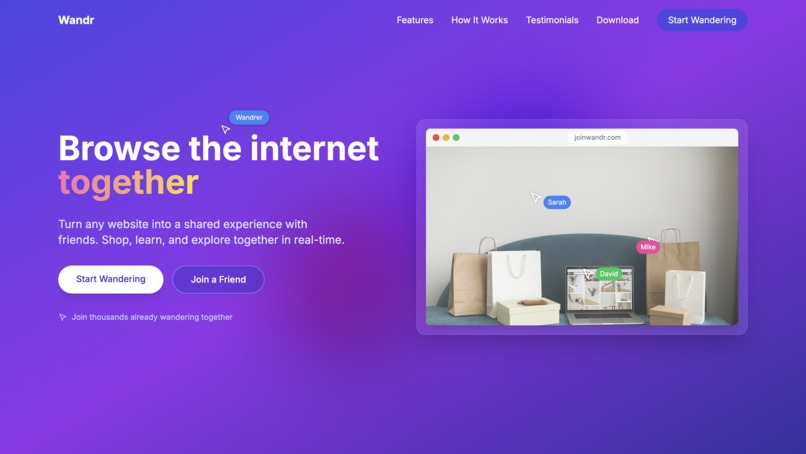
Browse the internet together with Wandr
-
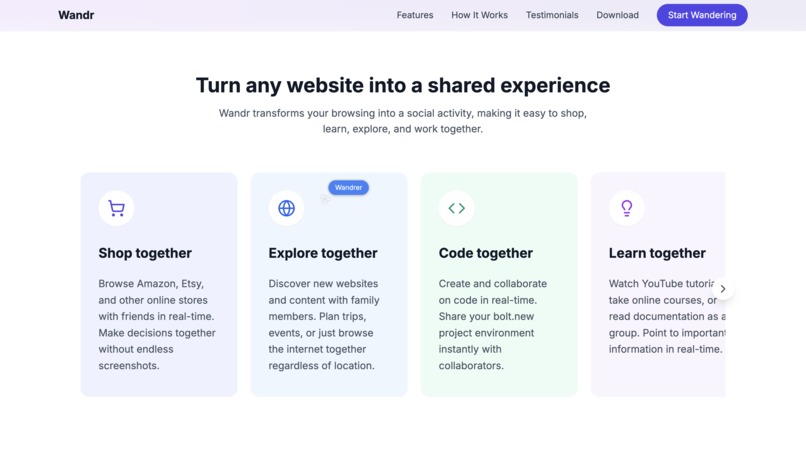
Use cases
-
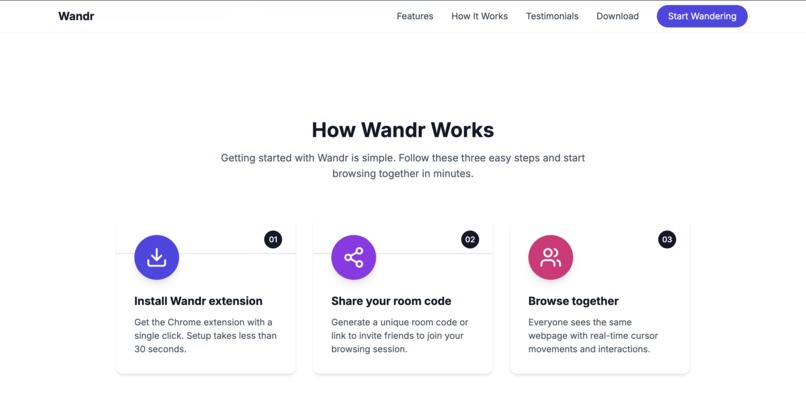
How it works
-
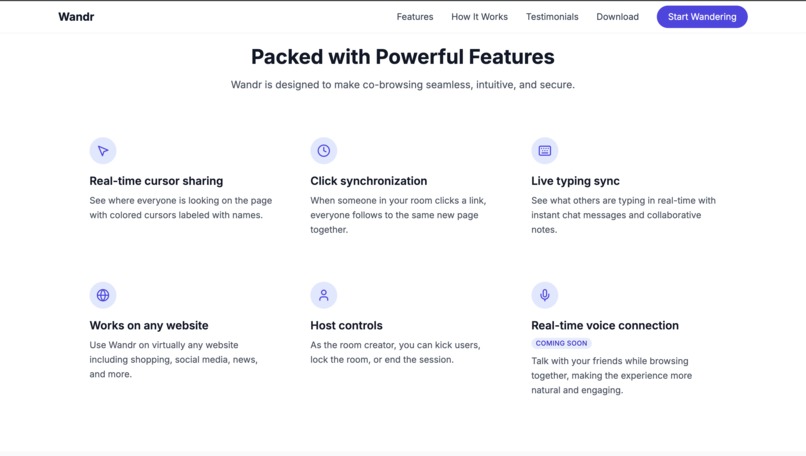
Features
Inspiration
The idea for Wandr came from a simple but frustrating moment: trying to help my friend shop for a laptop over a video call. I kept saying "click on that one," "no, the blue one," "scroll down a bit", and we both got frustrated. Screen sharing was laggy, and I couldn't just point and click to help.
That's when I realized something obvious yet overlooked: we browse the internet alone, but we make most decisions together. We ask friends for shopping advice, share cool videos, get help with confusing websites, and explore new places online as a group, yet every browser forces us into solo experiences.
The "aha moment" came when I imagined what it would feel like to browse with friends like we were sitting at the same computer, seeing each other's cursors, clicking together, discovering things naturally. Not screen sharing, not separate tabs, but truly shared web browsing.
What it does
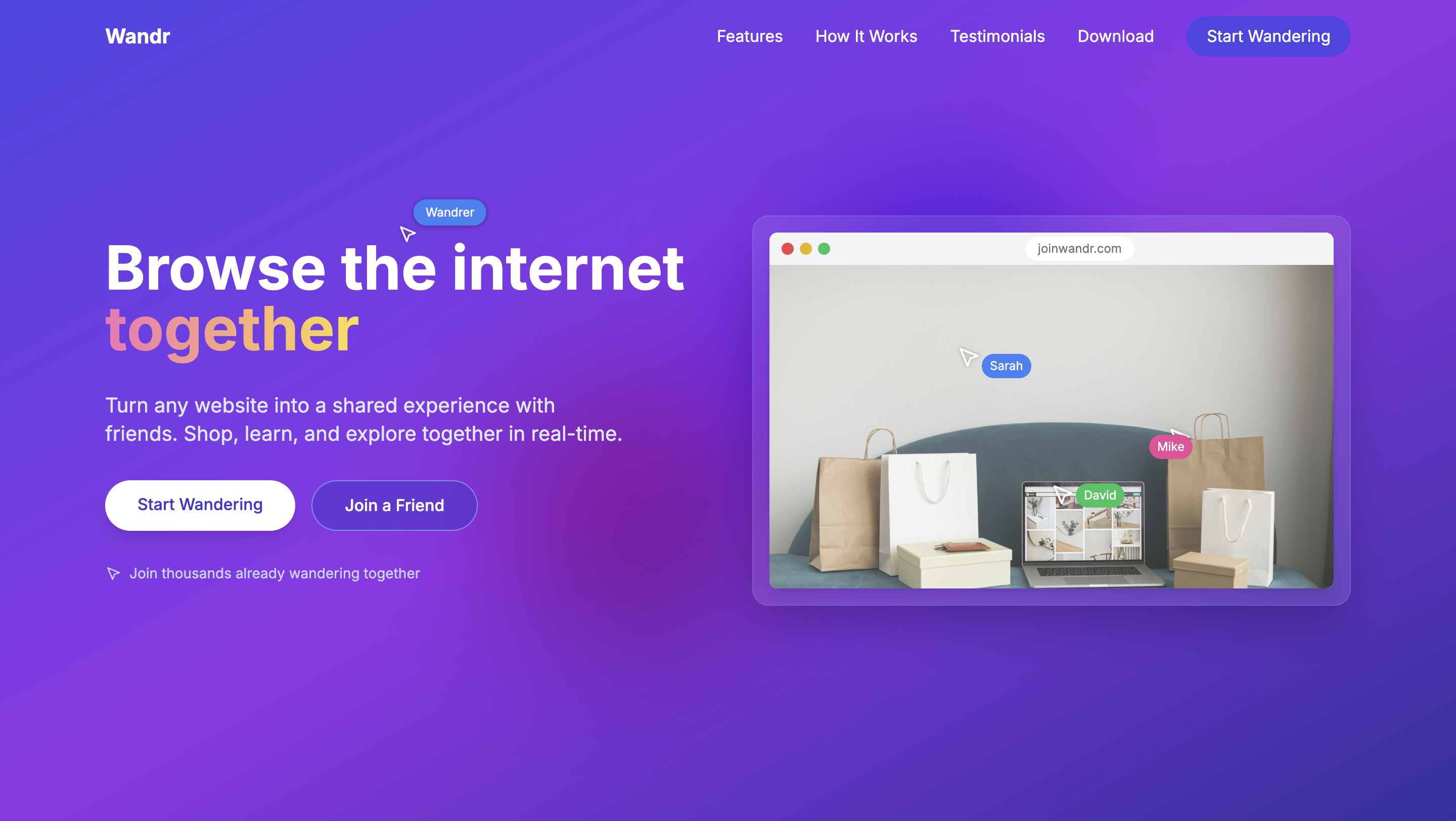
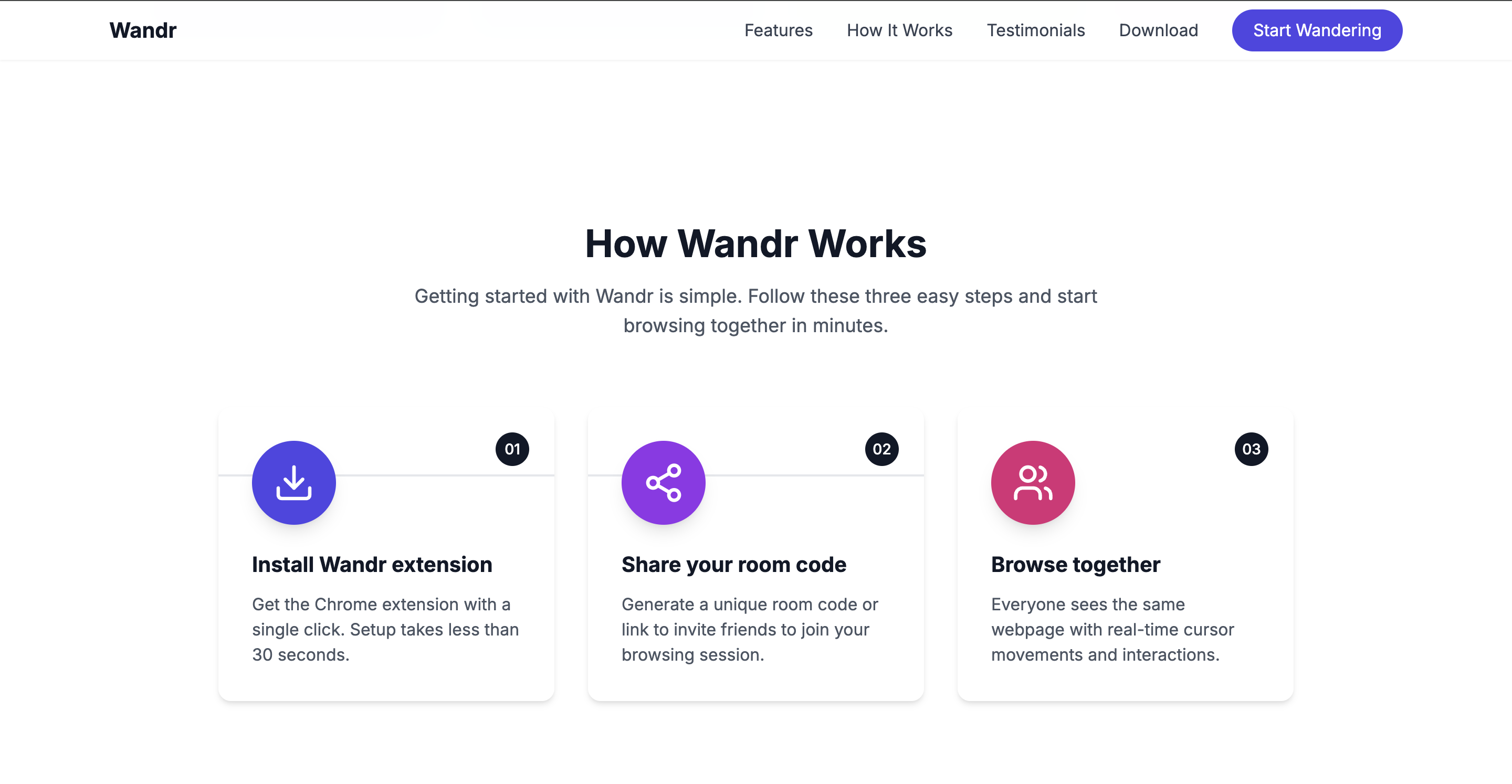
Wandr is a Chrome extension that lets people browse any website together in real-time. Install the extension, share a 6-digit room code, and suddenly you're browsing together, seeing each other's cursors, sharing clicks, typing together, and navigating as a group.
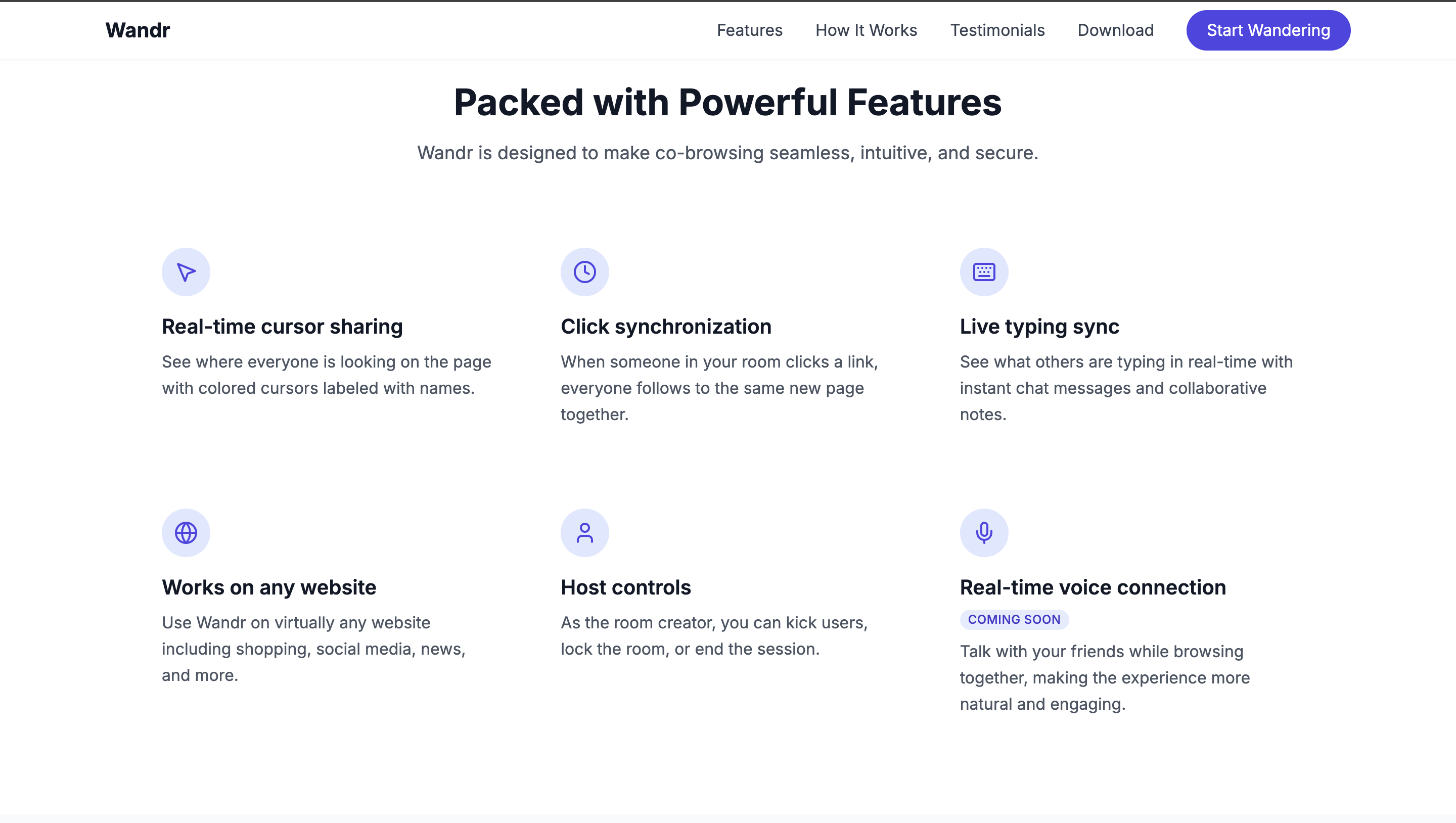
Core Features:
- Universal Collaboration: Works on any website without requiring integration
- Real-time Interaction: See cursors, share clicks, type together, scroll in sync
- Smart Room System: Easy 6-digit codes for instant collaboration
- Permission Controls: Hosts can manage who can interact vs. view-only
- Zero Setup: No accounts needed, just install and share
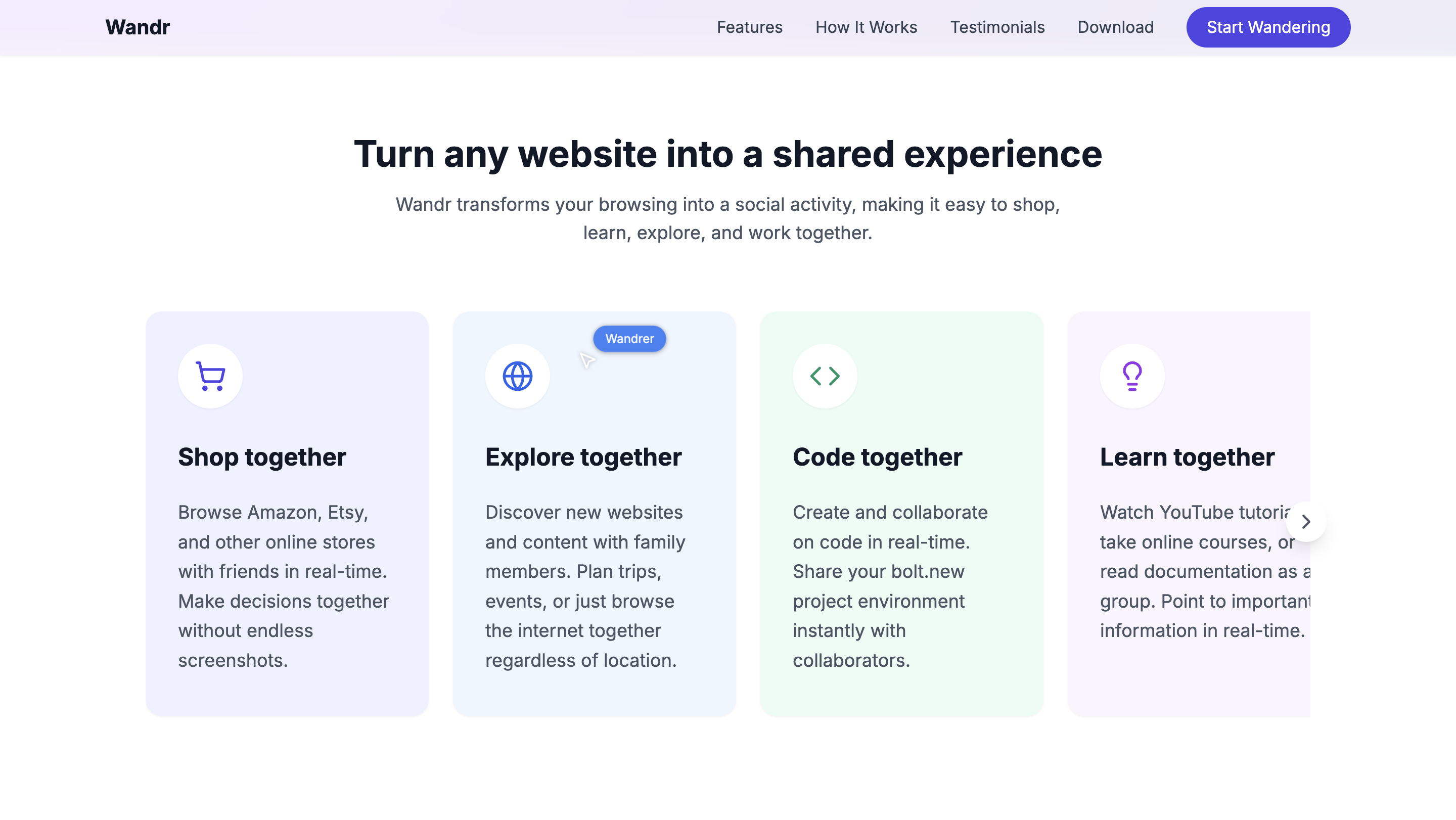
Use Cases:
- Shop Together: Browse Amazon with friends, get instant opinions
- Learn Together: Watch tutorials as a group, help each other navigate
- Work Together: Review websites with colleagues, collaborate on research
- Explore Together: Discover new sites with family, share experiences in real-time
How we built it
Wandr was built as a Chrome extension using modern web technologies:
Technical Architecture
- Chrome Extension: Manifest V3 with content scripts injected into every webpage
- Real-time Communication: WebSocket server for instant event synchronization
- DOM Event Handling: Advanced capture and replay of all user interactions
- Element Targeting: Robust system for identifying and interacting with page elements
Key Components
- Content Script: Captures mouse, keyboard, and scroll events on any webpage
- Background Service: Manages WebSocket connections and room state
- Popup Interface: Clean UI for creating/joining rooms and managing permissions
- Event Synchronization: Real-time broadcasting and replay of user interactions
Development Approach
We started with the core challenge: synchronizing user interactions across different browsers in real-time. Our solution captures DOM events, identifies elements accurately across browser states, and replays interactions seamlessly for all participants, all while maintaining compatibility with any website.
Challenges we ran into
Universal Website Compatibility
Making Wandr work on every website, from simple blogs to complex web applications, meant handling countless edge cases. Every site has different layouts, frameworks, and dynamic content that could break synchronization.
Real-time Synchronization Precision
Ensuring interactions sync perfectly across different browsers, network conditions, and page states required building robust element targeting that works regardless of responsive design or dynamic content changes.
Performance Without Disruption
Adding real-time collaboration to existing websites without affecting their performance or functionality required careful optimization and non-invasive integration techniques.
Intuitive Permission System
Creating collaborative controls that feel natural, not restrictive, allowing seamless interaction while preventing chaos when multiple people are active simultaneously.
Accomplishments that we're proud of
Technical Excellence
- Universal Compatibility: Wandr works on any website without requiring changes from site owners
- Seamless Real-time Sync: Achieved smooth, lag-free collaboration across different browsers and networks
- Elegant Architecture: Built a complex system that feels simple and magical to users
User Experience Innovation
- Zero Friction Onboarding: No accounts, no complex setup, just install and share a code
- Natural Interaction Model: Collaboration feels like sitting next to someone, not using software
- Smart Defaults: Intelligent permission system that "just works" for different use cases
Market Positioning
- First-Mover Advantage: Created the first consumer-focused collaborative browsing extension
- Broad Appeal: Built something that works for shopping, learning, working, and exploring
- Viral Potential: Every session naturally introduces new users to the product
What we learned
Real-time Collaboration is Hard
Building seamless real-time experiences requires solving complex technical challenges while making the result feel effortless. Every millisecond of lag or moment of confusion breaks the collaborative magic.
Social Dynamics Matter
The best collaborative tools feel social first, technical second. People want to "hang out online" together, not "use advanced co-browsing software." Design for the relationship, not just the functionality.
Simplicity Scales
The more complex the underlying technology, the simpler the user experience must be. Wandr's most impressive feature is how invisible it feels, like the internet just naturally became collaborative.
Universal > Specialized
Building something that works everywhere is harder than building for specific use cases, but the payoff is exponential. Universal compatibility makes Wandr valuable for any online activity.
What's next for Wandr
Enhanced Collaboration Features
- Voice Integration: Add seamless voice chat for natural communication while browsing
- Advanced Permissions: Granular controls for different interaction types
- Session Recording: Save and replay collaborative browsing sessions
- AI Assistance: Smart suggestions and automated actions during collaboration
Platform Expansion
- Mobile Web App: Browser-based version for mobile devices
- Firefox & Safari: Expand beyond Chrome to reach all users
- API Platform: Let websites integrate Wandr natively for enhanced experiences
Social & Discovery
- Public Rooms: Browse with strangers who share your interests
- Community Features: Follow favorite collaborators, join interest-based rooms
- Content Discovery: AI-powered recommendations for collaborative browsing
Enterprise & Education
- Team Workspaces: Advanced tools for professional collaboration
- Educational Features: Specialized tools for remote learning and training
- Analytics & Insights: Understanding how teams collaborate online
Wandr represents the future of social browsing, turning the web from a solo experience into a naturally collaborative space where people explore, learn, and discover together.
Built With
- cors
- express.js
- javascript
- node.js
- postcss
- react
- tailwind
- typescript
- uuid
- vanilla
- vite
- websocket
- websockets

Log in or sign up for Devpost to join the conversation.