-
-
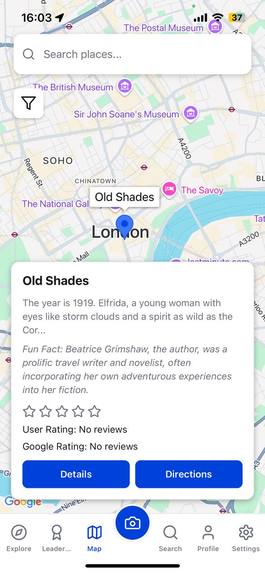
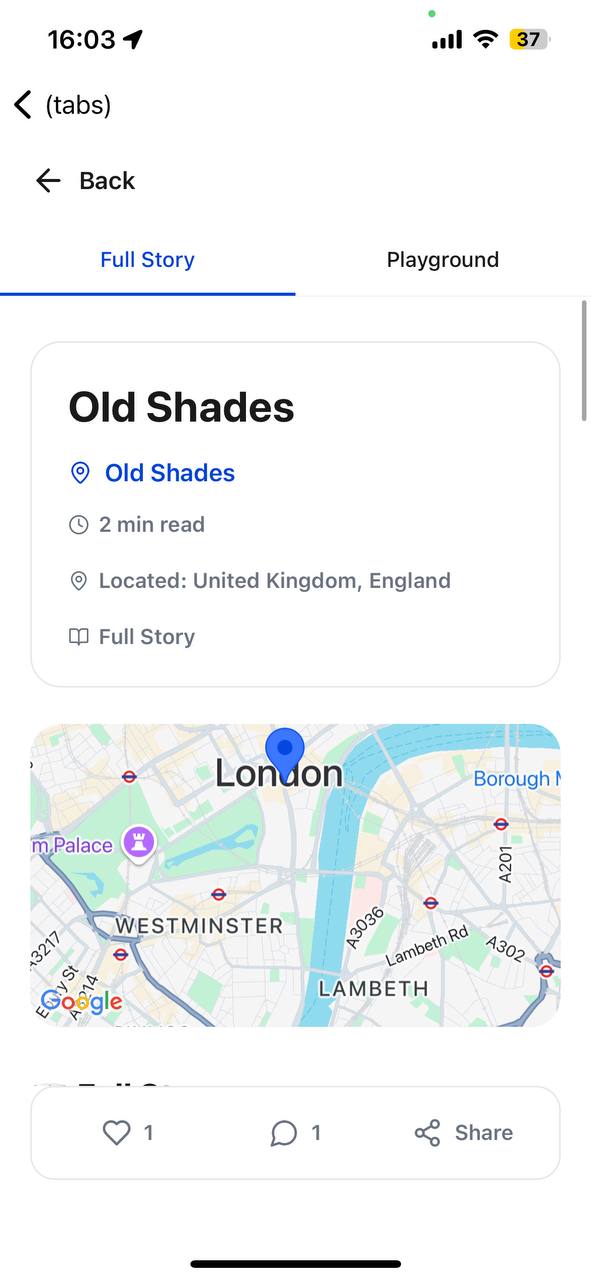
UI of Map (Working Directions from your coordinates to place)
-
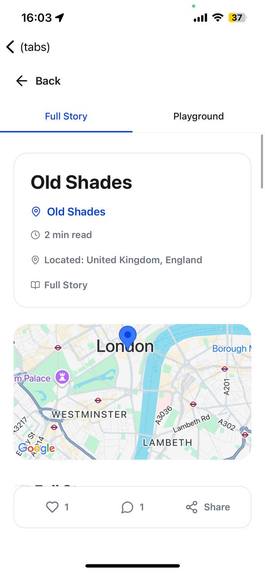
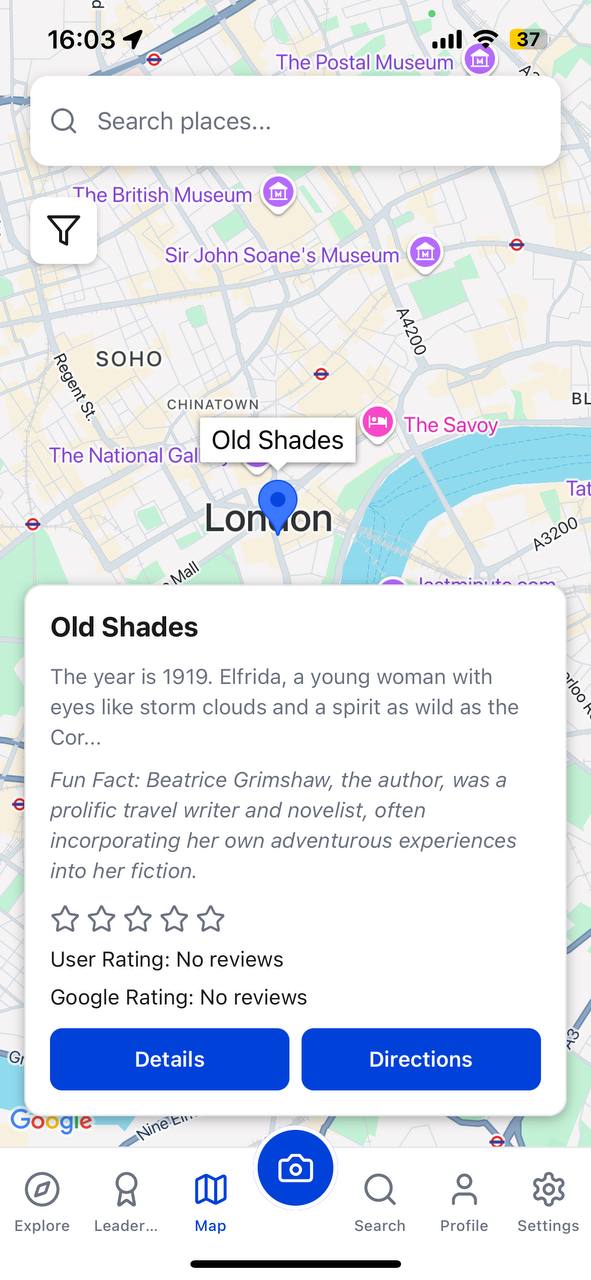
UI Card of place
-
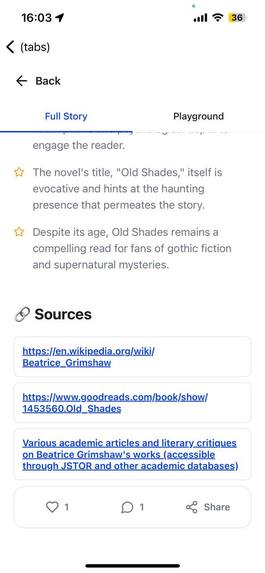
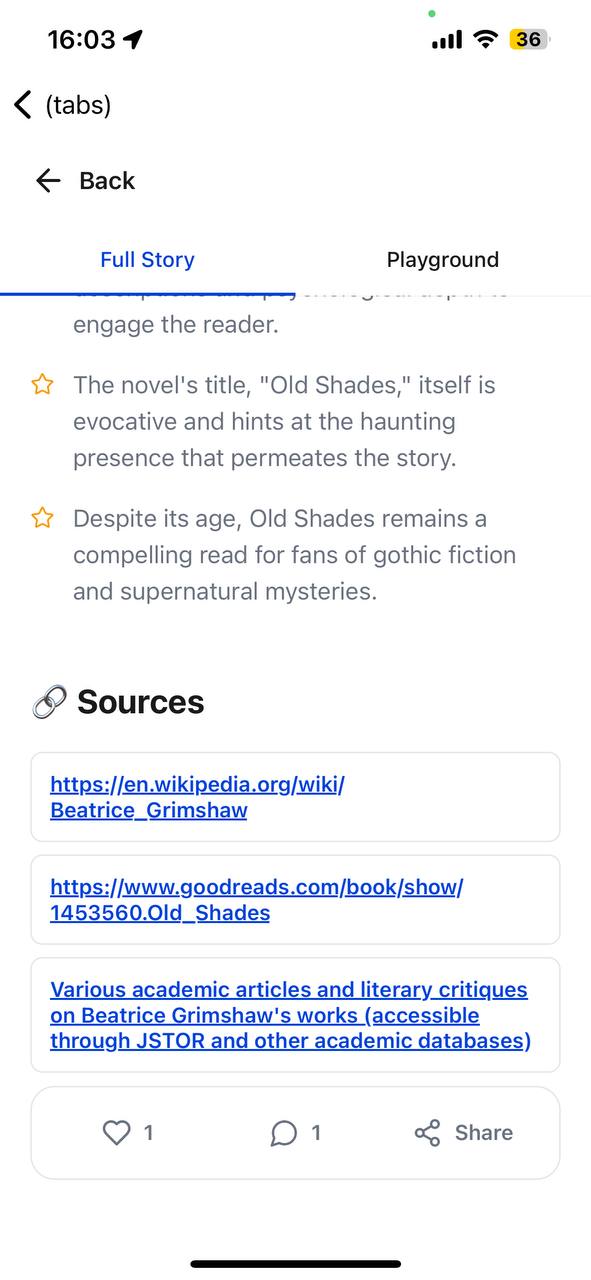
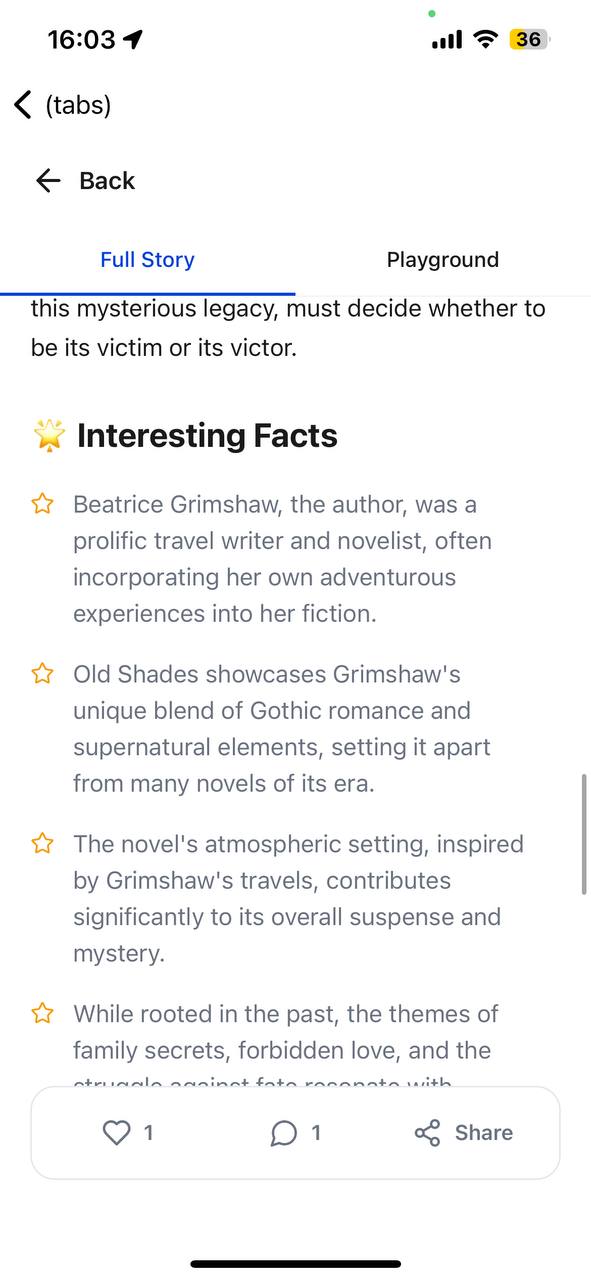
Comments , Likes and Sources with Fun Facts
-
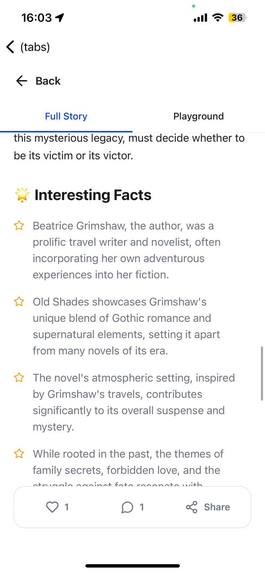
Fun Facts of the Place Generated by AI
-
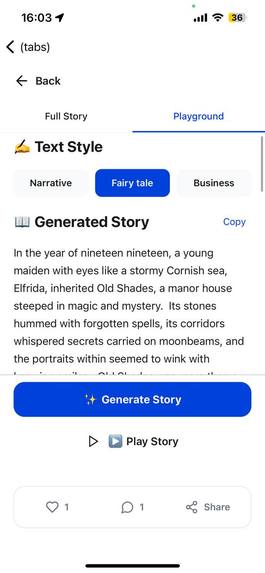
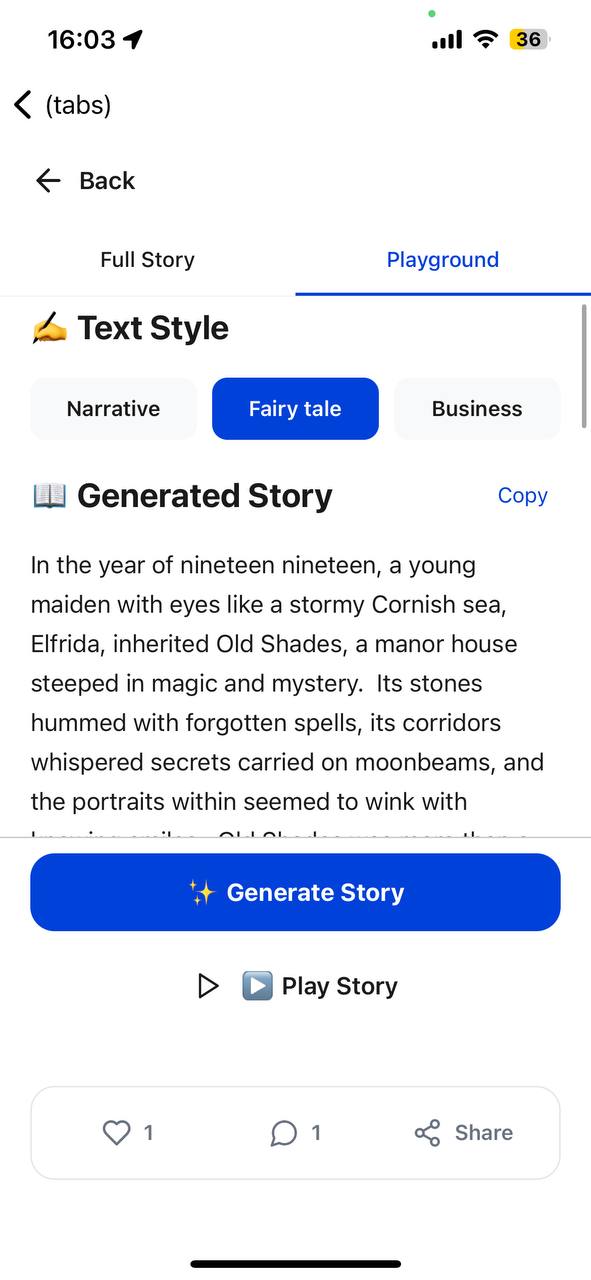
Playground to change the style
-
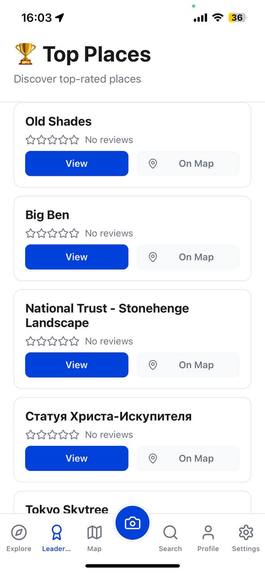
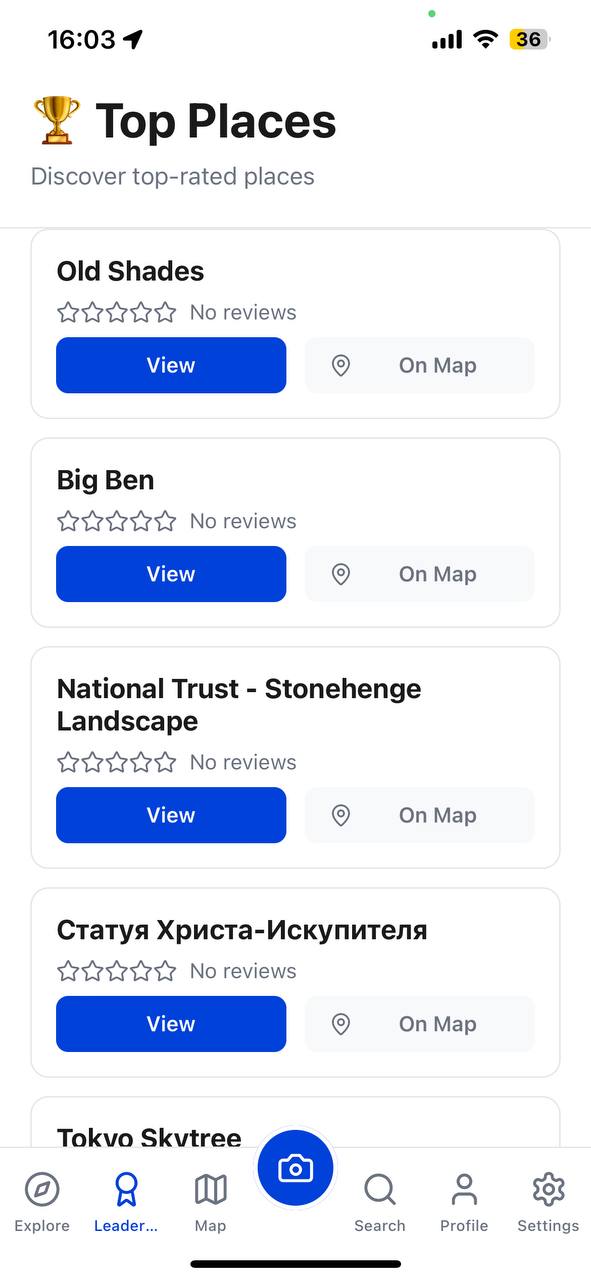
Leaderboard
-
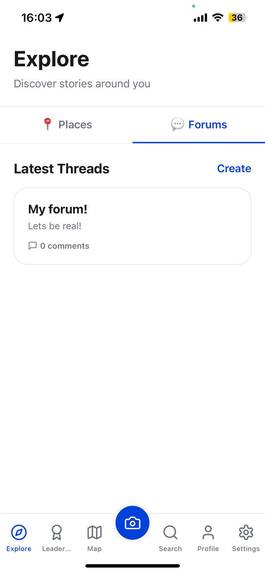
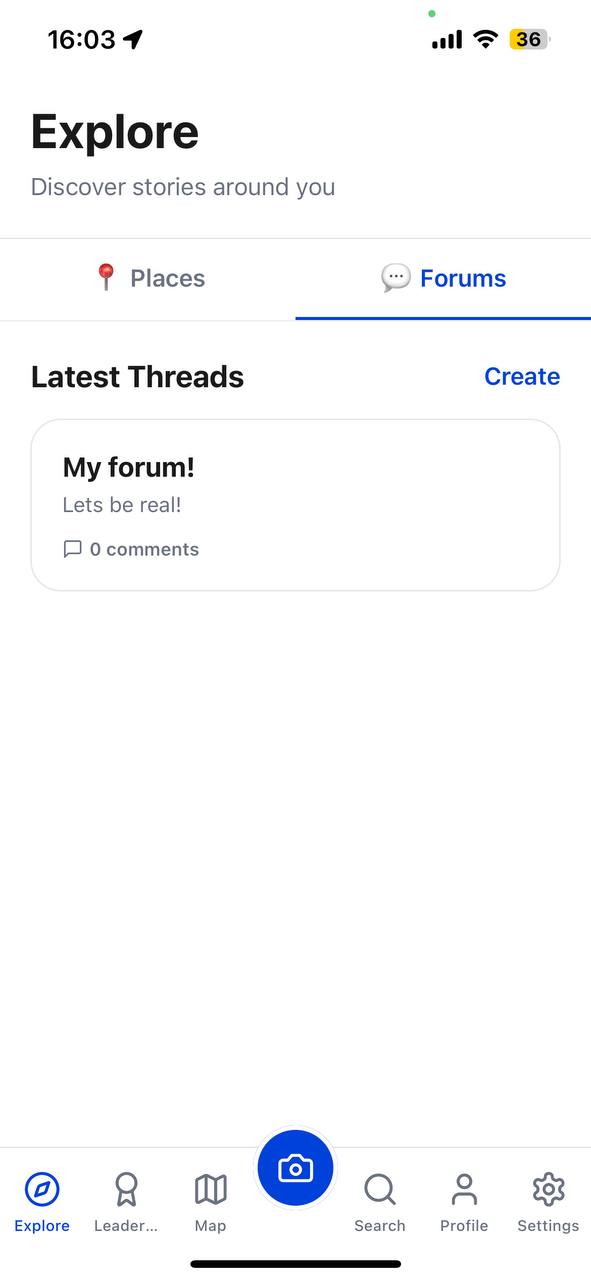
Reddit-like Forum of travelers!
-
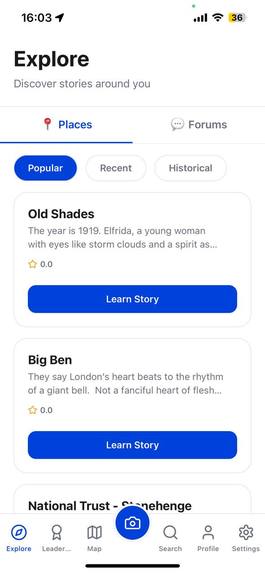
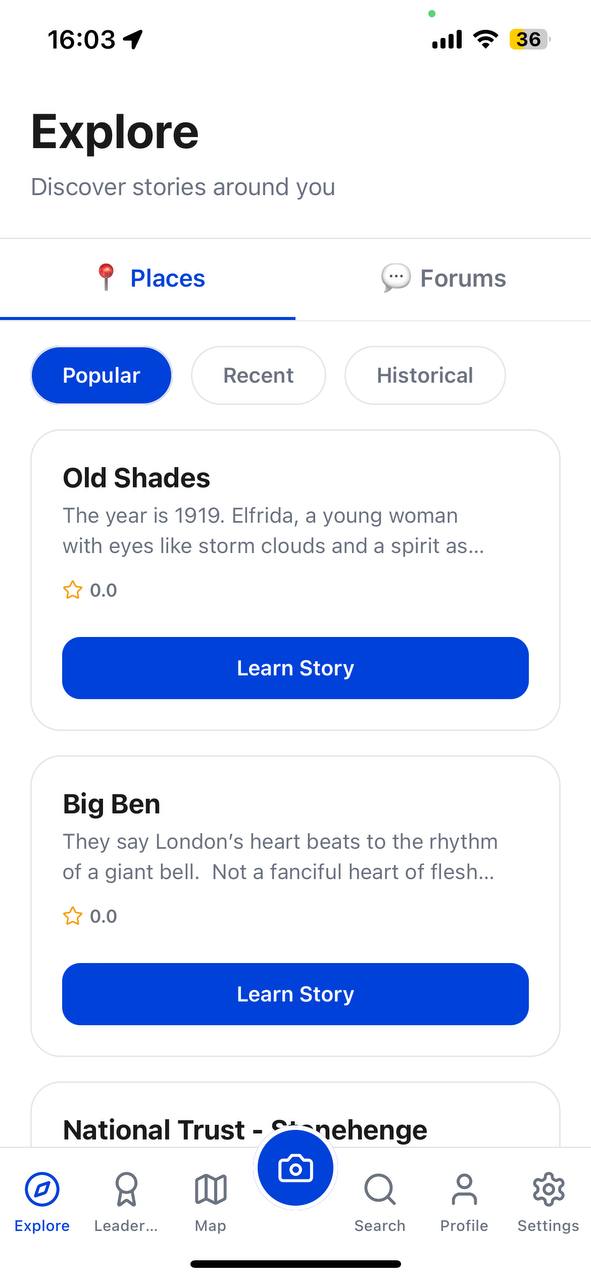
Explore all the places!
-
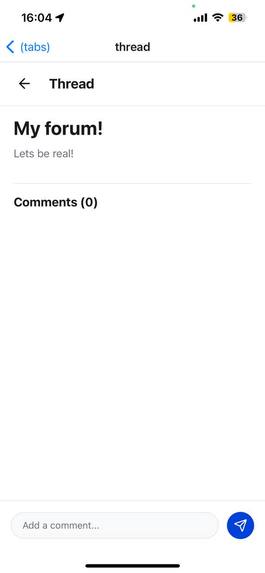
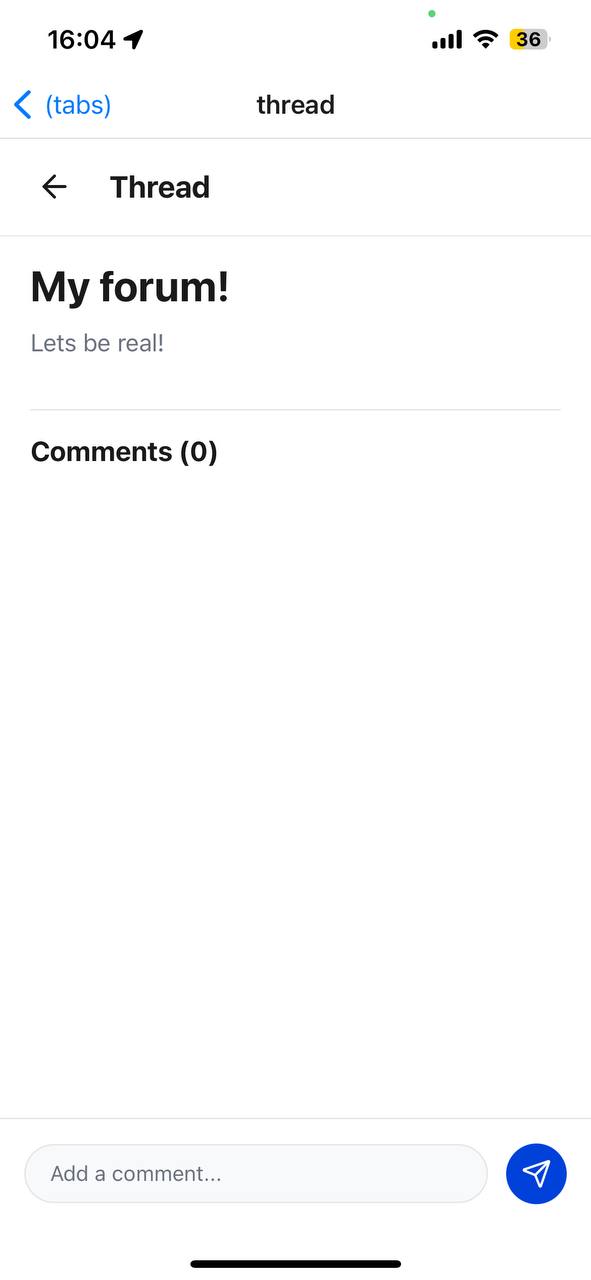
Add comments to your Thread
-
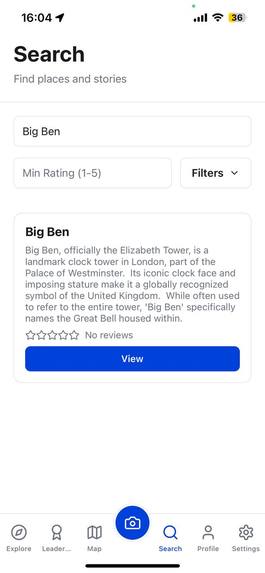
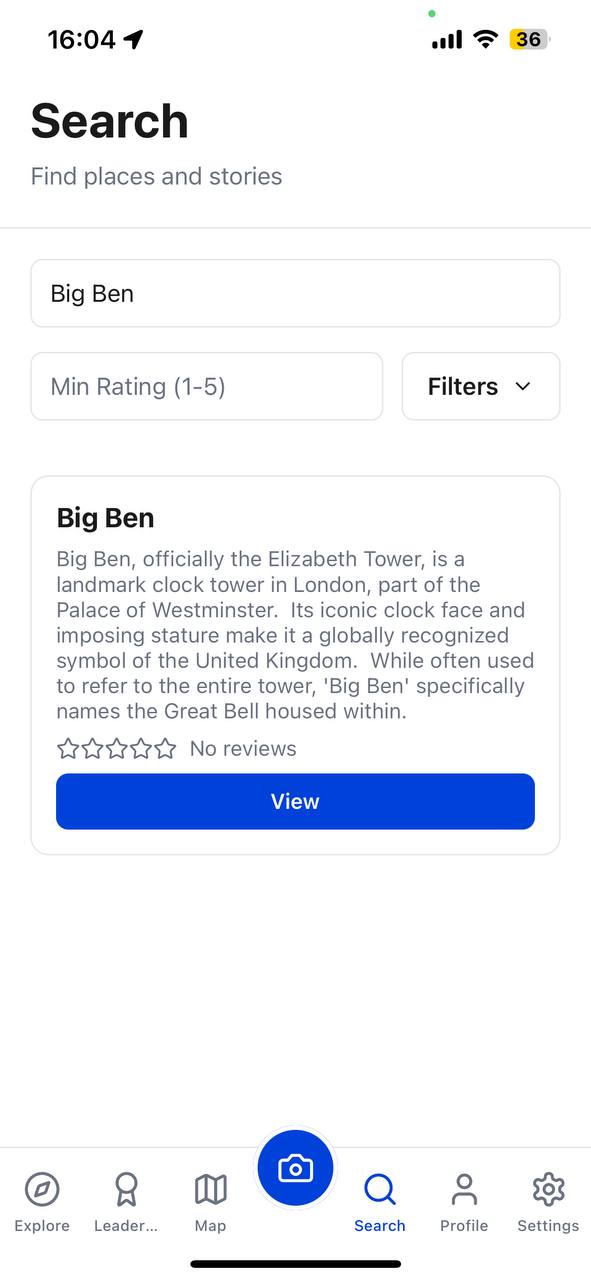
Search places within just type
-
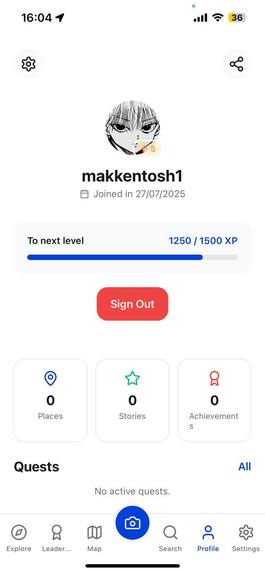
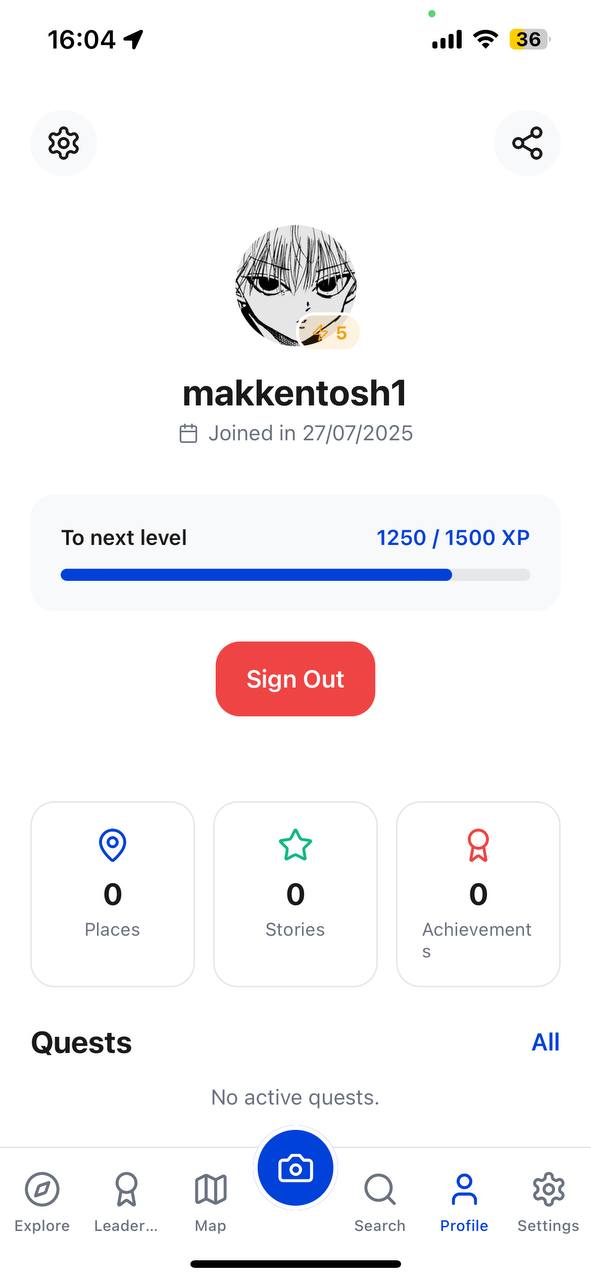
Your profile with all the quests! (Will be updated with global quests)
-
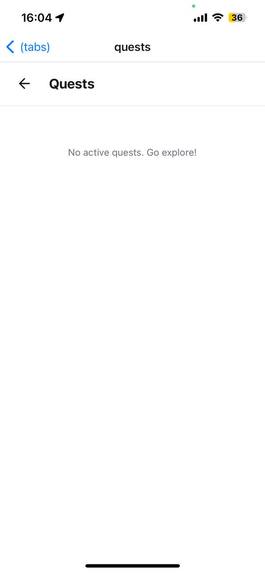
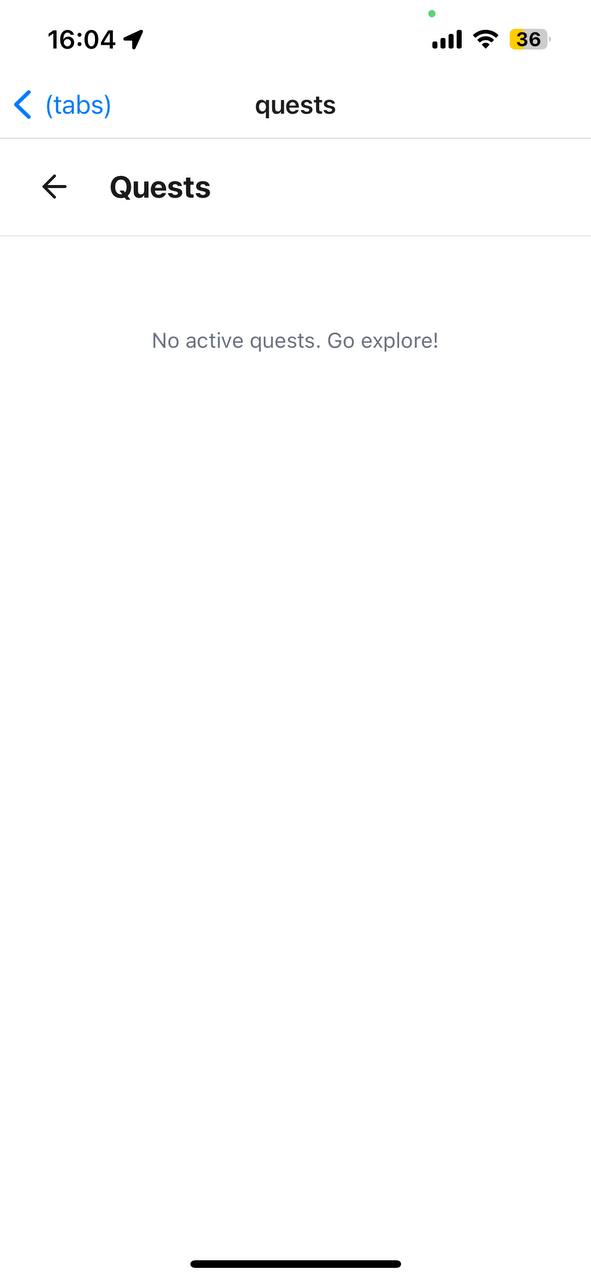
Quests (Update Soon)
-
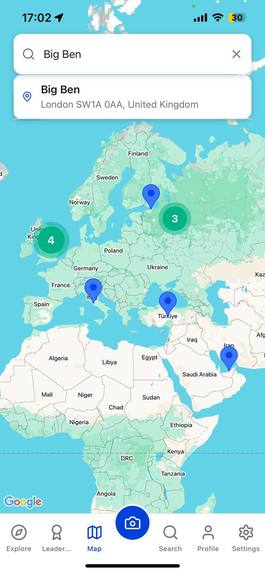
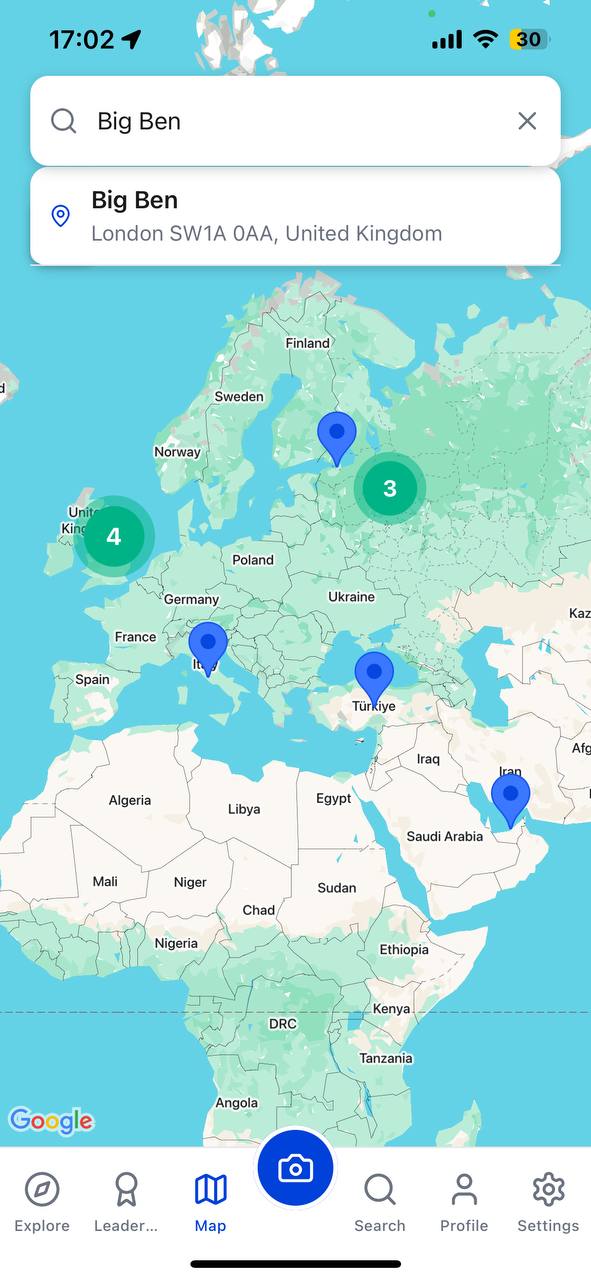
Fetch existing cards that Users had already recognize with app. (Blue marks => App, Green => Google Cards form API)
-
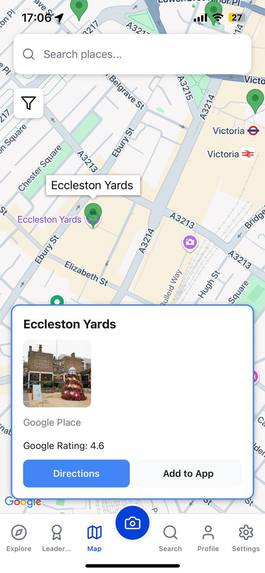
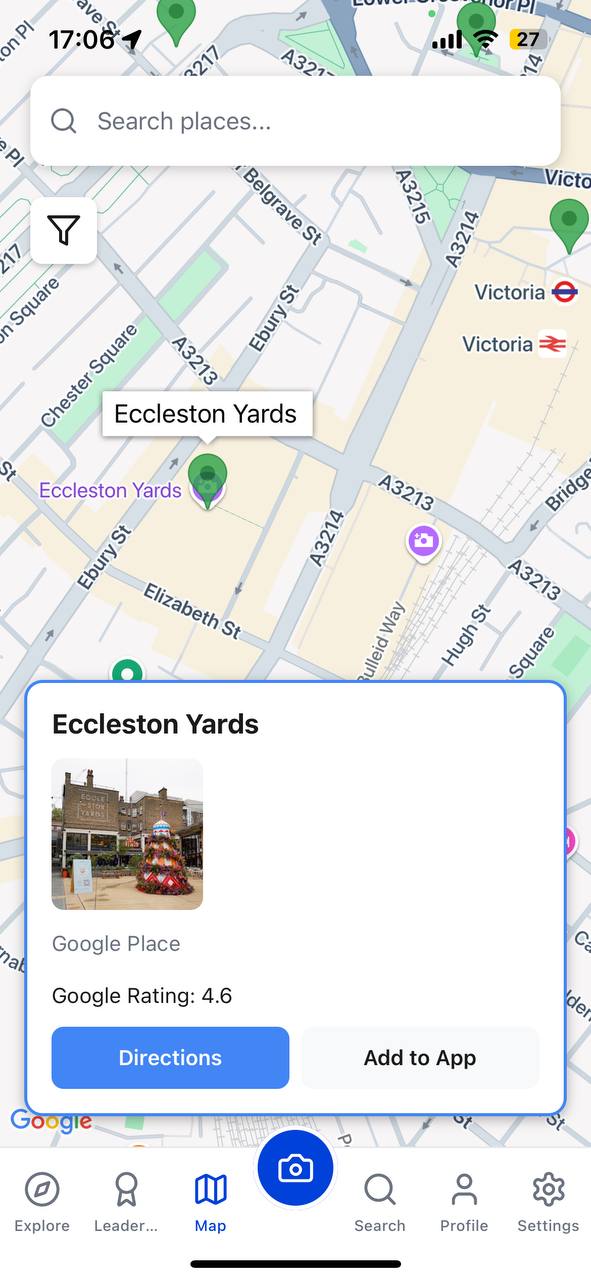
Google Card
Inspiration
We were inspired by a simple, universal truth: every place has a story. Traditional maps are brilliant at showing us the what and the where, but they often miss the why. They give you directions, but they don't give you wonder. We've all walked past a statue, an old building, or a peculiar park bench and thought, "I wonder what its story is." These narratives are often locked away in dense guidebooks, scattered across obscure websites, or lost to time entirely. The recent explosion in the capabilities of Generative AI presented a magical opportunity. What if we could unlock these hidden stories, instantly and interactively? We envisioned an application that would transform a simple walk into an adventure, a commute into a discovery, and a city into a living museum. We wanted to build a bridge between navigation and narrative. That's how Wanderpedia was born.
What it does
Wanderpedia is a mobile storytelling platform that enriches real-world exploration. It's a smart companion for the curious traveler and the local explorer alike, turning your surroundings into an interactive tapestry of stories, facts, and community insights. Here's what you can do with Wanderpedia : Explore an Intelligent World Map: The core of our app is a dynamic map powered by Google Maps. It displays two types of locations: rich, detailed points of interest from our own database (blue markers) and a vast array of discoverable locations from the Google Places API (green markers). High-density areas are handled with react-native-map-clustering to ensure a smooth, crash-free experience. Discover AI-Powered Stories: Tapping on a location reveals its story. For our curated places, we provide in-depth narratives, fun facts, and sources. For new places discovered via Google, users can use our "Playground" feature to generate a brand new, unique story on the fly using Google's gemini-1.5-flash model. You can even change the storytelling style from a historical narrative to a whimsical fairy tale. Engage and Contribute: Wanderpedia is not just for consumption. Users can: Rate places they've visited. Like their favorite stories. Comment on stories to share their own experiences and insights. Gamify Your Exploration: Every user has a profile that tracks their journey. By visiting places, rating them, and engaging with the community, users earn XP, level up, and complete quests (e.g., "Visit 3 historical sites"). This turns exploration into a rewarding game. Build a Community: We've integrated a simple, Reddit-like forum where travelers can create threads to ask questions, share hidden gems, and discuss their favorite locations, fostering a community of explorers.
How we built it
Wanderpedia is a full-stack application built on a modern, scalable, and type-safe technology stack. Frontend (Mobile App) Framework: React Native with Expo was our choice for its rapid development lifecycle, cross-platform capabilities (iOS & Android), and rich ecosystem of libraries. Language: TypeScript is used throughout the project for strict type safety, which drastically reduced runtime errors and improved code maintainability. Navigation: We used Expo Router v3, which provides an intuitive file-based routing system similar to web frameworks like Next.js. Mapping: The map is built with react-native-maps, leveraging PROVIDER_GOOGLE for the best map quality. To handle performance, we integrated react-native-map-clustering, which was crucial to prevent crashes in dense areas. State Management: We relied on React's built-in hooks (useState, useEffect, useCallback, useContext) for managing local and global state (Theme, Language), keeping the architecture simple and predictable. UI & Design: Icons are provided by the excellent lucide-react-native library. The UI is composed of custom, reusable components styled with StyleSheet. Backend (Serverless API) Platform: Vercel Serverless Functions provide the backbone of our API. This choice allows for infinite scalability, zero server maintenance, and a generous free tier that's perfect for starting out. Logic: The API is written in Node.js with TypeScript, ensuring type consistency between the frontend and backend. Database ORM: Prisma is our bridge to the database. Its auto-generated, type-safe client makes database queries incredibly intuitive and safe. It also handles database migrations seamlessly. Database PostgreSQL was chosen for its robustness, reliability, and powerful features, especially for geospatial queries which we leveraged with the earthdistance extension for finding nearby places. Authentication & External APIs Authentication: Clerk handles all our user management needs. It provides a beautiful, secure, and easy-to-integrate solution for sign-up, sign-in, and user profile management, saving us hundreds of hours of development time. Google Maps Platform: We used a suite of Google's APIs: Maps SDK: To render the map itself. Places API: To search for places and fetch details like ratings, photos, and addresses. Geocoding API: To determine the city and country from coordinates for new stories. Google Generative AI: The magic of our storytelling comes from the Google AI API, specifically using the gemini-1.5-flash model for its balance of speed, quality, and cost-effectiveness.
Challenges we ran into
The Vercel 12-Function Limit: On the Hobby plan, Vercel restricts deployments to 12 serverless functions. We quickly hit this limit with our file-based routing (/api/places, /api/places/popular, /api/profile, etc.). This forced us to think critically about our API architecture. We solved this by refactoring multiple endpoints into a single, smarter endpoint. For example, /api/places/popular and /api/places/nearby were merged into /api/places which now accepts query parameters like ?filter=popular or ?lat=...&lng=.... This made our API cleaner, more RESTful, and kept us within the free tier limits.
Map Performance & Crashes: In early versions, loading the map in a city like London would immediately crash the app. The issue was attempting to render thousands of markers at once. We solved this with a multi-layered approach:
Backend: The API now limits all queries to a maximum of 50 places.
Frontend: We use react-native-map-clustering to group nearby markers into a single, tappable cluster.
Debouncing: API calls for nearby places are debounced, so they only fire after the user has stopped moving the map, preventing a flood of requests.
API Key Configuration Hell: A frustrating REQUEST_DENIED error from the Google Places API stumped us for a while. After hours of debugging, we discovered we had enabled the "Places API (New)" in the Google Cloud Console, but our code was calling the endpoints for the classic "Places API". They are two different services! Enabling the correct one instantly solved the problem—a crucial lesson in reading the documentation carefully.
Accomplishments that we're proud of
A Truly Seamless Map Experience: We are incredibly proud of the fluid integration between our curated database content and the vast world of Google Places, all on a single, performant map. The AI Storytelling Core: Building the "Playground" feature and seeing it generate a compelling, contextually relevant fairy tale about a local landmark was a moment of pure magic. It proves the power of AI to create wonder and engagement. A Scalable, Serverless Architecture: By combining Vercel, Prisma, and PostgreSQL, we built a robust backend that can handle growth without us ever needing to manage a server. Overcoming the function limit by designing a better API was a major architectural win. Building a Full-Fledged Social Platform: We didn't just build a map. We built a system with authentication, profiles, ratings, comments, and a forum—the foundational pillars of a thriving community.
What we learned
Architecture is Forced by Constraints: The Vercel function limit felt like a roadblock, but it forced us to design a much cleaner and more efficient API. Constraints are often a catalyst for better design. Frontend Performance is a Full-Stack Problem: You can't fix a map that's crashing from too much data by only tweaking the frontend. The most effective solution was to change the API so it sent less data in the first place. The Power of a Type-Safe Workflow: Using TypeScript across our entire stack (React Native, Vercel Functions, Prisma Client) eliminated a whole class of bugs and made refactoring complex code surprisingly painless. Leverage Managed Services: Using Clerk for authentication was one of the best decisions we made. It allowed us to focus on our core features—maps and stories—instead of reinventing the wheel for user management.
What's next for Wanderpedia
We are just at the beginning of this journey. The road ahead is exciting! Deeper Gamification: We plan to introduce a full badge and achievement system, daily streaks for opening the app, and leaderboards to encourage friendly competition among explorers. User-Generated Stories: The ultimate goal is to allow users to write and submit their own stories for places, turning Wanderpedia into a true, community-driven encyclopedia of the world's narratives. Personalized Discovery: We want to use AI to suggest personalized walking tours and hidden gems based on a user's interests, past ratings, and visited locations and even by suggesting necessary air and transport flights. Augmented Reality (AR) View: Our moonshot goal is to implement an AR feature where you can point your phone at a building and have its story and historical photos appear as an overlay on your screen. [by the way, this is individual project, so we -> it's just only me :( ]
Built With
- ai
- api
- authentication:
- axios
- clerk
- cloud:
- expo-location
- expo-router
- expo.io
- gemini
- generative
- geocoding
- google-cloud/vision
- google/generative-ai
- languages:-typescript-frameworks-&-platforms:-react-native
- lucide-react-native
- node.js
- places-api
- prisma-(orm)-cloud-services-&-apis:-google-maps-platform:-maps-sdk
- react-native-map-clustering
- react-native-maps
- react-native-tab-view
- vercel-serverless-functions-database:-postgresql

Log in or sign up for Devpost to join the conversation.