-
-
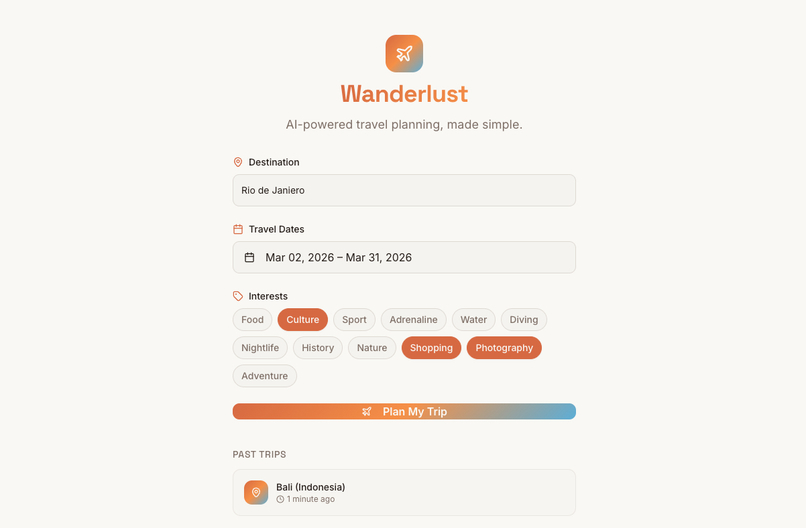
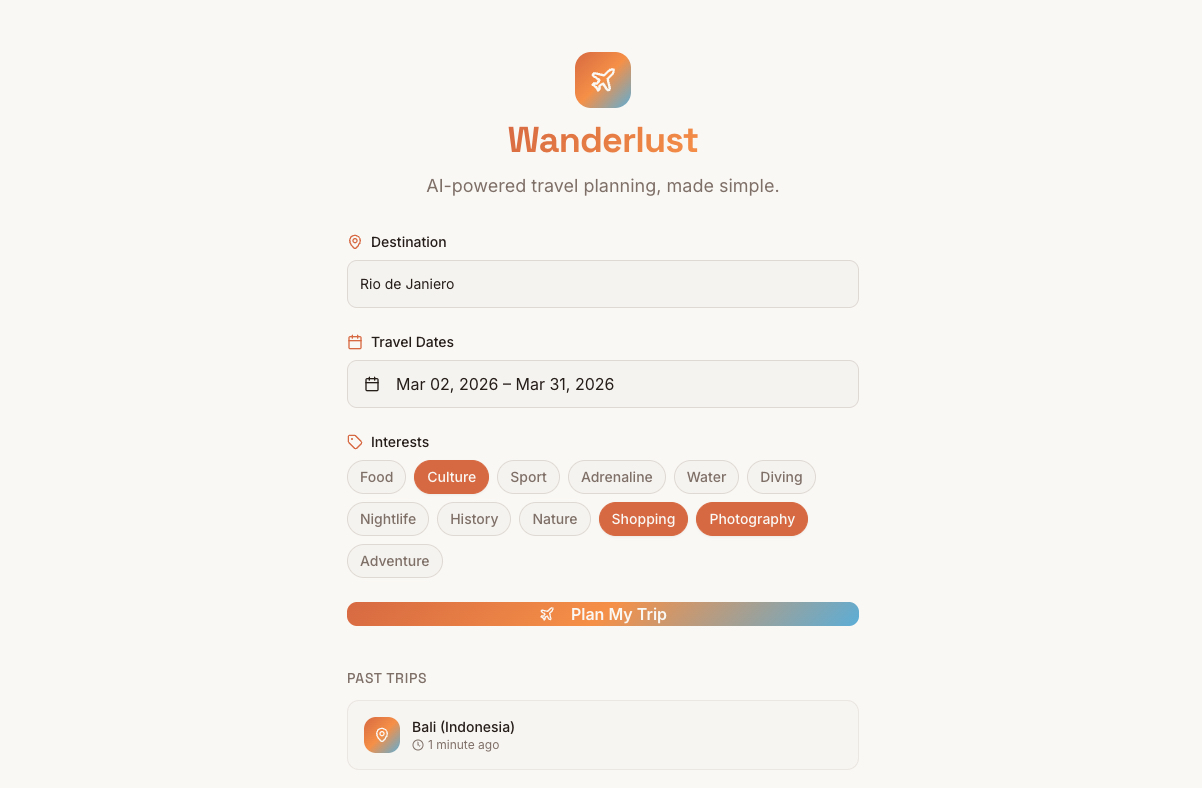
This is the landing page, where the user specifies his dream destination, date range of this trip and any specific interests
-
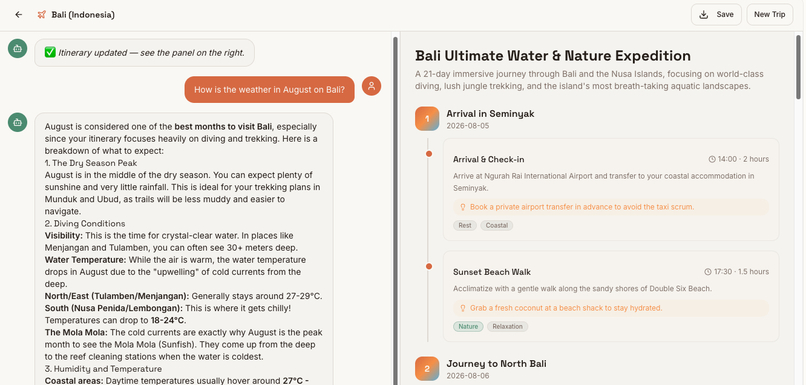
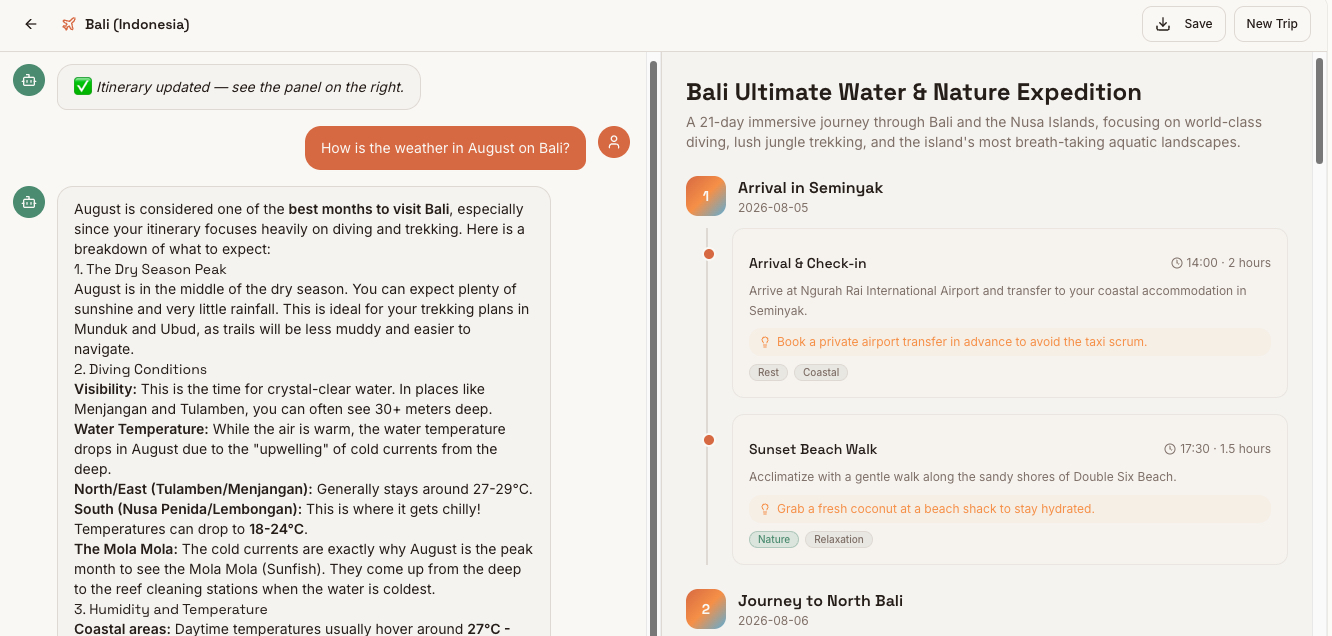
This is the chatbot (after the langing page), where the user sees the AI-generated itinerary and the Chat UI (for questions & modifications)
Inspiration
As someone who loves to travel but always struggles with the planning phase, I often found myself spending hours across dozens of tabs - comparing blog posts, checking maps, cross-referencing opening hours - just to build a rough itinerary. I wanted a tool that does all of this for you (or for me ;) ), in seconds, based on what you actually enjoy. The idea for Wanderlust was born out of this personal frustration: travel planning should feel as exciting as the trip itself.
What it does
Wanderlust is an AI-powered travel planner that generates personalized, day-by-day itineraries based on your destination, travel dates, and personal interests (like Diving, Nightlife, History, or Adventure). Once your itinerary is generated, you can refine it in real time through a built-in AI chatbot — ask it to swap activities, add restaurant recommendations, or adjust the pace of your trip. The result is a clean, visual timeline of your journey that you can save and take with you. You can of course also use the AI Chatbot to ask questions about specific places to learn more about them before the trip has even started. You can download a trip as PDF file and you can create new trips and access old trips.
How we built it
The frontend was built with React, TypeScript, and Vite as the build tool, styled using Tailwind CSS and shadcn/ui for a clean, component-driven design system that enabled rapid UI iteration. The app follows a two-step flow: a minimalistic landing page for input collection, which transitions into a 50/50 split-screen view with the AI chatbot on the left and the visual itinerary timeline on the right.
For persistence, trips are saved directly in the browser's localStorage — keeping the architecture lightweight and avoiding any login friction for the user. There is intentionally no authentication at this stage, which allowed us to focus entirely on the core experience during the hackathon.
The AI layer is powered by Supabase Edge Functions, which act as a serverless backend to securely handle requests to the underlying large language model (making the calls from the frontend would be insecure, as I would need to expose the API in the frontend). As AI I used the newest model of Google: Gemini-3-Flash.
Challenges we ran into
One of the bigger challenges was designing the prompt engineering behind the scenes — getting the AI to return structured, day-by-day itinerary data in a consistent format that could be rendered as visual cards, while still allowing free-form follow-up questions. Balancing the structured output for the itinerary view with the open-ended nature of the chatbot required several iterations. Another challenge was the responsive layout: making the 50/50 split-screen degrade gracefully into a stacked single-column layout on mobile without breaking the user experience.
Accomplishments that we're proud of
I am particularly proud of how polished the final UI turned out. The transition between the landing page and the main app feels smooth and intentional. I am also proud that the AI chatbot can handle follow-up modifications meaningfully, so a user can say "replace the beach day on Day 3 with something more cultural" and actually get a useful response that updates the itinerary context. Its for me the first time that I have built a full stack web application and I am very proud to have successfully build this while also integrating an AI Travel Agent in a nice and user-friendly UX/UI!
What we learned
This project was a significant personal milestone - it is the first full-stack web application I have ever built from scratch, and I am genuinely proud of having pulled it off. Going in, I had experience with individual pieces of the stack, but assembling them into a cohesive, working product end-to-end was a new challenge entirely.
On the technical side, I learned a lot about how to structure a React + TypeScript application with a multi-step, stateful UI flow - managing the transition between the landing page and the split-screen itinerary view cleanly using component state. Working with Supabase Edge Functions for the first time showed me how powerful a serverless backend can be: secure API key handling, fast cold starts, and zero infrastructure management.
The most rewarding part, however, was successfully integrating a real AI travel agent into a genuinely user-friendly UX/UI. Getting the chatbot to feel natural and responsive — while simultaneously driving structured changes to the visual itinerary - required careful thinking about state, prompt design, and user feedback loops. It taught me that building with AI is not just about calling an API - it is about designing an experience around it.
What's next for Wanderlust
There are several directions I would love to take Wanderlust beyond the hackathon:
- User authentication & cloud sync - the most immediate next step is adding login functionality (e.g. via Supabase Auth) so that saved trips are tied to a user account rather than just localStorage, making them accessible across devices
- Real data persistence with Supabase - the Supabase backend is already in place; the next logical step is wiring up a proper database so itineraries are stored server-side and can be retrieved, updated, and shared
- Trip sharing - allowing users to share a read-only link to their itinerary with travel companions, so everyone is on the same page
- Collaborative planning - going one step further and letting multiple travelers co-edit an itinerary together in real time
- Map integration - overlaying the day-by-day activities onto an interactive map so users can visualize distances, routes, and neighborhoods at a glance
- Booking integration - connecting to flight and hotel APIs so users can go from itinerary to actual booking without ever leaving the app

Log in or sign up for Devpost to join the conversation.