-
Wan Animate Home 1
Inspiration
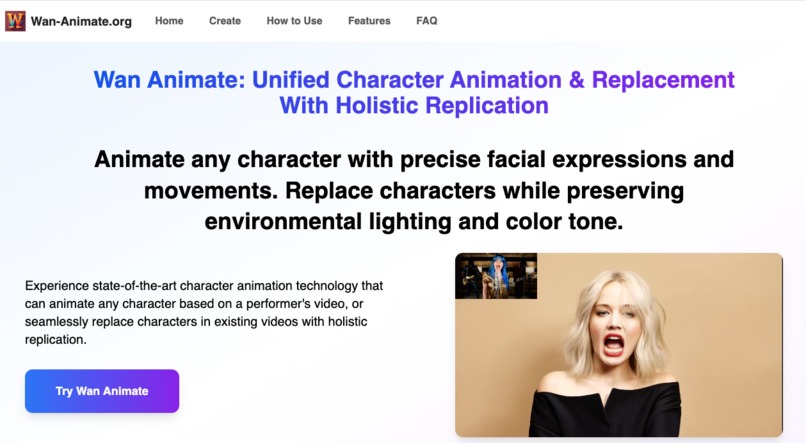
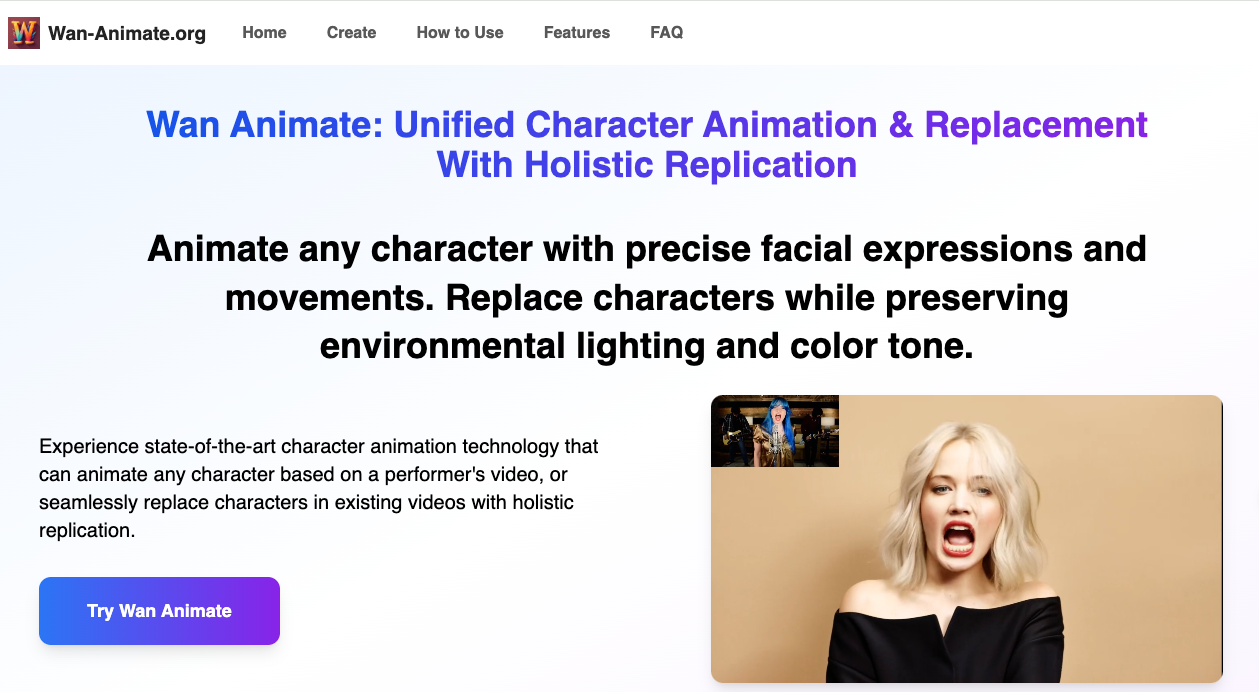
We set out to close the gap between traditional character animation pipelines and the need for fast, controllable results. Wan Animate explores a unified approach to two common creator goals: (1) animate a static character from a reference performance (Move Mode) and (2) replace a character into an existing scene (Mix Mode) while preserving lighting and color tone. Our inspiration is to achieve studio‑grade facial expression fidelity, motion controllability, and minutes‑level iteration so creators can prototype, market, teach, and tell stories without heavy manual keyframing.
What it does
Wan Animate is a unified character animation suite:
- Move Mode (Character Animation): animate a static character image by replicating expressions and body motion from a reference video.
- Mix Mode (Character Replacement): seamlessly replace a character into an existing video while preserving lighting and color tone.
Results preserve identity consistency, deliver realistic facial cues and motion, and are ready for marketing explainers, education intros, and social clips—without traditional filming or manual keyframing.
How I built it
- Frontend: Next.js/React with modular content configs and reusable sections (What/Who/How‑to/FAQ). Lazy‑loaded media and responsive layouts mirror our Playground flow.
- Talking avatar flow: upload image + audio, validate inputs (file type/size/duration), compute credits by duration, and submit via a typed FormData API.
- UX: inline previews, drag‑and‑drop, and clear, minimal steps (Upload → Generate → Preview/Download → Dashboard history).
Challenges that I ran into
- Balancing realism and speed: ensuring natural lip sync and facial cues while keeping turnaround in minutes.
- Input quality variance: guiding users toward clear, front‑facing images with good lighting to improve outcomes.
- Product clarity: removing unnecessary options (modes/resolution) to make the workflow obvious for talking avatars.
Accomplishments that I'm proud of
- A streamlined, two‑step experience (Upload → Generate) with strong defaults and clear validation.
- Cohesive content framework: What/Use Cases/How‑to/FAQ fit the feature naturally across pages.
- Practical guardrails: audio length/size checks, duration‑based pricing, and dashboard history for easy retrieval.
What I learned
- Simple flows outperform option‑heavy UIs for focused tasks like talking photos.
- Clear input guidance (one face, front‑facing, good lighting) materially improves perceived quality.
- Users value predictable credits logic (credits per second) and immediate feedback on readiness.
What's next for Wan Animate
- Better style coverage: more avatar presets (photorealistic, illustrated, stylized, pets).
- Optional gesture/head‑motion prompts to add subtle body movement.
- Multi‑language best‑practice guides and sample assets to raise first‑time success rates.
- Batch jobs and team dashboards for agencies and course creators.


Log in or sign up for Devpost to join the conversation.