
Inspiration
The inspiration for WalletKit came from the need to enhance the functionality and personalization of Apple Wallet passes. We wanted to create an app that empowers users to fully customize and organize their digital passes, going beyond the standard offerings and providing smart features that adapt to users' lives.
What it does
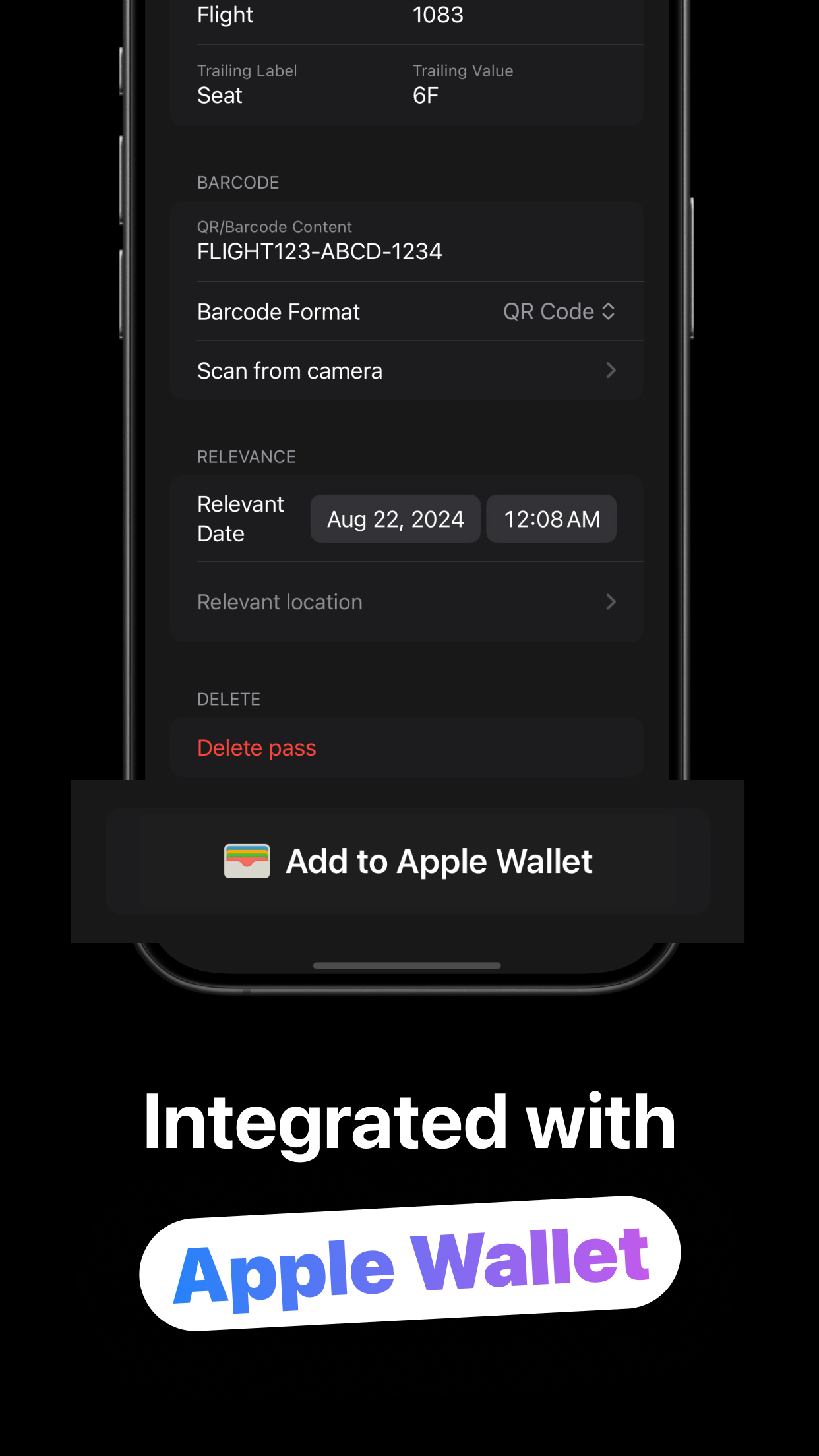
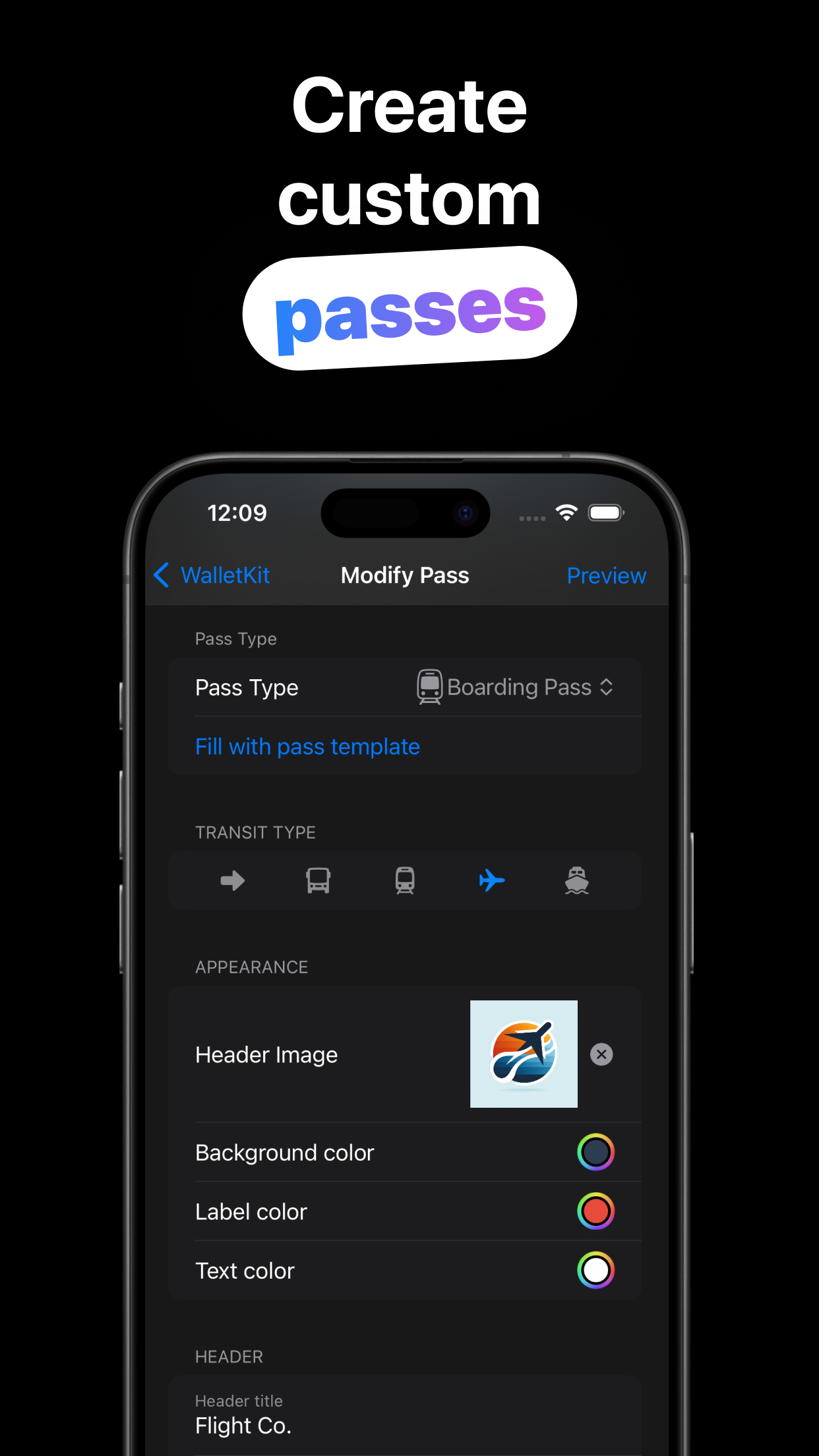
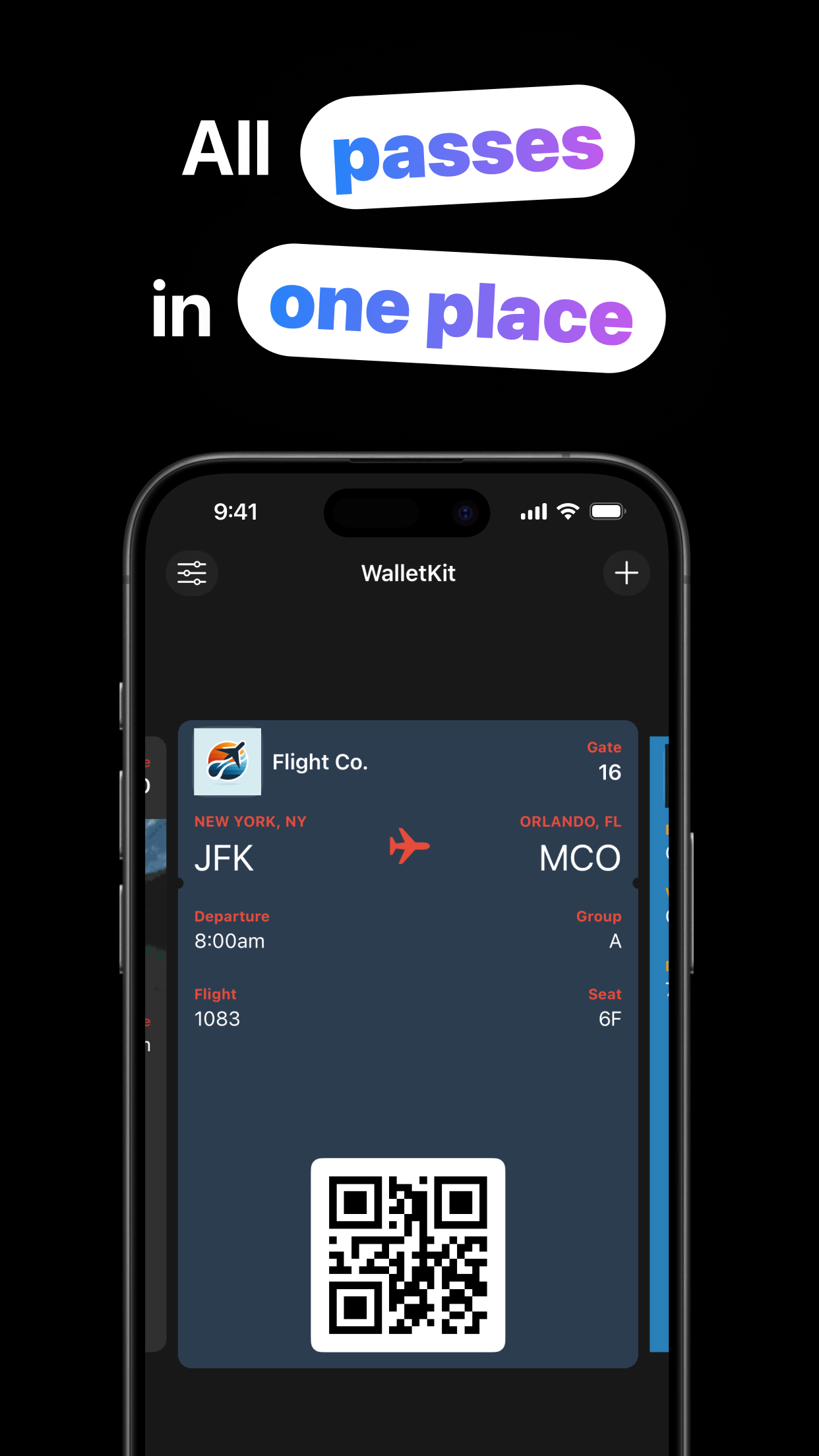
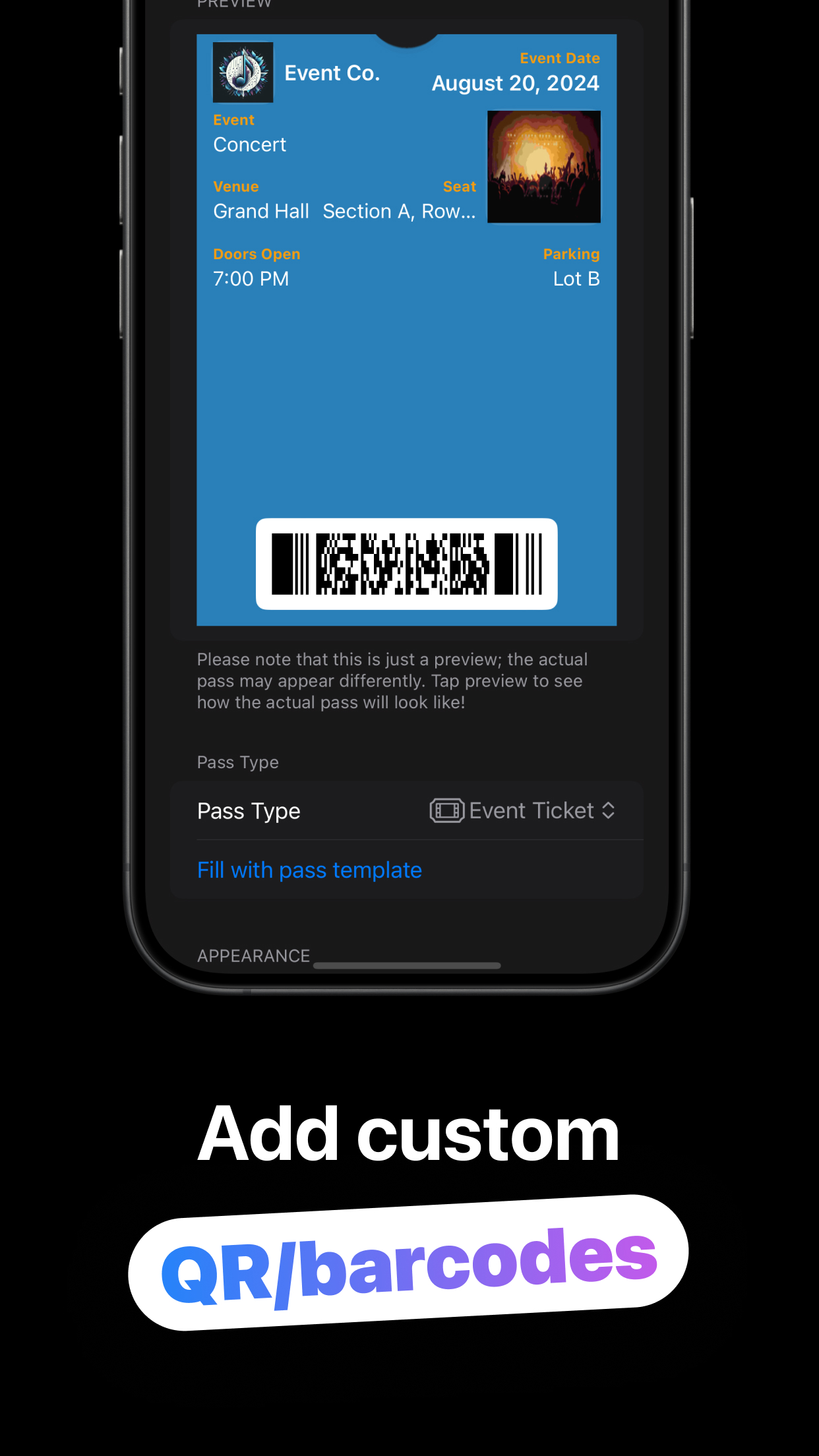
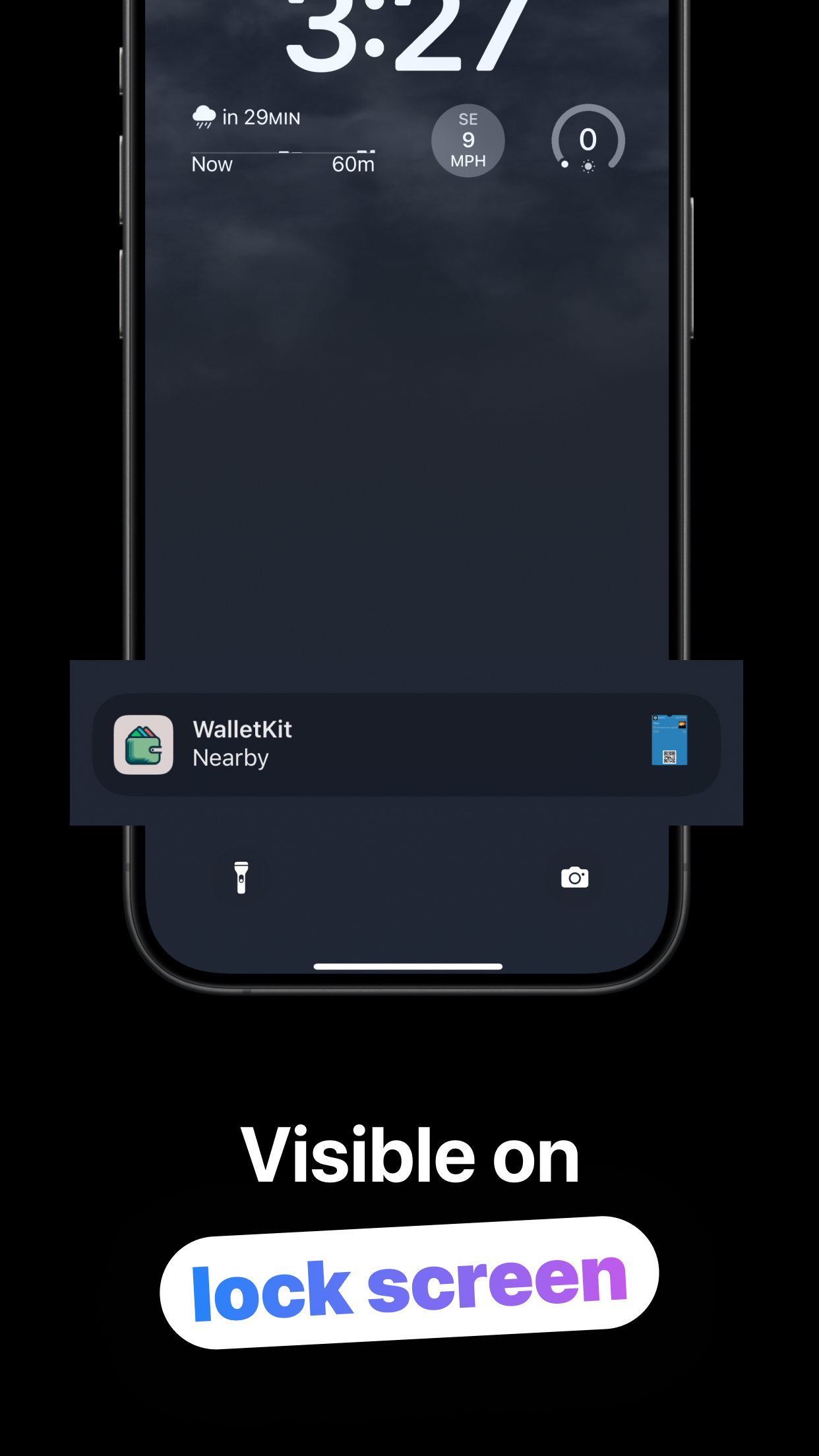
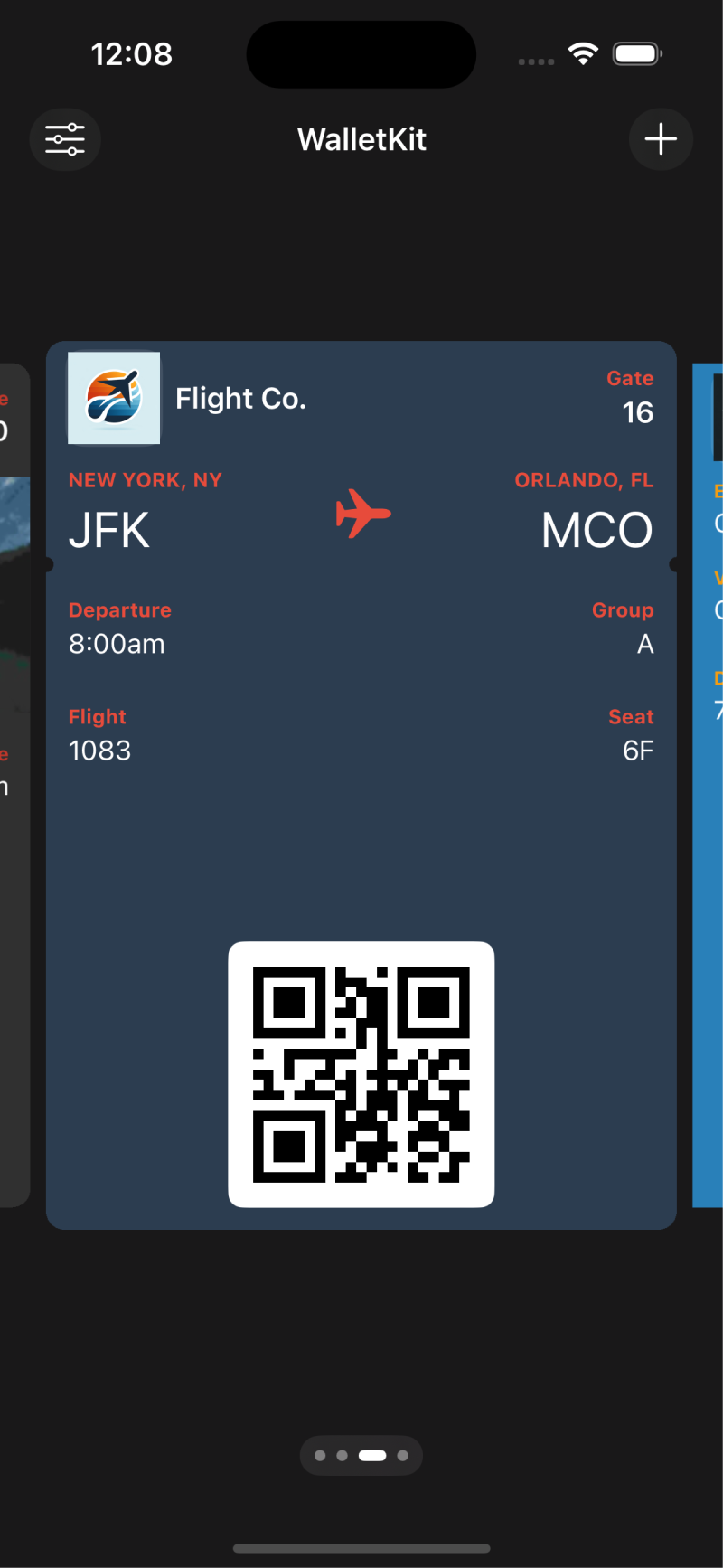
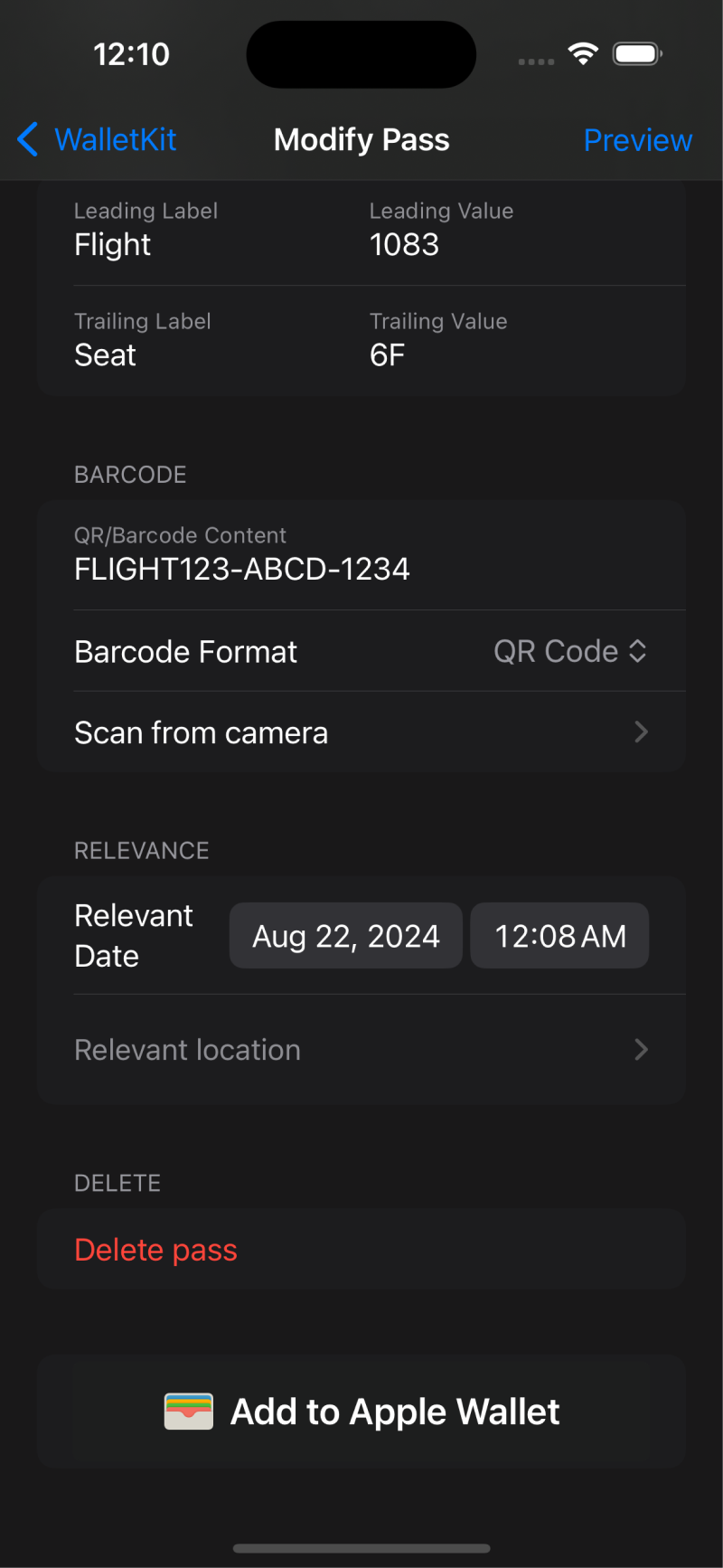
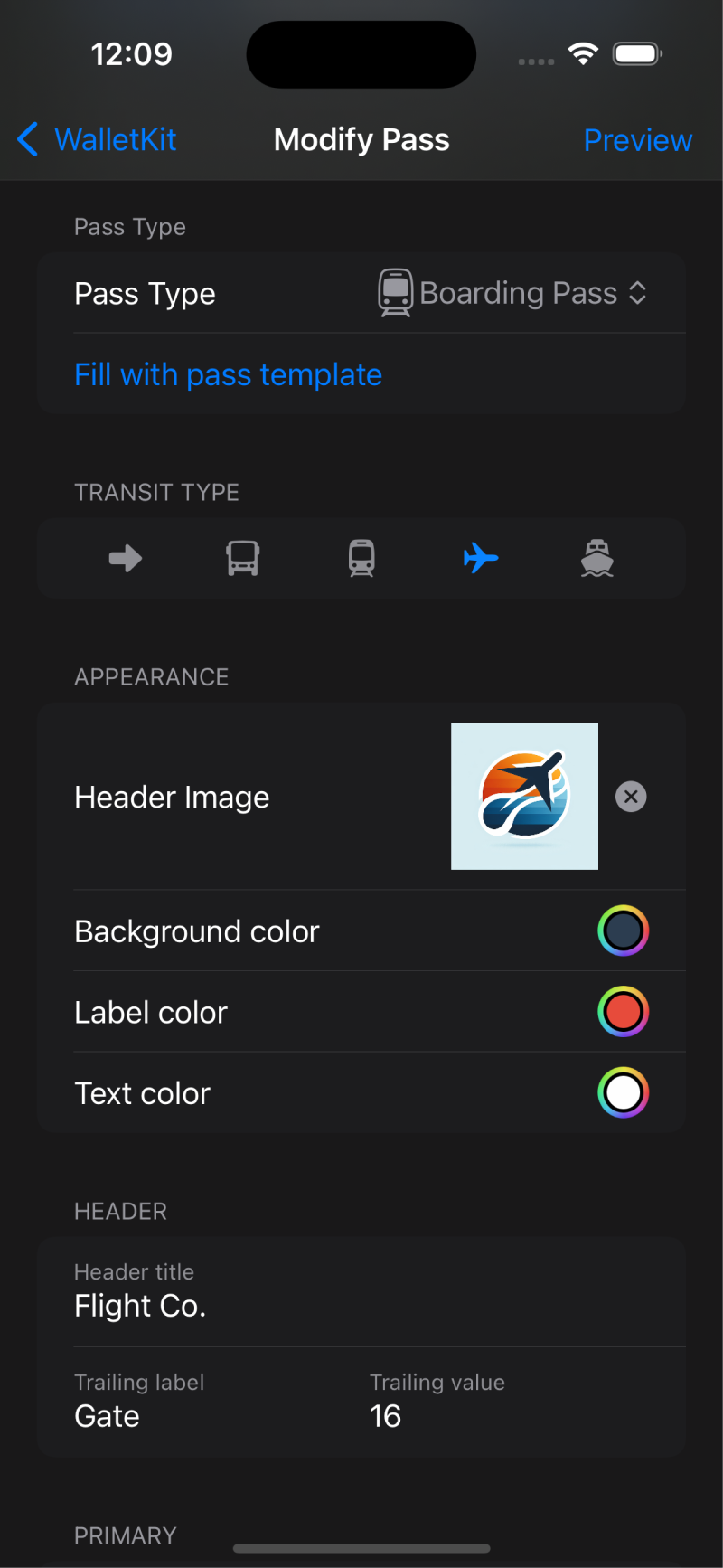
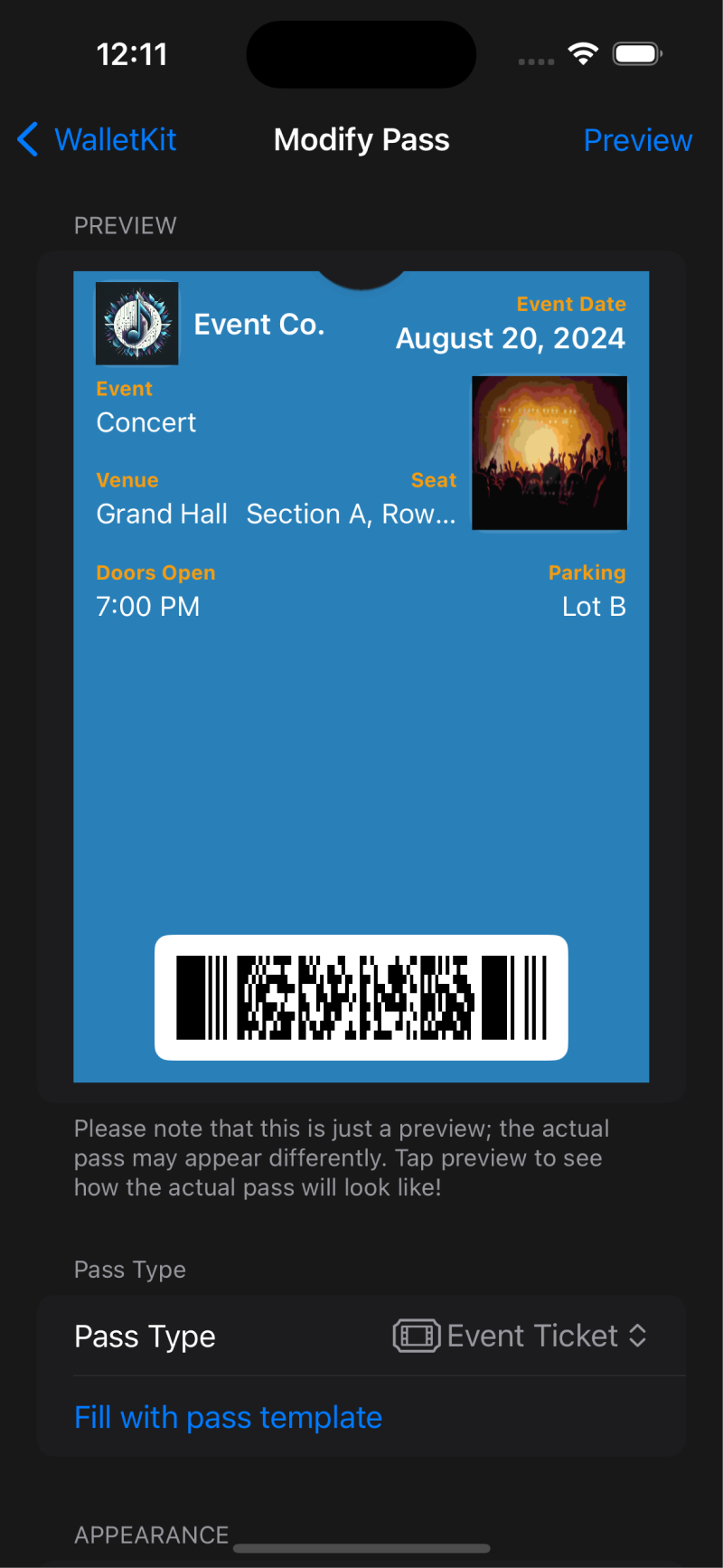
WalletKit transforms your Apple Wallet by allowing you to create, customize, and manage a wide variety of passes, such as store cards, event tickets, boarding passes, and more. With advanced tools like barcode compatibility and smart triggers, WalletKit ensures your passes are not only visually appealing but also smart and functional. On iPadOS, it offers pass previewing and sharing capabilities due to not supporting wallet.
How we built it
We developed WalletKit using Swift and SwiftUI for the iOS front-end, delivering a smooth and native user experience. The backend is powered by Firebase for real-time functionality and RevenueCat for efficient subscription management. By leveraging Apple’s WalletKit framework, we seamlessly integrated WalletKit with Apple Wallet, and implemented custom design tools to offer extensive pass customization options.
Challenges we ran into
One of the main challenges was ensuring barcode compatibility across various formats, as well as implementing smart triggers that work reliably with different user scenarios. We also faced challenges in designing a user-friendly interface that provides powerful customization options without overwhelming the user. Ensuring smooth performance on both iPhone and iPad, especially given that iPadOS does not support Apple Wallet, required innovative solutions.
Accomplishments that we're proud of
We're proud of the seamless integration with Apple Wallet and the powerful pass customization tools we've built. The ability to preview and share passes on iPadOS, despite the lack of Wallet support, was a significant accomplishment. We're also proud of the robust subscription model that allows users to access premium features in a flexible and user-friendly way.
What we learned
We learned the importance of balancing functionality with user experience, especially when dealing with complex features like barcode compatibility and smart triggers. We also gained deeper insights into the Apple Wallet ecosystem and how to extend its capabilities in a meaningful way.
What's next for WalletKit
Next, we plan to introduce more advanced customization features, such as dynamic pass designs that change based on user preferences or external conditions. We're also looking to expand WalletKit's compatibility with other platforms, potentially integrating with Android Wallet apps. Additionally, we'll continue refining our subscription model to offer even more value to our users.
Built With
- revenuecat
- swift
- swiftui

Log in or sign up for Devpost to join the conversation.