Inspiration
A site walkthrough is often the easy part. The time-consuming work comes afterward: turning rough notes, recordings, and photos into a clear list of issues that someone can act on.
I wanted to build something for independent contractors, interior designers, site supervisors, and property managers who need to document problems as they move through a building. These spaces do not always have reliable connectivity, so an app that depends entirely on the cloud can get in the way of the work.
That idea became walklog: an offline-first mobile app that helps turn observations into organized punch lists and shareable reports.
What it does
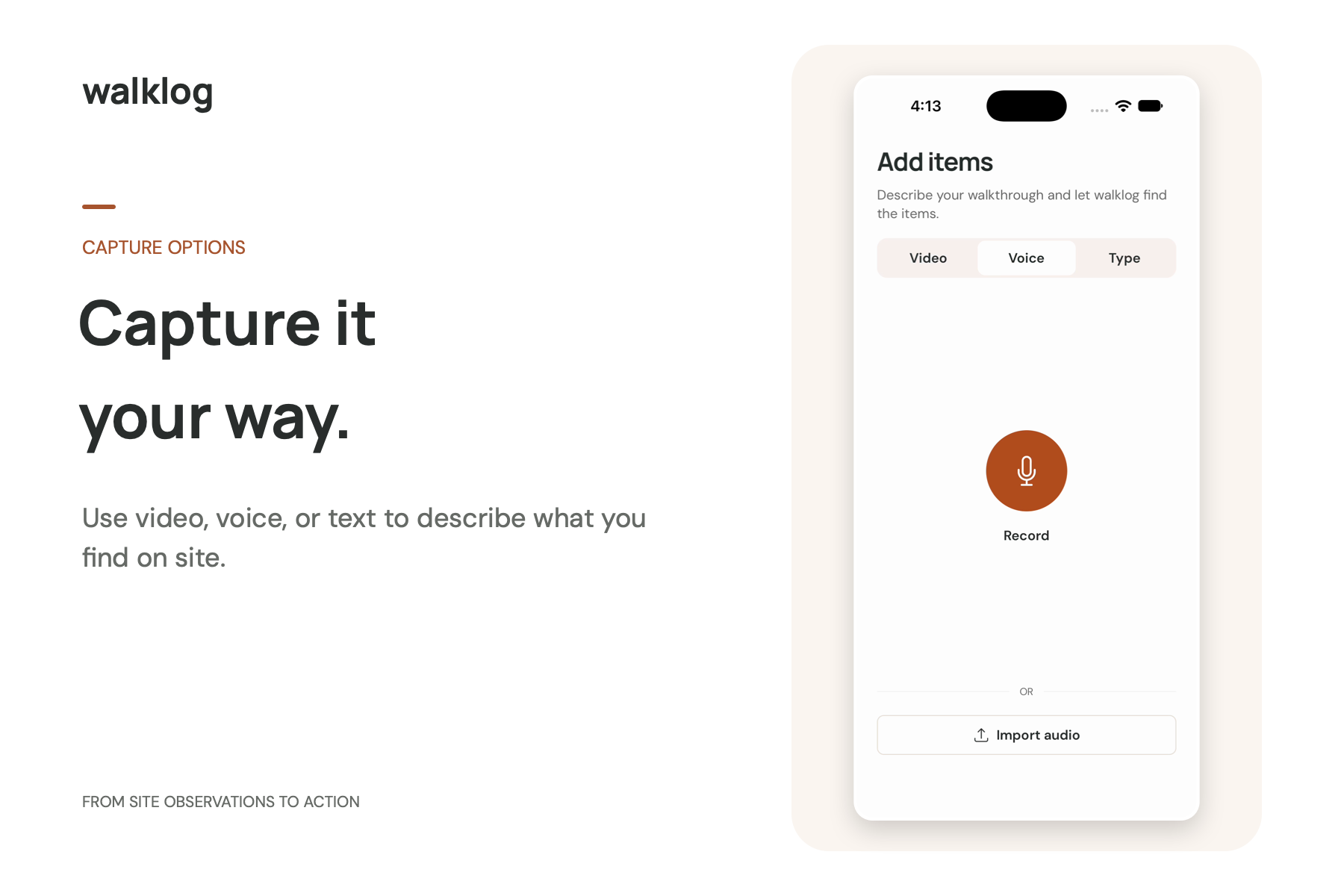
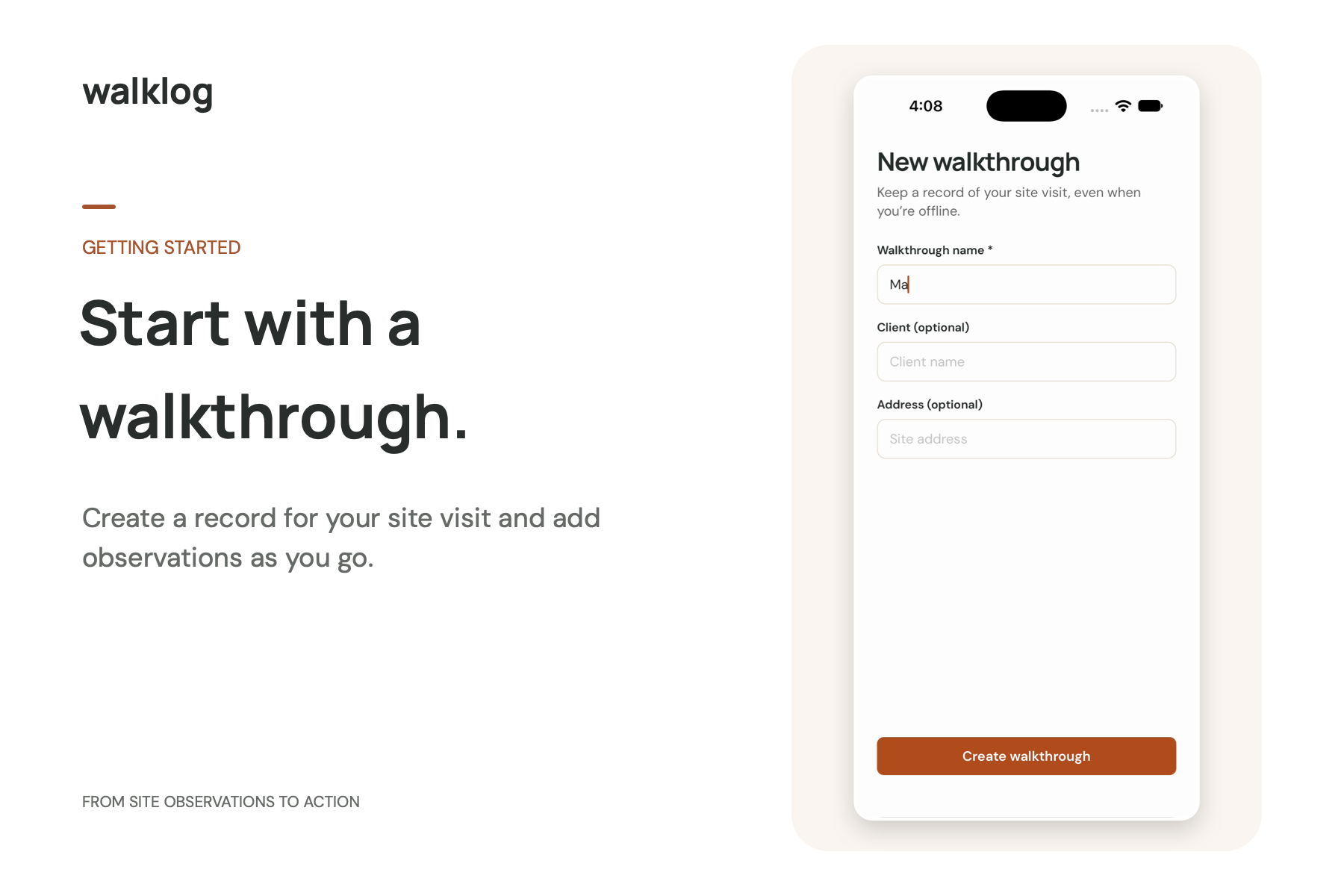
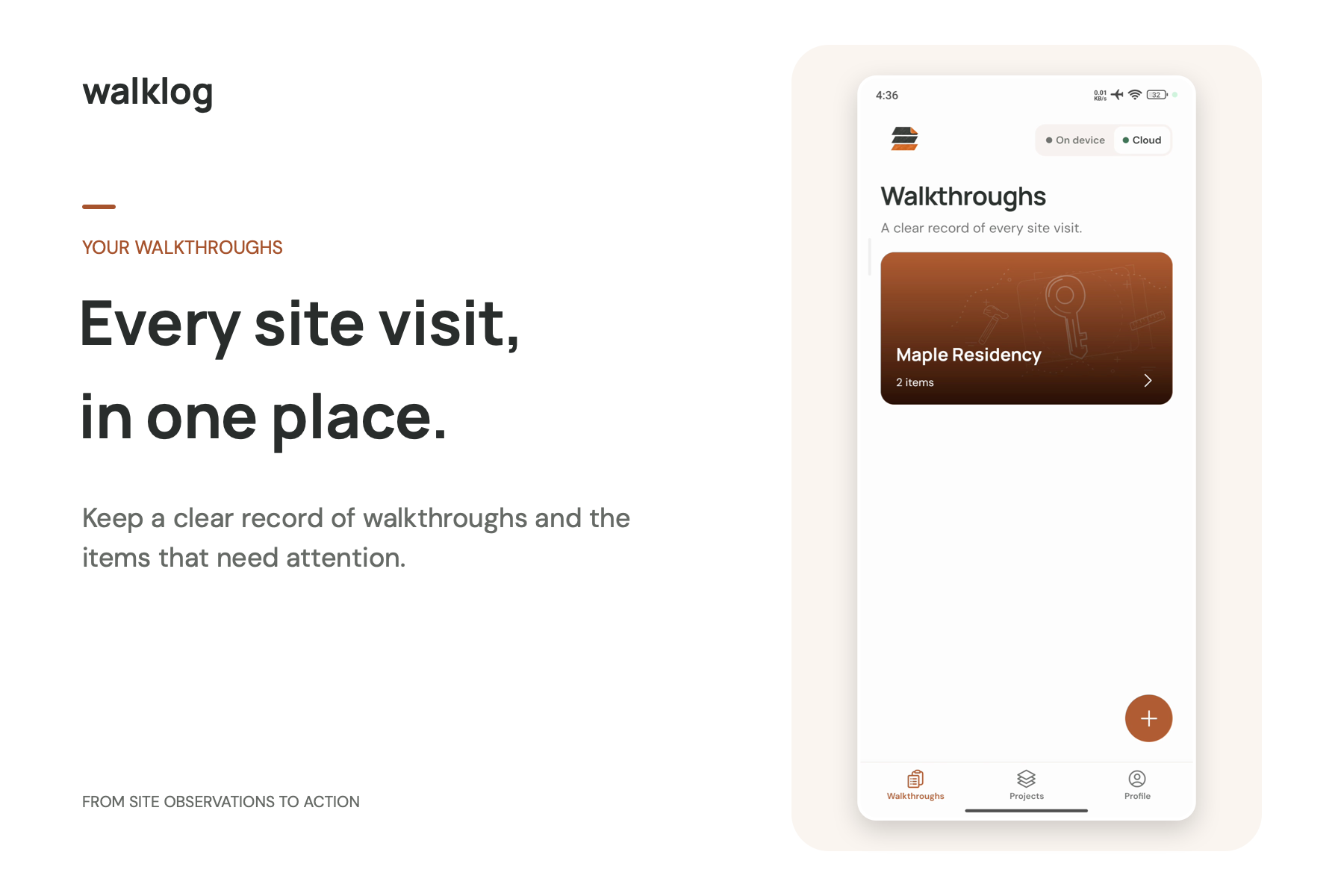
walklog lets users create projects and walkthroughs, then capture issues in the way that suits the situation:
- Type notes to describe issues as they are found.
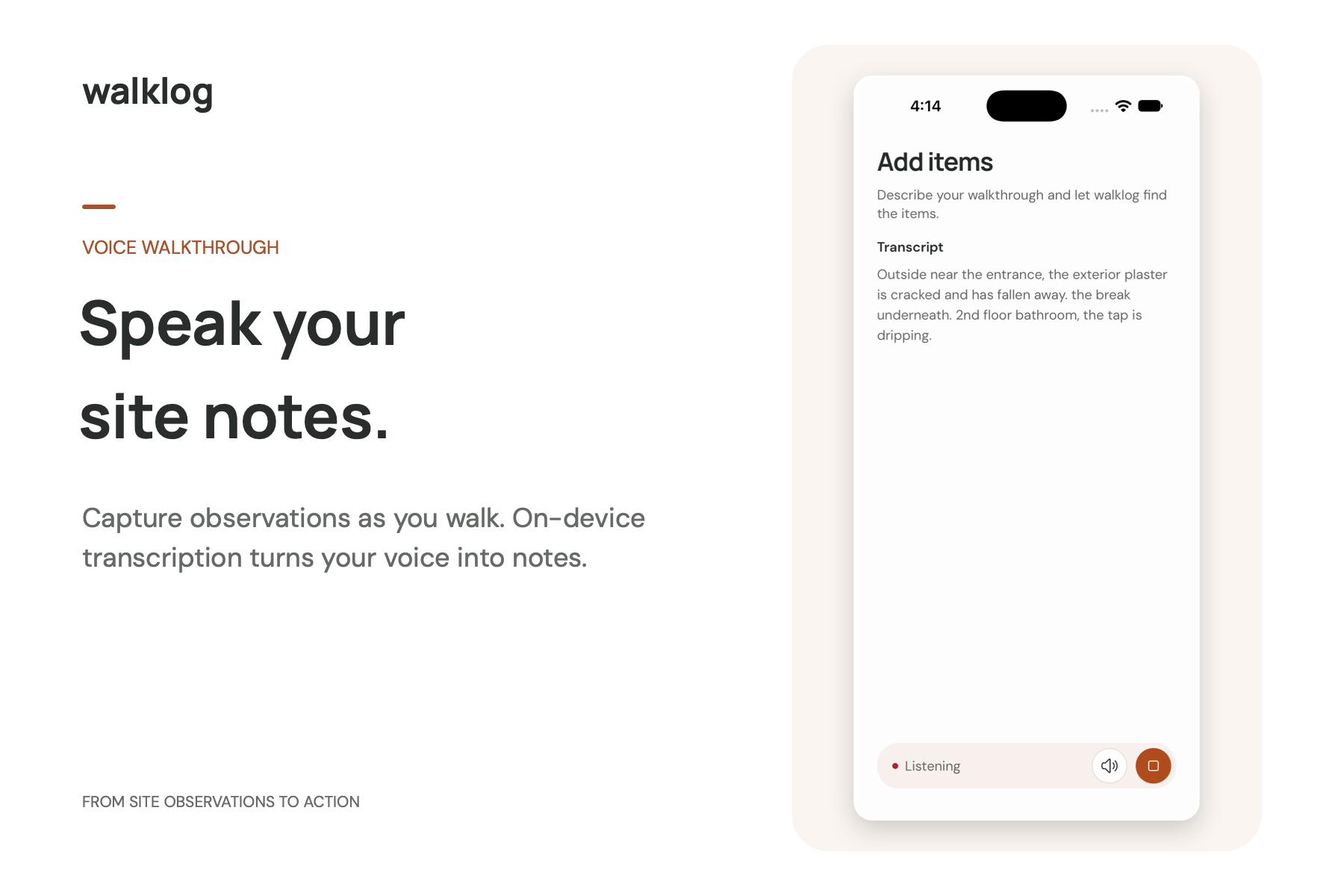
- Record or import audio and review an on-device transcription.
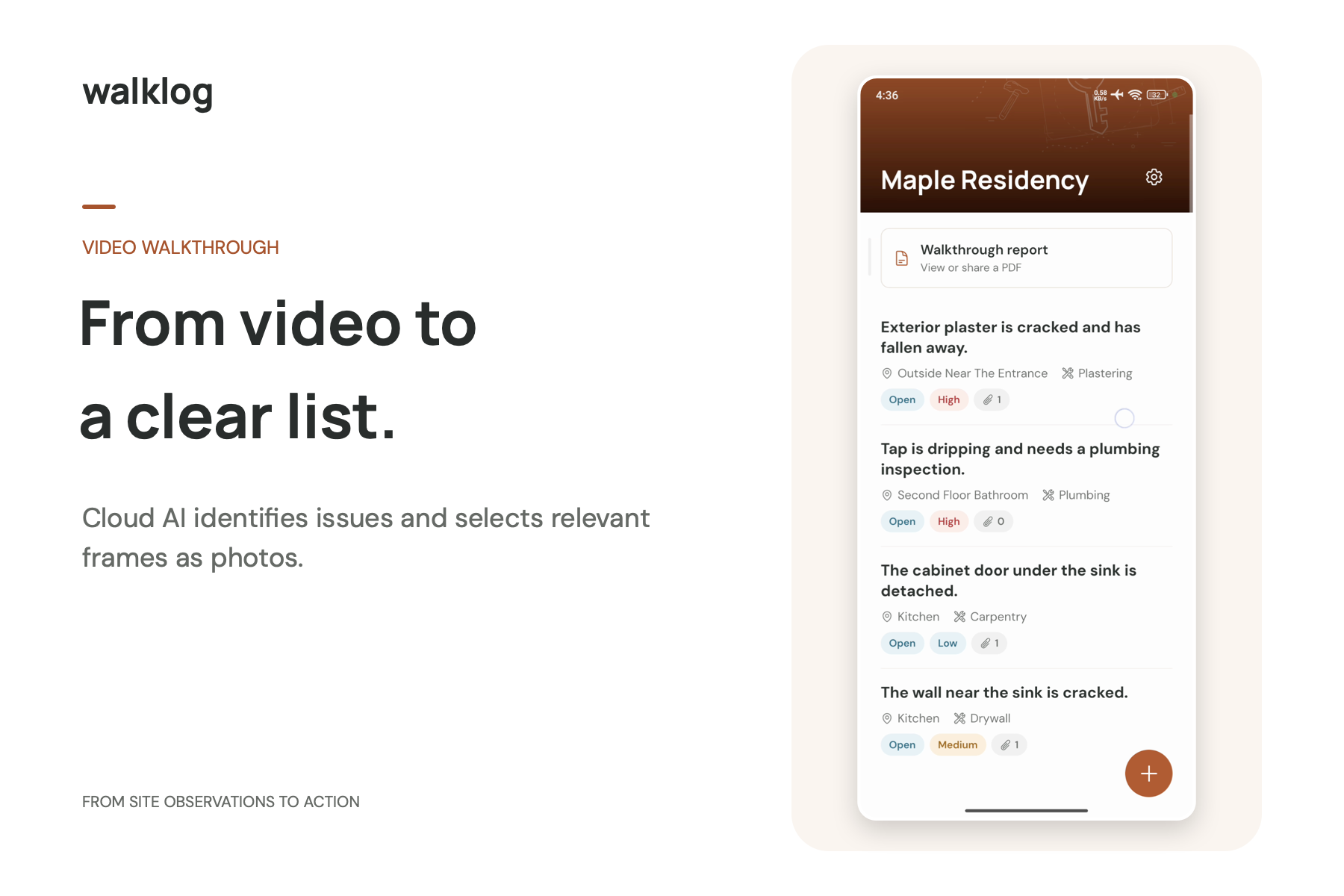
- Record or import video so cloud AI can identify issues and select relevant frames as photos.
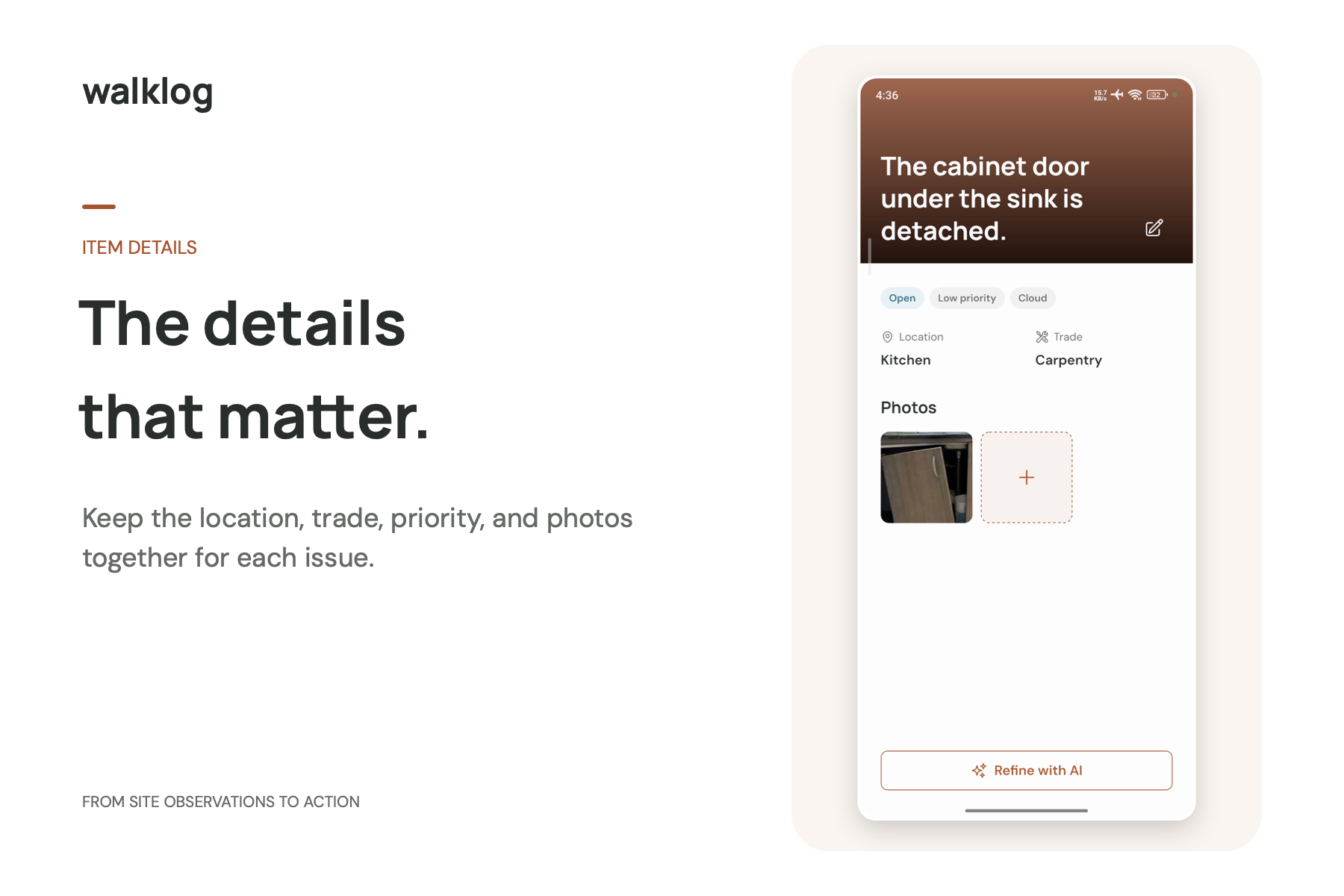
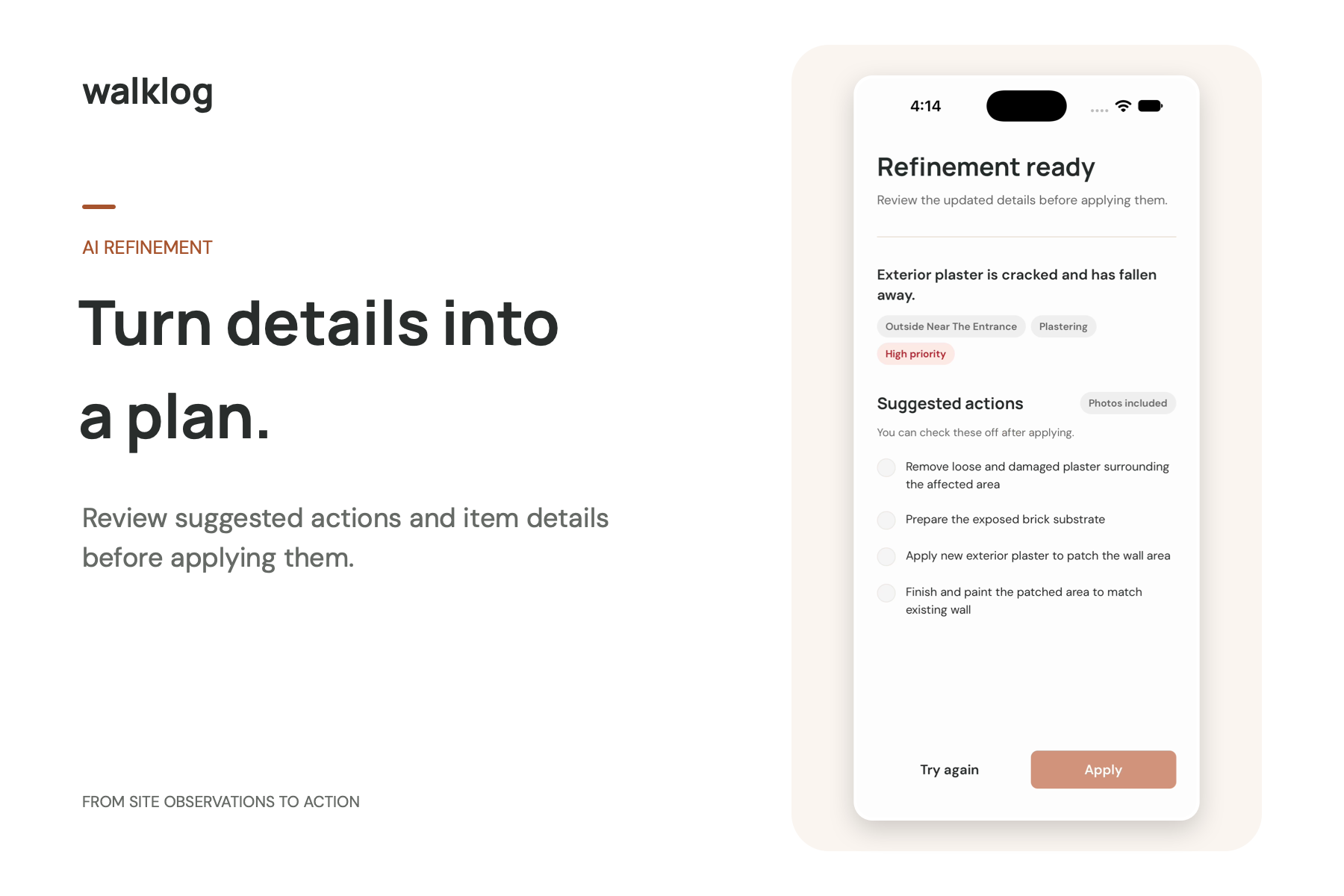
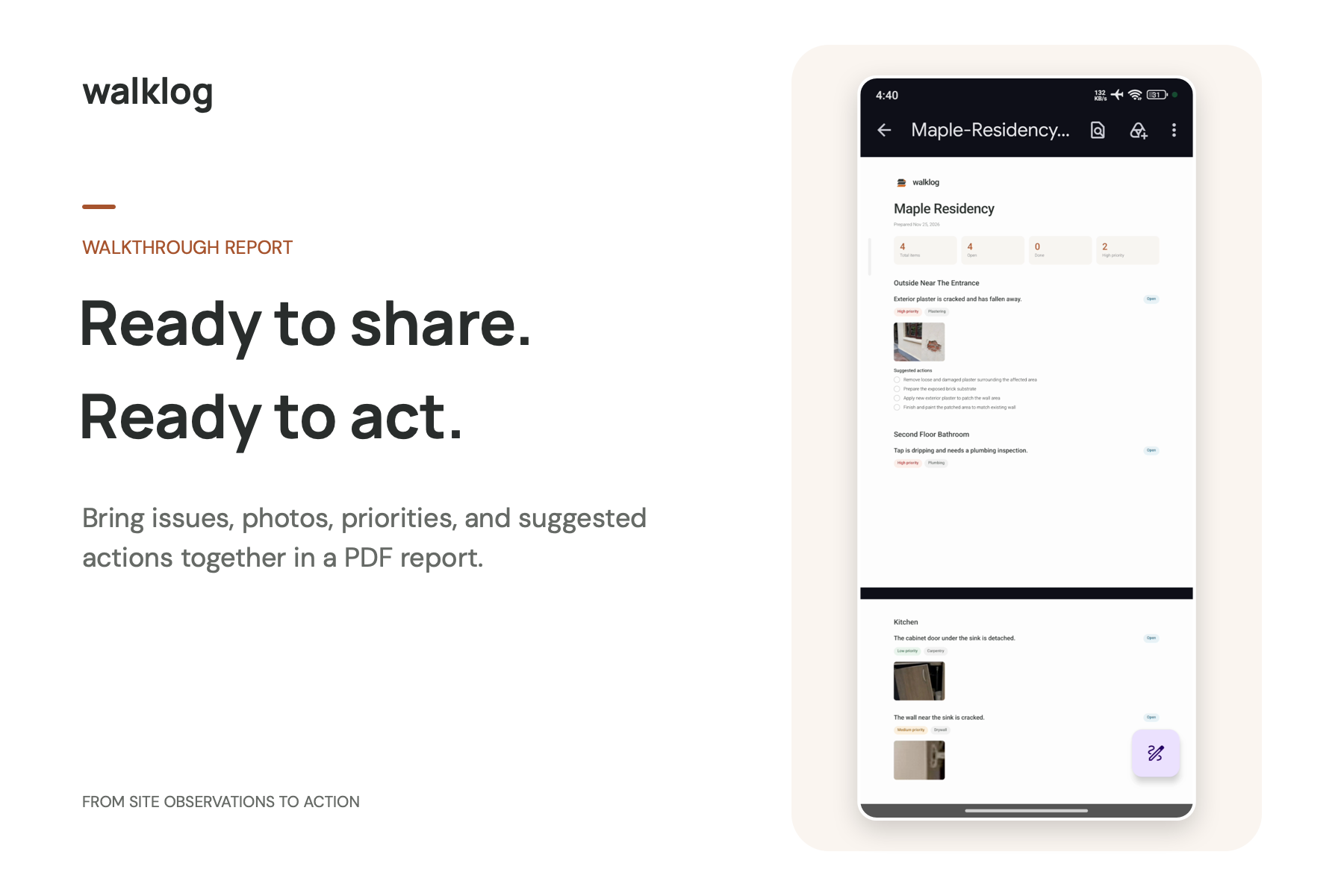
walklog turns observations into structured items with details such as the issue, location, trade, and priority when those details are available. Users can review and edit items, attach photos, track their status, and optionally use AI to refine them. When a walkthrough is ready, they can generate and share a PDF report.
The app is designed to keep useful work moving when connectivity is unreliable. Once signed in and set up, users can work with locally available data and supported on-device AI, then sync changes when they reconnect. Cloud AI, video analysis, initial sign-in, and model downloads require an internet connection.
How I built it
I built walklog for iOS and Android using Expo and React Native, with Firebase as the backend.
Firebase AI Logic powers the hybrid AI experience. On supported devices, walklog can use on-device inference to turn text into structured punch-list items. When online, users can also choose cloud processing for more demanding or multimodal tasks, including video analysis and photo-based refinement.
For voice capture, walklog uses a separate Whisper model on the device to transcribe recorded or imported audio. Site walkthroughs can be long, so processing speech locally helps avoid depending on a continuous internet connection for transcription. Imported recordings are processed in shorter segments, and users can review the transcript before turning it into items.
Firebase Authentication handles Google sign-in. Cloud Firestore stores records and supports offline synchronization, while Cloud Storage handles photos. Firebase App Check helps protect Firebase services, and the app generates PDF reports for sharing.
Challenges I faced
The biggest challenge was making hybrid AI feel like part of a useful workflow rather than a separate demo. On-device models have different availability and capabilities depending on the platform and device, while cloud processing needs a connection. I had to make those differences clear and provide practical choices when a model or connection was unavailable.
Another challenge was turning unstructured input into trustworthy records. Walklog asks the model to extract actionable issues without inventing details, and users can review and edit the results before relying on them. Video adds another layer: the app analyzes the recording and uses timestamps to select useful frames as photos.
Building offline-first behavior also meant thinking beyond AI inference. Walkthroughs, edits, and photos need to remain useful locally and synchronize when connectivity returns, while the interface needs to make the current state understandable.
What I learned
Building walklog taught me that hybrid AI is most useful when the app makes its trade-offs visible. On-device processing can keep a workflow moving in places with poor connectivity, while cloud models can handle richer media when the user is online.
I also learned how much the experience depends on the work around the model: preparing inputs, handling model availability, reviewing generated results, managing offline changes, and turning the final information into something people can actually share.
walklog was built for #BuildHybridAI 2026 as an exploration of how those pieces can come together in a practical mobile workflow.
Built With
- android
- expo.io
- firebase
- firebase-ai-logic
- gemini
- ios
- react-native
- typescript
- whisper
