-
-
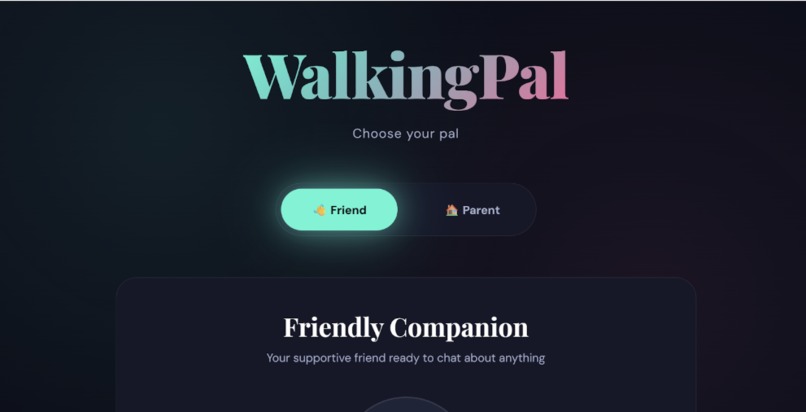
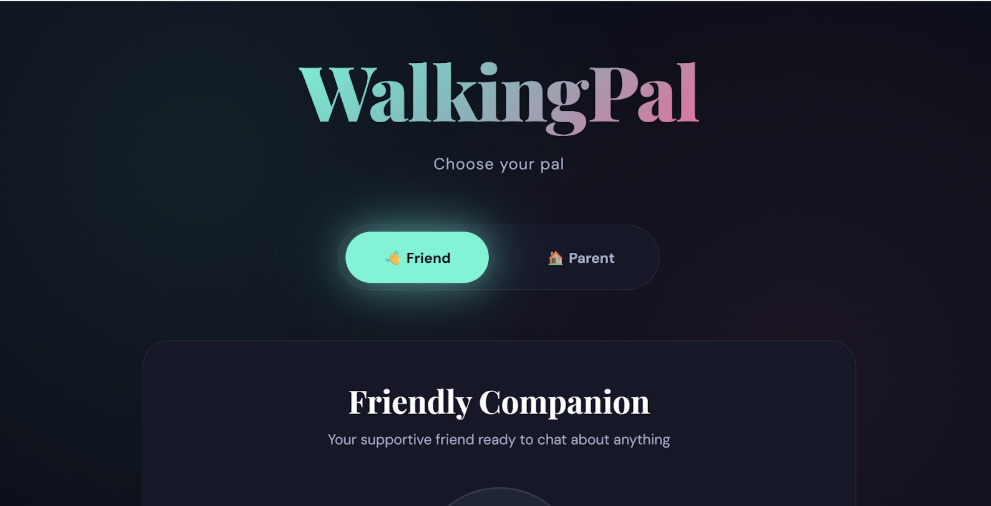
Starting Screen of our web app
Inspiration
Walking home alone can feel unsettling, especially at night or in unfamiliar areas. We wanted to create something that could provide immediate reassurance in those moments, not just through text, but through a familiar, human-sounding voice. The idea for WalkingPal came from the realization that hearing someone you trust can make a situation feel safer, even if that support is virtual.
What it does
WalkingPal is a voice-first AI companion that users can talk to when they feel unsafe or anxious while walking alone. Users can switch between two personas — a Friend or a Family Member — and communicate either by typing or speaking. The agent responds with both text and realistic voice audio, creating a more natural and comforting interaction in real time.
How we built it
We built WalkingPal using a full-stack web approach:
React + JavaScript for the frontend interface
Node.js + Express for backend API handling
ElevenLabs Agents for conversational intelligence and voice generation
Speech Recognition APIs for voice input
Custom CSS styling to ensure the interface is responsive and centered on different screen sizes
The backend routes user input to the appropriate AI agent, retrieves a text response, converts it into speech, and returns both the audio and text to the frontend for display and playback.
Challenges we ran into
We faced several technical challenges during development:
Debugging API key permissions and enabling correct agent access
Handling differences between raw audio and JSON-based API responses
Synchronizing text responses with voice playback
Managing latency while keeping the interaction feeling natural
Adjusting UI layout and styling across various screen sizes
Each challenge required iteration, testing, and a deeper understanding of the tools we were using.
Accomplishments that we're proud of
Successfully integrating real-time AI agents with voice responses
Creating a multimodal experience that combines speech, text, and UI feedback
Designing distinct personas with different tones and behaviors
Building a polished, responsive interface suitable for live demos
Turning a safety-focused idea into a working prototype in a short time
What we learned
Through this project, we learned:
How to work with AI voice and agent APIs
The importance of prompt design in shaping AI behavior
How to debug asynchronous frontend–backend workflows
Best practices for handling audio playback in browsers
How small UX decisions can significantly impact how safe and supported a user feels
What's next for WalkingPal
In future versions of WalkingPal, we plan to:
Add short-term conversation memory for more contextual responses
Improve latency through streaming audio playback
Allow users to customize voices or upload voices of trusted contacts
Introduce optional safety features like emergency contact escalation
Expand accessibility features for hands-free, on-the-go use
Built With
- api
- css
- elevenlabs
- html
- javascript
- node.js
- react


Log in or sign up for Devpost to join the conversation.