-
-
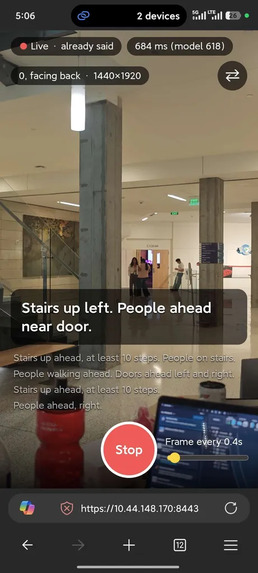
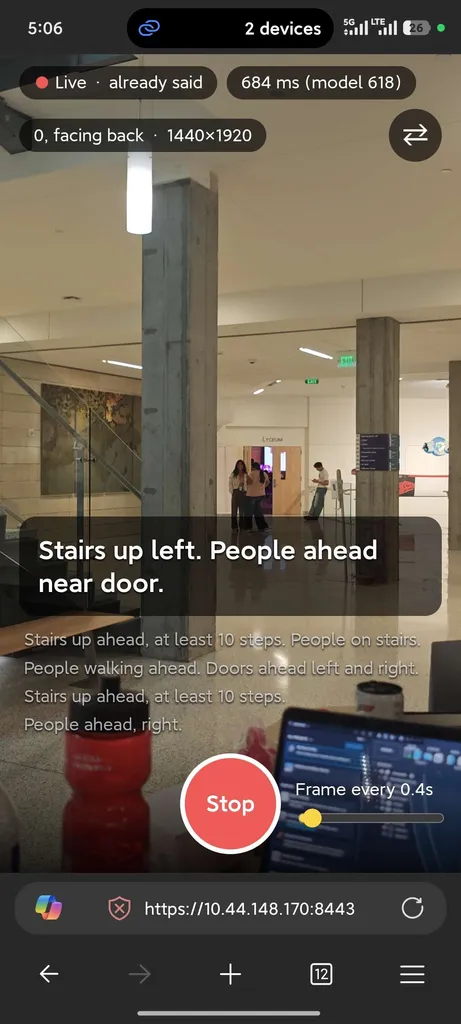
Real-time object and obstacle detection
-
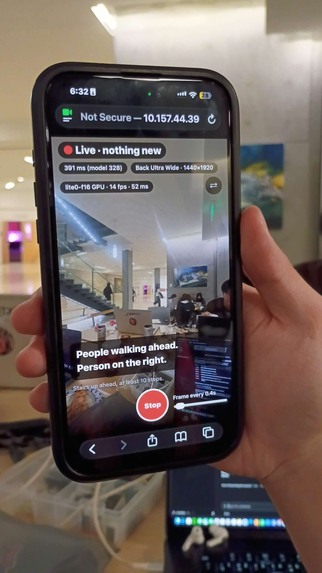
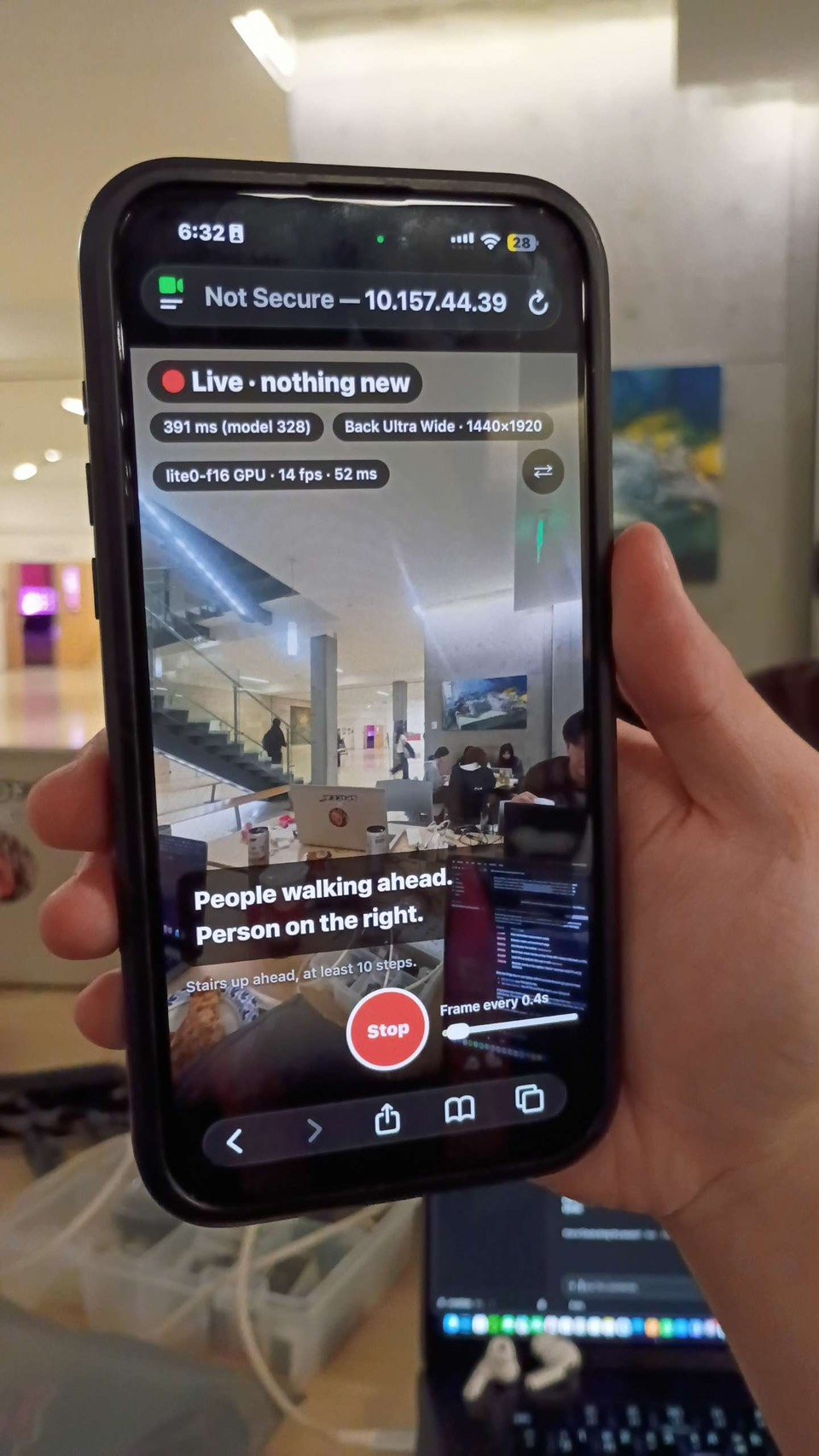
Early beta testing with non-reasoning model and debugging UI
-
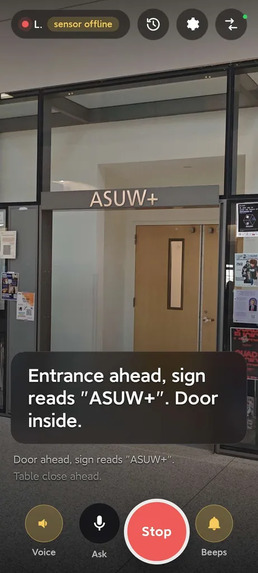
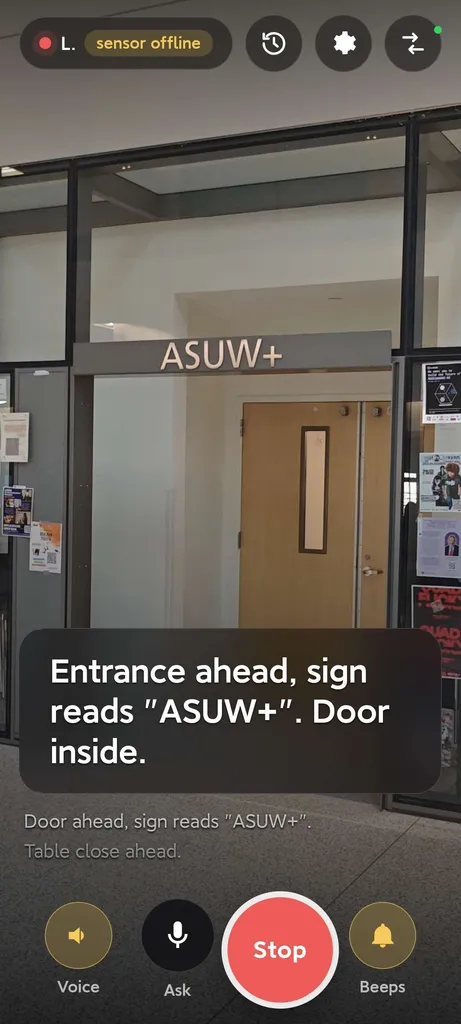
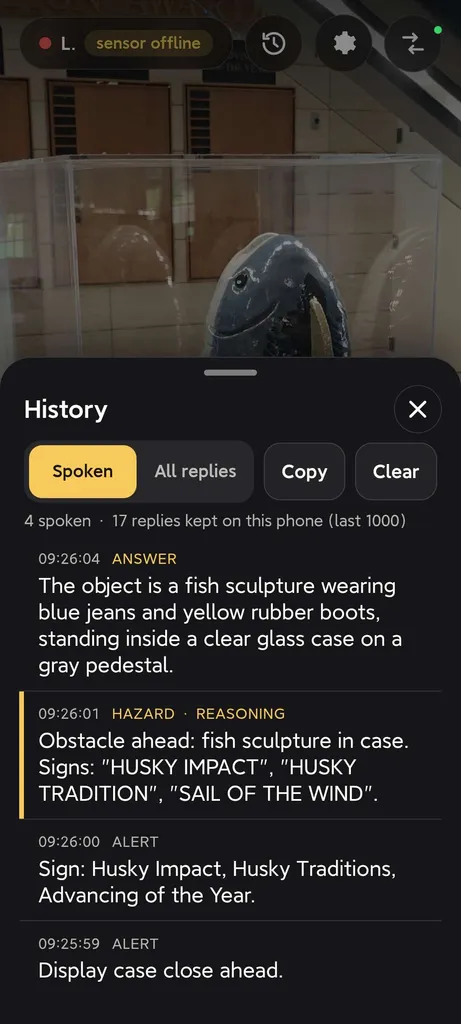
Text detection and spatial depth perception.
-
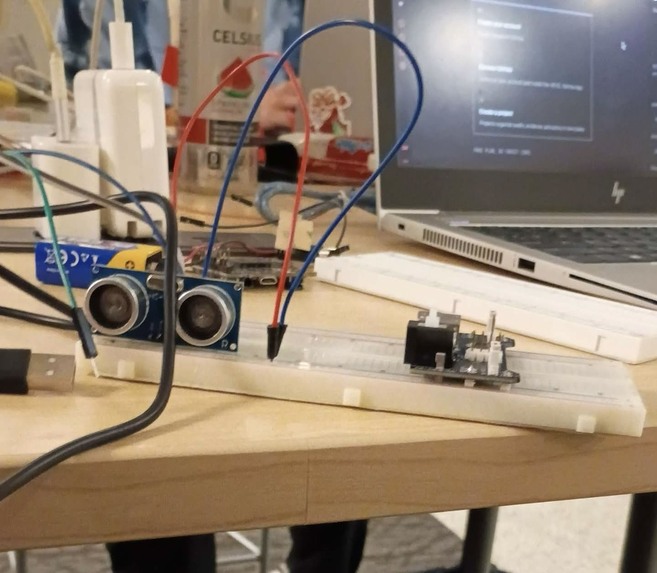
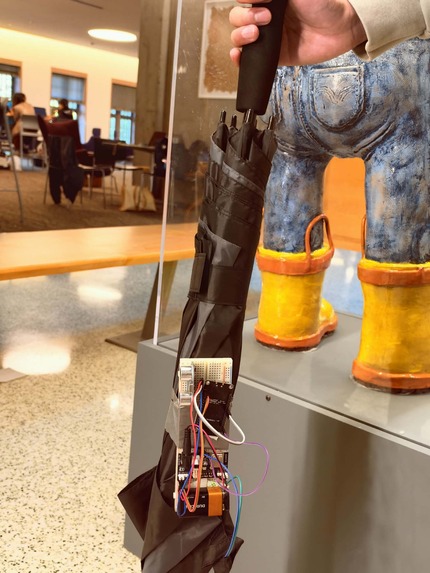
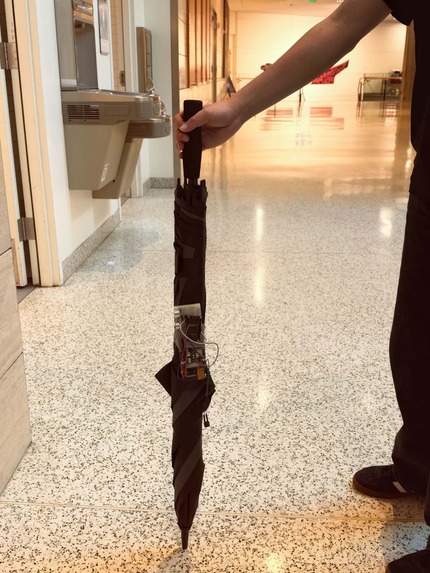
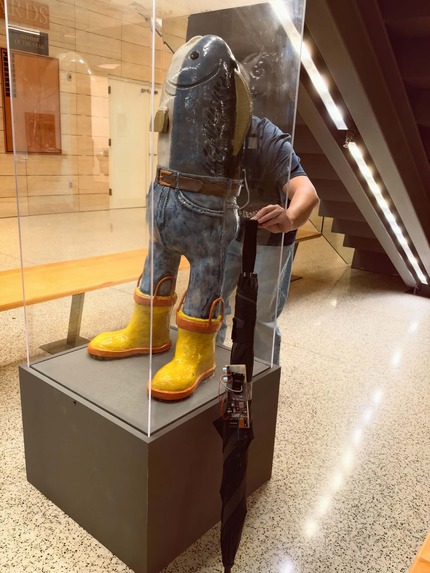
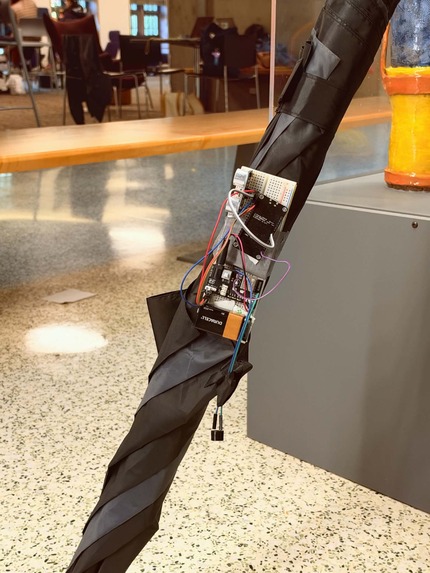
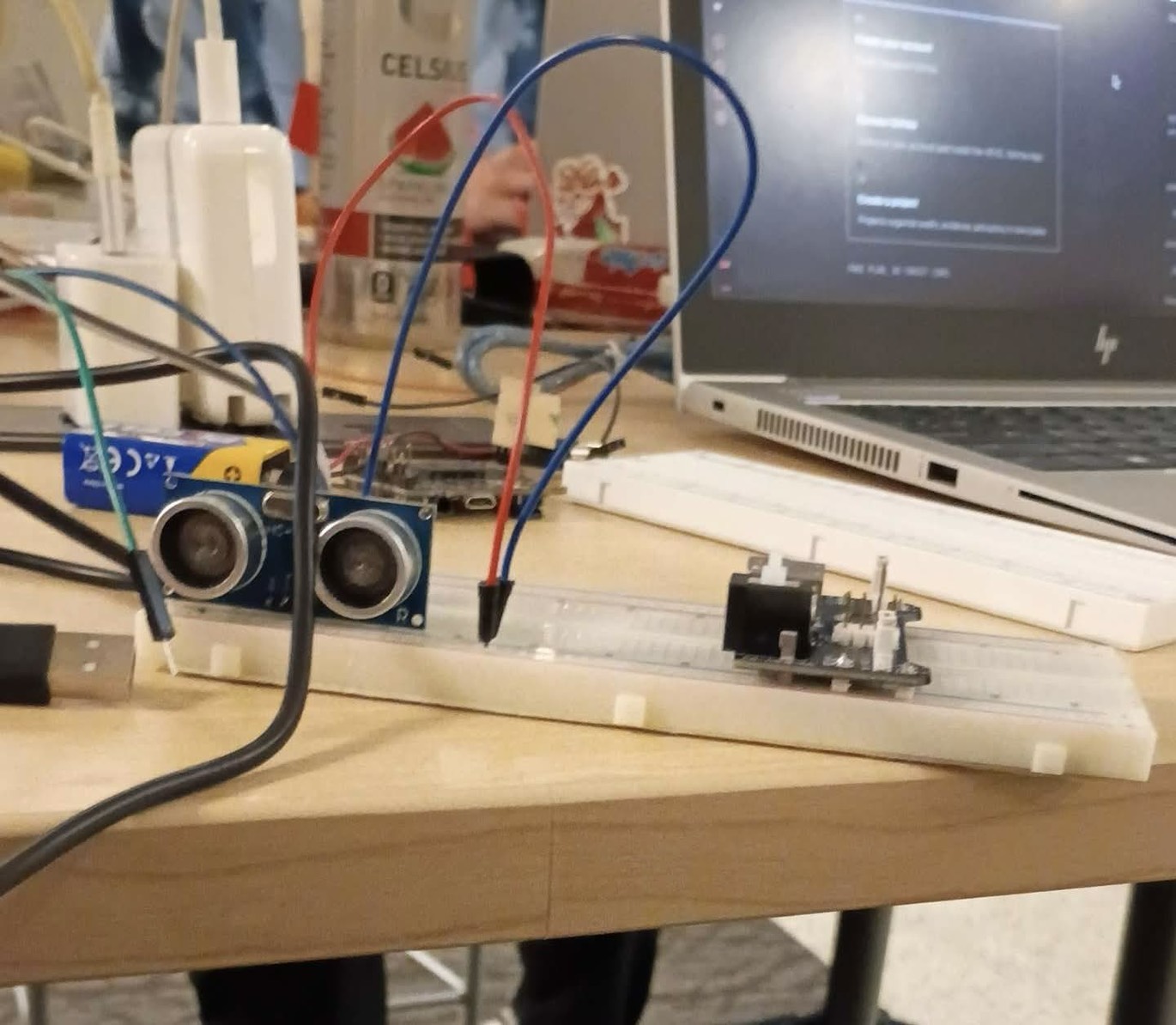
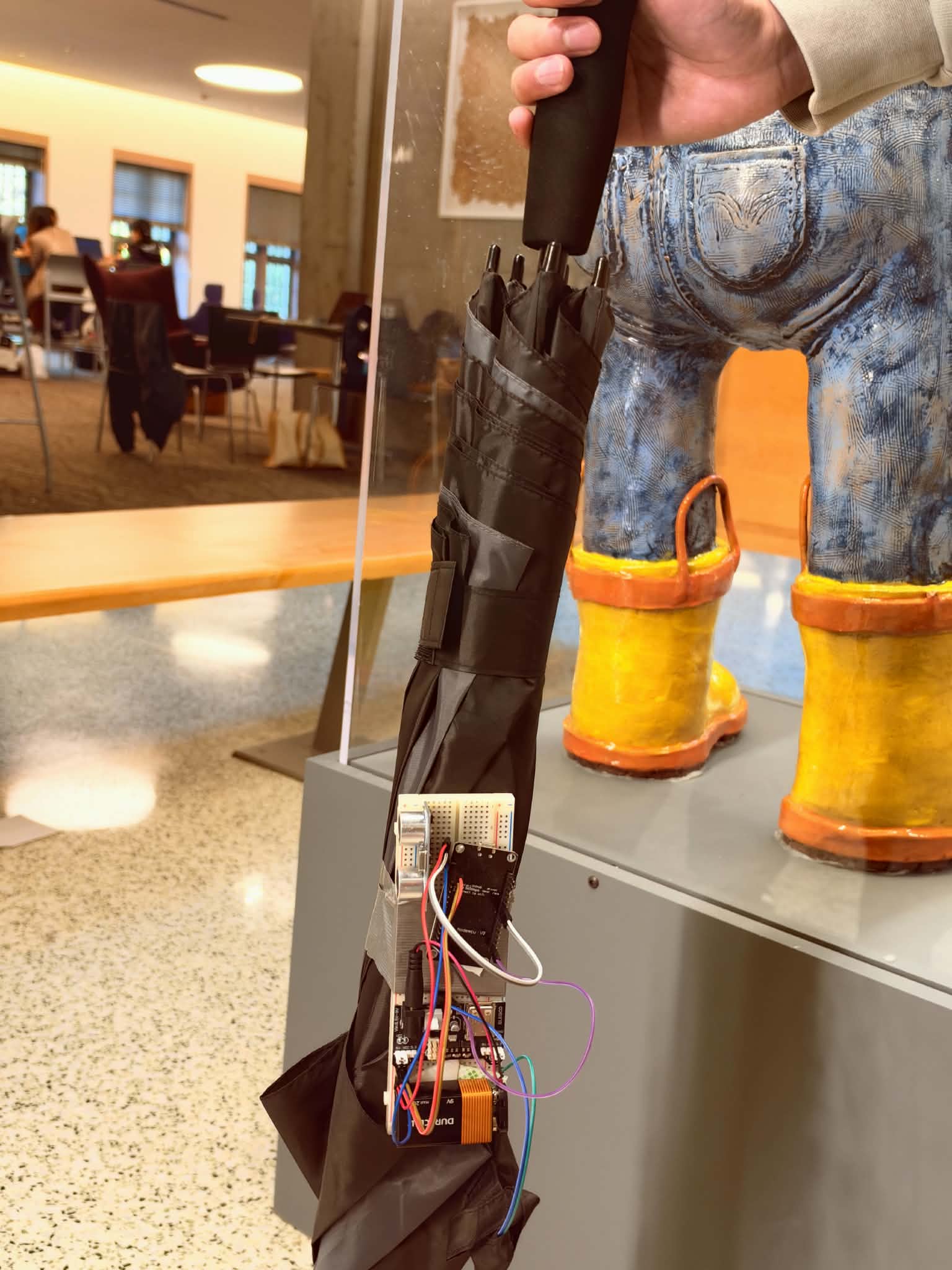
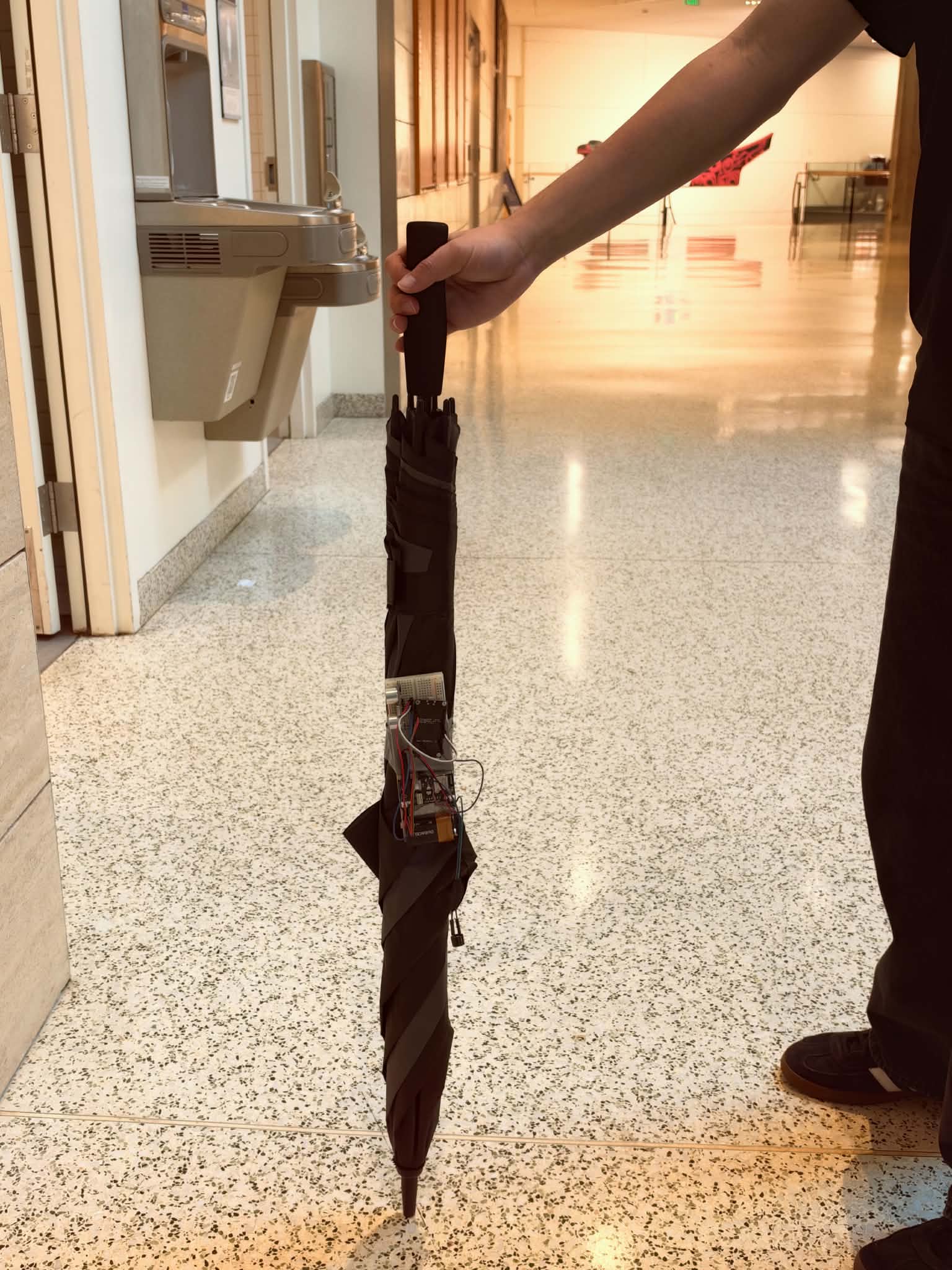
Mobility Cane System, provides distance readings
-
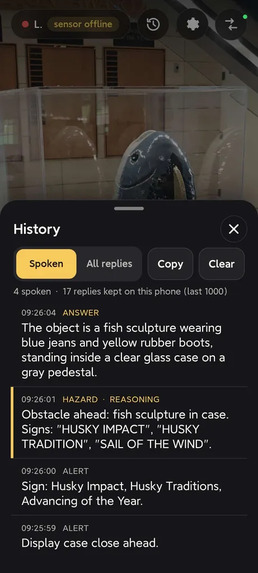
Detailed response history. Emphasizes recognizing hazards and allows for voice chat to probe in detail about one's surroundings.
-
-
-
-
I. Inspiration
Our inspiration came from a teammate who witnessed his dormmate, who was visually impaired, struggling to navigate campus using only a mobility cane. Although his cane helps detect nearby obstacles, it provides limited information about the surrounding environment, making independent navigation challenging. [Research] shows that 7% of visually impaired and/or blind respondents experienced non-superficial injuries every month due to hazards and trips. Furthermore, 13% of respondents reported having head-level injuries that resulted in stitches and dental care every month. These experiences inspired us to develop technology that helps our community members with visual impairments to detect obstacles, avoid collisions, and navigate campus more safely and independently.
II. What It Does?
SonoRocky includes two major elements: 1) Our Vision-to-Language application, and 2) a Mobility Cane System to detect distances.
The Vision System gathers data from a phone camera and the Mobility Cane System to generate a visual-to-audio output that uses natural spoken language to warn vision-impaired persons about their surroundings, as UW research has indicated they possess superior hearing and perception. It also allows individuals to prompt the application with questions about what's in front of them and to read text on walls, to which the model can respond with detailed descriptions.
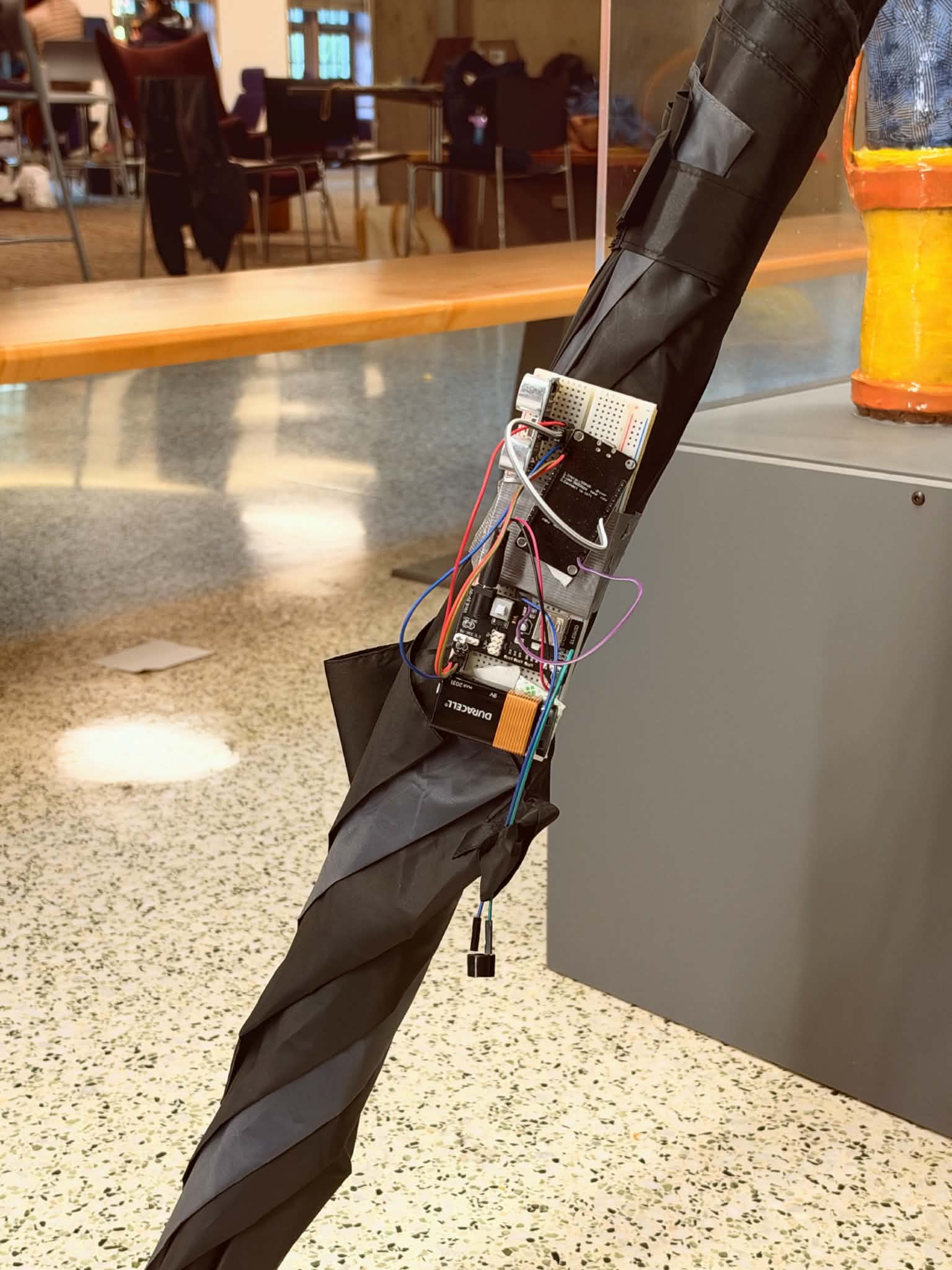
The Mobility Cane System uses an acoustic sensor to detect obstacles in surrounding areas. This data is sent to the Vision System, which converts distance measurements into a series of variable-frequency beeps heard by the individual using the app, warning them to slow down in their stride as they approach obstacles.
III. How We Built It?
- Perceptron's mk1.5 model was used for recognizing still-frame captures taken from the device camera at a dynamic FPS rate, which then returns a natural language description with customizable details and hazard alerts (< 2-second latency)
- ElevenLabs' TTS model was used for streaming real-time audio readouts of Perceptron's descriptions
- The backend server handles interacting with both APIs and can route communication with multiple devices each running its own frontend instance. It also receives POST packets from the ESP8266 with distance data and WiFi status info
- ESP8266 used for processing ultrasonic distance sensor data, which is transmitted over WiFi to the backend server
- Fusion 360 + Prusa MK4 to 3D print a housing for the prototype, which can clamp onto rods of varying diameters
IV. Challenges We Ran Into
- Limited access to hardware and tools for building our demo
- We needed a tilted angle for the ultrasonic sensor on the Mobility Cane System so that it faces perpendicular to the ground
- Balancing high-speed camera refresh rate while staying within API ratelimits
- Tuning the speed of generating the natural language outputs from our video feed, along with the level of detail in the descriptions
- CAD design for a good angle facing forward on the mobility cane
V. Accomplishments that We're Proud of
- We limit the character for the audio output for every scan for faster processing speed
- Prioritize possible hazards before introducing minor details of the surroundings
- Estimate the minimal amount of stairs to prevent accidental trips
- Hardware costs less than $15 to assemble
VI. What We Learned?
- Hardware/Software integration
- Things do not always go as we expected
- Optimization of features
- Software advice from our community mentors (huge shoutout to David from Perceptron!)
VII. What's Next for SonoRocky
In order to bring our project to the next level, we decide to achieve our goal by improving the two systems.
We want to build sunglasses for the Vision System, with two separate cameras, one looking forward and one looking down, a CPU and two speakers for audio output at the hooks of the sunglasses. The cameras were used to scan the surroundings and identify possible obstacles at a refresh rate of 120 FPS to give a safer condition for vision-impaired people. The forward-facing camera uses a wide-angle lens to capture as much information as possible, while the downward-facing camera estimates the steps between the incoming obstacles (e.g., stairs or uneven ground) with motion sensors to warn the person as he walks.
Moreover, we want to complete the mobility cane system by making it fit different types of mobility canes with different lengths and diameters. Furthermore, the cane should not have only one sensor; we will implement several ToF sensors to detect the surroundings in multiple directions and angles, like a LiDAR.
Lastly, we would also like to implement more features associated with maps and navigation into our project. We wanted our Vision System to be able to communicate with the user, through natural spoken languages, and be able to understand and execute commands. Nevertheless, location synchronisations will also help a lot in creating a map-level navigation system, so we can better locate and predict the possible surroundings of the user.
VIII. Why the Name?
- The prefix "Sono-" refers to the usage of sonar in navigation; while "Rocky" is a character in the film "Project Hail Mary" who has no eyes and navigates based on sounds, which resonates with the main aim of our project. Rocky also speaks in short, succinct phrases, just like our project 🪨.
IX. Citations
- Mobility-related accidents experienced by people with visual impairment. (n.d.). https://users.soe.ucsc.edu/~manduchi/papers/MobilityAccidents.pdf
- Park, W. J., Awad, J., & Fine, I. (2026). Enhanced pitch perception in early blind individuals and musicians is due to reduced internal noise. The Journal of Neuroscience, 46. doi.org
Built With
- c
- elevenlabs
- esp8266
- html5
- javascript
- perceptron
- python


Log in or sign up for Devpost to join the conversation.