-
-
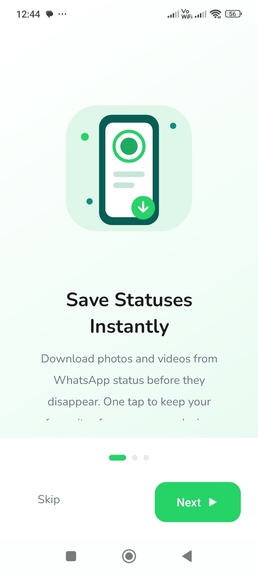
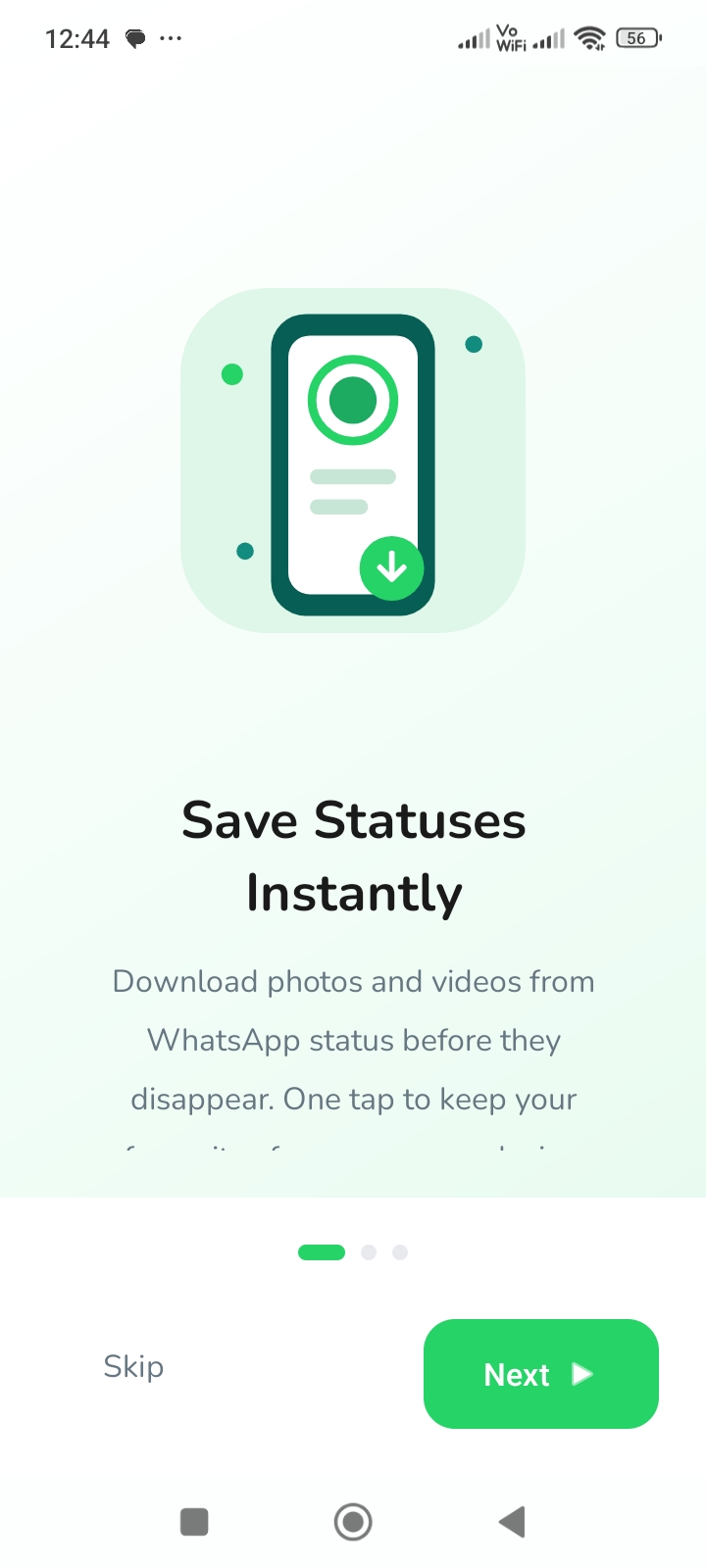
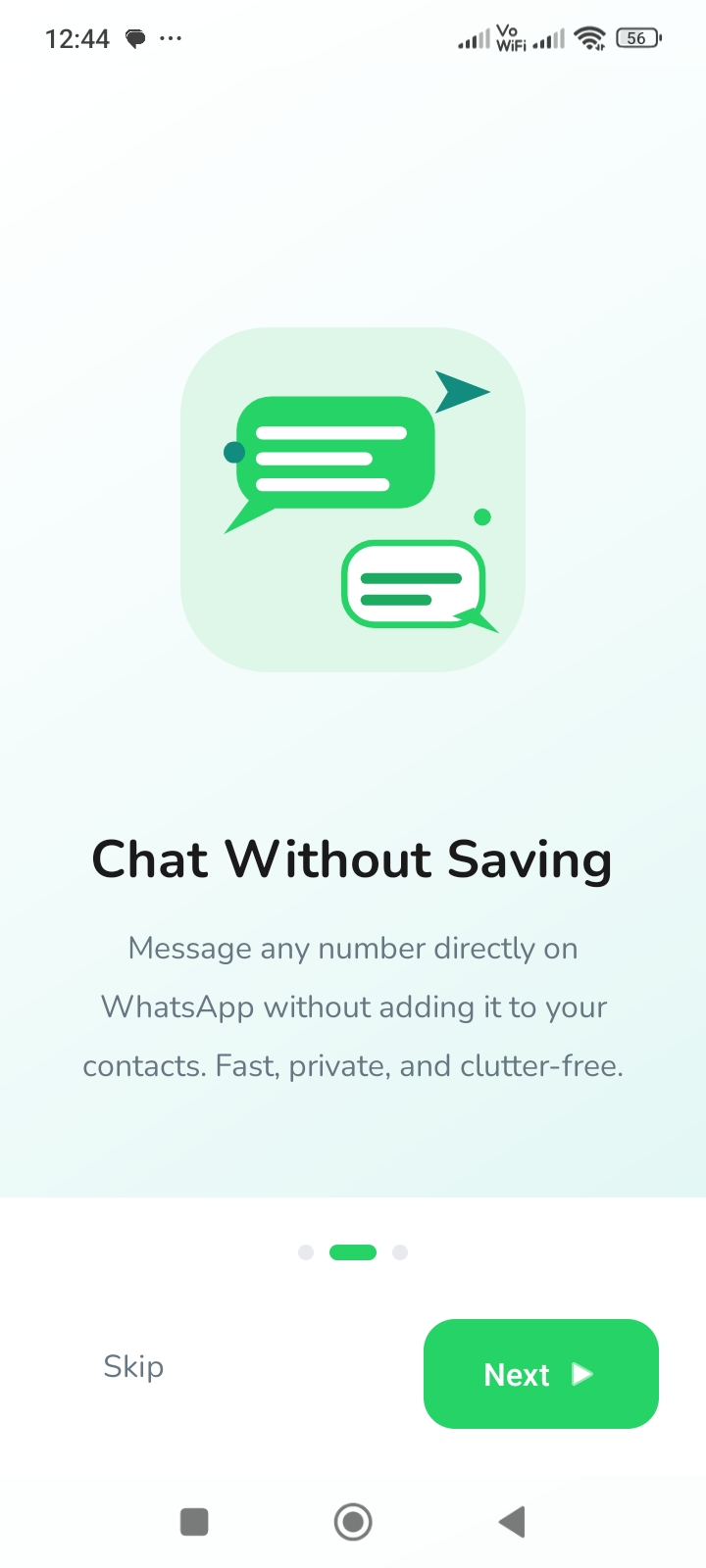
Onboarding Screen1
-
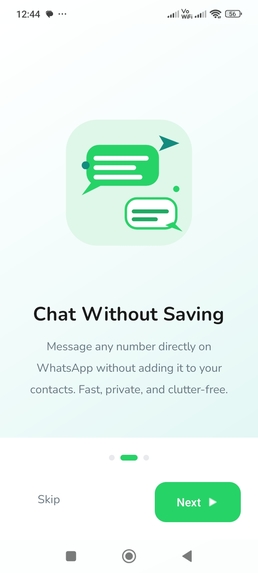
Onboarding Screen2
-
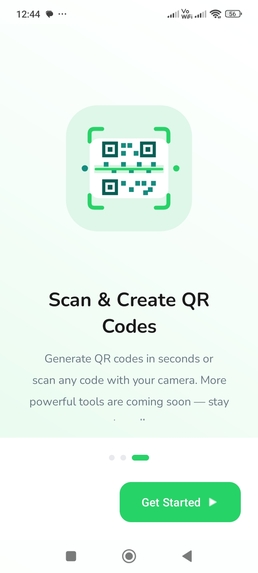
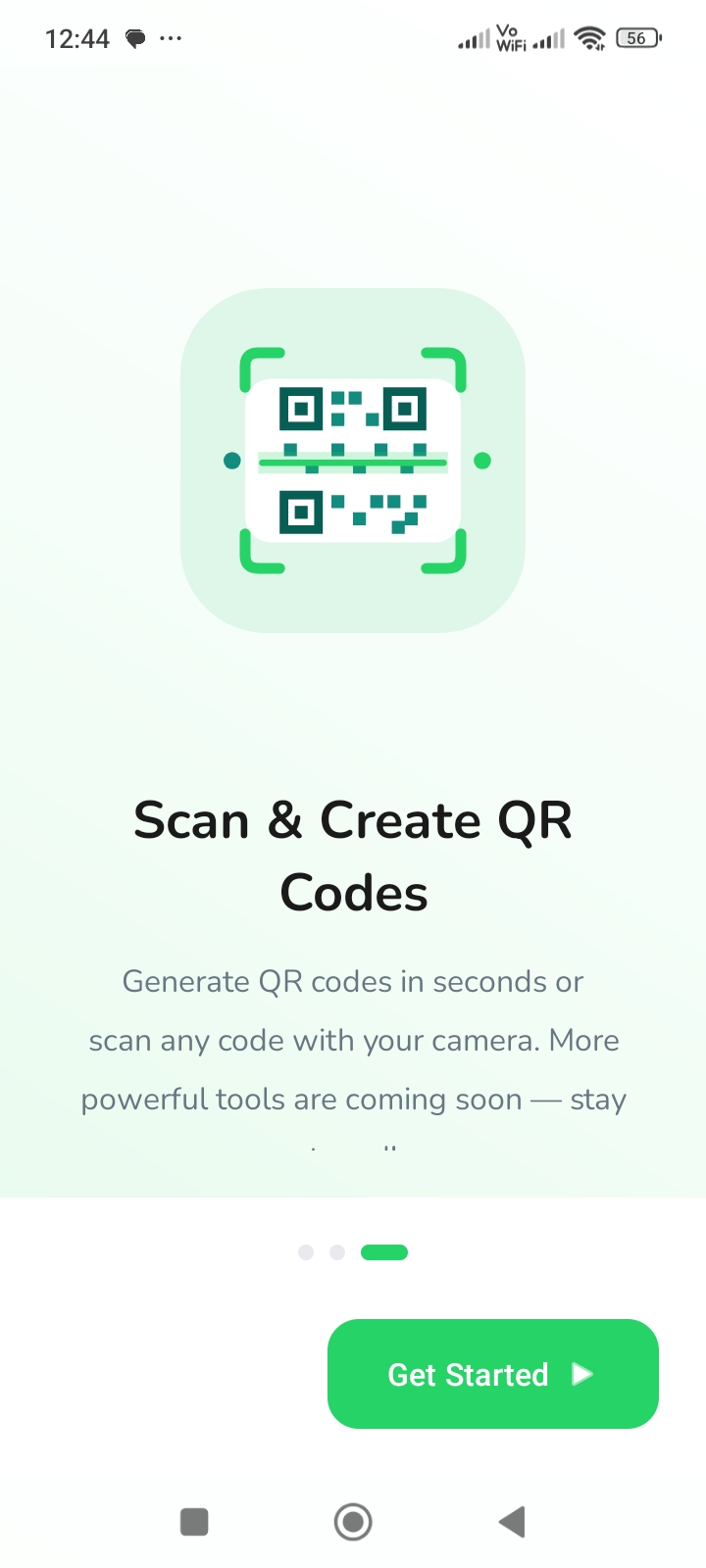
Onboarding Screen3
-
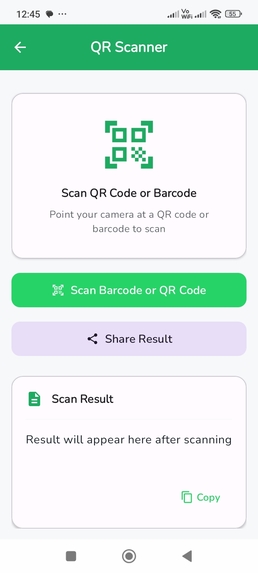
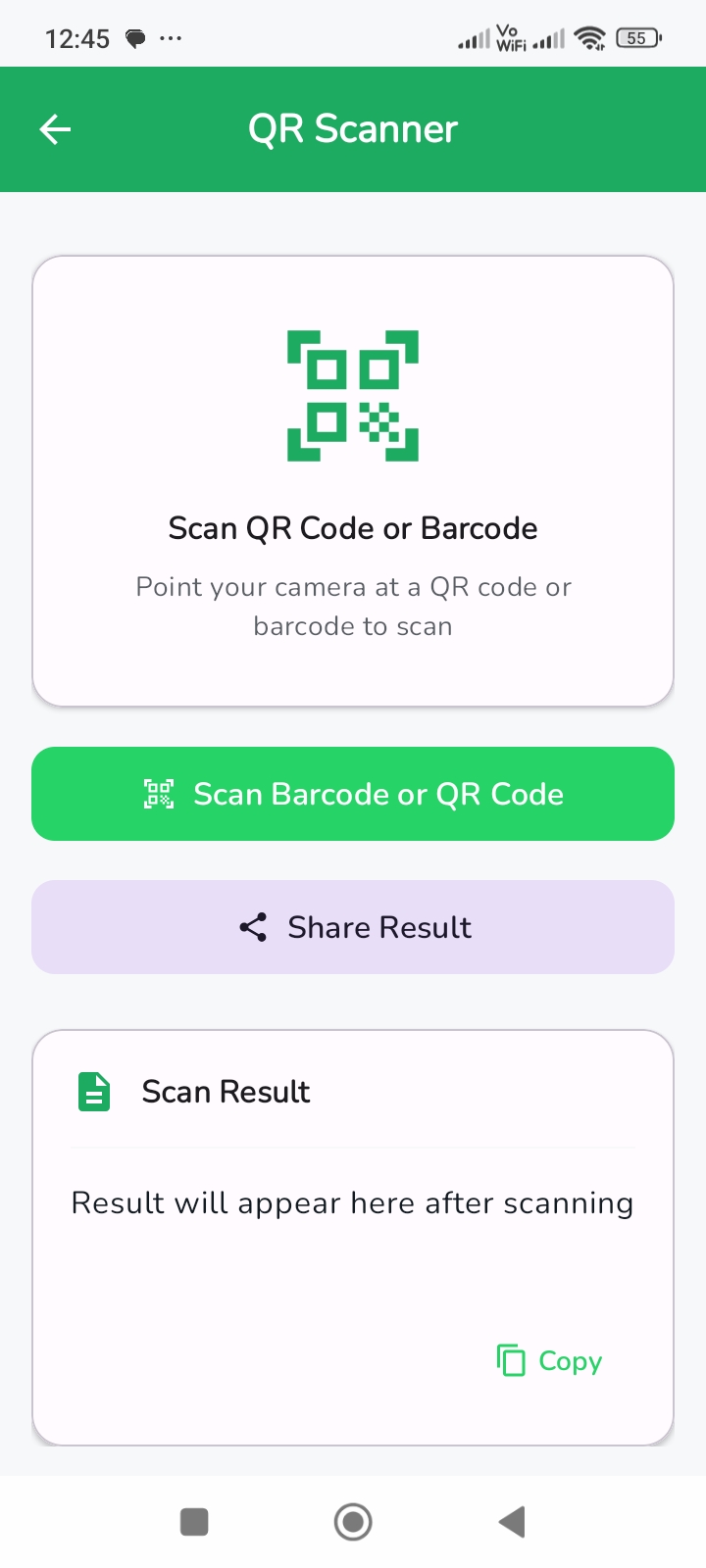
QR Code Scan Screen
-
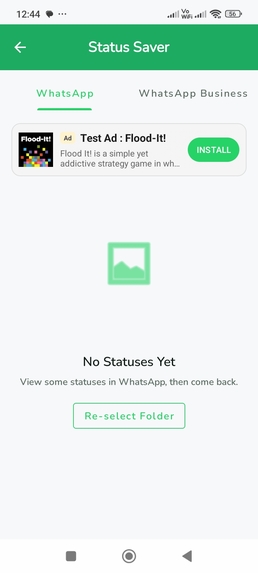
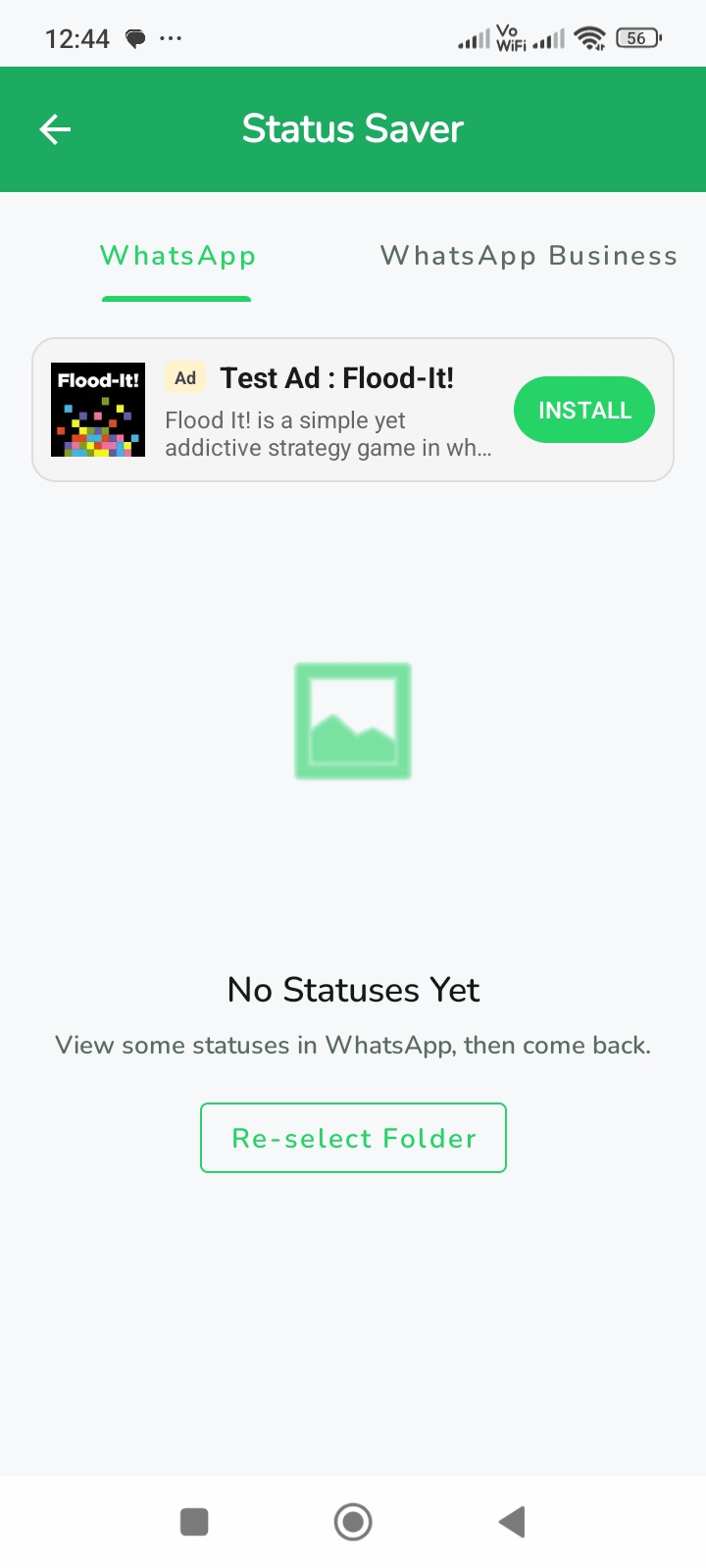
Status Viewer Screen
-
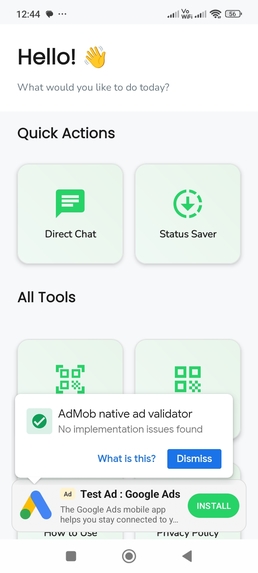
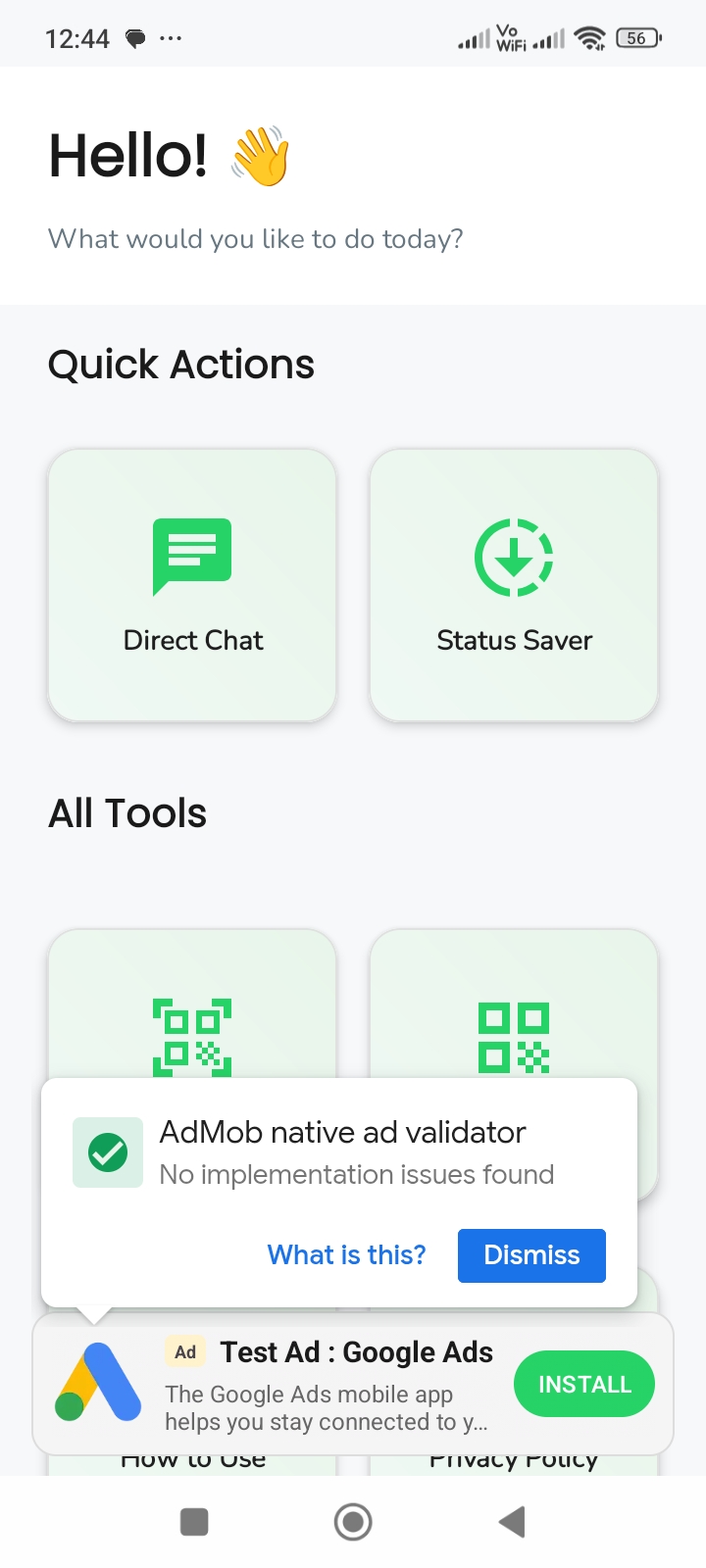
Main Screen
-
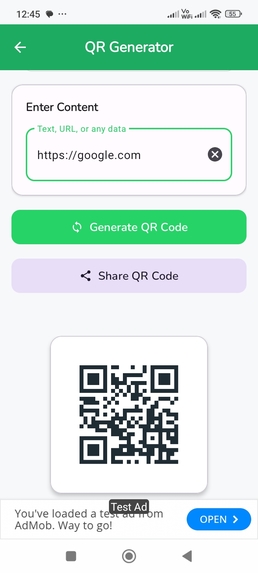
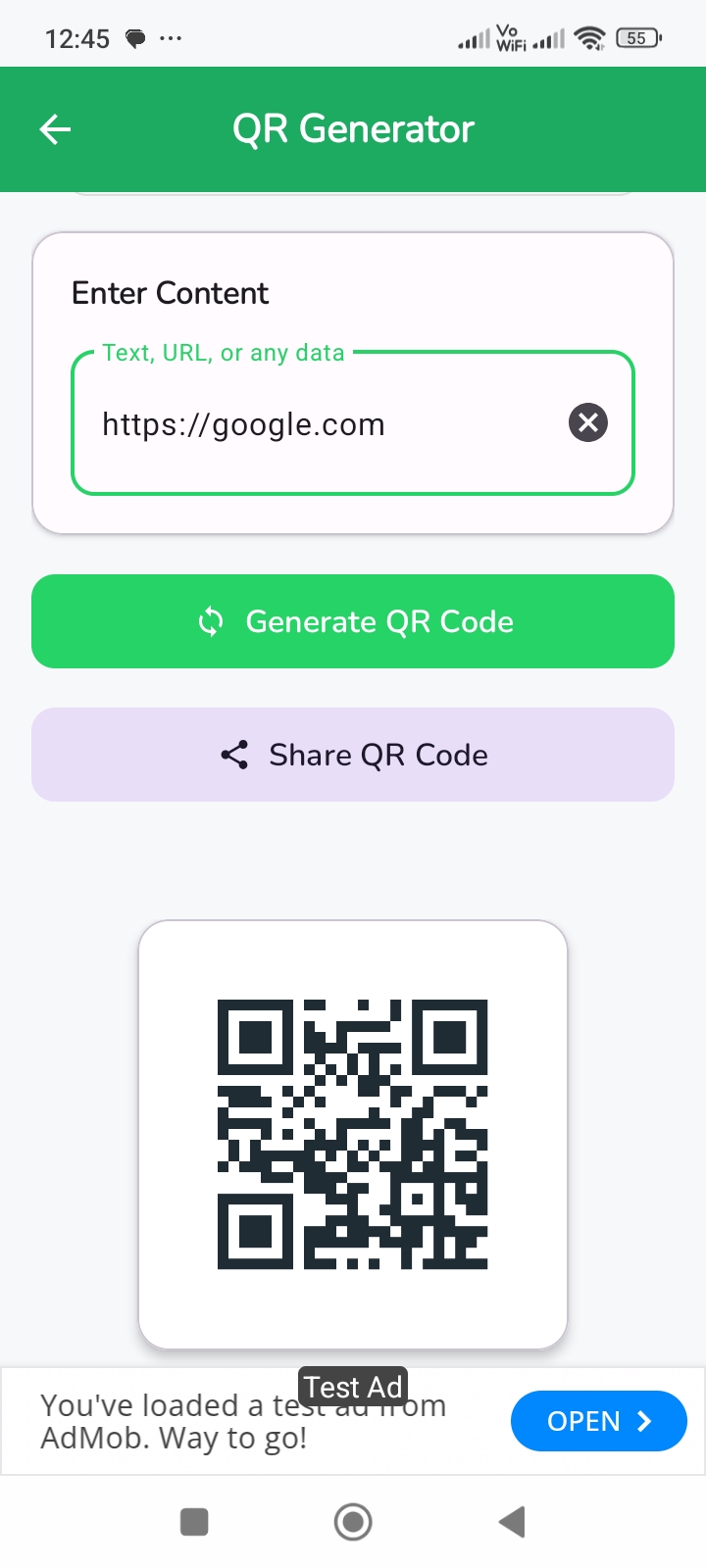
QR Code Generate Screen
-
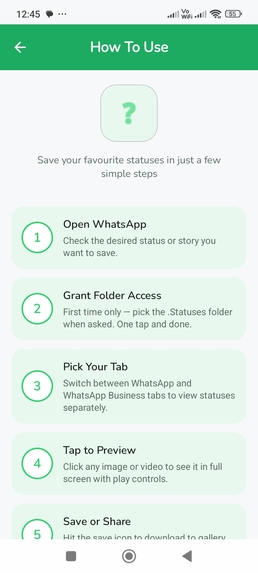
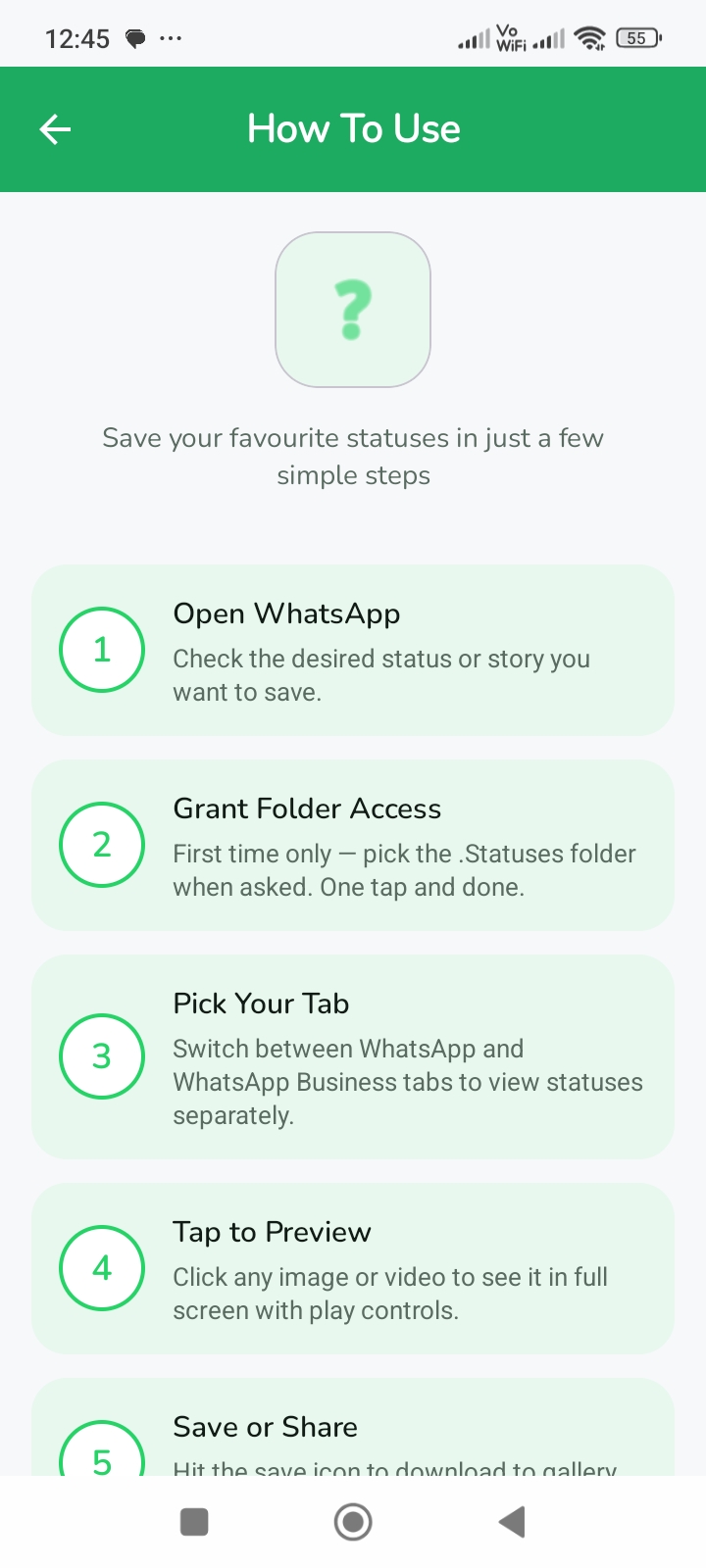
How To Use Screen
-
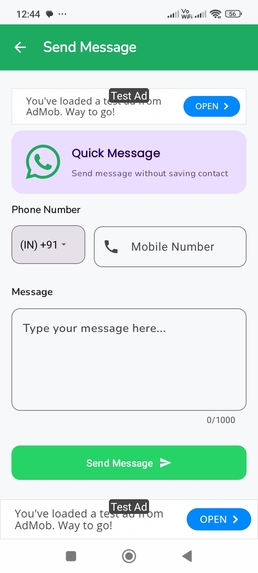
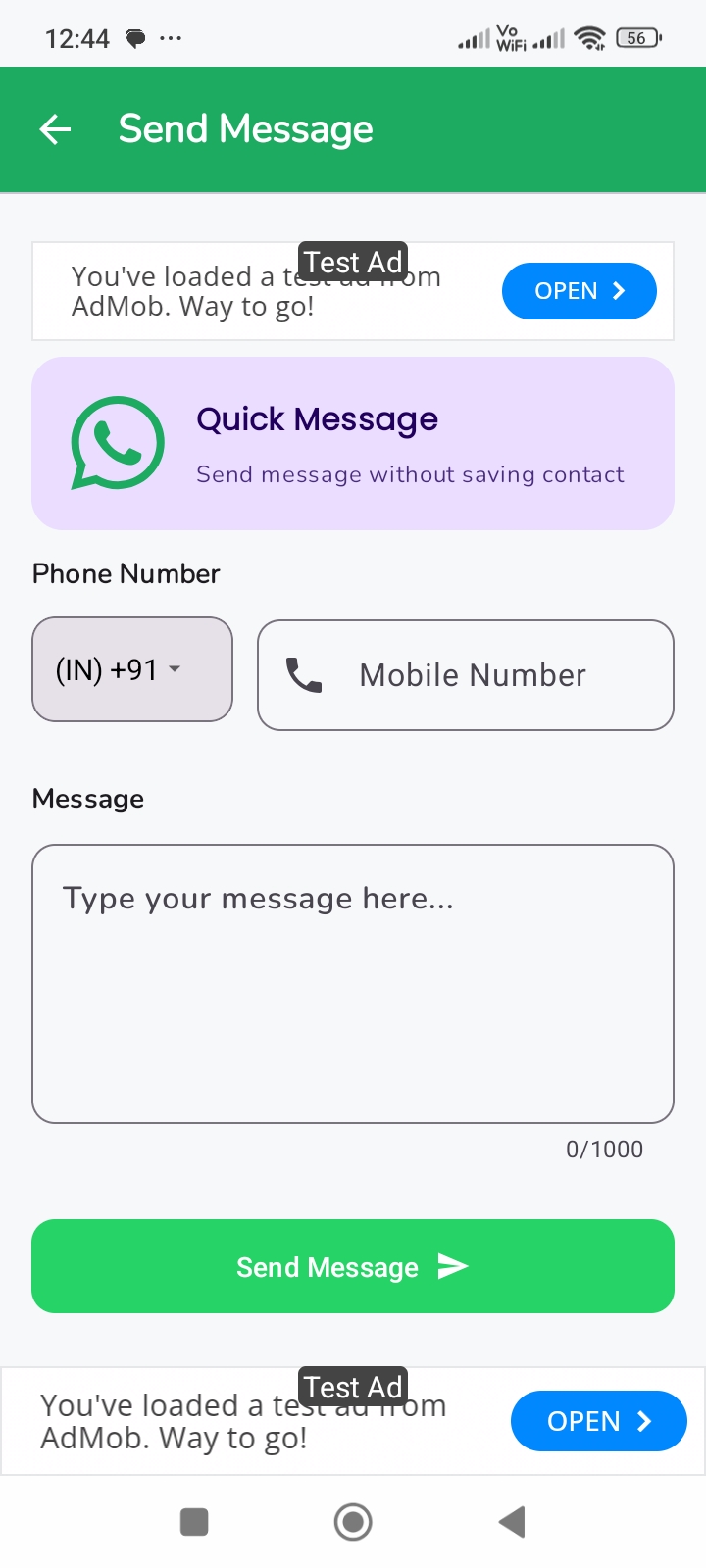
Direct Chat Screen
-
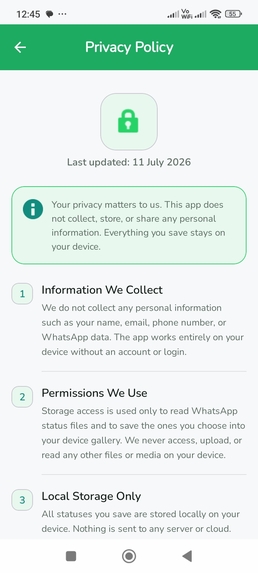
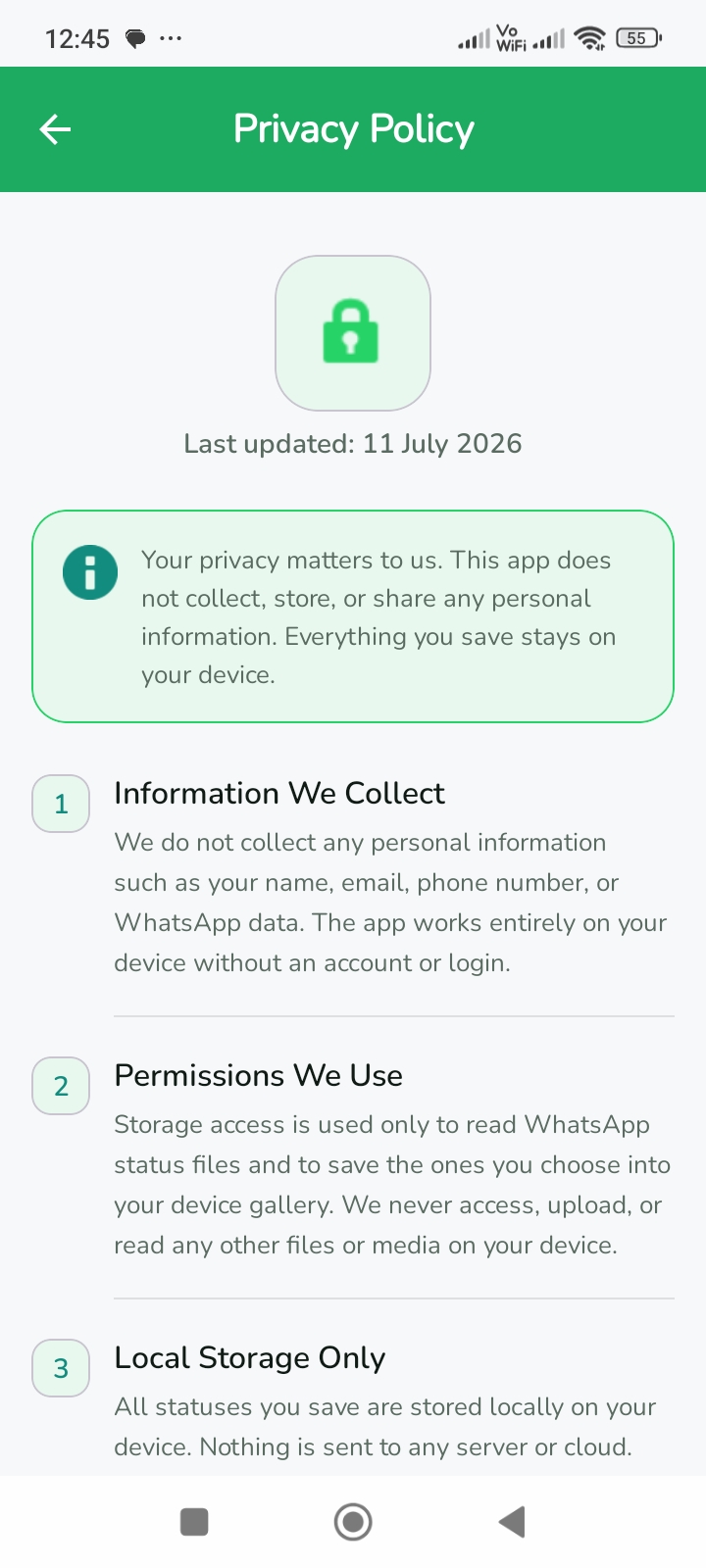
Privacy Policy Screen
-
App Logo 1024X1024
Inspiration
WaKit was created to make common messaging-related tasks faster, simpler, and more convenient through one lightweight Android app.
One of the main inspirations behind WaKit was how temporary statuses can sometimes contain meaningful moments. A status shared by a loved one, friend, or family member may disappear before you get another chance to view it. WaKit addresses this by keeping detected statuses available inside the app for up to 3 days, giving users more time to revisit, view, save, or share the moments that matter to them.
Users also often need to contact someone without permanently saving their number, or quickly exchange information using QR codes. Instead of requiring separate apps for each task, I wanted WaKit to bring these useful everyday tools together in one simple experience.
A status may last only a short time, but the moment behind it can be worth keeping.
What it does
WaKit is an all-in-one utility toolkit designed to work with both WA and WA Business.
Its main features include:
- Status Viewer & Saver: View detected photo and video statuses and save them directly to the device.
- Up to 3-Day Status Access: WaKit keeps detected statuses available inside the app for up to 3 days, giving users extra time to revisit statuses from loved ones, friends, or family.
- Status Sharing: View, save, share, or repost statuses directly from WaKit.
- Direct Chat: Start a conversation with any phone number without first saving it to the device's contacts.
- QR Code Scanner: Quickly scan QR codes directly from the app.
- QR Code Generator: Generate QR codes and instantly share them with others.
- WA & WA Business Support: Status functionality supports both standard and Business versions.
The goal of WaKit is to bring frequently used messaging utilities into one clean, fast, and easy-to-use Android application.
How we built it
WaKit was built as a native Android application using Kotlin and XML, allowing the app to deliver a fast and responsive experience while integrating closely with Android's native capabilities.
One of the most important parts of the implementation was storage access. Instead of relying on unrestricted access to a user's files, WaKit was designed around Android's Scoped Storage model and modern storage APIs. This allows the app to access only the files and locations required for its functionality while respecting user privacy and Android's security model.
The status system detects and organizes relevant media so users can conveniently view their recently accessed statuses inside WaKit and keep them available for up to 3 days.
Android's native sharing capabilities are used to let users quickly share saved media and generated QR codes with other supported applications.
The Direct Chat feature creates the appropriate messaging link from a user-provided phone number, allowing a conversation to be opened without requiring the number to be permanently stored in contacts.
The application also includes QR code scanning and generation functionality for quickly exchanging information.
For monetization, RevenueCat Ads SDK was integrated into WaKit, providing a modern way to incorporate monetization into the application while keeping the core user experience simple.
Challenges we ran into
One of the biggest challenges was working with Android's evolving storage restrictions. Different Android versions handle storage permissions, media access, and file locations differently, so building a reliable status-saving experience required careful implementation around modern Android storage APIs.
Another major challenge was testing WaKit across different Android devices and OS versions. Device manufacturers sometimes implement storage behavior differently, which meant the same storage workflow could behave differently across devices. Testing on multiple devices helped identify these differences and improve compatibility.
Supporting both WA and WA Business added another layer of complexity because their media locations and behavior needed to be handled correctly while still respecting Scoped Storage restrictions.
Another challenge was implementing the 3-day status experience in a way that remained simple for users while efficiently managing local media.
Throughout development, the focus was on balancing functionality, compatibility, performance, and user privacy.
Accomplishments that we're proud of
One of the biggest accomplishments with WaKit is bringing several useful everyday tools together in one lightweight Android application without making the experience complicated.
I'm particularly proud of:
- Building WaKit as a fully native Kotlin Android application
- Supporting both WA and WA Business
- Allowing users to view, save, and share statuses
- Keeping detected statuses accessible inside the app for up to 3 days
- Creating a privacy-conscious storage implementation using Android's Scoped Storage
- Supporting Direct Chat without requiring users to save temporary contacts
- Building QR code scanning, generation, and direct sharing functionality
- Testing and improving compatibility across different Android devices and versions
- Integrating RevenueCat Ads SDK for monetization
- Maintaining a clean, fast, and straightforward user experience
Turning these separate utilities into a single cohesive application while working within modern Android privacy and storage restrictions is something I'm especially proud of.
What we learned
Building WaKit provided valuable hands-on experience with modern Android development, particularly Kotlin, XML, Scoped Storage, media handling, Android permissions, file management, app-to-app communication, and device compatibility.
Testing across different devices also reinforced how important it is to account for differences between Android versions and manufacturer-specific implementations rather than assuming that every device handles storage in exactly the same way.
Another important learning experience was integrating the RevenueCat Ads SDK. It gave me practical experience implementing monetization infrastructure while keeping it integrated cleanly with the application's existing architecture and user experience.
Most importantly, developing WaKit reinforced the importance of balancing useful functionality with privacy, performance, simplicity, and Android platform requirements.
What's next for WaKit – Status Saver & Chat
WaKit will continue evolving beyond its current status, Direct Chat, and QR utilities.
One of the next major features planned is a Collage Maker, allowing users to combine their favorite photos into customizable collages directly inside WaKit.
I also plan to expand WaKit with a social media media downloader, where users can provide supported social-media links to conveniently download available videos and images from multiple platforms in one place.
Future development will also focus on:
- Expanding the Collage Maker with layouts and customization options
- Supporting video and image downloads from additional social platforms
- Improving status media management
- Expanding QR tools and sharing capabilities
- Improving performance across more Android devices
- Refining the user interface and overall user experience
- Continuing to improve monetization through RevenueCat
The long-term goal is to evolve WaKit from a focused status utility into a broader, lightweight media and communication toolkit while keeping the experience fast, simple, and privacy-conscious.

Log in or sign up for Devpost to join the conversation.