Inspiration
Unfit drivers are the cause of thousands of incidents on the roads which lead to injuries and deaths. Therefore, it is very important to take preventive measures against such incidents. Thinking about the same I came up with idea of drowsiness detection which will not eliminate the problem to zero but will decline the number of accidents
What it does
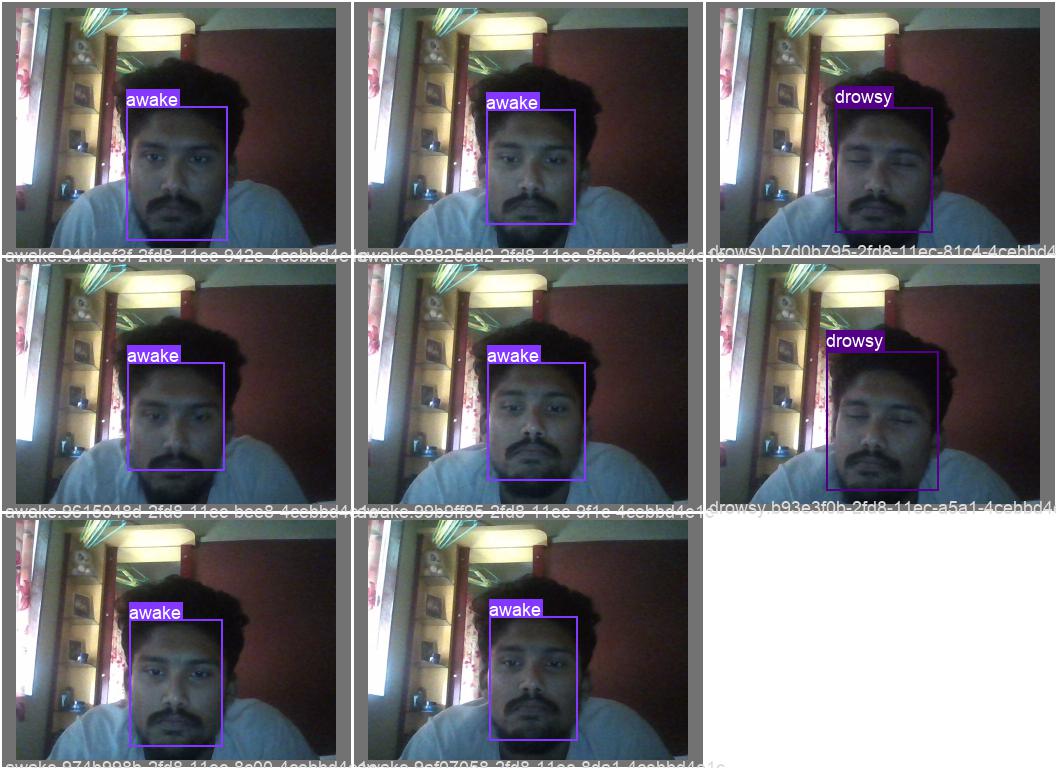
First, we have to fix the camera in such a way that our face I captured and visible in the camera frame as it is a detection model everything is dependent on your face gesture’s. Then the camera continuously takes a pic of your face and do process as per your model is trained. This process is done in nano second so the image taking is very fast and uncountable. So, we will go with individual picture captured by your placed camera. So the first thing that, your face picture is captured then the picture is normalize to its size then the model make detects your eyes and draw bounded rectangle shape around you face on image and check whether it is open or close eyes and annotate it or shortly labelled it as open or close
How I built it
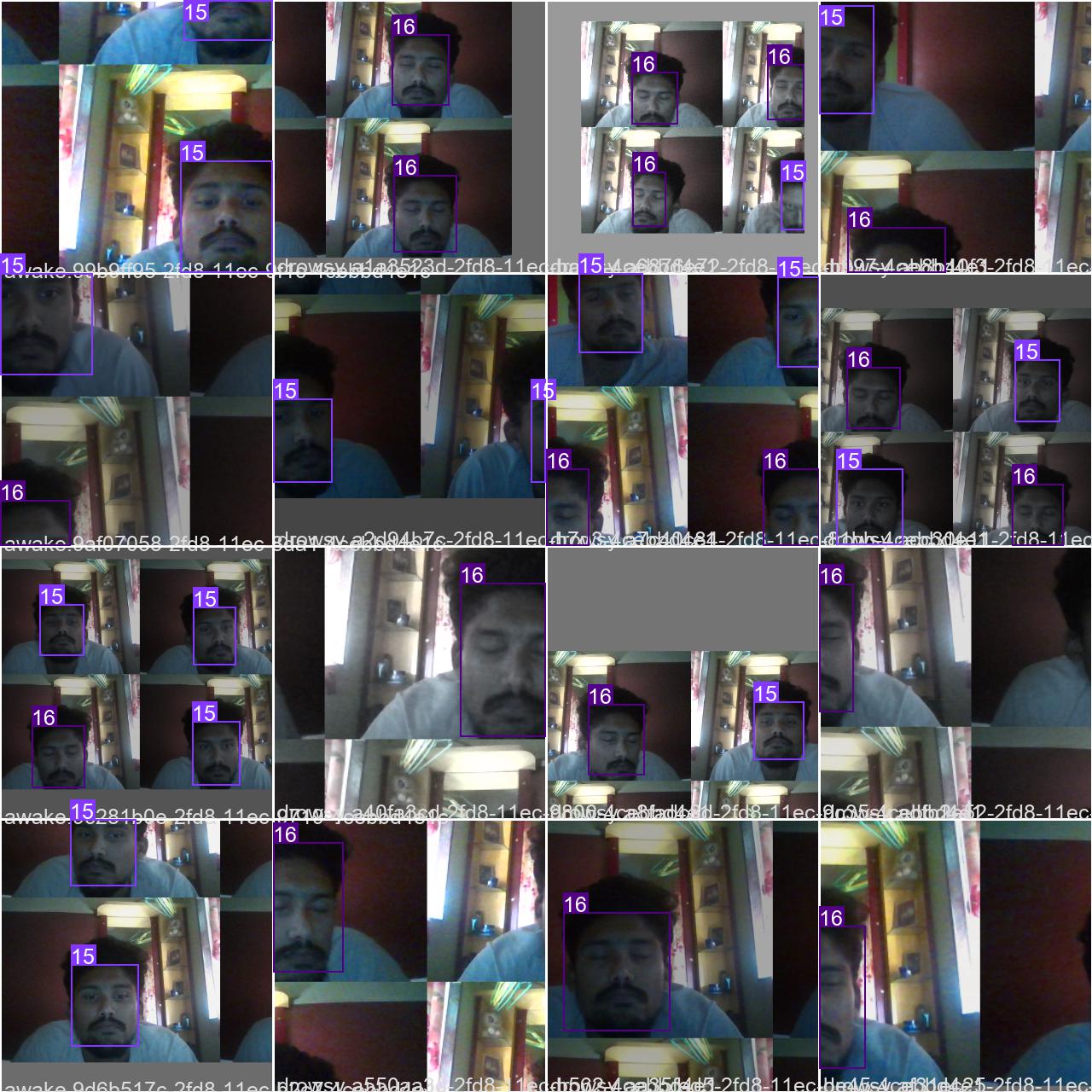
As the competition was based on PyTorch I have used YOLOV ** a PyTorch library to create a project. *YOLOV and the LABELIMG * is the back bone of my machine learning model. **YOLOV is well known for its object detection feature it provides. So, with the help of transfer learning, we have trained the yolov model to detect the eyes status of the picture. Firstly, we have to train the model that is to teach the model what are open and closed eyes so for this I have separated 20% of data for training propose and labelled them regarding to the eyes
Challenges we ran into
The biggest challenge was to run the data on the existing system because of the pandemic I was not able to get any alternatives. The system I have is basically of ryzen having Radedon graphics which create problem for image processing using GPU. The CUDA toolkit is dependable on NVIDIA graphic cards and its driver. As I was preferring PyCharm where I faced GPU related problem the best alternative is google Colab which offers free GPU just in this case you need the knowledge of APIs because for using webcam you need an API. I have uploaded on GitHub to check if the CUDA Is running properly or not because it is reason for prediction in PyCharm
Accomplishments that we're proud of
For me the accomplishments are never satisfied, here too the code was able to run on google colab but the issue of GPU was continuing on jupyter notebook so, I will solve the problem and upload a pure new project on GitHub as well as on new event organized by the hackathon.The main accomplishment that we found alternative for AMD processor that is CUDA and I was able to train max 50 epochs on me low capability system
What I learned
Winning the event have now become my second priority because while going through this event I have learned so many new things unexpectedly which made my base stronger in Artificial intelligence. Secondly, I have become familiar to many terms for e.g., CUDA, WANDB, WHEEL and the IDE such as jupyter-notebook, anaconda, google-colab .so I am thankful for the hackathon teammate and the event organizer i.e., Facebook to give this wonderful opportunity
What's next for wake-up
The further up-gradation will be related to detection rather than accuracy. Yes, accuracy is one of the main terms which depends on the training of the model but the main focus will be on the increasing the accuracy in drowsiness detection that is adding factors like yawning and creating alert system by giving the condition i.e. if the driver is in state of driving or sleeping
Datasets
Datasets I have used are two types that are live datasets that are created by my own using code and the second are the available datasets on the websites like kaggallink

Log in or sign up for Devpost to join the conversation.