-
-

Logo Wajum
-
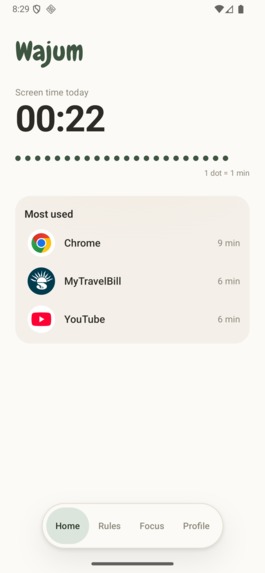
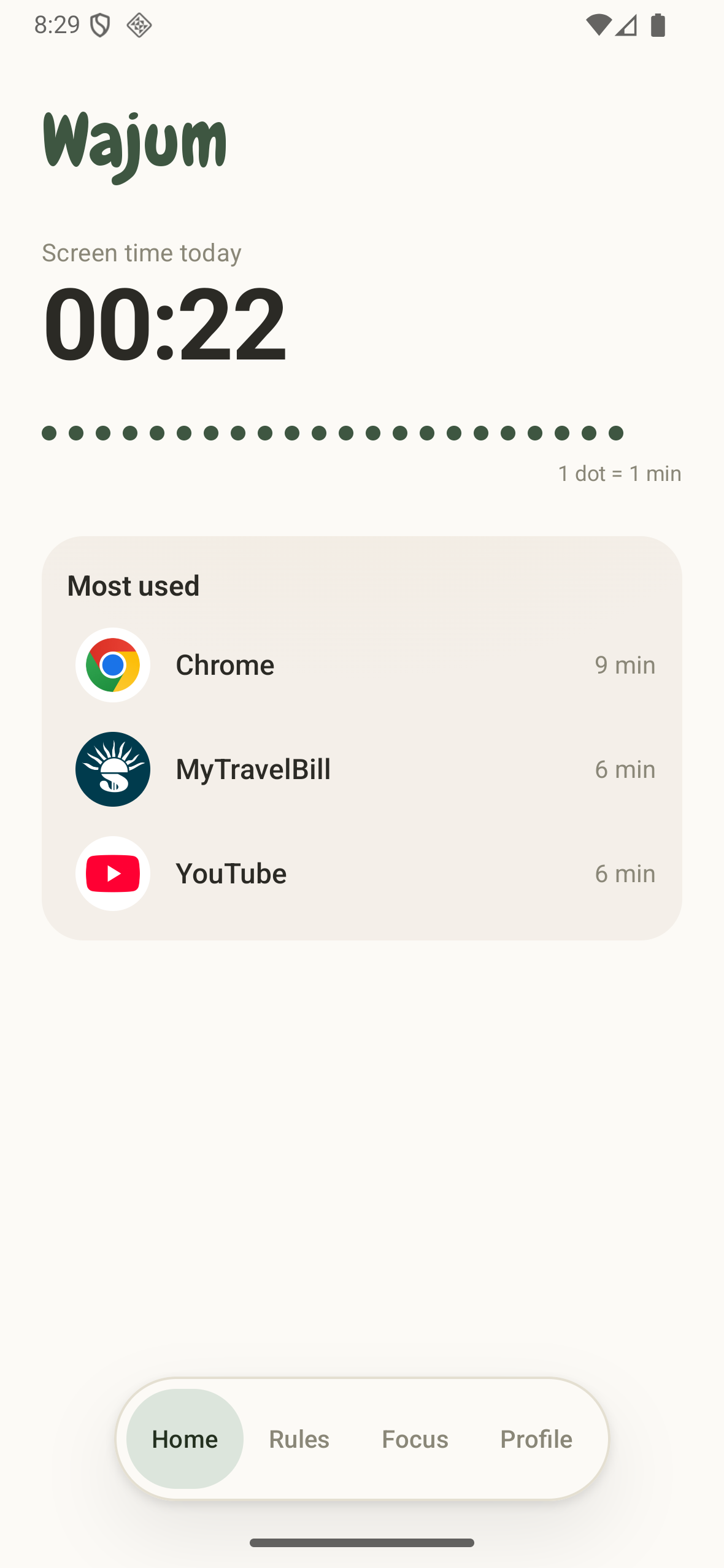
Home Screen
-
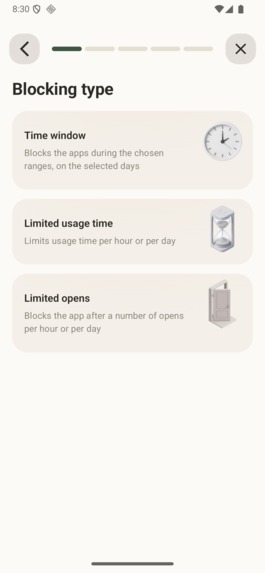
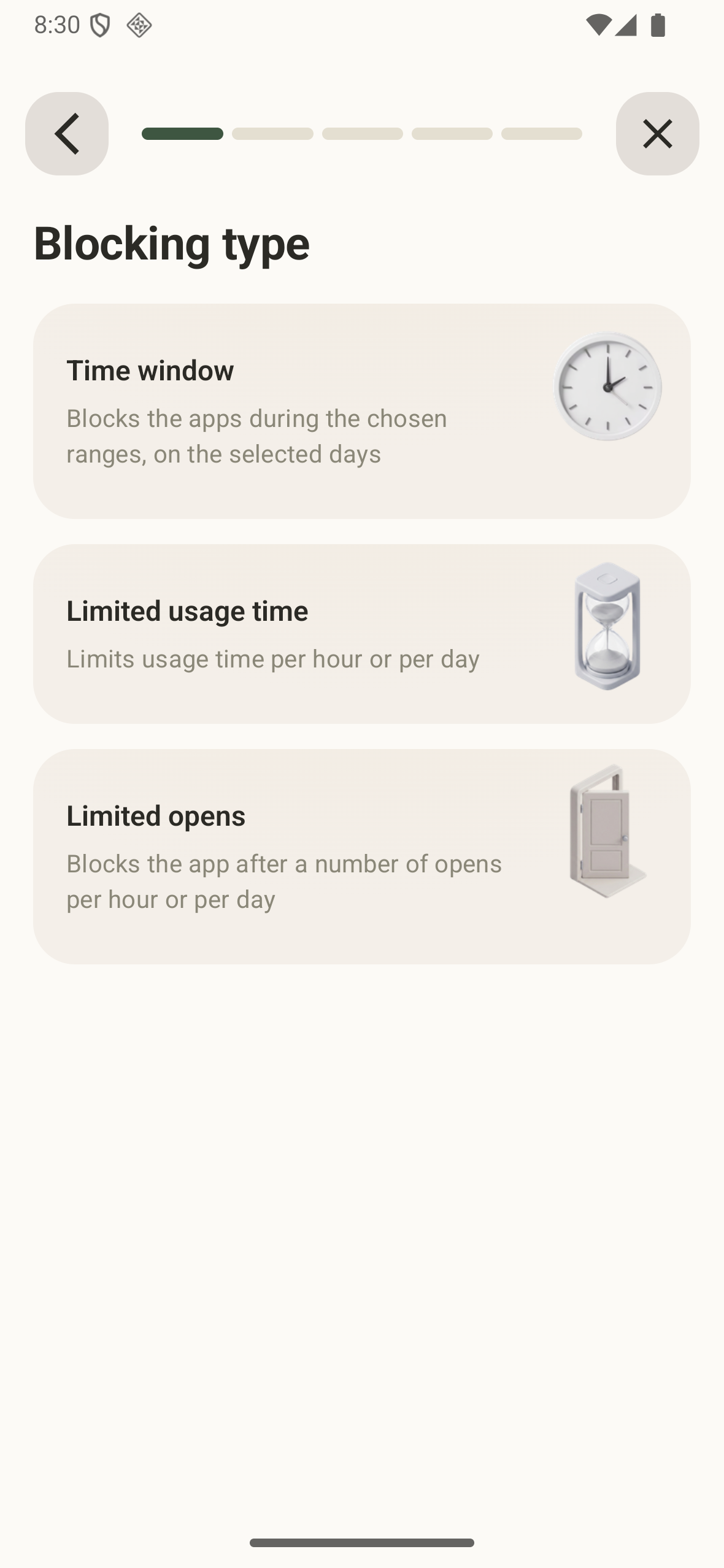
Blocking type
-
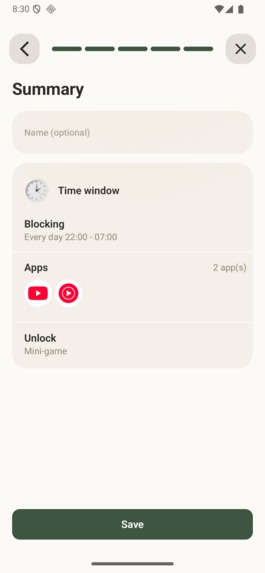
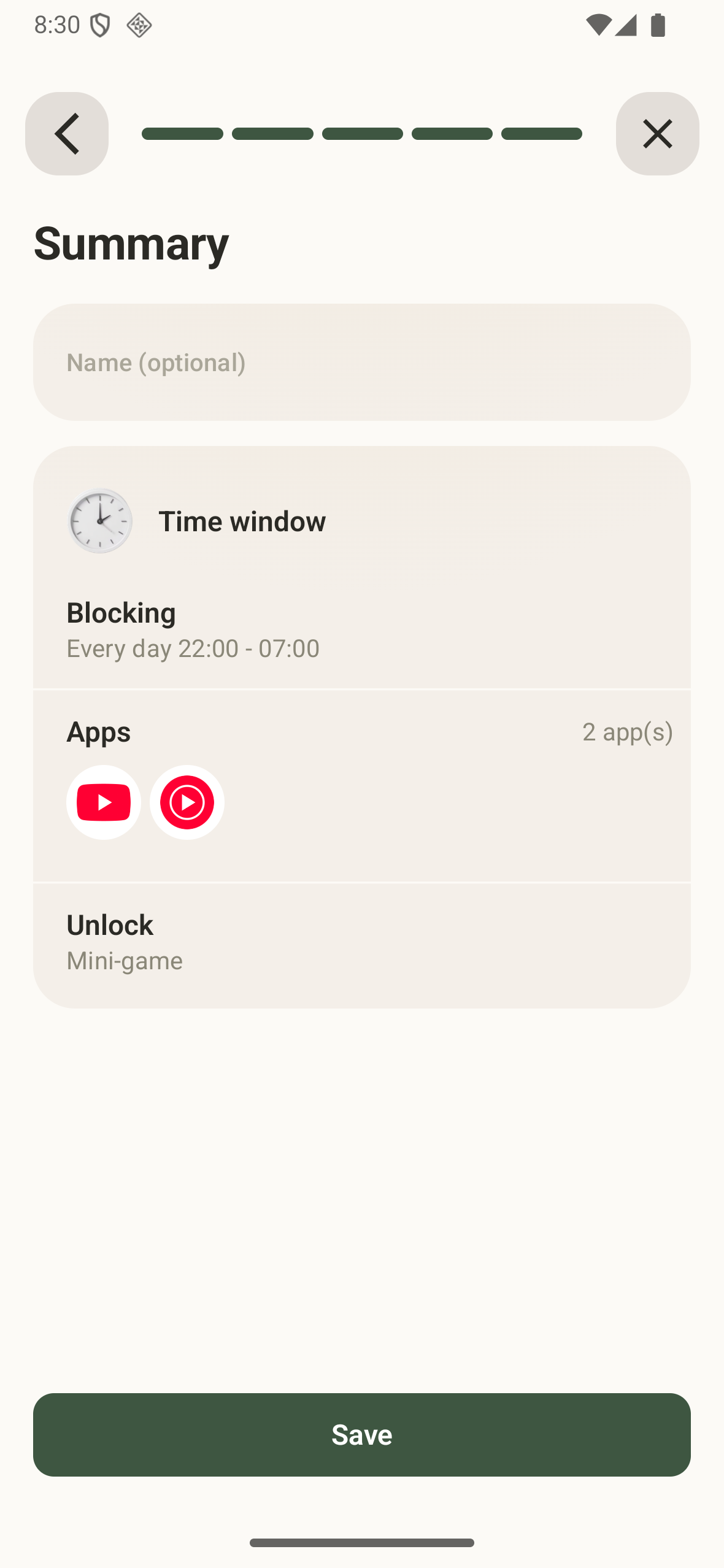
Summary
-
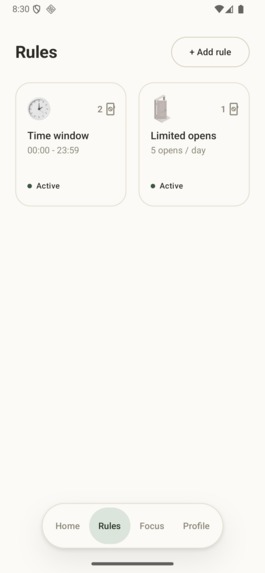
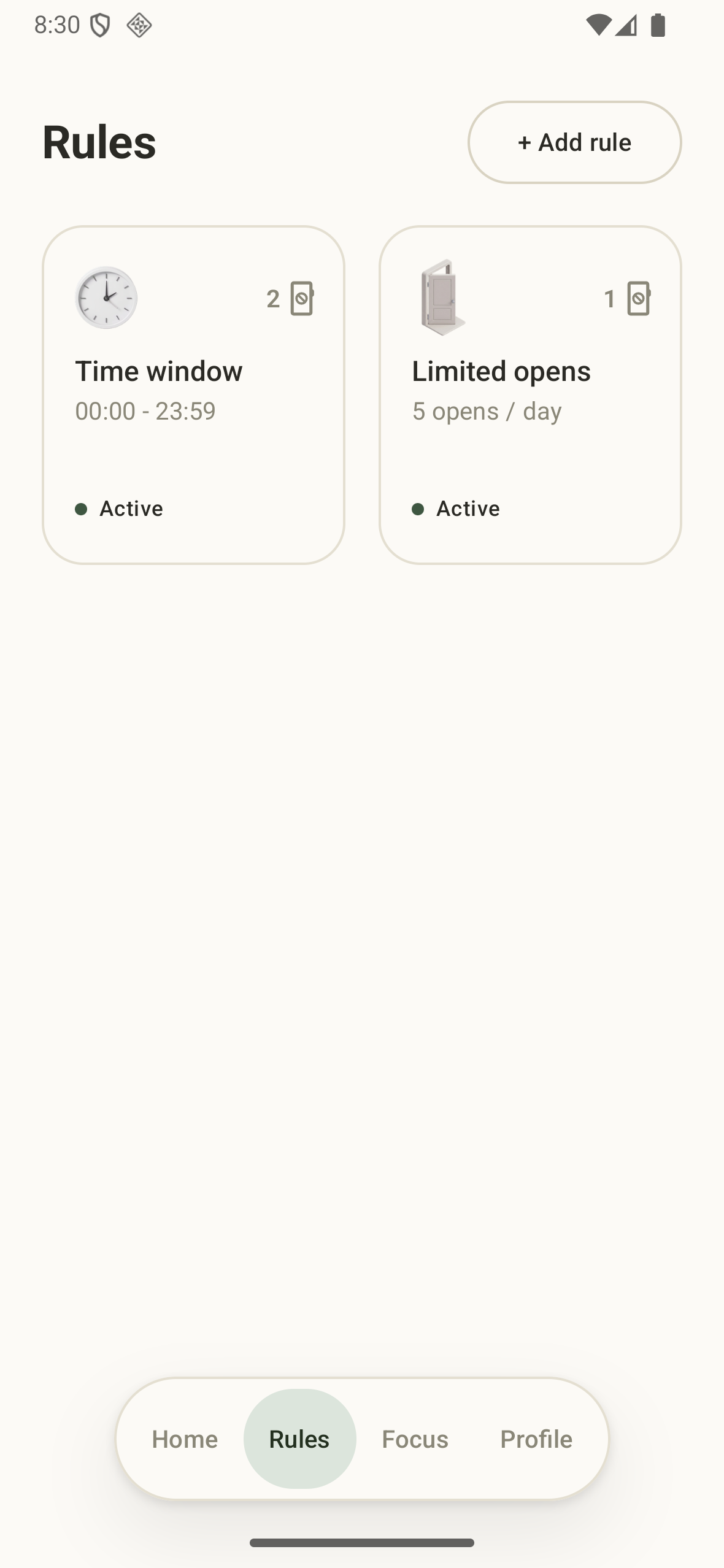
Rules screen
-
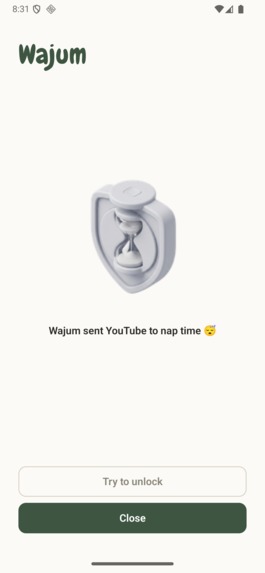
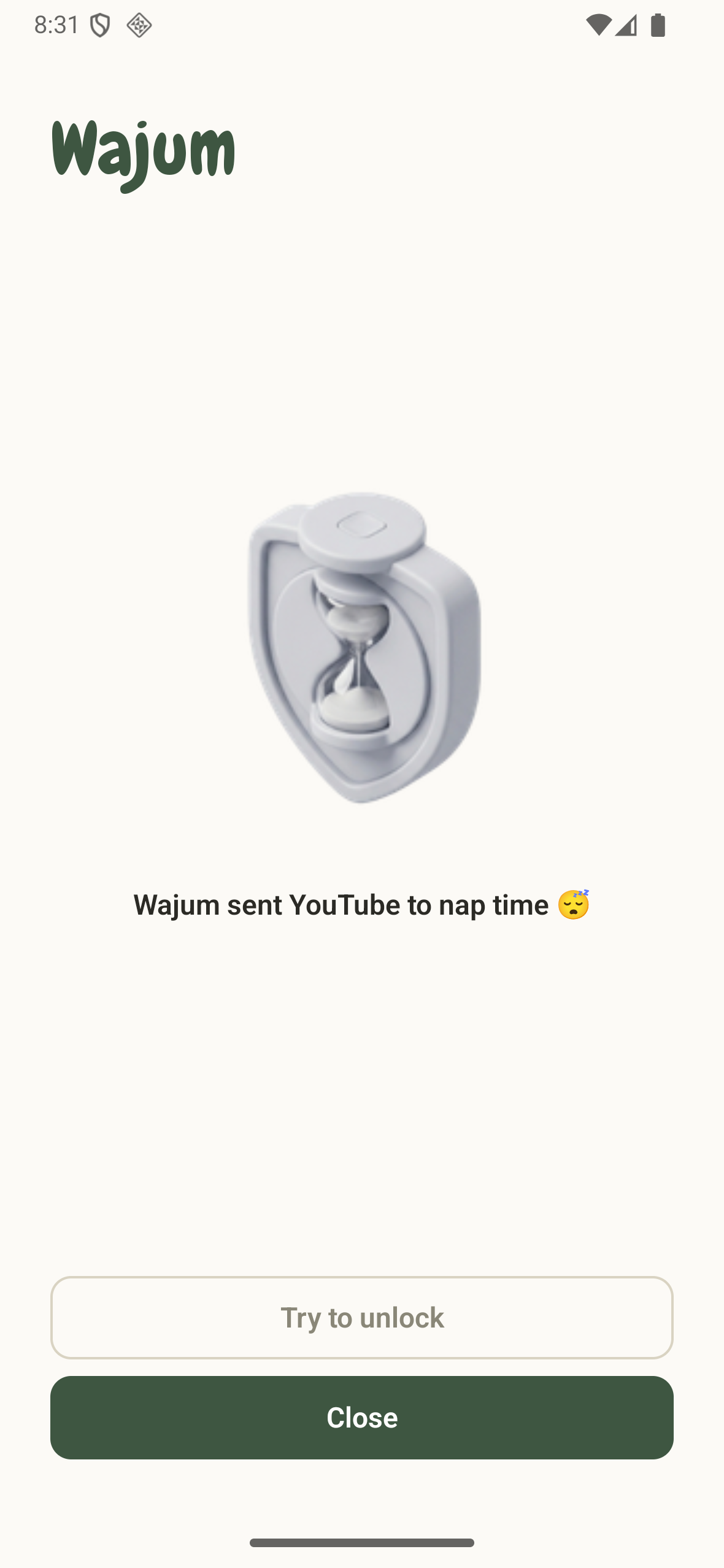
Android Shield
-
-
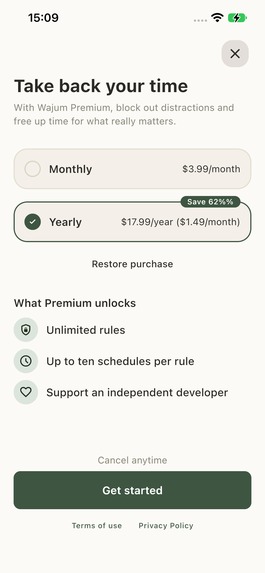
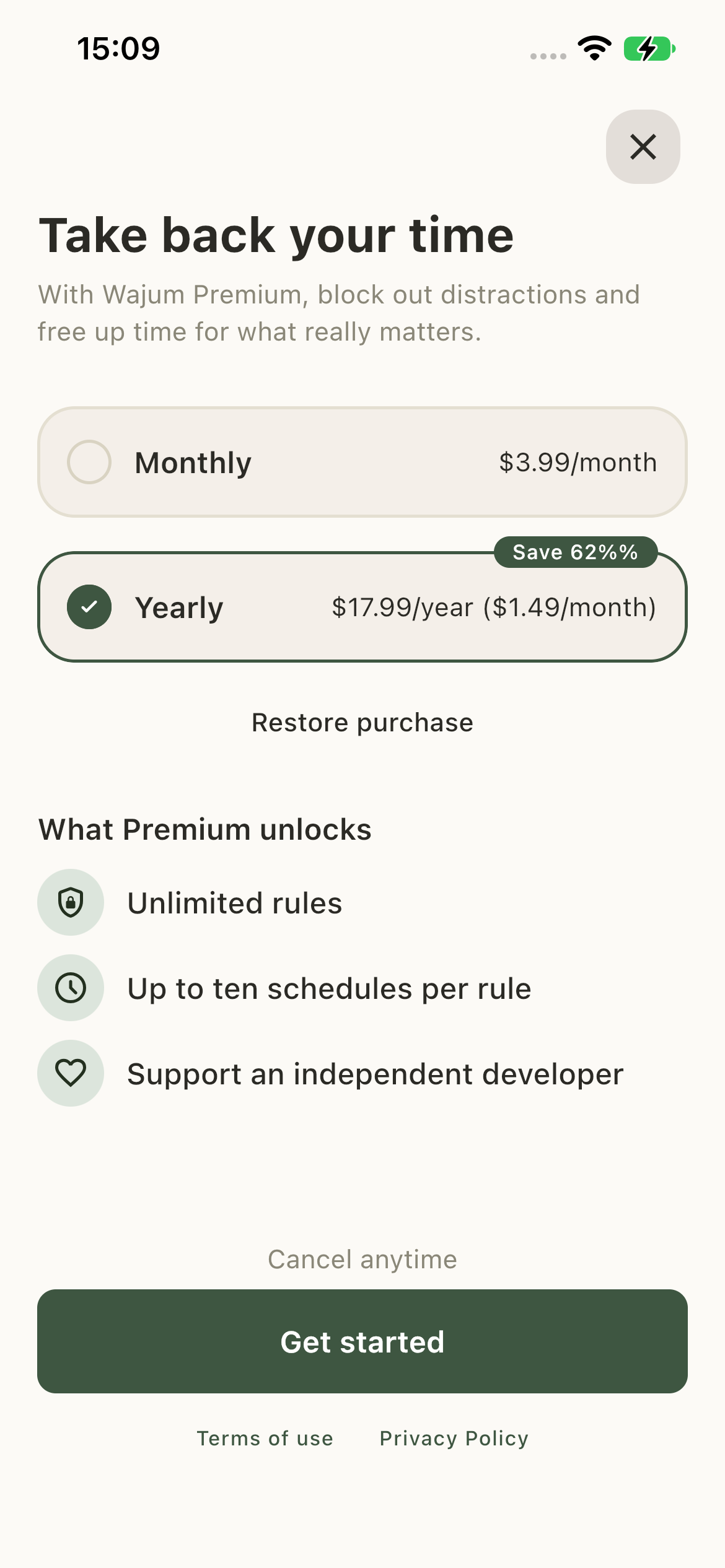
Paywall with RevenueCat
-
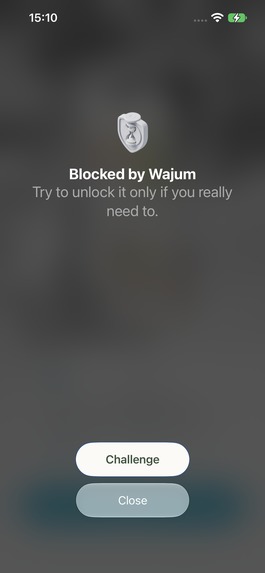
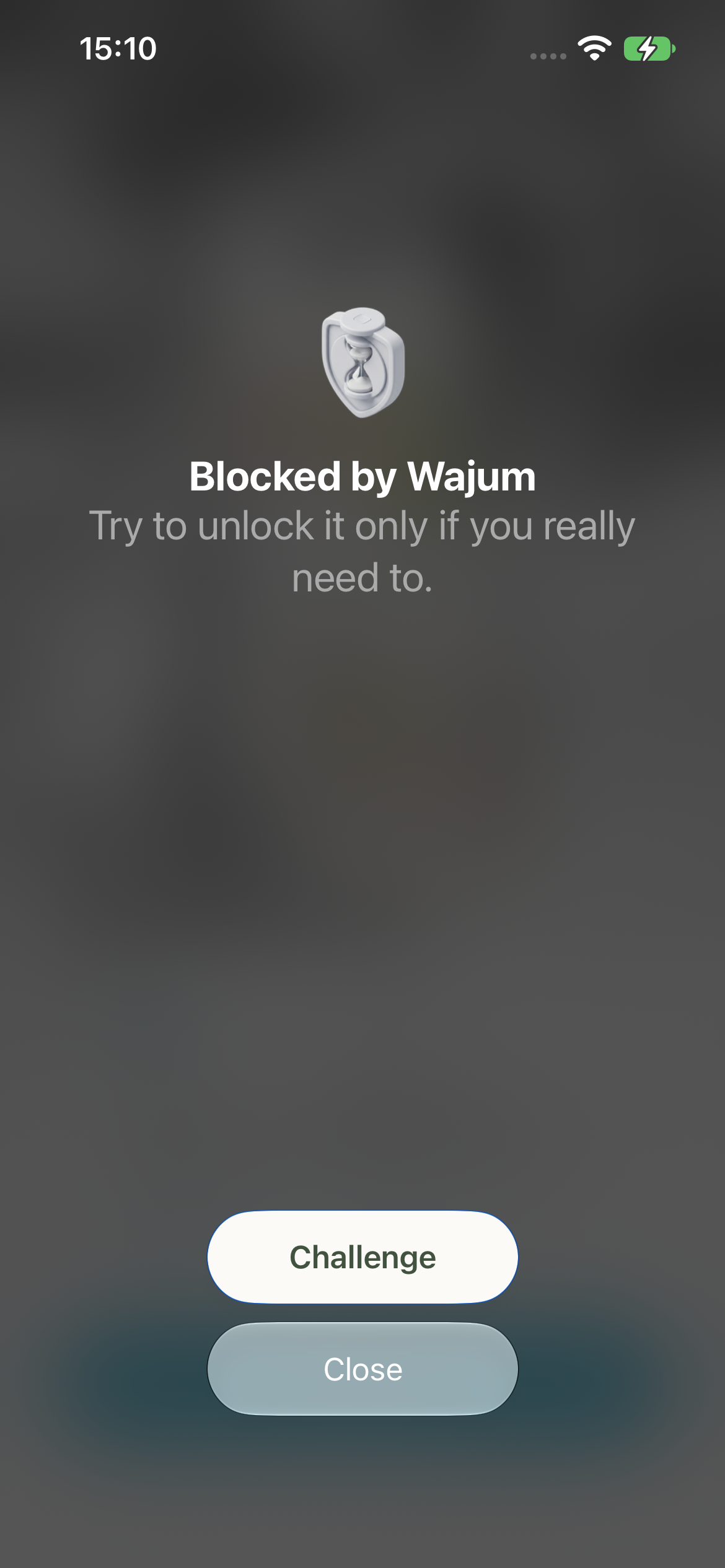
iOS Shield
-

Inspiration
I tried the app blockers that were already out there, and I kept running into the same two problems.
Some were built as hard walls. They worked at first, but within a week, I’d figured out how to turn them off. Others were “discipline apps” that treated me like I was fighting against myself.
What I wanted was something in between: a small moment of friction, right when I reached for an app on autopilot.
But the friction couldn’t be predictable. If you always know what’s coming, you simply learn to work around it. So in Wajum, the friction is deliberately unpredictable. Enough to interrupt the reflex, without becoming another routine to get used to. That idea became Wajum.
What it does
Wajum lets you choose the apps you want to manage and set simple rules: a daily time limit or a specific time window.
Each rule comes with one of two unlock modes:
- Strict block : The app stays locked until the rule ends. Ideal for bedtime or other moments when you simply don’t want access.
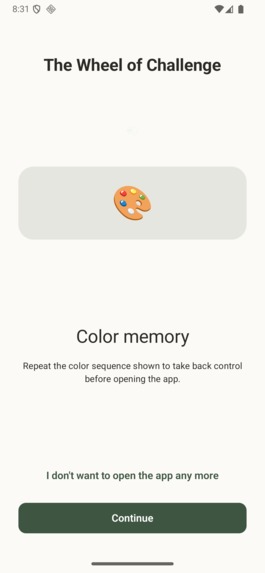
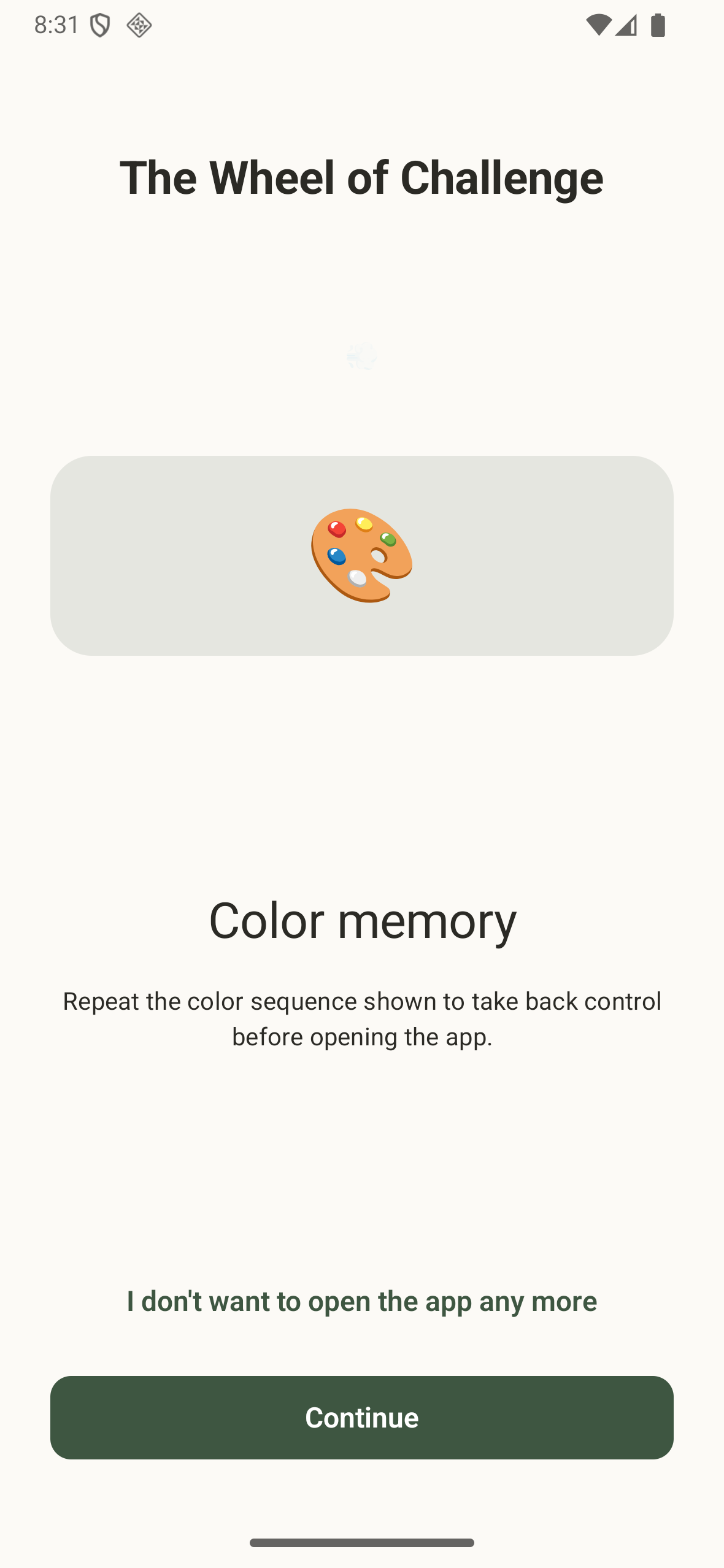
- Friction : Instead of blocking you outright, Wajum puts a short, random exercise between you and the app: guided breathing, mental math, color memory, a reaction-time test, or push-ups. Complete it, and you get a short window of access.
The friction is deliberately unpredictable, so you can’t simply learn the pattern. And every time you unlock the app, the next challenge gets slightly harder. The more you keep going back, the more effort it takes. Creating just enough friction to break the habit loop without turning Wajum into a punishment.
How I built it
- App: Compose Multiplatform, giving me a shared codebase across Android and iOS.
- iOS: Apple’s Screen Time APIs, with a native screen to handle blocked apps.
- Android: An Accessibility Service running under the hood to detect and manage app launches.
- Payments: RevenueCat SDK for subscriptions and in-app purchases.
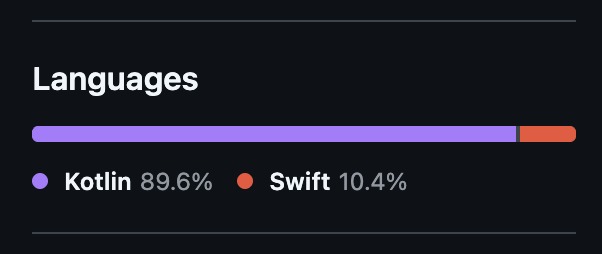
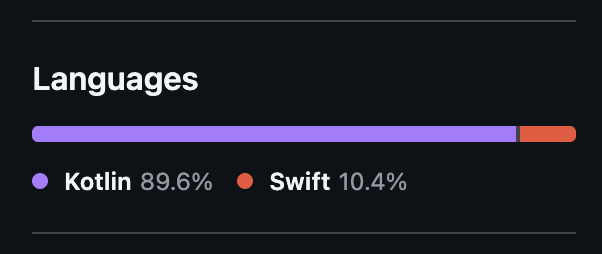
90% of the code is written in Kotlin, the rest is in Swift. For an app blocker, getting to 90% Kotlin is pretty unusual. The blocking layer is deeply tied to platform-specific APIs, so keeping most of the product in shared Kotlin code was one of the more interesting parts of building Wajum.
Challenges we ran into
- iOS Screen Time is a different world. The shield has to render instantly, and extensions run under strict memory limits. It also can’t query my shared rule engine. So before the shield ever appears, I precompute each app’s policy.
- The platforms are fundamentally asymmetric. Android gives me package names. iOS gives me opaque tokens that I can’t even read. Designing a shared data model that works for both, without leaking platform-specific concepts into the common code, took several rewrites.
- Store review. Google Play was another challenge. I went through a rejection round, fixed the issues, and got everything approved in the final days before the deadline.
- The tone. Making escalation feel like a nudge rather than a punishment was as much a design problem as a technical one. It influenced everything from the progression math to the onboarding copy.
Accomplishments that we're proud of
The push-up friction is pretty cool. I’ll definitely add squats next.
What we learned
KMP goes surprisingly far. Business logic, UI, and even billing can be shared across Android and iOS. The main exception is Apple’s Screen Time stack: the shield and related extensions have to live in Swift. Once I understood that this was an Apple platform constraint rather than a KMP limitation, the architecture became much clearer.
Small, well-timed friction beats hard walls. When the interruption feels fair, I don’t try to fight it or find a way around it. I just pause. And that’s exactly the point.
What's next for Wajum: App Blocker & Focus
- Add more friction
- Add more premium features
- Marketing (maybe tiktok)
Built With
- cmp
- kmp
- kotlin
- revenuecat
- swift

Log in or sign up for Devpost to join the conversation.