-
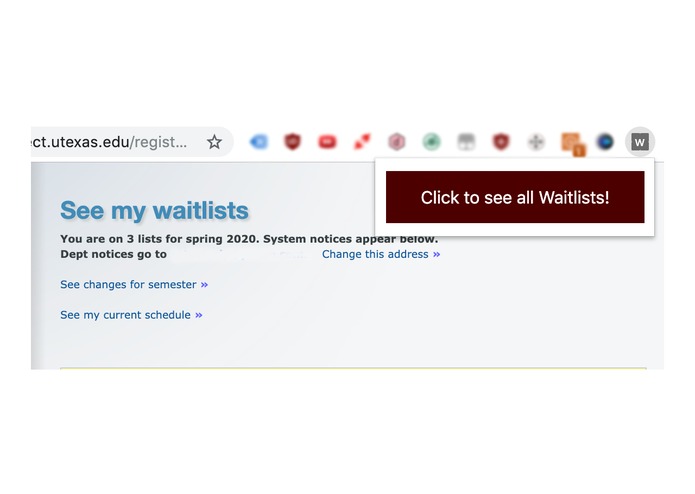
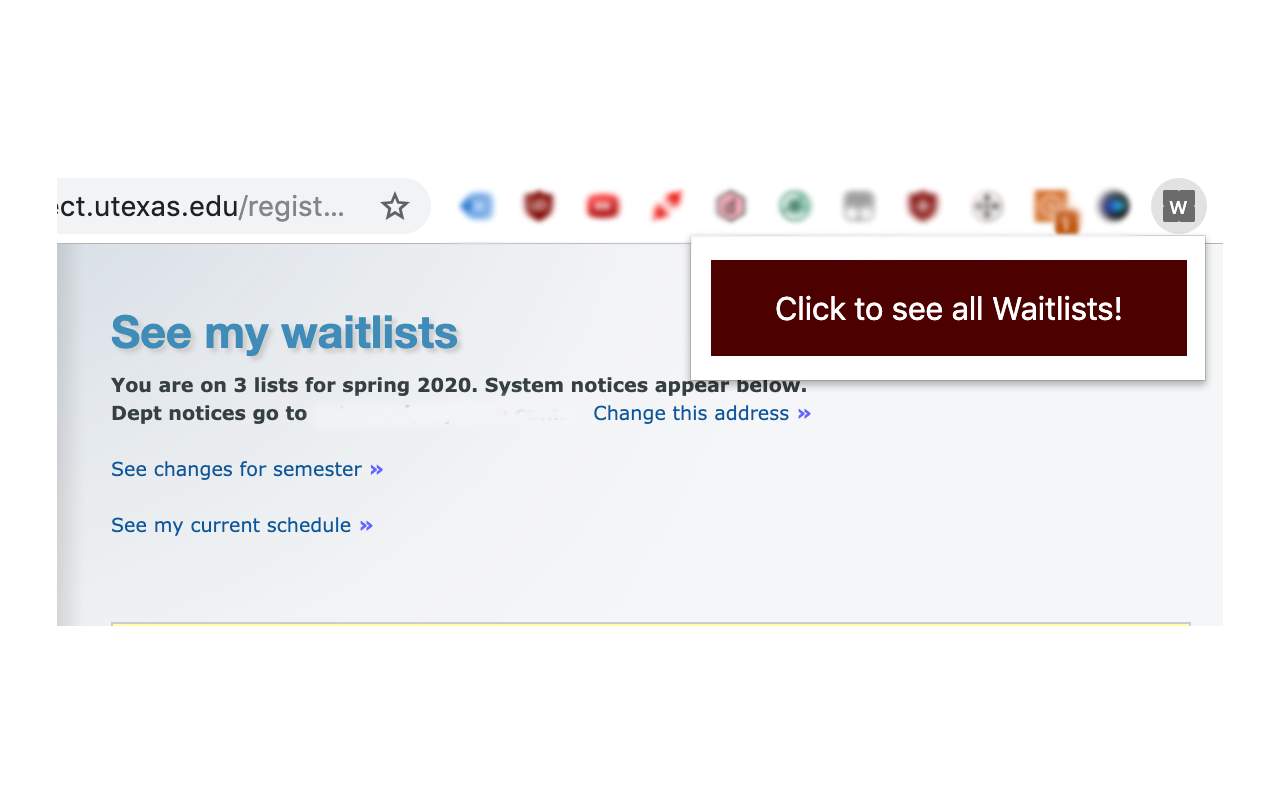
Our Chrome Extension
-
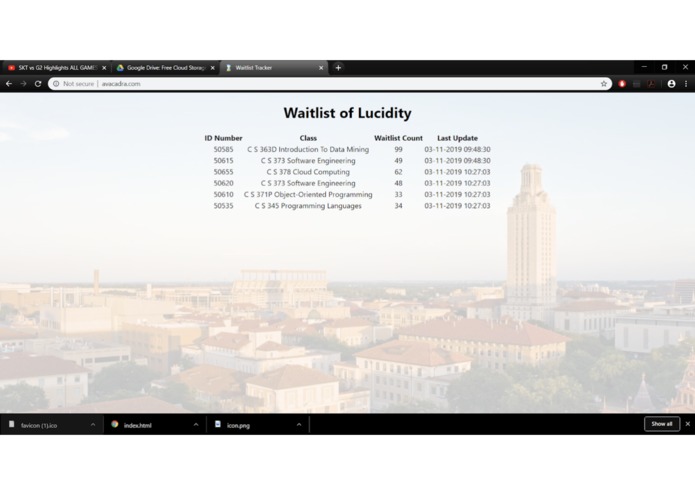
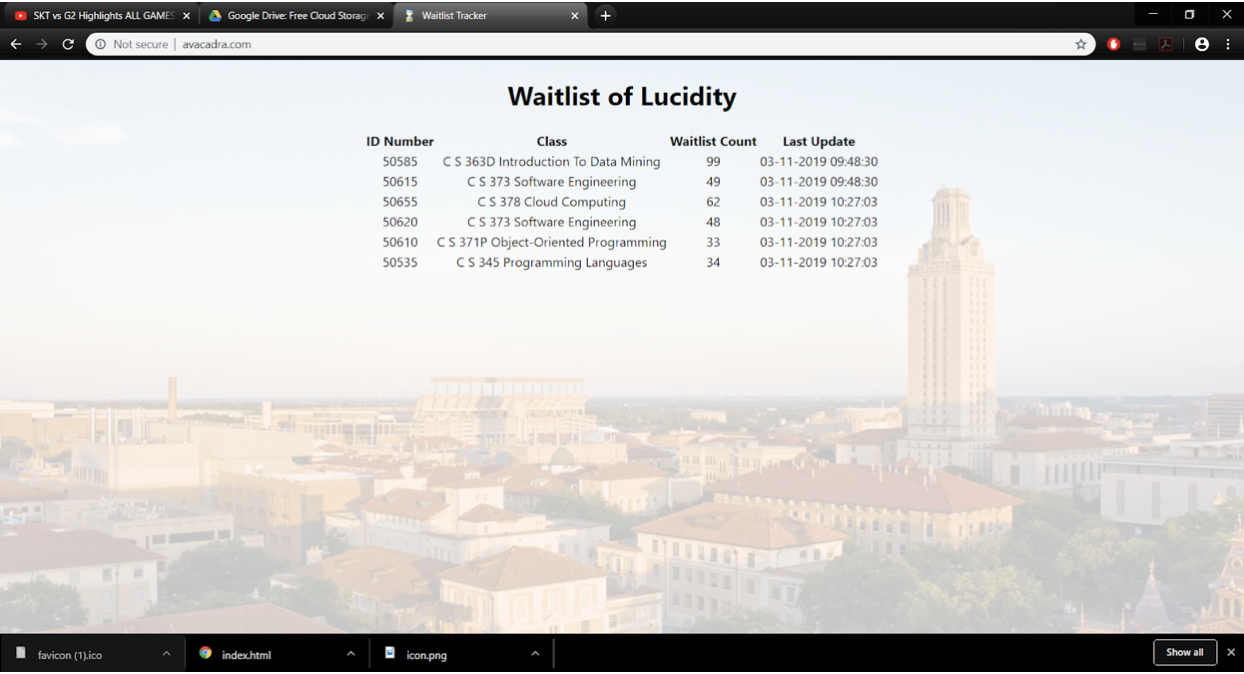
Our Web App
Inspiration
It's registration season at UT Austin again! In a time that's supposed to be filled with hope and excitement, however, many students dread the prospect of seeing all their classes fill up before they register, not knowing which section of a class has the shortest waitlist to sign up for because UT doesn't show the size of a waitlist until a student is already on it. For example, a student picking the waitlist for a class section at random could end up at spot #20. However, he wouldn't know that he could have signed up for a section with only 2 people on the waitlist. After seeing our classmates struggle over the years with getting the classes they need, we decided on a solution of transparency that would let everyone share with each other the sizes of all the waitlists they are on, ultimately enabling them to make an informed decision.
What it does
The extension populates a database with waitlist data whenever a user views their waitlists at https://utdirect.utexas.edu/registrar/waitlist/wl_see_my_waitlists.WBX Additionally, it links to a website that illustrates the data collected by all students using the extension. Information displayed includes the class' unique number, name, waitlist size, and how recently the size was updated.
How we built it
We used the MongoDB to create a database based on UT Austin's “See my waitlist” webpage. This database contains a unique number, the course name, current waitlist number, and last updated time for different classes. Each time a student using our extension visits “See my waitlists”, the chrome extension identifies the class information on the page and updates our database. We accomplish this by building an API in MongoDB Stitch to let the extension POST to the database without being able to access all fields. Additionally, we used a second API with HTTP GET to allow our web app to pull the data and present it. The web app was made using React, HTML, and JS, and was hosted on bluehost.
Challenges we ran into
We had initial difficulties with connecting the chrome extension to the MongoDB database. We eventually decided on using Stitch to act as an intermediary and run HTTP POST as an API call to send the scraped data. We also had to identify the most appropriate way to store and enter data without allowing for duplicate class unique numbers and updating the time stamp and size as necessary. Finally, we had challenges with deciding how to present the web app to a user of the extension. We ended up using a button in the extension menu as a link to the web app.
Accomplishments that we're proud of
We were able to add data to and pull data from MongoDB using API functions we made ourselves with Stitch. We have a working product with the potential to impact thousands of UT students for a better registration experience.
What we learned
We learned how to Create APIs in Stitch, Interact with databases, Scrape data from a website, Use the React library, Work with extensions in Chrome, and host our own web app.
What's next for Waitlist of Lucidity
Publication on Chrome Web Store in the next few days pending approval! Coming Soon: Integration with Twilio - See waitlist size by sending a text


Log in or sign up for Devpost to join the conversation.