-
-
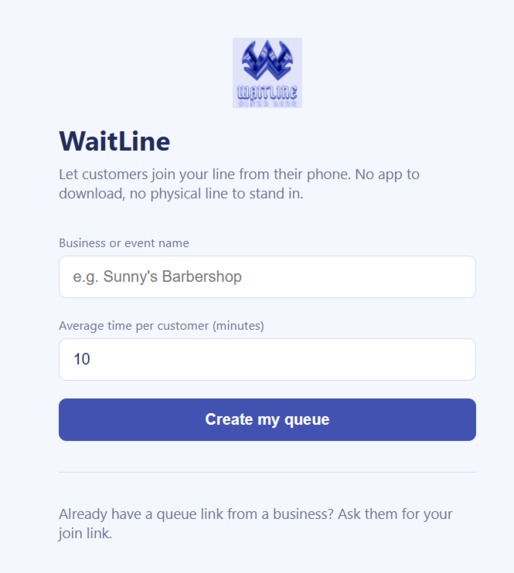
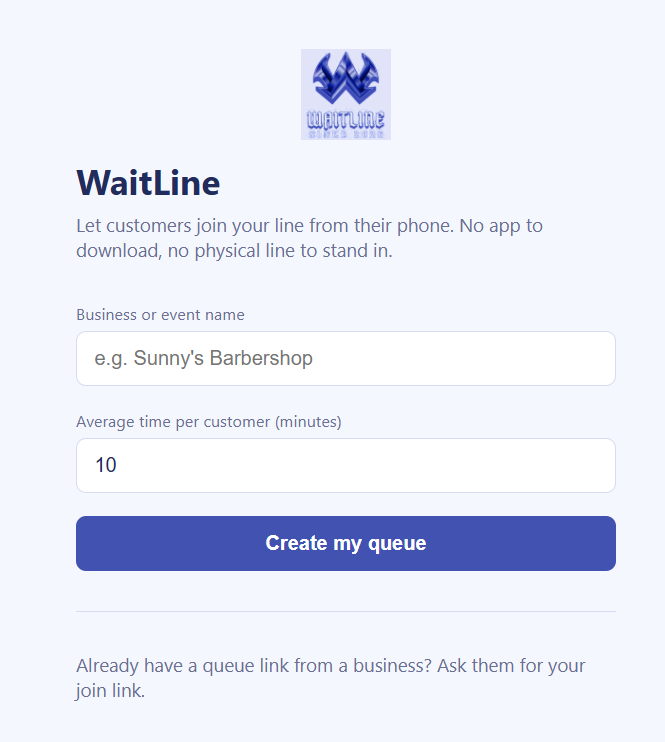
Business creation page: lets businesses enter their name and average service time to set up a new queue.
-
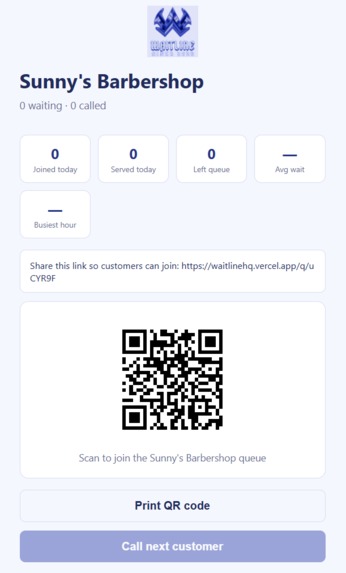
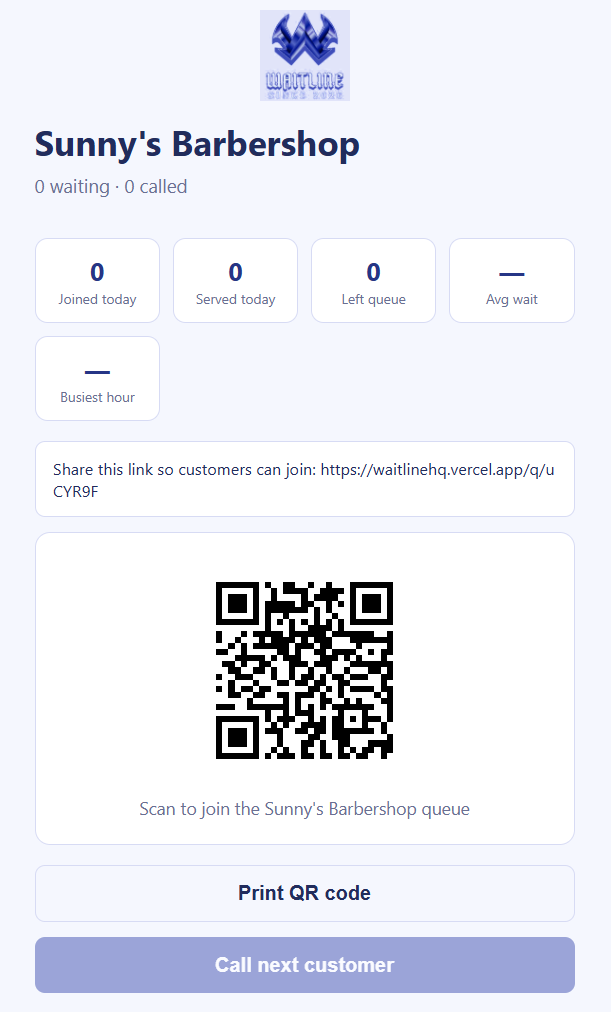
Main business dashboard: shows the queue, customer list, and controls.
-
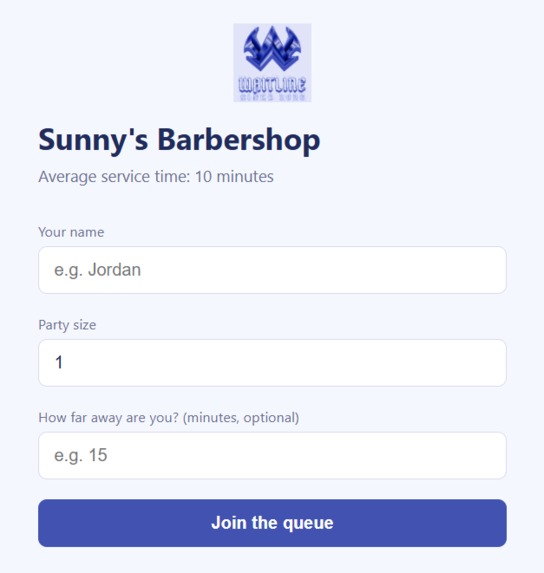
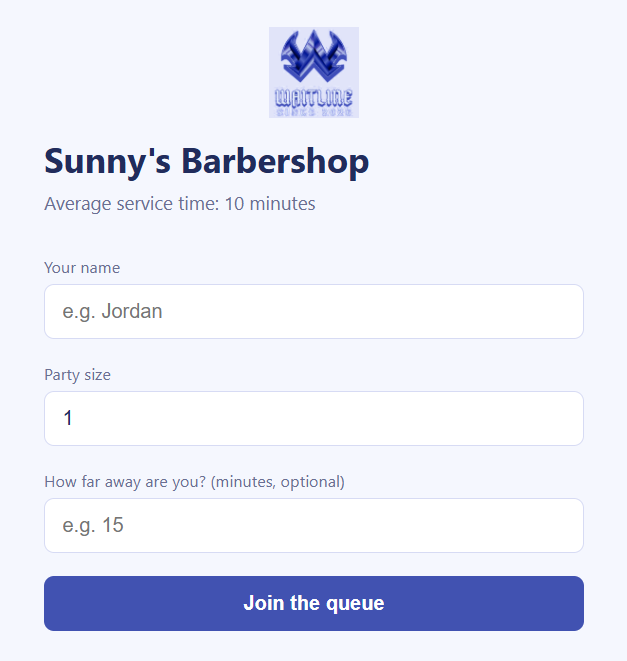
Customer join page: shows name, party size, and travel time.
-
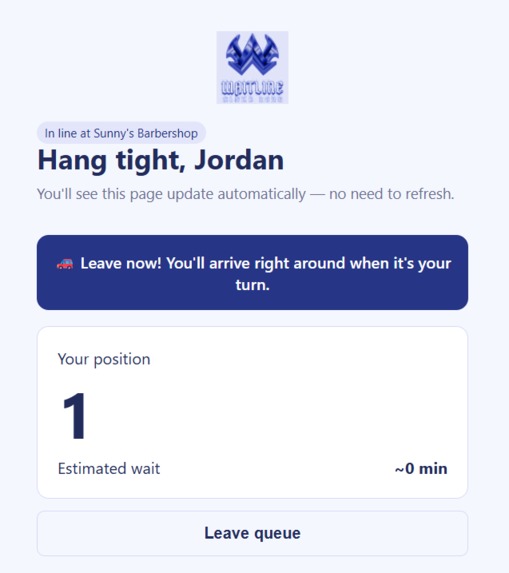
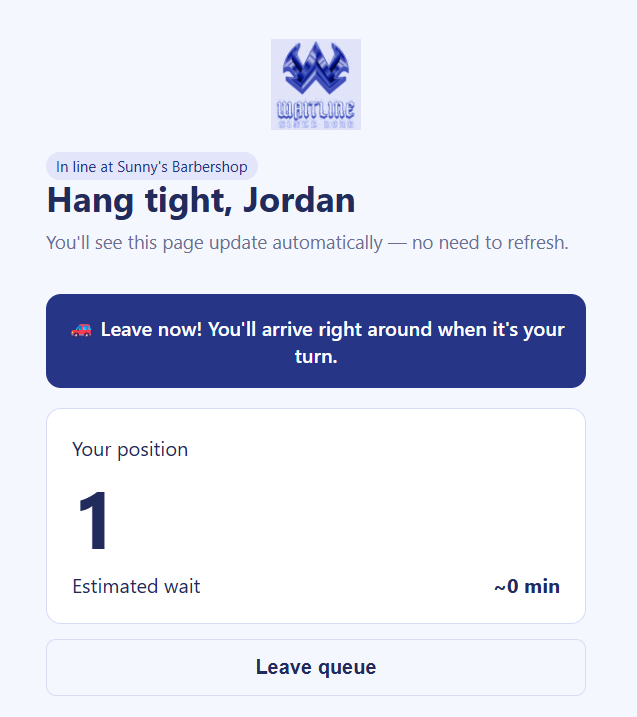
Customer queue status: shows position and estimated wait.
-

Browser notification: shows the notification customers receive when they’re called to the front of the queue.
-
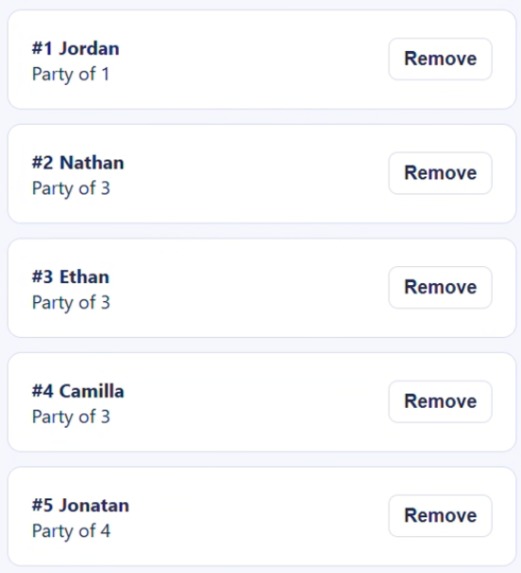
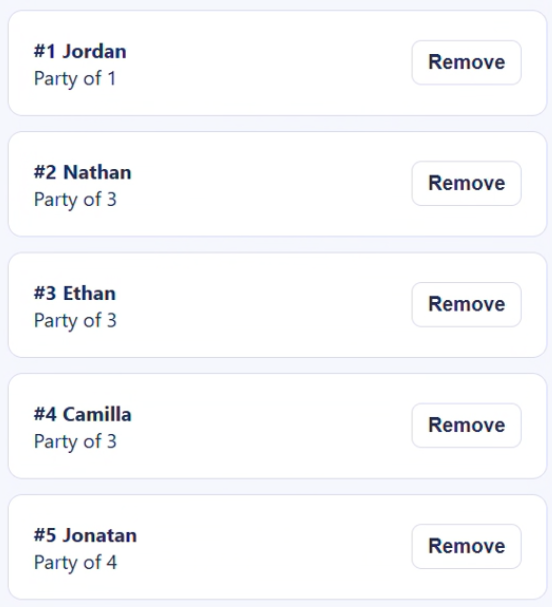
Live queue view: lets businesses see customers in order, including queue position, name, and party size, so they can easily manage the line.

Inspiration
Small businesses often have long lines of customers physically waiting in line. This can lead to long wait times, making customers feel frustrated and causing them to leave. To create a simple solution to this problem, I wanted to create an alternative that doesn't require customers to install an app, but simply join a virtual queue where they can be notified whenever they're ready to be served.
What it does
WaitLine allows businesses to create a virtual queue simply by listing a name and setting an approximate service duration per customer. Once a virtual queue is created, customers can simply join the queue from their phones via a link or QR code. When a customer joins the queue, they will be able to see their position in the queue and the estimated waiting time.
Businesses are provided with a live simplistic dashboard to view and manage the queue. They can call the next customer, mark them as served afterwards, or simply just remove them. Our built website uses realtime updates so queue information is up-to-date at all times without needing to refresh the page each time. Businesses are also provided with a built-in analytics feature that allows them to see the day's statistics, such as how many people joined, were served, left, the average wait time, and the busiest hour.
A key defining feature that separates this from most queue management platforms is that WaitLine implements a leave-now alert. Customers have the option to input how far they are from the business's location, and the app will calculate and notify the customer the exact time they should leave so they arrive as soon as it's their turn. This means customers won't have to guess when to leave and will get a sound/browser notification when they're called.
How it was built
I built our platform on a web application through Next.js and React. Moreover, I used Supabase to manage the database and maintain realtime functionality. Our database tables were specifically designed to manage business and queue entries. The use of dynamic Next.js routes allowed for multiple individual business dashboards and customer queues. Our configuration and API credentials were stored using environment variables, and the interface was built using reusable React components and CSS.
Challenges I ran into
I had problems properly implementing real-time sync updates so that users could actively see changes in the queue without having to repeatedly refresh the page. It was a real problem trying to debug issues regarding Supabase permissions. I also had problems trying to decide exactly when the leave-now alert would appear as I had to line it up with the customer's travel time and changing wait time.
Accomplishments & What I learned
I was able to build on my skills on effectively building a full-stack web application using Next.js and React. Through this, I successfully built a fully working, deployed full-stack product by myself in the 14 day frame, along with the planning and design that went into it. I was proud of being able to connect all the pieces together for a real-world solution.
What's next for WaitLine
WaitLine is only a concept, meaning it has much more improvements and possibly rebranding to be made if it is to become a usable platform. There would be additional improvements on UI for visual satisfaction. Additionally, there may be a need for SMS notifications for customers who don't have browser notifications enabled. There would also need to be a smarter model to accurately represent a business's wait time instead of a set average. Businesses may also need multiple queue lines for different service types, meaning we would have to allow them to create simultaneous queues.
Built With
- javascript
- next.js
- postgresql
- react
- supabase
- vercel
