VYBE TUTOR
Product Requirements Documentation
Target Release: May 3rd, 2026
Status: In Active Development
Platform: VS Code Extension
Developers: Naomi, Brian, Tan, Valerie
Goals
What are we trying to achieve?
- Reduce the gap between AI-assisted code generation ("vibe coding") and real understanding
- Enable active learning inside the IDE via real-time explanations
- Increase engagement with gamification (XP, levels, streaks)
- Seamlessly integrate into developer workflows
- Personalize learning based on skill + performance
Background
Why does this exist?
AI coding tools speed things up, but hurt understanding.
Vybe Tutor fixes this by embedding a teaching layer directly inside the IDE.
Instead of learning outside (YouTube, docs, etc.), users learn in context while coding.
Assumptions
What we believe to be true
- Users already use IDEs like VS Code
- There is demand for learning + productivity combined
- Real-time explanations are more effective than external resources
- Gamification improves engagement
- Users will import course materials
- AI can generate accurate explanations
- Latency stays under 2–3 seconds
User Types
| Type | Description | Needs |
|---|---|---|
| Beginner | Learning syntax | Step-by-step guidance |
| Intermediate | Moving toward independence | Explanations of why |
| Advanced | Building complex systems | Architecture + optimization insights |
Use Cases
Flow 1: Installation & Onboarding
First-time experience
- Install extension
- Take onboarding quiz
- Sidebar opens with explanation
- Earn XP
Flow 2: Active Coding
Core loop
- Write or accept code
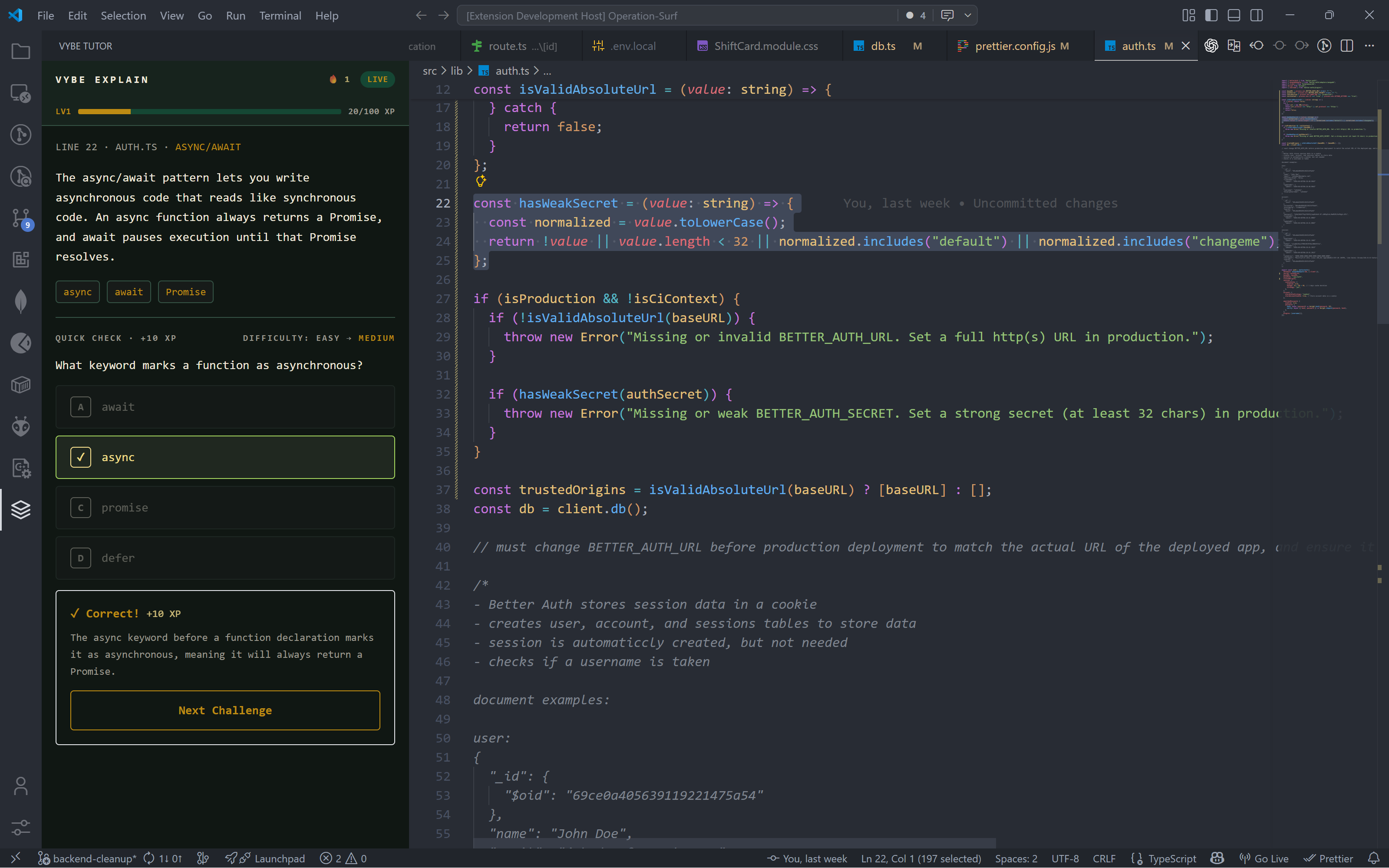
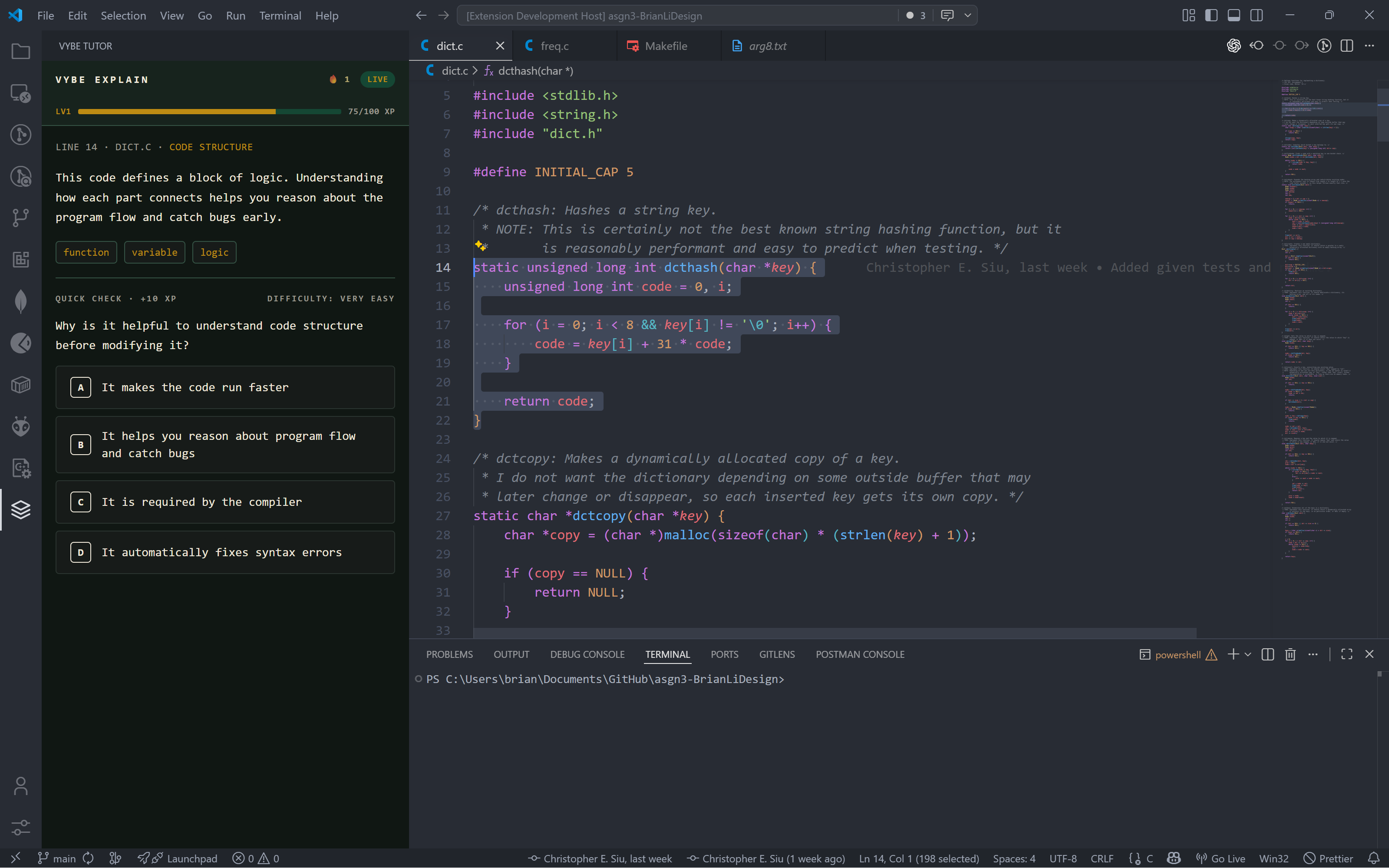
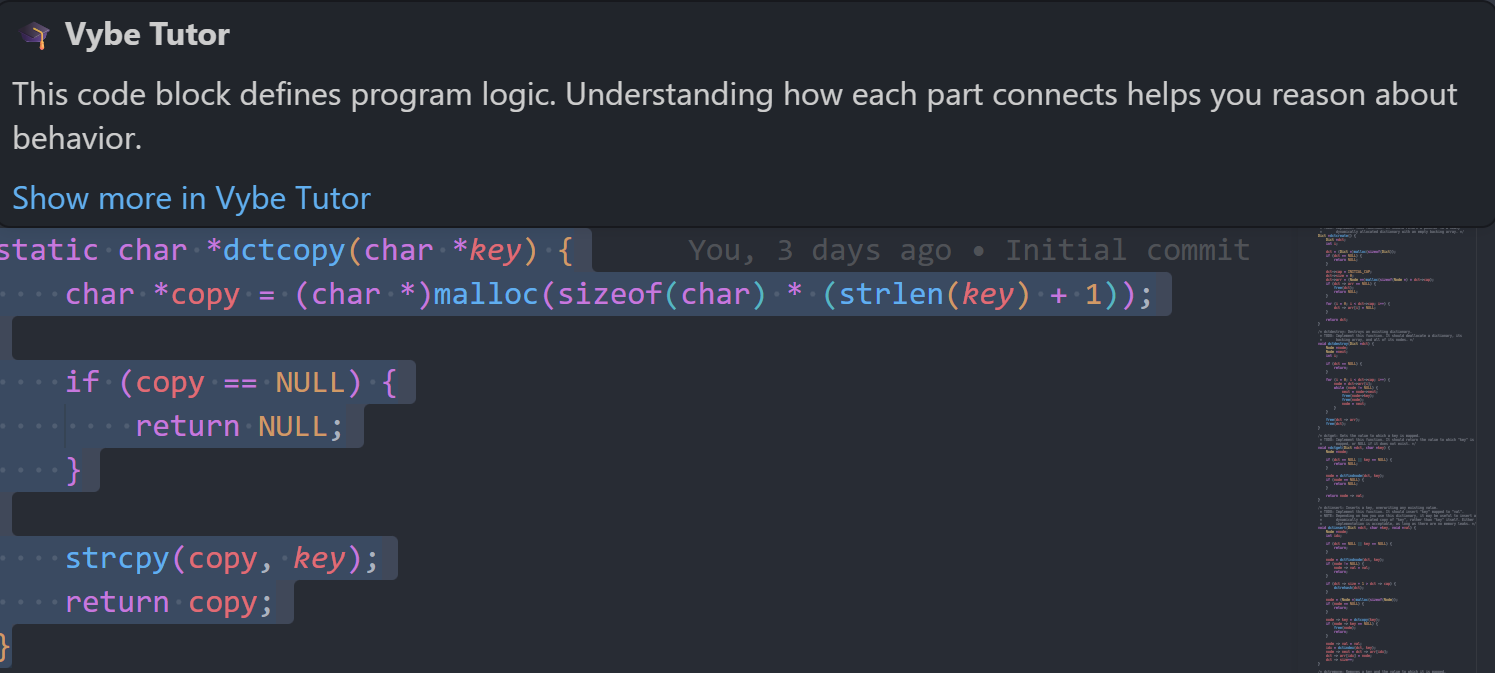
- Explanation auto-generates
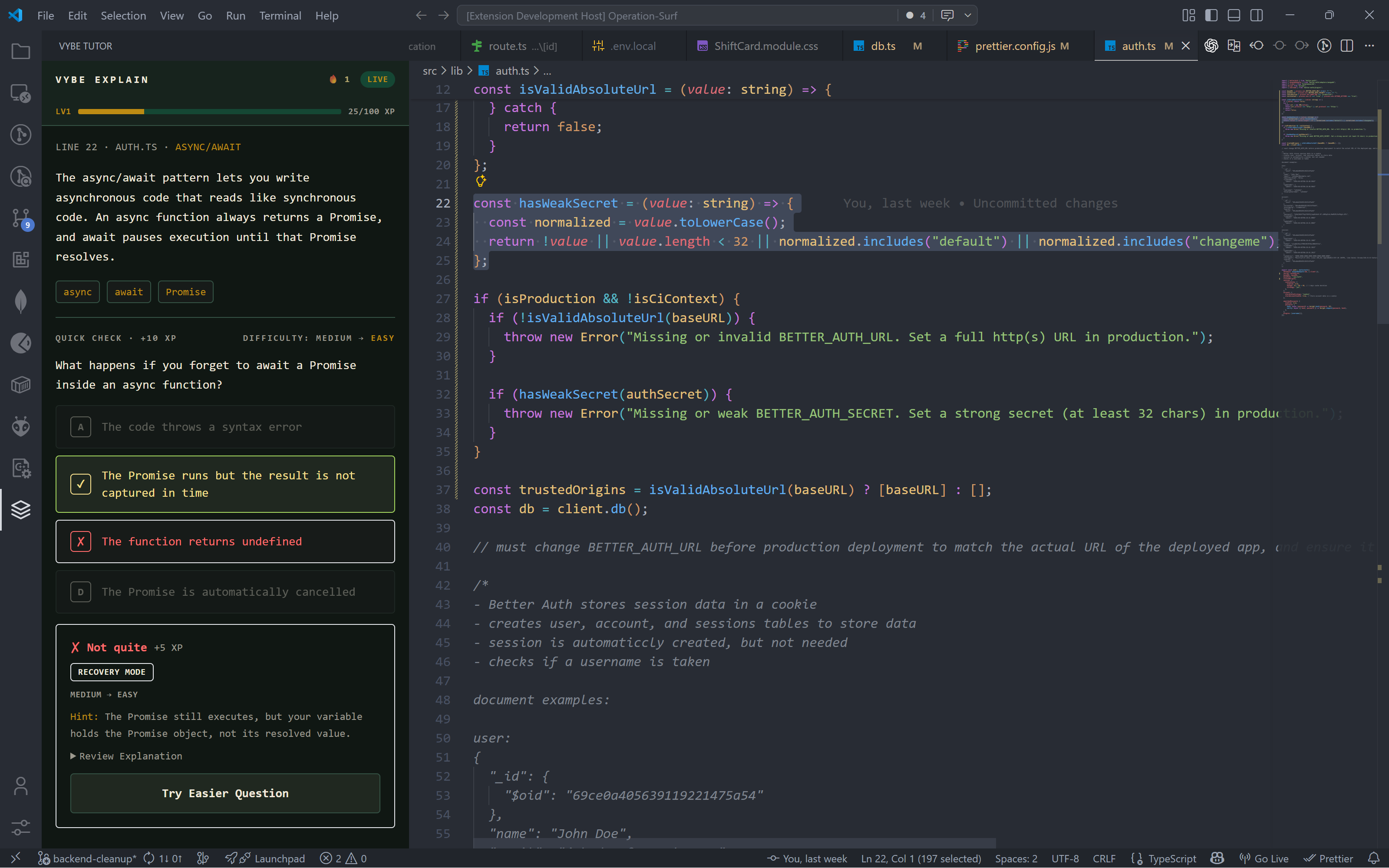
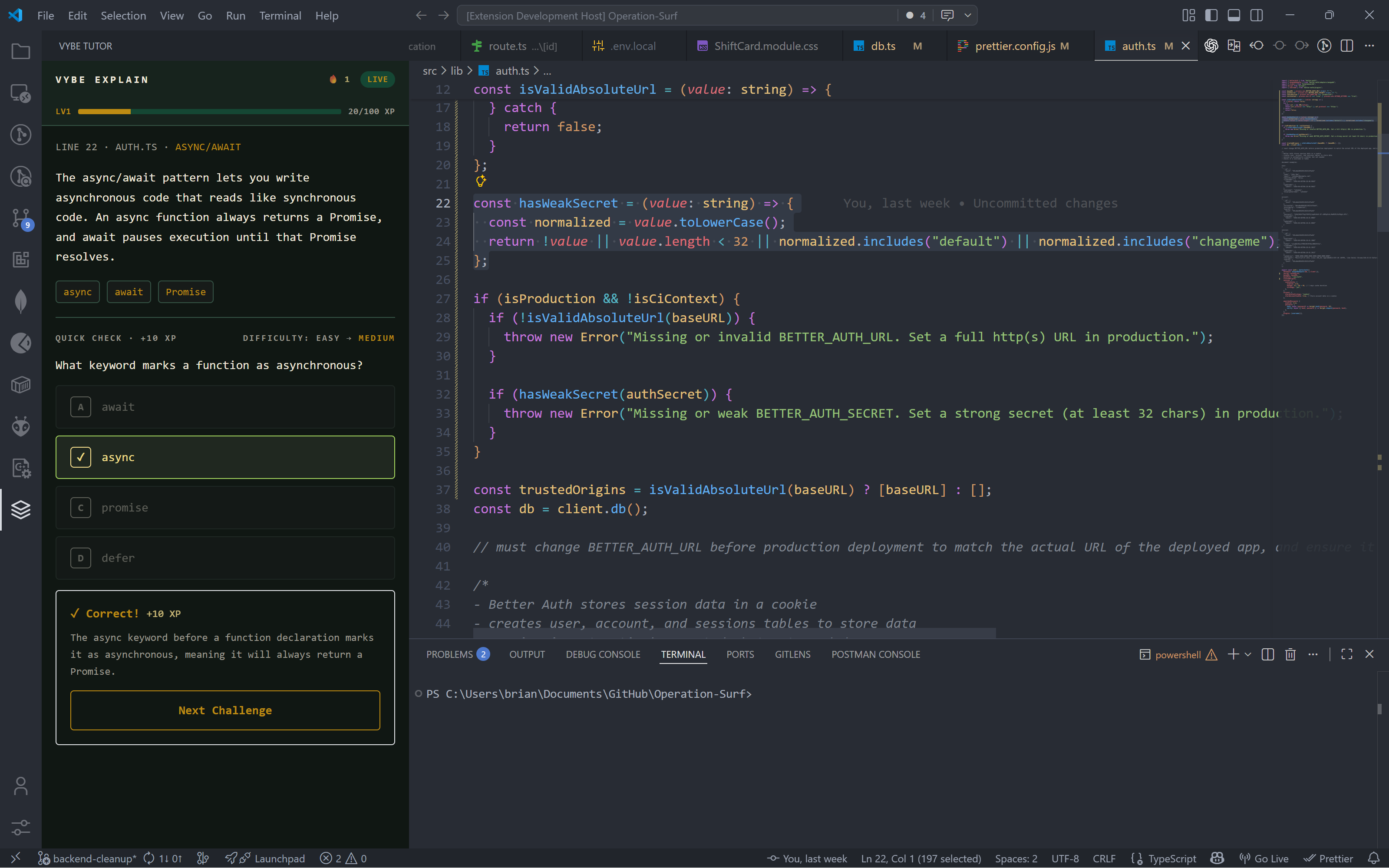
- Answer quiz
- XP + streak updated
Flow 3: Pause
User control
- User pauses tutor
- Explanations disabled
- Streak preserved (if valid)
Flow 4: Deep Dive
Exploration
- Hover for inline explanation
- Request deeper explanation
- Ask follow-ups
- System adapts
Requirements
| # | Feature | Description | Priority |
|---|---|---|---|
| 1 | Real-Time Explanation | Explain recent code | Must |
| 2 | Quiz System | Check understanding | Must |
| 3 | Gamification | XP, levels, streaks | Must |
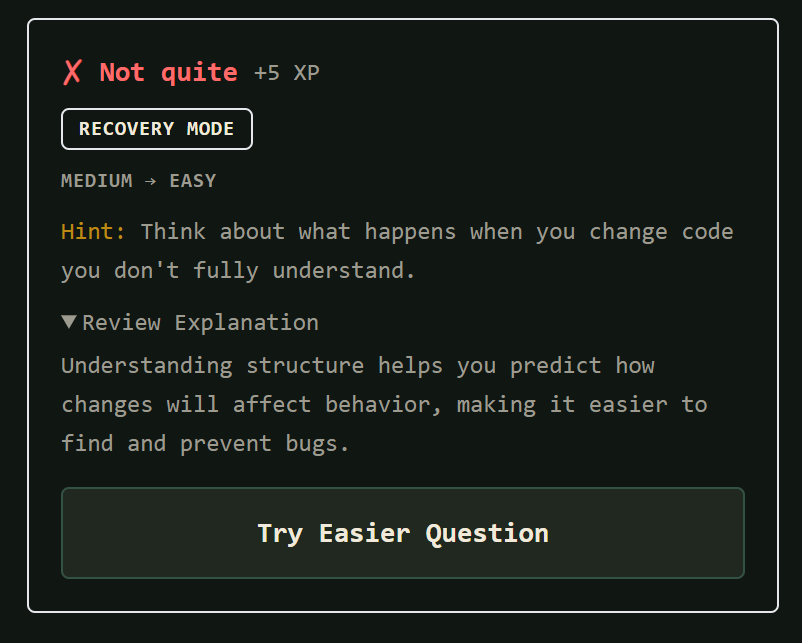
| 4 | Personalization | Adaptive difficulty | Should |
| 5 | Multi-Language | Python, JS, Java, C++ | Should |
| 6 | Onboarding | Guided intro | Could |
UI / UX Design
Sidebar Layout
Main interface
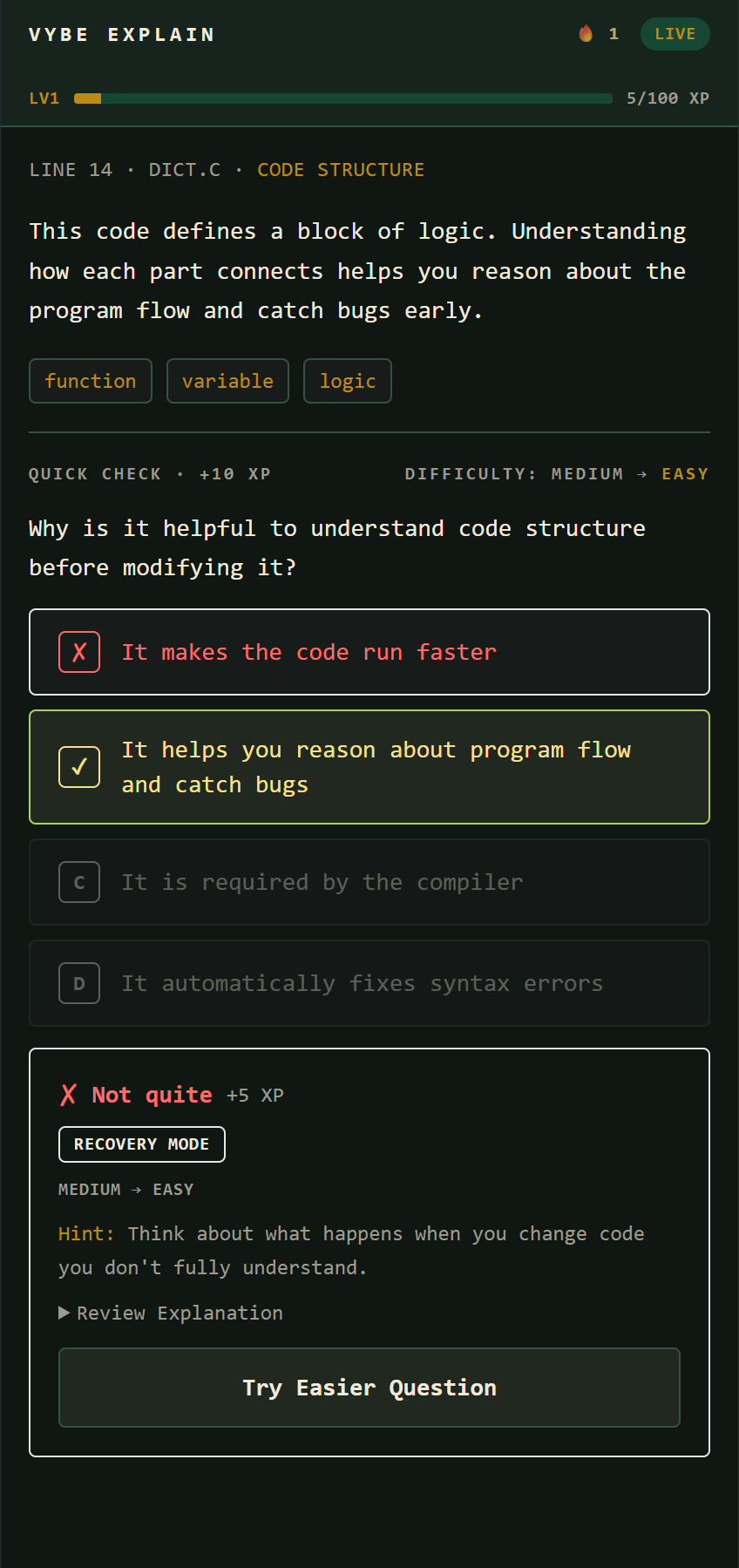
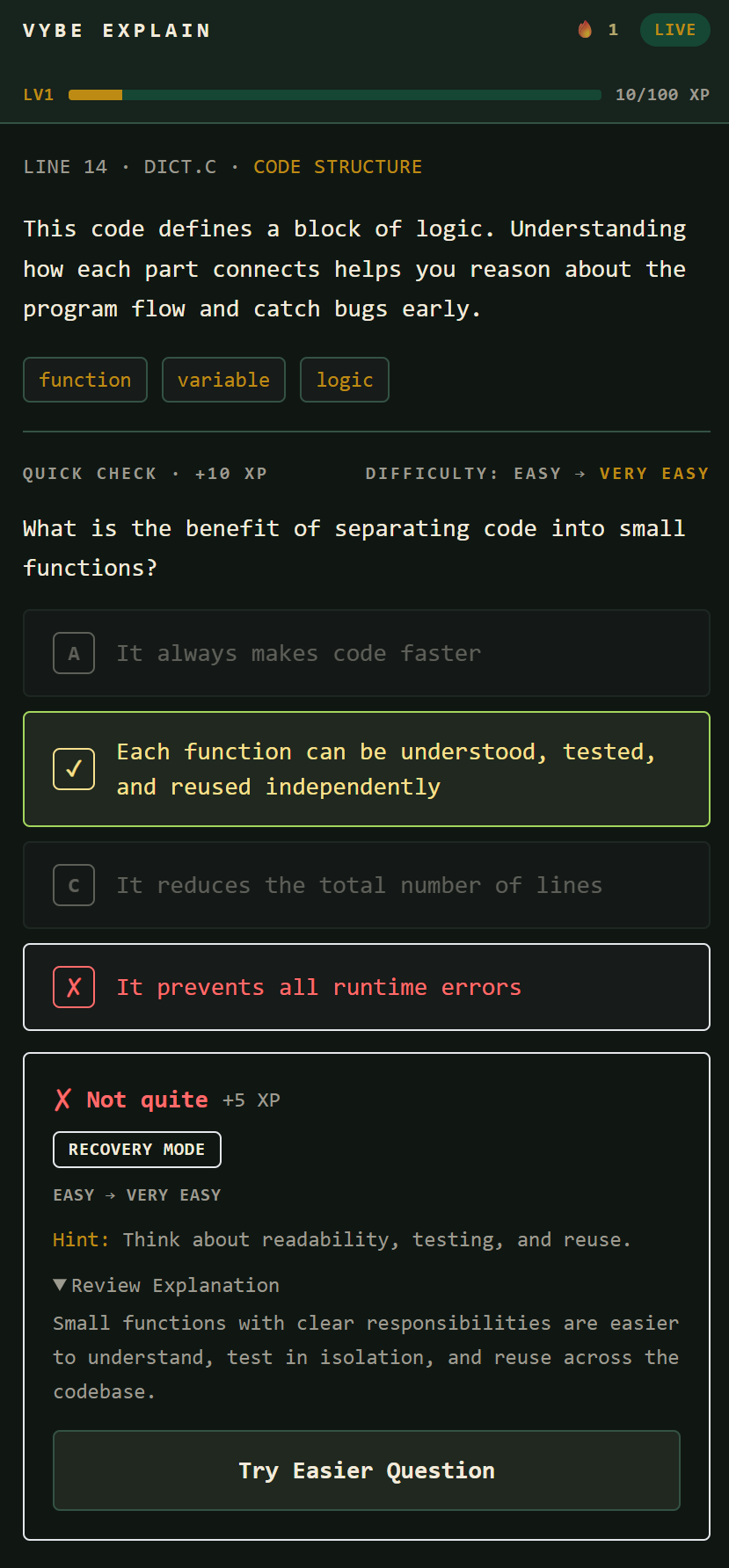
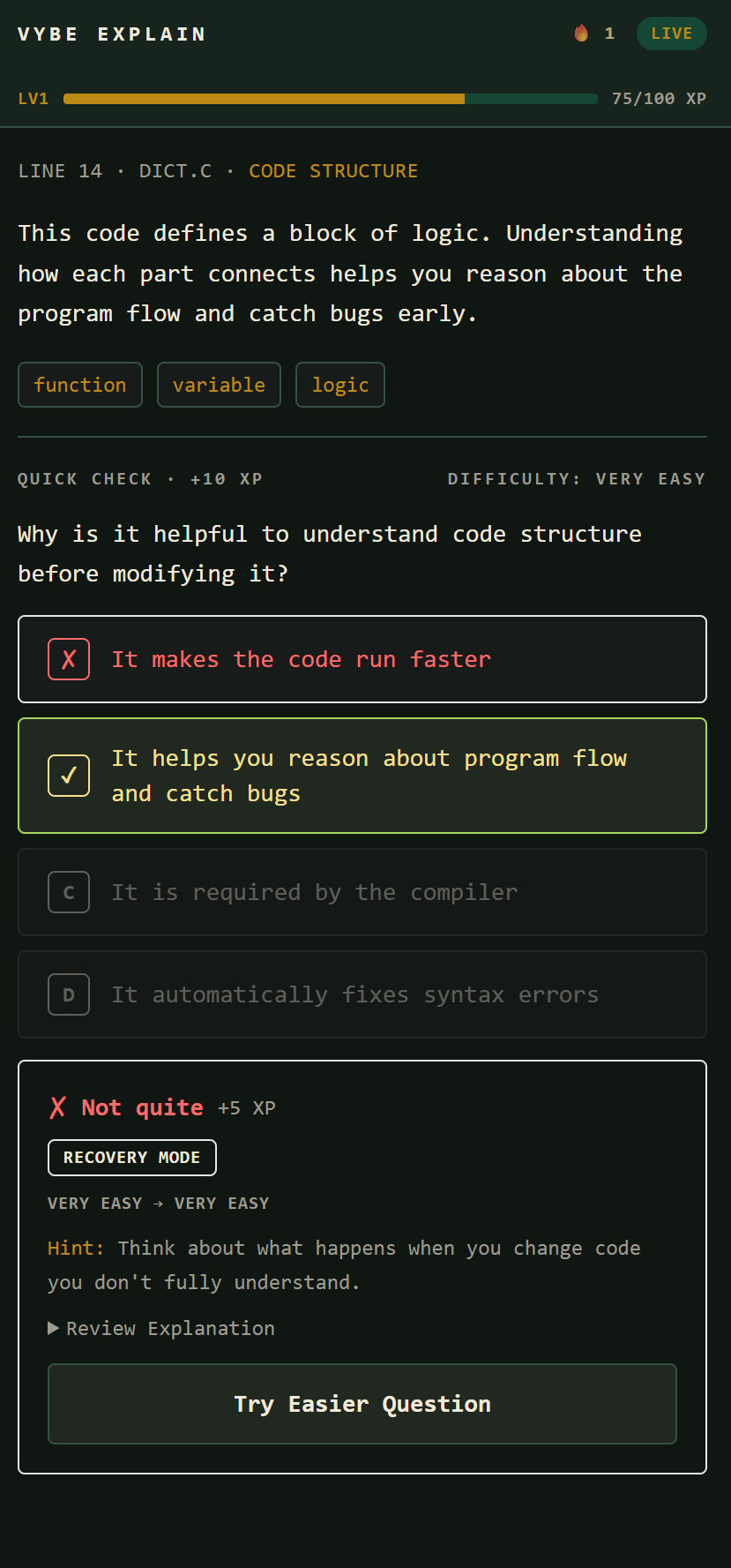
- Top: logo, level, XP bar, streak
- Main: explanation card
- Below: quiz
- Footer: settings, pause, import
Gamification
Engagement system
- XP: +10 correct, +5 explanation
- Levels: 1 → 10
- Daily streak reset
Explanation Card
Core teaching unit
- Plain-language explanation
- Code references
- "Why does this work?" toggle
- Coursework links (if imported)
Release Criteria
Functionality
- All must-have features complete
- Published on VS Code Marketplace
- Multi-language support
Usability
- Matches design mockups
- Onboarding < 2 min
- Latency < 3s
Performance
- Memory: \( < 80MB \)
- Error rate: \( < 1\% \)
- State persistence
Open Questions
Still figuring out
- How to set initial skill level?
- Should streaks have grace periods?
- Handling large files?
- API fallback behavior?
Future Work
- Canvas LMS integration
- Course file import
- Mobile/web app
- Classroom features
- More IDE support


Log in or sign up for Devpost to join the conversation.