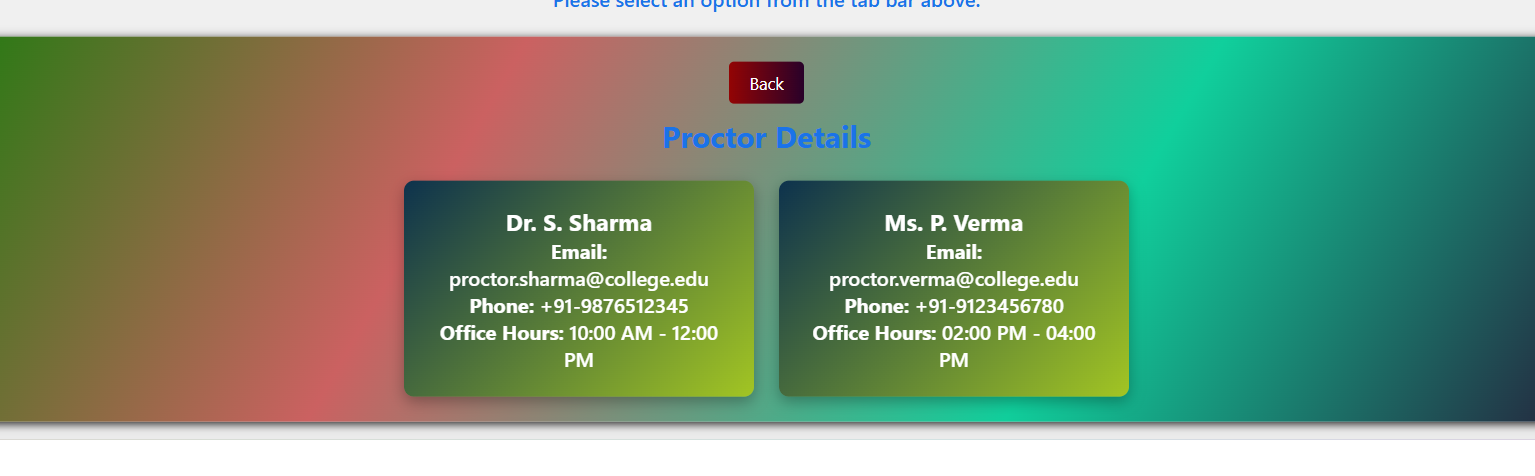
Useful information:
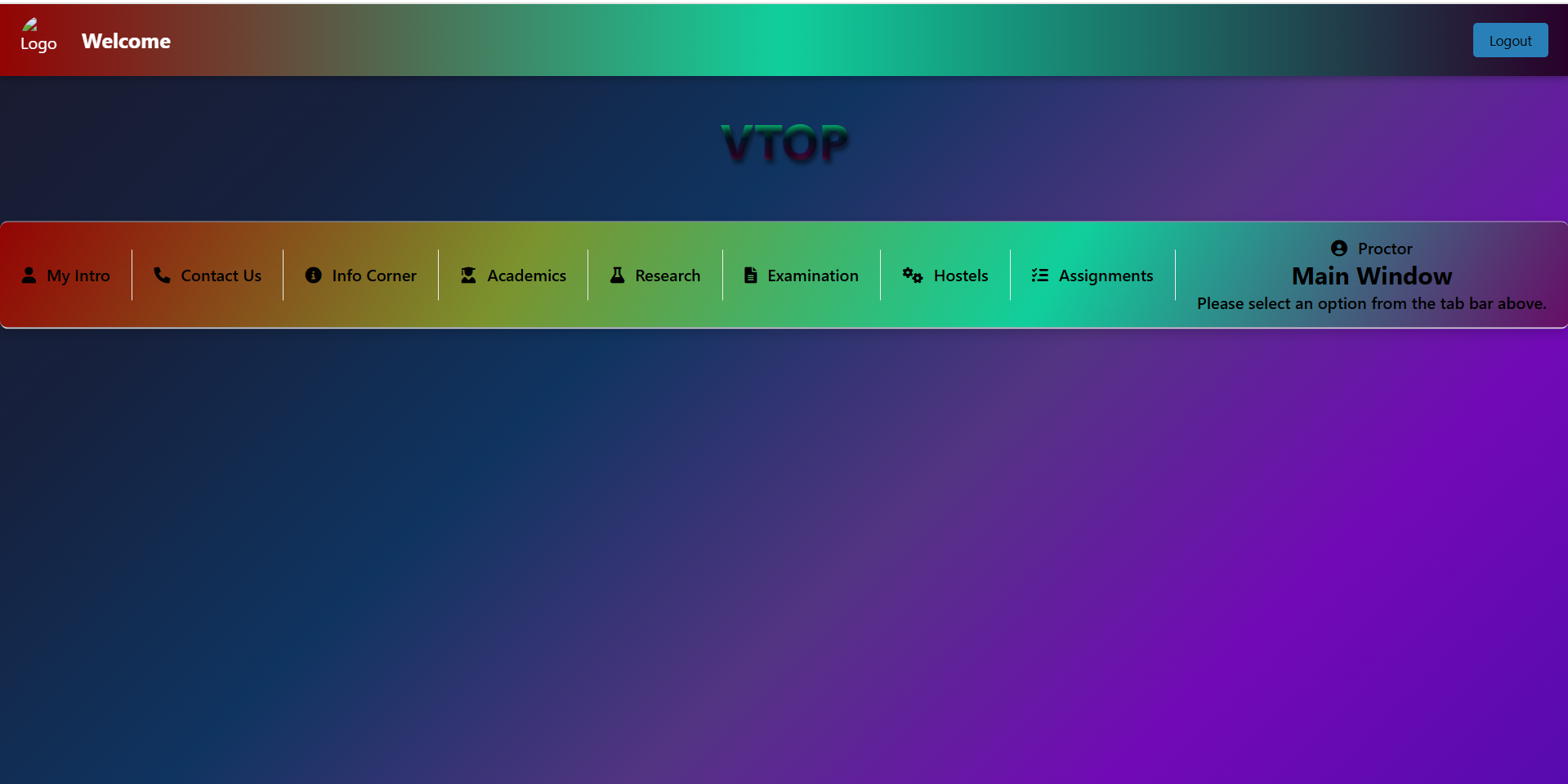
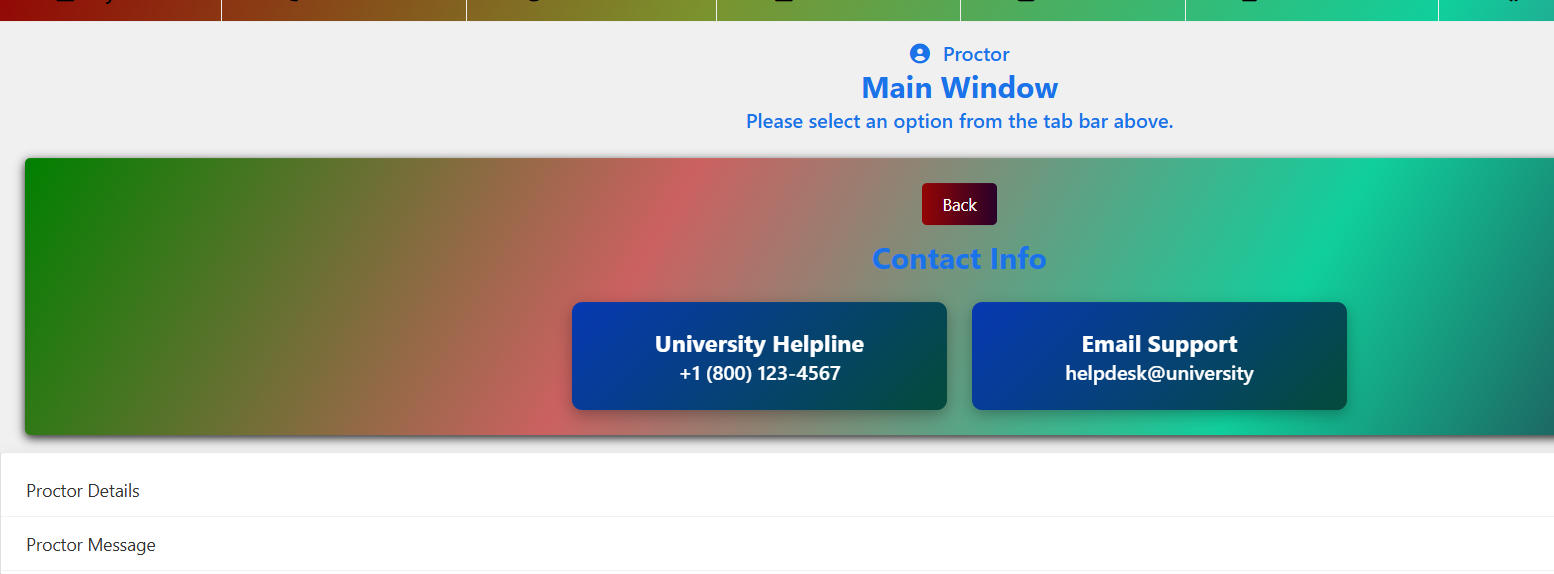
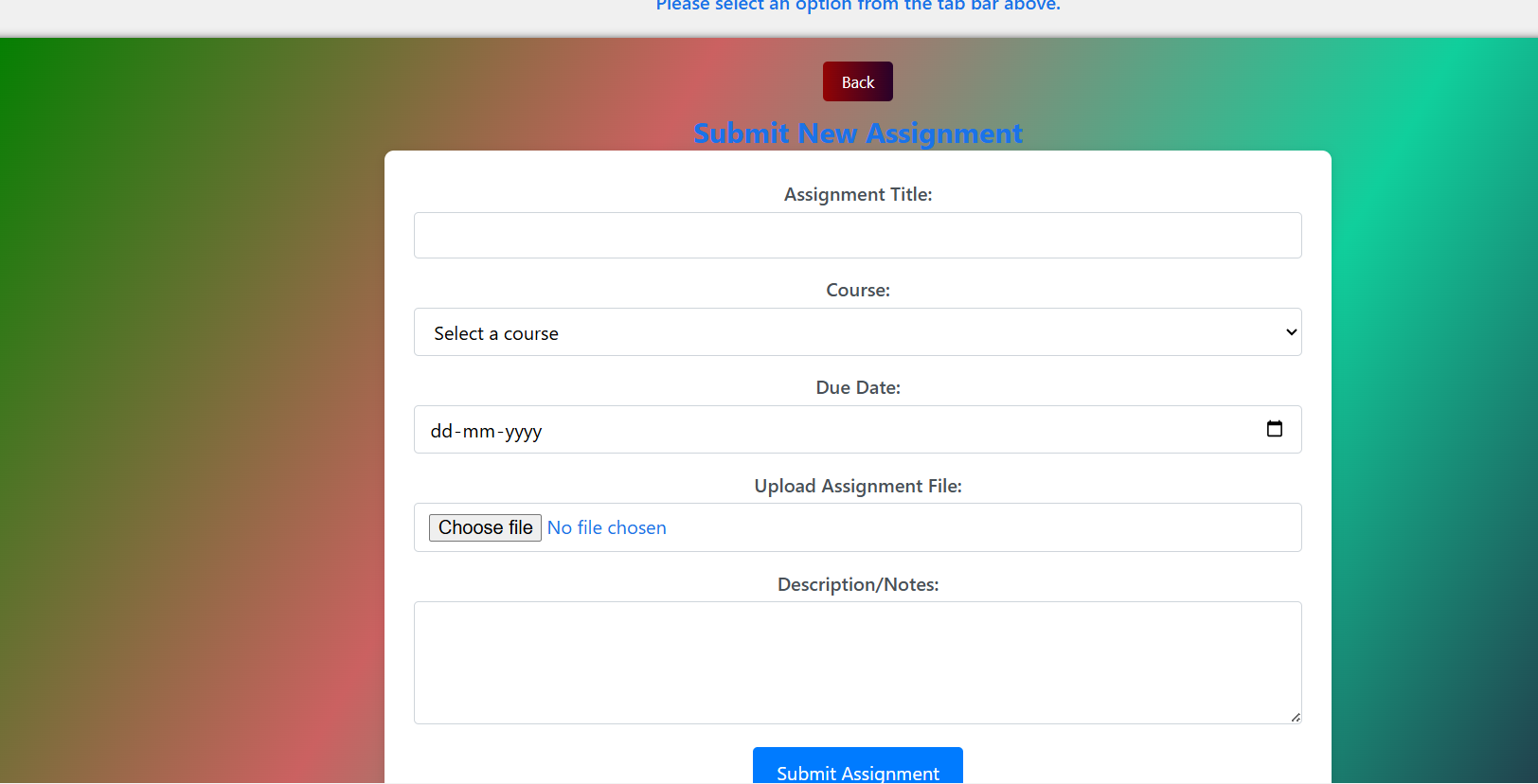
Back button in some place is not visible and this issue is not able to fix due to major alignment failure . I have tried many times but website becomes more bad so I leave this so kindly refresh the website so that you could land to main window. Sorry for this inconvenience.
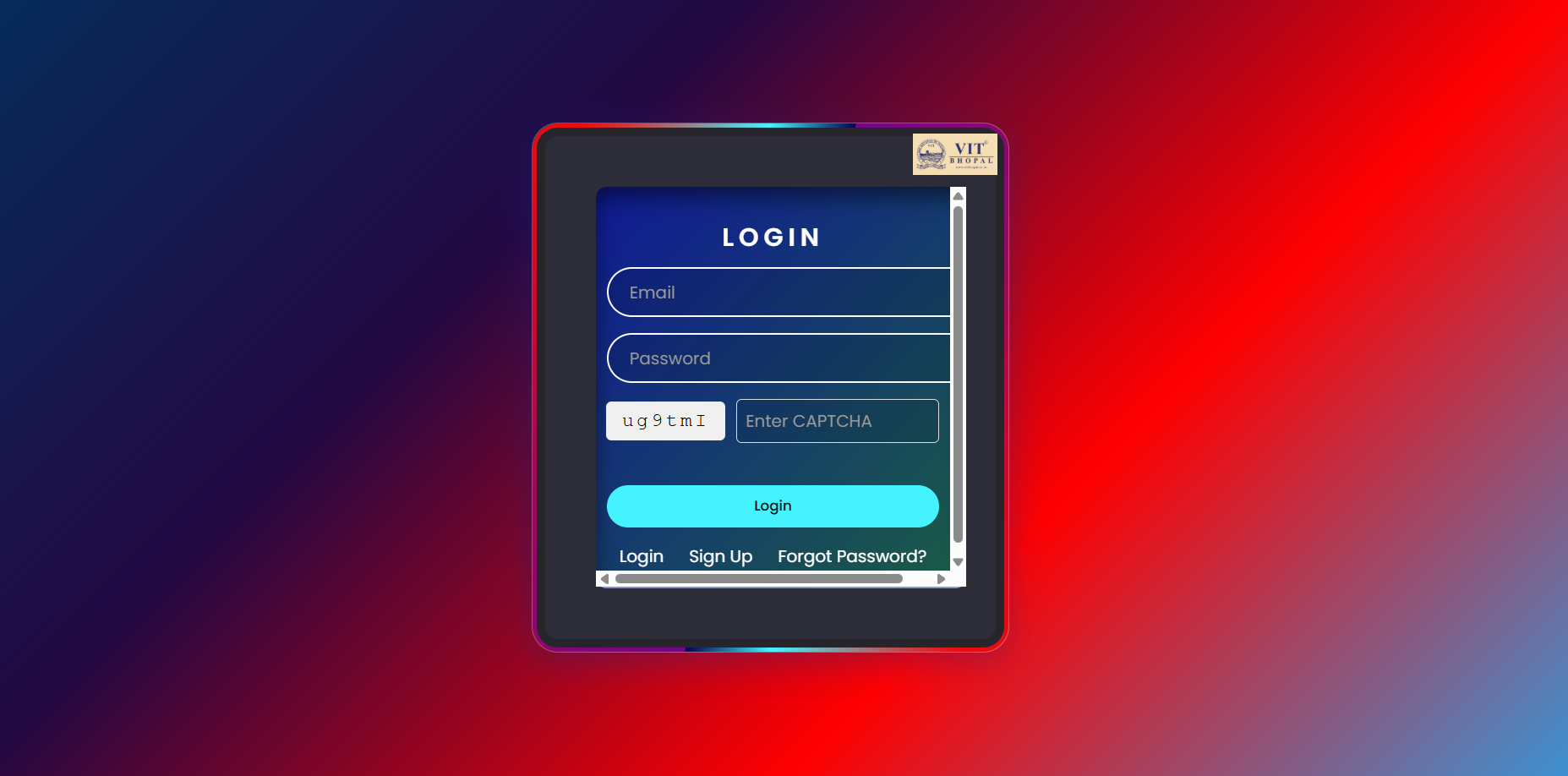
Login Credentials are: Email: [email protected] Password: password123
Inspiration
VTOP was inspired by the need for a more intuitive, user-friendly, and comprehensive student portal that goes beyond traditional academic management systems. We noticed that many educational institutions struggle with fragmented systems for different academic functions, leading to inefficiencies and poor user experience. Our goal was to create a unified platform that streamlines academic processes while providing students and faculty with powerful tools for success.
What it does
VTOP is a comprehensive virtual learning and student portal that serves as a one-stop solution for academic management. Key features include:
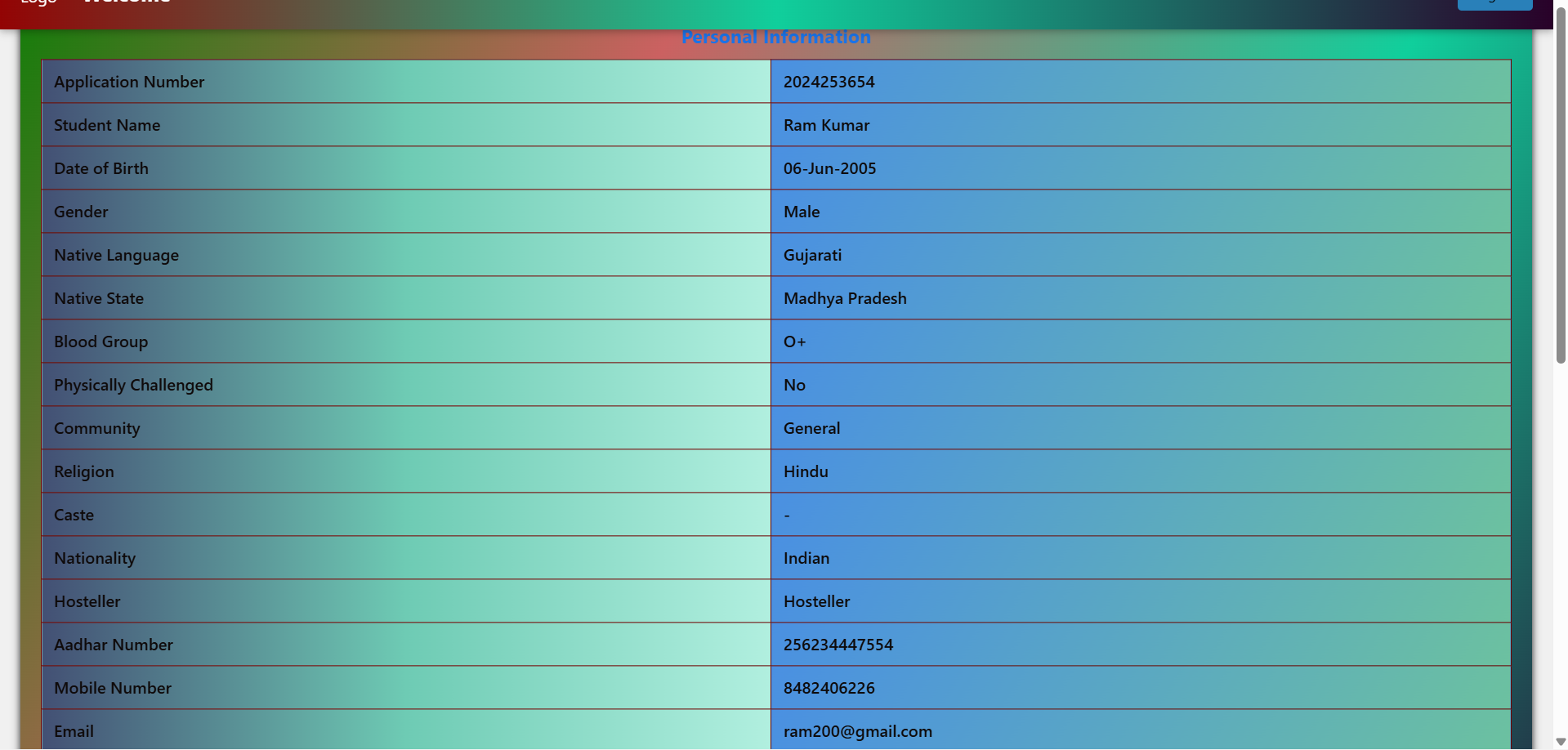
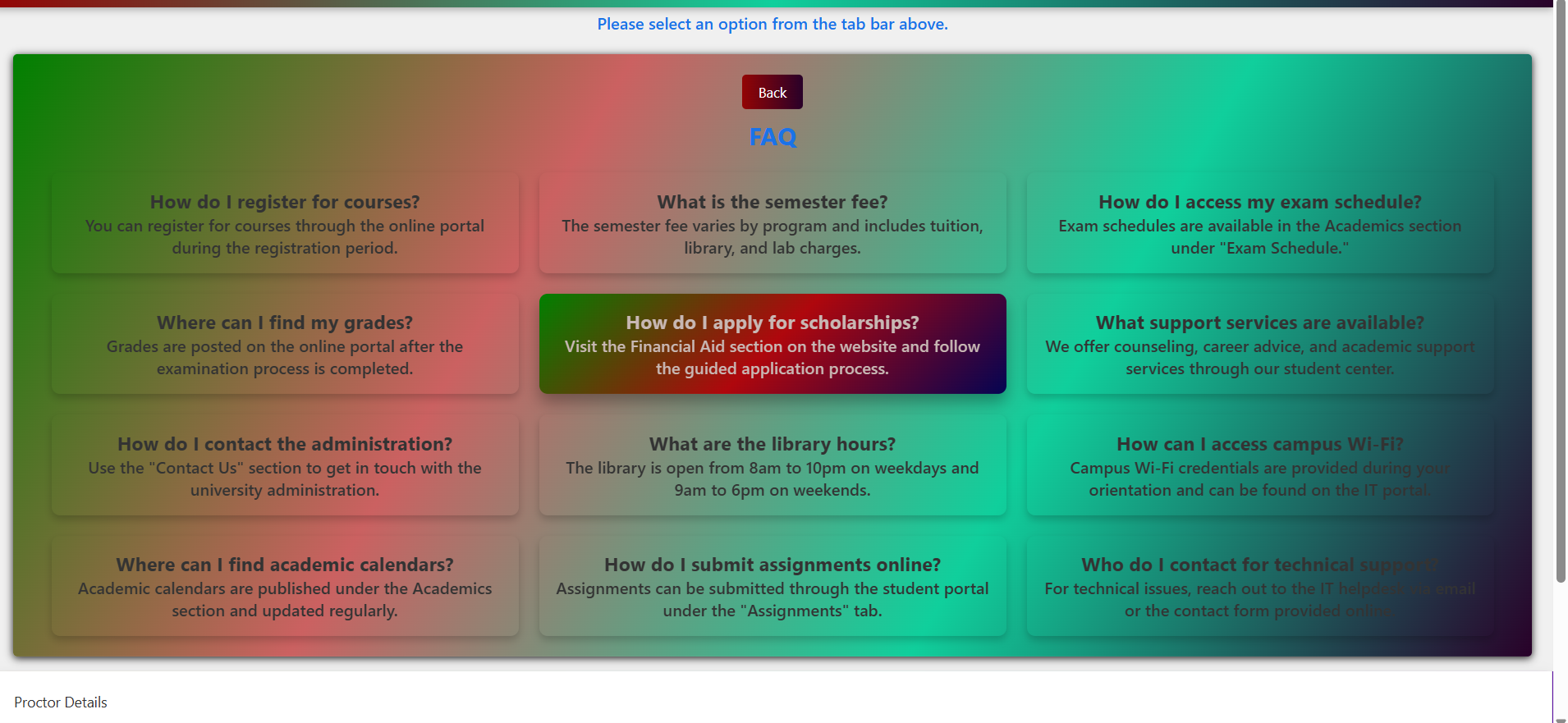
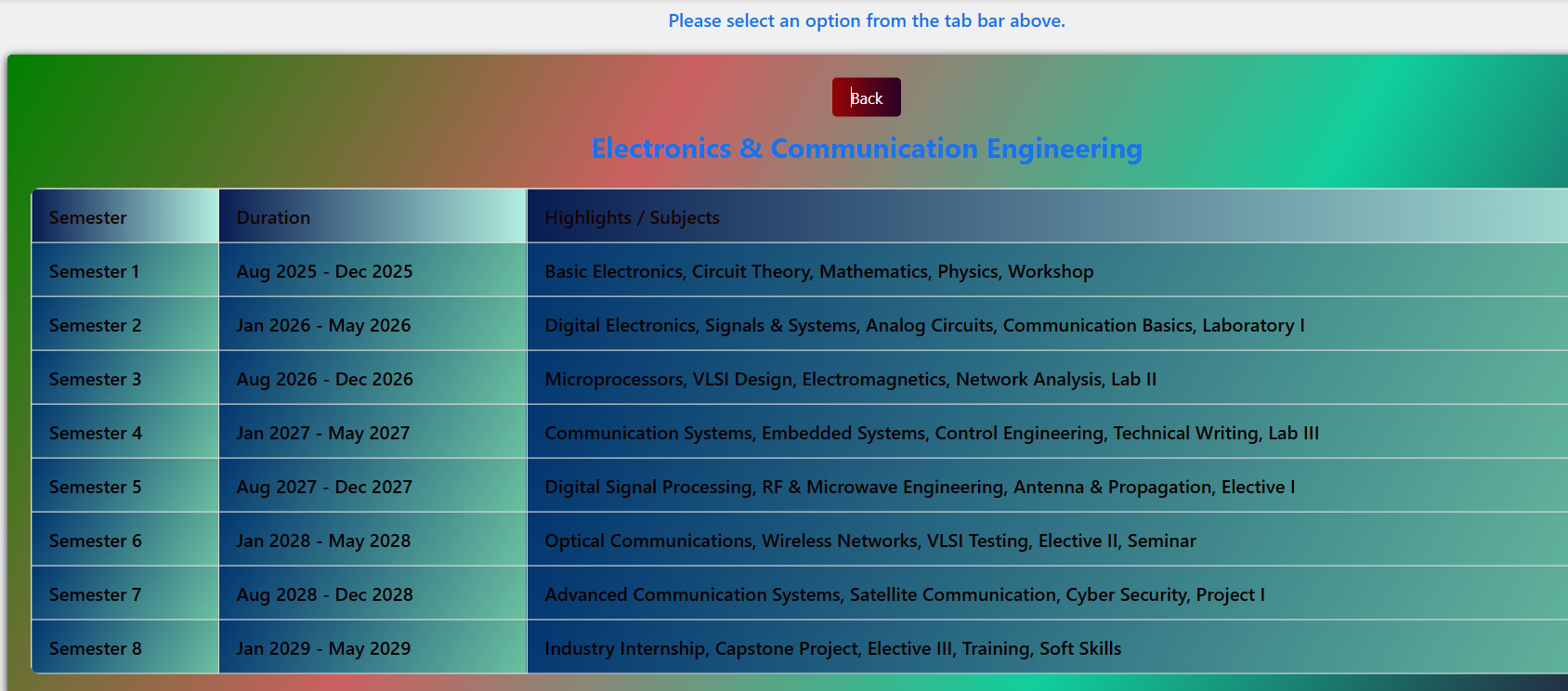
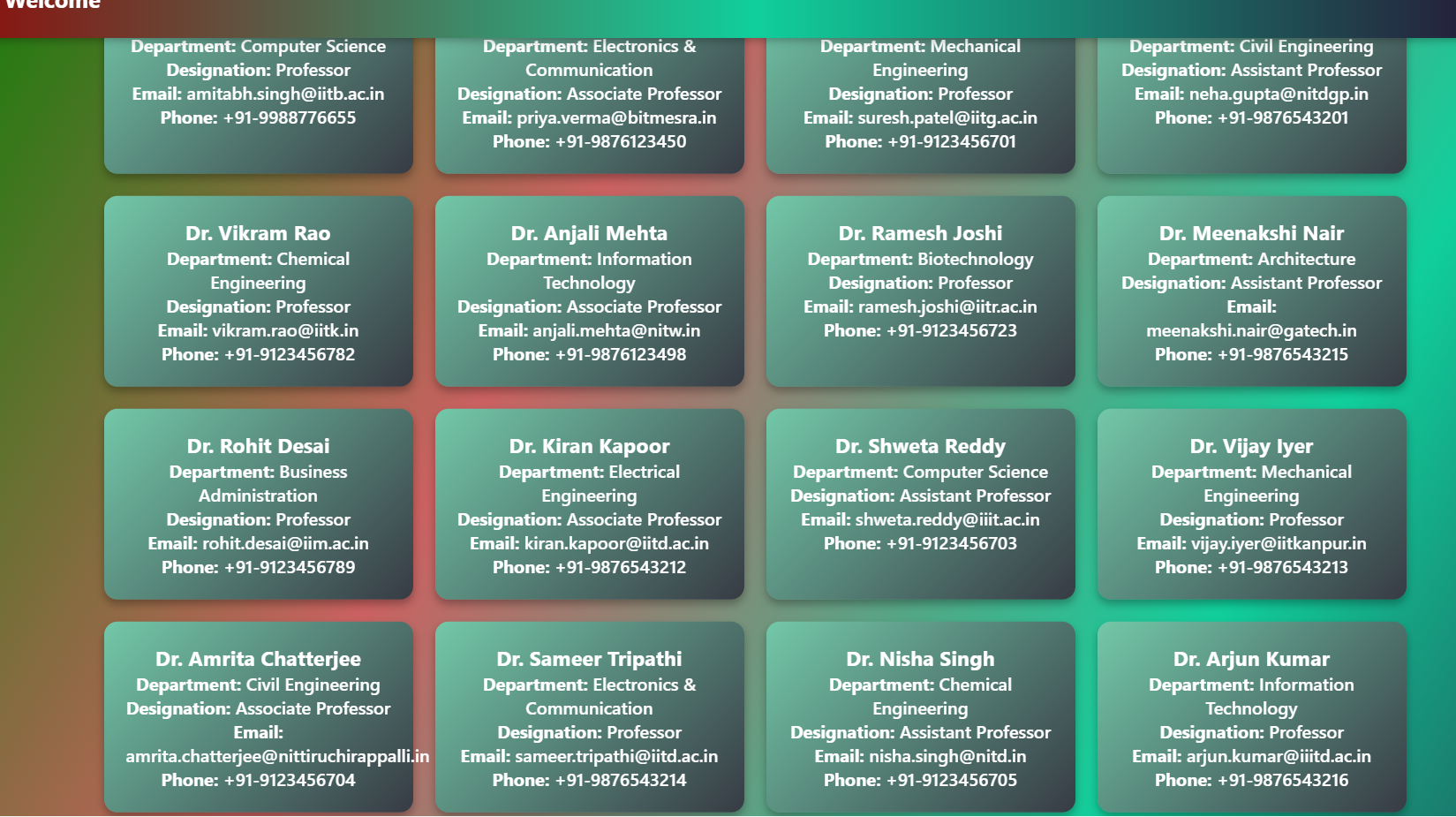
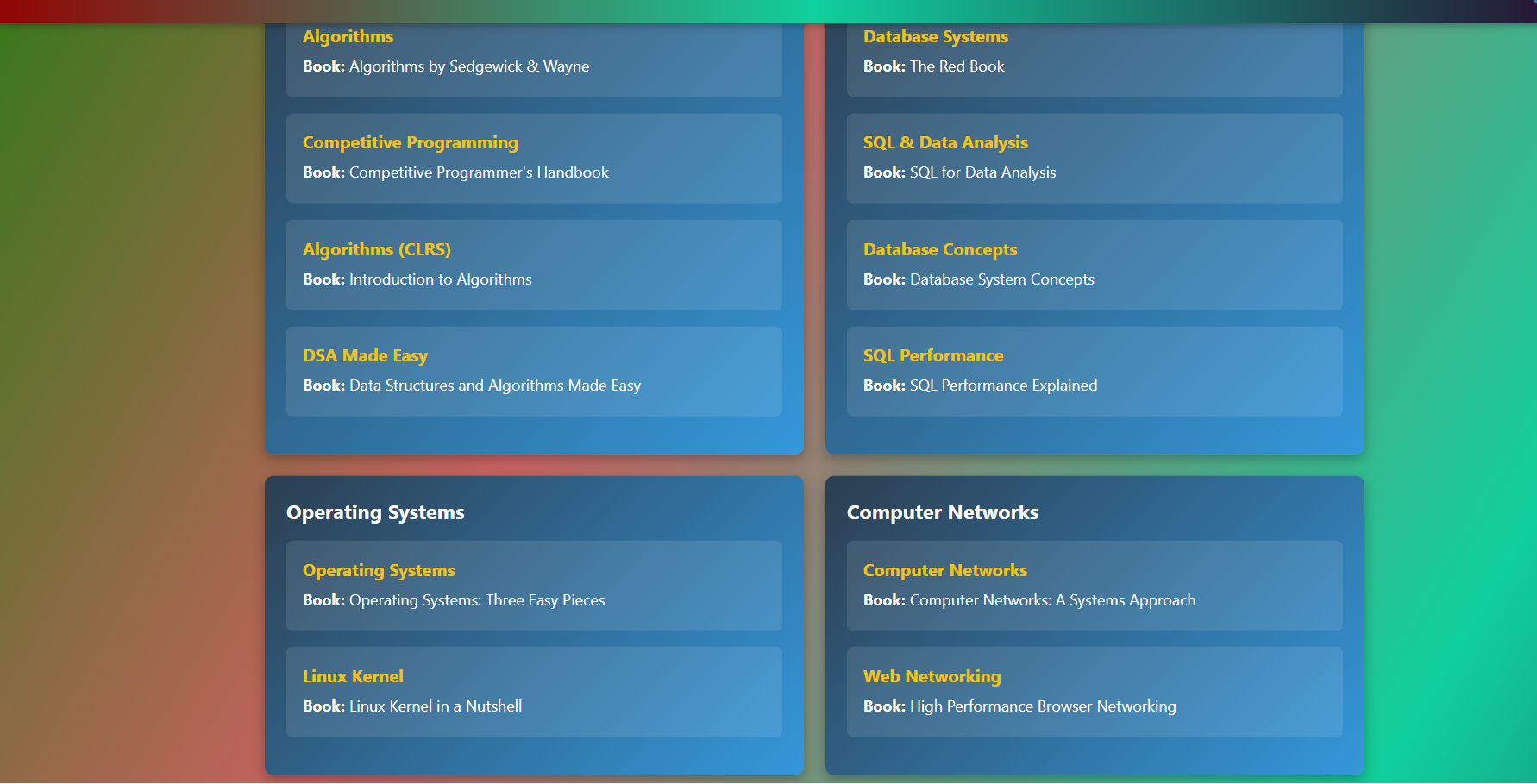
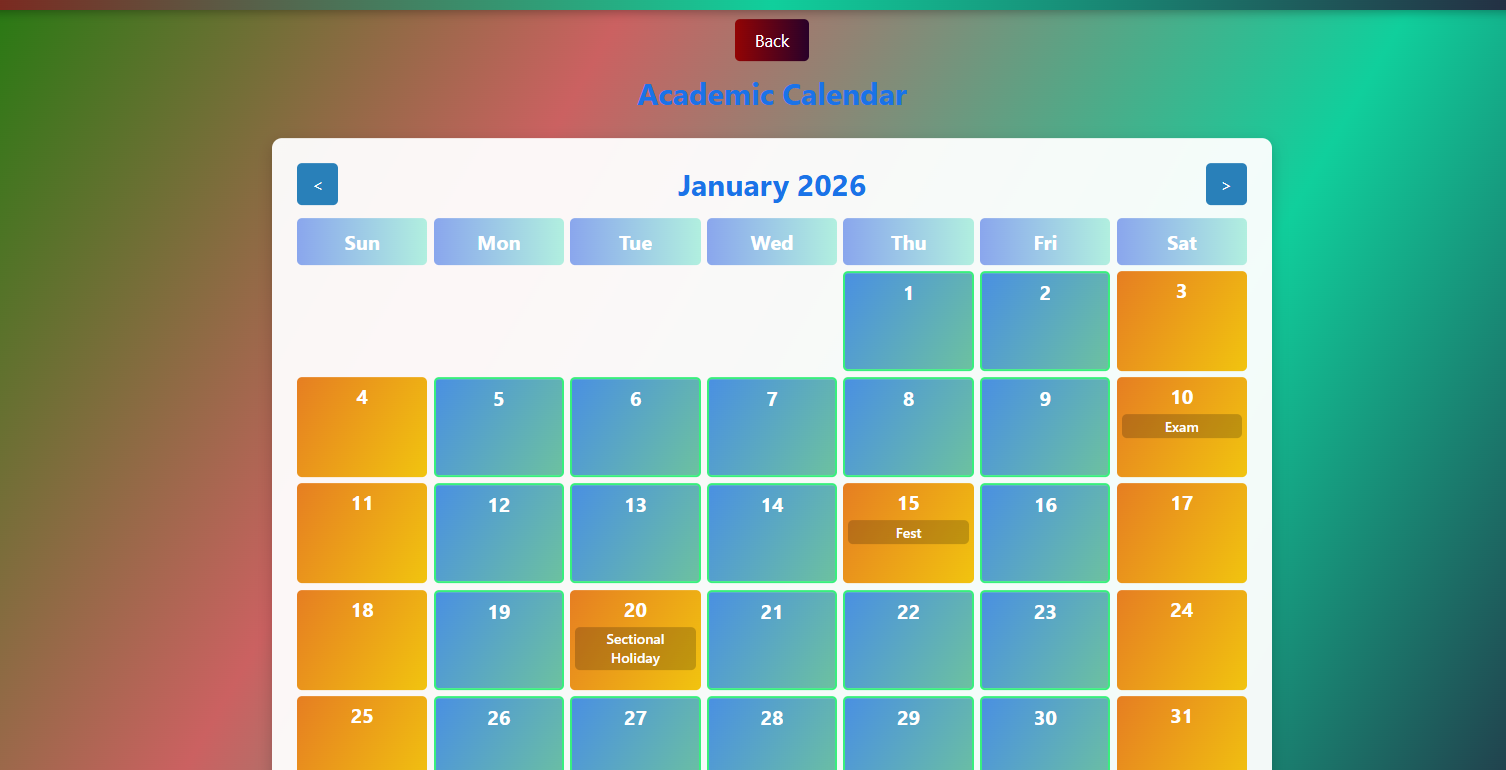
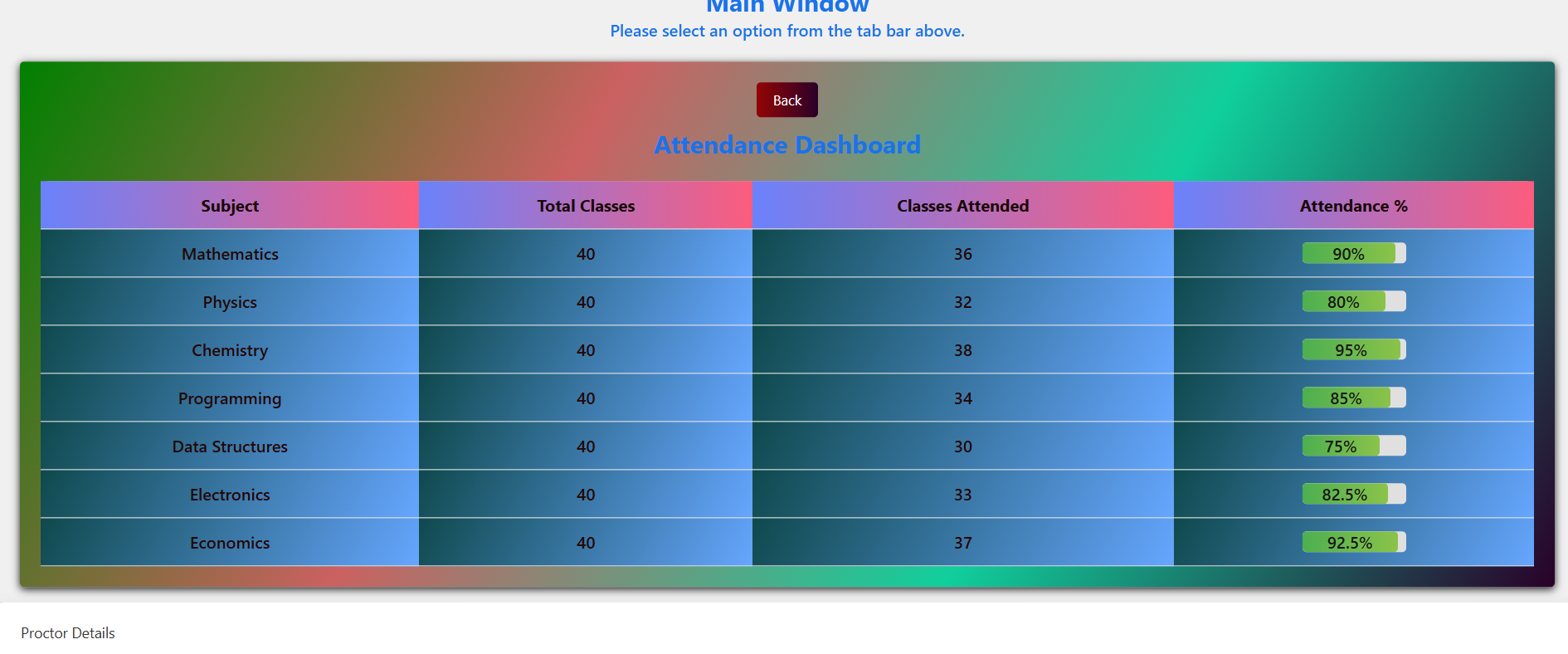
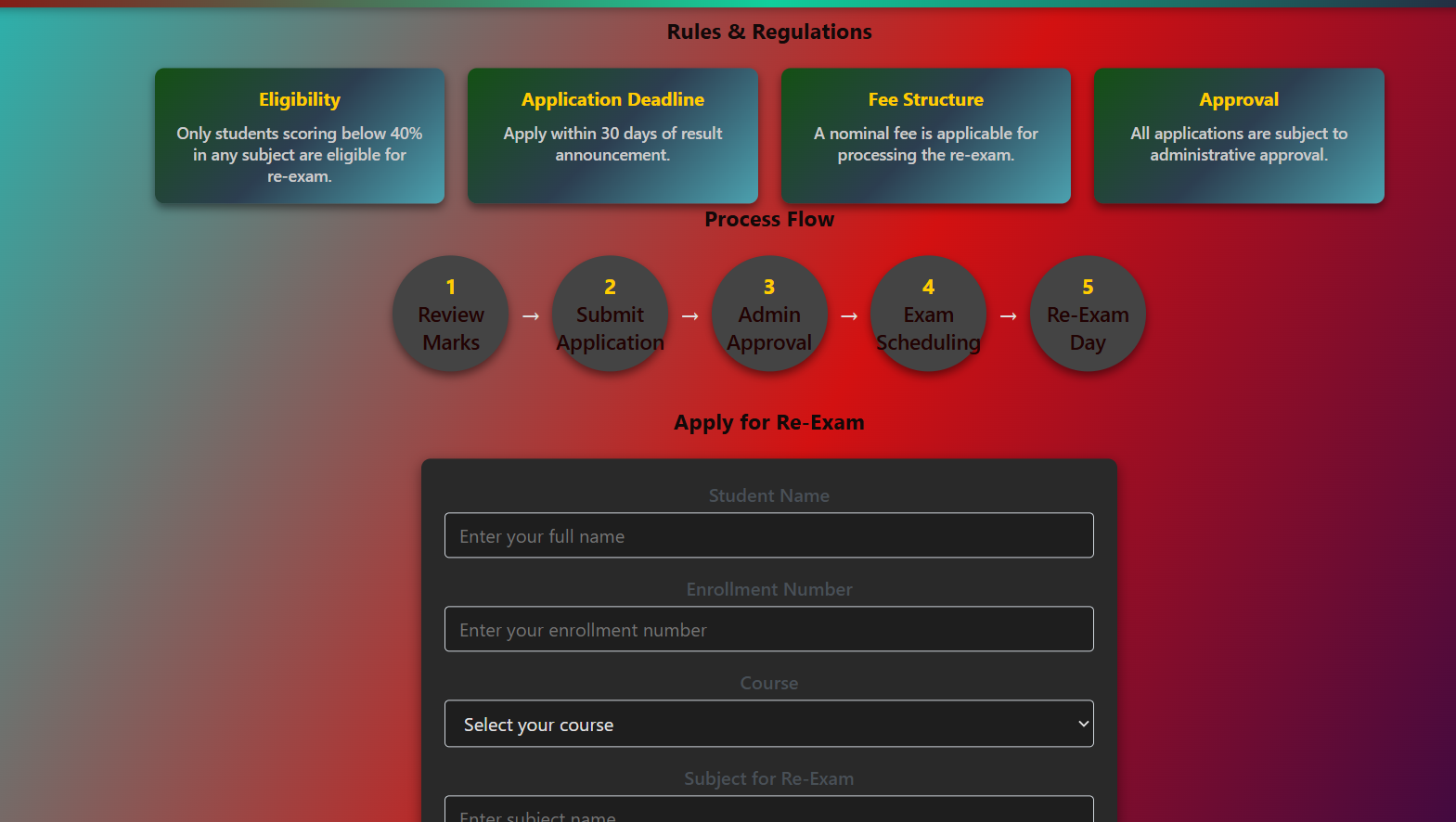
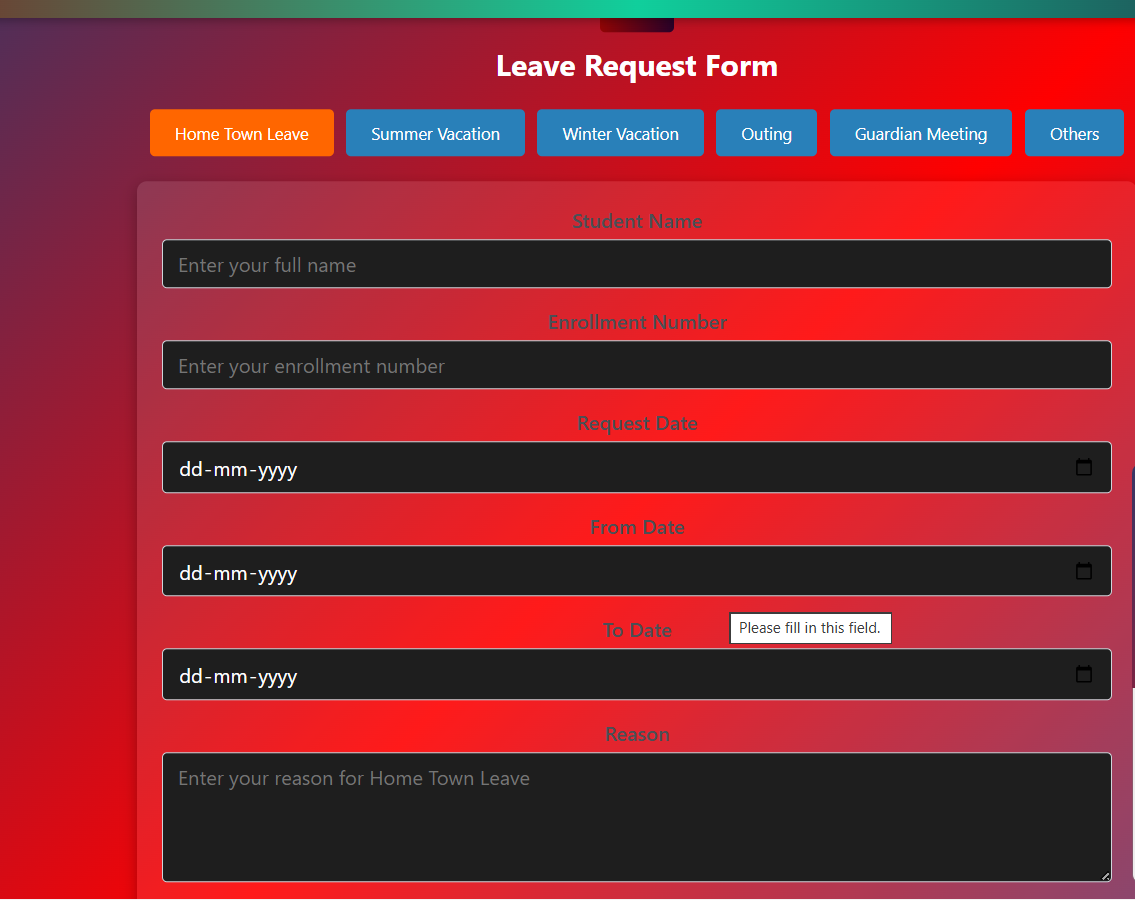
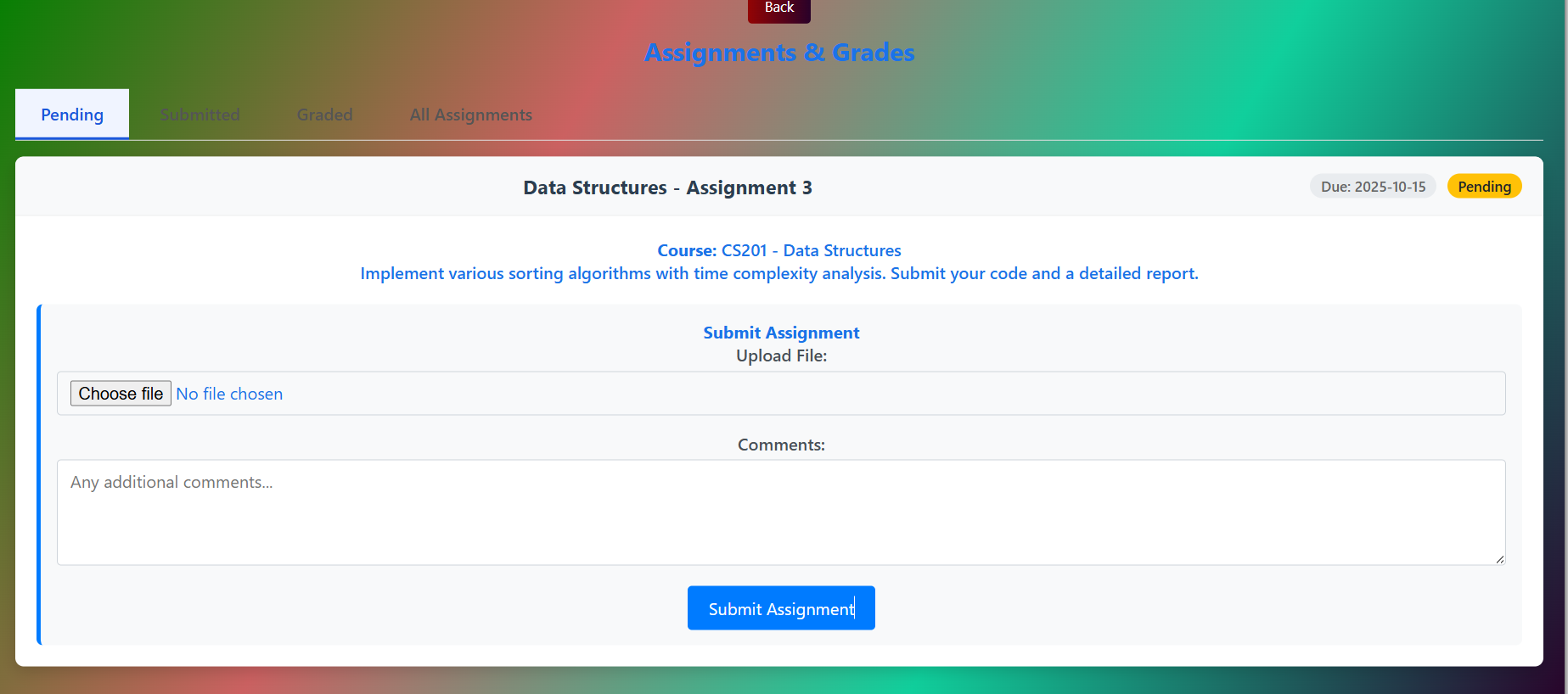
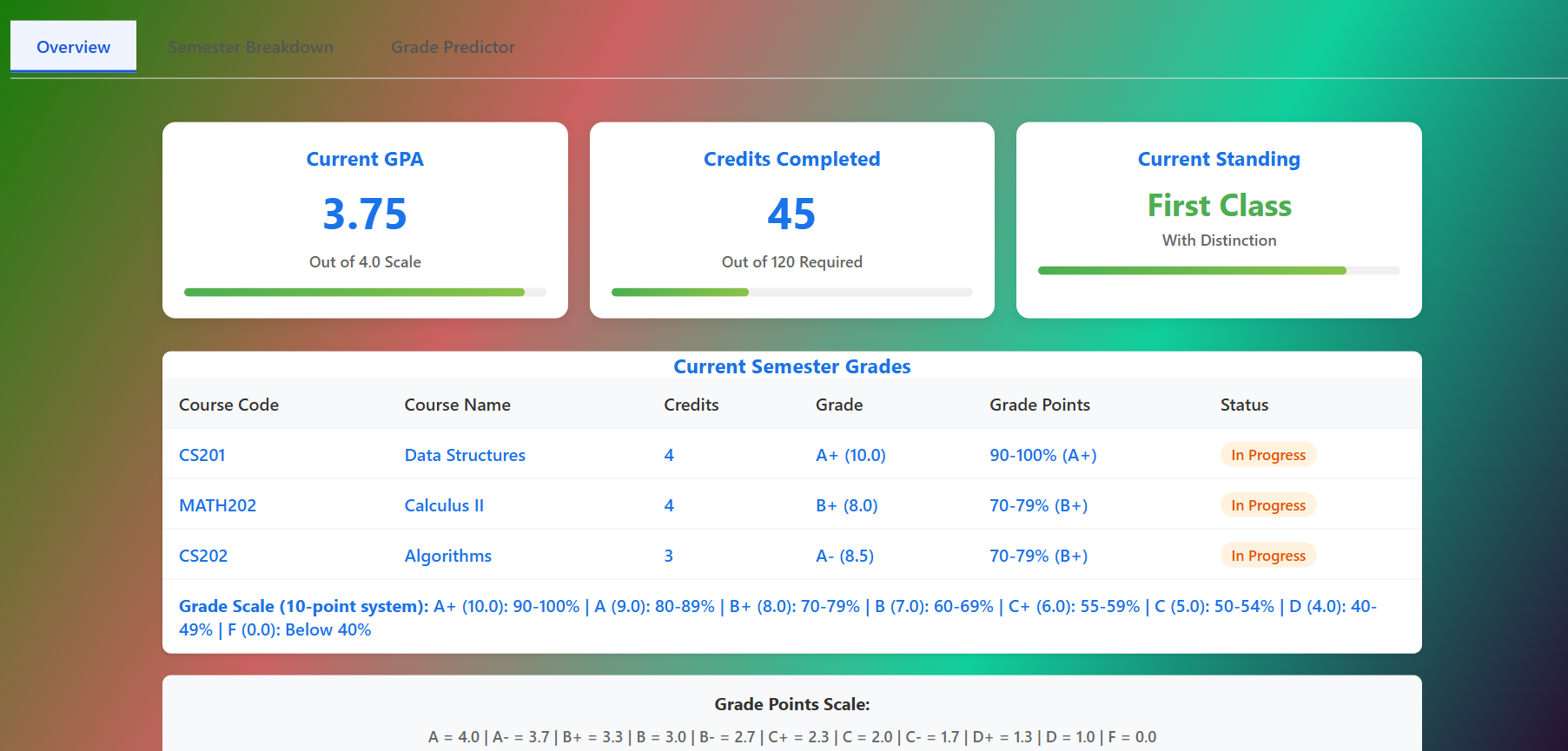
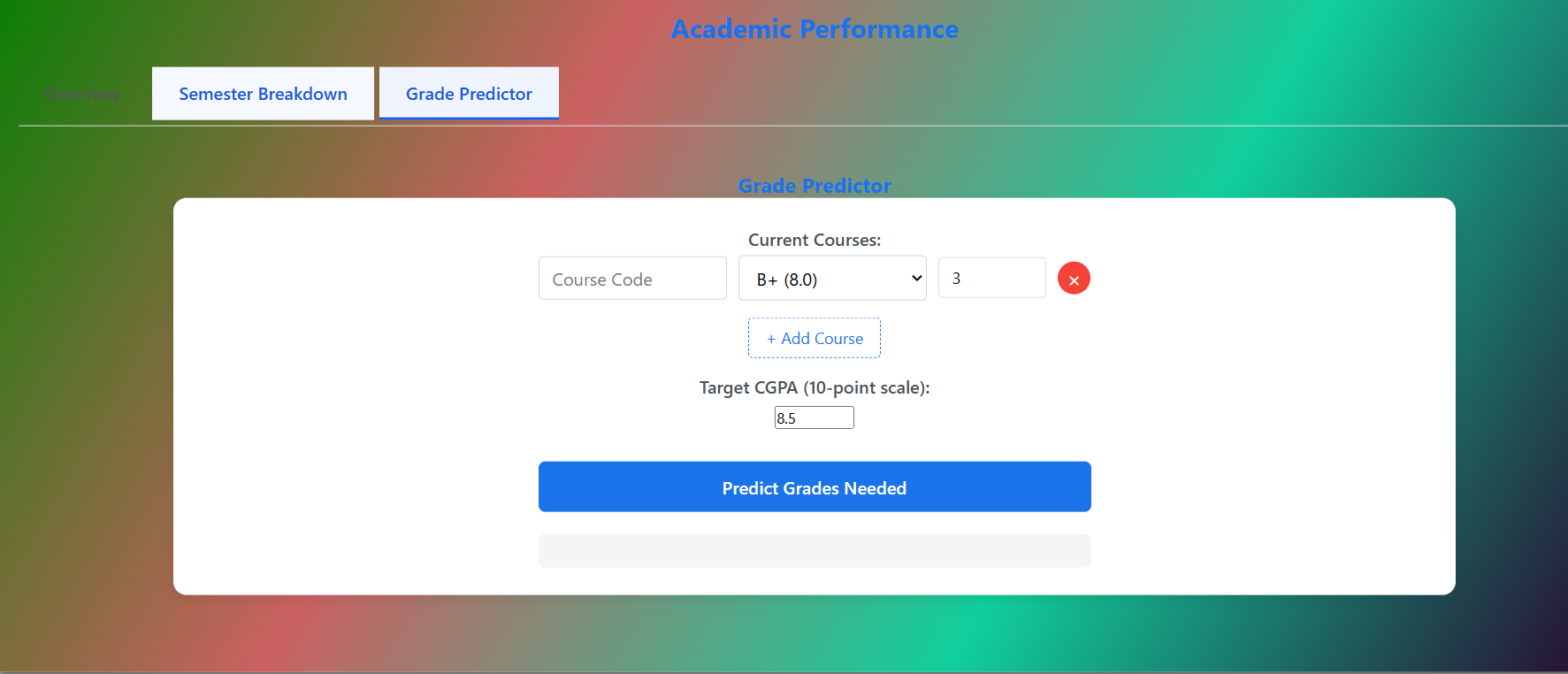
Student profile and academic records management Course registration and management Attendance tracking and analytics Exam scheduling and grade management Digital library with course materials Leave application system Faculty-student communication tools Assignment submission and grading system
How we built it
We developed VTOP using a modern tech stack:
Frontend: HTML5, CSS3, and JavaScript for responsive design
UI/UX: Custom CSS with animations and interactive elements
Challenges we ran into
Data Integration: Ensuring seamless integration between different modules (attendance, grades, courses) Responsive Design: Creating a consistent experience across devices with varying screen sizes was challenging but crucial. User Experience: Balancing feature richness with simplicity to ensure the platform remains intuitive.
Accomplishments that we're proud of
Unified Platform: Successfully integrated multiple academic functions into a single, cohesive system. Intuitive Interface: Created a clean, modern UI that's easy to navigate for both students and faculty. Scalability: Built the system to handle thousands of concurrent users with optimized performance. Accessibility: Ensured the platform is accessible to users with different abilities. Comprehensive Documentation: Developed detailed documentation for both users and developers.
What we learned
User-Centric Design: The importance of continuous user feedback in shaping the platform's features and interface. Modular Architecture: How to design systems that can be easily extended with new features. Performance Optimization: Techniques for optimizing both frontend and backend performance. Security Best Practices: Implementing robust security measures to protect sensitive academic data. Cross-functional Collaboration: The value of close collaboration between developers, designers, and end-users.
What's next for VTOP - Virtual Learning & Student Portal
Mobile Application: Develop native mobile apps for iOS and Android to enhance accessibility. AI-Powered Analytics: Implement machine learning to provide personalized learning insights and early warning systems for at-risk students. Virtual Classrooms: Integrate video conferencing and real-time collaboration tools. Blockchain Integration: Explore using blockchain for secure credentialing and certificate verification. Gamification: Add gamification elements to boost student engagement and participation. Expanded Integration: Develop APIs for integration with other educational tools and platforms. Multilingual Support: Add support for multiple languages to make the platform more accessible globally. Advanced Reporting: Develop comprehensive reporting tools for administrators to track institutional performance metrics.

Log in or sign up for Devpost to join the conversation.