Inspiration
"I am moved by music I did not create myself" - Steve Jobs. Ever since I started coding, I have had to use tools such as Visual Studio Code and PyCharm to run and test my code. My very own creations would not have been made possible without relying on these tools given to me. Inspired by Steve Jobs, I created !VSCode.
What it does
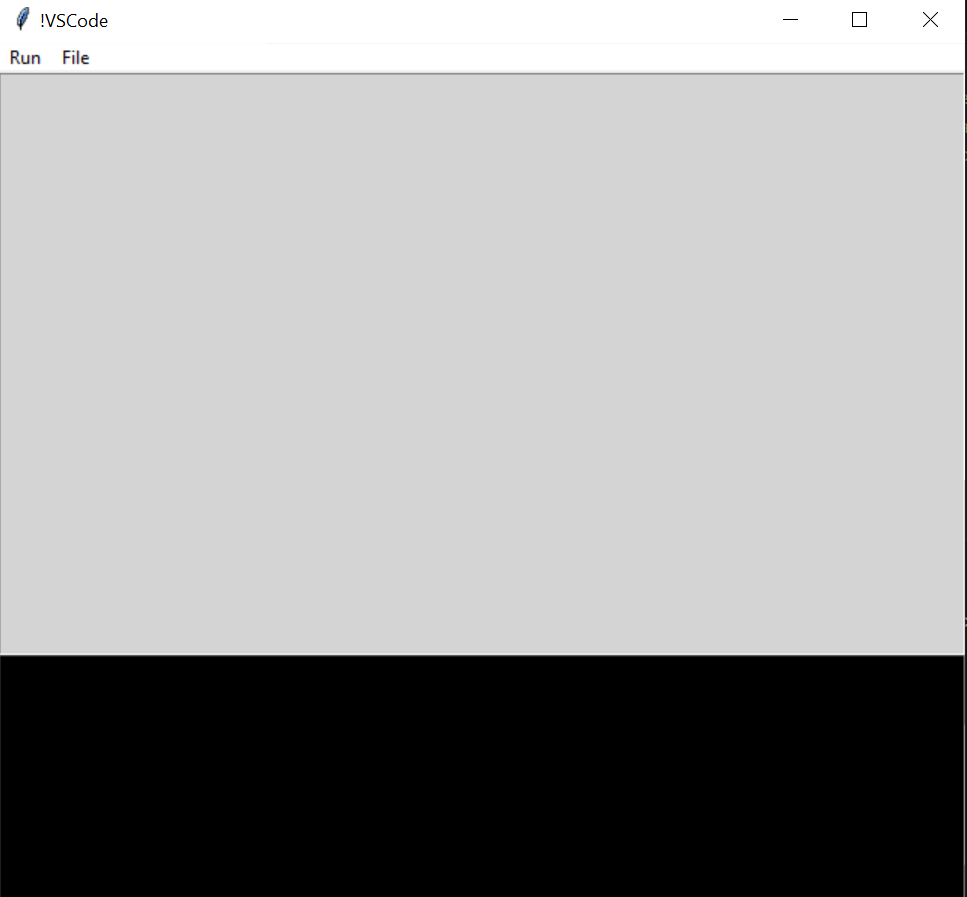
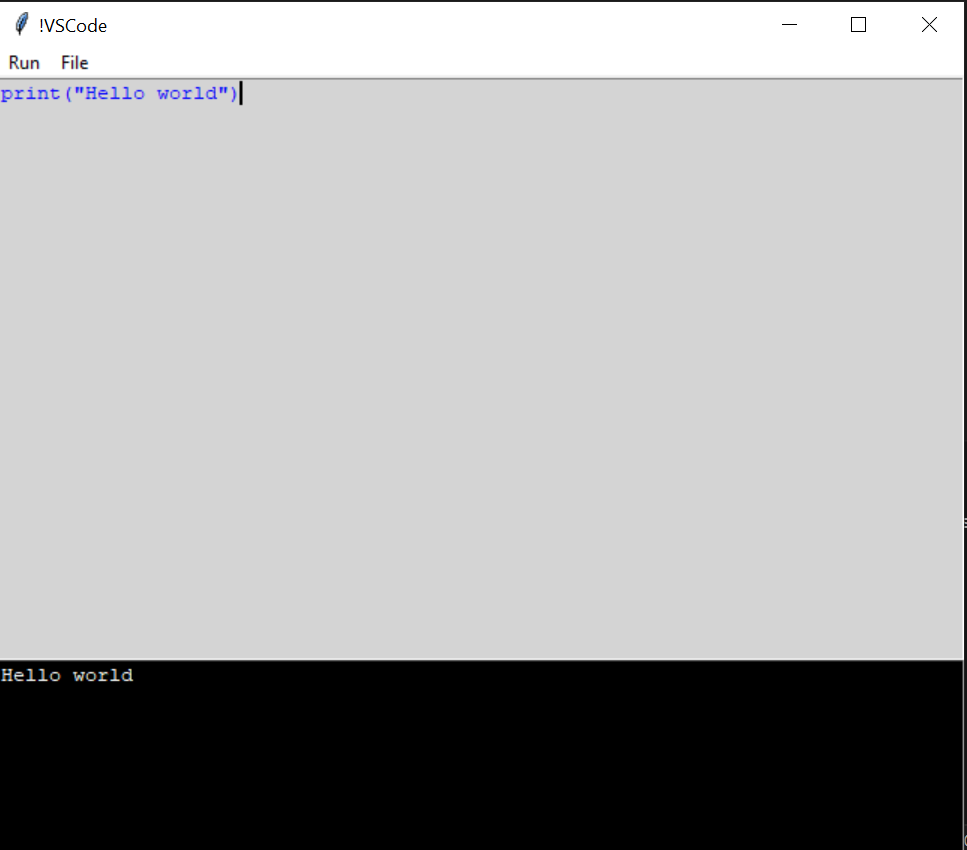
!VSCode allows you to write, test, and run your code effortlessly. It has a simple and aesthetic design focused on lightning fast execution.
How we built it
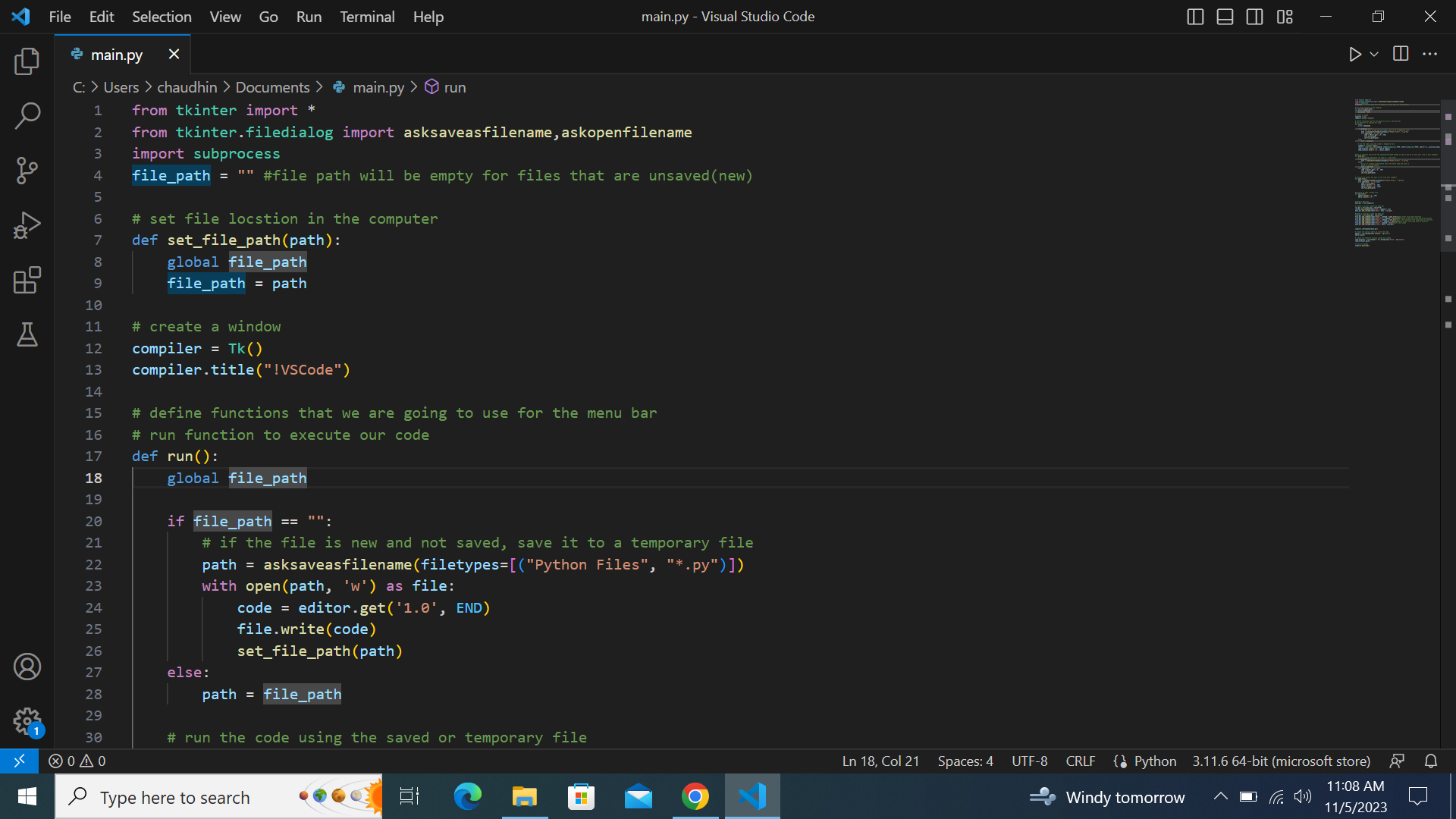
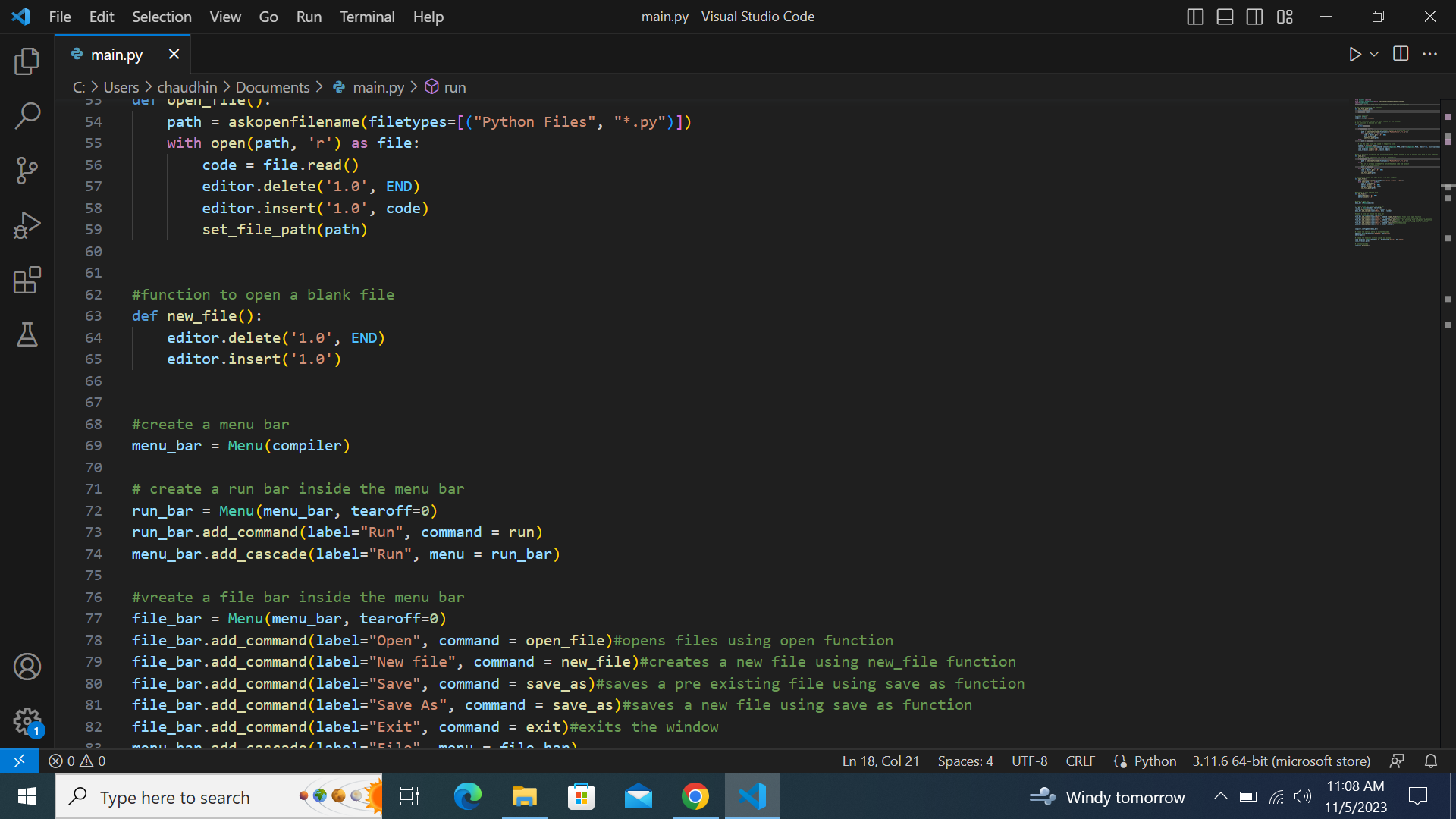
Created a user-friendly GUI using the Python Tkinter library. The GUI features a menu bar for essential functions like running, opening, saving, and creating new files. A text editor widget allows users to input and edit Python code, while another widget displays real-time code execution output
Challenges we ran into
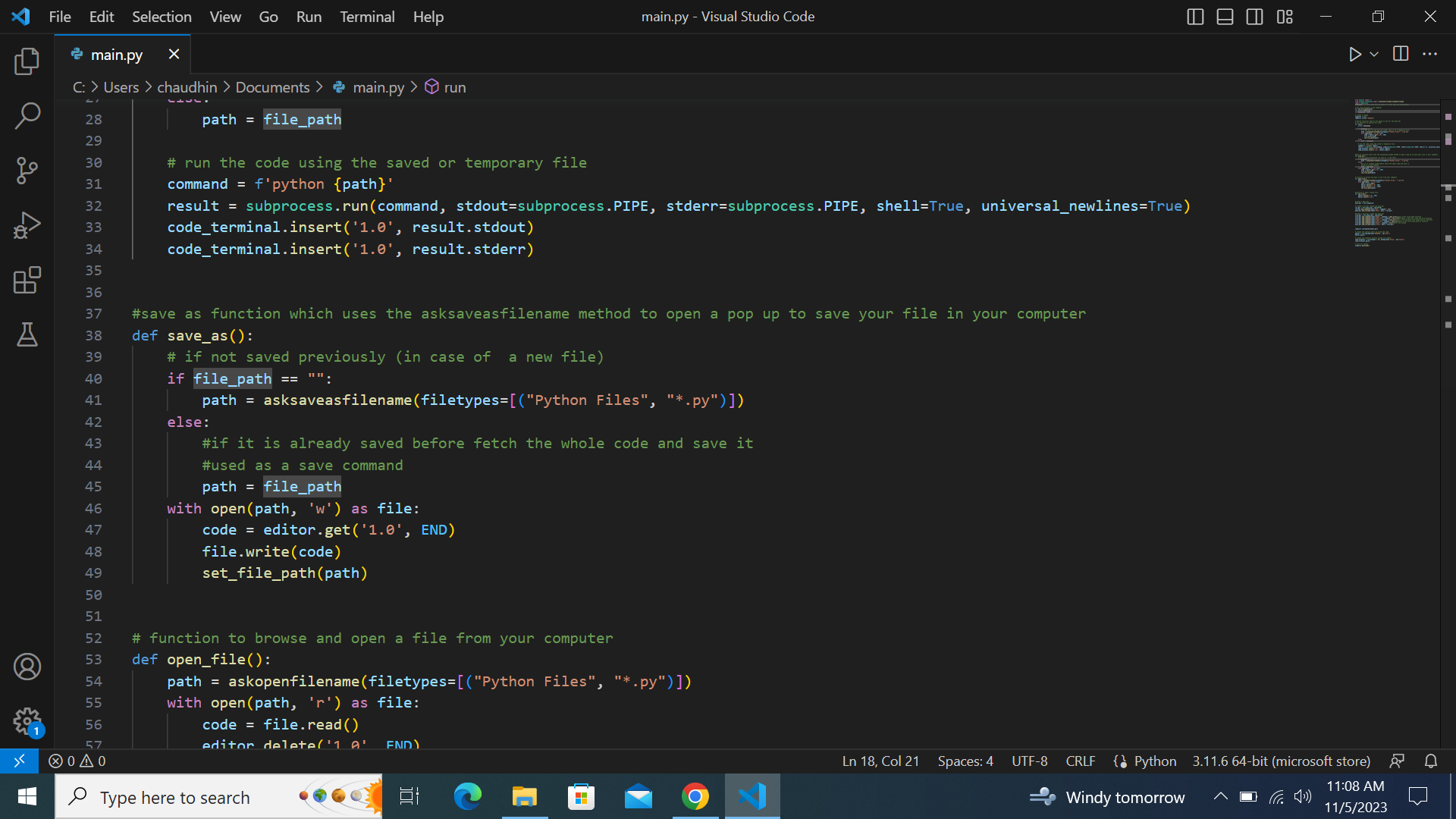
The major challenge I faced was figuring out how I would run the code and output it in the same window in real time. Implementing subprocess functionality of the tkinter library to execute the code and capture its output in real time proved intricate.
Accomplishments that we're proud of
First and foremost, successfully implementing a real-time code execution and output display within the same window stands out to me as a major achievement. This feature enhances user experience and provides immediate feedback. Also, branding my IDE as !VSCode and crafting a compelling elevator pitch adds a personal touch, contributing to the uniqueness of our project.
What we learned
Use of the Tkinter library to create a GUI. Similarly, implementation several methods in the tkinter library such as asksaveasfilename, subprocess, etc.
What's next for !VSCode
It is a project that I take a lot of pride in and I will continue working to improve it. I want to add options such as Edit, View, etc that are available in bigger IDEs. Also, a possibility of enabling the adding of extensions would open a whole new world of functionalities for the IDE. The possibilities are vast and promising and I want to continue reaching out for more.
Built With
- python
- tkinter

Log in or sign up for Devpost to join the conversation.