Inspiration
In a journey marked by empathy and innovation, my best friend living with Motor Neurone Disease (MND) became the cornerstone of inspiration for GazeNav. Observing his daily challenges with conventional technology, I was driven to explore solutions beyond traditional physical limitations. This led to the conception of a unique VR/AR user interface, operated solely through gaze and blink, eliminating the need for physical handlers.
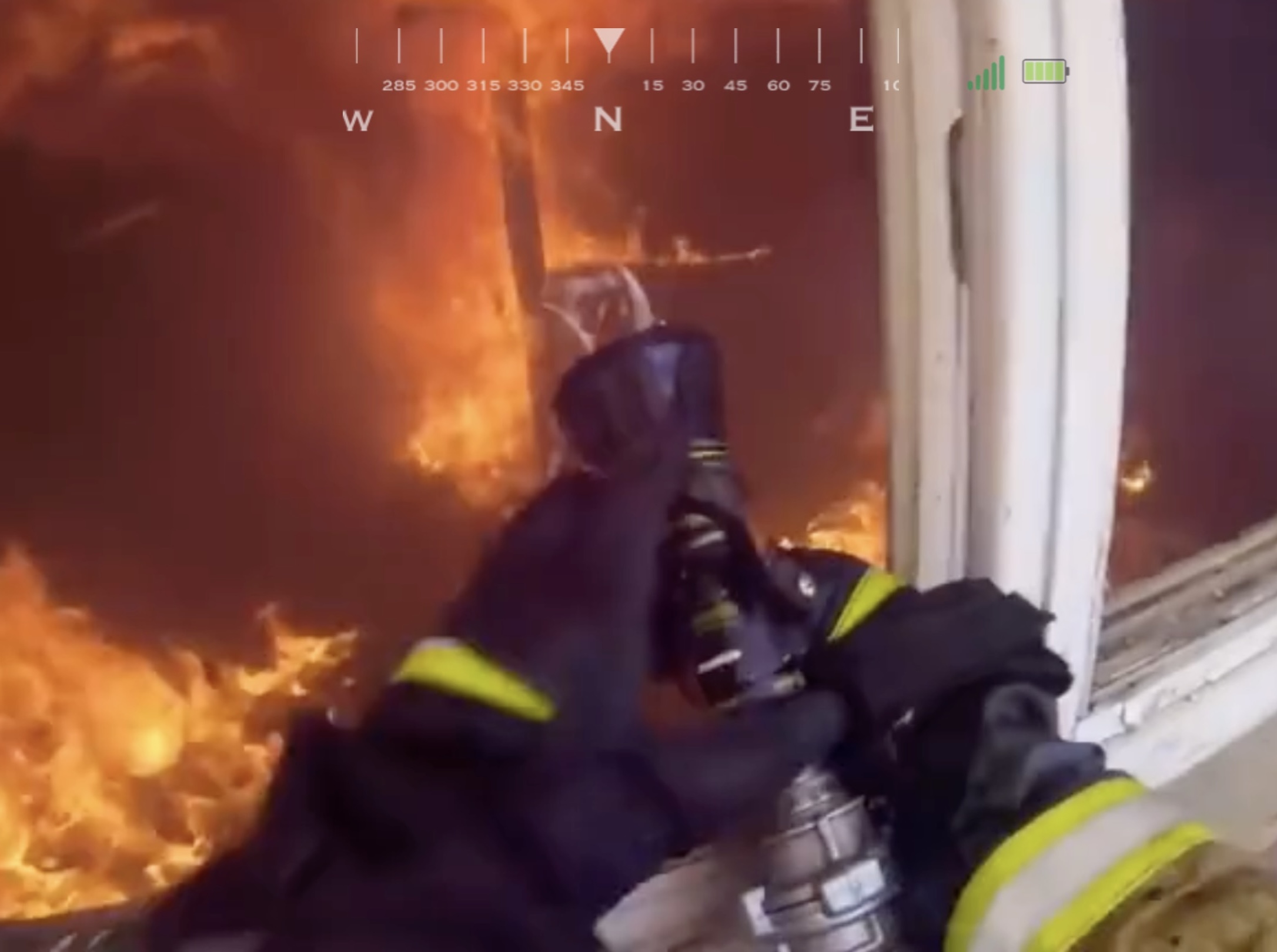
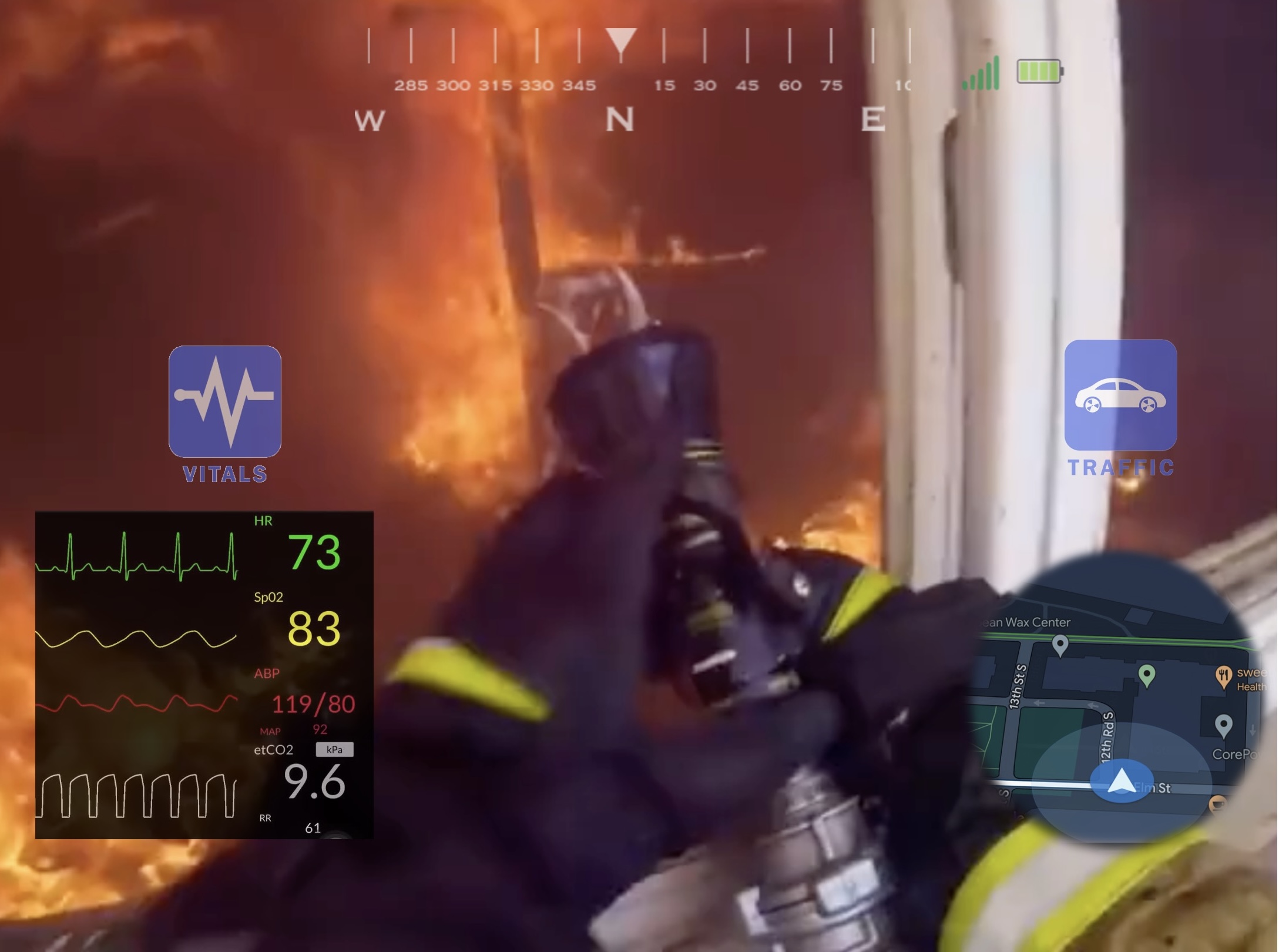
Besides assisting individuals with MND and other disabilities, the potential of this technology can be expanded to a wider spectrum of applications. We realized that our gaze and blink-controlled interface could be helpful for firefighters, first responders, and even in surgical settings, where hands are often occupied with critical tasks. For these professionals, the ability to interact with a UI to gain information, request assistance, or navigate complex environments hands-free could be invaluable. In high-pressure situations where every second counts, such as navigating through a burning building or performing delicate surgery, our system offers a way to access and relay information seamlessly without compromising the task at hand.
What it does
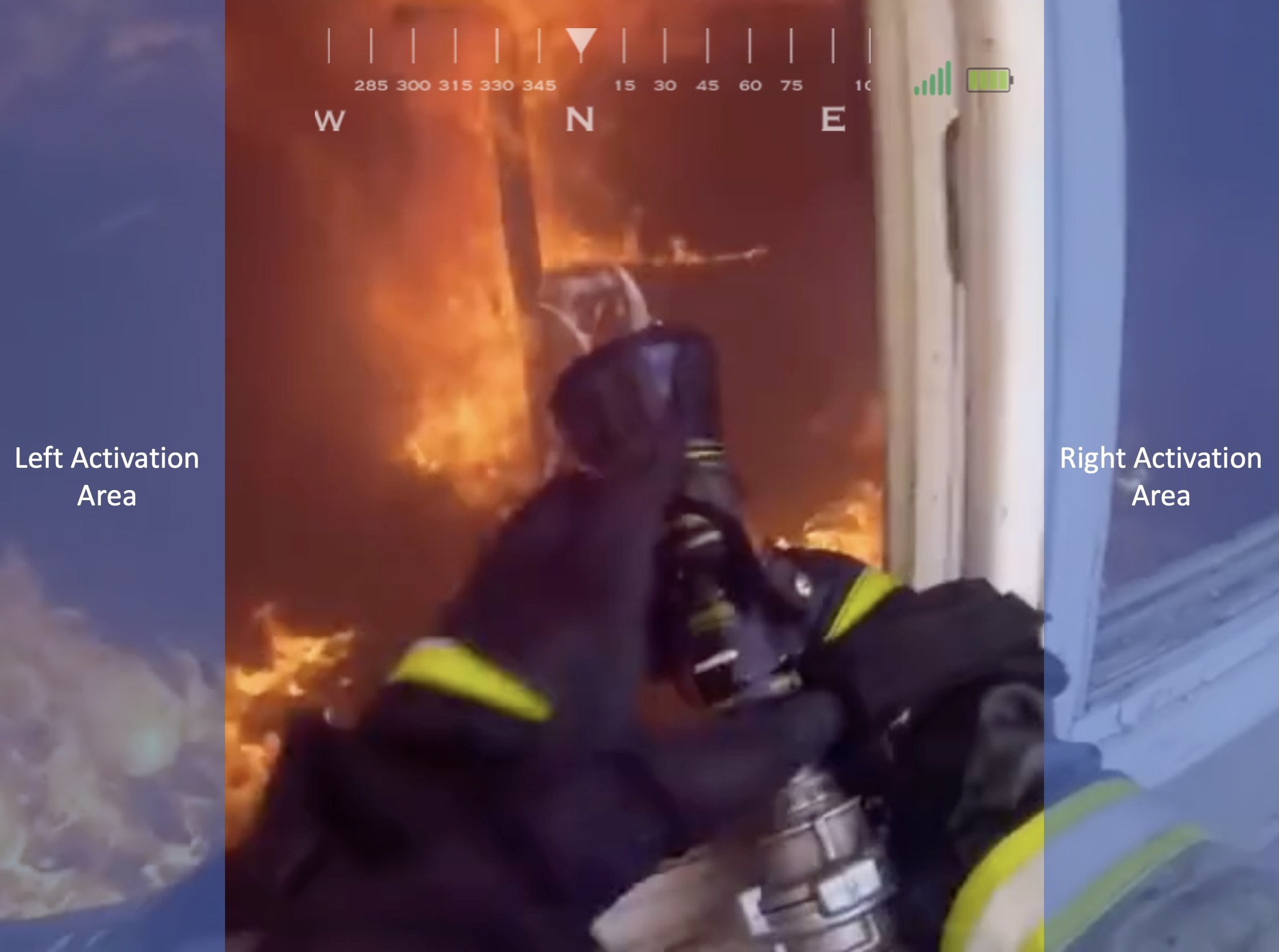
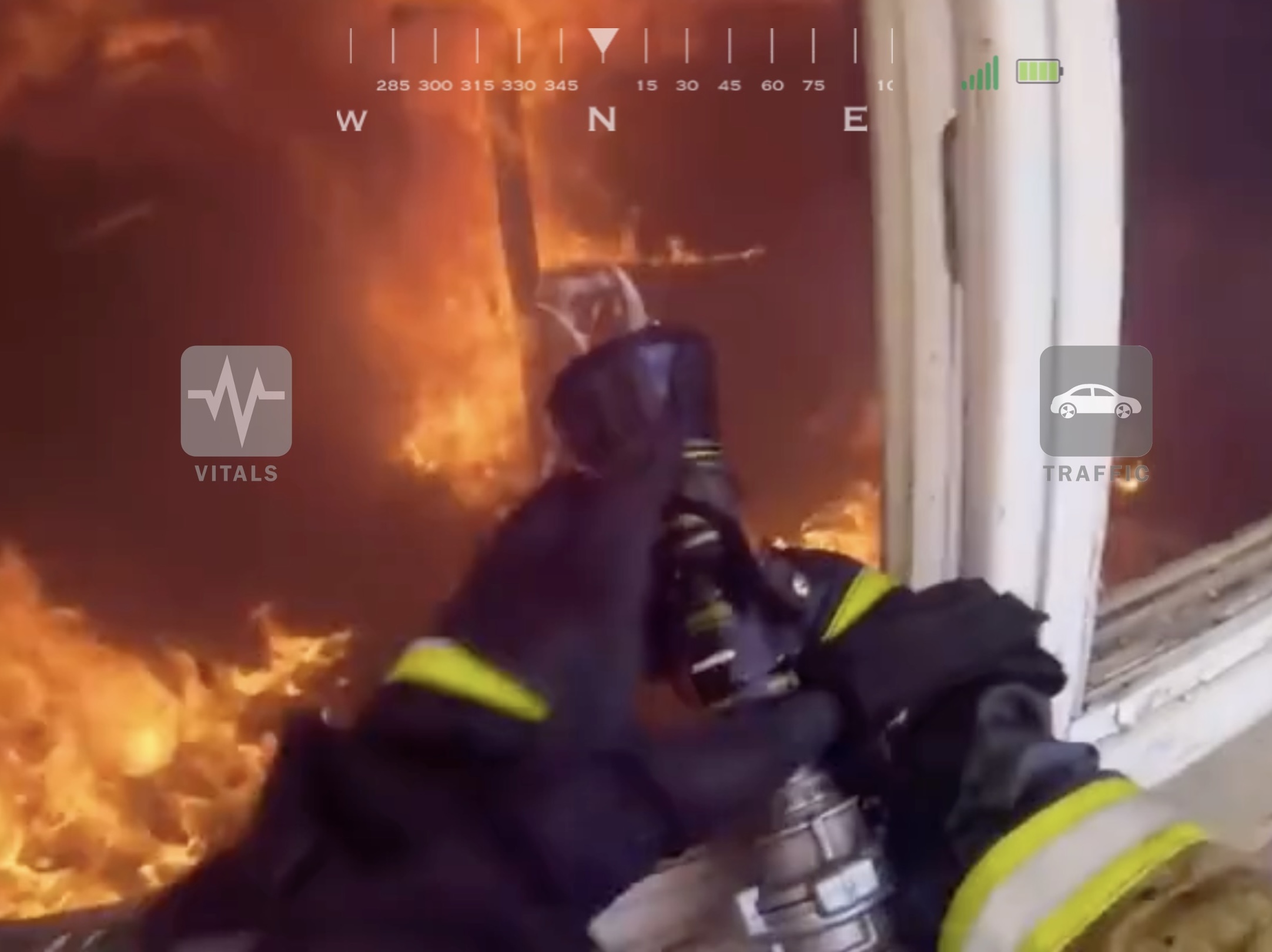
To enhance user engagement, we will introduce an interactive side menu for each object within the scene. This menu will expand the functionality and interactivity of objects, providing users with additional information and actions that can be accessed through gaze selection. Furthermore, our project will prioritize user comfort and adaptability, ensuring that the gaze tracking system is responsive and accurate without causing undue strain or fatigue.
How we built it
We used Pico Neo 3 Pro Eye because it provides affordable eye tracking features, and gives an entire developing toolkit like Pico SDK and SensePack. Meanwhile, Unity shows a nice performance for VR application development, especially on Android-based platforms like Pico. Our Unity Editor Version is 2021.3.13f1. We used Pico SDK version 230. We integrated Pico SensePack for Passthrough video to create an XR experience. We developed C# scripts for gaze tracking, blink detection and trigger, compass orientation, Heads-Up Display (HUD) functionality. We also introduced Google Maps API for our mini-map. We used our own custom-made assets for 2D objects.
How Pico SensePack benefits
As we showed above, we used the SensePack to implement our video see-through feature. This is a critical module to buile the AR/MR experience.
Eye Gaze Selection
The gaze tracking was physically supported by the Pico Neo 3 Pro Eye, which has a built-in Tobii gaze sensor. We utilized the data that was provided by the Tobii sensor and other supportive functions to build our own tracking and reaction system. This system could successfully track the focus point of the user's eyes and be able to operate separately with the attributions of both eyes, which paved the way for the blink trigger. We have designed a series of smooth icons for an intuitive user experience and set an appropriate focus point transfer threshold to protect users from incidental focus loss.
Blink Trigger
Based on a previous literature survey, we designed an intuitive and user-friendly method of action trigger, which is blink. Instead of using a single blink, which naturally happens for humans at a frequency of about one dozen times per minute, we used a double-blink for trigger action. This method was implemented by detecting the eyes’ openness switching and the time interval between blinks. The combination of gaze tracking and blink triggers provides the possibility of having intuitive interaction with AR scenes without using controllers or any other auxiliary devices.
Challenges we faced
First, we grappled with our unfamiliarity with the PICO SDK, which posed initial hurdles. We also faced limitations in UI design and animation expertise within our team, prompting us to seek guidance from subject matter experts (SMEs) in XR UI/UX. To address this gap, we invited a new team member with expertise in creating high-quality animated 2D objects. These challenges, while initially concerning, ultimately led to a more collaborative and well-rounded approach to our project's development.”
What we learned
Throughout the development of GazeNavApk, our learning curve was steep but rewarding. Here are the key areas where we gained significant knowledge and expertise.
Our first major learning milestone was understanding and utilizing the Pico Unity SDK. This involved delving into the intricacies of the software, comprehending its documentation, and learning how to effectively integrate it into our project. Mastering this SDK was crucial, as it formed the backbone of our development process, enabling us to harness the full potential of the Pico Neo 3 Pro Eye hardware.
Another significant area of learning was in handling gaze and blink data. This entailed understanding the nuances of eye-tracking technology, particularly how to accurately capture and interpret gaze direction and blink patterns. We learned to differentiate between intentional and involuntary blinks, and how to translate these into meaningful interactions within our UI. This knowledge was critical in ensuring that our system was intuitive and responsive to the user's intentions.
Perhaps one of the most challenging and enlightening aspects was learning how to design a user interface specifically for eye-based interaction. This required a shift from traditional UI design principles, as we had to consider factors like gaze tracking accuracy, ease of selection, and minimizing eye strain. We explored different layouts, iconography, and interaction models to ensure that our UI was not only functional but also user-friendly and accessible. The process taught us a great deal about the importance of design ergonomics and user experience in the context of non-traditional interaction methods.


Log in or sign up for Devpost to join the conversation.