-
-
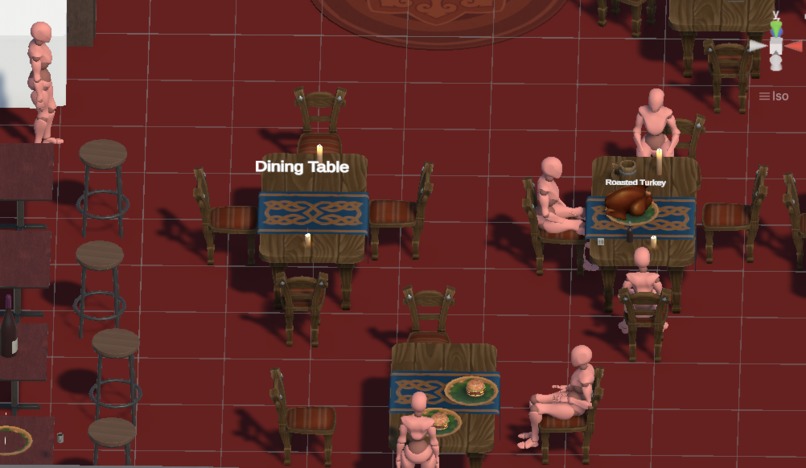
Environmet 1 development mode
-
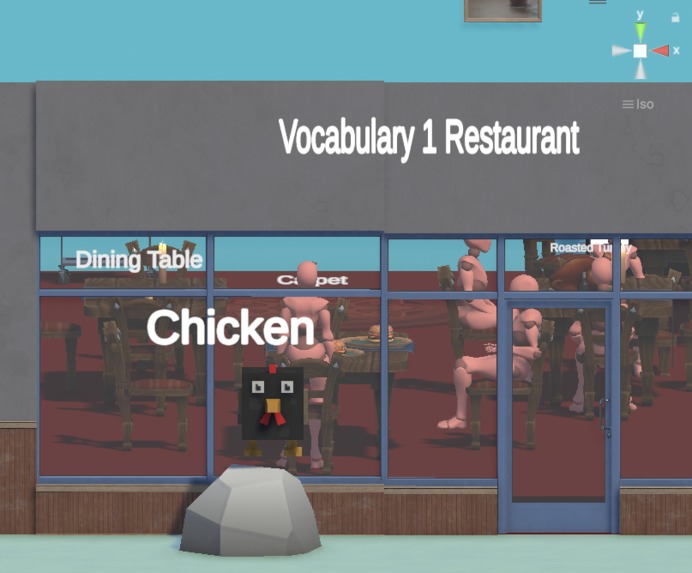
Environmet 4 development mode
-
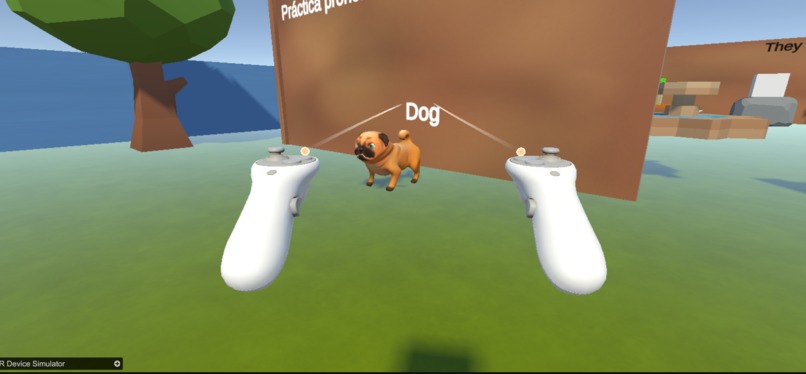
Environmet 2 Simulation mode
-
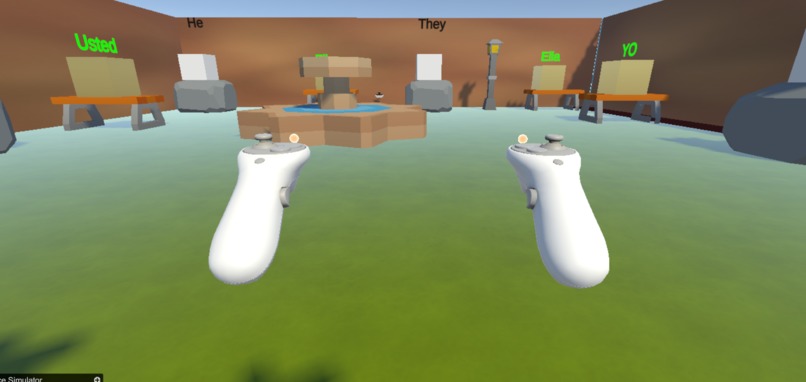
Environmet 3 Simulation mode
-
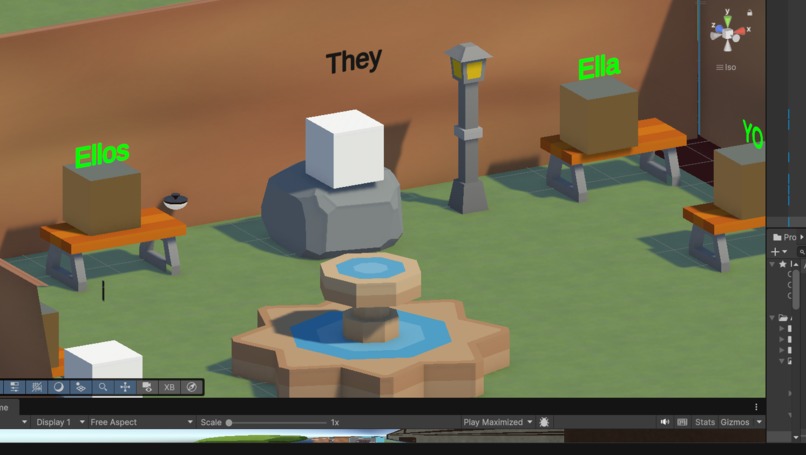
Environmet 3 development mode
-
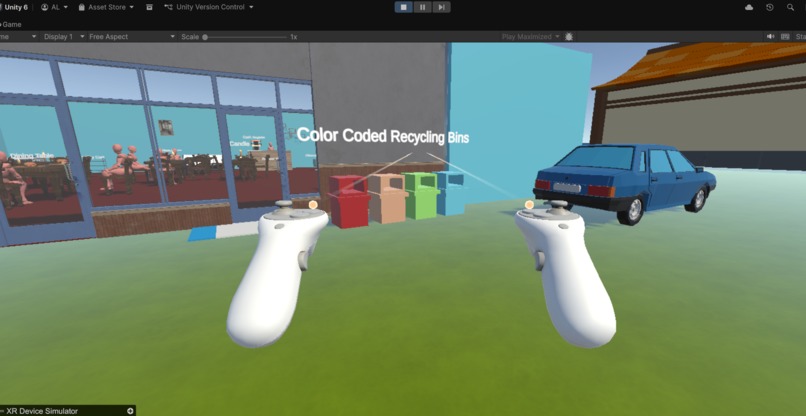
Environmet 1 Simulation mode
-
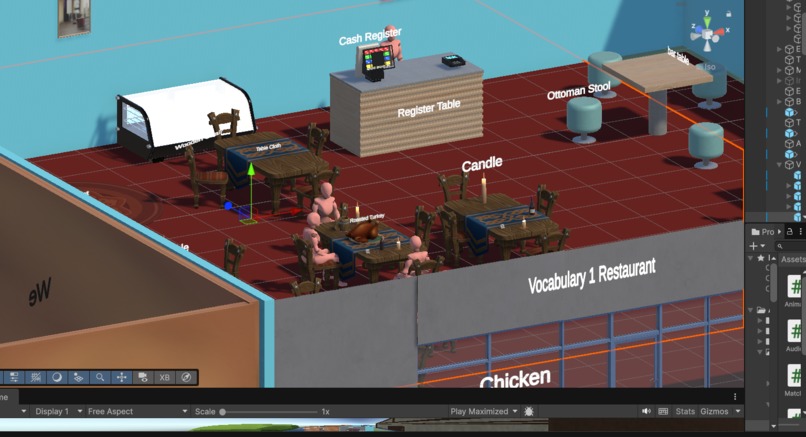
Environmet 2 development mode
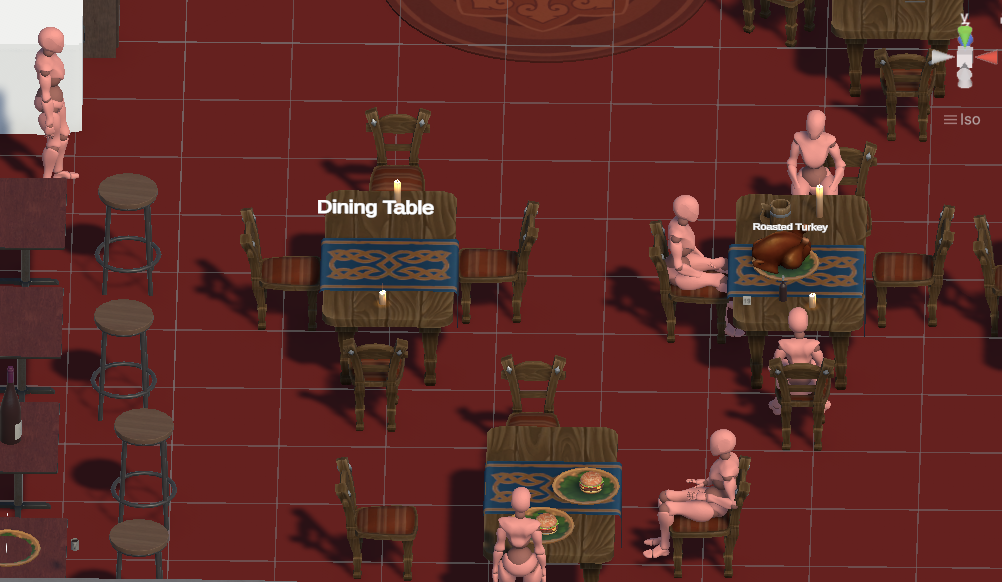
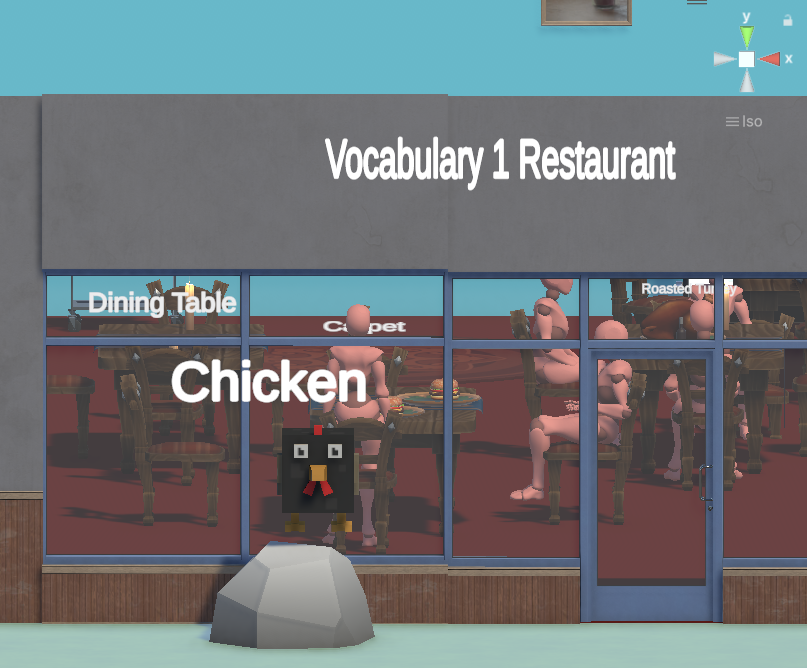
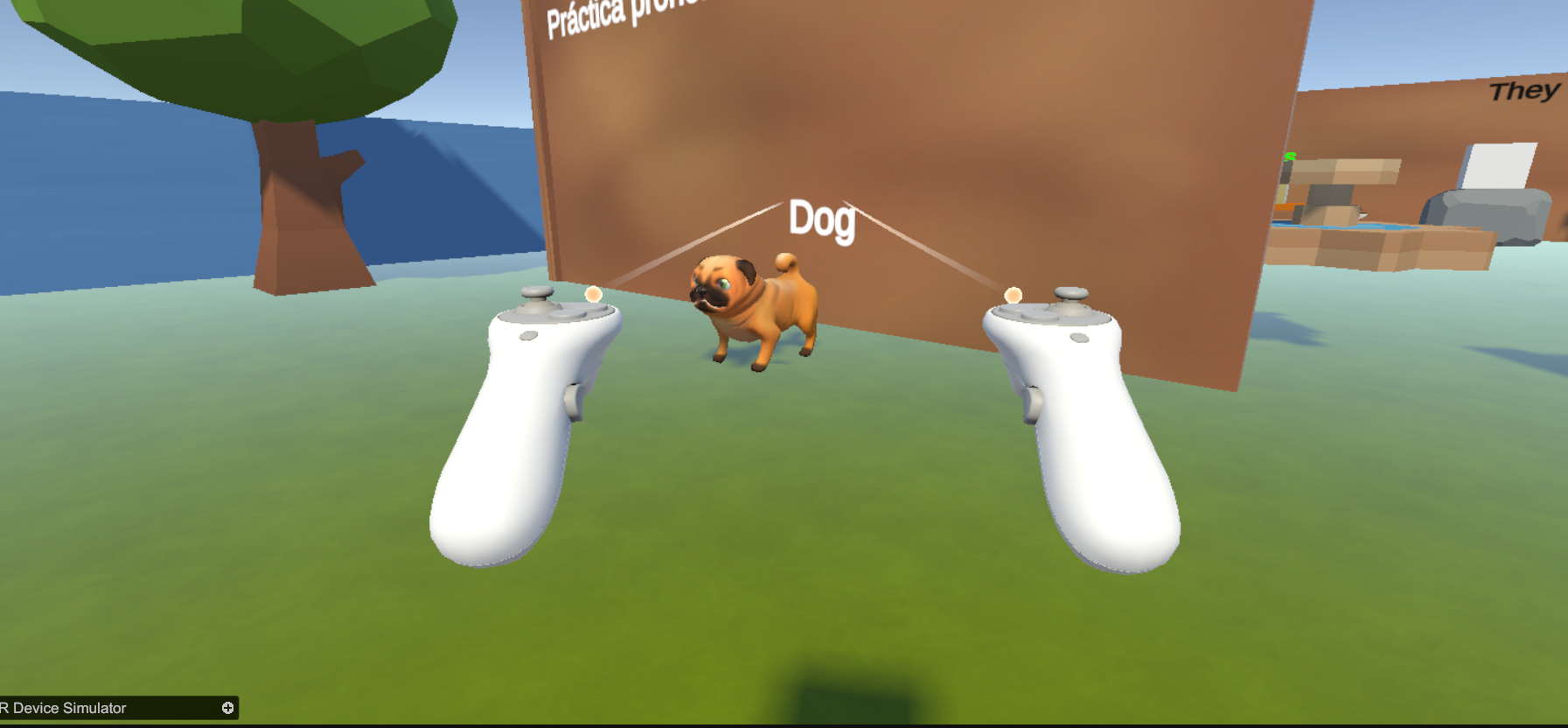
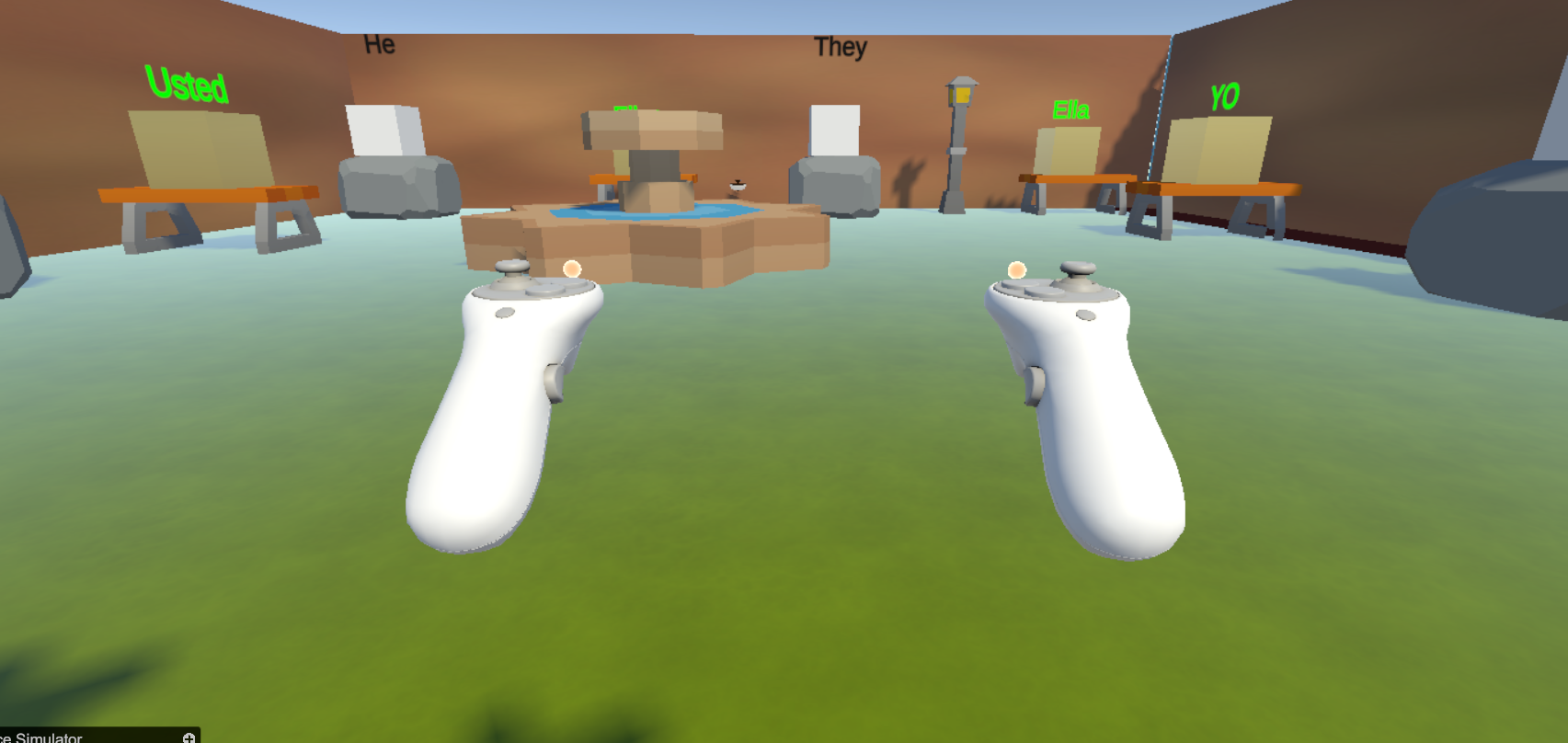
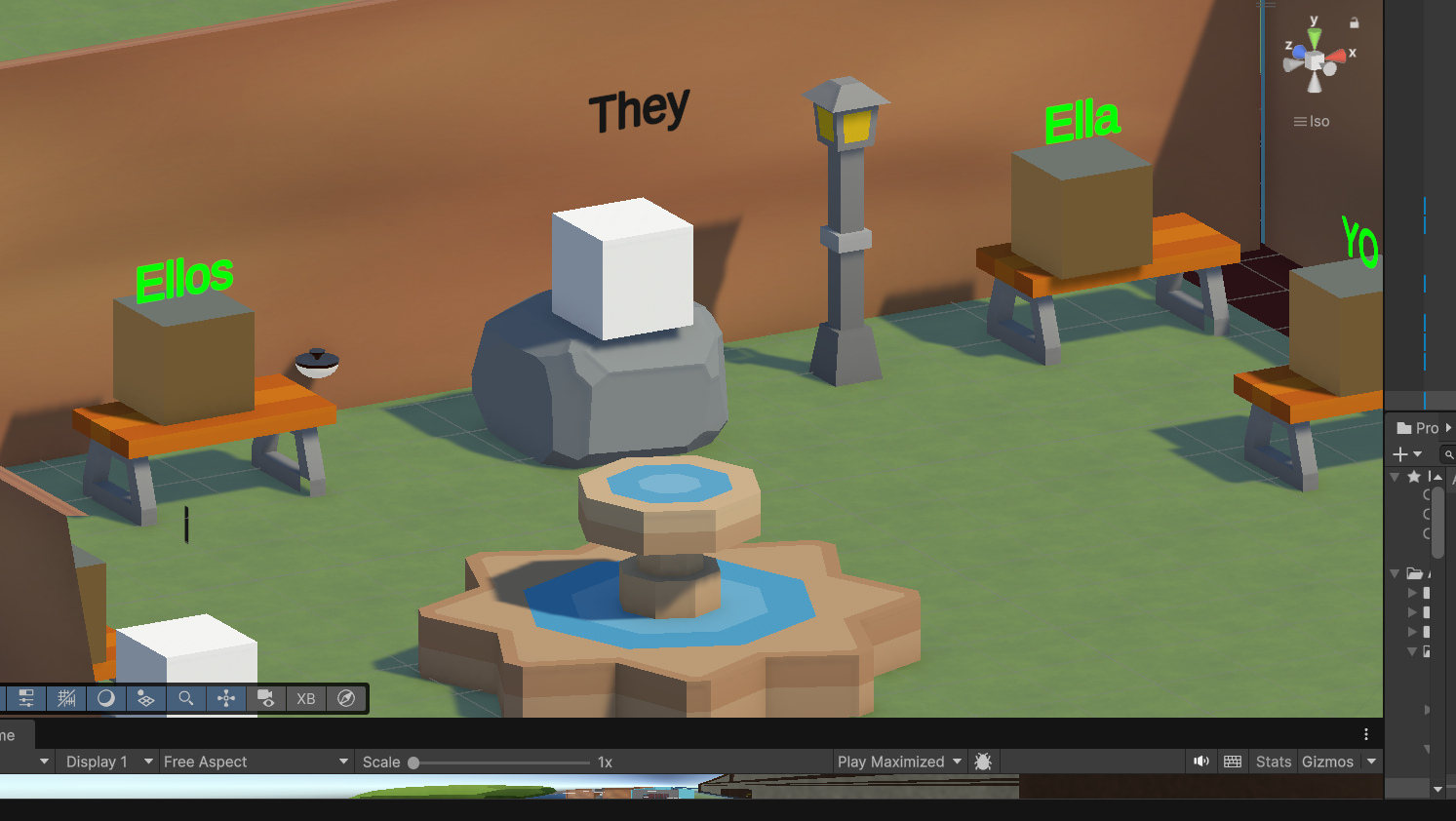
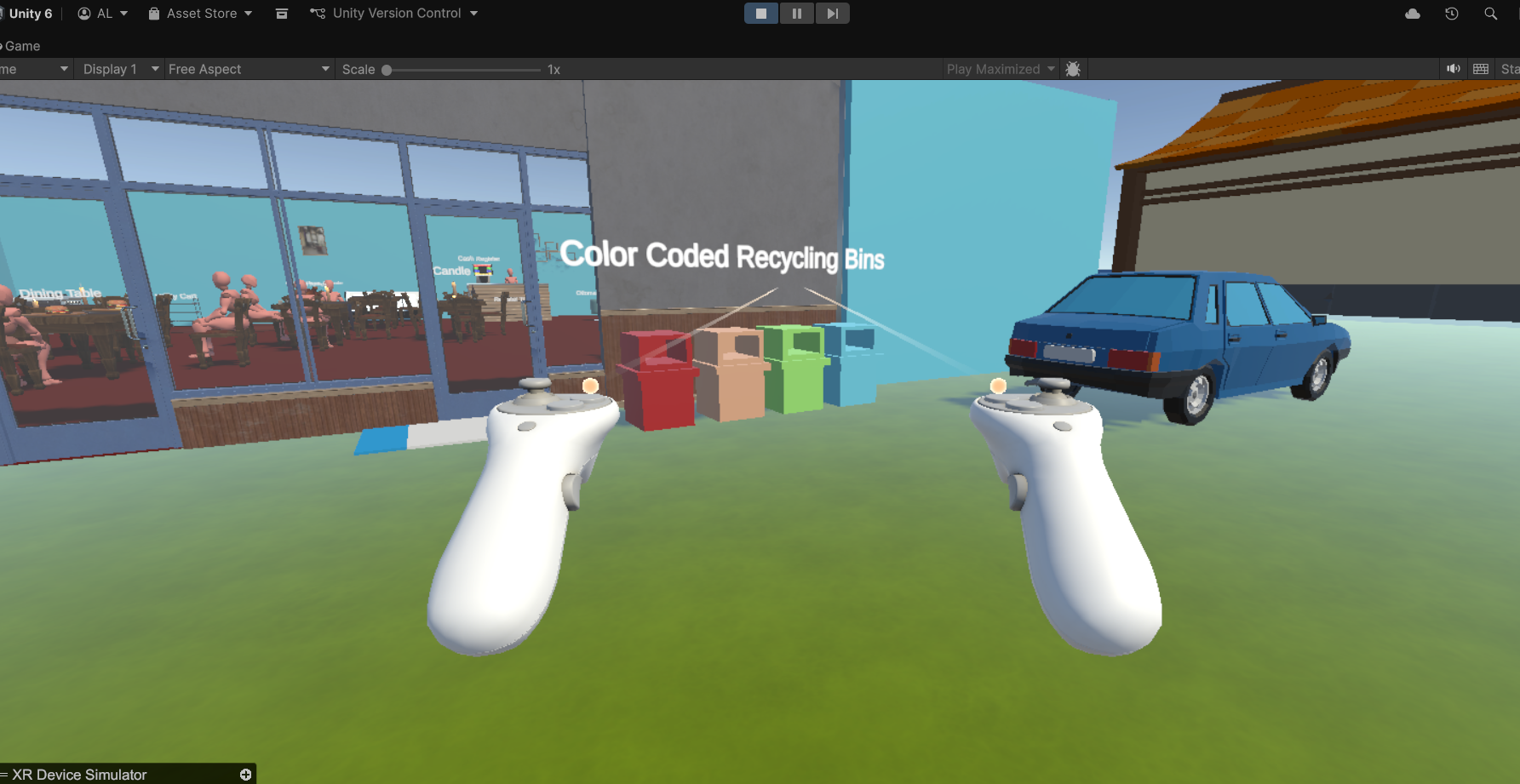
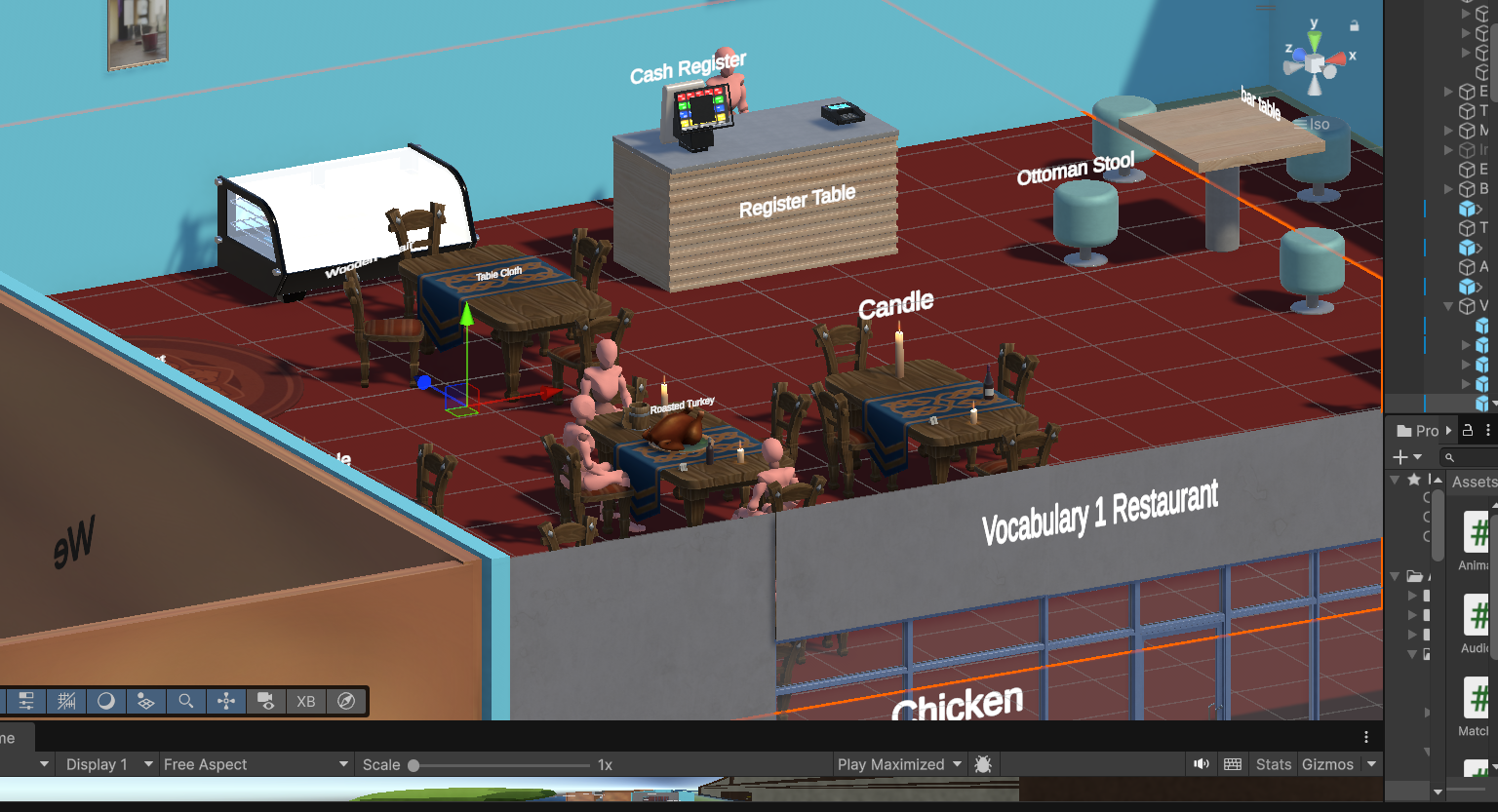
Inspiration Learning a new language like English is often abstract and boring for beginners. We memorize lists of words but lack the physical context to retain them. We wanted to leverage VR's greatest strength: embodiment. We were inspired by the idea of "muscle memory" in learning—what if you could physically grab a verb, stack a pronoun, or point at a real object to learn its name? VR SpeakWithMe was born from the desire to turn English concepts into physical, spatial interactions.
What it does VR SpeakWithMe is an immersive A1-level English learning experience. Users enter the "A1 Zone," a gamified environment where language is tangible.
Interactive Vocabulary: Users can point at 3D objects (like animals or trees) to hear their pronunciation instantly, building a visual-auditory link.
Physical Grammar Missions: Users must physically grab cubes representing English words and match/stack them with their Spanish counterparts to solve puzzles.
Spatial Learning: Instead of 2D menus, the user navigates a 3D space where learning happens through movement and interaction.
How we built it We built the project using Unity 6 and the Meta XR SDK (XR Interaction Toolkit 3.x).
Interaction: We utilized XR Ray Interactors for distant object selection (vocabulary) and XR Grab Interactables for the physical cube stacking missions.
Audio Logic: We wrote custom C# scripts to handle spatial audio, ensuring that pronunciation clips play correctly on Hover events without overlapping chaotically.
Optimization: We focused on lightweight assets and ASTC texture compression to ensure smooth performance on standalone Quest devices.
Challenges we ran into The biggest technical challenge was managing Physics vs. Raycasting conflicts.
Collider Management: We struggled with objects having both Box Colliders (for physics) and Sphere Colliders (for audio triggers), which caused the XR Ray to get blocked or misfired. We solved this by fine-tuning the IsTrigger settings and separating the interaction layers.
Audio Cacophony: Initially, pointing at multiple objects quickly caused all audio clips to play at once. We implemented a static variable logic in our scripts to ensure only one audio source plays at a time, "silencing" the previous one for a clean user experience.
Accomplishments that we're proud of We are proud of creating a functional Vertical Slice (MVP) in a short time. Getting the interaction to feel "responsive"—where the user points and the audio plays instantly with a visual cue—was a big win. We successfully moved from a basic idea to a working .apk where the core mechanic of "learning by touching" is fully playable.
What we learned We learned that in VR, User Experience (UX) is everything. A raycast that misses a target by a millimeter can break the immersion. We learned how to debug XR interactions using the simulator and the importance of properly configuring Audio Sources (Spatial Blend) to make the environment feel real but audible.
What's next for VR Speak with me This submission is just the beginning. Our roadmap includes:
Gamification: Implementing a Gem and Scoring system to reward correct answers.
Voice Recognition: Integrating voice APIs so the user has to speak the word to complete the mission, not just touch it.
Conversation Modules: Creating NPC scenarios (like a Supermarket or Park) where users practice listening and responding in context.
Built With
- android
- c#
- meta-xr-sdk
- openxr
- textmeshpro
- unity
- visual-studio
- xr-interaction-toolkit


Log in or sign up for Devpost to join the conversation.