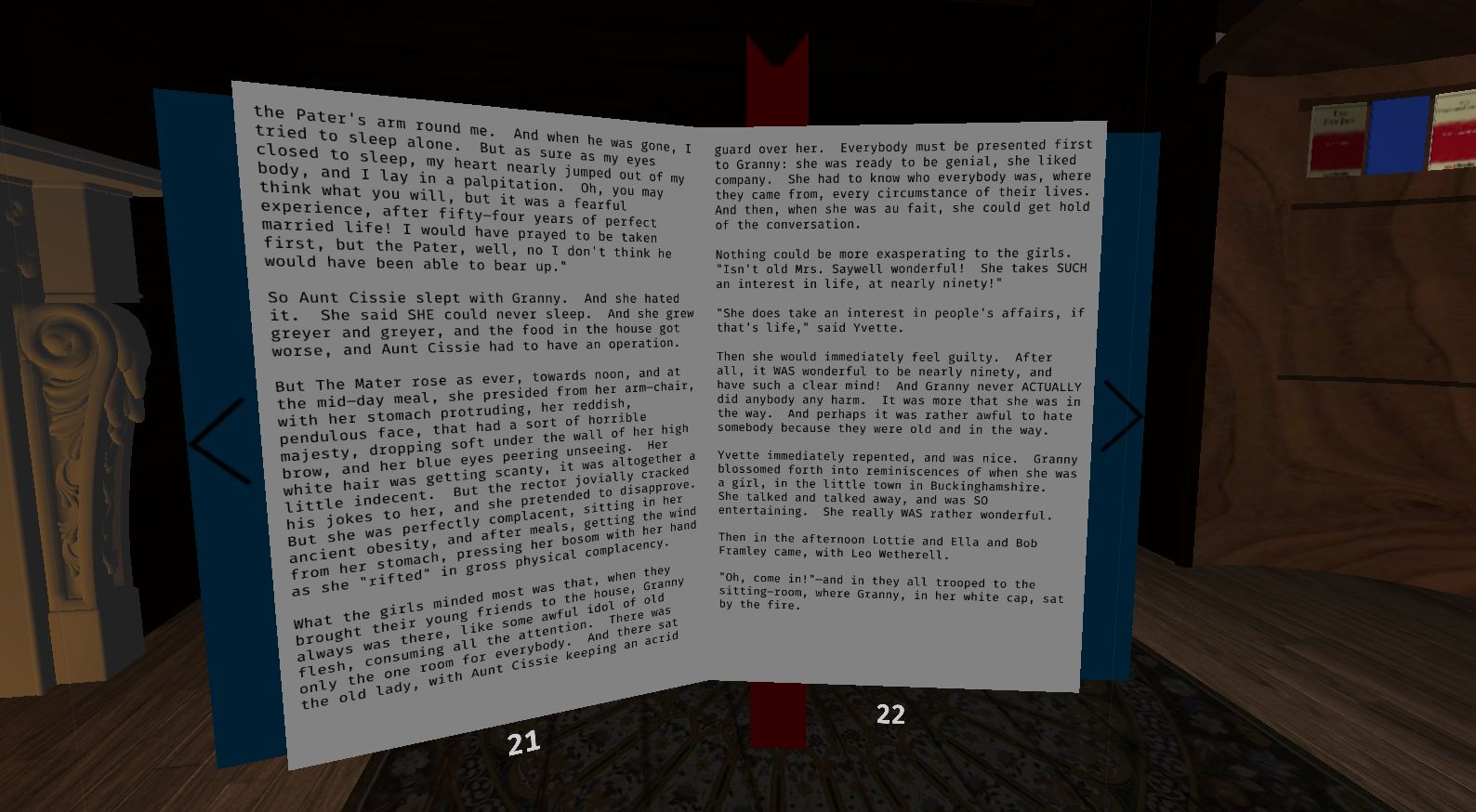

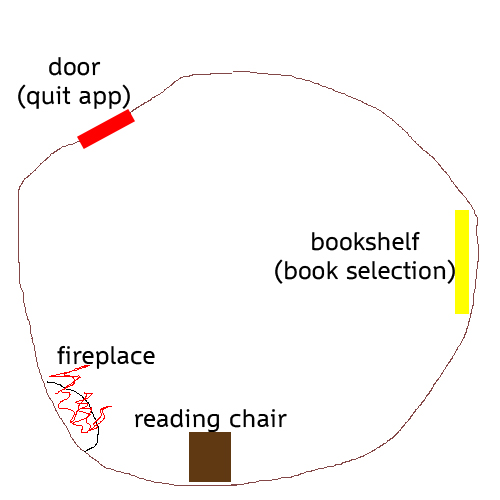
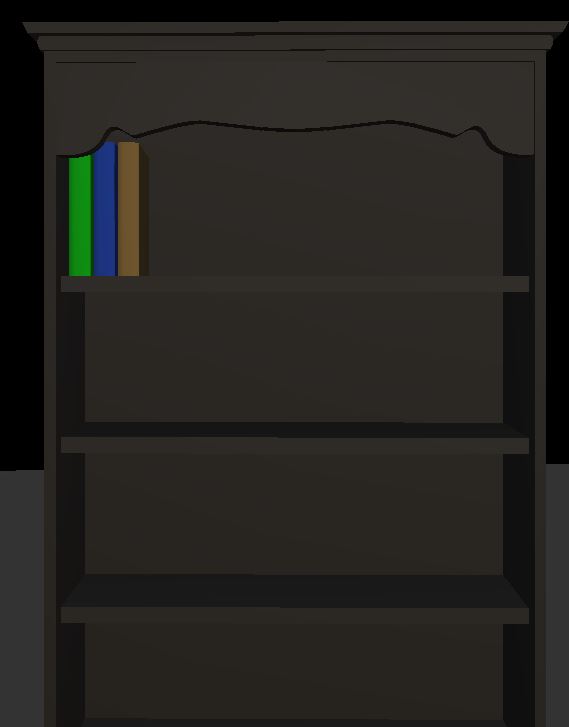
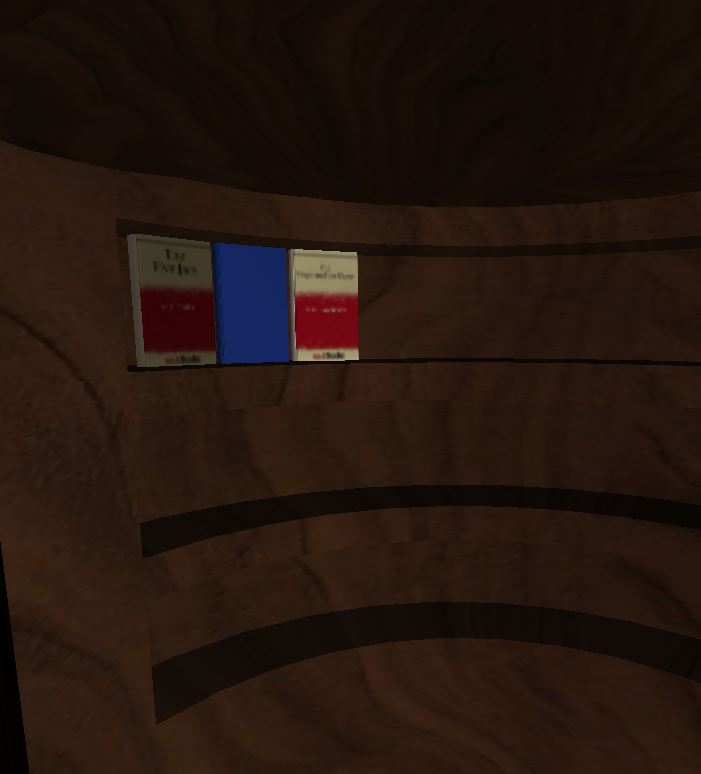
The intent of this app is to allow the reading of eBooks as if you were reading a real book. Will feature simple controls to facilitate the selection and navigation of books. A bookshelf will display all suitable files as books, allowing for a simple and intuitive browsing and selection system.
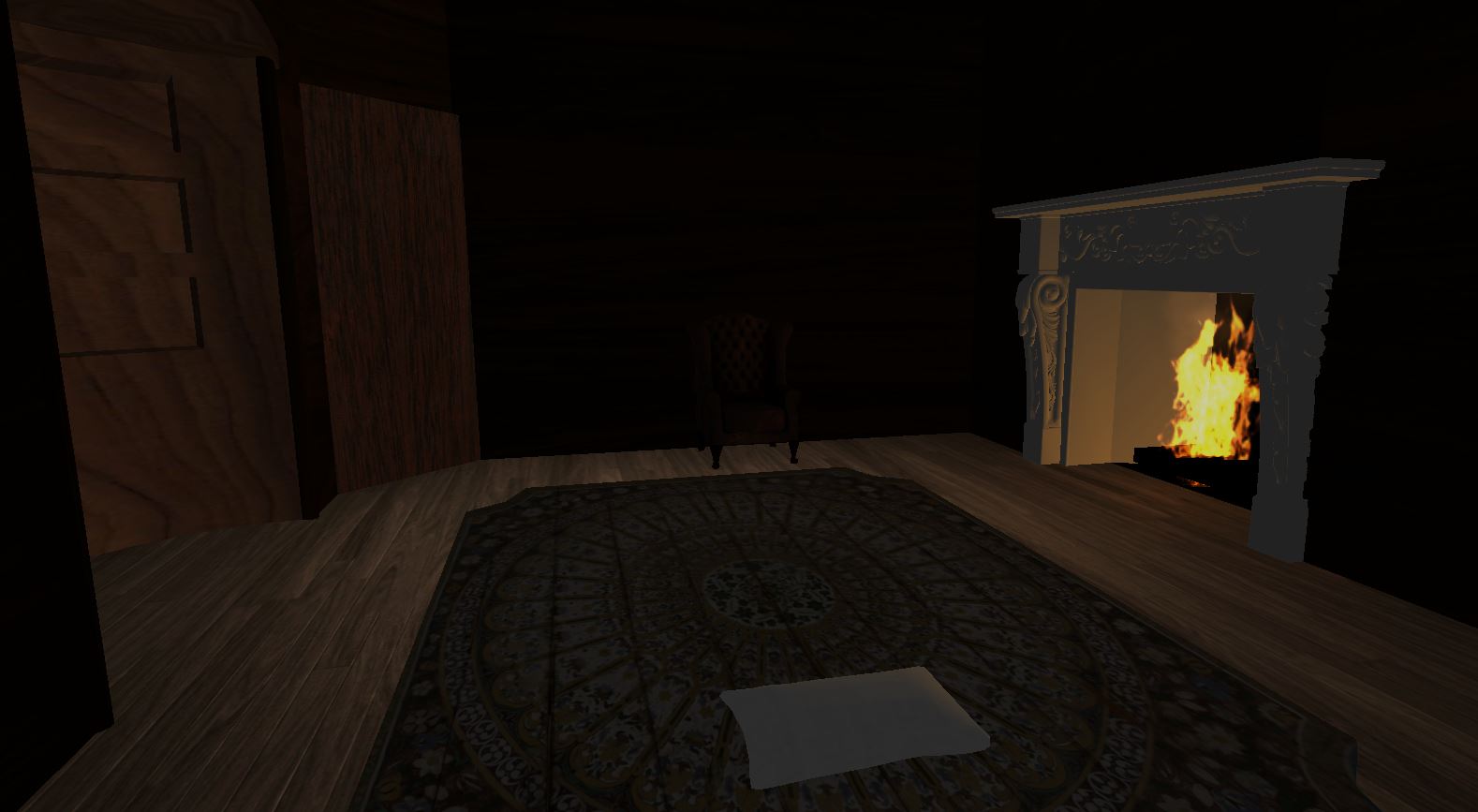
An atmospheric environment will seek to aid in the comfort of the VR Reader, with the long-term possibility of different reading environments. I elected to focus on one highly polished environment to start with, instead of multiple lower-quality ones.
Simply drag EPUB files into your phone's "VR Reader" folder (created when app is first run), and they will appear inside the app on launch.
Features:
- Support for text-based EPUB files
- Simple and intuitive book selection
- Gaze-based and tap-based page navigation
- Relaxing environment
- Separate bookmarks for each book
- Chair and Bed modes for your preferred reading position
- Ability to speedily flip through pages
THE IMPORTANT STUFF
Mechanics
The two major mechanics are book selection and book reading.
Book selection
- Books drawn from the "VR Reader" folder on the device
- Virtual bookshelf is populated with all valid books.
Book Reading
- Two different positions -> seated and laying down
- Page navigation
- Bookmarking
- Moving book in/out
VR Innovation
Immersion and comfort were the two drivers for this app.
- A book skeuomorphism is provided to capture the experience of reading a real book, and a comfortable environment is presented to enhance the reading experience.
- Book selection takes place on a physical bookshelf, giving a simple and immersive method of browsing, without requiring a file browser or prompts.
- Transitions between locations are done with a fade out/in mechanic instead of actual movement, preventing potential simulator sickness.
- Gaze-based mechanics for page navigation supported. Buttons positioned such that the user's gaze is naturally drawn to them when starting or finishing a page.
Controls
All controls are either gaze or trackpad based.
Book selection
- Upon launch, you will be placed in front of a bookcase. Simply look at a book and tap the trackpad to load the selected book.
- When looking at a book, its title will be displayed.
Reading Controls
- Look at a page and tap to move forward or backwards throughout the book.
- Arrows on either side of the book facilitate gaze-based page turning. Look at the arrow until it fades out and the page turns
- Tap the bottom bookmark to save your page position
- Tap the top bookmark to load your saved page position
- Swipe forward/backward to move the book closer/further away
- Swipe up/down to speedily flip through pages.
- Look at bookcase and tap to return to book selection
- When sitting, look at the roof and tap to change to bed mode
- When laying down, look at the chair and tap to change to sitting mode
- Look at the door and tap to quit the application


Log in or sign up for Devpost to join the conversation.