-
-
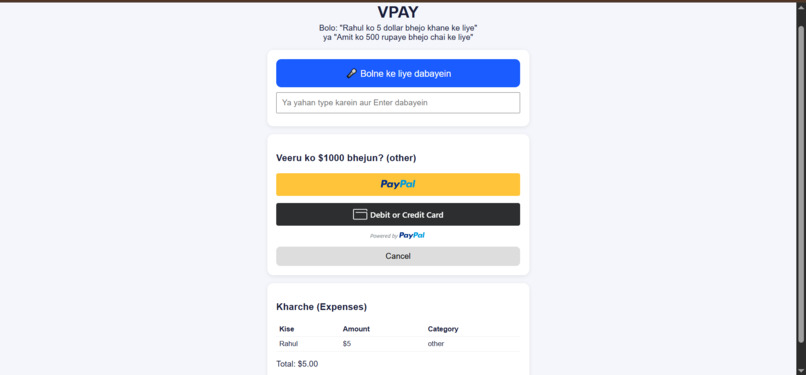
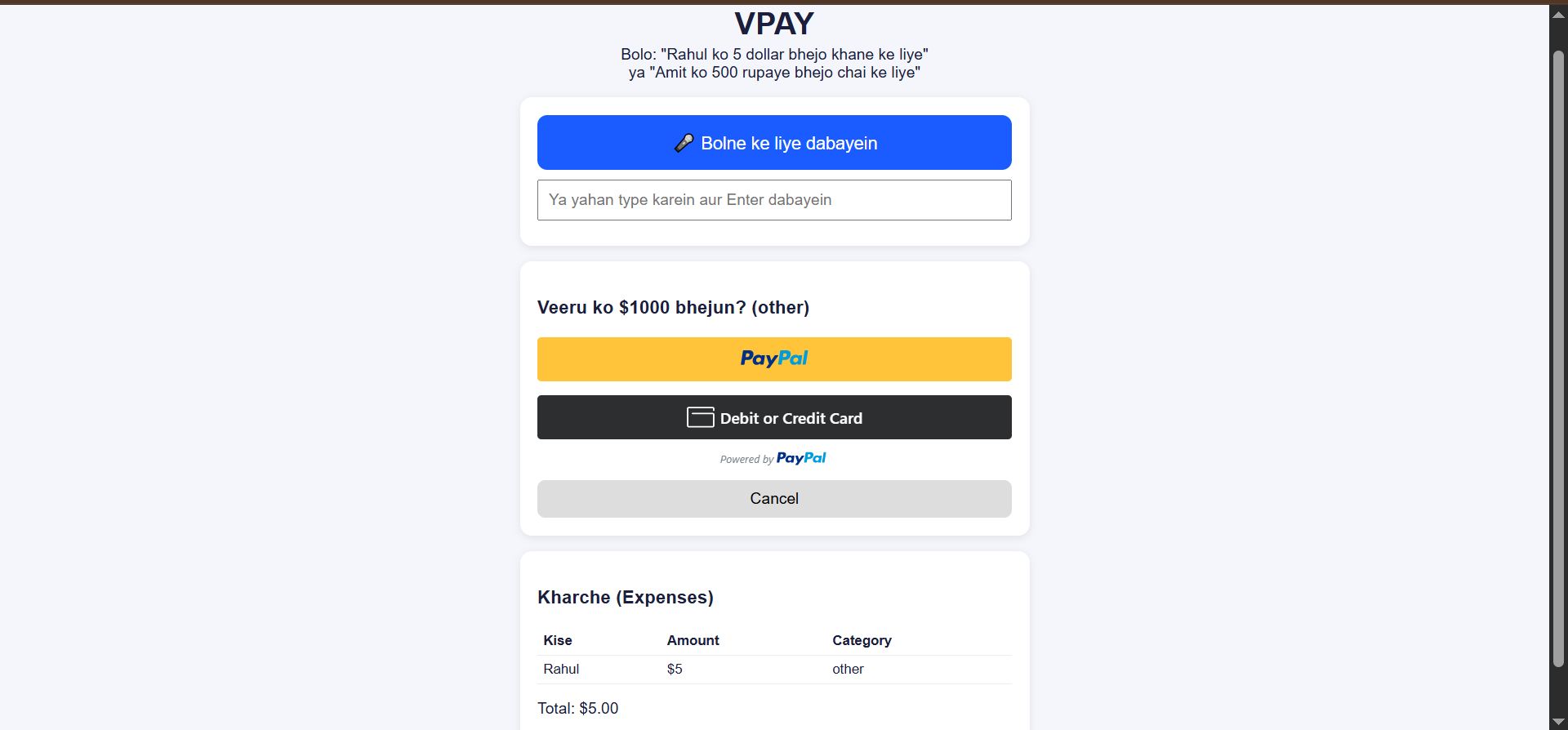
Confirmation card: AI parses the command, nothing is paid until you approve
-
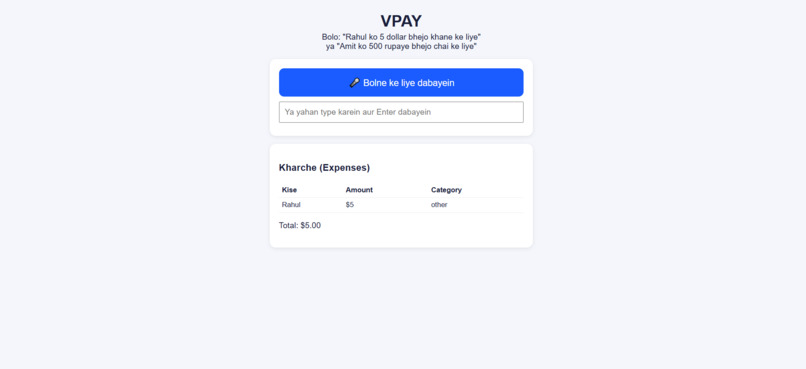
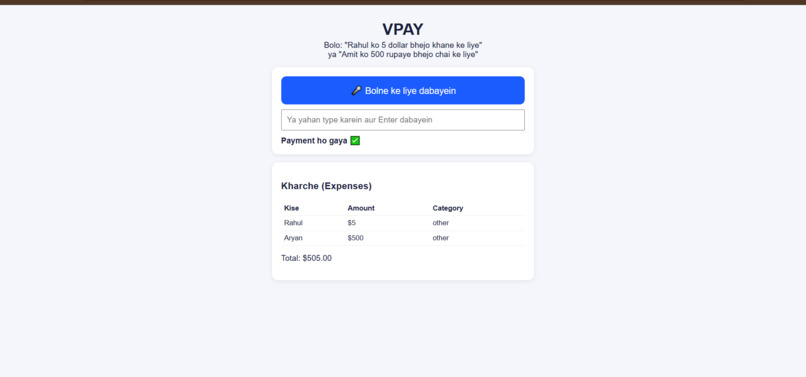
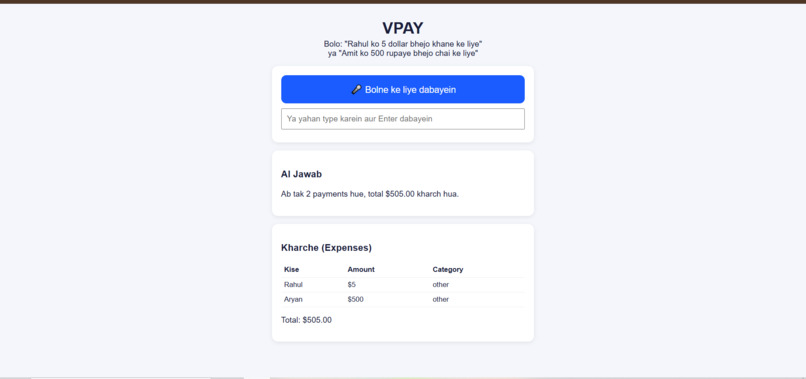
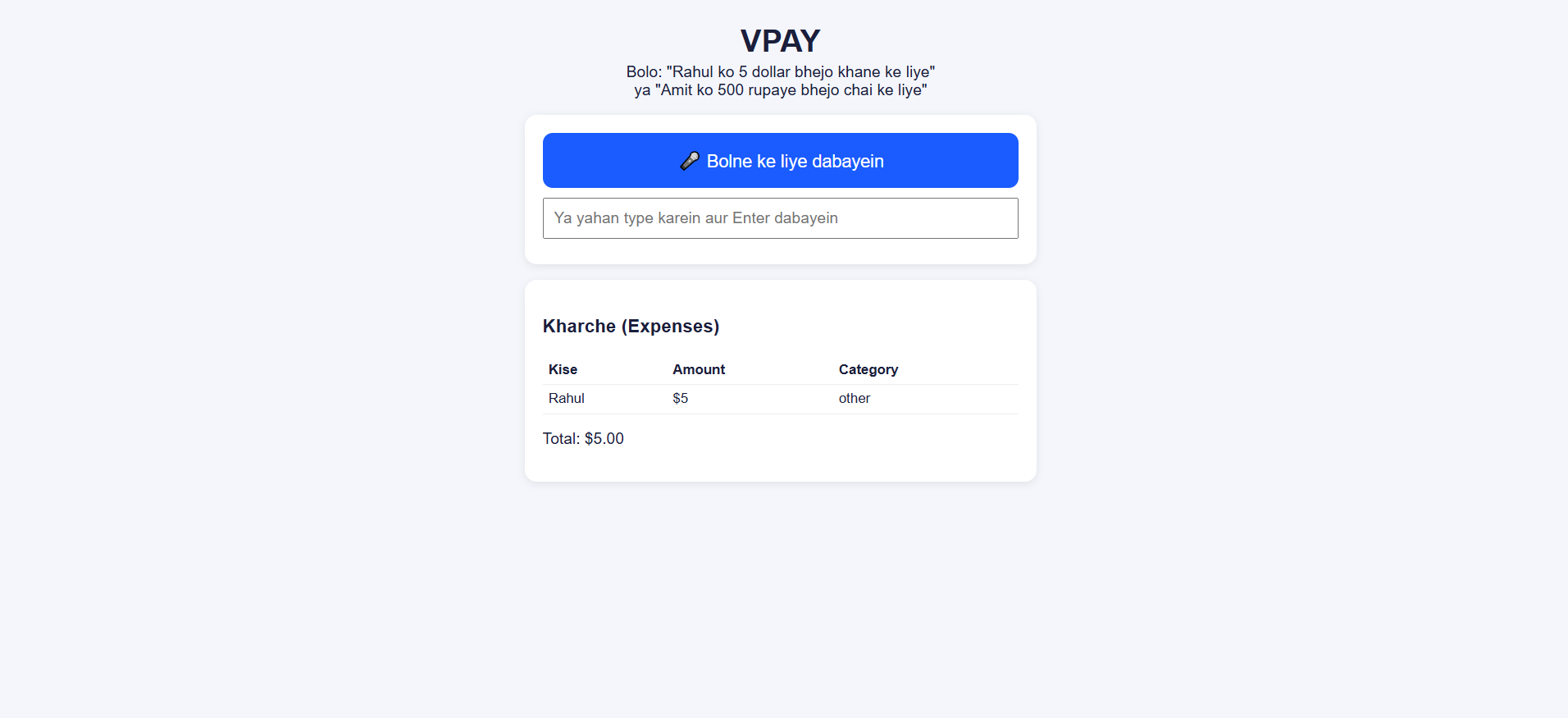
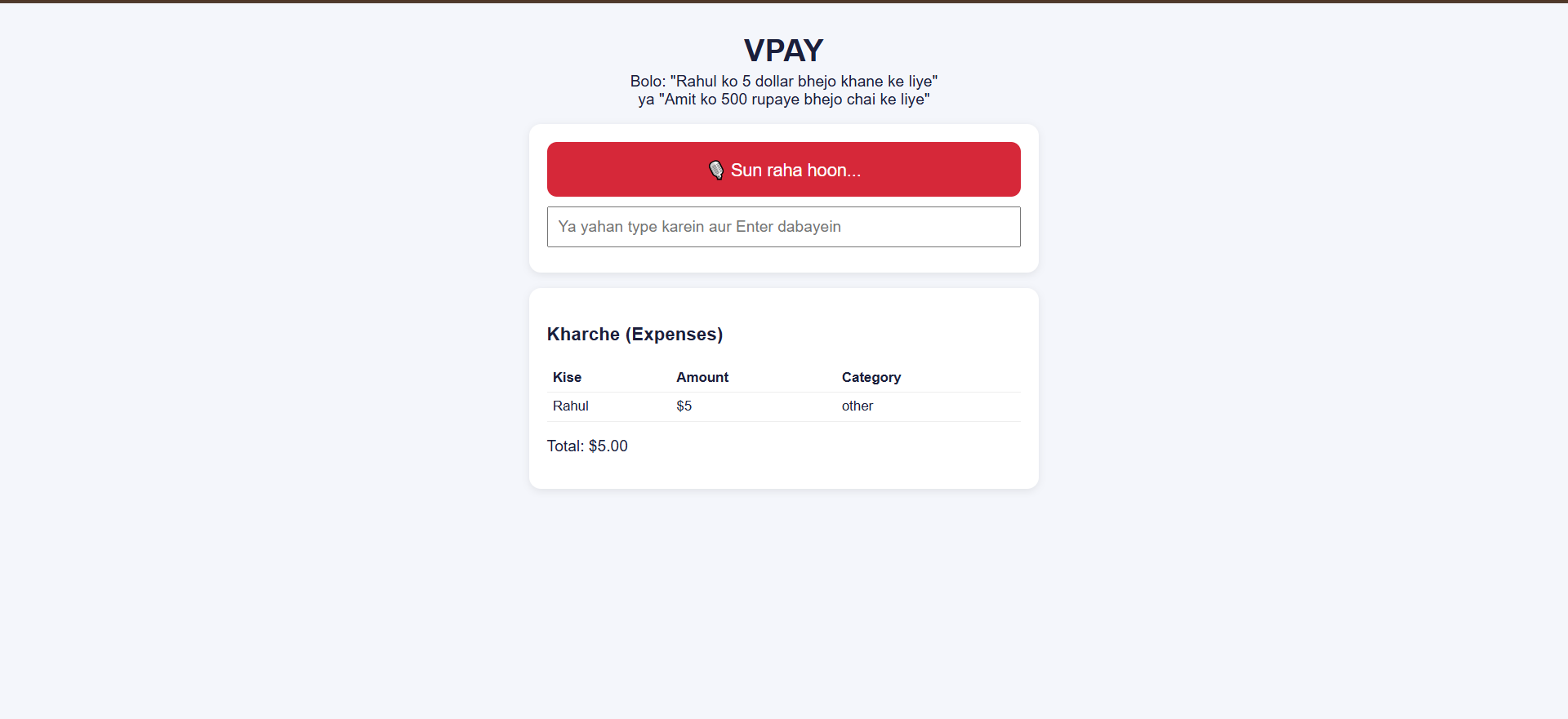
VPAY main screen: voice or text input, and the expense table
-
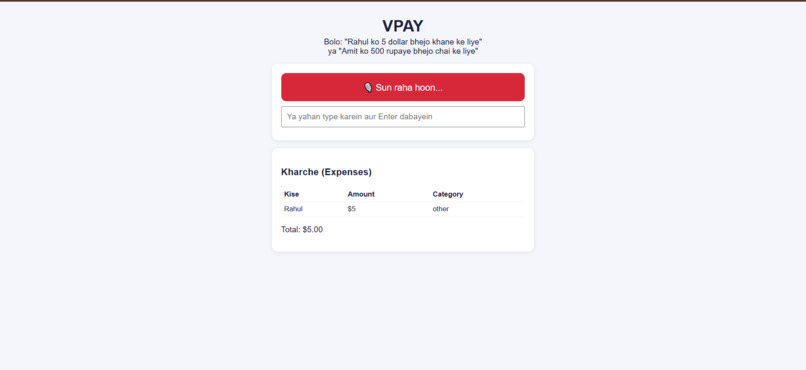
Voice input: speak in Hindi, Hinglish or English
-
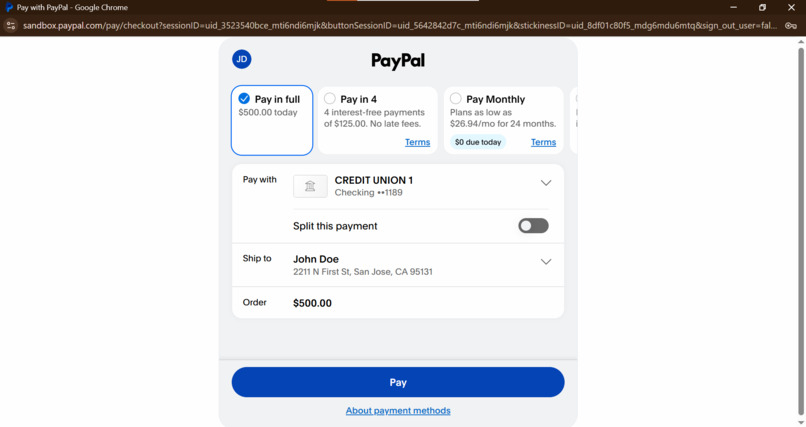
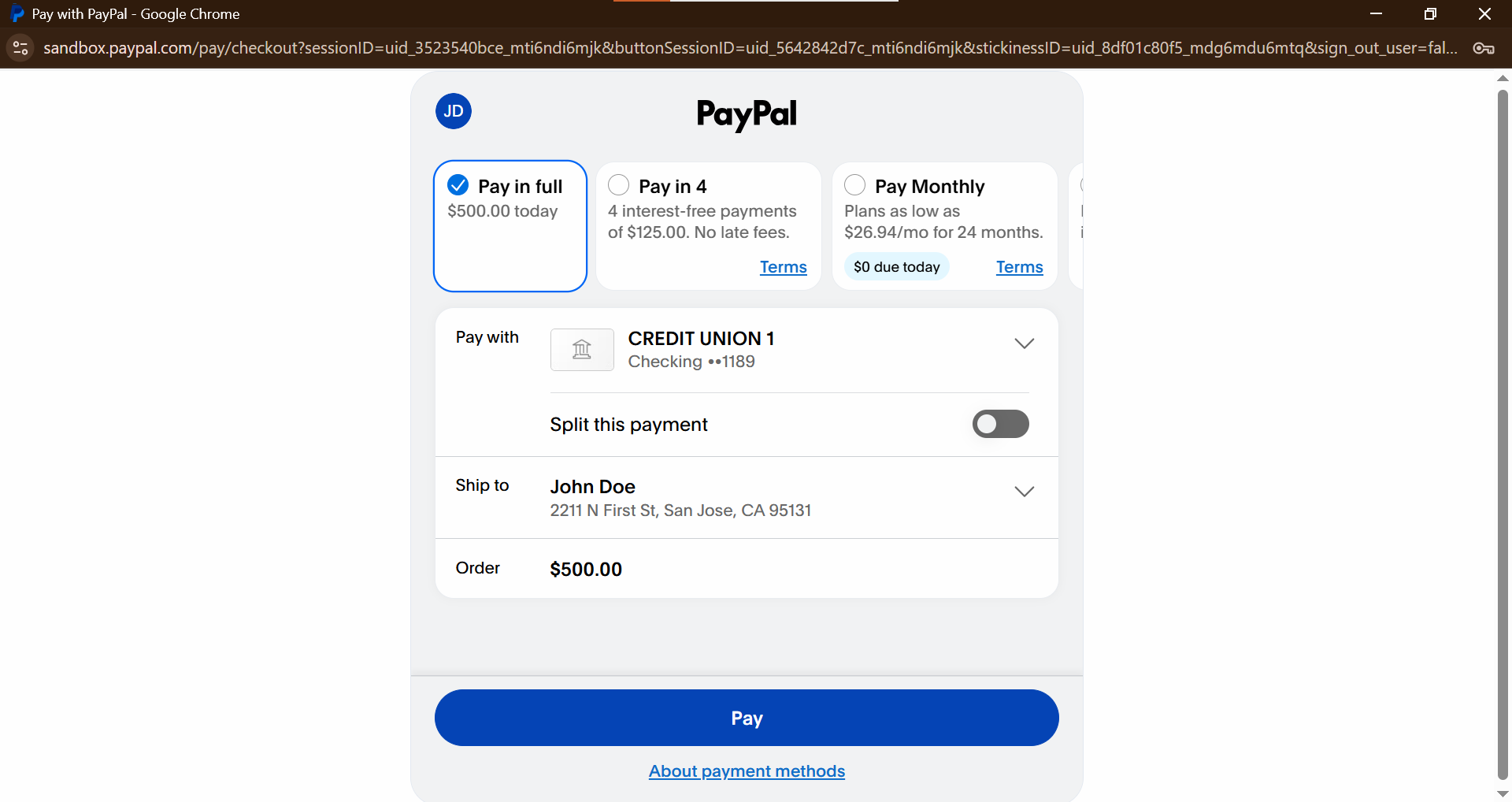
PayPal sandbox checkout: order created with the Orders API, approved here
-
PayPal sandbox checkout: order created with the Orders API, approved here
-
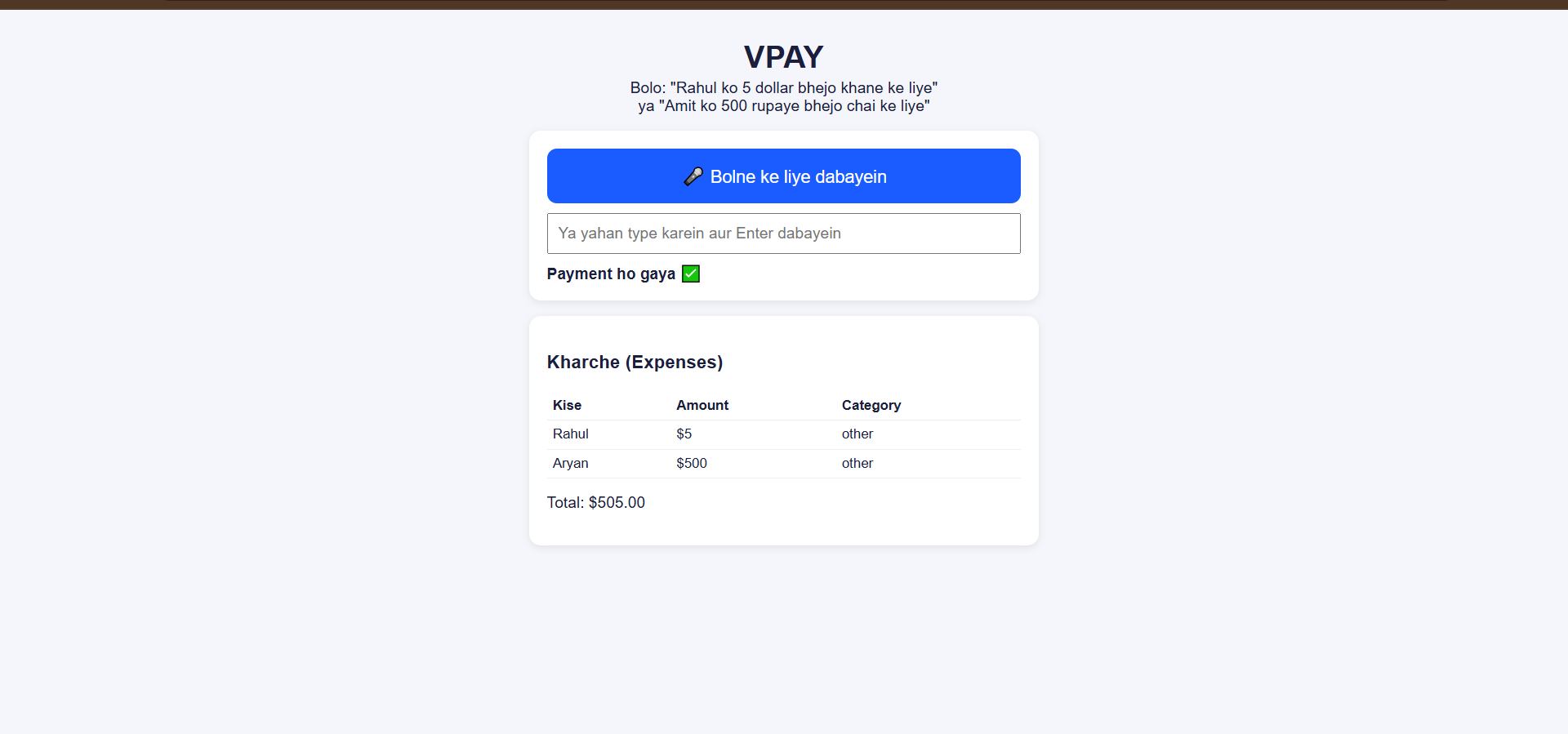
Expense table with categories and INR to USD conversion
Inspiration
Paying and tracking small expenses means opening apps, typing names and amounts, and later wondering where the money went. I wanted to do this by just speaking, in the language people actually use (Hindi, Hinglish, English).
What it does
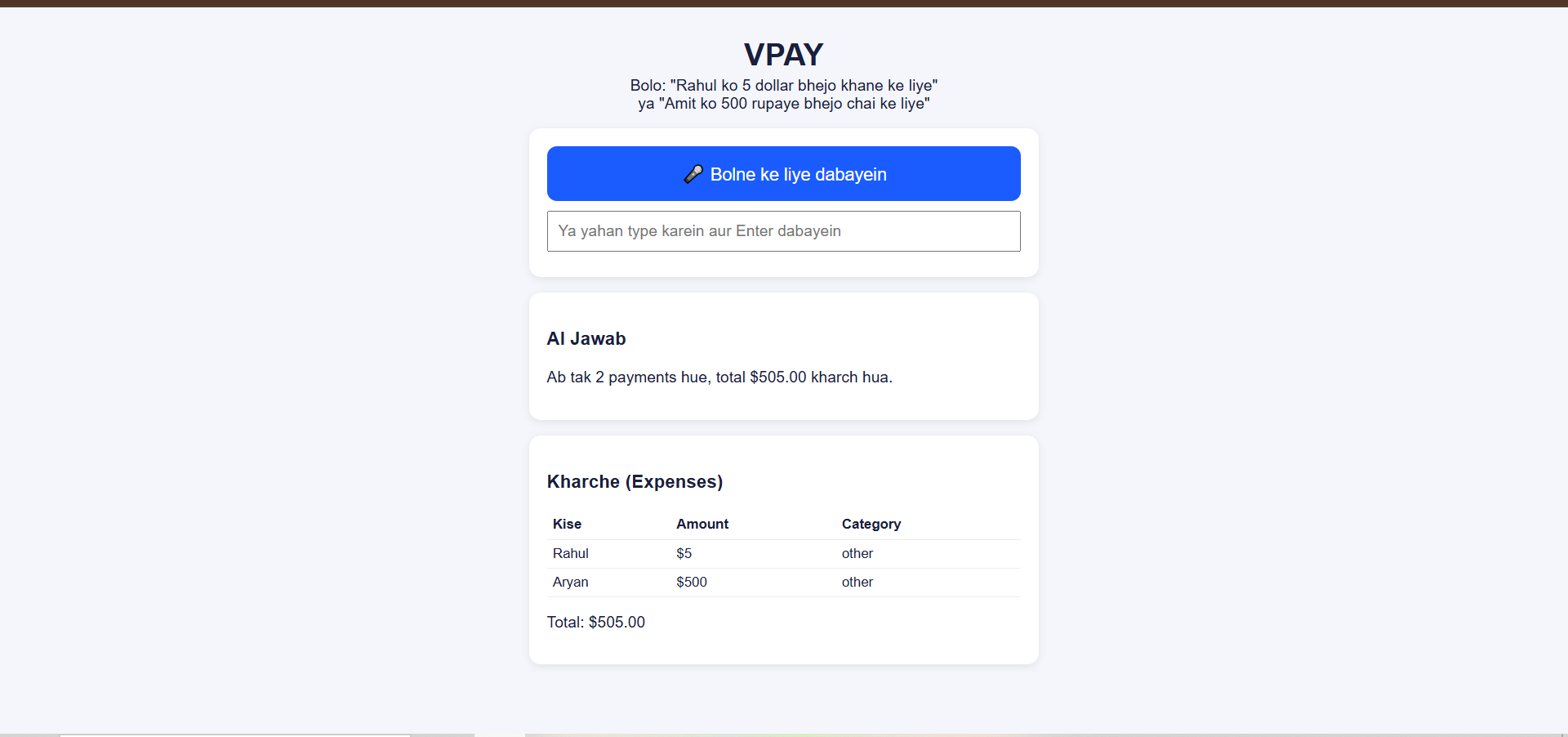
VPAY is a voice-enabled payment and expense manager. You say or type "Rahul ko 5 dollar bhejo khane ke liye" or "Amit ko 500 rupaye bhejo chai ke liye". Gemini extracts the receiver, amount, currency and category. VPAY shows a confirmation card, and the payment is completed through PayPal checkout (sandbox). Every payment is categorised in an expense table, and you can ask "is hafte kitna kharch hua?" to get an AI answer based on your own spending data.
How PayPal and AI are used
- PayPal Orders API v2 and PayPal JS SDK (sandbox): create order, checkout, capture
- Google Gemini (2.5 Flash and Flash-Lite): intent parsing from natural language, and spending insights
- Web Speech API: speech to text in the browser
Safety by design
Voice can be misheard. During testing, "5 dollars" was once heard as "500". Because VPAY never pays on voice alone (confirmation card first, then PayPal approval), nothing was sent. I kept this as a core feature.
How I built it
Node.js and Express backend, vanilla HTML/JS frontend. The server talks to PayPal and Gemini, so API keys never reach the browser.
Challenges
- Gemini sometimes returned 503 (high demand). I added a 4 second timeout, fallback models, and a local fallback parser so commands keep working.
- PayPal sandbox payments are in USD, so rupee amounts are converted at a demo rate (1 USD = 85 INR).
- Misheard numbers in voice recognition, solved with the confirmation step.
What I learned
Building a reliable AI layer (timeouts, fallbacks) matters as much as the model, especially when money is involved.
What's next
- Saved contacts with direct sends through PayPal Payouts and a spoken "confirm" step
- Per-contact spending limits and a voice PIN for larger amounts
- Persistent database instead of in-memory storage
- Live INR to USD exchange rates # What it does
How we built it
Challenges we ran into
Accomplishments that we're proud of
What we learned
What's next for VPAY
Built With
- express.js
- google-gemini
- html
- javascript
- node.js
- paypal
- web-speech-api

