Inspiration
Inspiration
Studying from a long PDF is overwhelming. You open a 40-page document, don't know where to start, and end up scrolling instead of learning. On top of that, most study tools stop at "read and summarize" — they don't prepare you for the moment that actually matters: having to explain what you know out loud, in an interview or an oral exam.
I wanted a study companion that removes the overwhelm of a raw PDF and trains you to talk about it confidently, not just read about it.
What it does
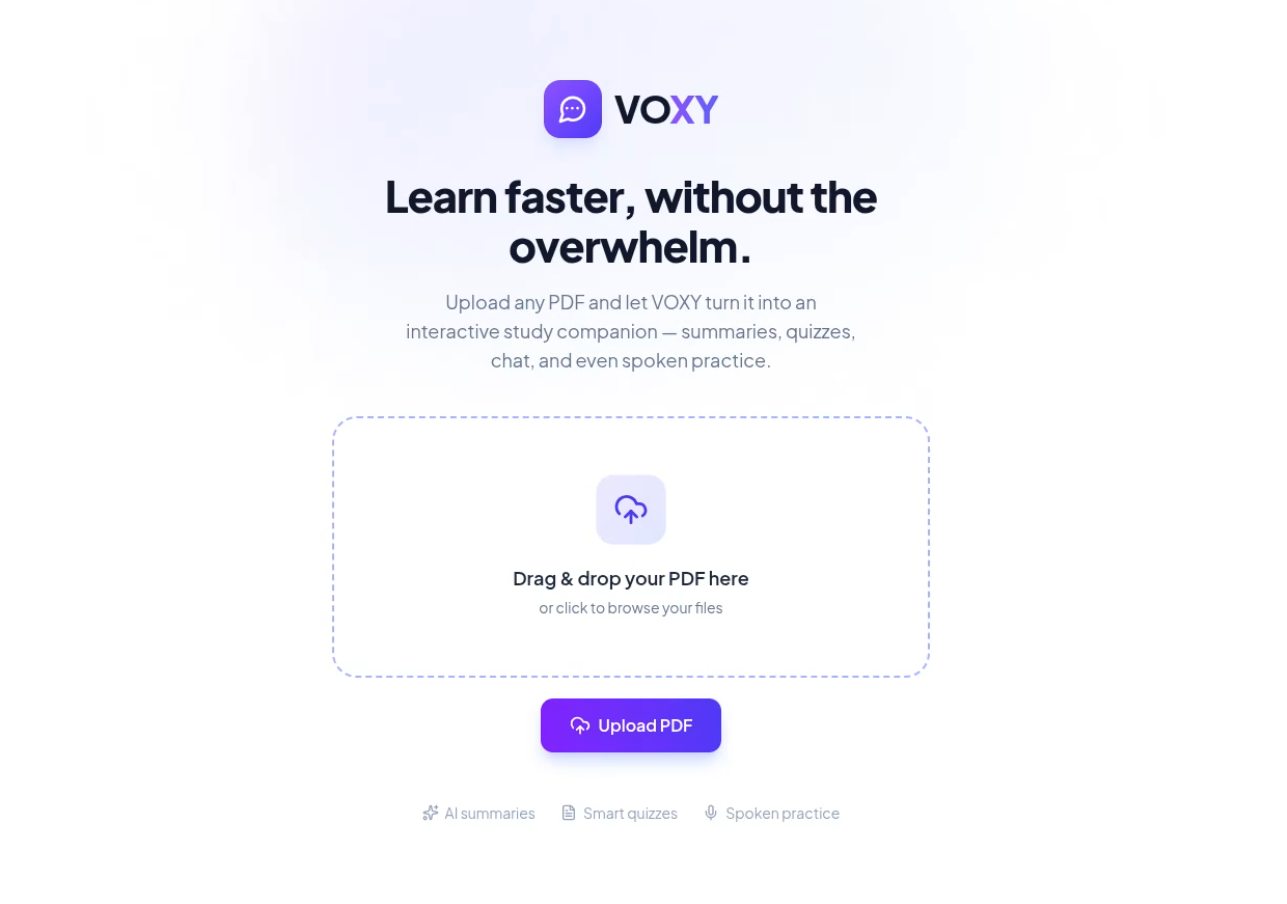
VOXY turns any PDF into an interactive study companion:
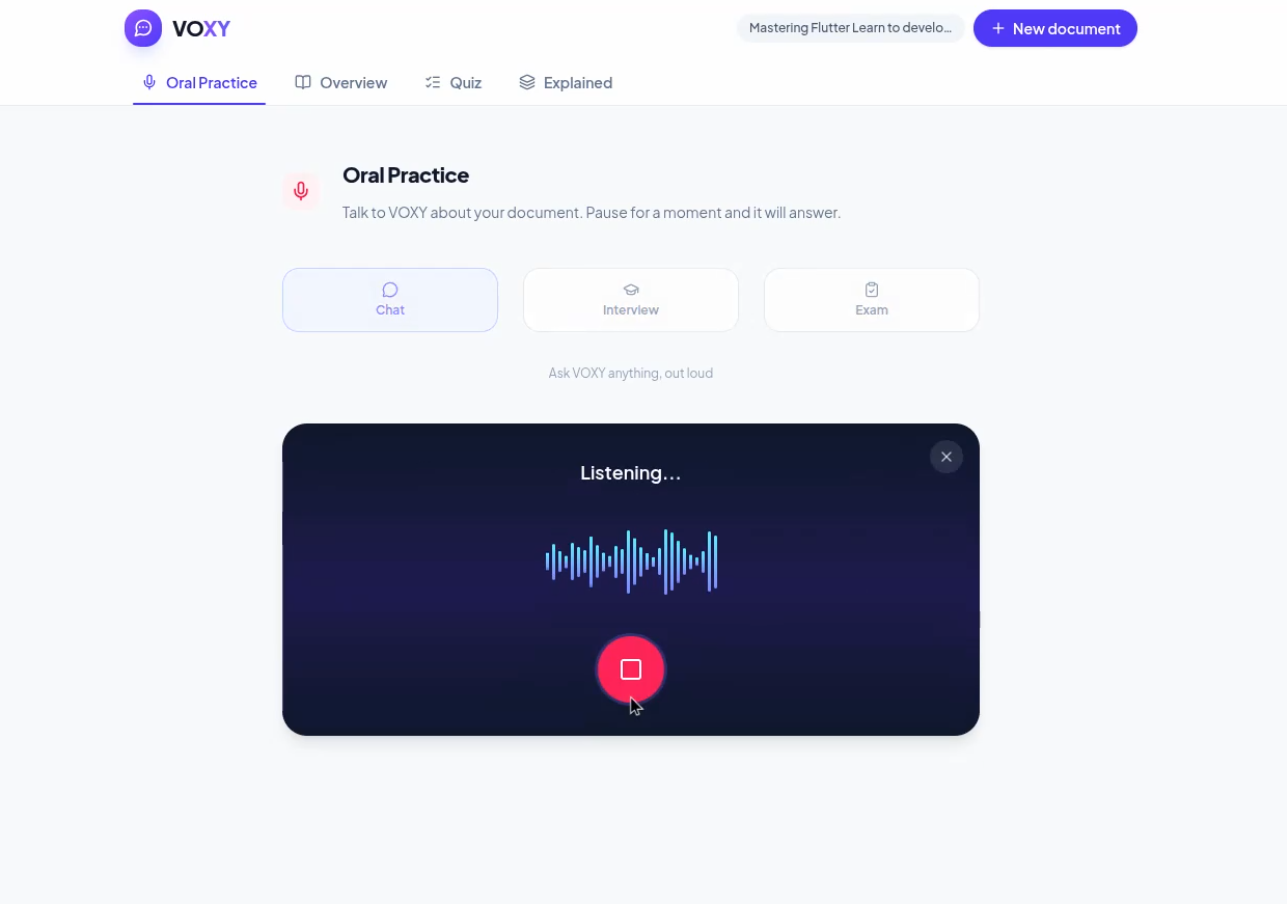
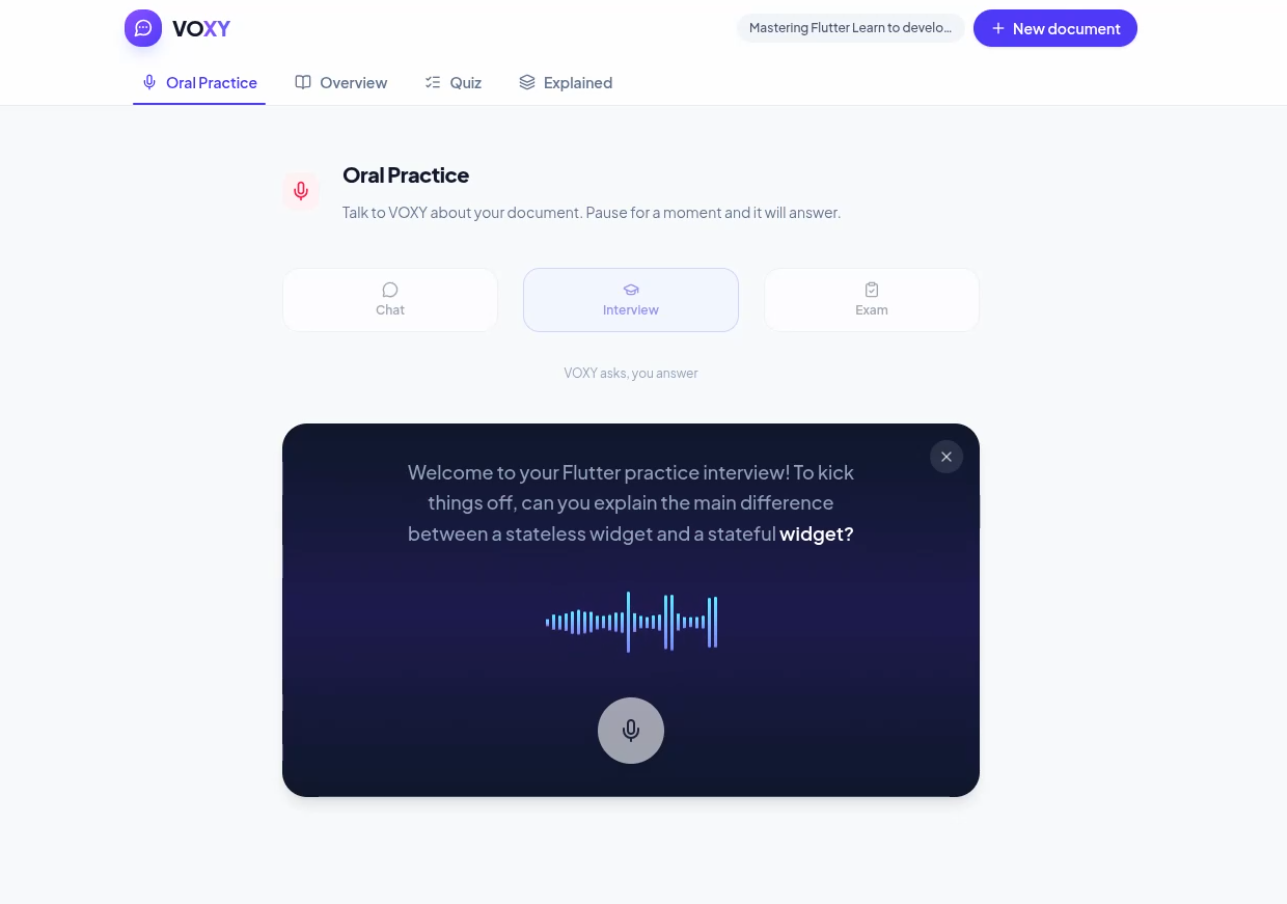
- Oral Practice: the app opens straight into a live voice conversation with VOXY about your document. You can just chat, or switch into Interview mode (VOXY asks you questions one at a time, like a practice interview) or Exam mode (VOXY runs a graded oral exam and gives you a final score with feedback).
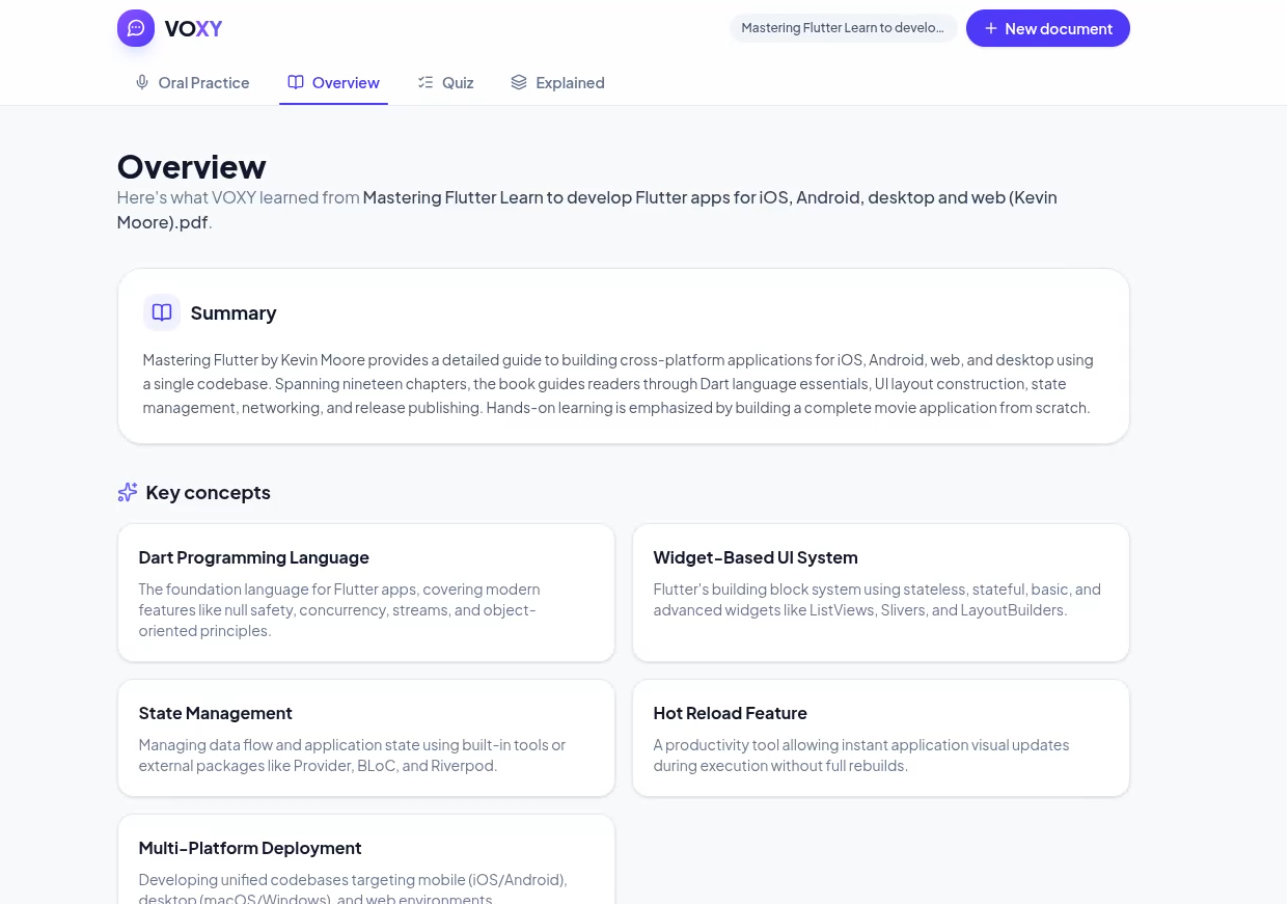
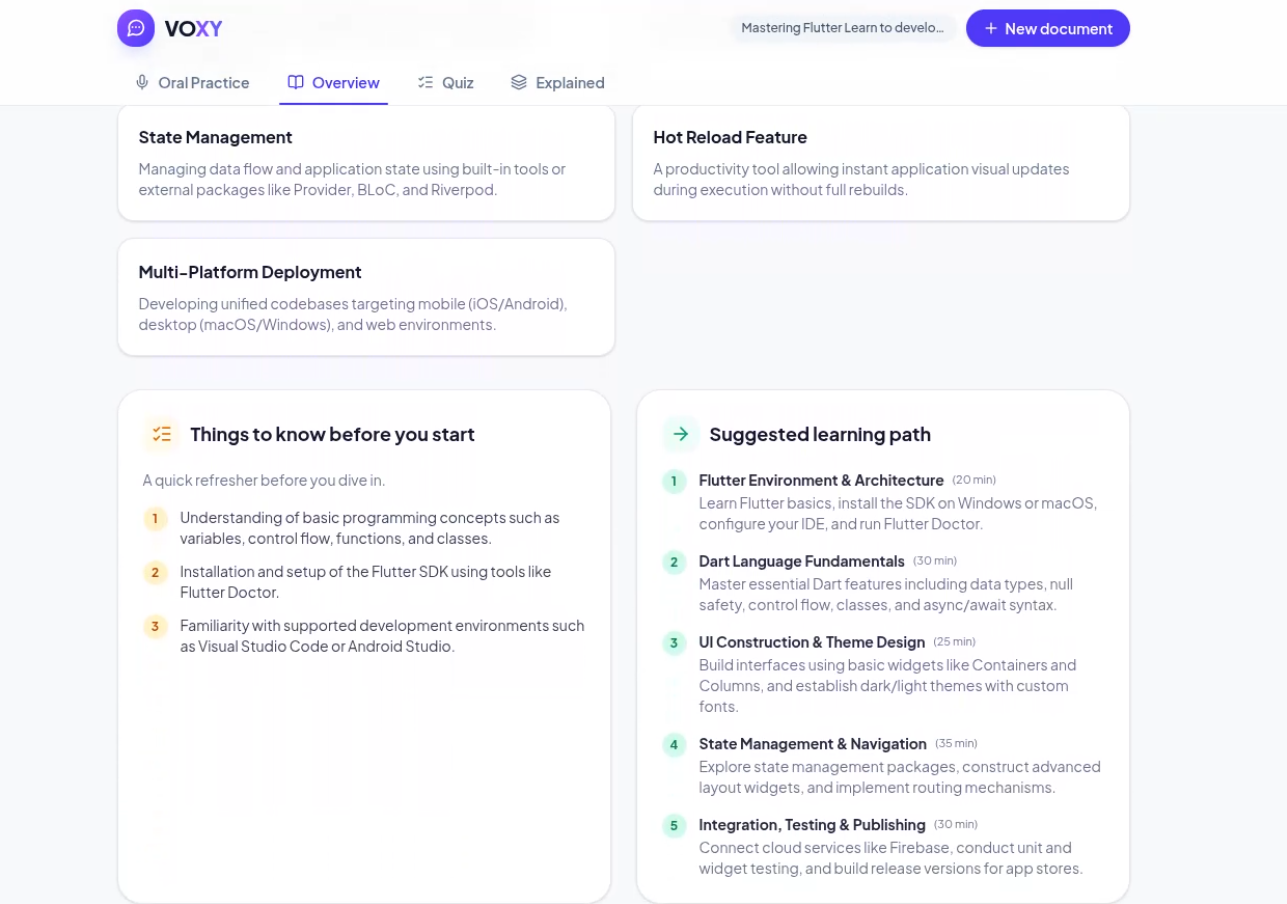
- Overview: a clear summary, key concepts, and a short "things to know before you start" list so you're never dropped into a document cold.
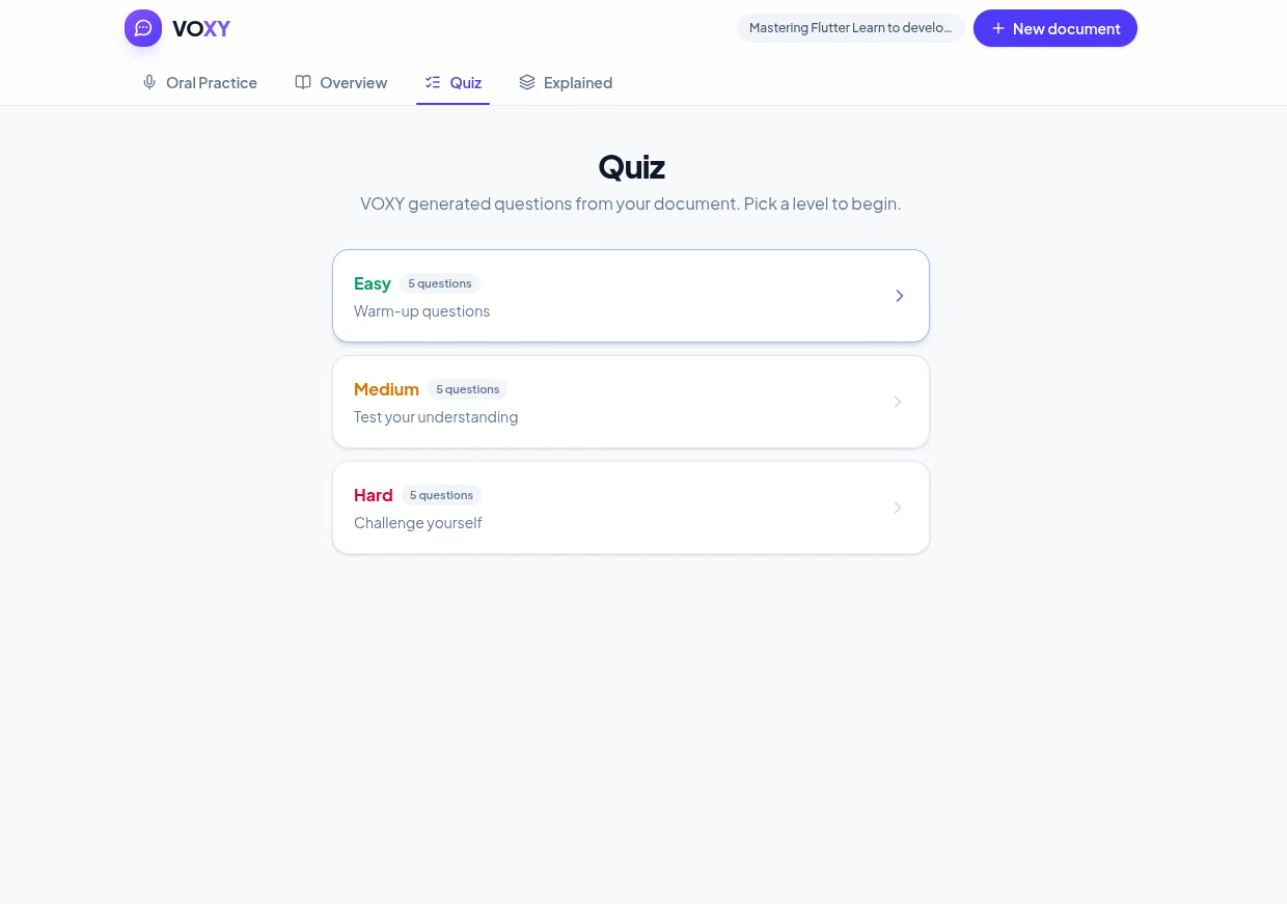
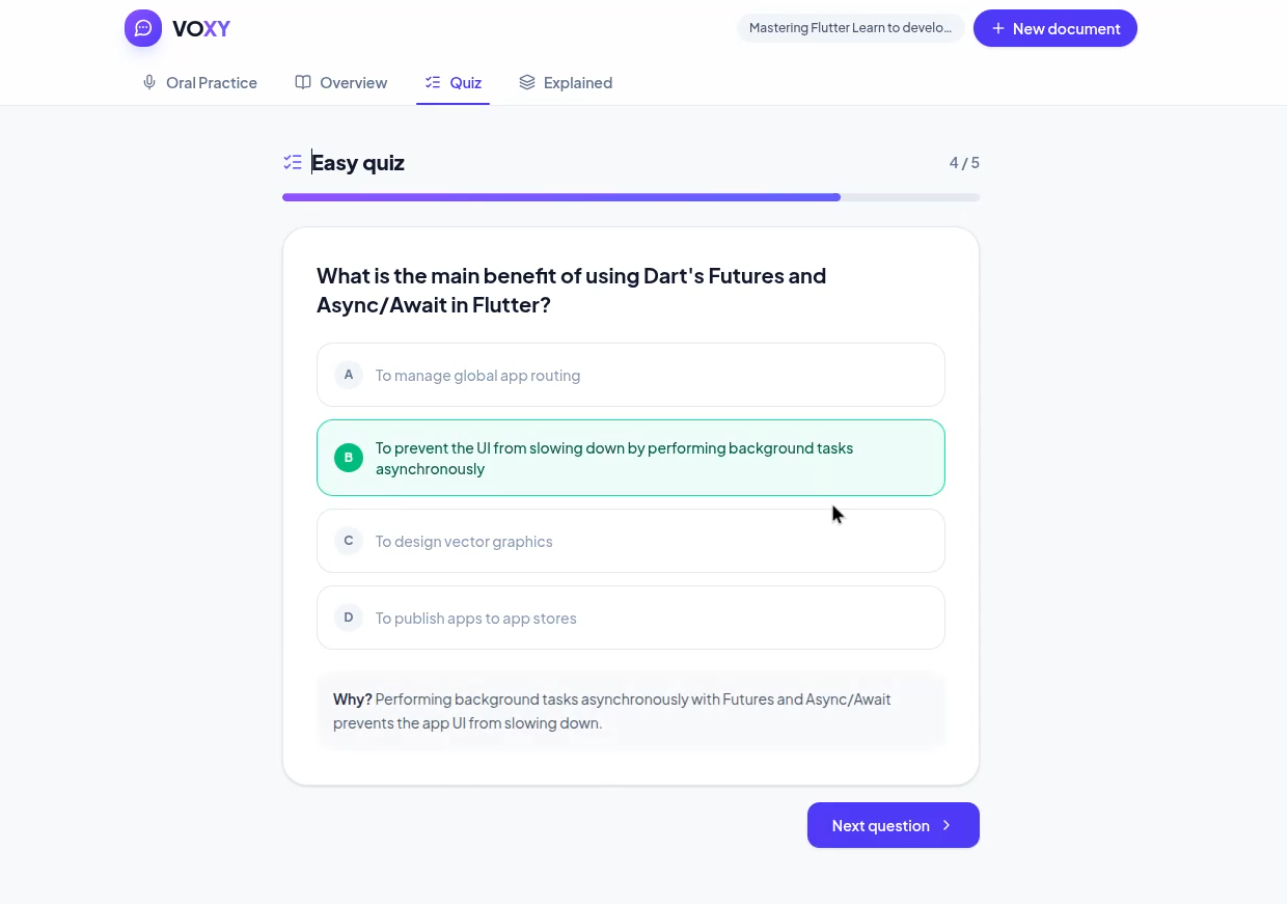
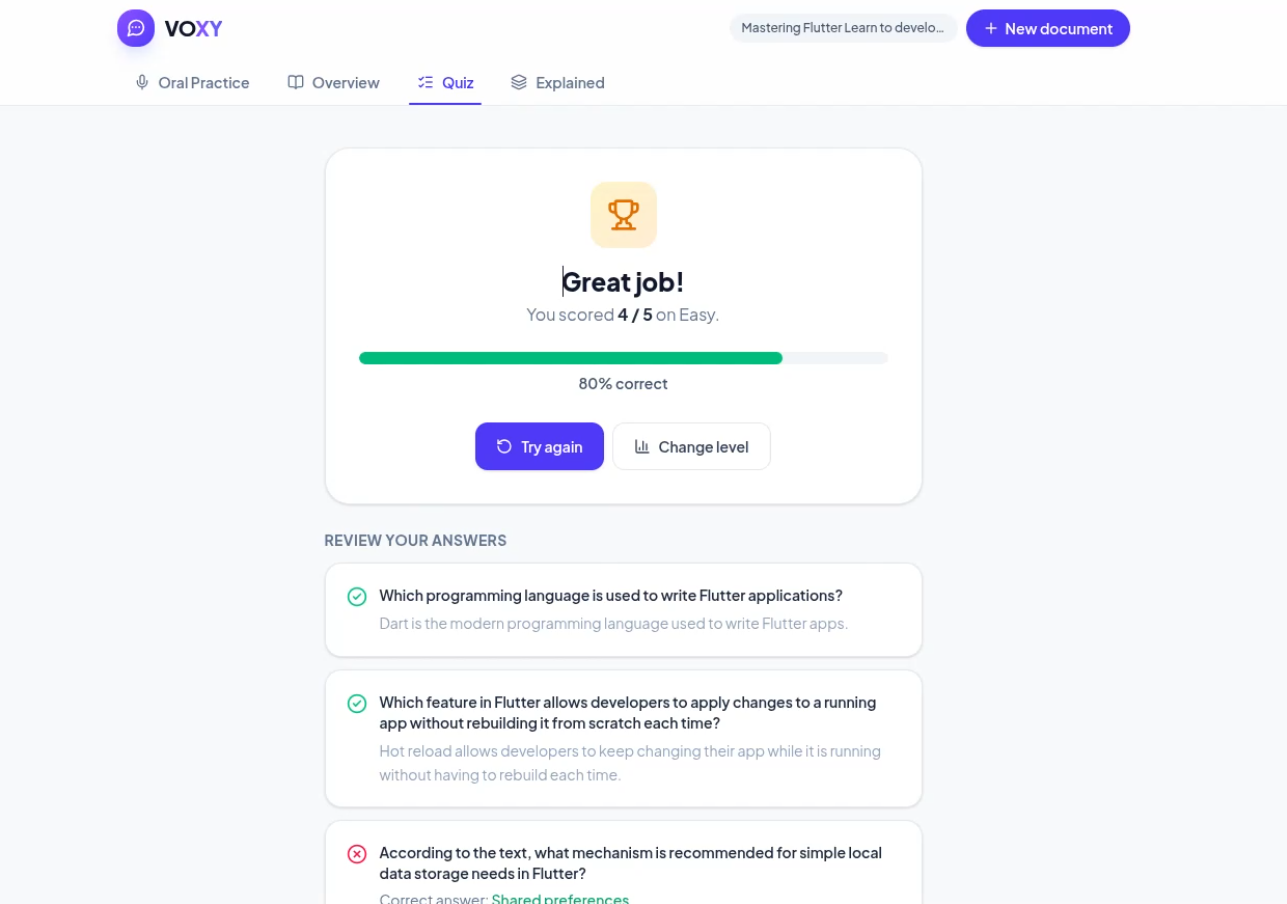
- Quiz: auto-generated multiple-choice questions at three difficulty levels, with explanations for every answer.
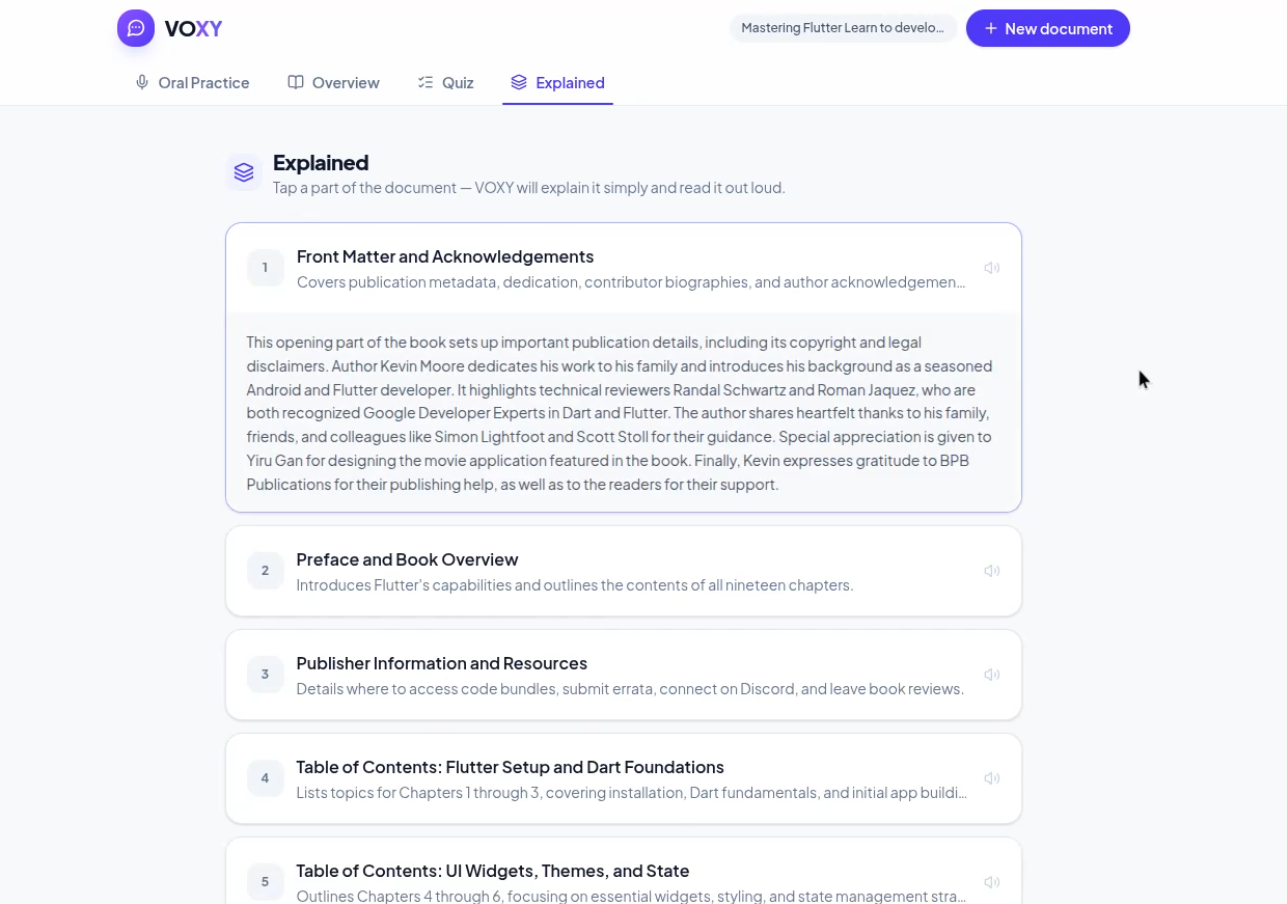
- Explained: the document broken down into digestible blocks. Tap a block and VOXY rewrites that part in plain, spoken-friendly language and reads it out loud.
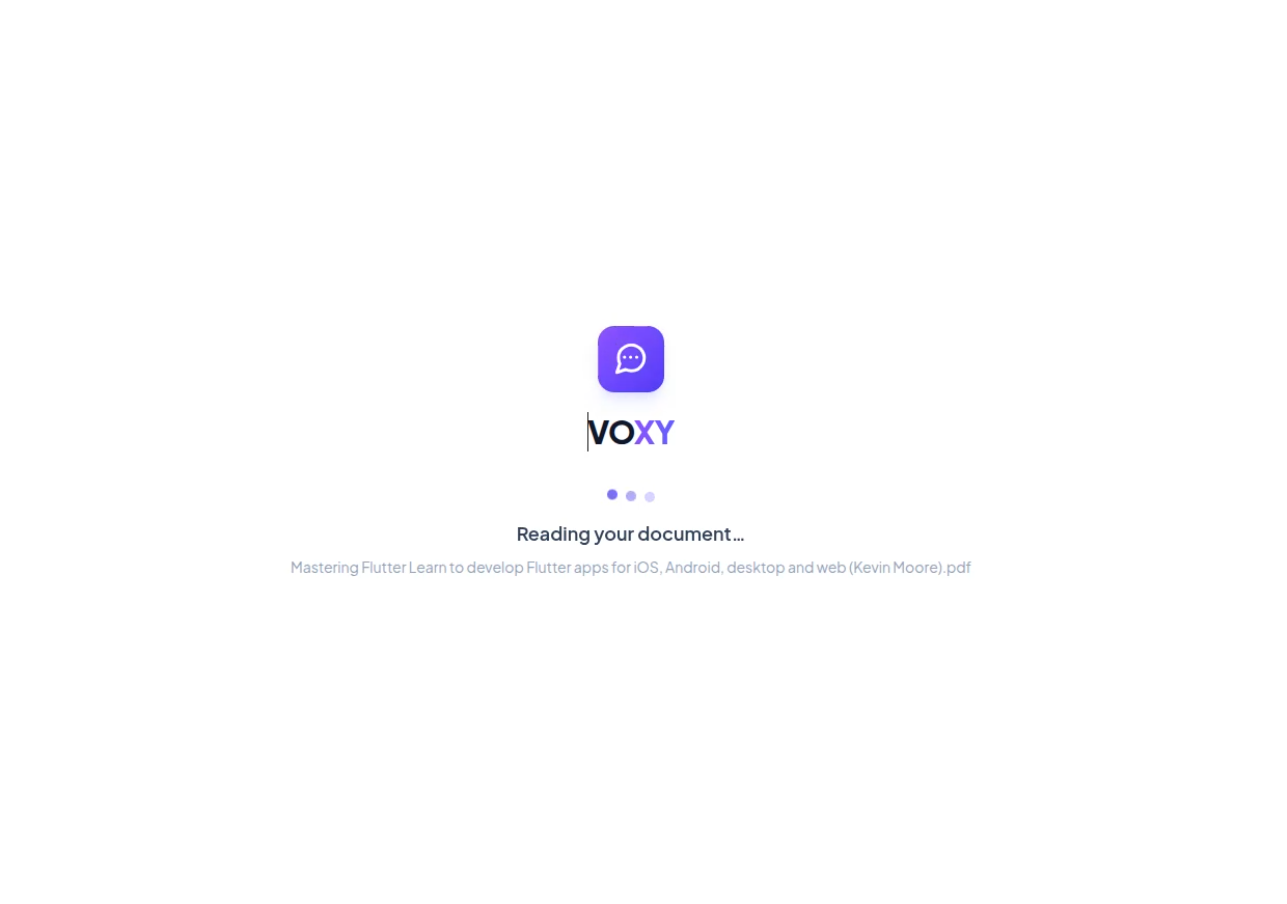
Nothing is generated until you actually need it. VOXY only extracts the raw text on upload, so opening the app is instant, and each tab triggers its own AI generation only the first time you visit it.
How I built it
Backend: Python and FastAPI. PDF text and page count are extracted with pypdf. Google Gemini generates the overview, quiz, section breakdown, per-block explanations, and drives the conversational/interview/exam logic, each as a separate, on-demand call.
Every AI-generated result (overview, quiz, section list, per-block explanations) is cached in memory per document, so switching tabs back and forth never re-triggers the same Gemini call twice.
Voice: the browser's Web Speech API handles speech-to-text for Oral Practice, and Microsoft Edge TTS converts VOXY's replies back into natural speech.
Frontend: React, TypeScript, and Tailwind, with a tabbed shell (Oral Practice, Overview, Quiz, Explained) that only fetches what's needed for the tab you're on.
Challenges I ran into
- Balancing speed with quality: generating everything up front made uploads slow; generating everything on the fly made tab-switching slow. I settled on lazy generation plus server-side caching so the first visit to a tab costs one AI call, and every visit after that is instant.
- Keeping AI responses grounded: making sure Gemini stuck strictly to the uploaded document instead of inventing facts, especially for quiz questions and the "explained" blocks.
- Designing believable interview/exam behavior: getting VOXY to ask one focused question at a time, react briefly, and in Exam mode actually converge on a final grade instead of asking forever.
- Making voice feel natural: handling silence detection, interruptions, and smoothly chaining "listen, think, speak, listen again" without the conversation feeling robotic.
Accomplishments that I'm proud of
- A genuinely useful oral practice mode that goes beyond Q&A: it can act as an interviewer or an examiner.
- A caching architecture that keeps the app fast and keeps AI usage efficient, without sacrificing freshness of content.
- Turning a static PDF into something you can talk to and be quizzed by, not just read.
What I learned
How much a small architectural choice, lazy loading plus caching, can change the feel of an AI product. The difference between "waiting for AI" and "the app just works" often comes down to when and how often you call the model, not how good the model is.
What's next for VOXY
- Support for more document types beyond PDF (slides, Word docs, scanned notes with OCR).
- Multi-language voice selection to match the document's language automatically.
- Progress tracking across sessions, so VOXY can adapt quiz difficulty and interview questions to what I've already mastered. ## What it does
How we built it
Challenges we ran into
Accomplishments that we're proud of
What we learned
What's next for Voxy
Built With
- fastapi
- html
- python
- react
- tailwind
- typescript
