-
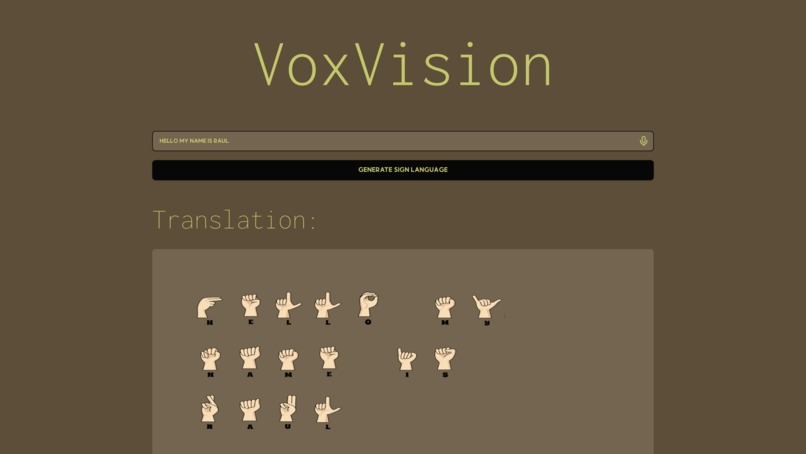
Introducing yourself through the web-app.
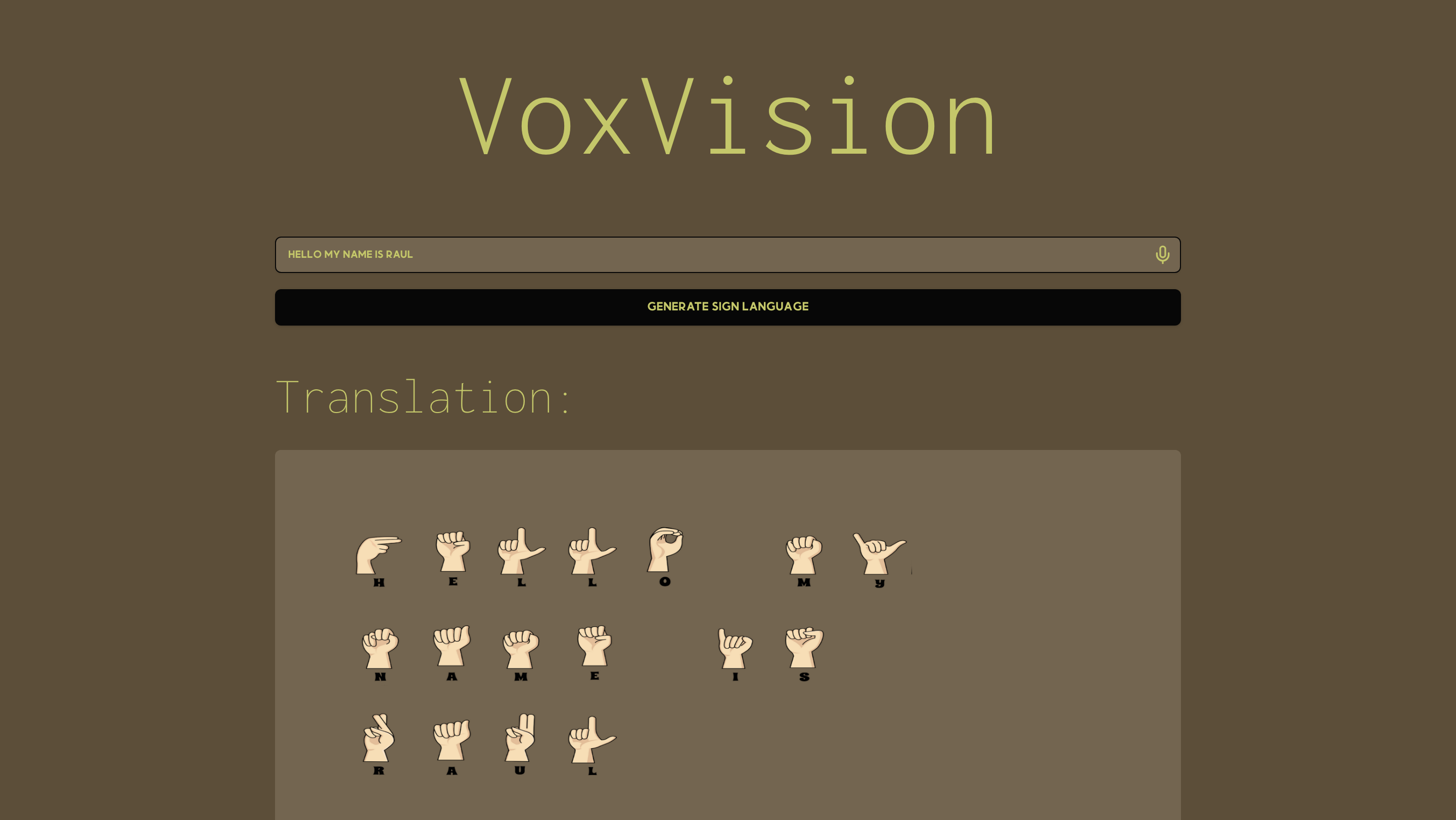
VoxVision
VoxVision is an innovative web application that bridges communication gaps by translating text and speech into American Sign Language (ASL). This project aims to make sign language more accessible and facilitate better communication between hearing and hearing-impaired individuals.
Inspiration
The inspiration for VoxVision came from recognizing the communication barriers that exist between hearing and hearing-impaired communities. While sign language is a powerful means of communication, not everyone has the opportunity to learn it. This project aims to create a tool that can help bridge this gap using modern web technologies.
What It Does
VoxVision offers two primary methods of input:
- Text Input: Users can type any text they want to translate
- Voice Input: Users can speak directly into their microphone, and the app will convert their speech to text automatically
The application then converts this input into a visual representation of sign language, displaying each letter with its corresponding ASL sign. Features include:
- Real-time speech-to-text conversion
- Word-based line wrapping for better readability
- Audio feedback for voice input status
- Responsive design for various screen sizes
The Build Process
The development process involved several key components:
- Frontend Framework: Built using Next.js with TypeScript for type safety and better development experience
- Speech Recognition: Implemented using the Web Speech API for voice input capability
- Audio Feedback: Integrated Web Audio API for audio cues during voice recording
- Canvas Rendering: Utilized HTML Canvas for dynamic sign language visualization
- Styling: Implemented with Tailwind CSS for a modern, responsive design
Technologies Used
- Next.js 14
- TypeScript
- Tailwind CSS
- Web Speech API
- Web Audio API
- HTML Canvas
- Lucide React Icons
Challenges
- Browser Compatibility: Ensuring consistent speech recognition across different browsers
- Visual Layout: Implementing proper word wrapping and spacing for sign language visualization
- Audio Integration: Managing browser autoplay policies and audio context states
- Type Safety: Implementing proper TypeScript definitions for Web Speech API
Lessons Learned
- Gained experience with the Web Speech API and its browser implementations
- Learned to handle complex state management for audio and speech recognition
- Developed skills in canvas manipulation for dynamic image generation
- Improved understanding of accessibility considerations in web development
What's Next for VoxVision
- Additional Sign Languages: Support for different sign language systems beyond ASL
- Animation Support: Animated transitions between signs for more natural flow
- Mobile Optimization: Enhanced mobile support and responsive design
- Real-time Video Recognition: Implement two-way communication by recognizing sign language through video input
Try it Out
Visit VoxVision at [https://vox-vision.vercel.app/]
Running Locally
# Clone the repository
git clone https://github.com/yourusername/voxvision.git

# Install dependencies
npm install

# Start the development server
npm run dev
Contributing
Contributions are welcome! Please feel free to submit a Pull Request.
Built With
- api
- audio
- css
- html
- next.js
- react
- speech
- tailwind
- typescript
- web

Log in or sign up for Devpost to join the conversation.