-
-
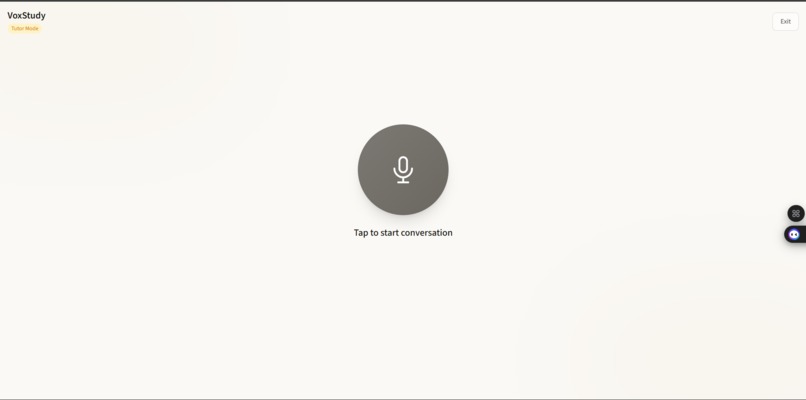
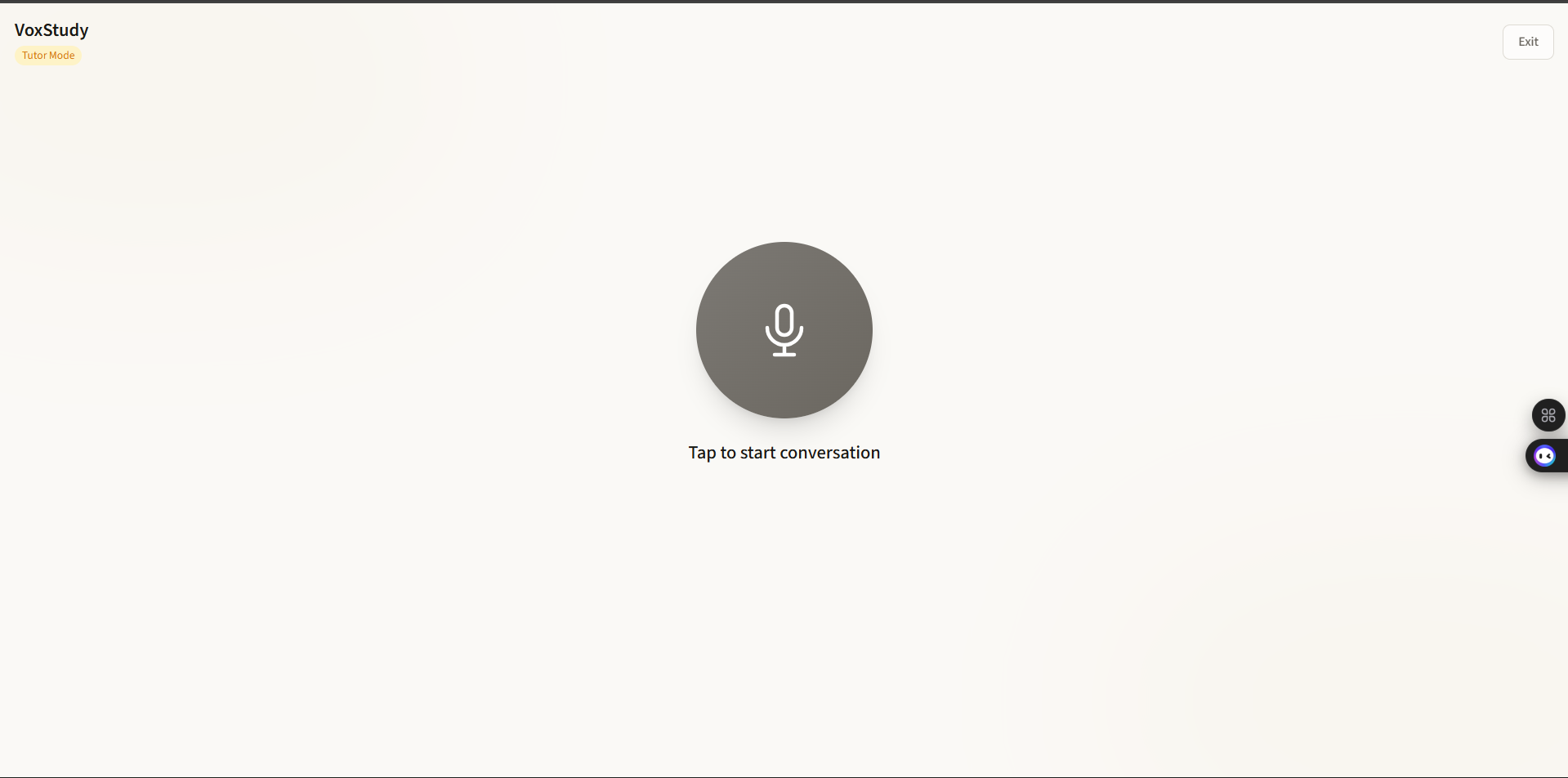
Voice Mode Using III Eleven Labs Agent
-
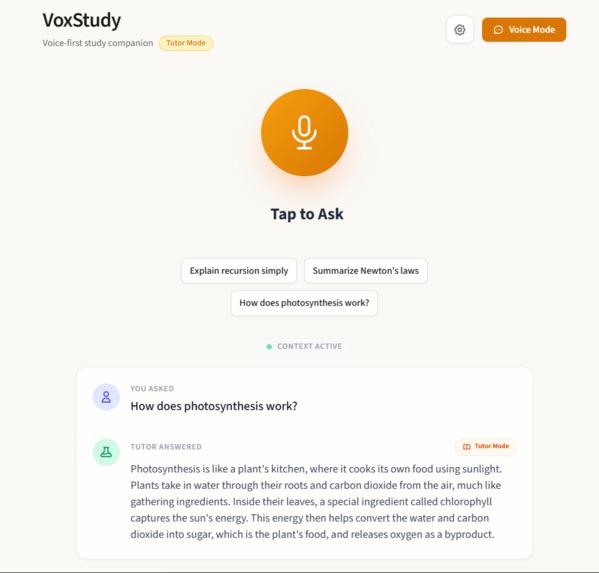
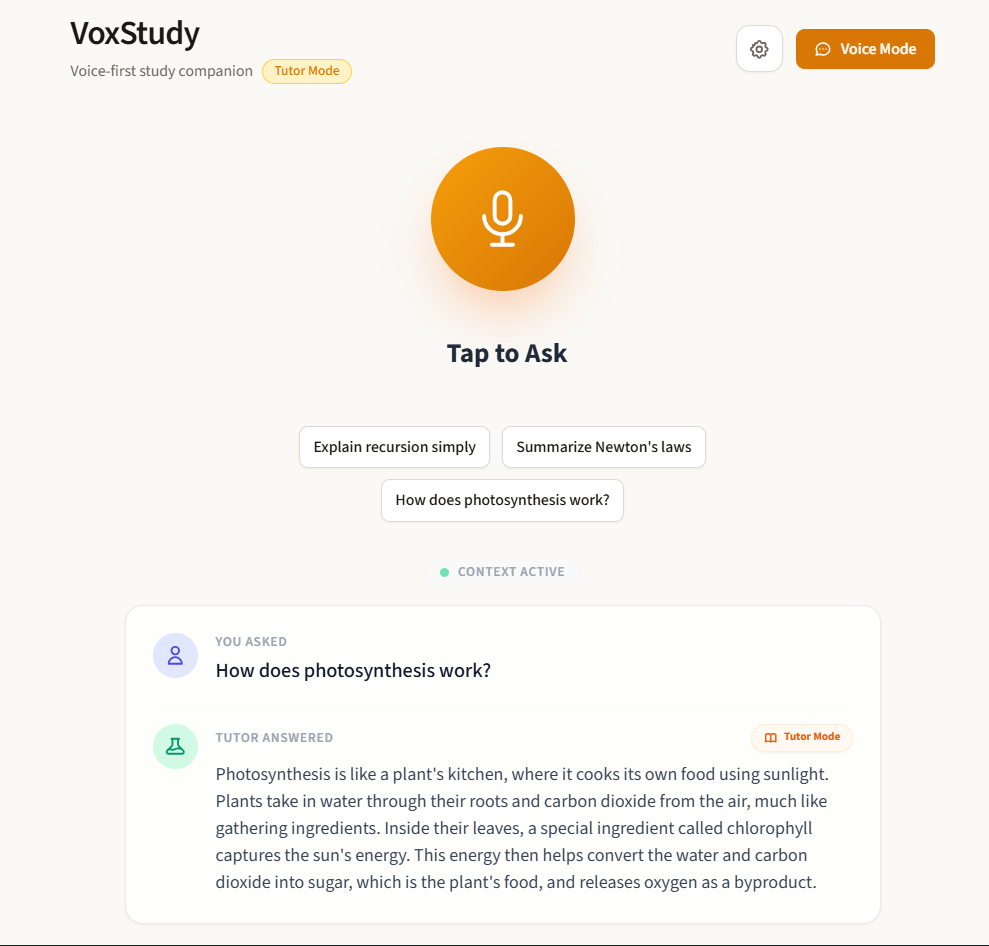
Homepage
-
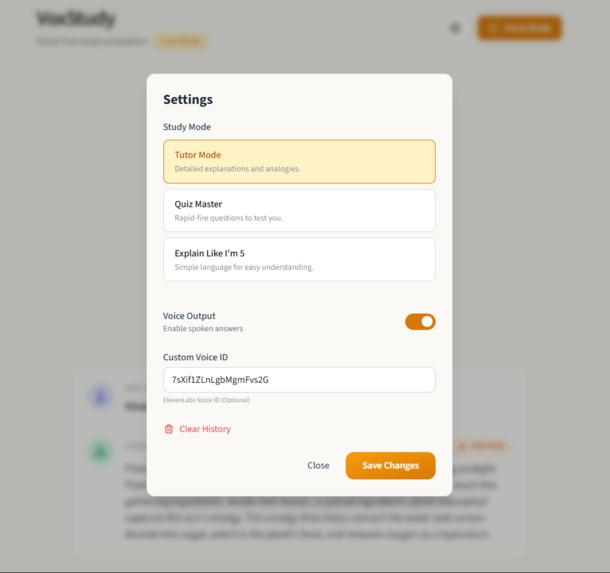
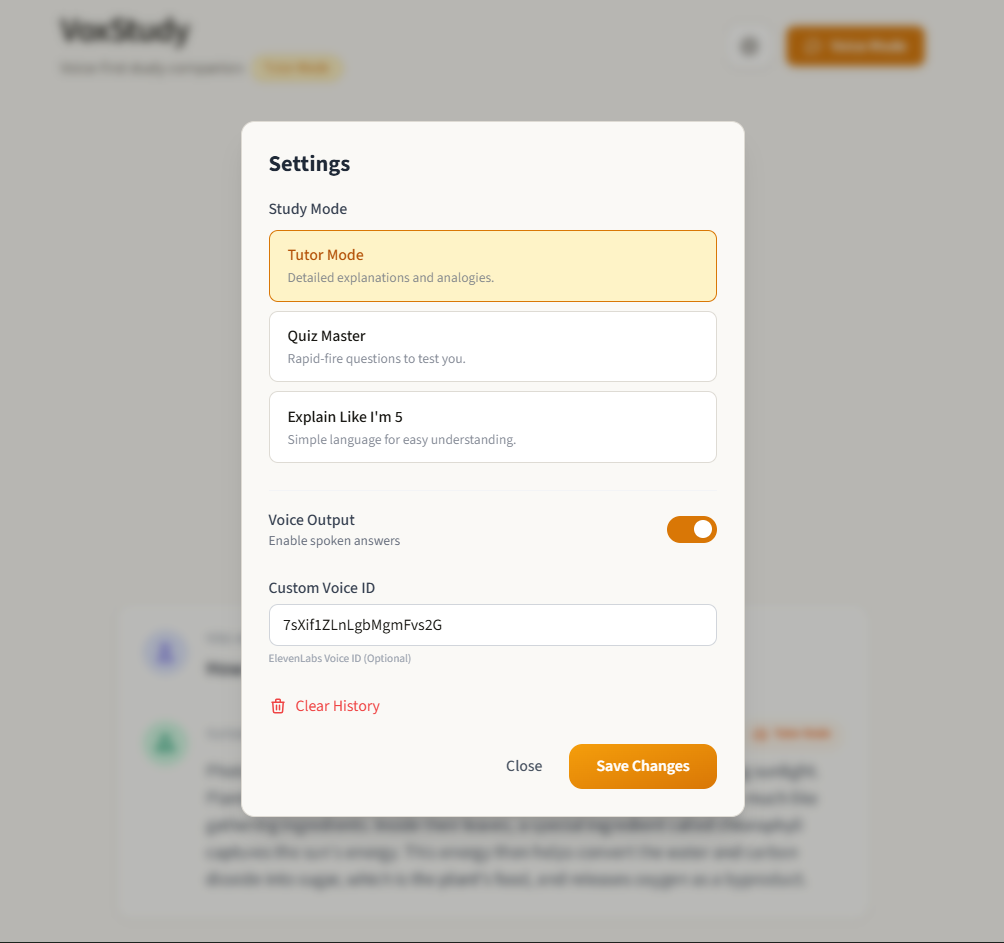
Setting
Inspiration
Voice is the most natural interface humans have, yet most educational tools still require typing, reading, and screen-heavy interaction. This creates friction—especially when learners want quick explanations or are multitasking.
The inspiration for VoxStudy AI came from a simple question: What if learning felt like having a calm, reliable tutor you could just talk to?
We wanted to build a voice-first learning experience where users can ask questions naturally, receive clear explanations, and hear them spoken back with high-quality, human-like audio—without compromising security or reliability.
What it does
VoxStudy AI is a voice-first AI study assistant.
Users speak a question, the app:
Transcribes speech in the browser
Sends the text securely to a backend on Google Cloud Run
Uses Google Gemini to generate a clear, step-by-step explanation
Converts the response into natural speech using ElevenLabs
Streams the audio back to the user in real time
The result is a smooth, conversational learning experience that feels fast, intuitive, and human.
How we built it
The application was built with a production-grade, secure architecture:
Frontend
React (Vite) for a fast, responsive UI
Browser Web Speech API for speech-to-text
HTML5 Audio for playback
No API keys or secrets in the client
Backend (Secure BFF)
Node.js + Express running on Google Cloud Run
Implements a Backend-for-Frontend (BFF) pattern
All AI calls are handled server-side
AI & Cloud Services
Google Gemini (via REST API) for reasoning and explanations
ElevenLabs API for high-quality text-to-speech
Deployed as a single Docker container on Cloud Run
We intentionally used direct REST API calls instead of SDKs to avoid ESM/CommonJS compatibility issues in Cloud Run and ensure deterministic, reliable behavior in production.
Architecture Overview graph TD User[User / Browser] -->|Voice| UI[React Frontend] UI -->|Text| API[Cloud Run Backend] API -->|Prompt| Gemini[Google Gemini API] API -->|Text| ElevenLabs[ElevenLabs API] Gemini --> API ElevenLabs -->|Audio Stream| UI
The frontend never communicates directly with external AI services. All AI interactions are secured, rate-limited, validated, and orchestrated by the backend.
Challenges we faced
- SDK compatibility and reliability
The official Gemini SDK is ESM-only, which can cause silent hangs in CommonJS-based Node.js environments on Cloud Run. To ensure the app never “gets stuck thinking,” we switched to direct REST API calls, eliminating module loading issues entirely.
- Streaming audio safely
Handling real-time audio streaming from ElevenLabs required careful error handling to ensure the backend always responds—even if the TTS service fails.
- Production safety
We implemented:
Rate limiting to prevent abuse and cost spikes
Input validation to avoid malformed requests
Graceful fallbacks so the app never crashes or hangs
What we learned
Reliability matters more than convenience when integrating AI into real applications
Cloud-native constraints (like module formats and cold starts) must be designed around early
Voice-first UX requires tight coordination between frontend, backend, and streaming APIs
Clear AI intent and architecture explanation are just as important as the code itself
What’s next for VoxStudy AI
Adaptive explanations based on learner level
Conversation memory for multi-turn learning
Support for more languages and voices
Integration with structured learning content
Built With
- api
- audio
- cloud
- docker
- elevenlabs
- express.js
- gemini
- html5
- javascript
- node.js
- react
- run
- vite)
- web


Log in or sign up for Devpost to join the conversation.