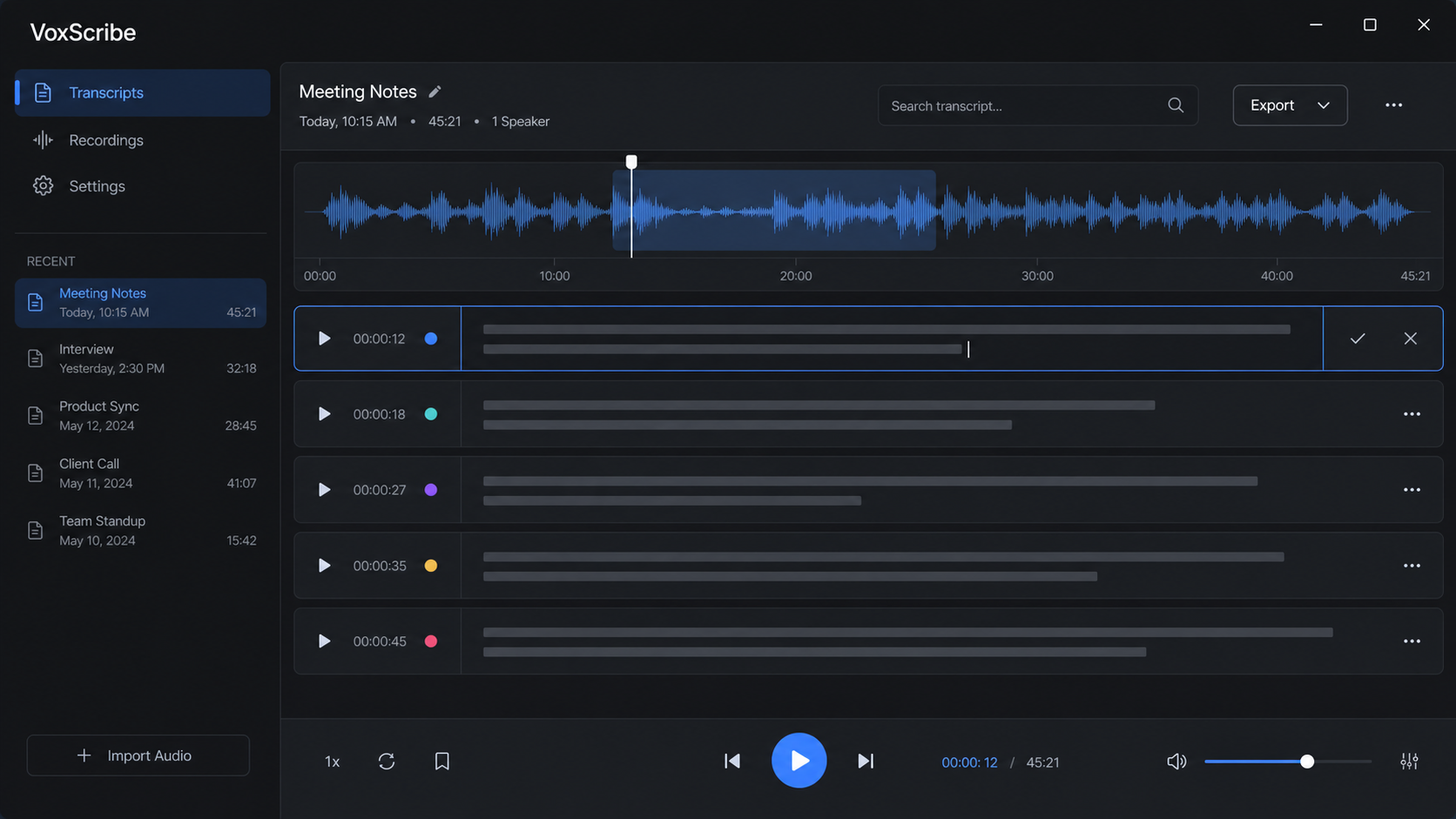
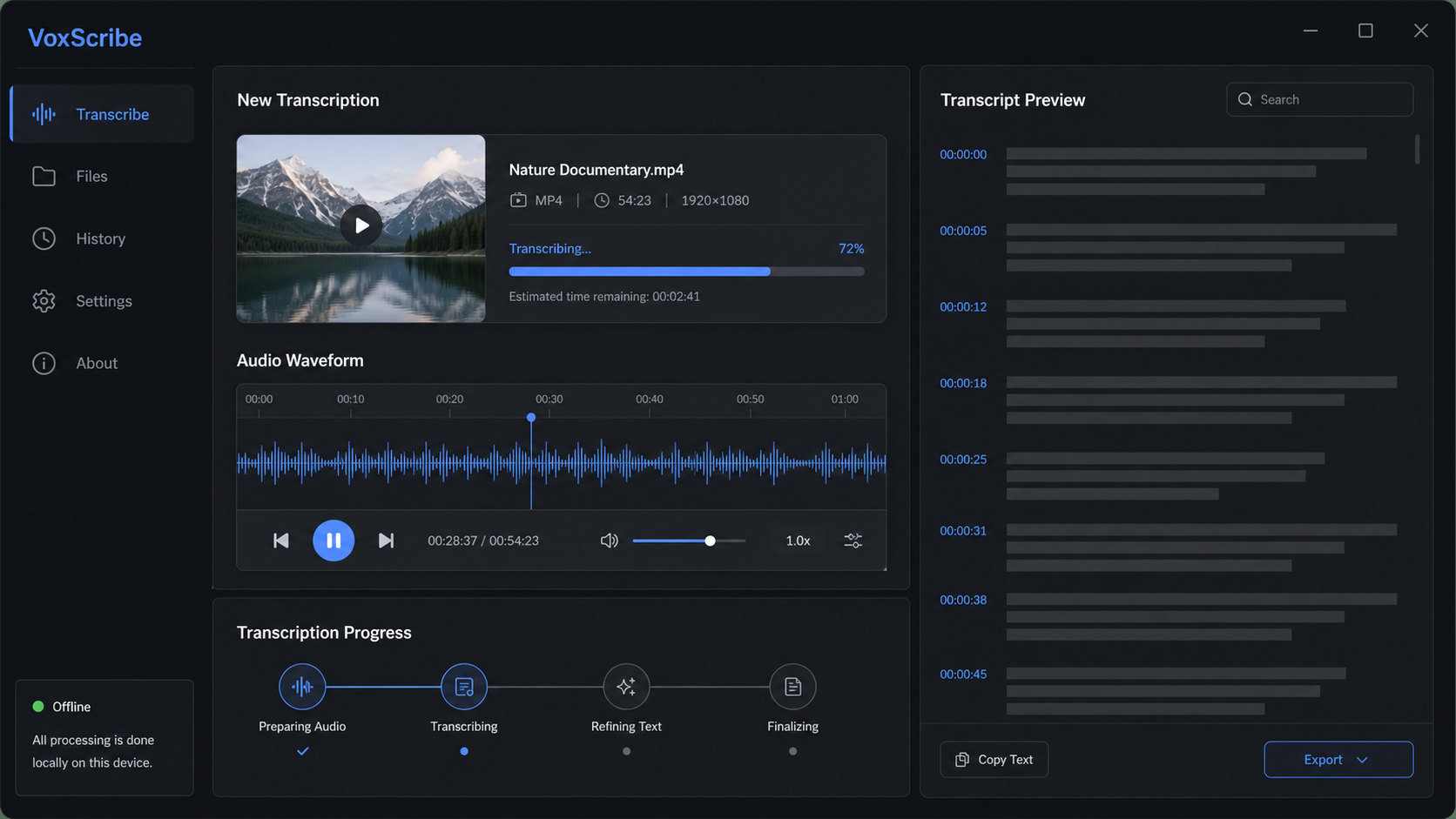
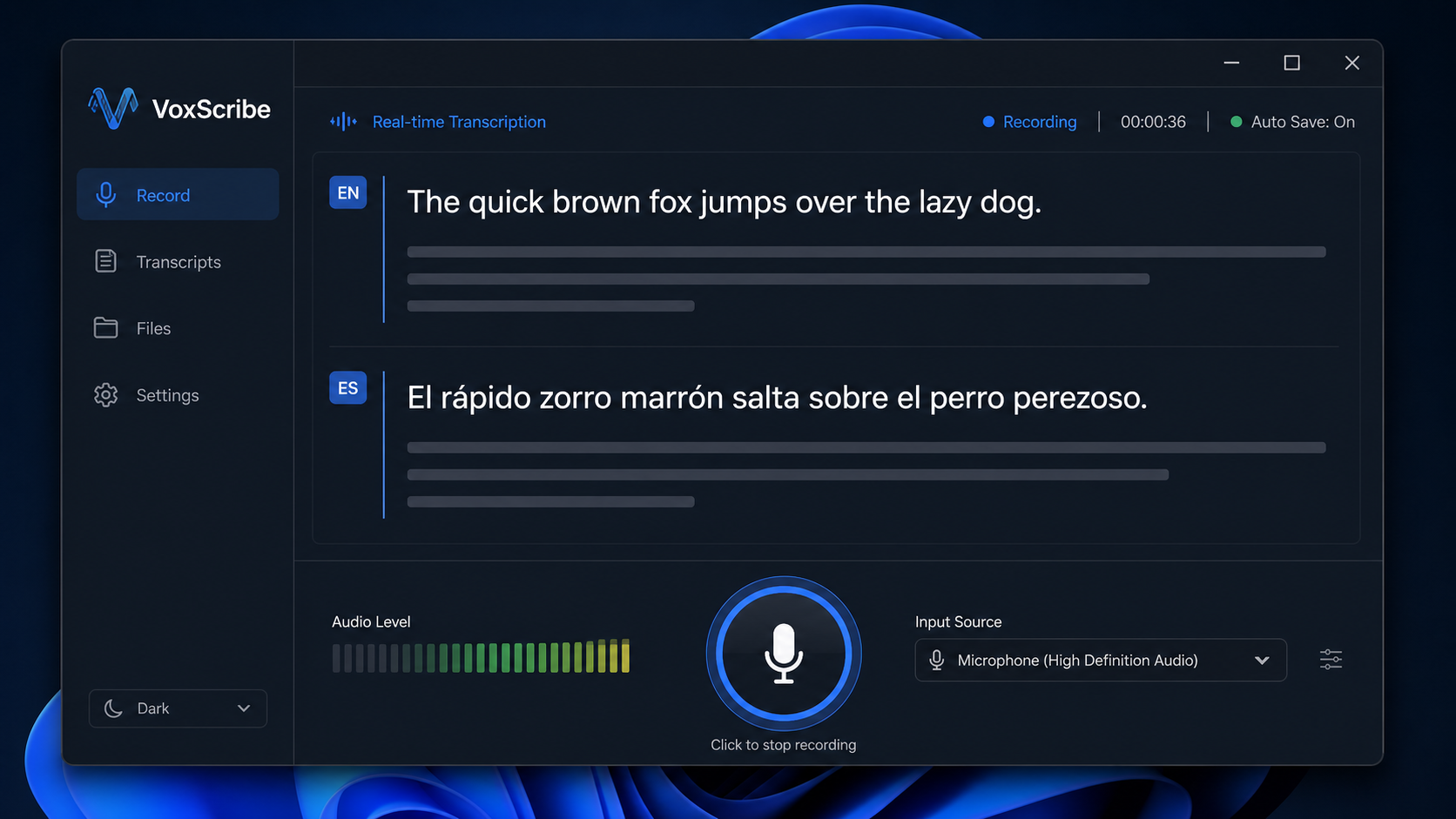
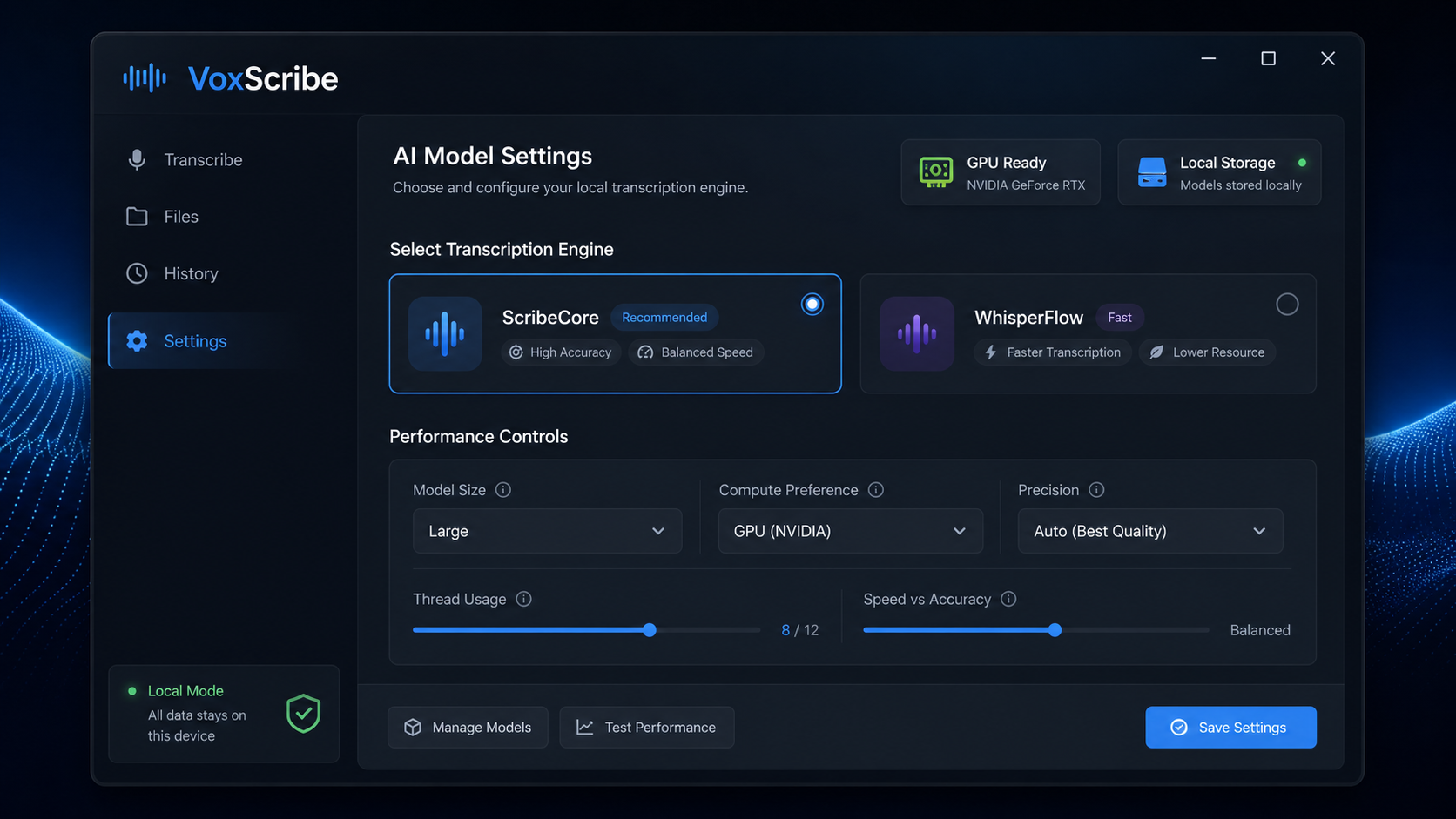
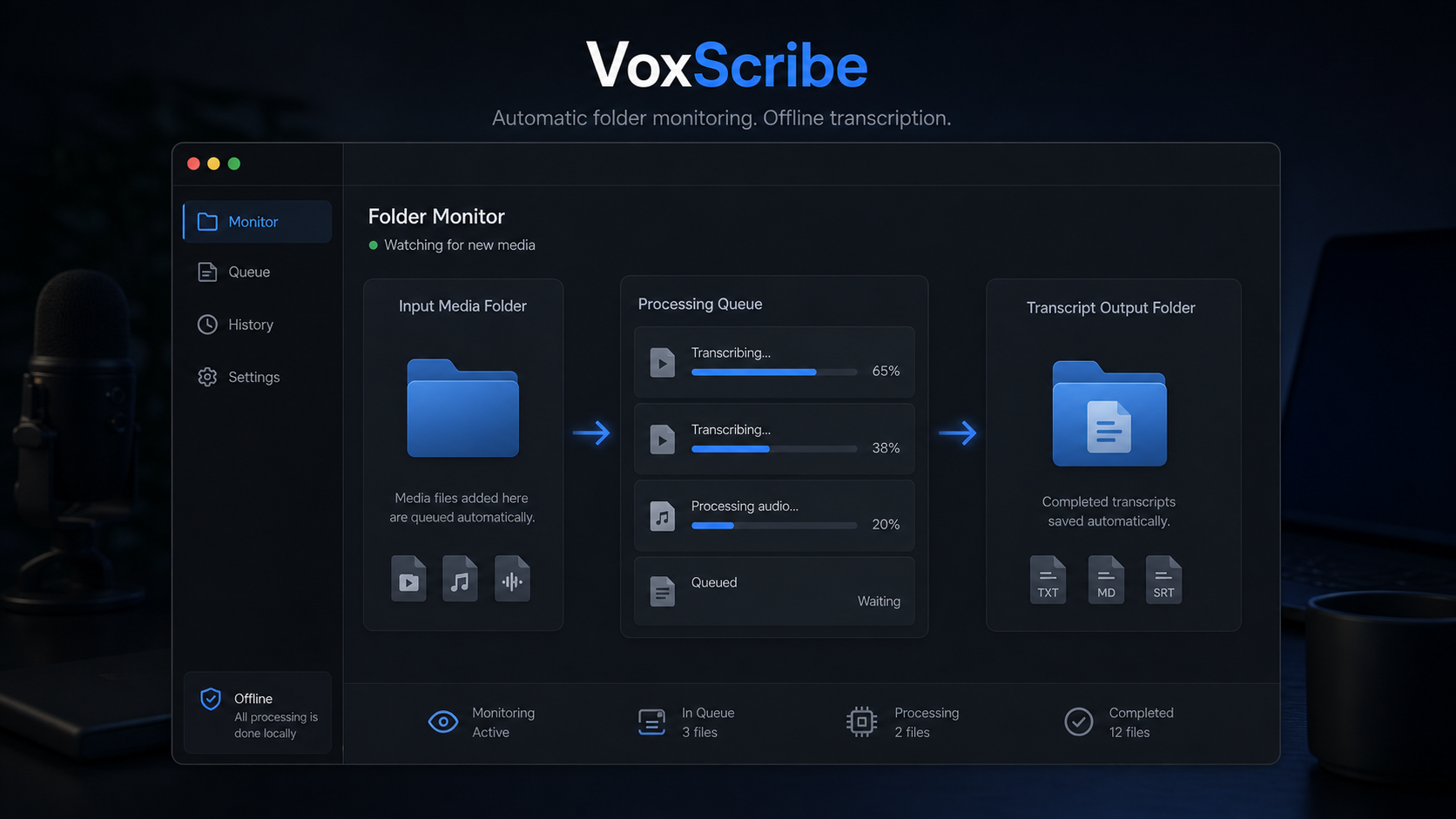
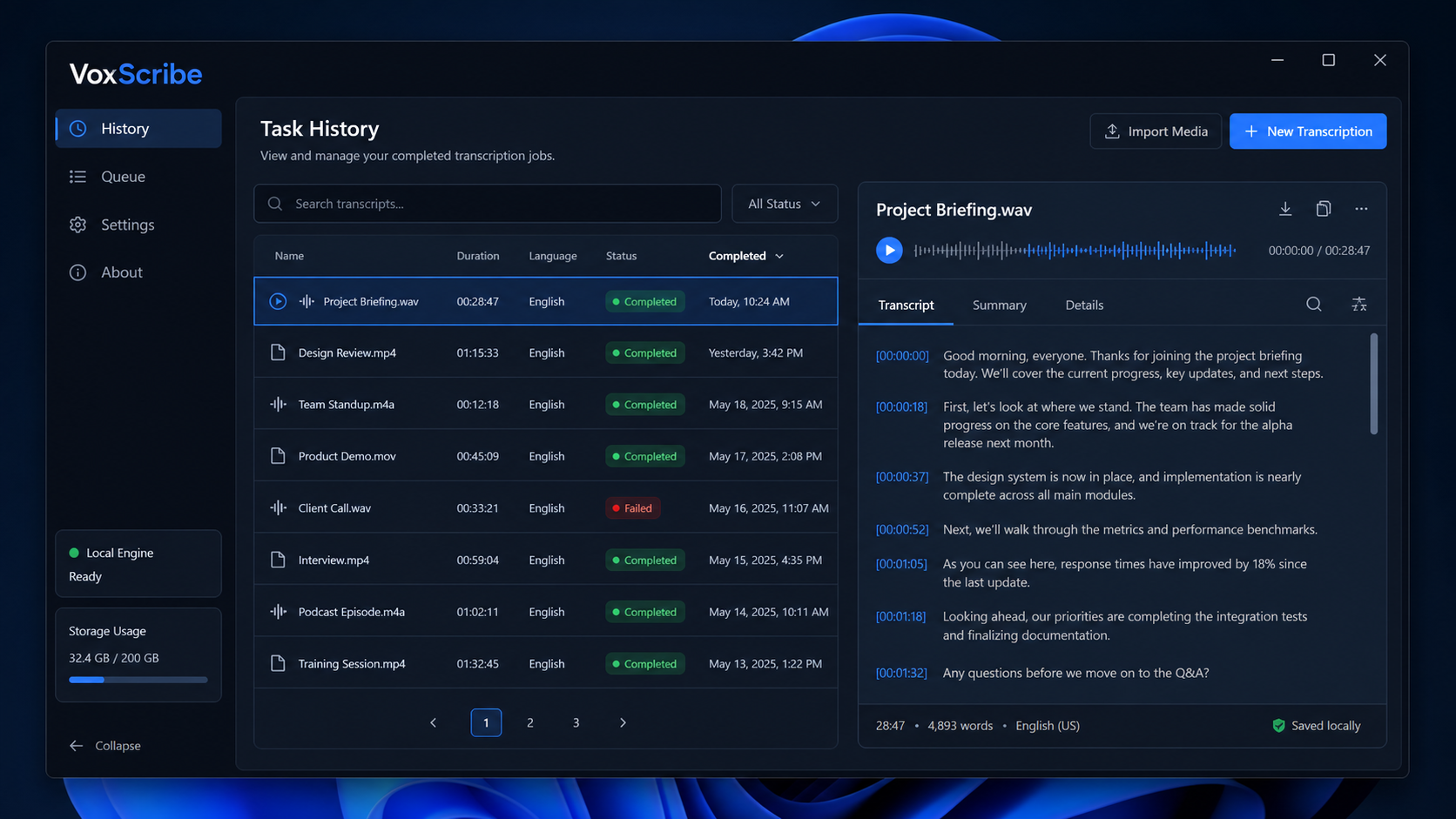
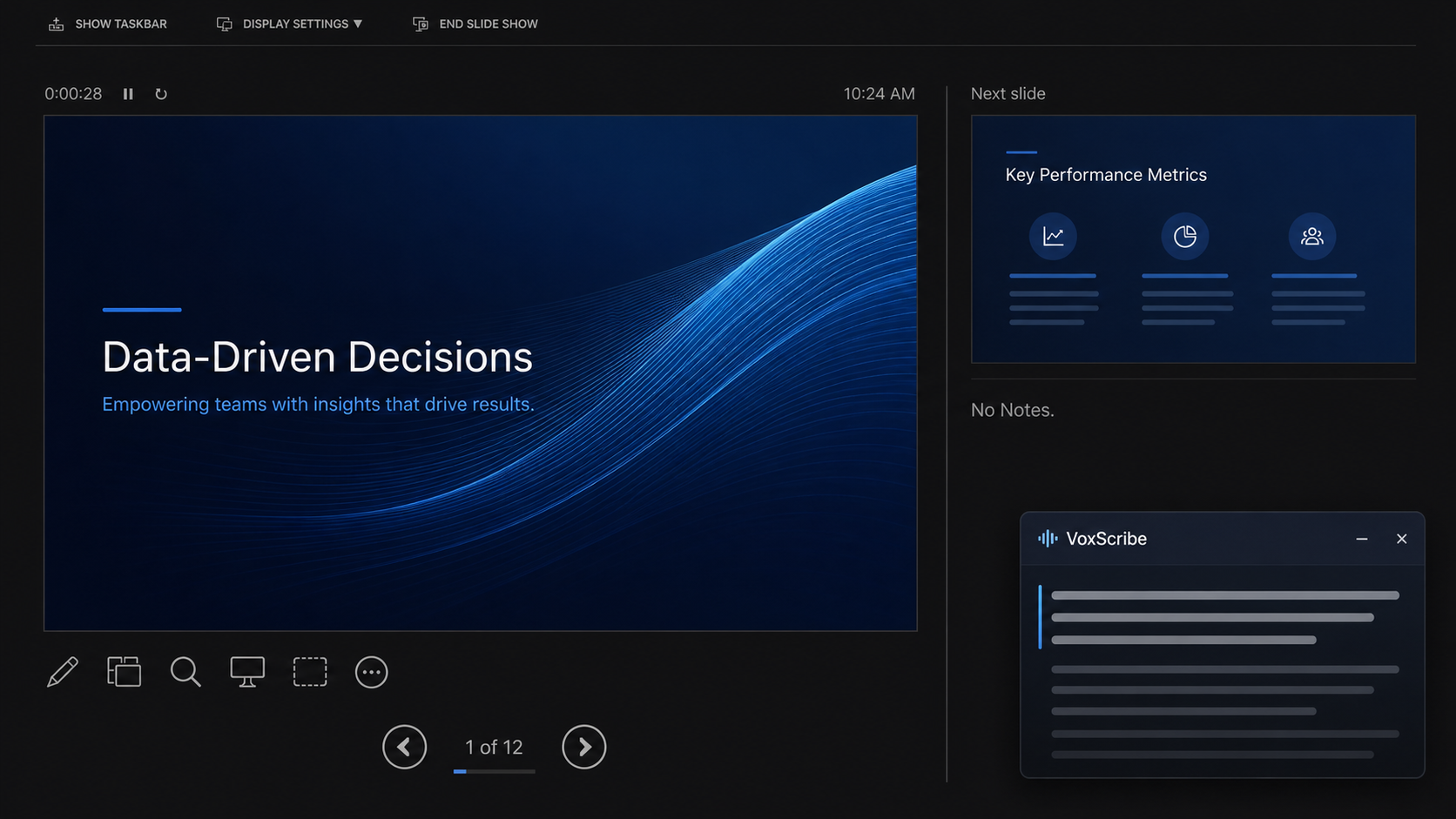
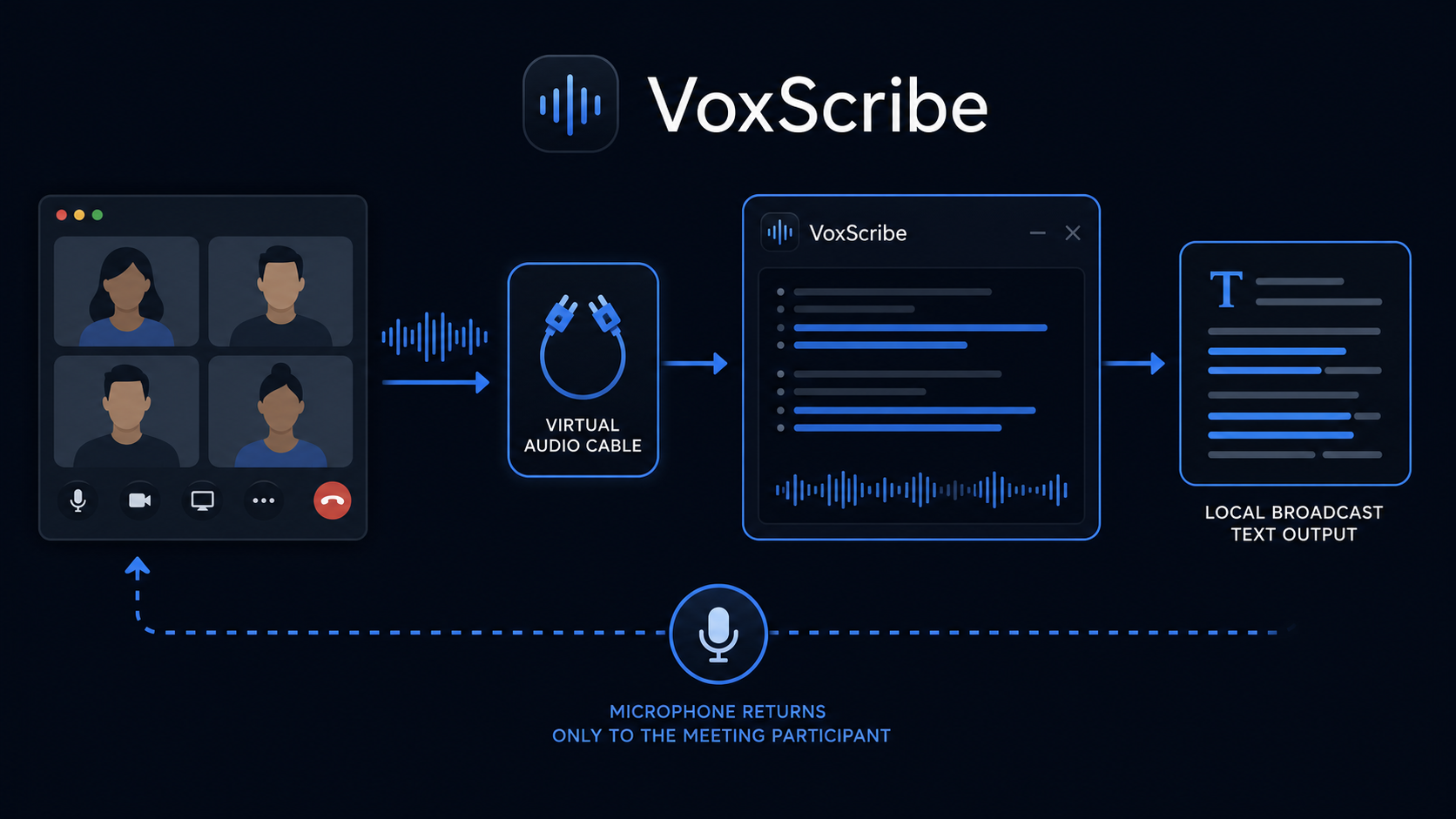
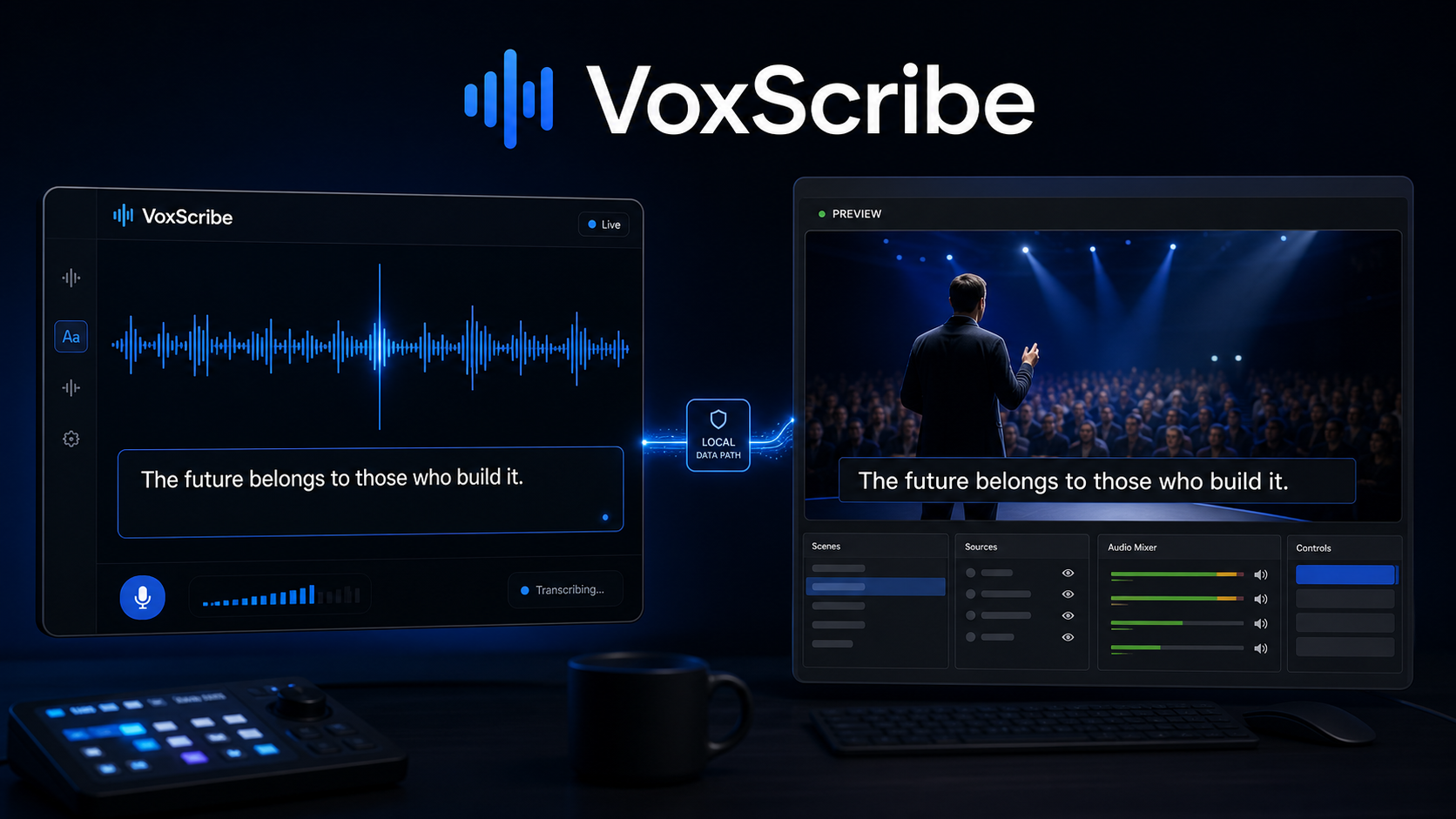
Inspiration VoxScribe started from a practical personal workflow problem: during interviews, meetings, presentations, and media review, I needed reliable captions without uploading sensitive audio to a cloud API. Existing transcription tools were either cloud-first, difficult to integrate with presentation workflows, or limited to a single transcription model. I wanted a desktop tool that could stay local, work with real Windows audio routing, show captions in a movable presenter window, save transcripts automatically, and still support offline media transcription after a meeting. What I Built VoxScribe is a Windows desktop transcription application built around local speech recognition. It supports: Real-time captions from VB-CABLE, Sonar, microphone, or system-audio loopback sources. A floating, always-on-top caption window for PowerPoint presenter view. Offline audio/video transcription and automatic folder monitoring. Local Qwen3-ASR streaming, standard Qwen transcription, Faster Whisper, and Fun-ASR-Nano backends. TXT, SRT, VTT, JSON, OBS-ready live text output, task history, transcript review, and export. Optional noise reduction, vocal isolation with Demucs, and local speaker clustering. The project is designed around a key audio-routing rule: meeting software receives only the user’s microphone, while VoxScribe can receive a separate local transcription mix. This avoids sending remote participants’ voices back into the call. How I Built It I built VoxScribe with Python, PySide6, PyTorch, CUDA, Faster Whisper, Qwen3-ASR, SQLite, FFmpeg, and Windows audio APIs. The application uses a model-adapter architecture so the product is not tied to one ASR model. Faster Whisper and Fun-ASR-Nano are useful for responsive local recognition, while Qwen3-ASR provides higher-accuracy and true streaming modes. For streaming Qwen transcription, VoxScribe manages a local WSL 2 service. Audio chunks are sent only to localhost, never to a cloud endpoint. The app can rotate streaming sessions during long recordings, preserve committed text, and fall back to standard local Qwen transcription if the streaming service fails. Codex and GPT-5.6 were used as collaborative development tools throughout the project: shaping the product workflow, implementing the desktop UI and model adapters, designing audio-routing safeguards, expanding automated tests, improving documentation, and iterating on reliability issues. Challenges and What I Learned The hardest part was not simply loading an ASR model. It was making local transcription dependable in real desktop workflows. I learned that audio routing must be treated as a product feature, not just a technical detail. A transcription tool can be accurate but still fail a real meeting if it captures the wrong endpoint, creates an echo loop, or makes users guess which virtual device to select. Long-running streaming sessions were another challenge. Qwen streaming needed bounded session memory, safe WSL lifecycle handling, and recovery behavior that would not silently lose audio. VoxScribe now rotates streaming sessions, preserves prior captions, and safely falls back to standard local recognition when needed. Recent Updates The project includes a maintained CHANGELOG.md. Recent releases added: True local Qwen streaming and standard segmented fallback modes. Long-session streaming rotation and WSL memory handling. Automatic fallback when a streaming request fails. Quick audio-source presets for VB-CABLE and current system audio. Selectable Demucs vocal-isolation models. Detailed offline task progress, export verification, and safer folder-monitor behavior. Expanded regression tests for audio capture, streaming recovery, task lifecycle, and transcript output. VoxScribe is still evolving, but its central goal remains simple: make high-quality speech transcription private, practical, and dependable for real work.
VoxScribe-with real-time captions and transcription.
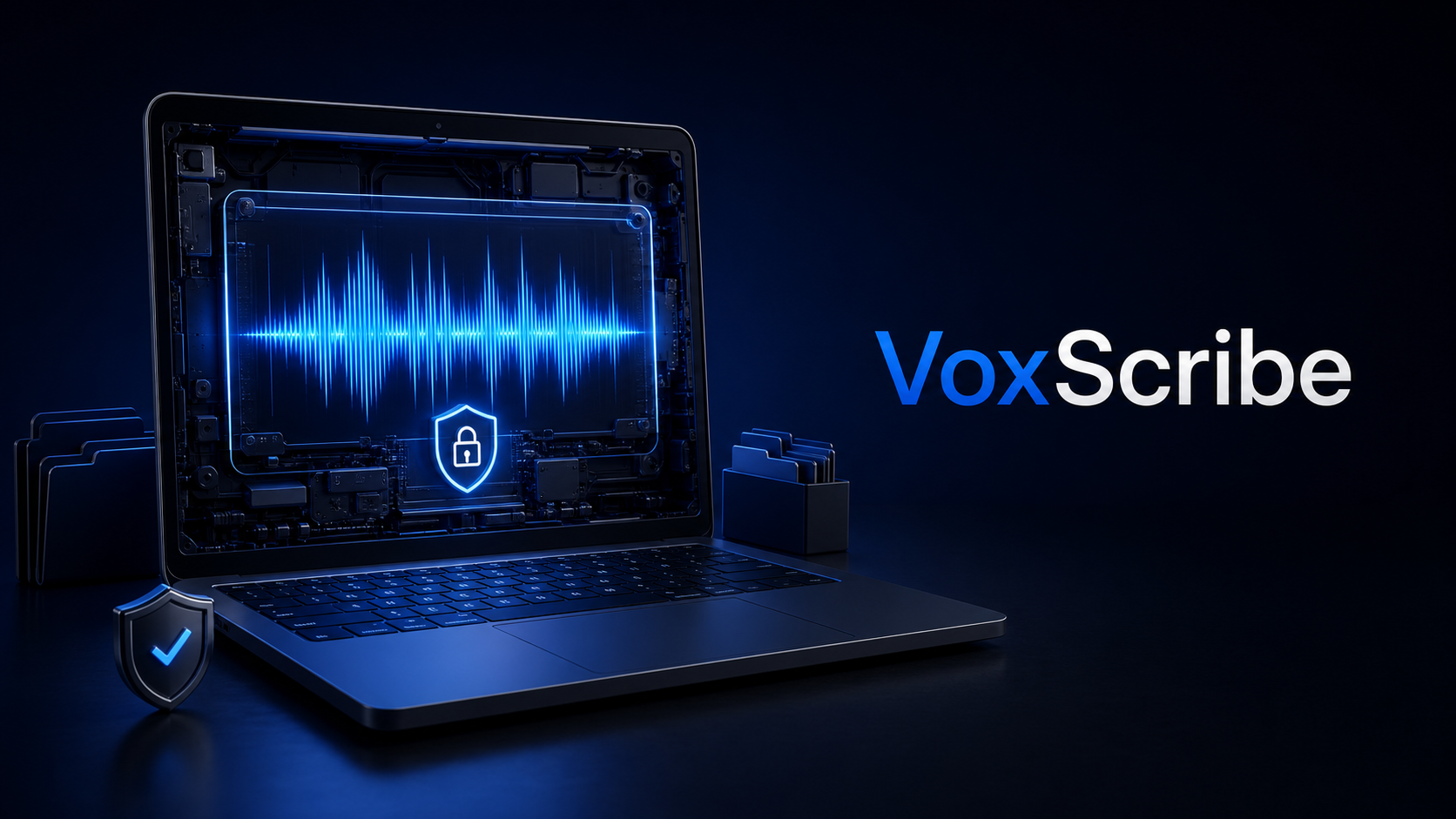
VoxScribe is a privacy-first desktop transcription app for meetings, interviews, presentations, and media files. Fully local, with real-time captions, offline transcription, and OBS output.

Updates

Leave feedback in the comments!
Log in or sign up for Devpost to join the conversation.