-
-
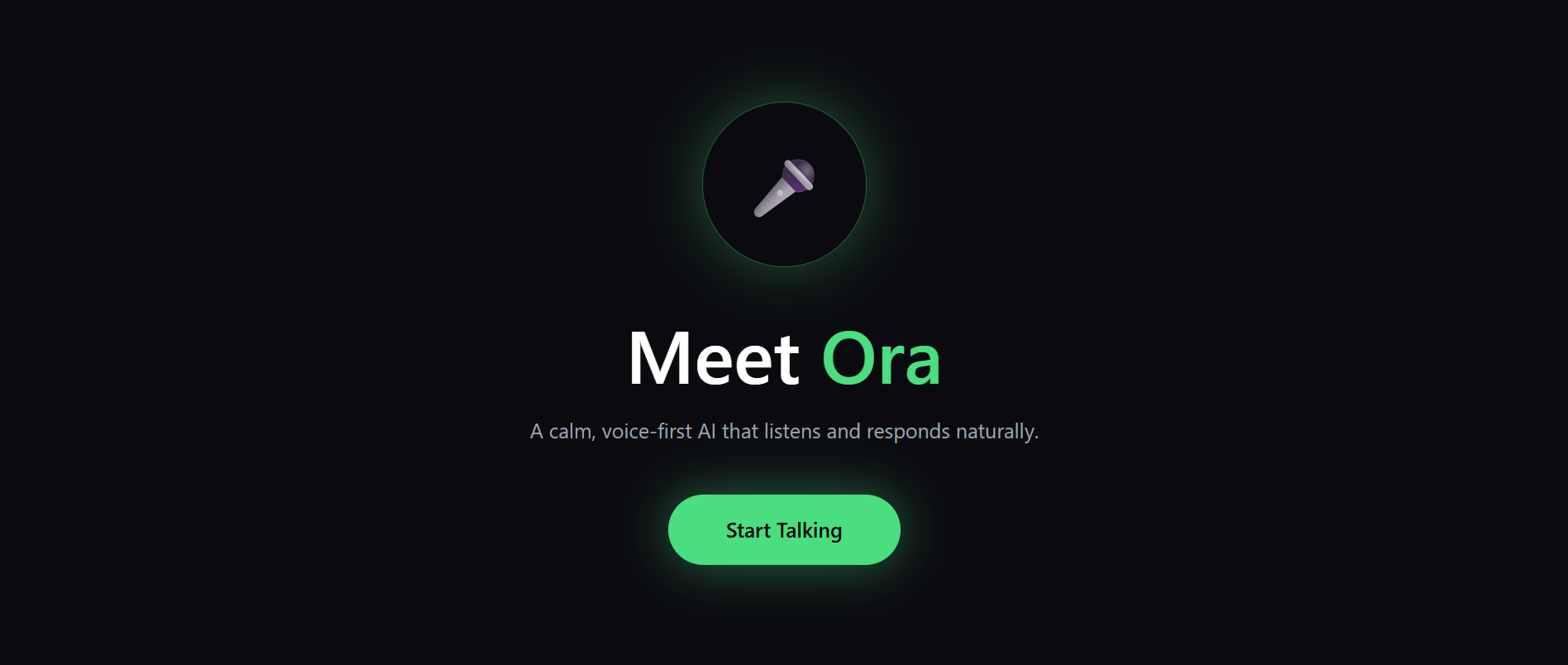
HERO SECTION
-
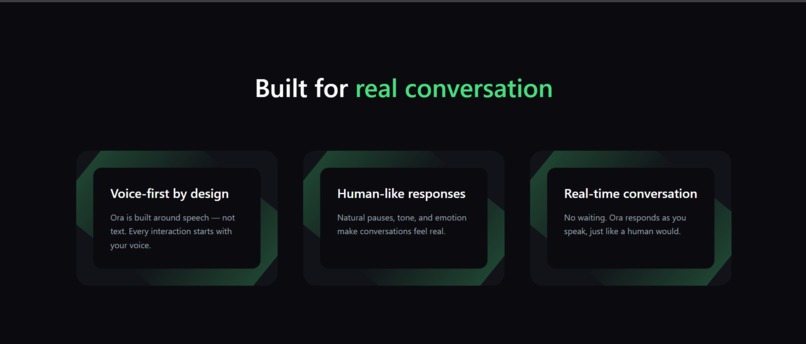
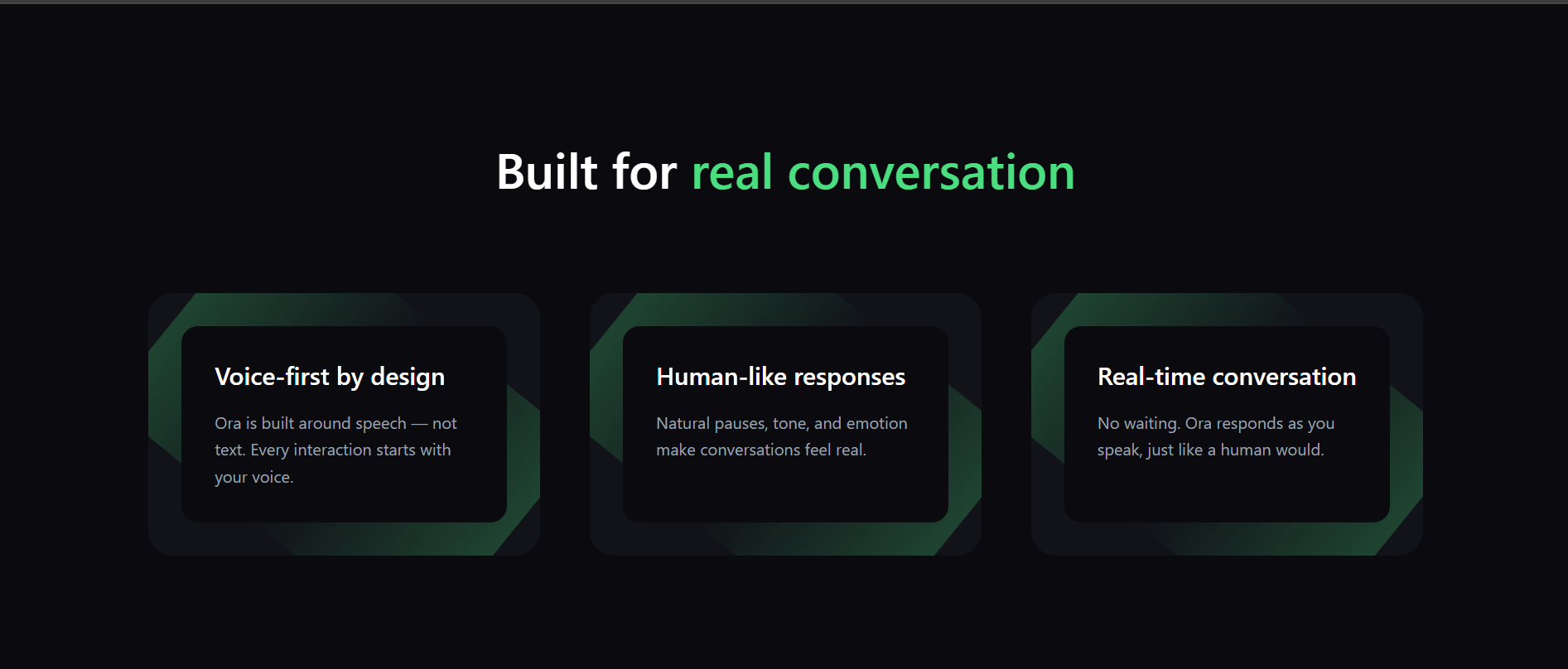
FEATURES SECTION
-
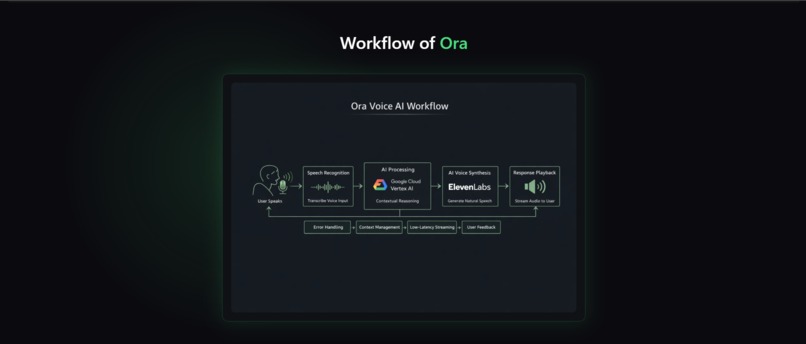
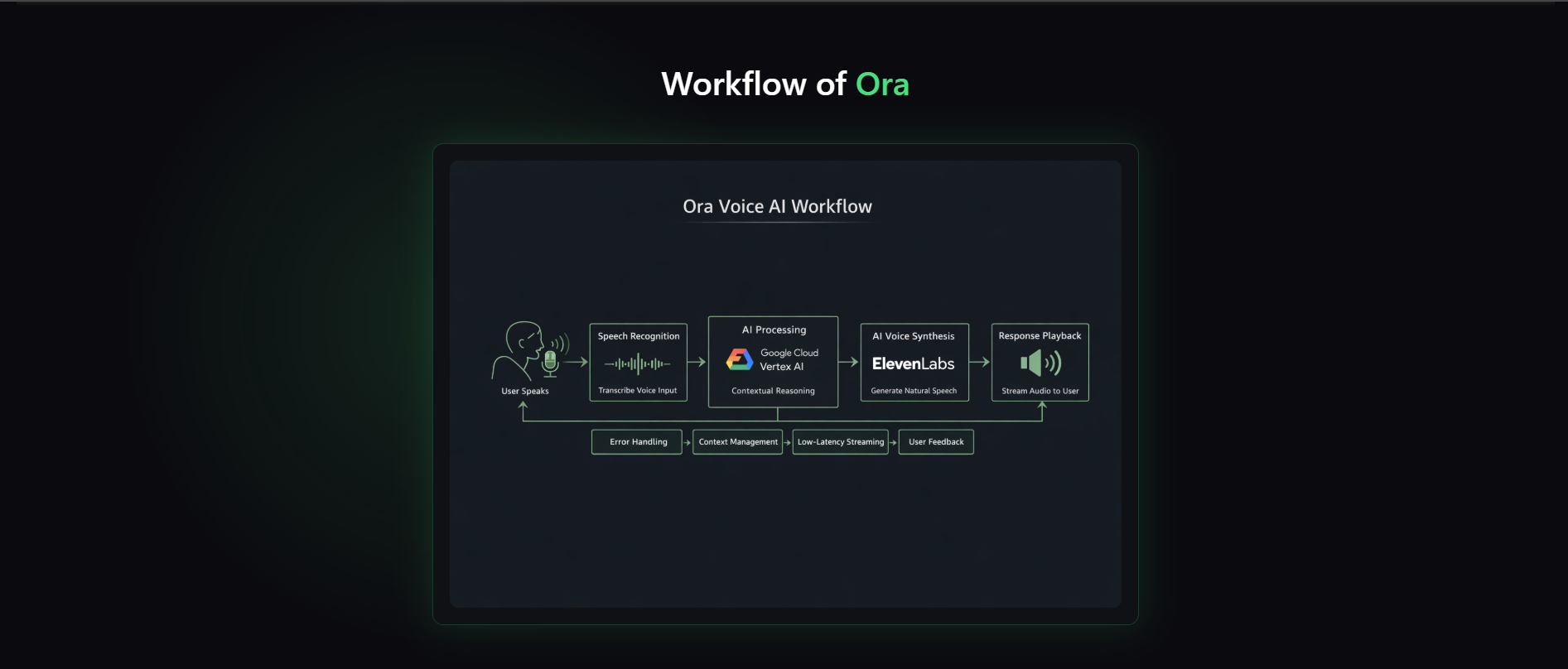
Workflow of ORA
-
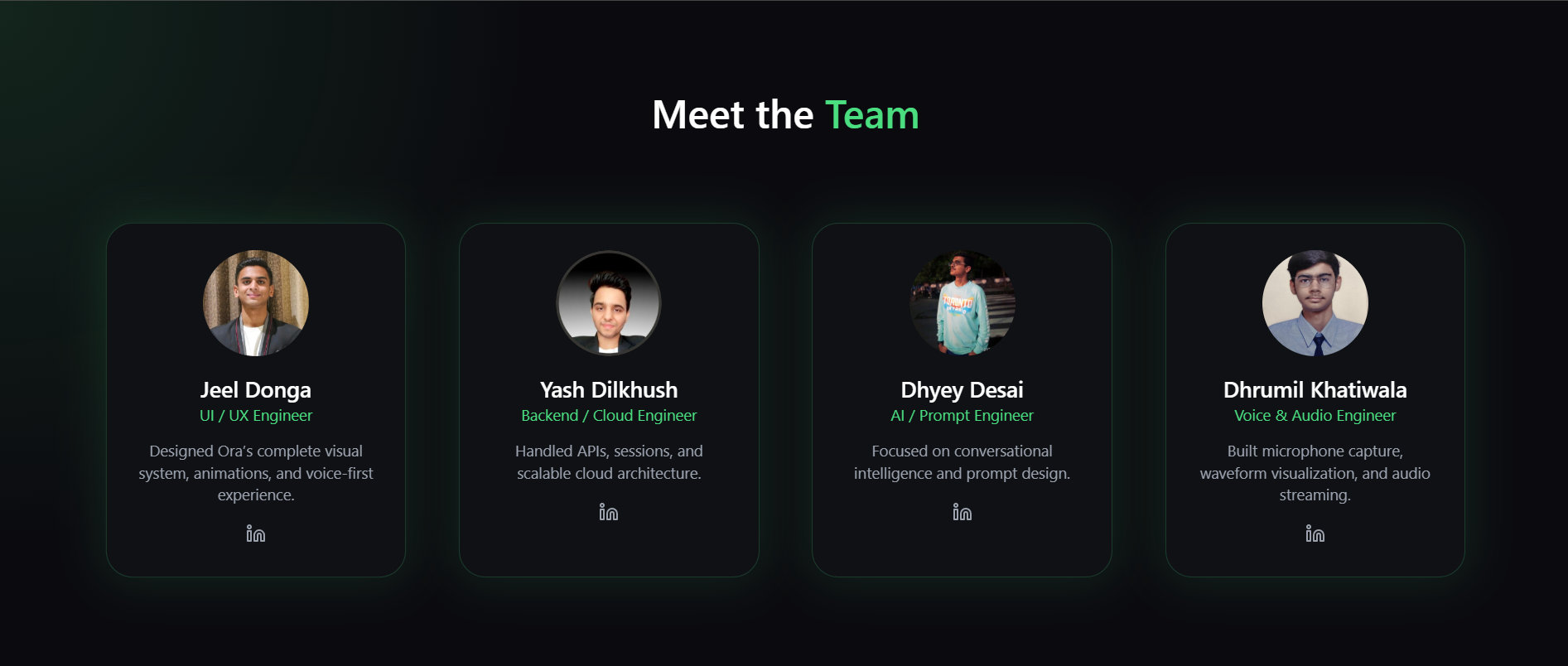
About Team
-
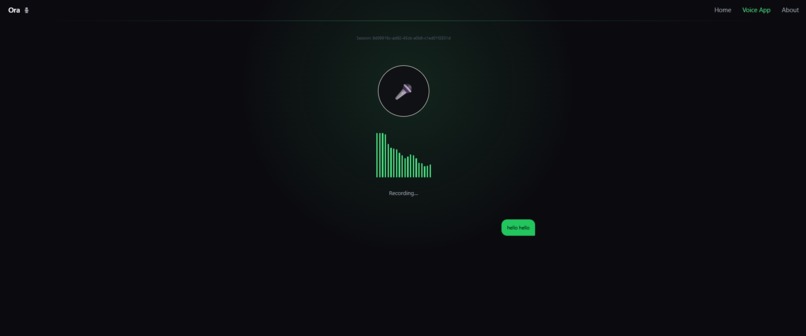
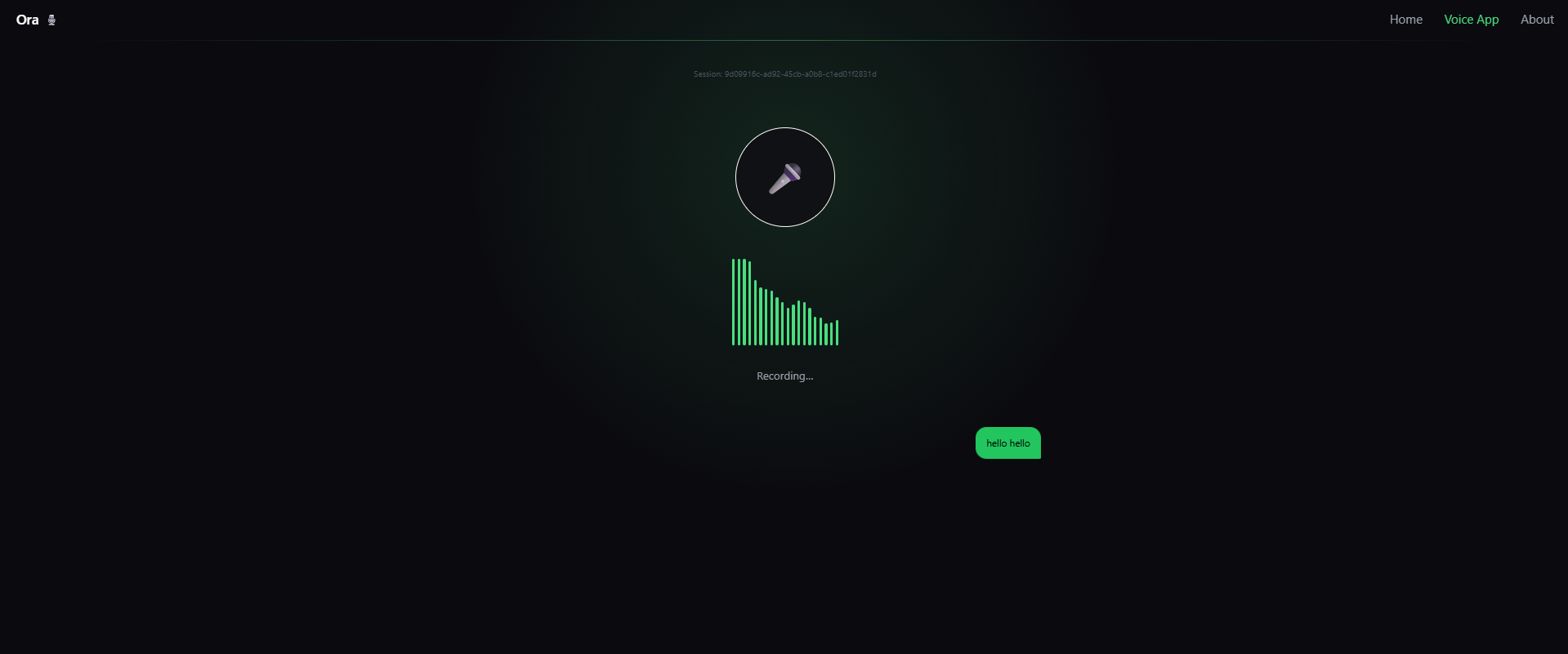
Voice Section Interface
Inspiration
We wanted to create an AI assistant that people could talk to naturally without typing. Many students, elderly people, and visually impaired users struggle with text-based interfaces. Inspired by voice assistants and the idea that technology should feel human, we built ORA (Oral Responsive Assistant) to enable fully hands-free conversations powered by AI.
What it does
ORA is a real-time voice conversational AI assistant. It: -> Listens to the user through speech-to-text -> Understands the input using Gemini -> Generates a natural language response -> Converts the response back to speech using text-to-speech -> Maintains conversation context across turns -> Allows interaction using the mic button or spacebar -> Works in the browser without extra software In simple words, users talk → ORA thinks → ORA talks back.
How we built it
-> Frontend built with React + Web Speech API -> Real-time waveform visualisation for listening and speaking states -> Keyboard control support (Space = speak, Enter = submit, Backspace = edit) -> FastAPI backend powered by WebSockets -> Gemini model for AI responses -> ElevenLabs TTS for natural speech output -> Session-based conversation memory system
Production deployment using Render (backend) + Vercel (frontend).
Challenges we ran into
-> Handling browser audio autoplay blocking during first interaction -> Maintaining persistent WebSocket connections in production deployment -> Syncing speech-to-text incremental results with the editable message box -> Ensuring low-latency TTS playback in production environments -> Preventing WebSocket closure due to Render idle timeouts -> Ensuring voice works on both desktop and mobile browsers -> Managing conversation memory without overloading the model
Accomplishments that we're proud of
-> Built a fully functional speaking AI assistant -> Achieved smooth, low-latency voice interaction -> Implemented auto-reconnect WebSocket architecture -> Solved first-time audio playback blocking -> Designed clean, minimal UI with visual waveforms -> Deployed complete end-to-end working system -> Made AI accessible without typing
What we learned
-> Building speech interfaces is very different from text chat -> Handling WebSocket connections in production requires careful design -> Audio system unlocking in browsers is essential for TTS to work -> Real-time systems require buffering and heartbeat strategies -> Integrating multiple AI services requires architectural planning
Debugging deployed systems teaches more than local development
What's next for ORA(Oral responsive Assistant)
-> Add multi-language support -> Add streaming Gemini responses instead of single-shot replies -> Smartphone-friendly UI -> Emotion-aware responses -> Interruptible speech playback -> Save conversation history securely -> Add wake-word activation (“Hey ORA”)
Built With
- elevenlabs-tts
- fastapi
- framer-motion
- google-gemini
- javascript
- python
- react
- render
- tailwind-css
- vercel
- web-audio-api
- web-speech-api
- websockets

Log in or sign up for Devpost to join the conversation.