-
-

App Logo
-
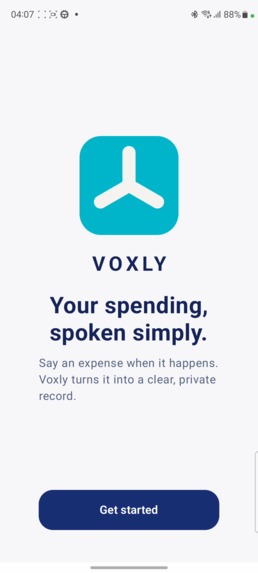
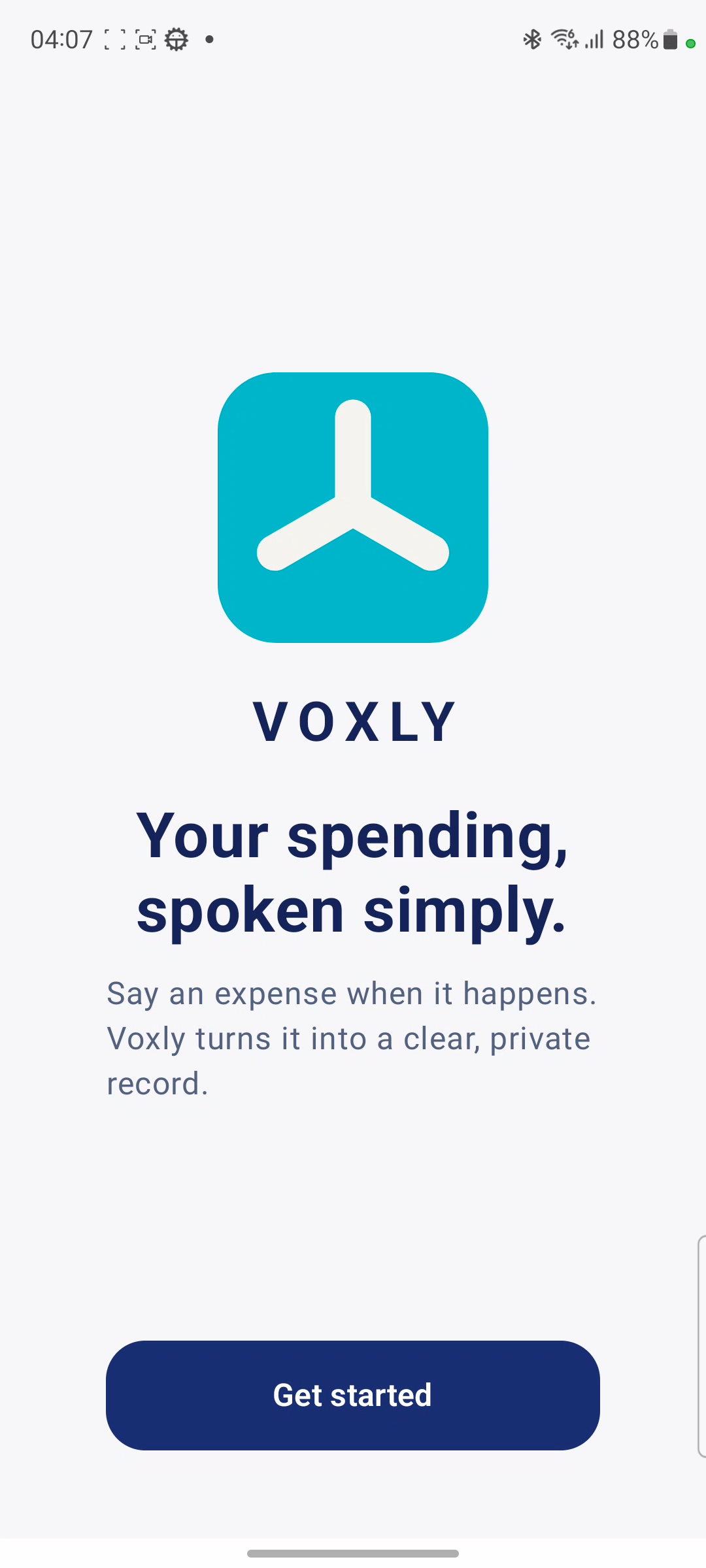
Landing page
-
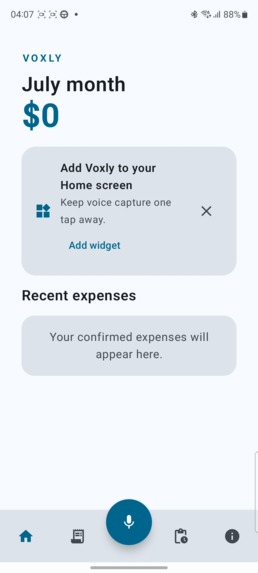
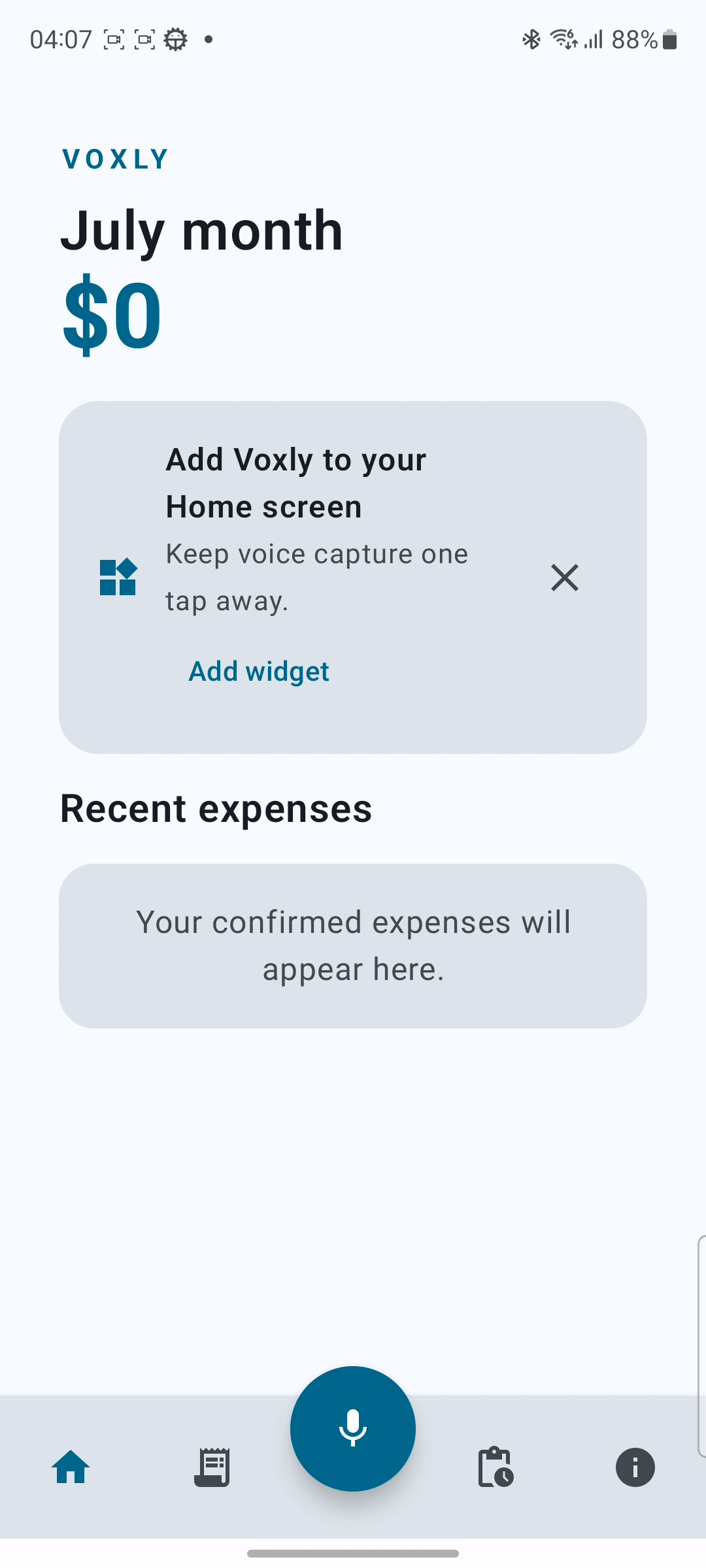
Home Page
-
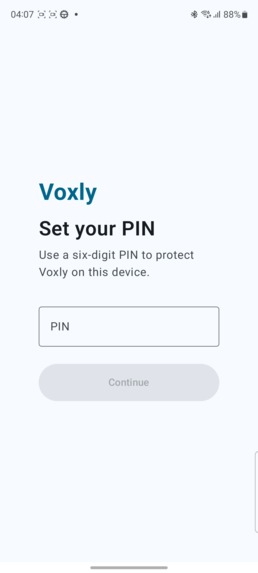
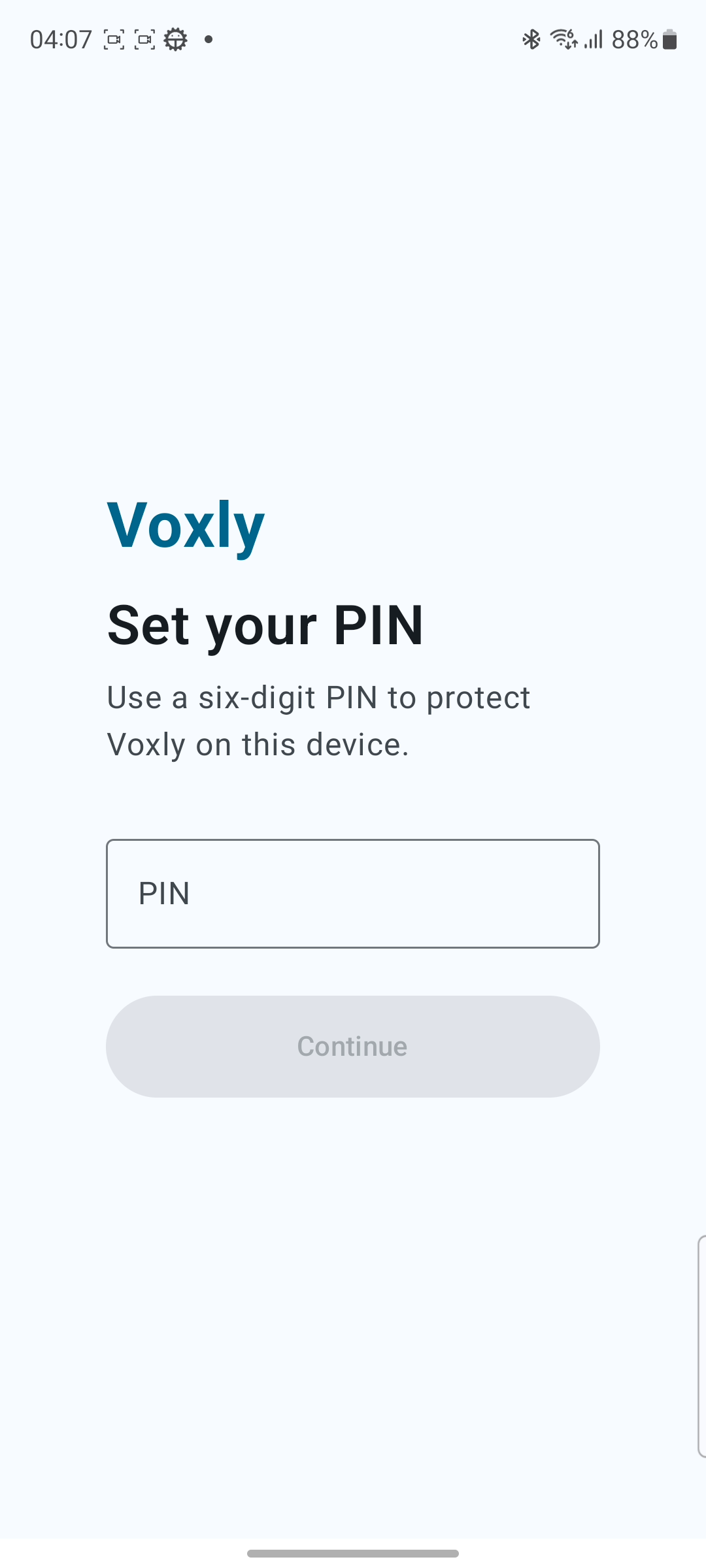
6 digit pin to acccess
-
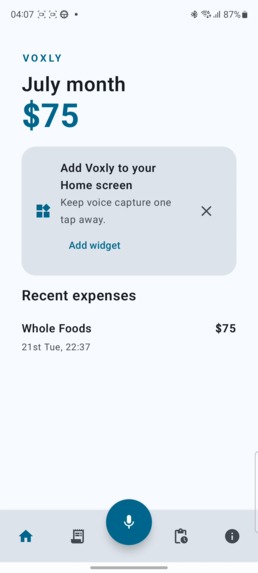
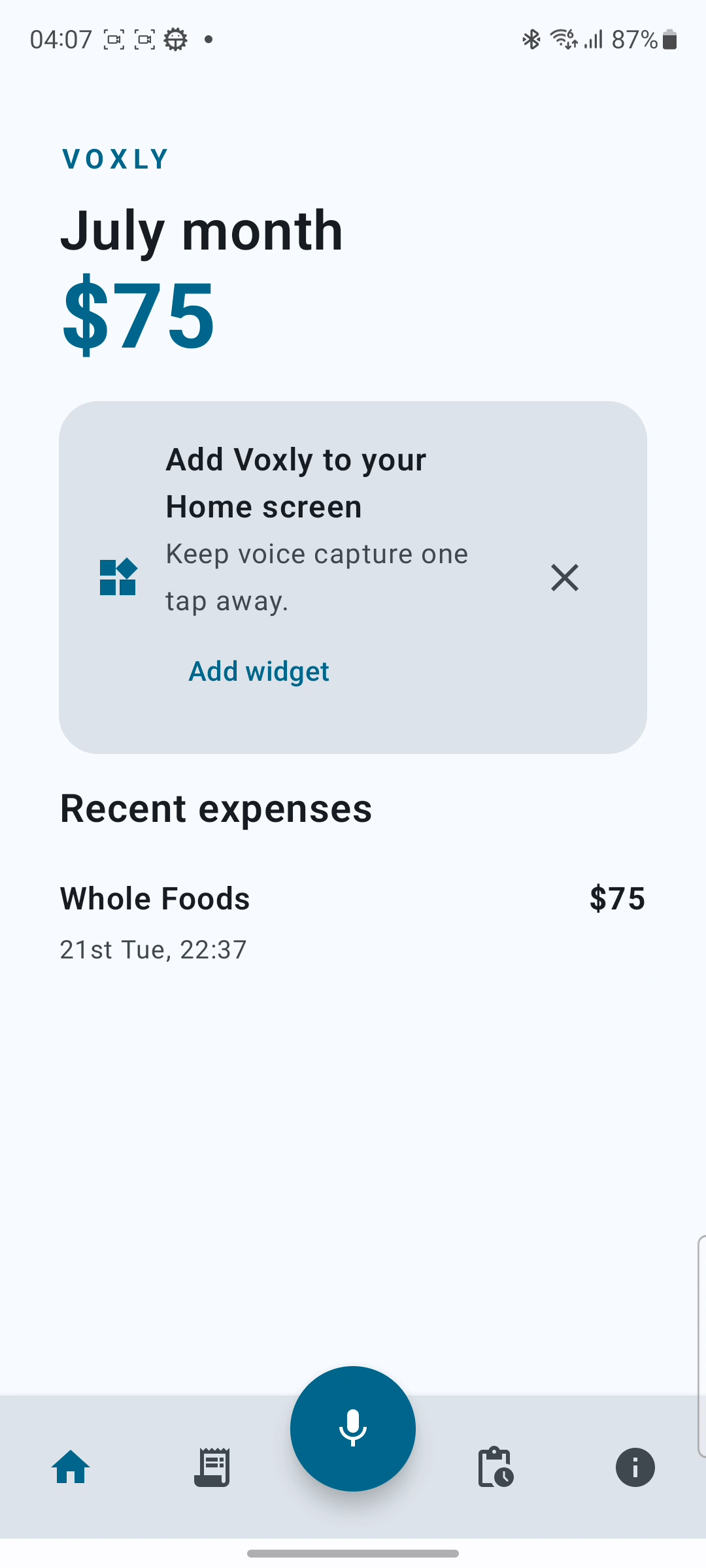
Home page with an entry
-
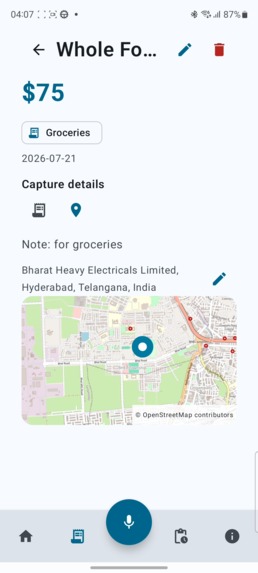
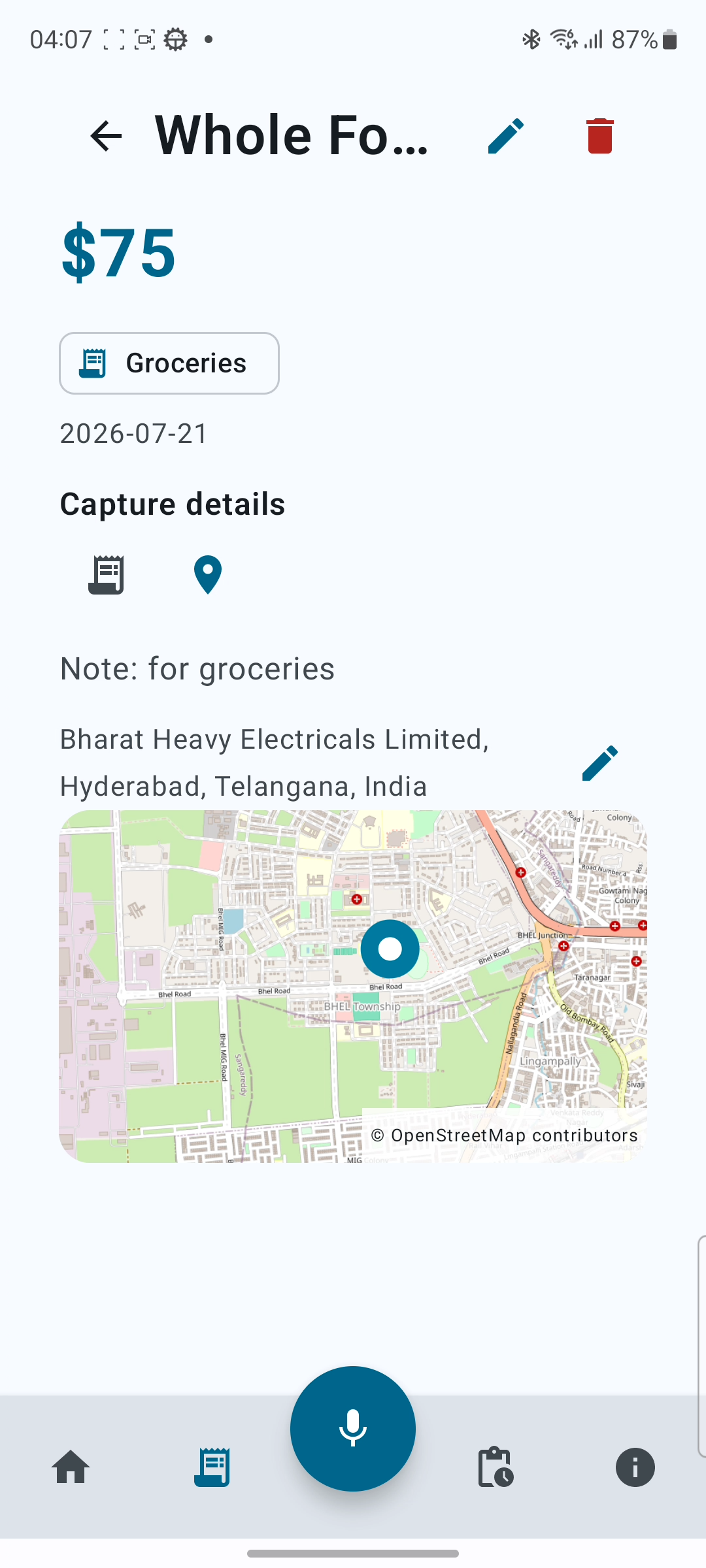
Expense detail page
-
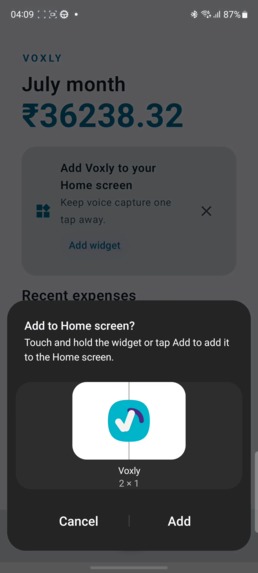
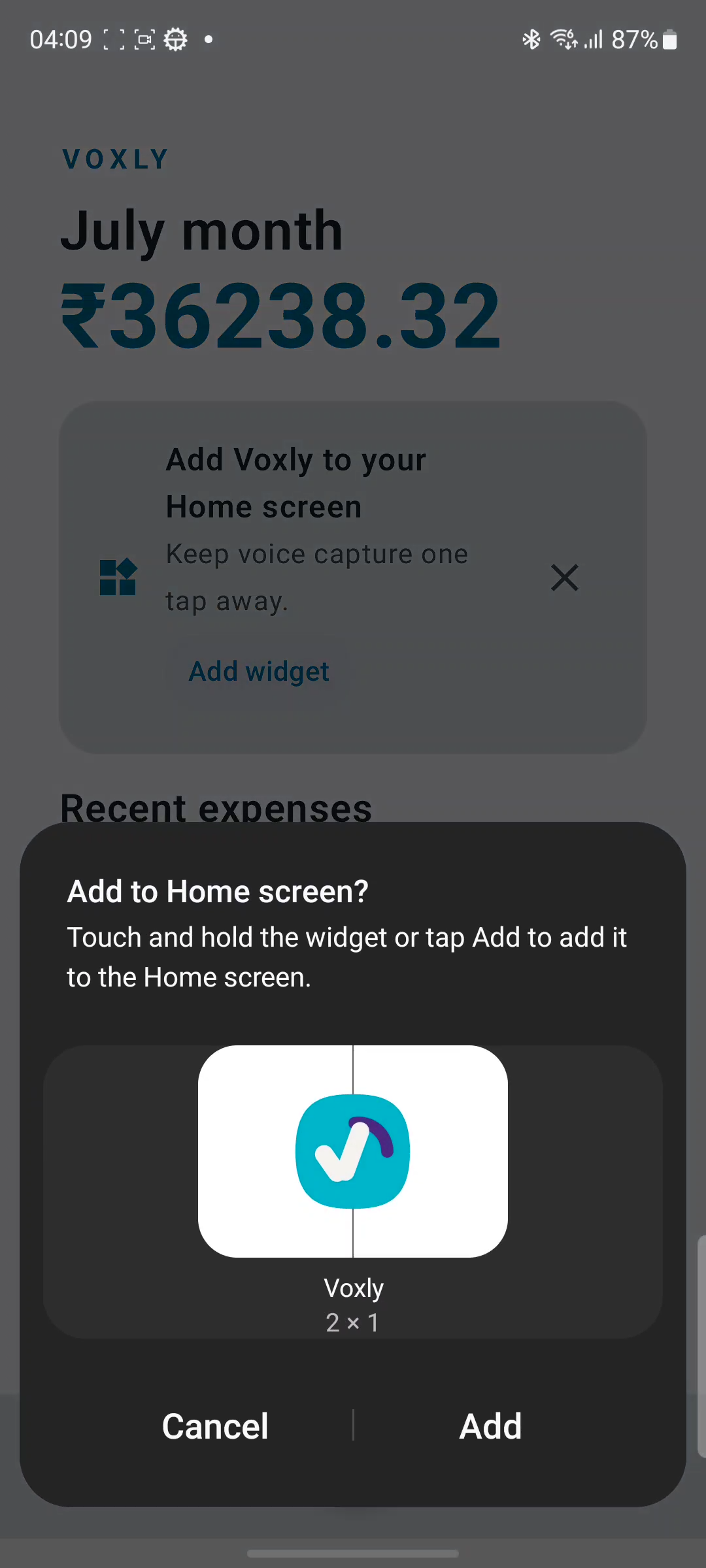
Widget add permission
-
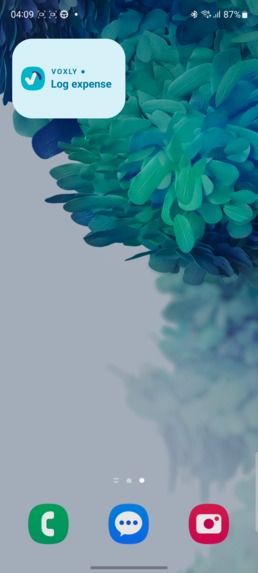
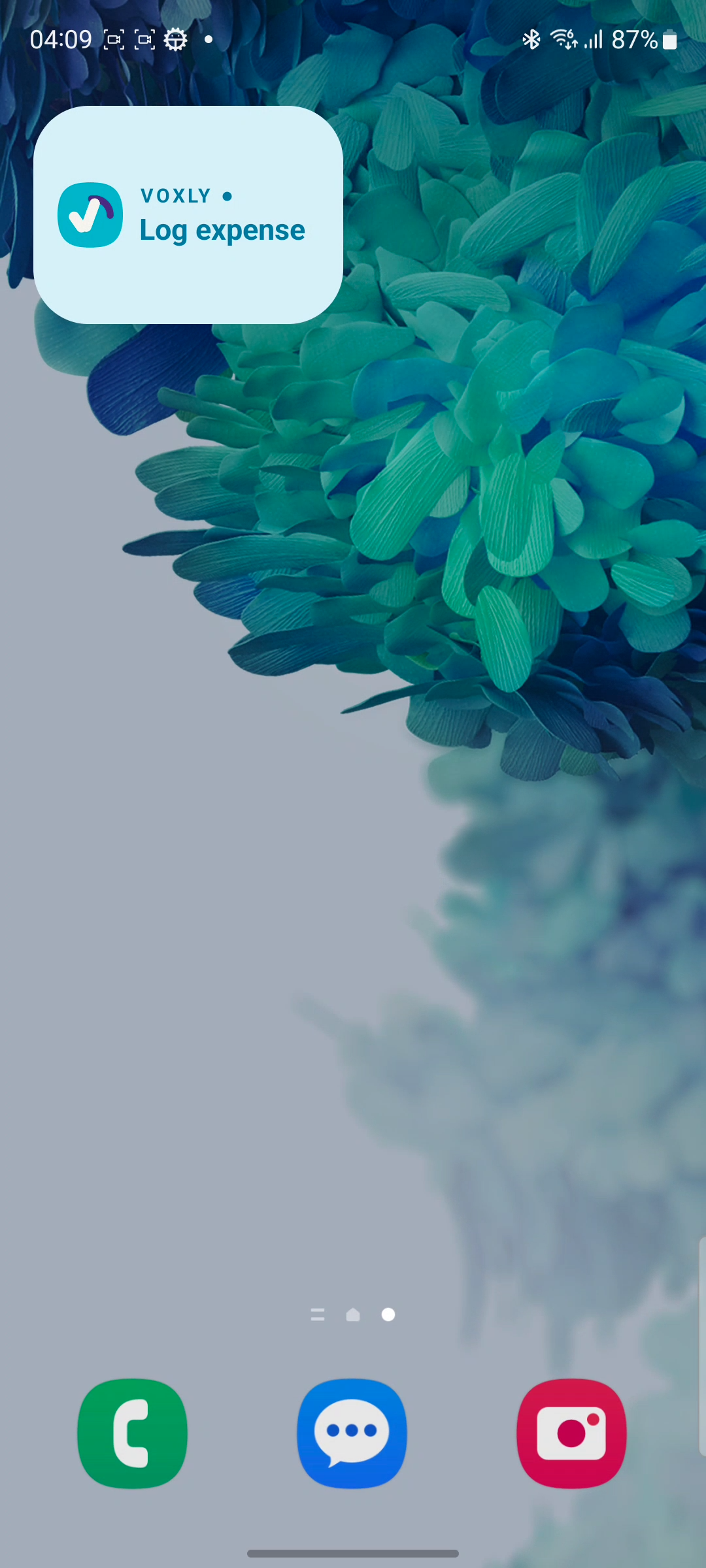
Widget
-
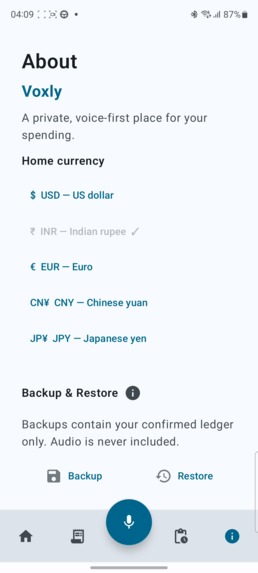
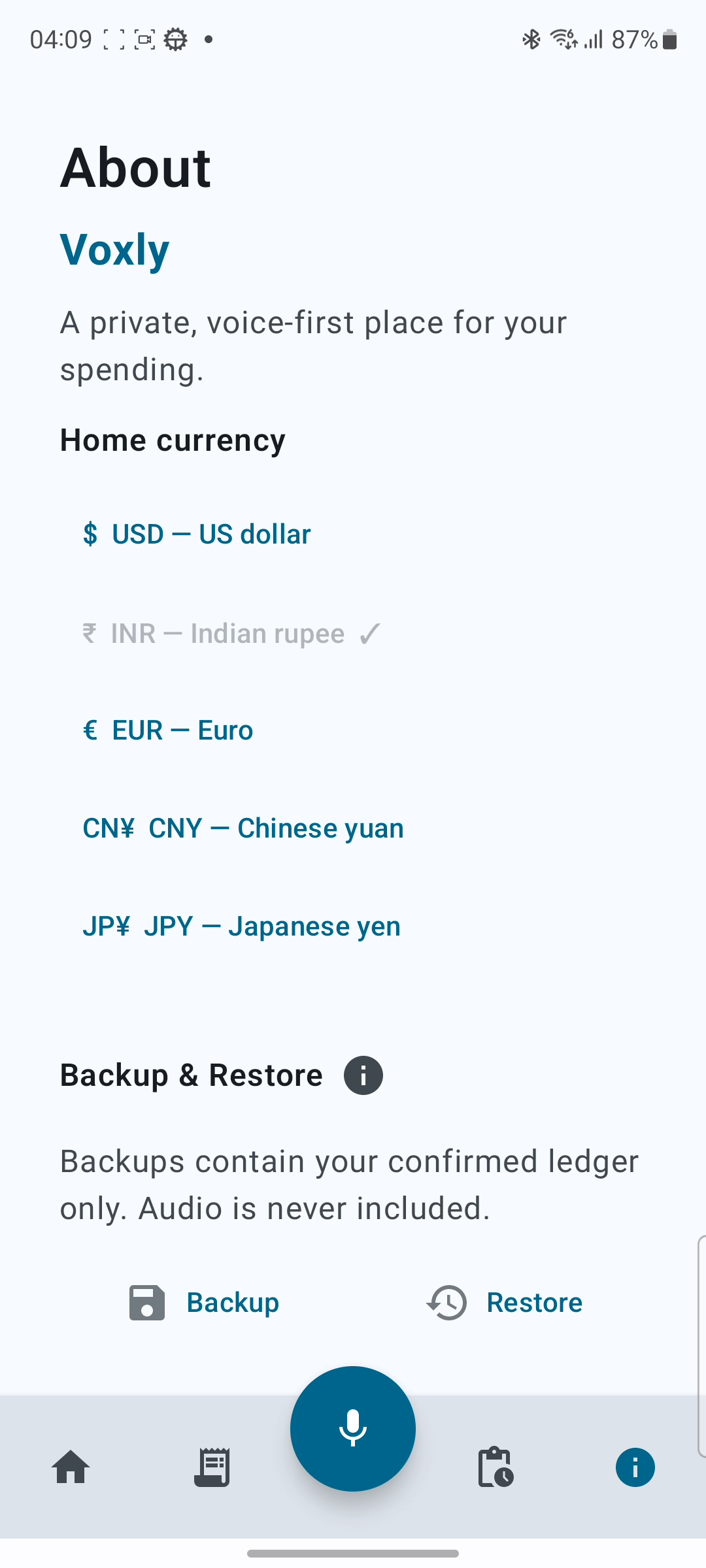
About page: Language Change, Backup & Restore [ JSON ] Format

Use these:
Inspiration
I'm from a middle class family, any expense made has to be noted in a book or excel sheet, sometimes we forget or tierd to add things to log then i though why can't we use mobile app that can do easily, but they are a pain to work with, and some times its same issue of not logging. So I though if someone can log when i speak for few seconds automatically.
What it does
That became the idea Voxly, It is an expense logger that log expenses when you speak with it. It has a big widget that can be placed in the UI. One tap, speak the expense (15 secs max), log is saved in user device. The app automatically transcribe what is spoken, categorize it and provides it to user. Features like Geotagging, Notifcations are available from day 1. There is a section to review ambigous, multi expense logs and you can update them.
Any expense can be edited, listen to the audio and see the transcript
Currently supported are English, Telugu (My Mother tongue), Hindi.
How we built it
Voxly is an Android-first Kotlin Multiplatform project.
The app uses Firebase Anonymous Authentication for gateway access, Room for the local ledger, and AWS Lambda as a small secure voice-processing gateway. The gateway verifies the Firebase token, sends the audio to Groq Whisper for transcription, and uses GPT-OSS 20B for structured expense classification.
This was built using GPT Terra 5.6 at Medium with GPT Sol 5.6 at Medium doing the Code Reviews.
My development flow is very simple, I followed agentic workflow from Mattpocok. First I've used Wayfinder skill to chart the map of building this app. Bunch of research, grilling and prototype tickets were created and are available as github issues with closed state. Each prototype is reviewed by me. Based on the amount of prep work done , a working spec is finialized. Followed by that detailed issues were created
For each research ticket, based on the skill codex started subagents and the subagent view was easy to see, manage them.
Once wayfinder, spec, and tickets are created, we have launched into full blown implementation skill three days of rigourous agentic code generation, agent code review, manual testing by me, fixing bugs, improving the app to do better.
The code review from Codex/ChatGPT is great, it show as github PR Comments and it really helped me to understand where is the issue and was able to review easily
Challenges we ran into
- Main challenge is to get the first speech to text done
- UI UX challenges that needed tuning even after going through the prototypes
- Initial scope should have been more clearer, multiple wayfinder maps were created
- Changed one of the flow at the last minute introduced bunch of bugs, which took ages to fix
Accomplishments that we're proud of
- Building a real working Android MVP, not just a prototype
- The first moment where the spoken phrase turned into an expense with the whole flow that was developed with care
- Manage time with work and hackathon
What we learned
- When implementing for a hackathon with a weeks time, tune the agent so that unit testing is out of scope, this completely depleated my usage credits
- Even after two days of rigours planning, the end result may require multiple changes
- Learned a Kotlin Multiplatform and native android development as this was my first native android app
- How to use Agent skills and how to better prepare the scope of the work early
What's next for Voxly
- Validate the current English and Telugu flows with a larger real-world recording set
- Add Hindi and Hinglish after validation
- Explore on-device transcription and classification for lower cost, better privacy, and offline use
- Add optional cloud backup and multi-device sync
- Add normal user accounts and stronger privacy controls
- Prepare for wider Android distribution once the product and backend safeguards are ready
