-
-
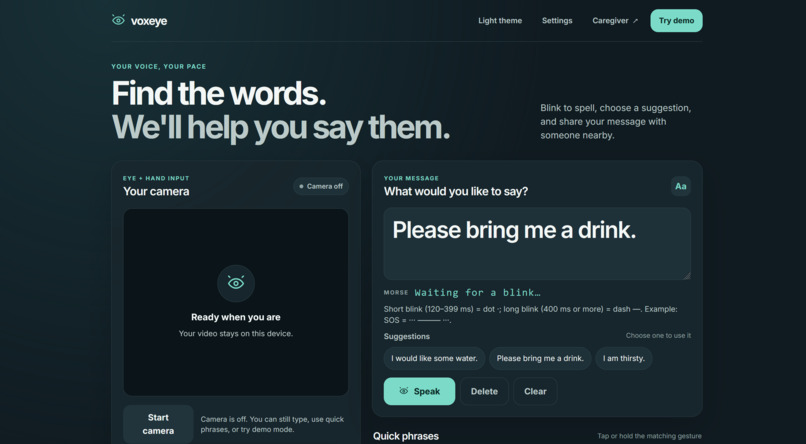
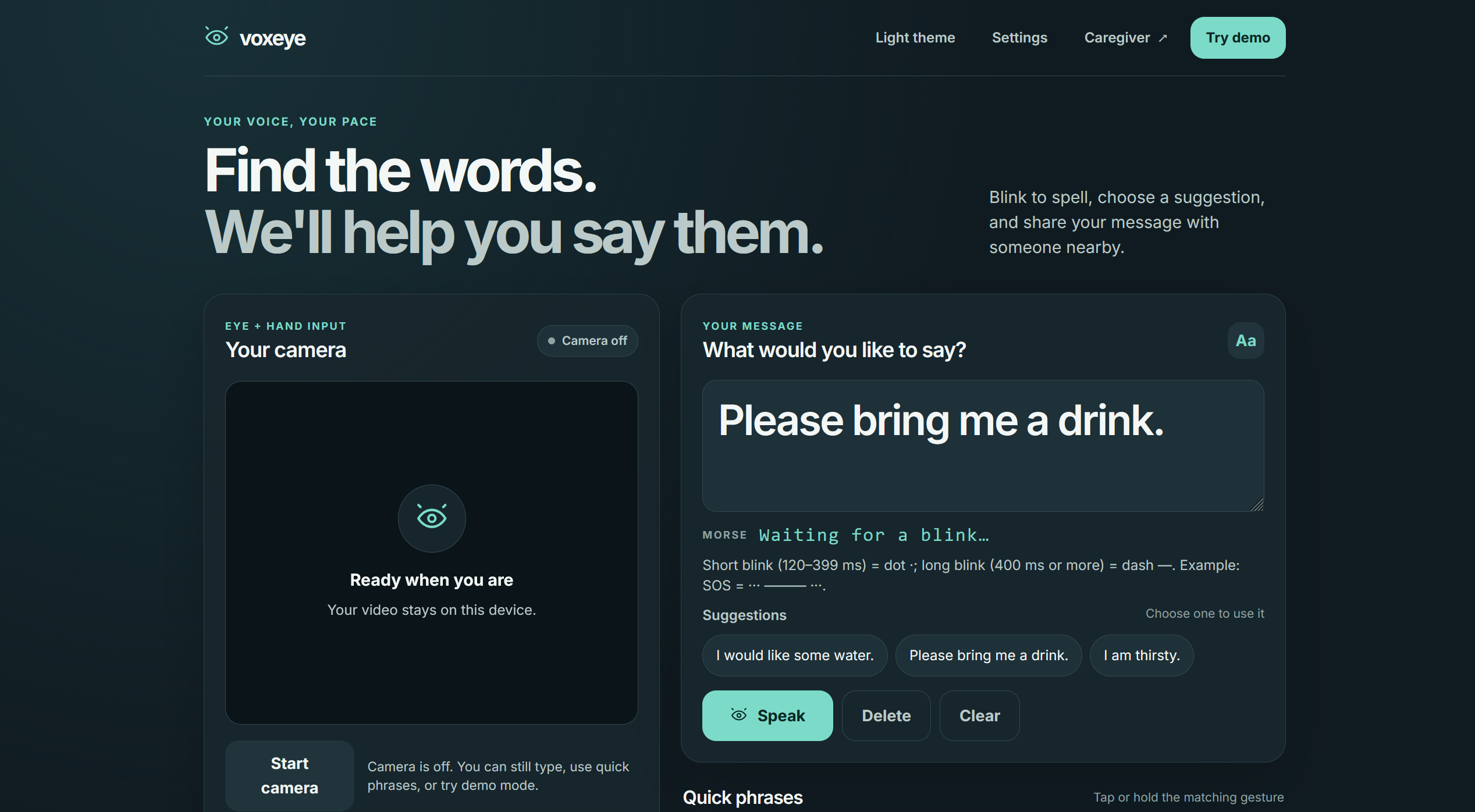
Voxeye's home screen
-
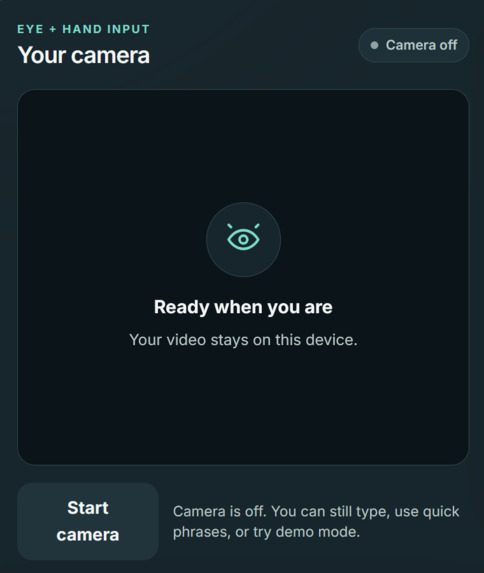
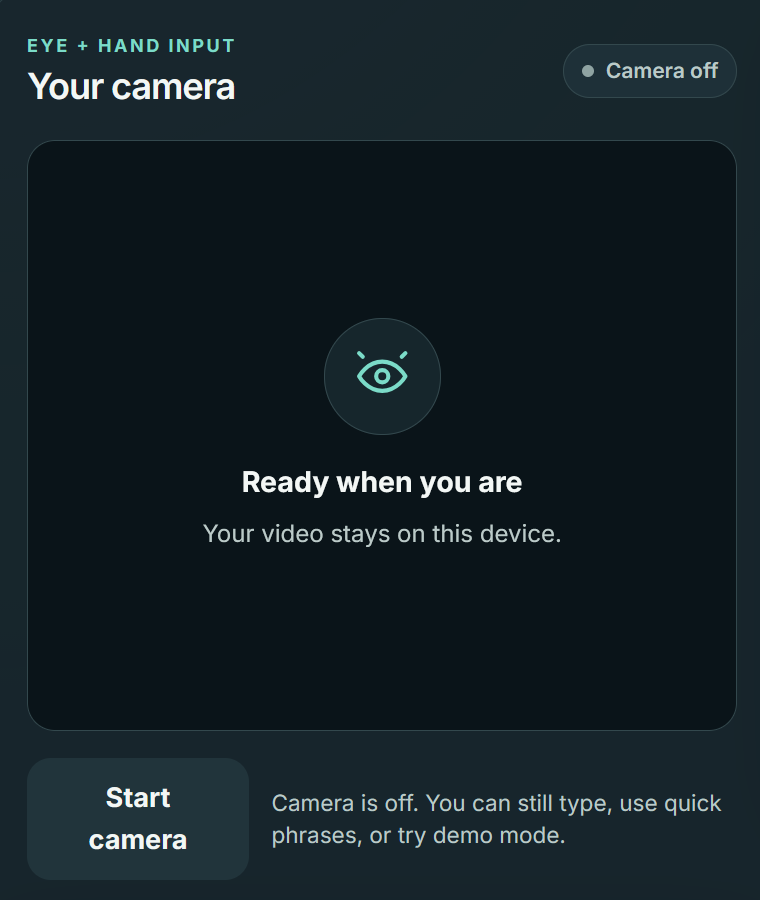
Eye and hand tracking runs in the browser from a webcam
-
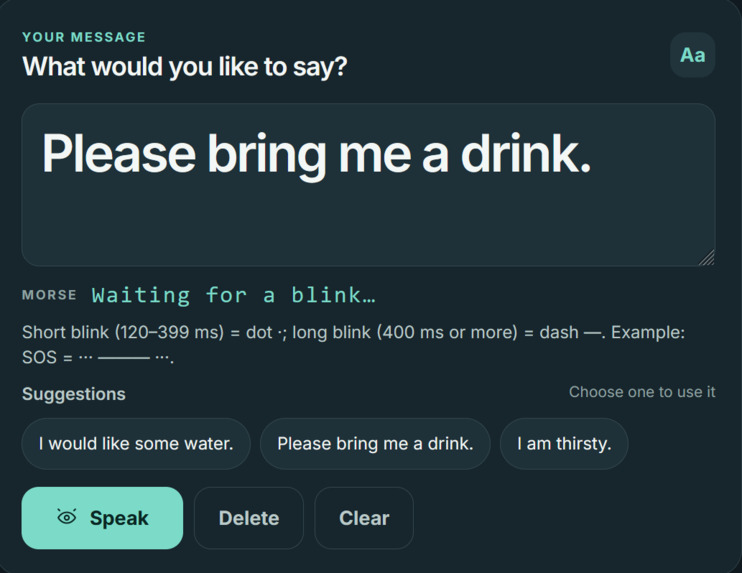
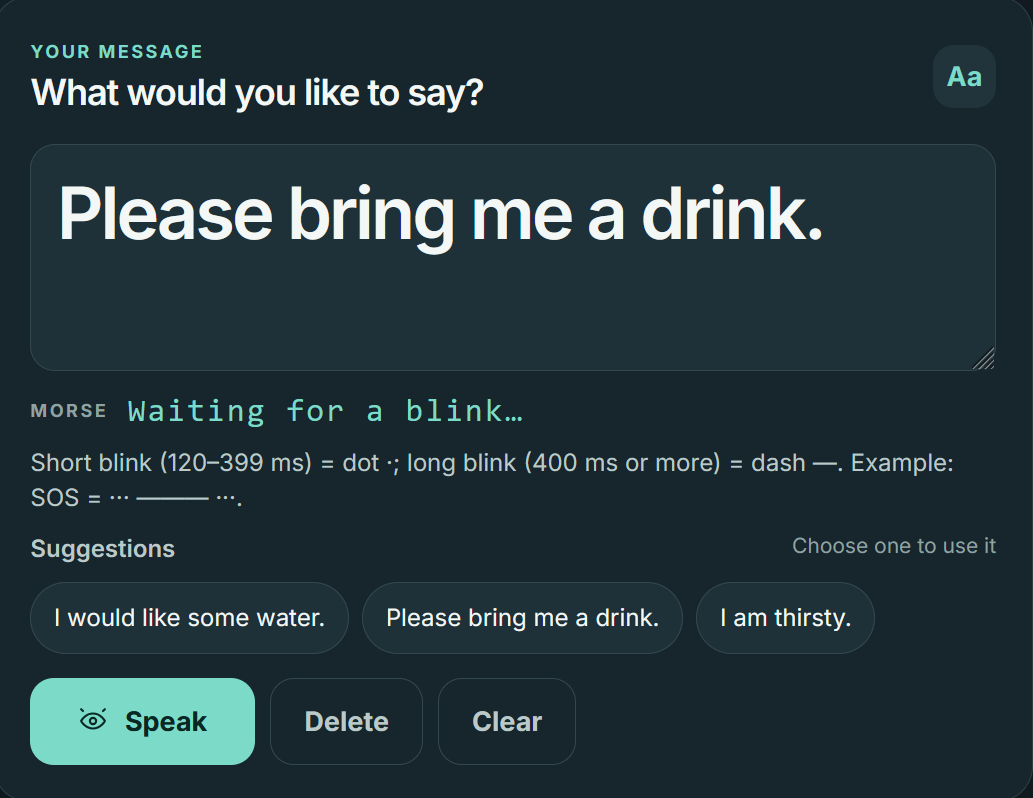
Blink Morse code to build a message, pick an AI-suggested sentence, and have Voxeye speak it aloud.
-
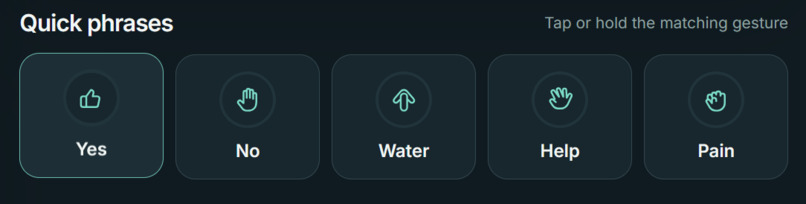
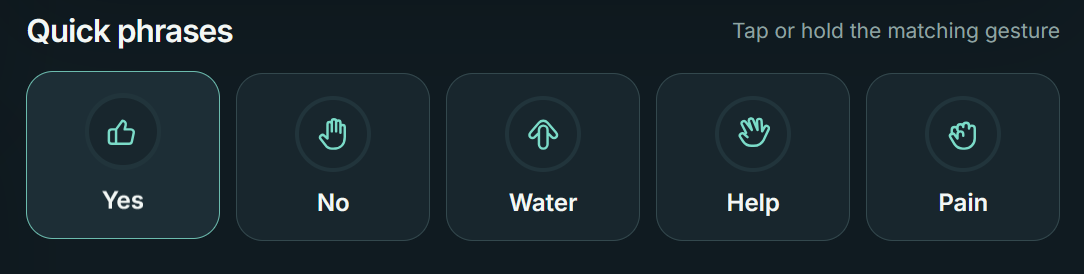
Hold a hand gesture for Yes, No, Water, Help, or Pain when spelling a word is too much effort.
-
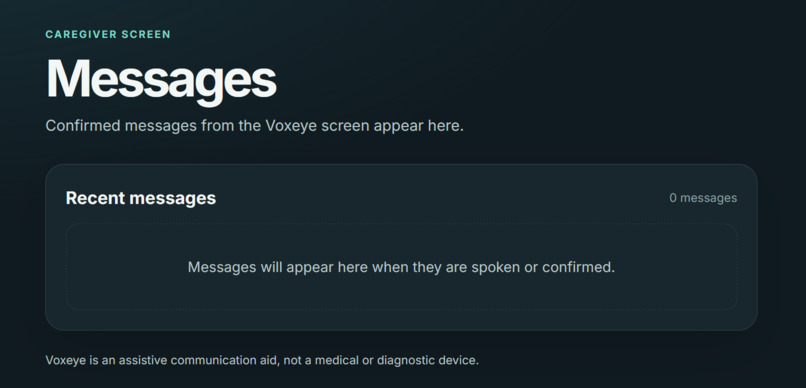
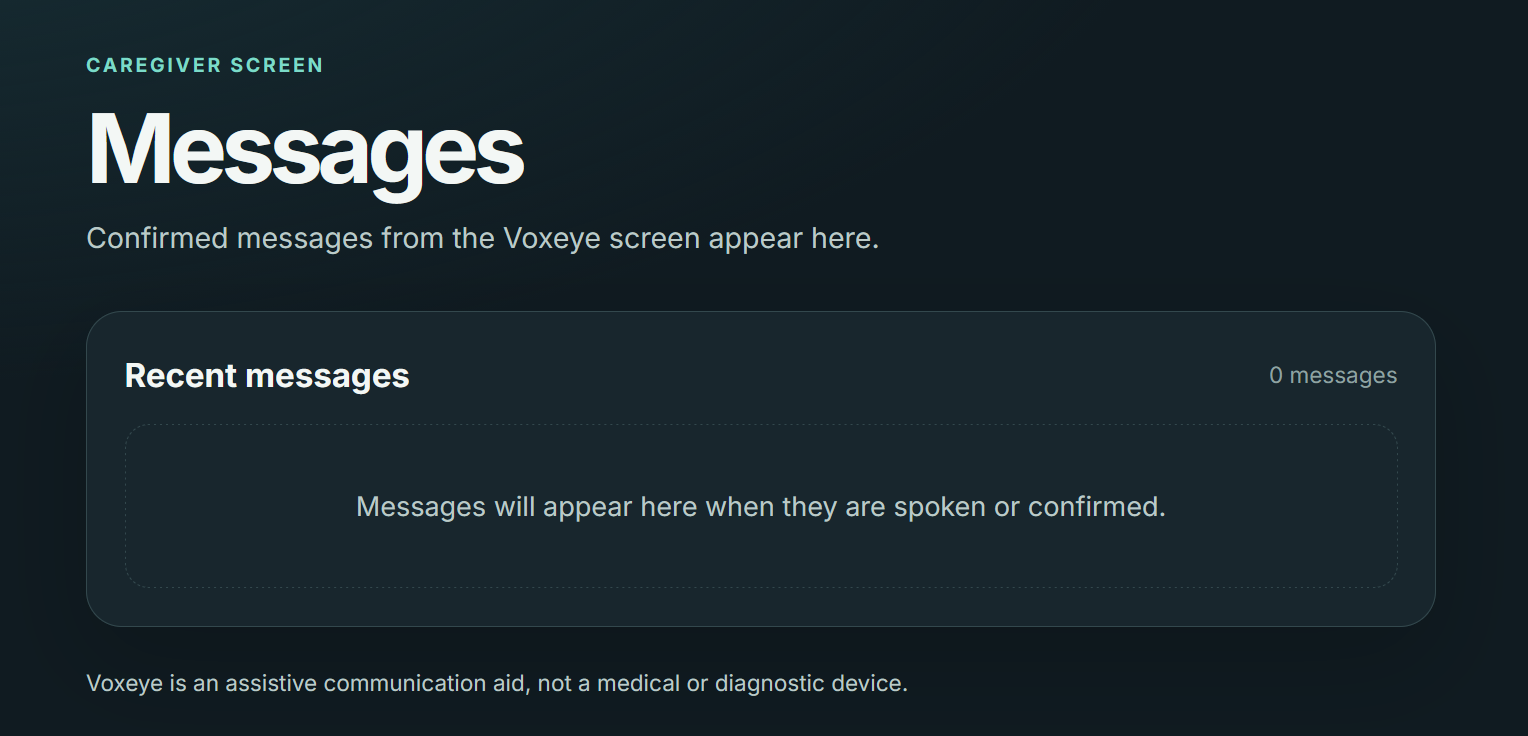
The caregiver view in a second tab, where confirmed messages and urgent alerts appear.
Inspiration
My grandpa is suffering from cancer and can hardly communicate verbally. This experience made me realize how much of caring for someone depends on being able to hear them. Most assistive communication tools are expensive, clunky, or need specialized hardware. We wanted something that works in a browser, with just a webcam.
Voxeye lets people who struggle to speak communicate using only their face and hands:
Features
- a) Blink translates directly to Morse code
- b) Speak confirmed message out loud
- c) Hold a gesture for quick phrase like Yes, No, Water, Help, or Pain
- d) Caregiver can receive confirmed messages and urgent alerts in a second tab
- e) Google Gemini turns a few typed letters into full, natural sentences (only if user has access to Gemini's API key)
How I built it
Voxeye is a web app that runs entirely in the browser. It uses the webcam to track eye movement and hand gestures, and a Morse decoder turns the eye movements into letters. A gesture classifier maps hand poses to five quick phrases, and Gemini’s free tier completes sentences from partial input. I built it alongside AI using JavaScript, HTML, and CSS, with Vite as the build tool and dev server and Node.js to run it.
Challenges faced
Eye tracking was the hardest part. Lighting and camera angle changed the results, and it was hard to tell a deliberate look from a random one. Getting the Morse timing to feel natural, without making the user rush, took a lot of tweaking. We also had to keep reminding ourselves that something easy for us might be tiring for someone who’s sick.
Accomplishments that I am proud of
We got a working prototype where you look or gesture and a readable message comes out. It also means a lot to us that it’s something that could actually help someone like my grandpa.
What we learned
Computer vision is much messier in real life than in demos. We also learned that for accessibility, simpler is almost always better, and that we need to build with the people who’ll use it.
Roadmap
Calibration for each user, custom gestures and phrases, text-to-speech so it can speak for them, mobile accessibility with caregivers and testing with real patients and caregivers.

Log in or sign up for Devpost to join the conversation.