What creators get
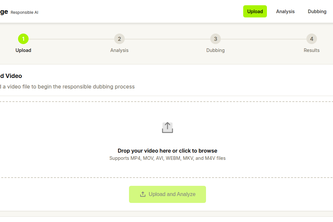
VoxBridge turns one source video into a synchronized multilingual cut. A creator uploads a video or imports one public YouTube URL, chooses a target language, and downloads:
- A dubbed MP4 aligned to the original edit
- A separate dubbed audio track for further editing
- A JSON report showing how the output was produced
Instead of moving between separate transcription, translation, voice, and editing tools, creators and small editing teams get one upload-to-download localization workflow.
The problem
Dubbing a creator video is usually a fragmented handoff. Speech must be transcribed, translated, regenerated, fitted back into the edit, checked for drift, and exported again. Long or short translated speech can break timing, while missed gaps can truncate the final cut.
VoxBridge automates that assembly work while keeping the resulting media downloadable and editable.
How it works
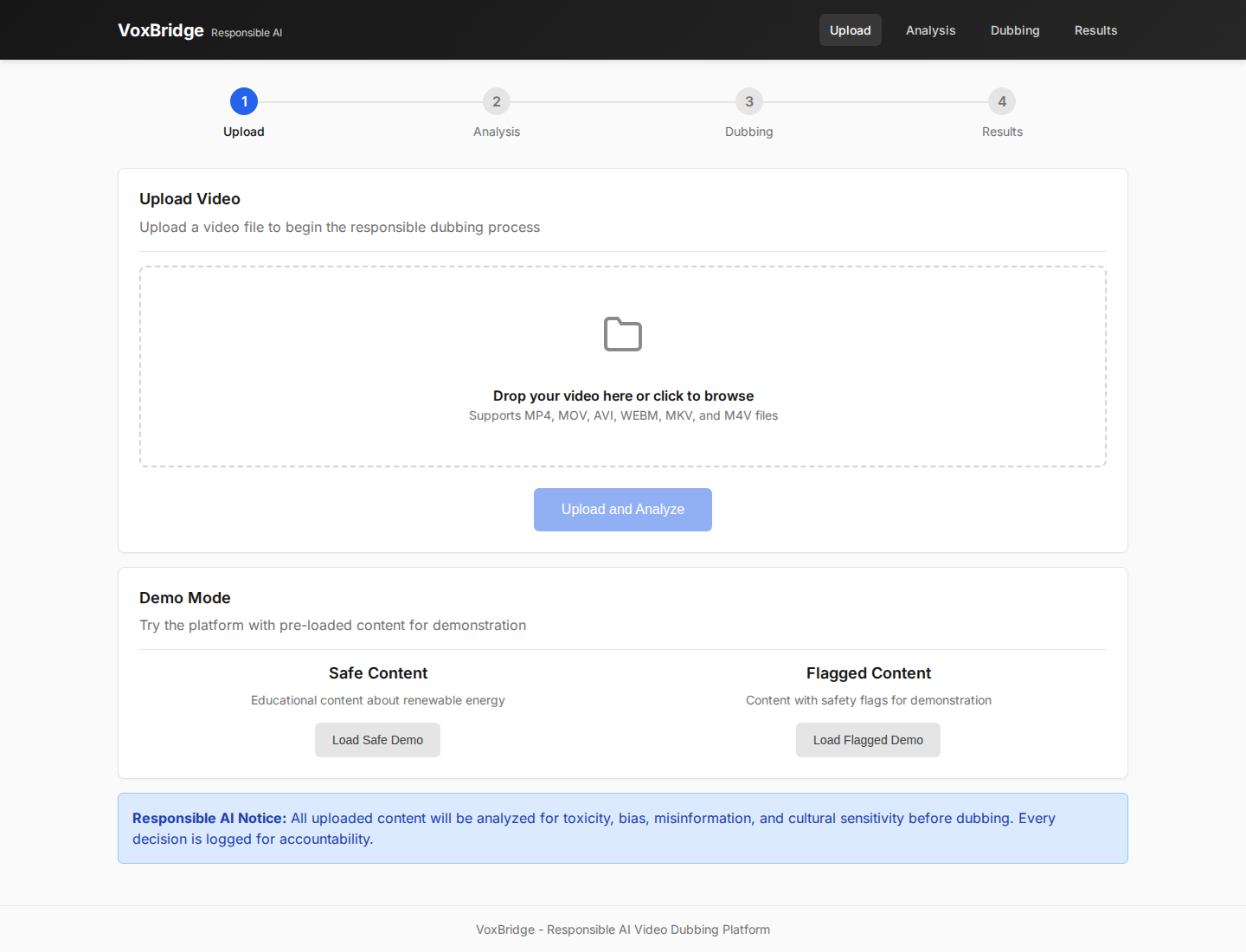
- Upload a local video or acquire one public YouTube video.
- Extract and transcribe speech with timestamps.
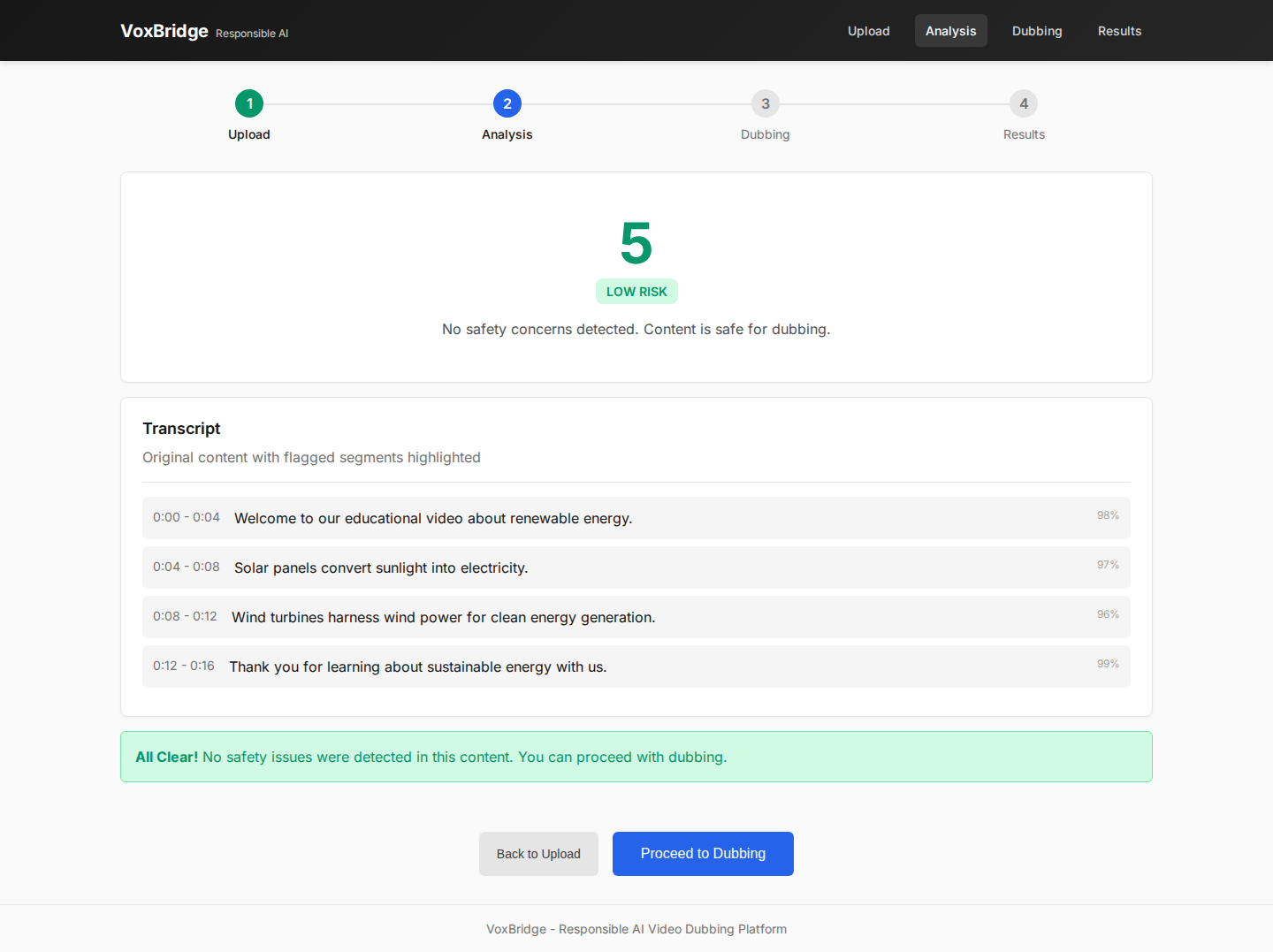
- Review the transcript and any content warnings.
- Select a target language and confirm voice-generation consent.
- Translate every timestamped segment.
- Generate multilingual speech with the selected TTS provider.
- Fit the speech to the original timeline with FFmpeg.
- Validate and download the dubbed video, audio track, and report.
Verified working result
The core workflow completed end to end using real Gemini TTS with demo mode disabled:
- Source: 5:55 creator video
- Localization: English to Hindi
- Source duration: 355.966667 seconds
- Dubbed output duration: 355.966667 seconds
- Final output: AV1 video plus AAC dubbed audio
- Deliverables: MP4 video, MP3 audio, and JSON audit report
- Backend verification: 33 tests passed
This proves the product produces a real media artifact rather than stopping at a translation preview or mocked dashboard.
Why it is useful
- One workflow replaces several localization handoffs
- Timestamp-aware placement preserves the creator's edit
- Speech is stretched or padded to match source segments
- Output validation catches missing audio and truncated video
- Creators receive editable files instead of a locked result
- Public YouTube URL intake and local upload are both supported
Technical implementation
The frontend uses React and Vite. FastAPI manages persistent jobs in SQLite. Gemini powers the currently verified transcription, translation, and speech path. OpenAI and ElevenLabs are also supported as selectable TTS providers. FFmpeg handles audio extraction, time stretching, absolute timeline placement, encoding, merging, and final duration validation.
Trust layer
Content review and consent are supporting guardrails. VoxBridge surfaces potential content risks before localization, requires explicit voice-generation consent, and reports provider or media failures instead of fabricating success.
Judge walkthrough
A short evaluation follows the complete creator journey: upload a source video, review timestamped transcription, select Hindi, start dubbing, preview the completed cut, download the MP4 and report, and compare source/output duration.
Built by
Anand Vashishtha - product design, frontend, backend, AI integrations, media pipeline, testing, and documentation.


Log in or sign up for Devpost to join the conversation.