Inspiration
Voxa was inspired by my younger sister, who is nonverbal. Growing up, I saw how much she relied on gestures, simple choices, and the people around her to communicate what she wanted. That made me think about how AI could be used not to speak for someone, but to help them better express what they already want to say.
I wanted to build something that could make communication feel faster, more natural, and more personal without taking control away from the user. That idea became Voxa.
What it does
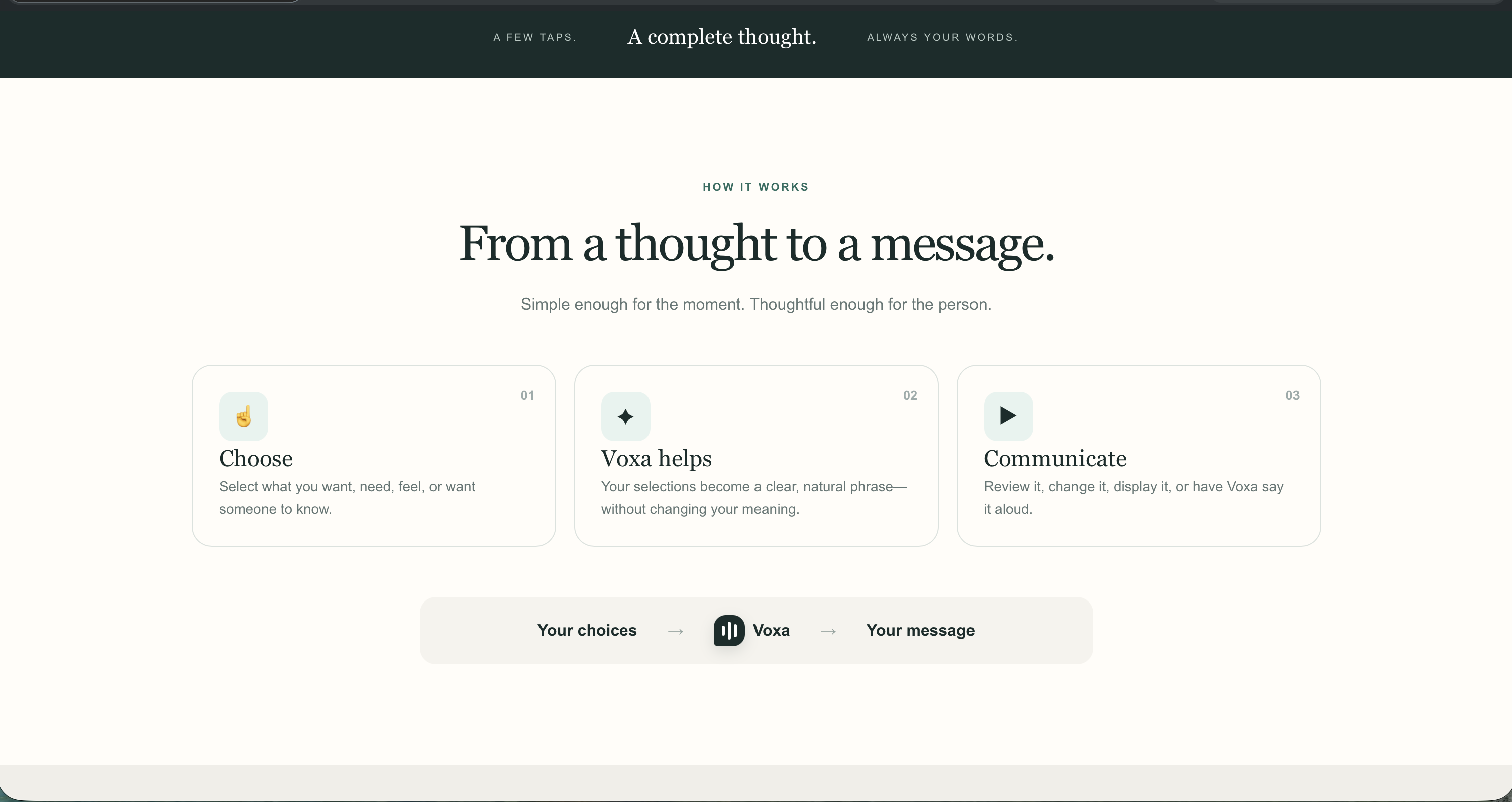
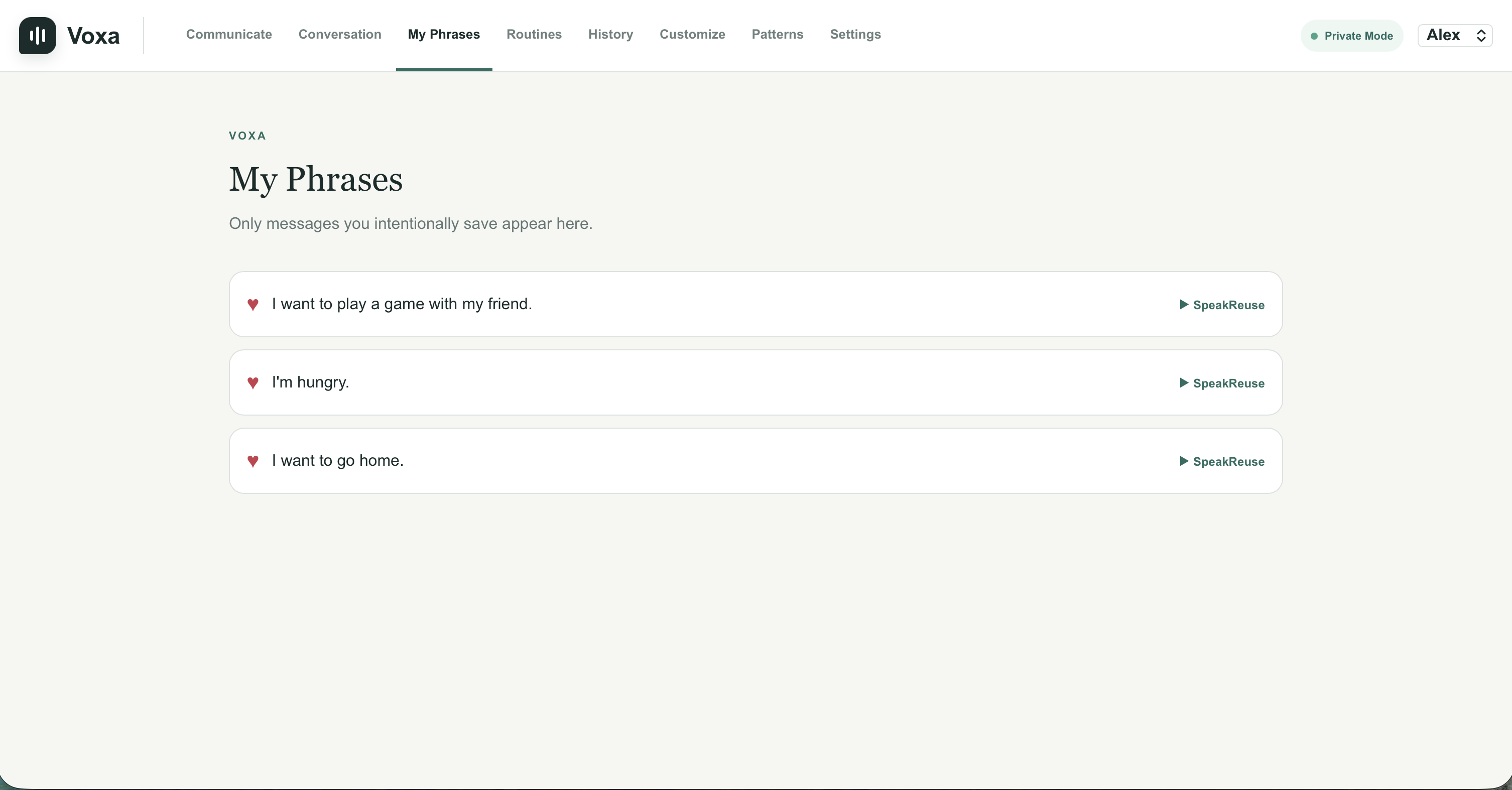
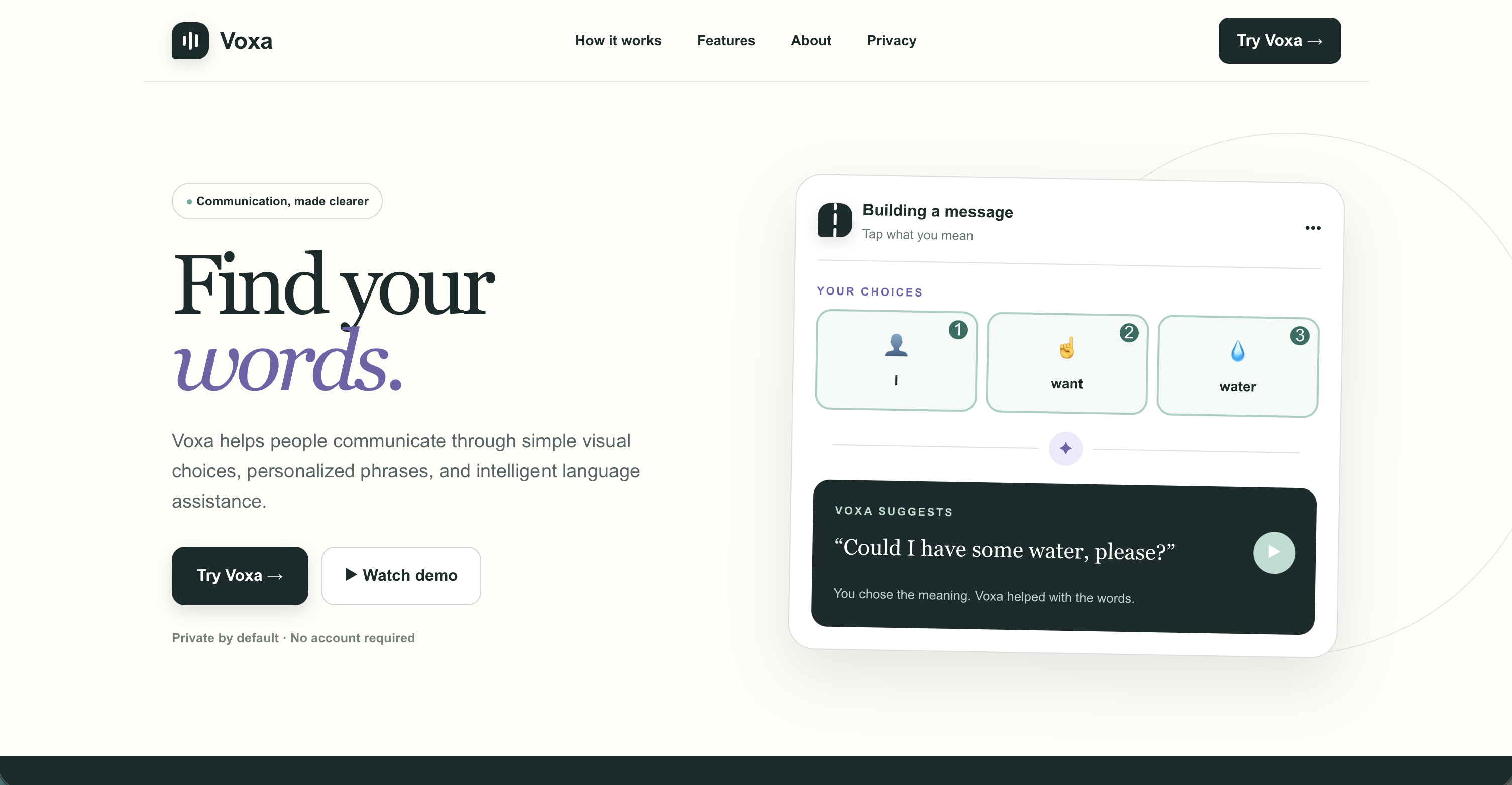
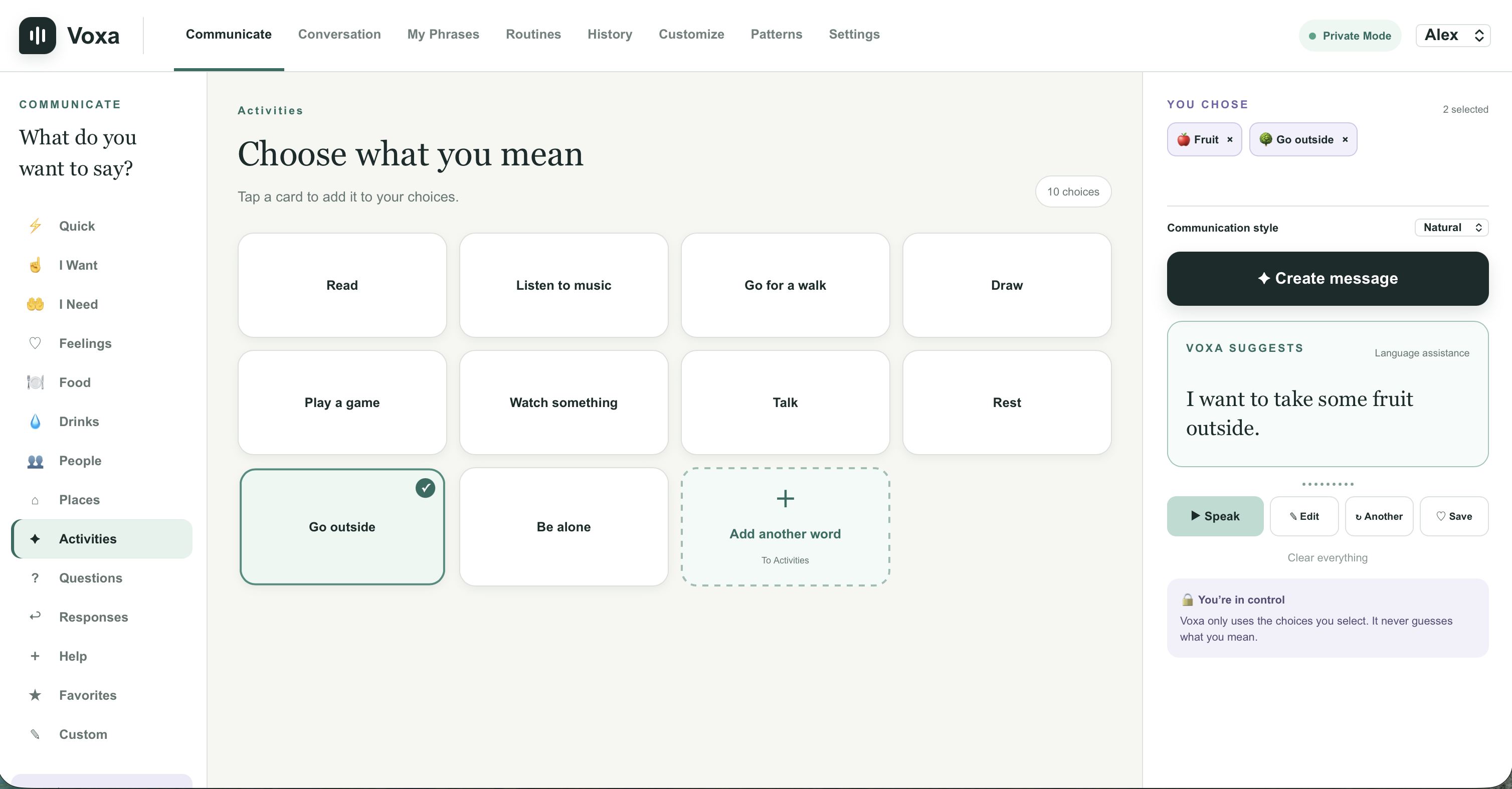
Voxa is an AI-powered communication tool for people who are nonverbal or have difficulty speaking. Instead of requiring users to type complete sentences, they can select simple words, phrases, and ideas from an accessible interface.
Voxa then uses AI to turn those selections into a natural sentence and text-to-speech to say it aloud. The goal is to preserve the user's original intent while handling things like grammar and sentence structure for them.
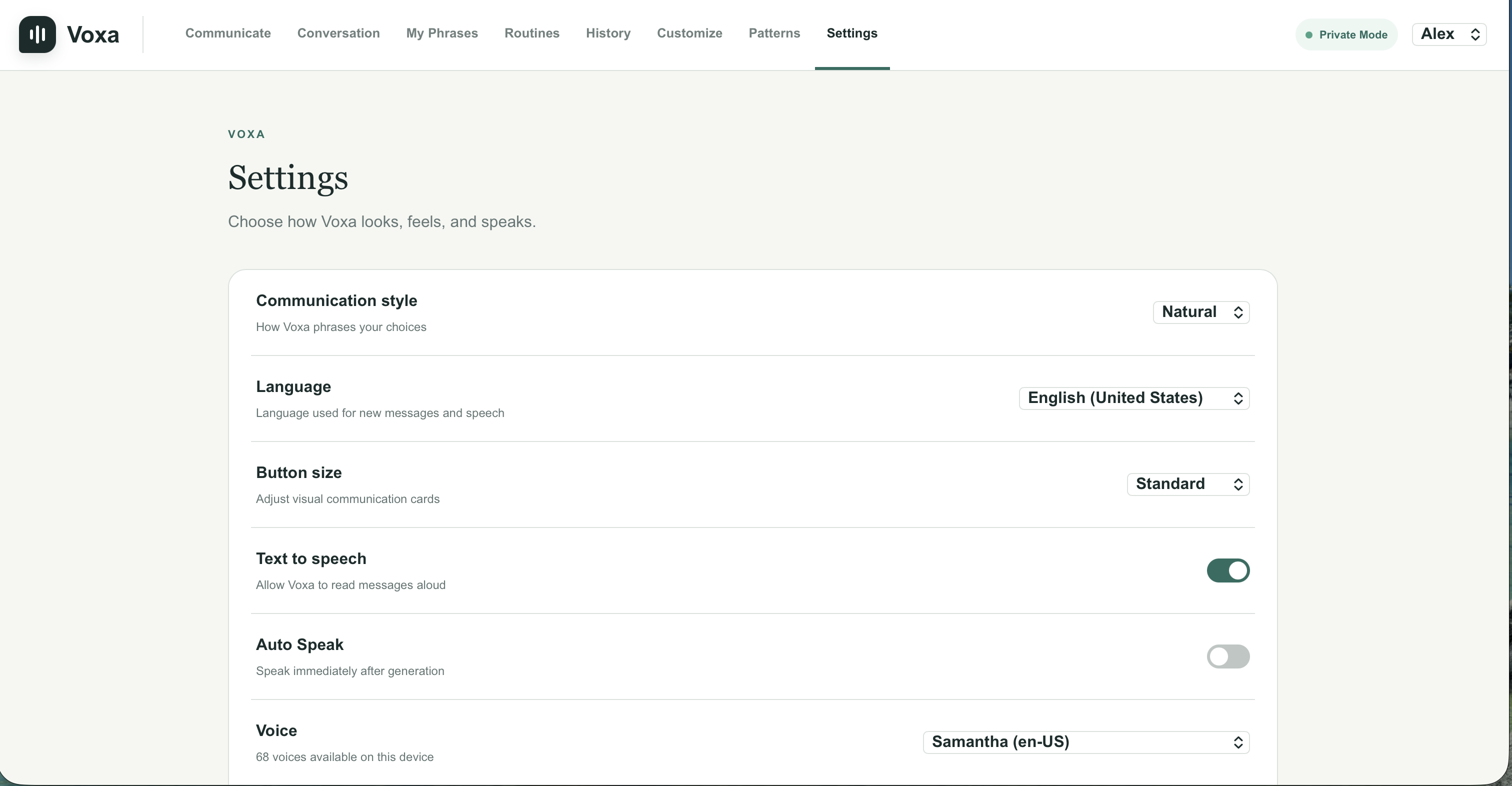
Voxa also supports multiple languages, making it useful for people who communicate in different languages at home, school, or elsewhere.
How I built it
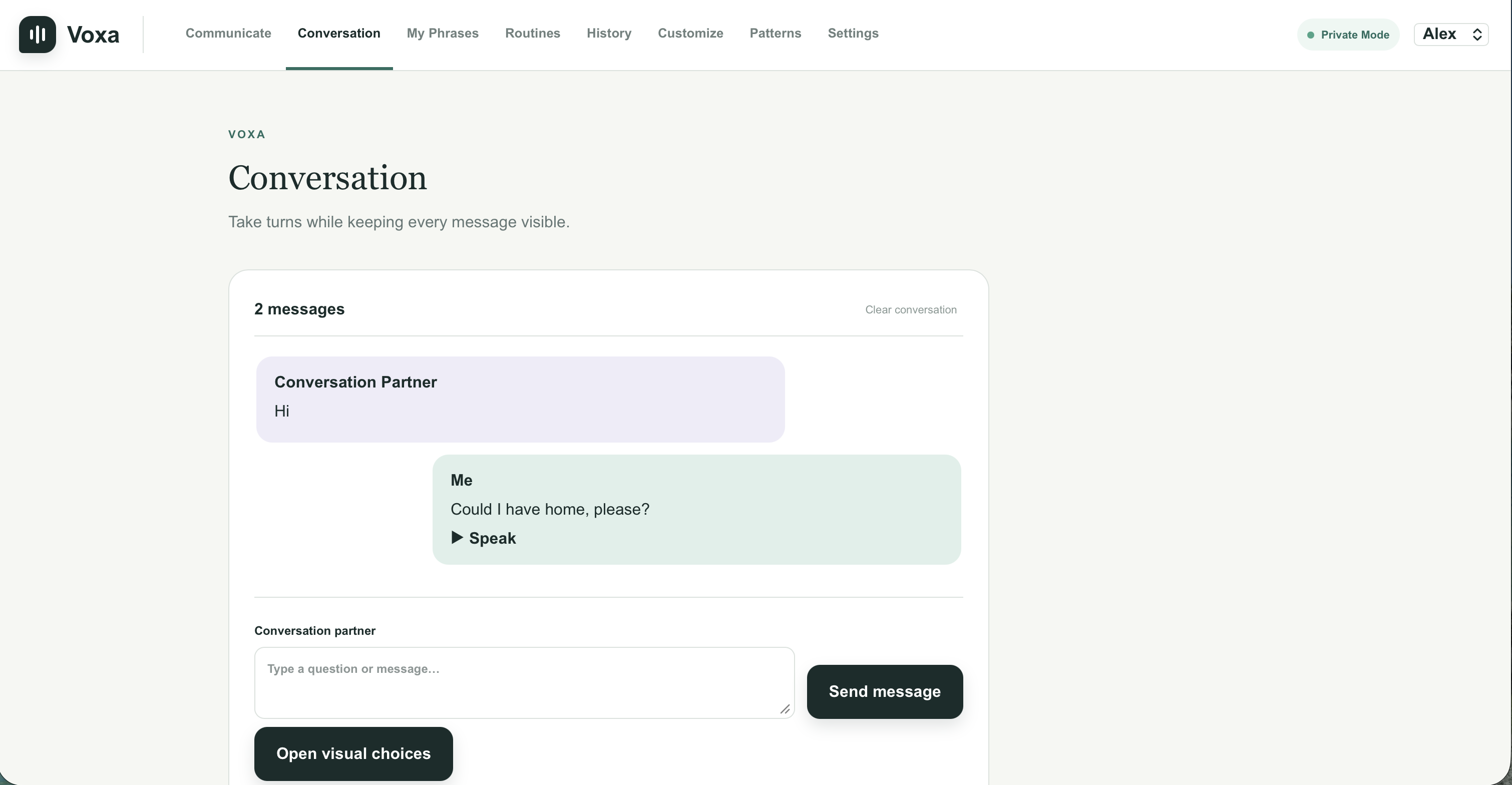
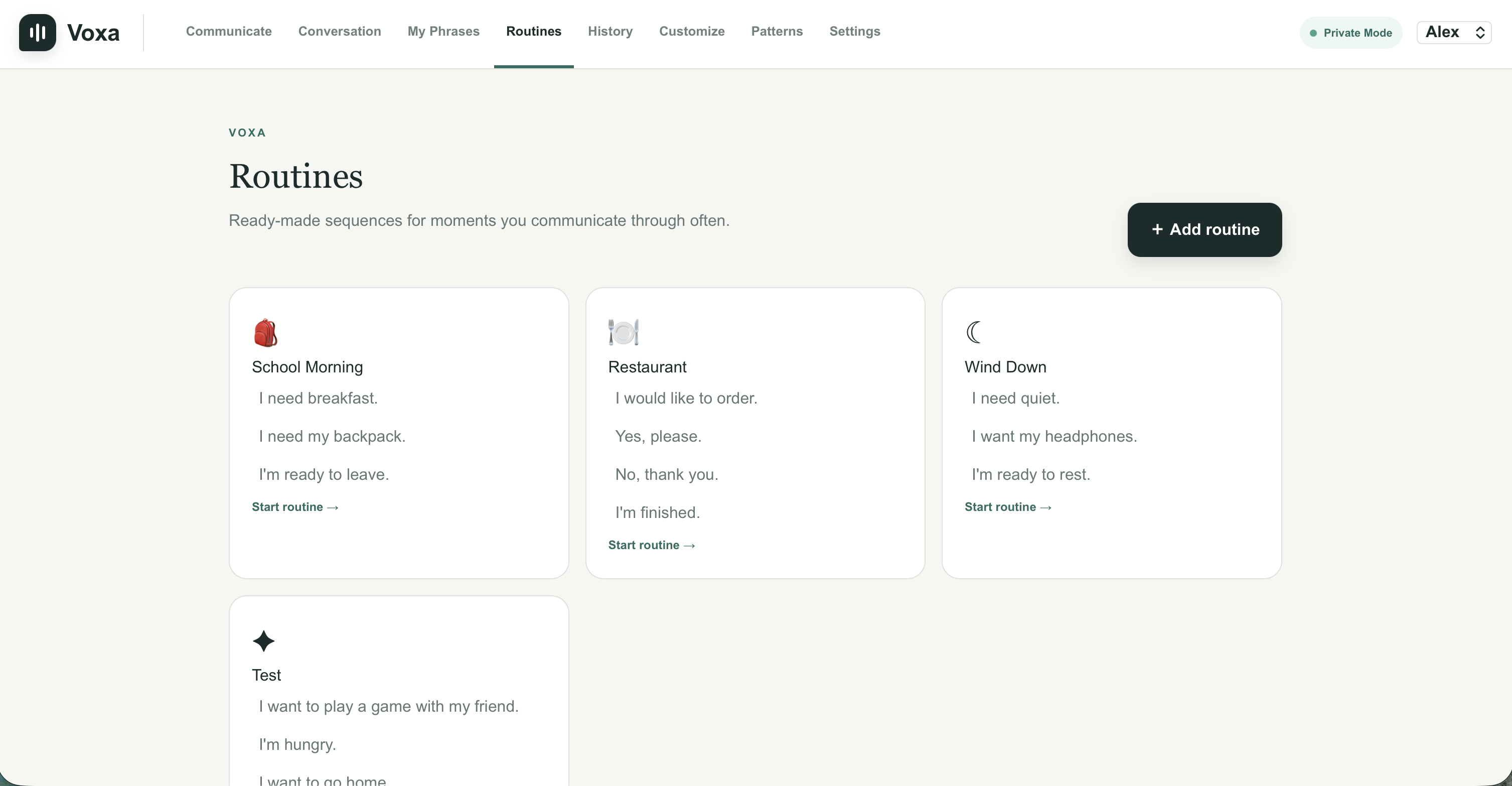
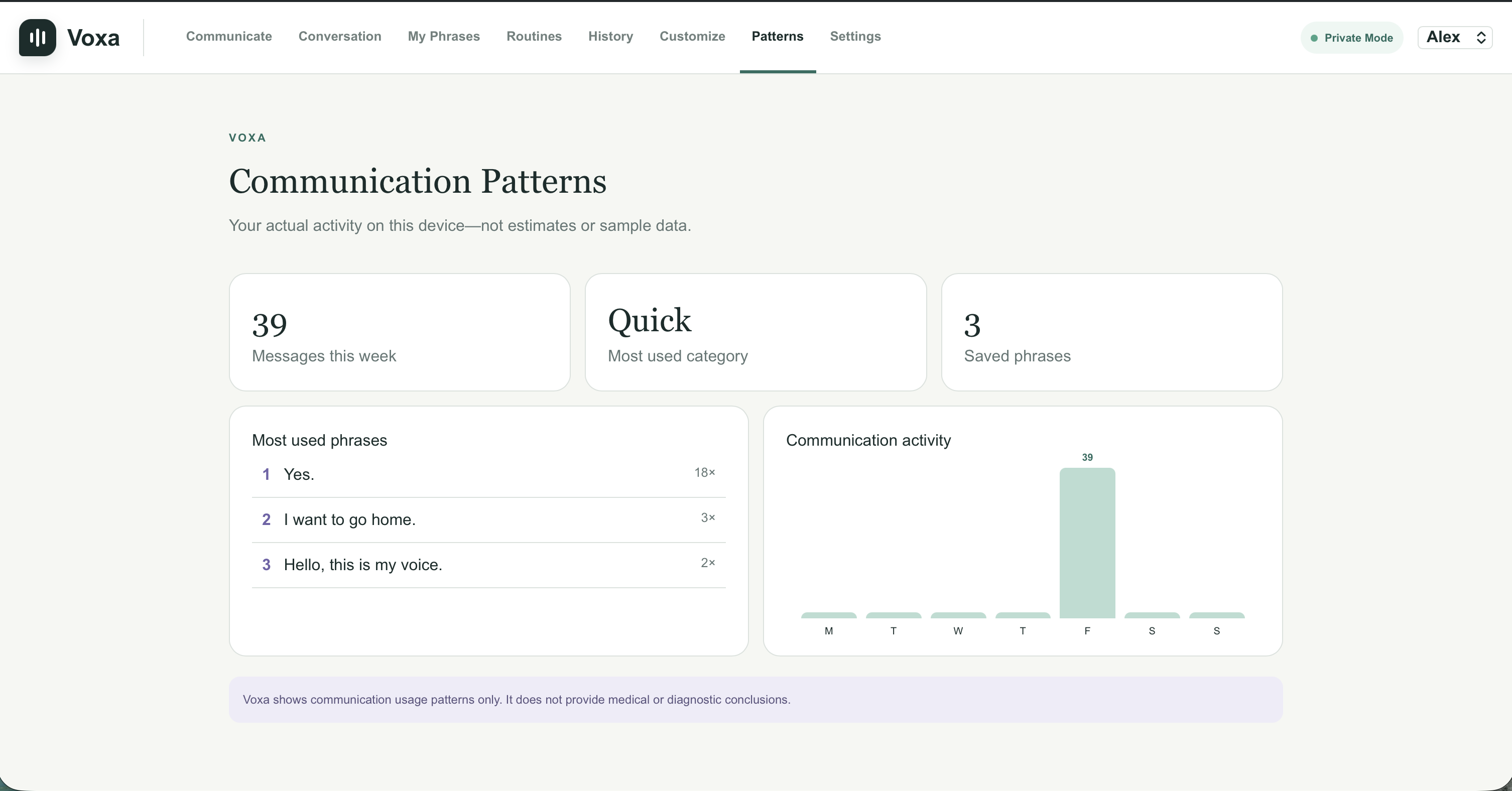
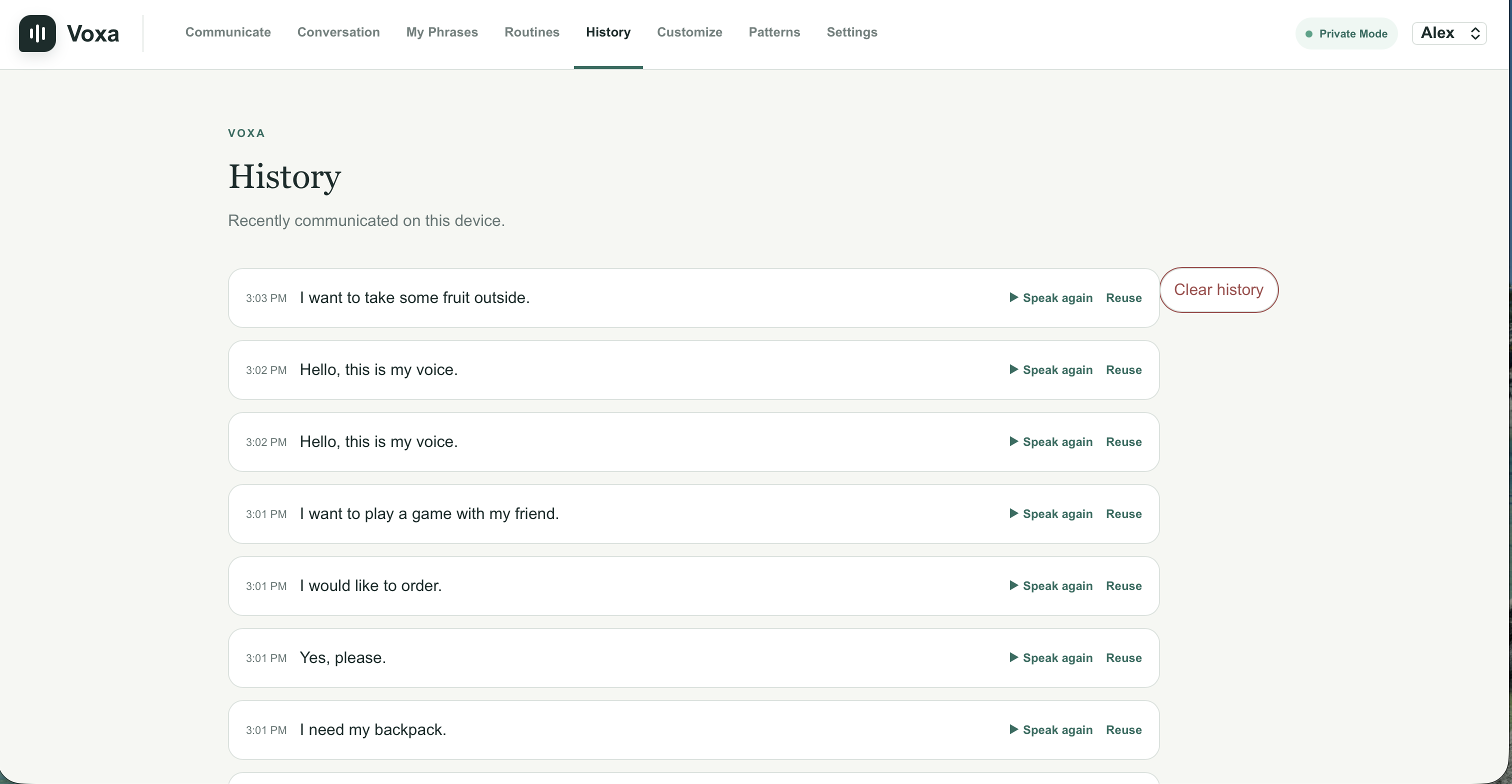
I built Voxa as a web application with a simple interface centered around quick word and phrase selection. The frontend handles the communication board, categories, sentence construction, language selection, and speech controls.
When a user submits their selected words, those choices are sent to an AI model with instructions to expand them into a concise, natural sentence without adding information that the user didn't provide. The generated response is returned to the interface, where it can then be read aloud using text-to-speech.
A major focus throughout development was keeping the AI in a supporting role. Rather than having an open-ended chatbot guess what someone might want to say, Voxa starts with explicit input from the user and only helps turn that input into more natural language.
Challenges
One of the biggest challenges was finding the right balance between helpful AI generation and preserving user intent.
If the model changes too little, there isn't much benefit over a traditional communication board. But if it adds too much, it can accidentally put words in the user's mouth. I had to design the prompting and interaction around expanding the user's selections while minimizing assumptions.
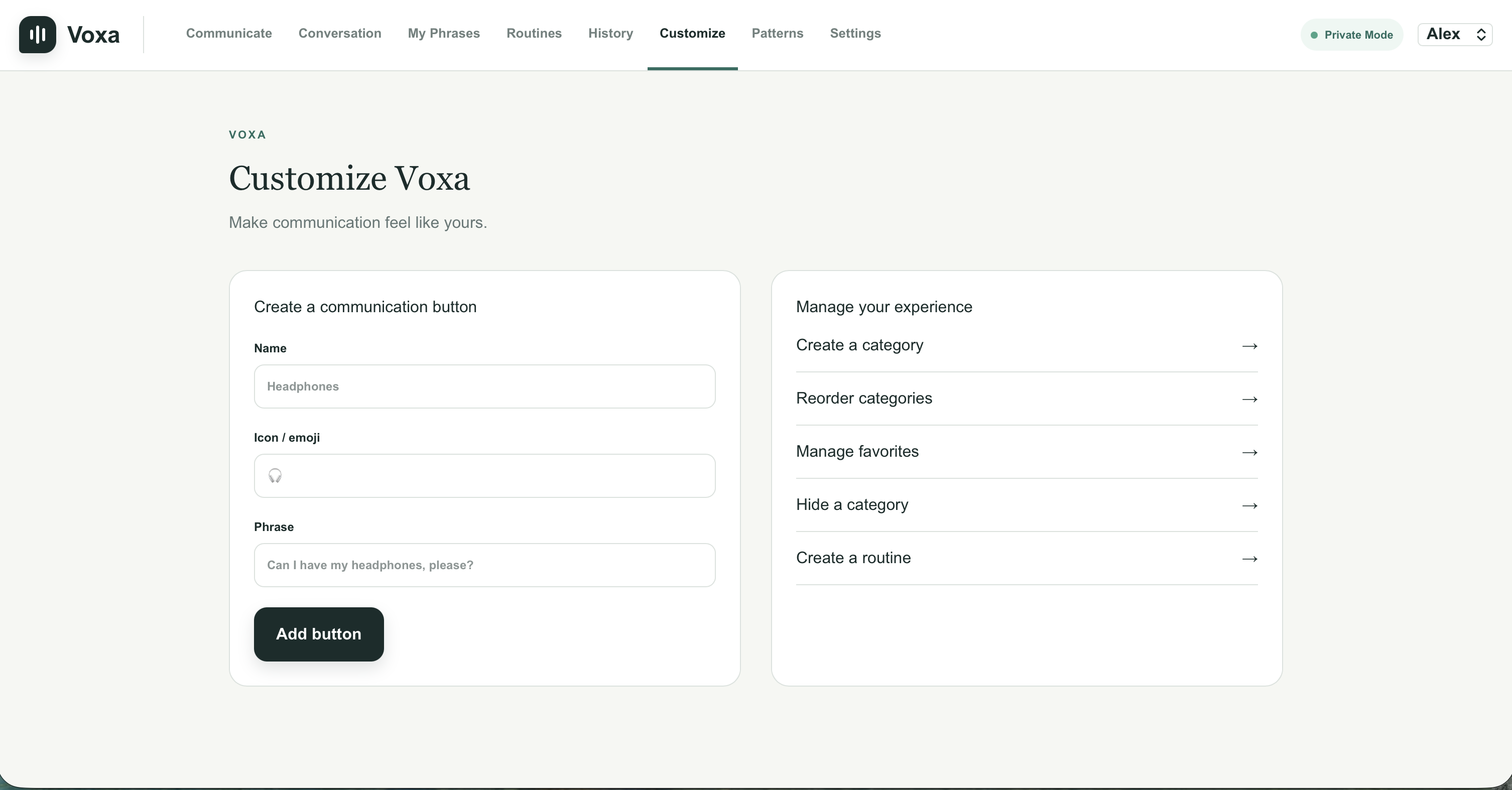
Another challenge was designing the interface itself. A communication tool needs to be quick and understandable, so adding more features isn't always better. I had to think about how categories, buttons, generated sentences, speech, and language options could work together without making communication more complicated.
What I learned
Building Voxa taught me that applying AI to accessibility is about more than simply adding an AI model to an existing tool. The way the model is constrained and how much control the user retains are just as important as the model's capabilities.
I also learned a lot about connecting AI generation, text-to-speech, multilingual support, and a web interface into one complete workflow.
Most importantly, Voxa changed the way I thought about the role AI can play in accessibility. The most useful AI doesn't always need to make decisions for people. Sometimes its job can simply be to help people communicate their own decisions more effectively.
What's next
I'd like to make Voxa increasingly personalized over time. Different users communicate in very different ways, so future versions could learn frequently used words, preferred sentence styles, custom categories, and common phrases while still keeping the user in control.
Ultimately, I want Voxa to become more than a demo of what AI can generate. I want it to demonstrate how AI can help give people more independence in expressing what they already have to say.
Built With
- css
- next.js
- react
- tsx
- typescript

Log in or sign up for Devpost to join the conversation.