Inspiration
I started with a product question in the project brief: when two people share one TV, can they find a dialogue setting that respects both listeners without requiring a phone, account, or microphone? VoxCalibre explores a remote-first answer. Instead of trying to change audio from every app on the TV, it keeps the experiment inside its own player, where the audio and controls are under the app’s control.
What it does
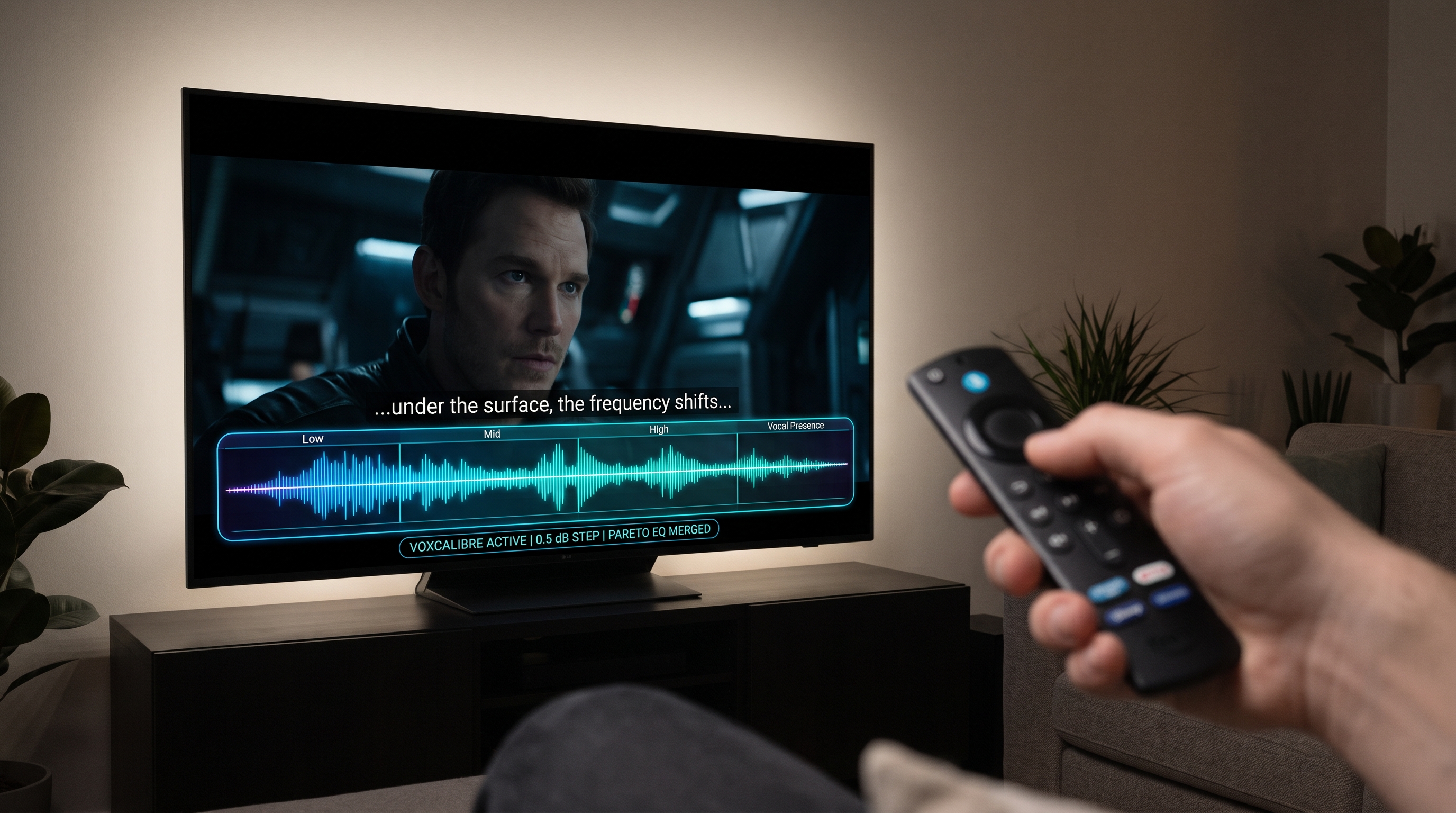
Each listener makes six quick directional choices using short speech-in-background and tone prompts. VoxCalibre stores each preference profile on the device, then combines two profiles into a bounded five-band EQ and dynamics plan. Its built-in player uses generated speech and synthetic background noise to demonstrate the audio path and sample prosody captions.
The result is a prototype for a shared setting—not a clinical test or a claim that every listener will hear better. It does not intercept audio from other TV apps. The current source does not include movie scenes or pre-separated film dialogue stems.
How I built it
I used an AI coding assistant to turn the brief into a first implementation based on Amazon AppDev’s React Native multi-TV sample. I then checked the code-level behavior and refined the Fire TV flow and project copy. The shared TypeScript core contains the six-choice profile model, two-listener solver, DSP parameters, and caption cue logic. A separate player package connects the React Native controls to a local WebView/Web Audio engine. Fire OS and Vega OS use platform-specific remote-control, WebView, and local-storage adapters. No account service or cloud profile backend is used.
The main product decision was to keep the promise small and testable: profile two listeners, show the compromise, and let them hear app-provided audio with the selected processing. That is more honest than promising a system-wide TV equalizer when the current player only processes audio VoxCalibre itself plays.
What I learned
A TV interface is not a phone interface displayed at a larger size. Focus order, remote-only operation, safe zones, and readable text from the couch have to shape the interaction from the beginning. I also learned to keep platform differences behind adapters: Fire OS and Vega share the product flow, but their build, WebView, storage, and remote integrations are not identical.
The most important measurement lesson was that passing TypeScript checks or bundling JavaScript does not prove that audio plays correctly on a TV. A preference estimate is not an audiogram, and a caption demo is not accessibility validation. Those claims require target-device testing and feedback from intended listeners.
Challenges
The largest immediate challenge was getting the Windows Fire OS toolchain ready. Expo prebuild completed, but the first Gradle attempt had no Java/JDK available. After that was addressed, Gradle reported that the Android SDK path was missing; the supplied PowerShell session also did not recognize adb, and literal angle-bracket placeholders caused PowerShell parser errors. At the time of this draft, the Android SDK path and on-device run have not yet been verified. I documented the observed issues and a Windows-specific setup path rather than presenting them as solved.
Content and validation are also unfinished. The player currently demonstrates generated speech and synthetic noise, not film dialogue. Three rights-verified film scenes and separated stems remain future work. Retail-device audio behavior, caption timing, installer size, latency, buffer underruns, and accessibility outcomes have not been measured.
Current validation status
The source workspace passes its TypeScript checks and five core unit tests for calibration, profile validation, the compromise solver, DSP bounds, and caption emphasis. The Fire OS JavaScript bundle also exports successfully. Those are code-level checks only: no APK has yet been confirmed running on a Fire TV device or simulator in the current evidence, and the Fire TV build remains blocked until the local Android SDK is configured. Replace this paragraph with the exact model/simulator, build result, and observed tests if that changes before submission.
Built With
- amazon-fire-os
- android
- asyncstorage
- expo.io
- gradle
- node.js
- react-native
- typescript
- vega-os
- web-audio-api
- webview
- yarn

Log in or sign up for Devpost to join the conversation.