-
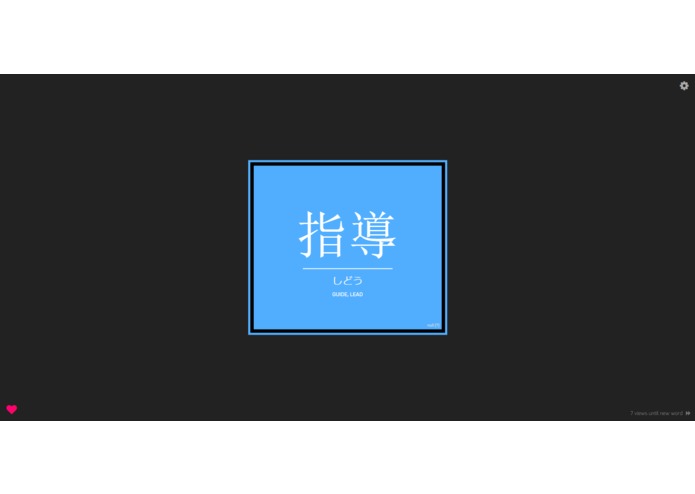
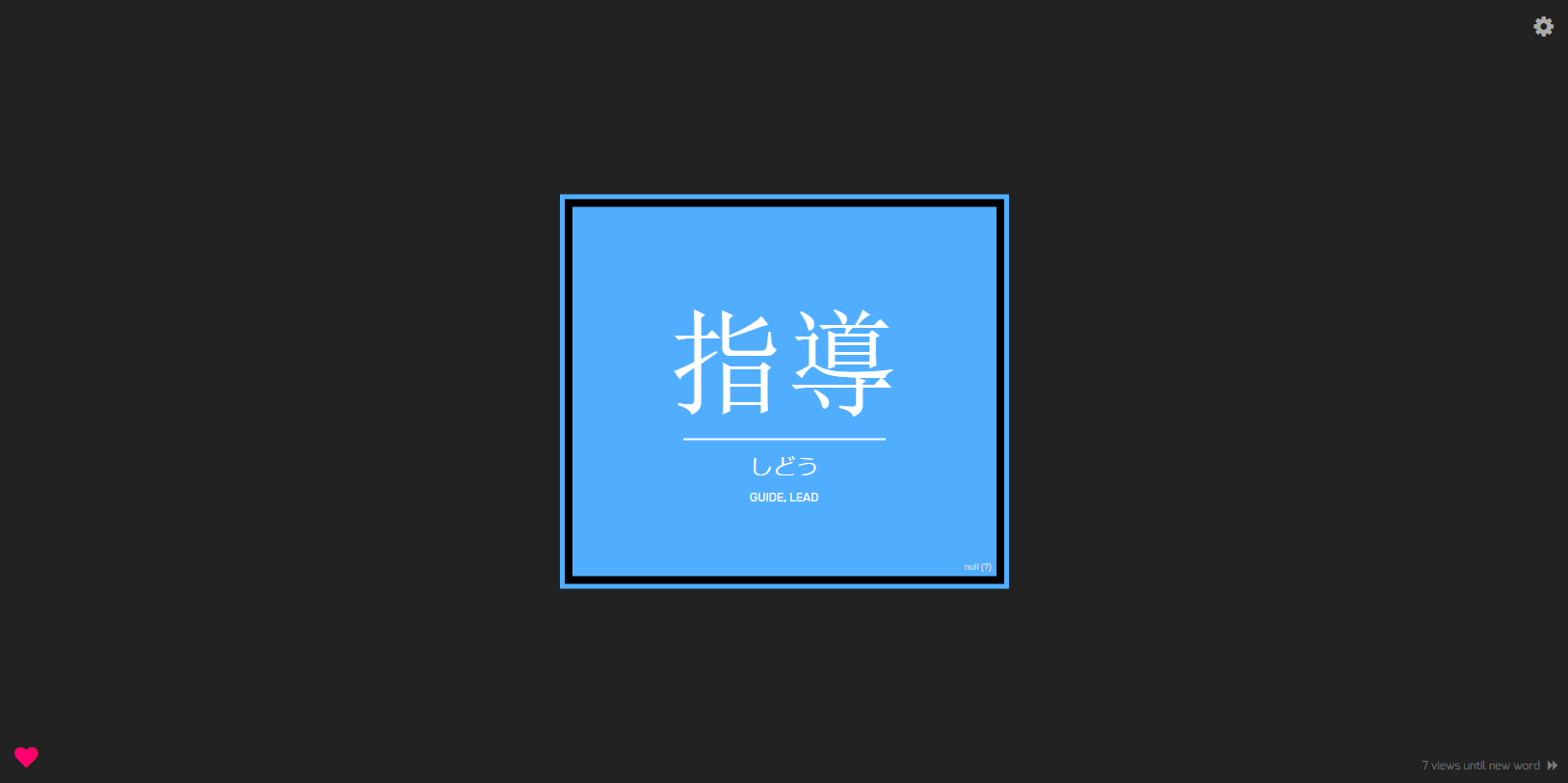
A beautiful display greets you every time you open a new tab. Specifically designed to allow you to remember the vocab itself!
-
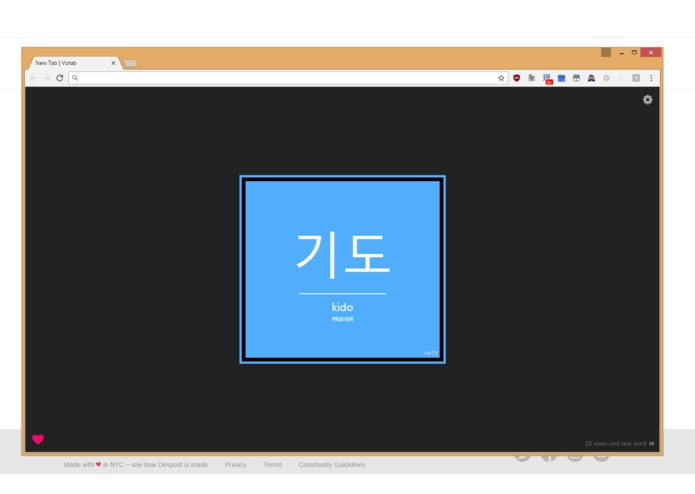
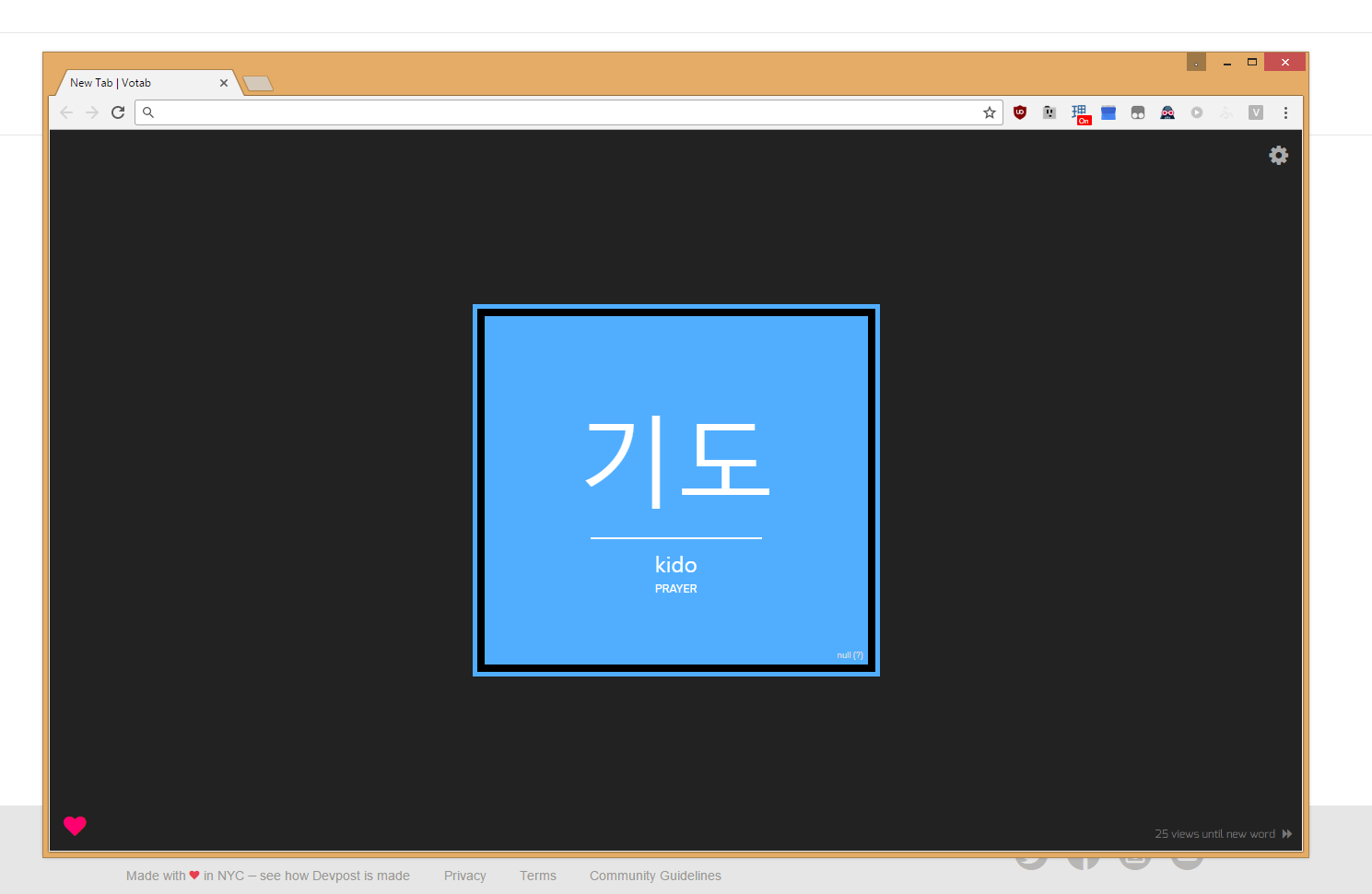
A screenshot with the whole browser UI in case it's a little hard to visualize without it.
-
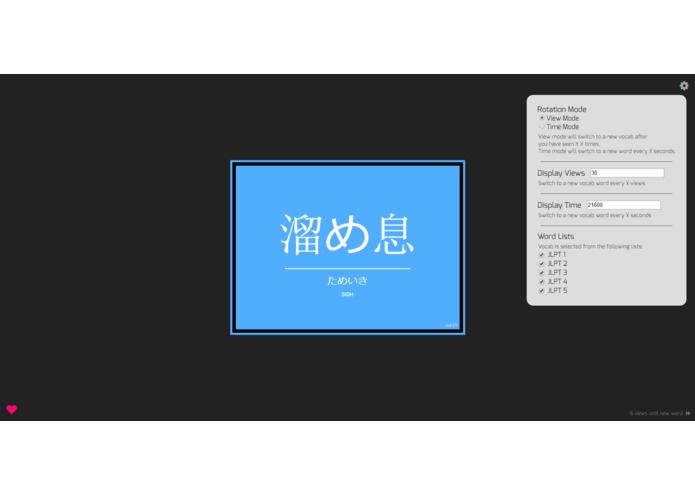
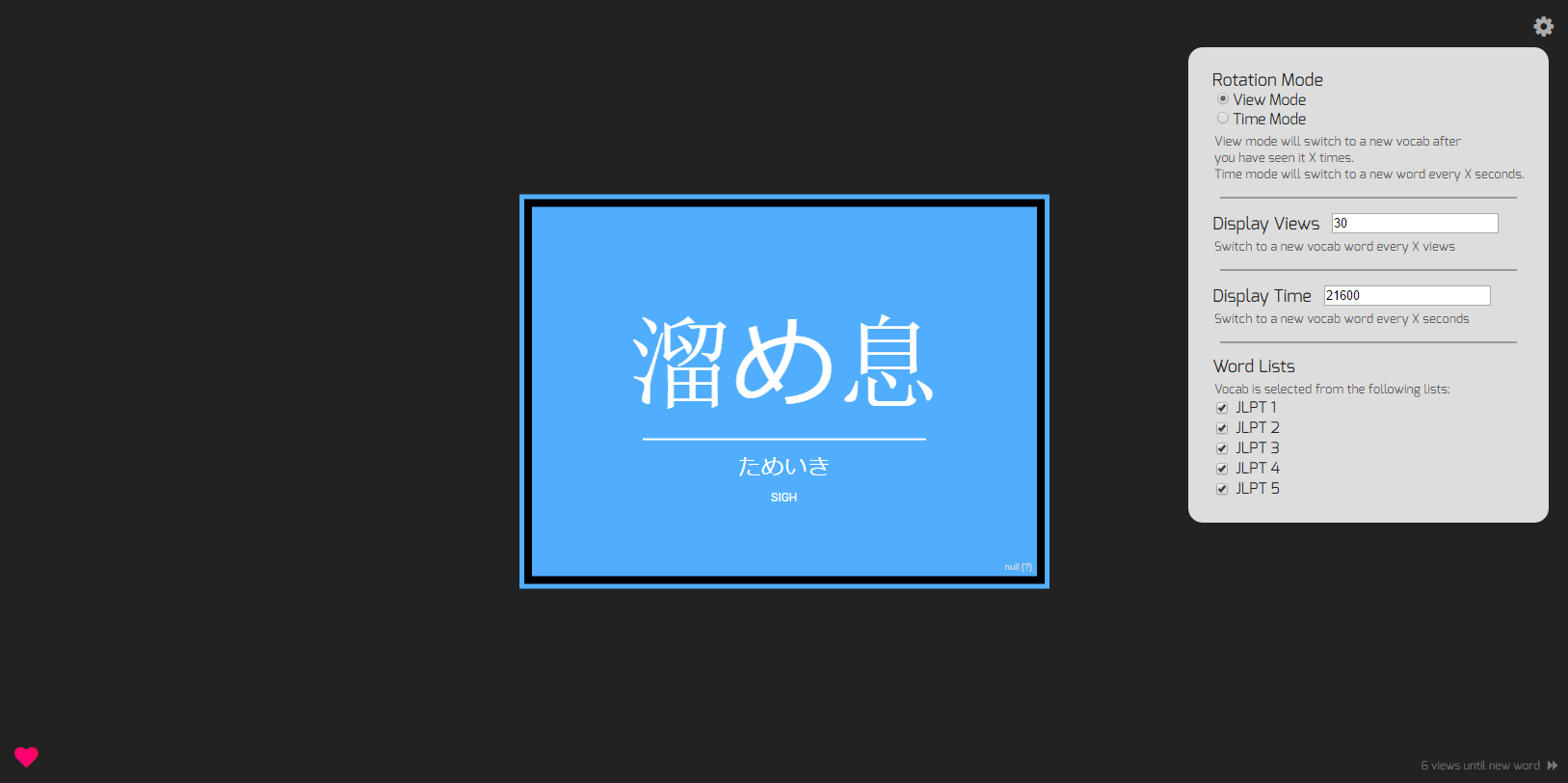
Adjust Votab's settings to your liking!
-
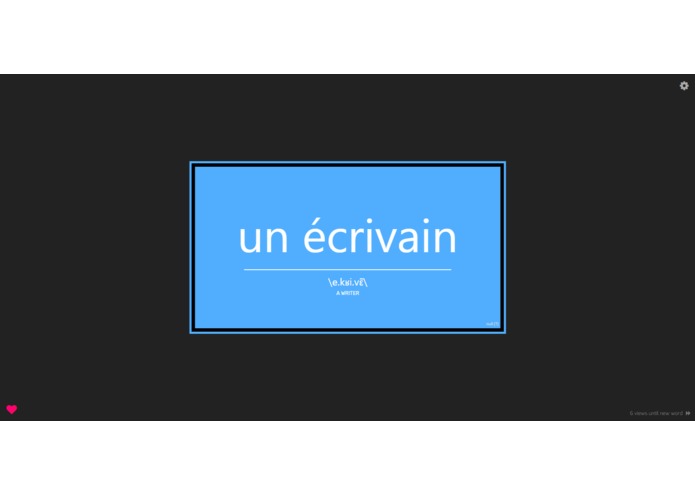
Votab's interface allows for easy extension into other languages like French...
-
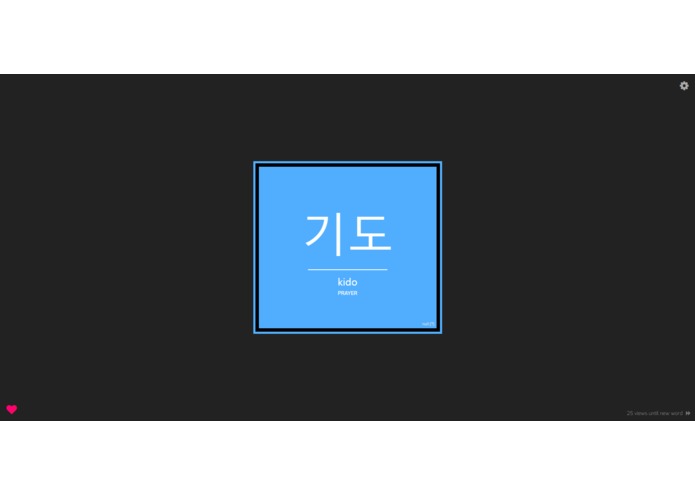
or Korean! As long as a file with the vocab word, a subtitle, and definition are provided, Votab can display it!
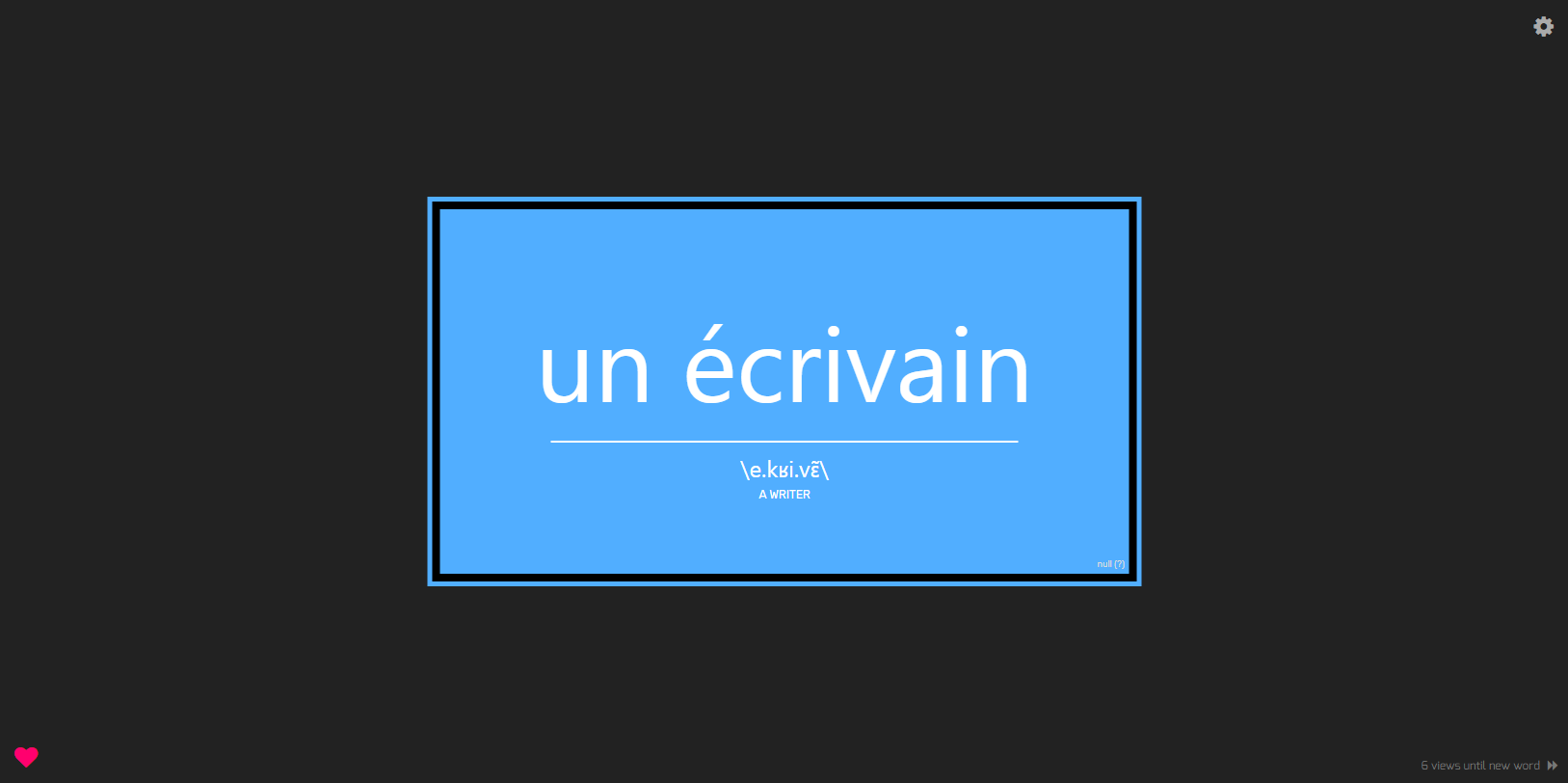
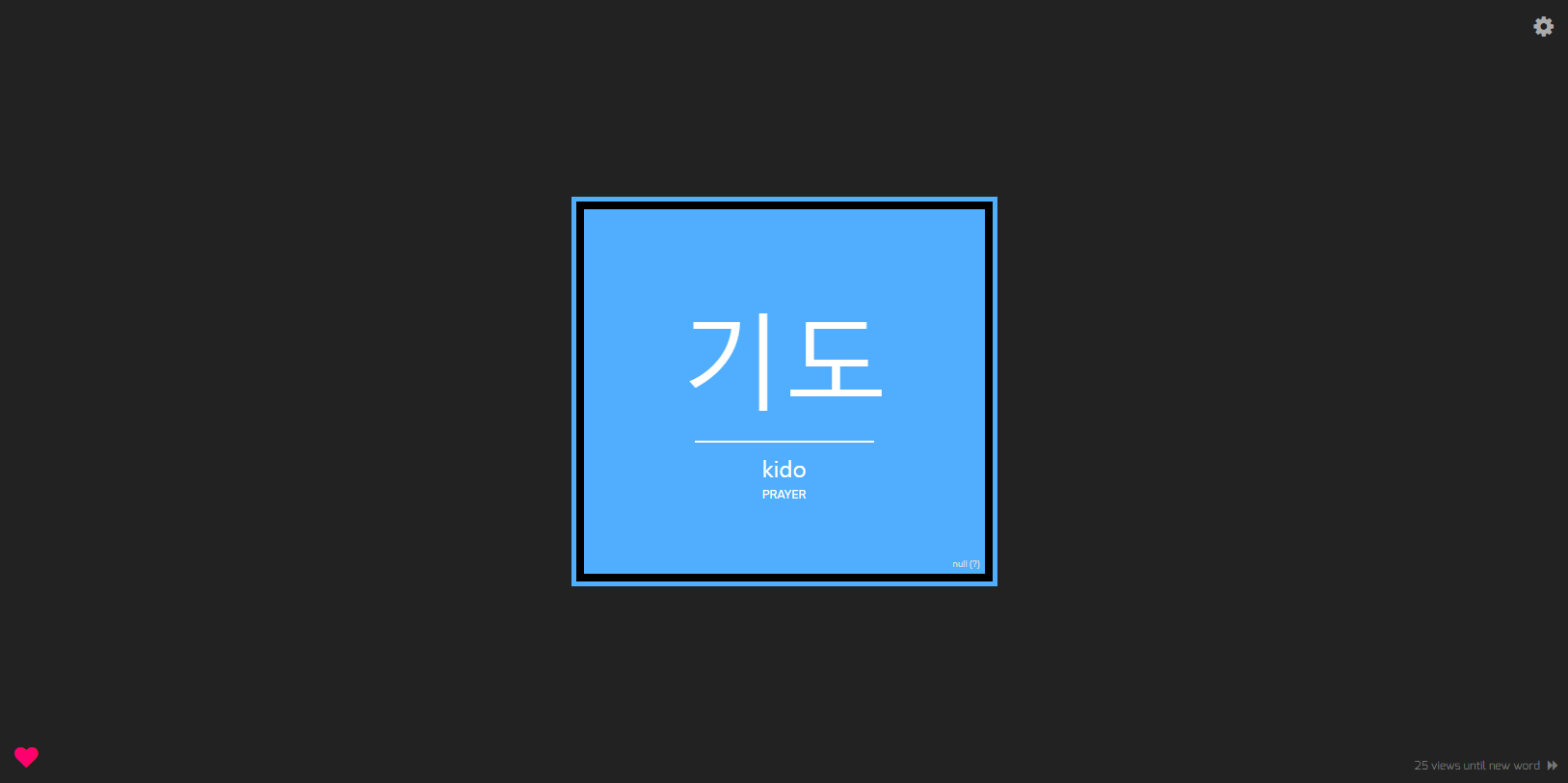
What is Votab?
Votab is a Chrome extension that overrides your "New Tab". Votab chooses random vocabulary from built-in wordlists. This word is then displayed in your new tab in a super stylish "New Tab" design. The word is shown for a certain number of times before being swapped out for a new word. So instead of having that useless default "New Tab" when you open a new tab, you see a new vocab word with every tab you open!
Even though you may not spend too much time on a New Tab, those 2-5 seconds that it takes to type a URL and wait for the page to load are enough for your brain to register the word on the page. Once you've processed the same vocab 10 or 20 times, it becomes pretty well engrained (disclaimer: I am not a researcher so this is only my personal observation lol).
The power of Votab lies in customization. If seeing a word 10 or 20 times isn't enough, then just make that number higher in the settings! If you want, you could even make it so that you see the same vocabulary 100 times before moving on - hopefully you'll have learned it by then! And if you want it to be more consistent, you could change to "Time Mode" instead of "View Mode", where words will change out on a set timer. For example, you can set it so that you get a new word every 6 hours.
Votab also provides a very useful feature for learning - being able to skip a word. Pressing the fast-forward button will choose and display a new word so that you don't have to spend time "learning" a word you already know.
Inspiration
I super love learning languages (I speak English, Chinese, French, and Japanese with varying degrees of fluency, and recently started learning Korean). One of the hardest parts of learning a language is remembering vocabulary. There's only so much weird grammar a language can throw at you, but there's an almost endless amount of vocabulary to learn. And there's nothing more boring than sitting down and flipping through flashcards to learn words.
Votab was inspired by a two extensions for learning Japanese vocabulary that I used in the past that also changed the new tab. I eventually stopped using them because they were executed ratherly poorly and weren't all that useful, but I always thought the idea behind them was great.
One extension had big pictures of each vocab word, which looks cool but isn't very effective for actually learning because the vocabulary itself is not the main focus of the page. Also, it changed to a new word on every new tab, which meant that there was no repetition to help with memorization.
The other extension was better designed with focus on the vocabulary, but had a tiny wordlist of about 100 words and also forced the user to wait 24 hours between new words. When you get an easy word like 私 (lit. "I") it doesn't take 24 hours of seeing the same word on every tab to learn it if you didn't already know it...
So I set out to make something that took the best features of these extensions with several new ideas of my own for an extension that looks sleek and is helpful for learning languages!
How I built it
Votab was made with Javascript, HTML, and CSS and the Chrome extension API.
What's next for Votab
More word lists. Currently only various levels of Japanese are supported, but as you can see in the image gallery Votab's design makes it super easy to add new words and new languages!
Word history. I plan to add a history of words you have learned.
Quiz mode. It never feels like you've really learned something until you've been quizzed about it. I plan to add a quiz mode which will go through words you've learned (using other random words from the same word-set to generate incorrect answers) and see how much you really remember!
Social media options. Because everyone likes to tweet how many words they've learned... right?

Log in or sign up for Devpost to join the conversation.