-
-
Mobile App
-
Adding new order by Beneficient
-
Volunteer's screen - orders to take (ordered by distance)
-
Volunteer's dashboard
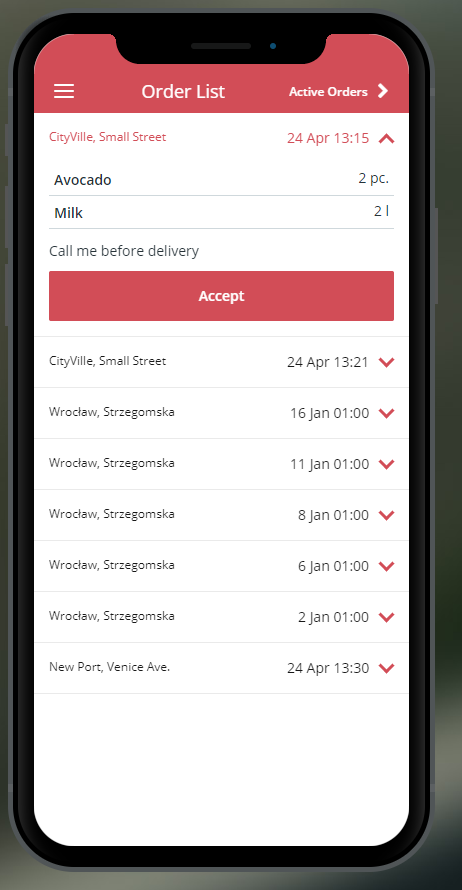
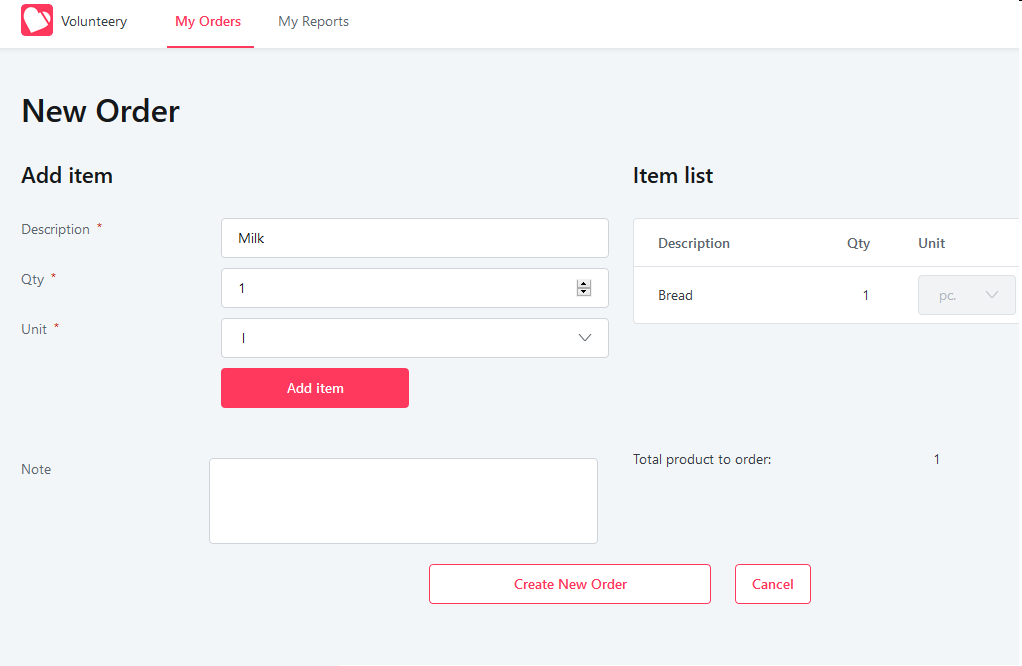
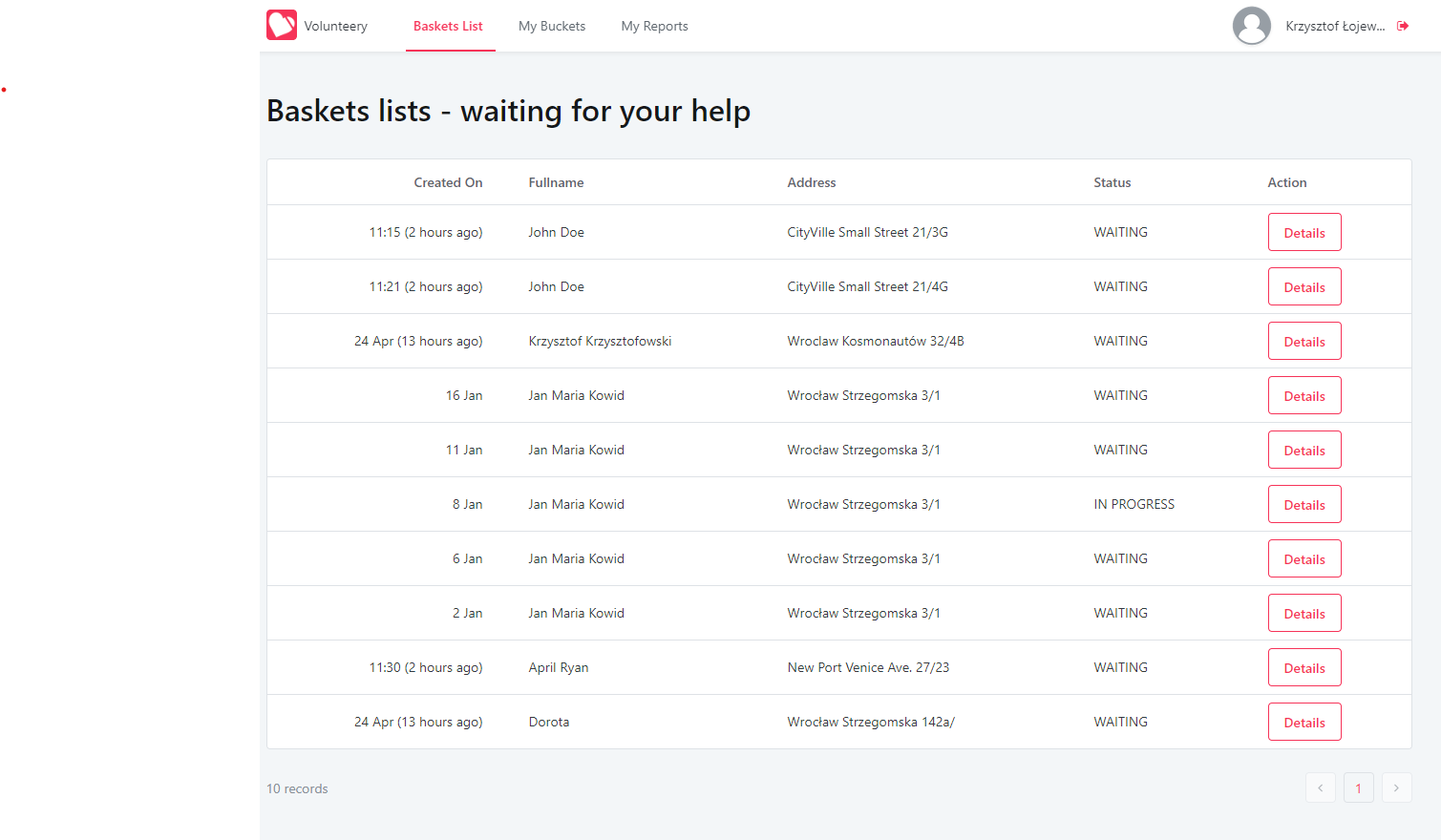
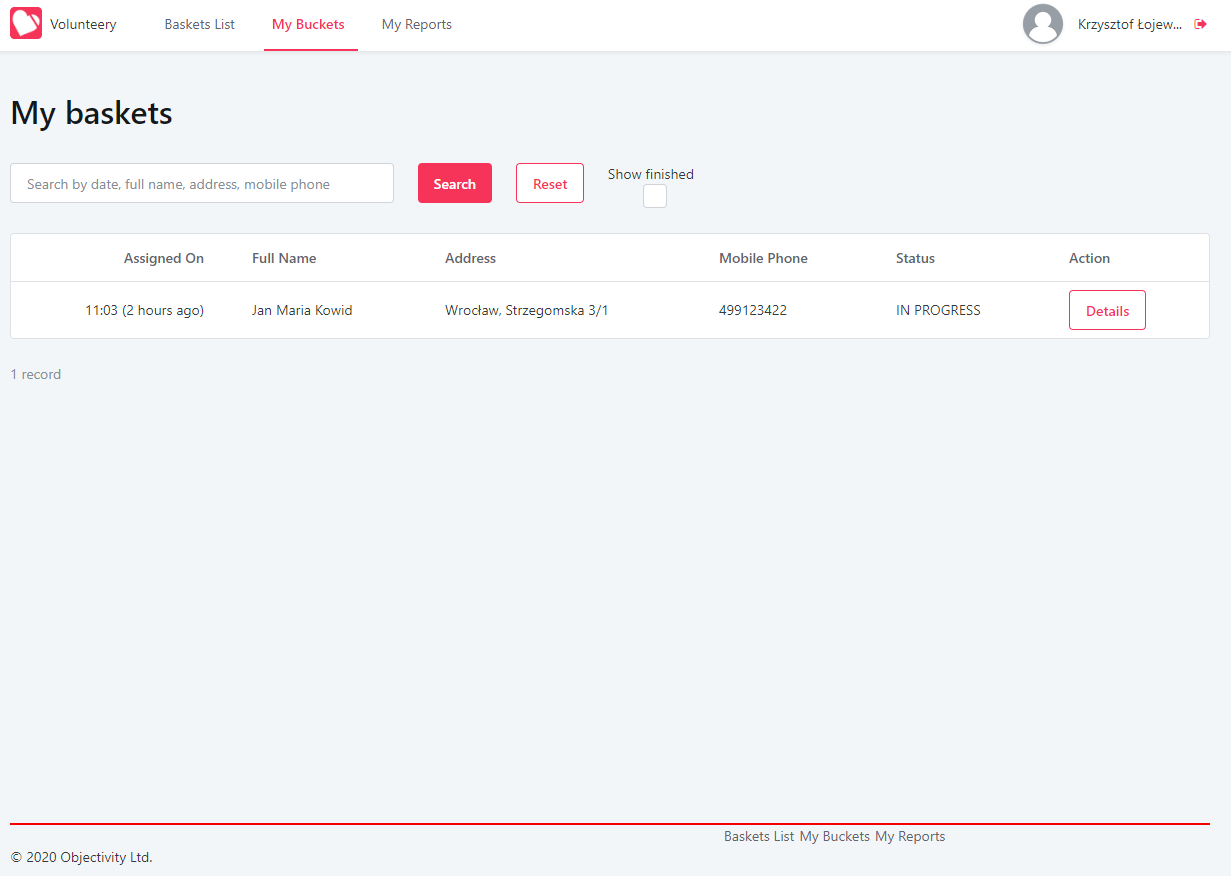
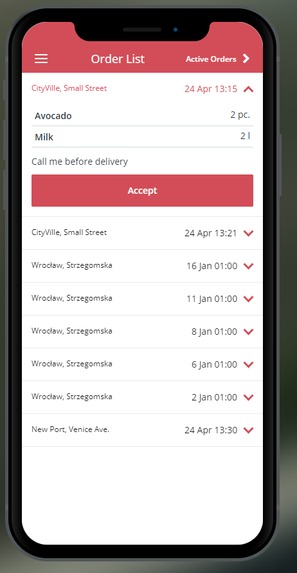
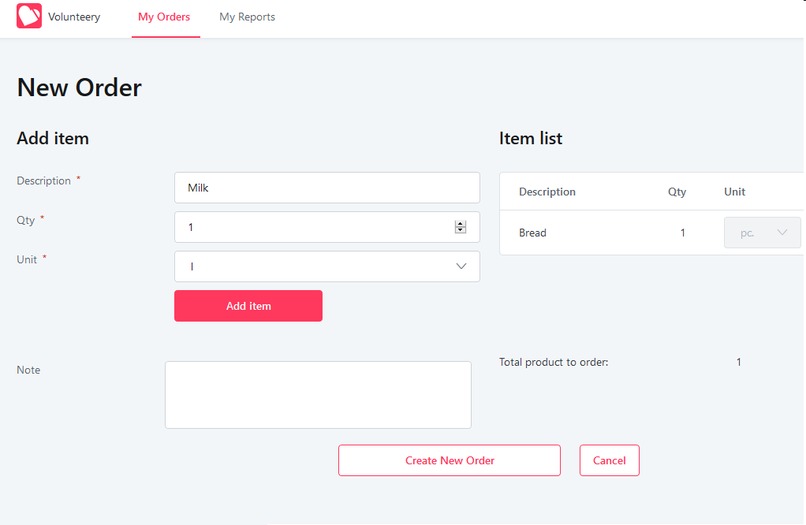
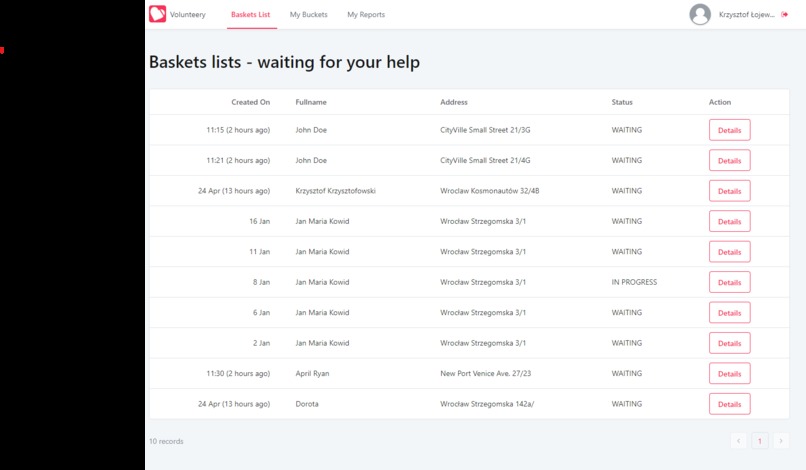
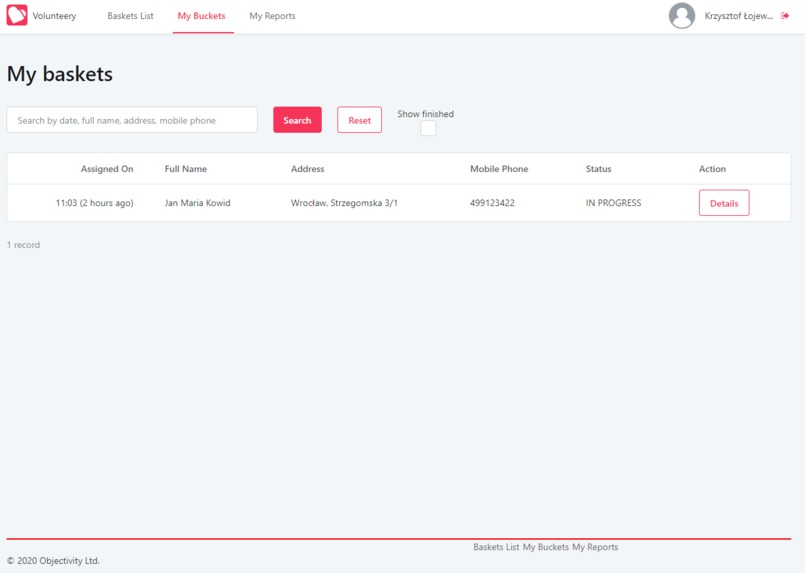
Our application, Volunteery, was created to help people during COVID-19 pandemic - to enable and manage the delivery of food and basic goods, in the form of a basket, to people who are more prone to be infected with coronavirus, already has coronavirus or is in quarantine. We offer traditional Web application as well as the mobile one to ensure it is user-friendly, available on multiple devices and portable. Introducing new users to Volunteery: You can register there in two-way approach, either be a Volunteer (who eagers to help people do their groceries while they are quarantined) or a Beneficiary (when you in need of help), providing basic contact and address data. There is also a possibility to log in or register with your Google account. Our application adapts to the role you have chosen, and you see different capabilities. As a Beneficiary you have the possibility to create the order by adding the description of item of your need, quantity or measurement unit and short note optionally. If the order is not confirmed – you can update it. In the dropdown menu you can see Orders, Finished Orders and Complaint List. The last one refers to complaints made by you after you receive your order and about you if there were any from the Volunteer’s side. As a Volunteer you are capable of seeing orders list with provided time of creation and destination. You can choose between them however you like, but we encourage you to choose the closest to your actual localisation. Every order is a dropdown on the Open Order tab, so after expanding it you can see details of every order made by Beneficiary and assign to it simply by clicking ‘Assign’ button below. If you go to Active Orders -> Order Details you have a list of all the groceries ordered (which you can cross out by clicking on single item) and contact data to your Beneficiary (if you want to contact them using e-mail or phone just choose between two buttons and press the one of your interest). After you, as a Volunteer, are done with the shopping, you can press Finish order button. Afterwards, if there were any inconvenience during the whole process, you can use our Complaints Form – leave a note and/or attach e.g. a photo in the attachments section. Our application main goal was to provide easy and simple lay-out with a great usability and value in these complicated times. It works on variety of devices and is approachable via standard accounts (e.g. Google) we use widely nowadays. Created #atHome for #stayHome.
Built With
- lowcode
- mobile
- outsystems
- web


Log in or sign up for Devpost to join the conversation.