
Inspiration
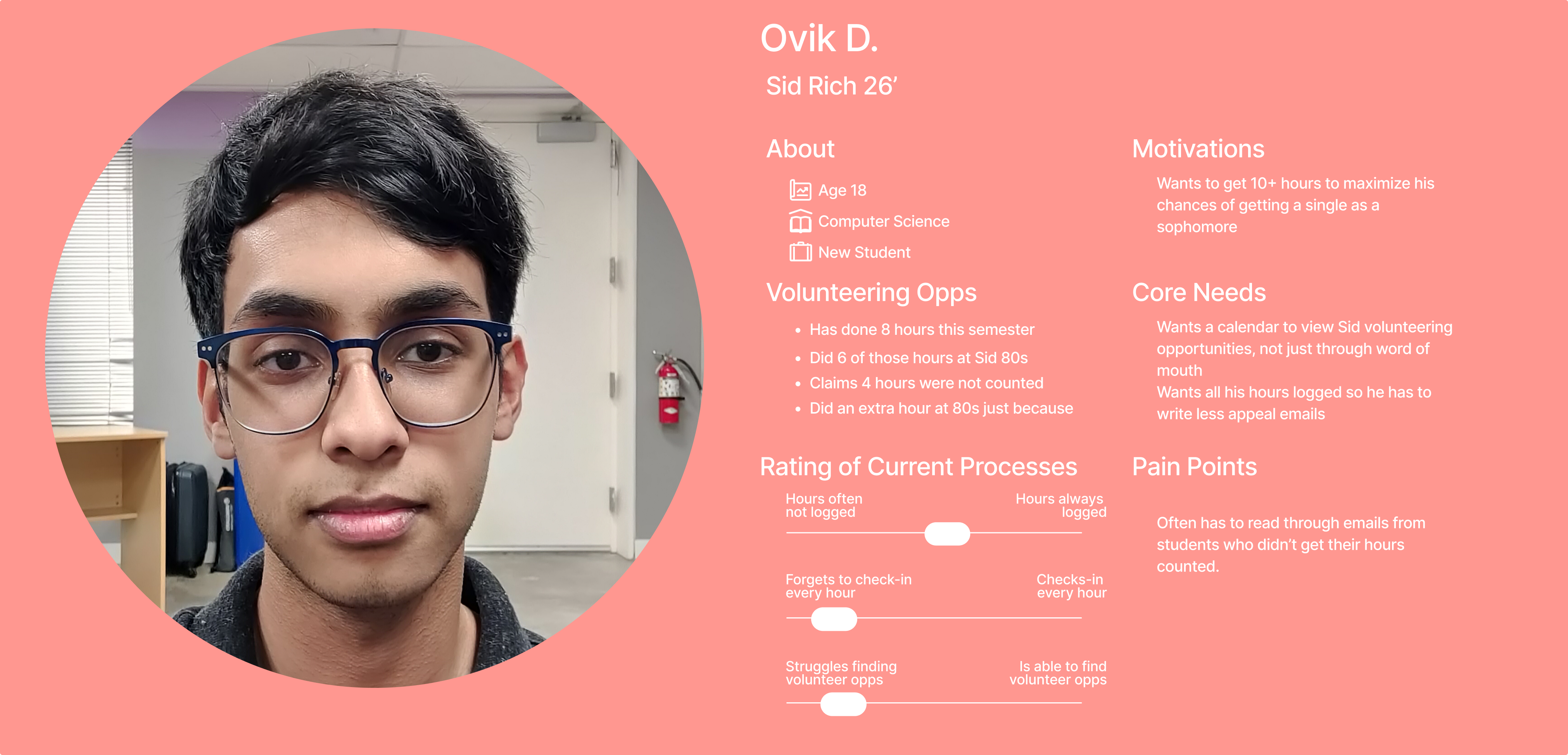
Last week ago, Ovik and I volunteered for cleanup at Sid 80s, attempting to fulfill our required 4 hours as first-years. Unbeknownst to us, the volunteer program was disorganized. There was no formal check-in process (nobody asked for names or recorded that we were there), and two weeks later, we still have not gotten our hours.
Ovik even worked an extra hour shift to just help out!
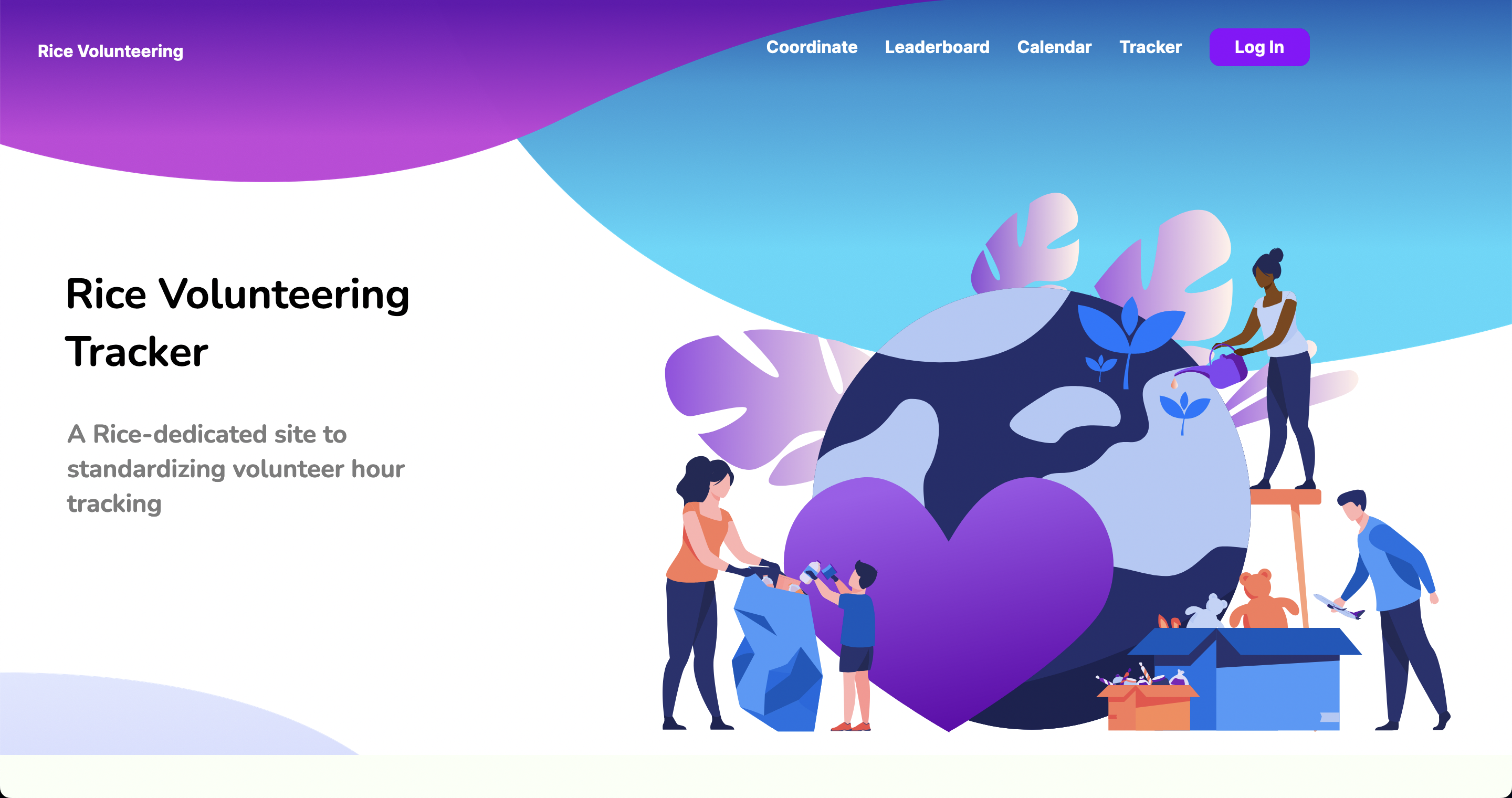
We later found out that all the volunteer hour data was being stored on a Google Sheets, and that many others also didn't get their volunteering hours counted. Thus, we came up with the Rice Volunteering Tracker, an all in one Rice website for standardizing volunteer hour tracking.
What it does
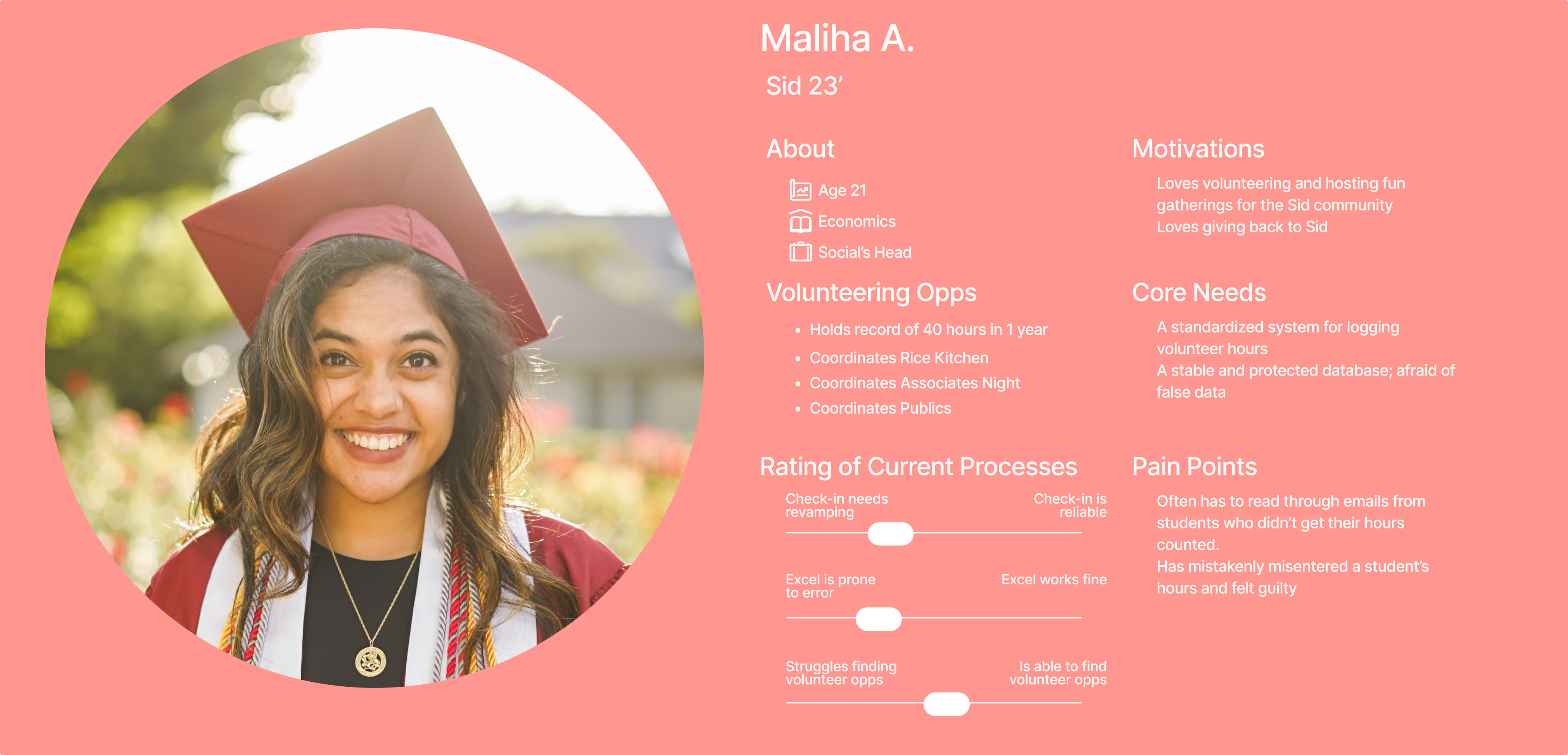
For Regular Students Allows regular students to view their number of volunteer hours for the academic year, view and register for upcoming volunteer opportunities, view upcoming volunteering events which they previously registered for, and view past events and whether their check in was approved or not. This system would show volunteers who the "contact" or coordinator of that event was, streamlining the appeal process were a student to be mistakenly marked as not being there.
For Volunteer Coordinators Enables coordinators to create volunteer events on the platform for regular students to see, provides an easy system for marking whether someone showed up or not, and includes a viewable non-relational database tracking current volunteer hours for each student.
For both user groups, we've included Google Authentication for logging in, emphasizing security and making it such that changes made to the database and events created can be logged.
How we built it
For the frontend, we used React, Redux, CSS, HTML, and JS to remake what we designed on Figma. We set up a Firebase backend to process user authentication through Google. We used Google authentication to ensure that everyone logging in is part of the Rice community. Firebase also provides a NoSQL database solution, Firestore, which we used to store user and volunteer event information. Volunteer coordinators can create events through a form in the frontend, which will then send the form information to the backend for storage. These events can be retrieved later for the frontend to display in pages such as the leaderboard.
Challenges we ran into
- Converting Figma designs into React code with DhiWise, realizing machine-generated code is unusable, and having to re-hand-make it ourselves.
- Creating a dashboard wire frame which wouldn't lead to information overload, nor contain too few actions
- Deciding where to stop features, as we kept breaking off more bread than we could chew
- For Ovik, it was getting used to Firebase and Google Authentication for the first time
- For Aditya, it was learning about UI, UX, and Figma for the first time, and having to generate high-level wireframes on an extremely quick pace
Accomplishments that we're proud of
We're proud of setting up Google Authentication, learning how to deploy with Vercel, and we're proud of the designs we created and were able to translate over to React.
What we learned
James was able to greatly enhance his skills in web development, learning much more about Flask and React, while also further refreshing his skills in UI and UX. Aditya was able to learn about UI and UX for the first time, learning how to use Figma to create wireframes, while also learning a bit of front-end. Ovik thought this was a great refresher on React, and learned a lot about how to use Firebase, especially for authentication, while Ahmed was able to further strengthen his skills in Firebase.
What's next for Volo
We plan on working on this project until it is ready-to-use and refined product for actual students. Much will have to be optimized due to the rush we were in during the Hackathon, however, we intend to impact real students with our project, and we believe it has the capability to do so, especially with a subject matter as important as volunteer hours, which can dictate where a student lives.

Log in or sign up for Devpost to join the conversation.