-
-
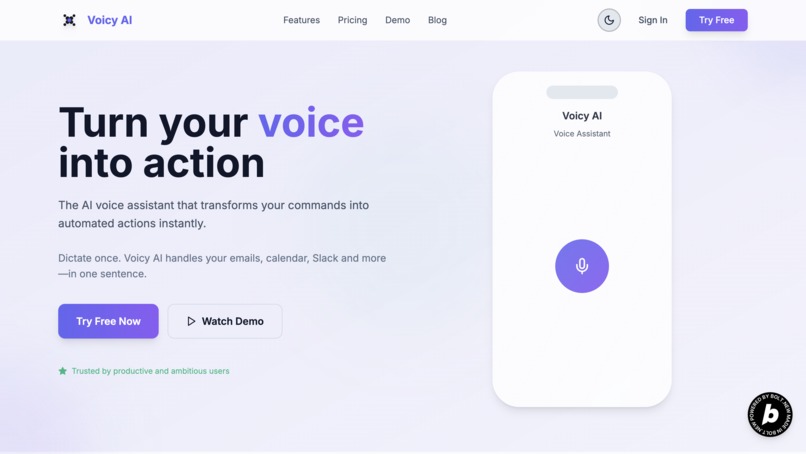
Landing Page
-
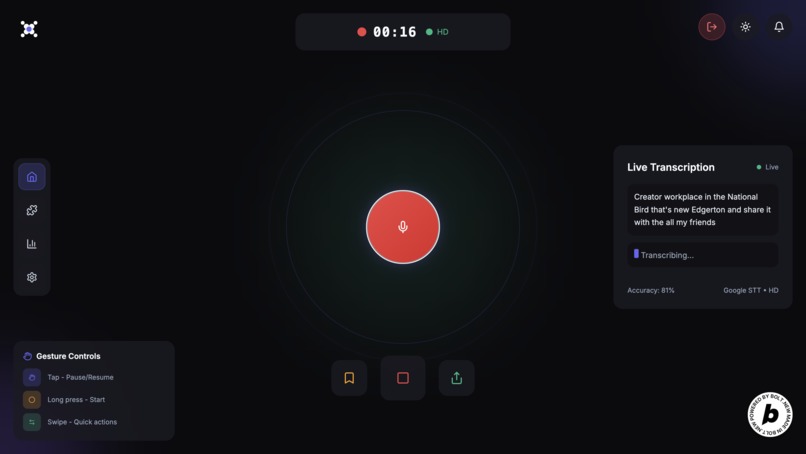
Main Page Live Record
-
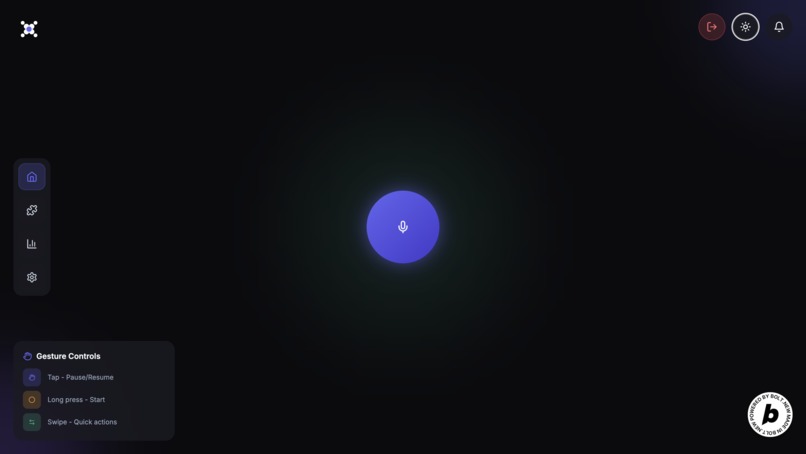
Main Page Dark
-
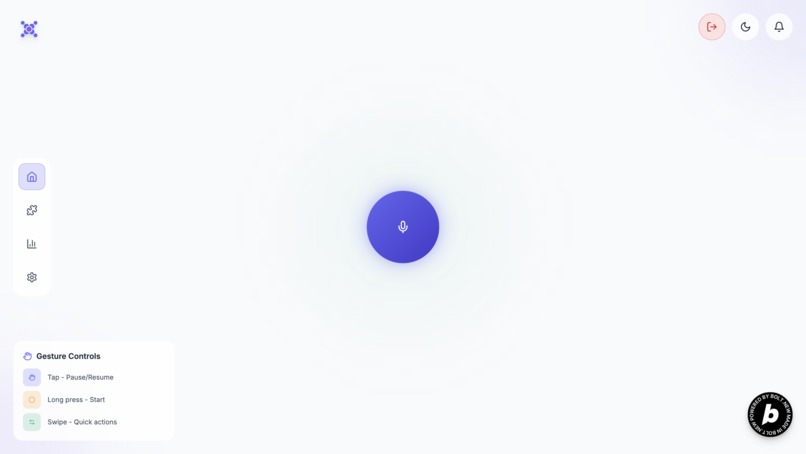
Main Page Light
-
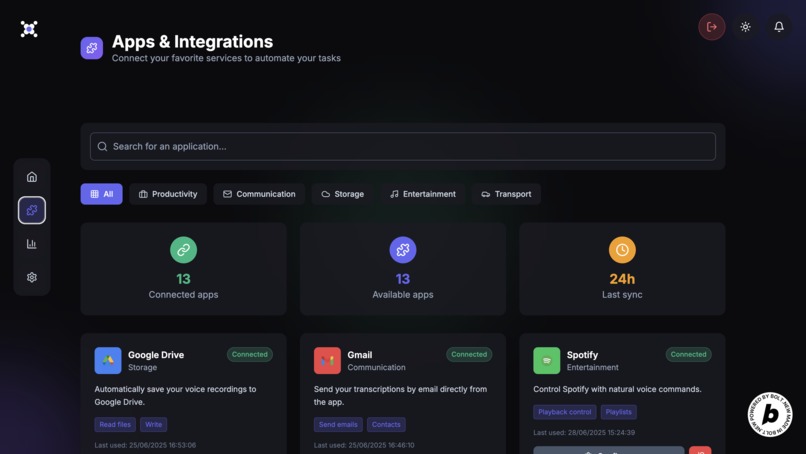
Apps & Integrations Page
-
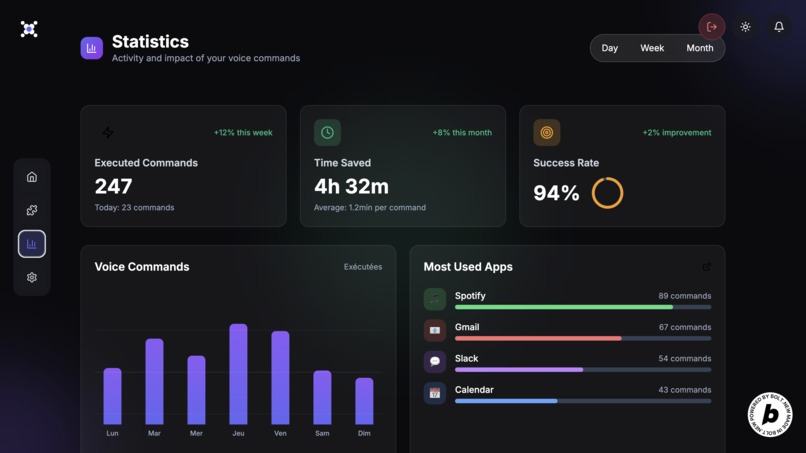
Statistics Page


Inspiration
The inspiration behind Voicy AI came from my day-to-day experience working in fast-paced startup environments.
I constantly found myself juggling between Slack, Gmail, Google Calendar, Notion, and other tools just to complete simple repetitive tasks.
I kept thinking:
"Why do I still need to open 5 tabs just to send a follow-up email or create a calendar event?"
That’s when the idea hit me:
A web-based AI voice assistant designed for business productivity.
Something that turns voice commands directly into actions across multiple SaaS tools, without touching the keyboard.
What it does
Voicy AI allows users to speak one simple voice command like:
- “Send a follow-up email to John.”
- “Schedule a meeting with the sales team next Monday at 3 PM.”
- “Post a message on Slack in the #marketing channel.”
Voicy listens, transcribes, understands the intent, and executes the task across services like:
- Gmail
- Google Calendar
- Slack
- Notion
- Spotify
- Trello
- Asana
- Microsoft Graph (for Outlook, Teams etc.)
All in one workflow, through one web interface, in real time.
How I built it
I built Voicy AI solo, from scratch, in just a few days.
Frontend:
- TypeScript + Vite
- React
- Google Web Speech API (for real-time voice capture)
- Figma for UI/UX
- TypeScript + Vite
Transcription Pipeline:
- First pass: Google Web Speech API (for instant feedback)
- Second pass: ElevenLabs API (for better transcription accuracy)
- First pass: Google Web Speech API (for instant feedback)
Backend:
- 100% built and deployed with Bolt.new
- API routes for voice intake, transcription, AI orchestration, and external API execution
- OpenAI GPT-4 for understanding user intent
- Supabase for database and user authentication
- Cursor.dev for generating the OAuth 2.0 flows (Google, Slack, Notion, etc.)
- 100% built and deployed with Bolt.new
Challenges I ran into
Browser voice recognition limits:
Tuning Google Web Speech API for business language and varied accents.OAuth 2.0 flows:
I struggled with multi-provider OAuth inside Bolt at first.
I used Cursor.dev to speed up that part, but still routed all tokens back through Bolt.Latency:
Balancing speed vs. quality between Google Speech (fast) and ElevenLabs (accurate).Voice UX:
Designing clear visual feedback in the UI to confirm that Voicy was listening and executing the right actions.
Accomplishments that I'm proud of
- Building an entire multi-API orchestration backend solo in just a few days
- Successfully integrating real-time voice control with business tools
- Keeping everything web-based and platform-agnostic
- Solving OAuth for multiple providers under time pressure
- Creating a product that could genuinely save time for teams and employees
What I learned
- How to use Bolt.new to build and deploy full backends lightning fast
- Managing OAuth 2.0 flows across multiple SaaS services
- How to design a two-step transcription pipeline for both speed and quality
- Building a voice-first user experience for business use cases
- Handling real-time AI orchestration logic with API triggers across multiple services
What's next for Voicy AI
- Adding more business tools (Jira, Salesforce, HubSpot, etc.)
- Improving latency and real-time feedback loops
- Adding user-specific preferences (personalized API keys, saved commands)
- Launching a private beta with startup teams and business users

Log in or sign up for Devpost to join the conversation.