-
-
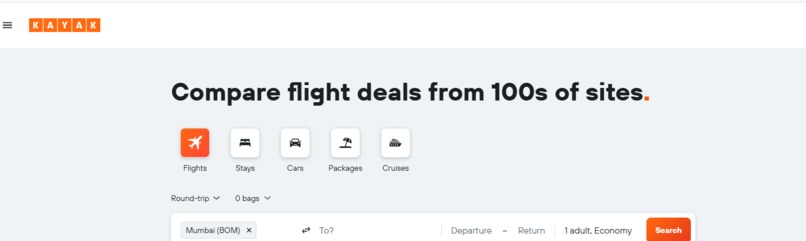
Redirected to link
-
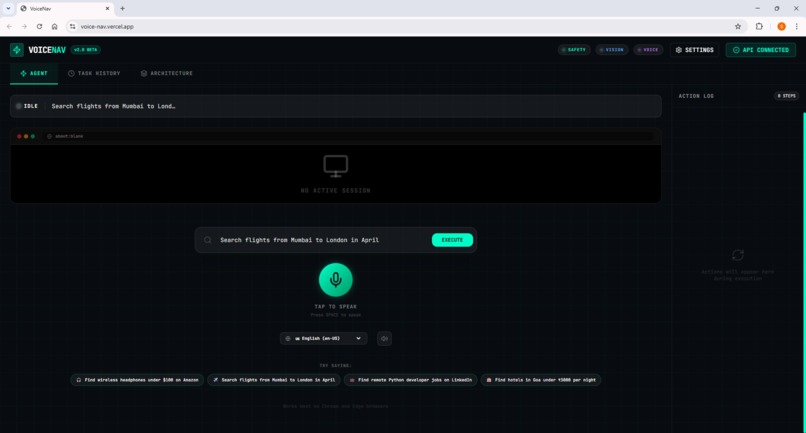
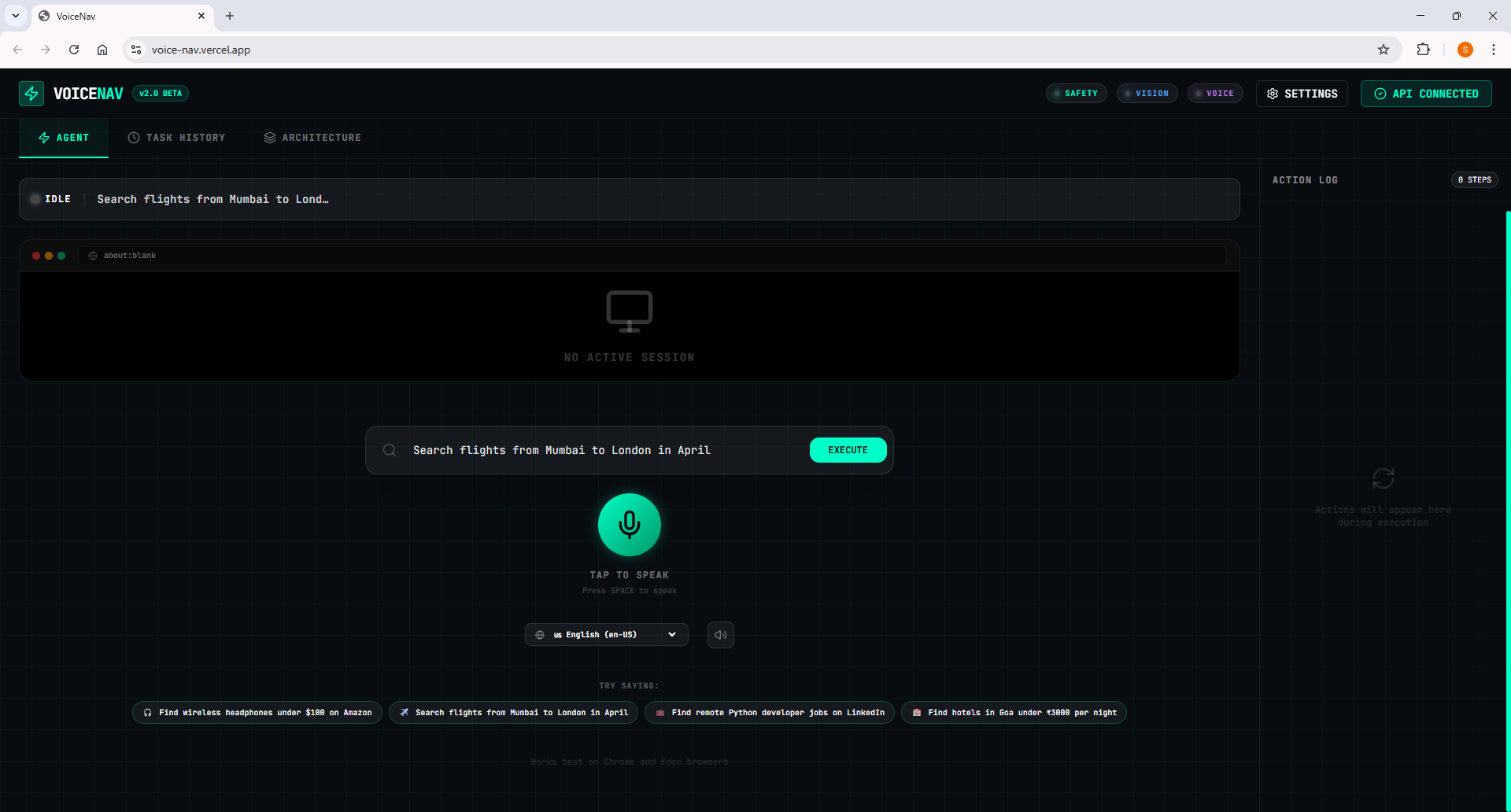
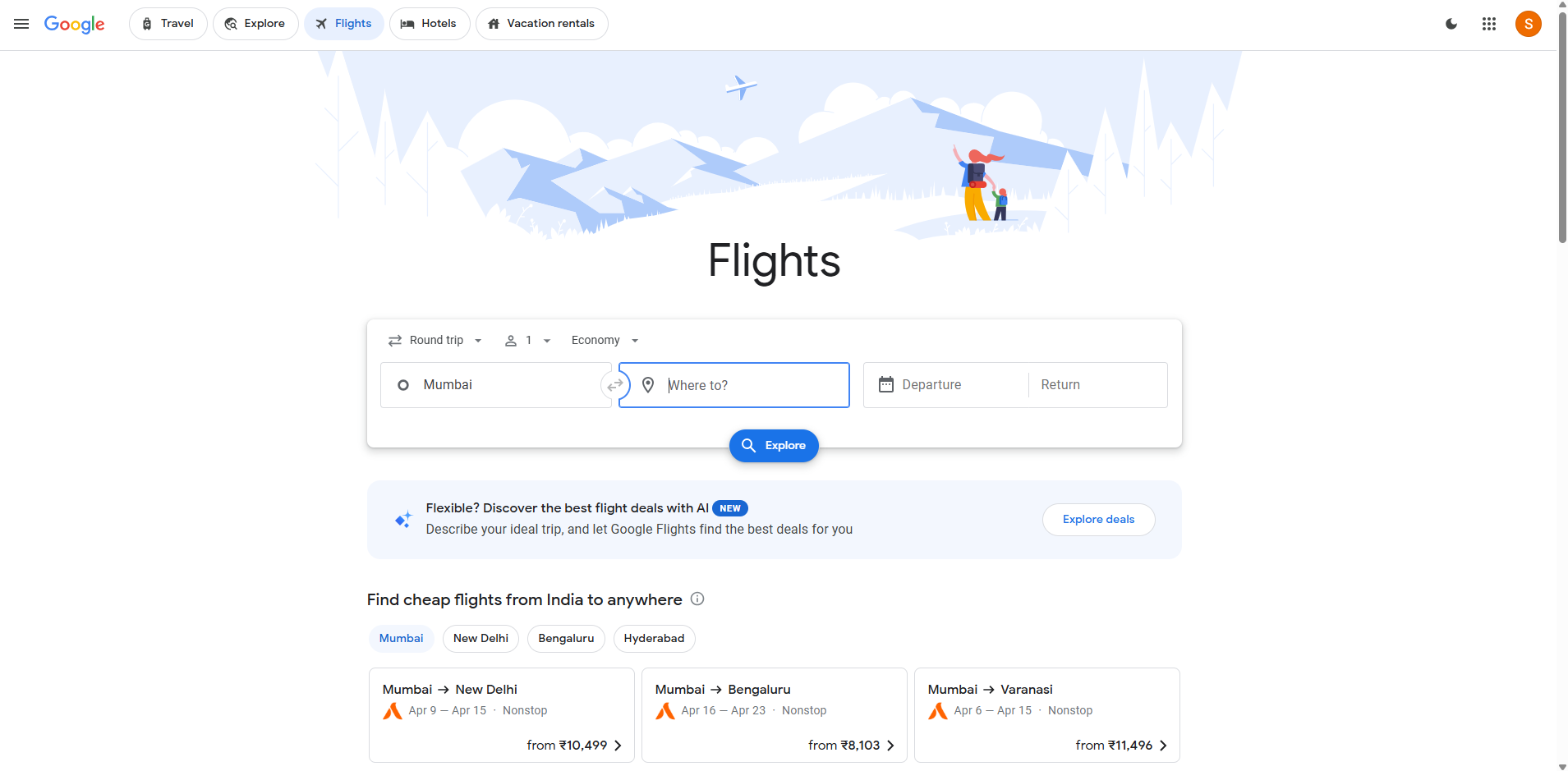
Home Page
-
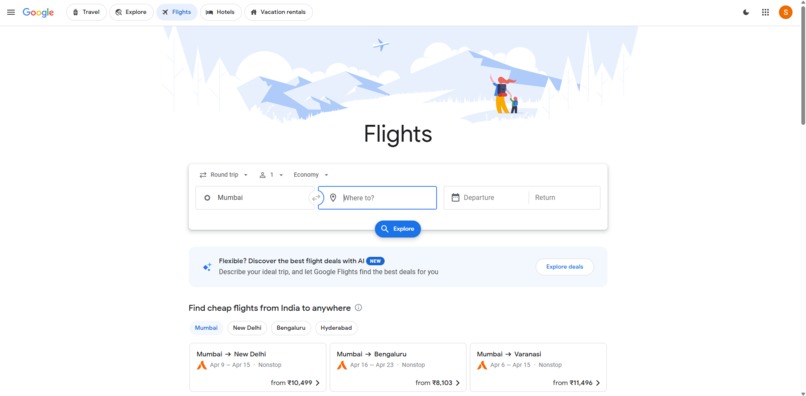
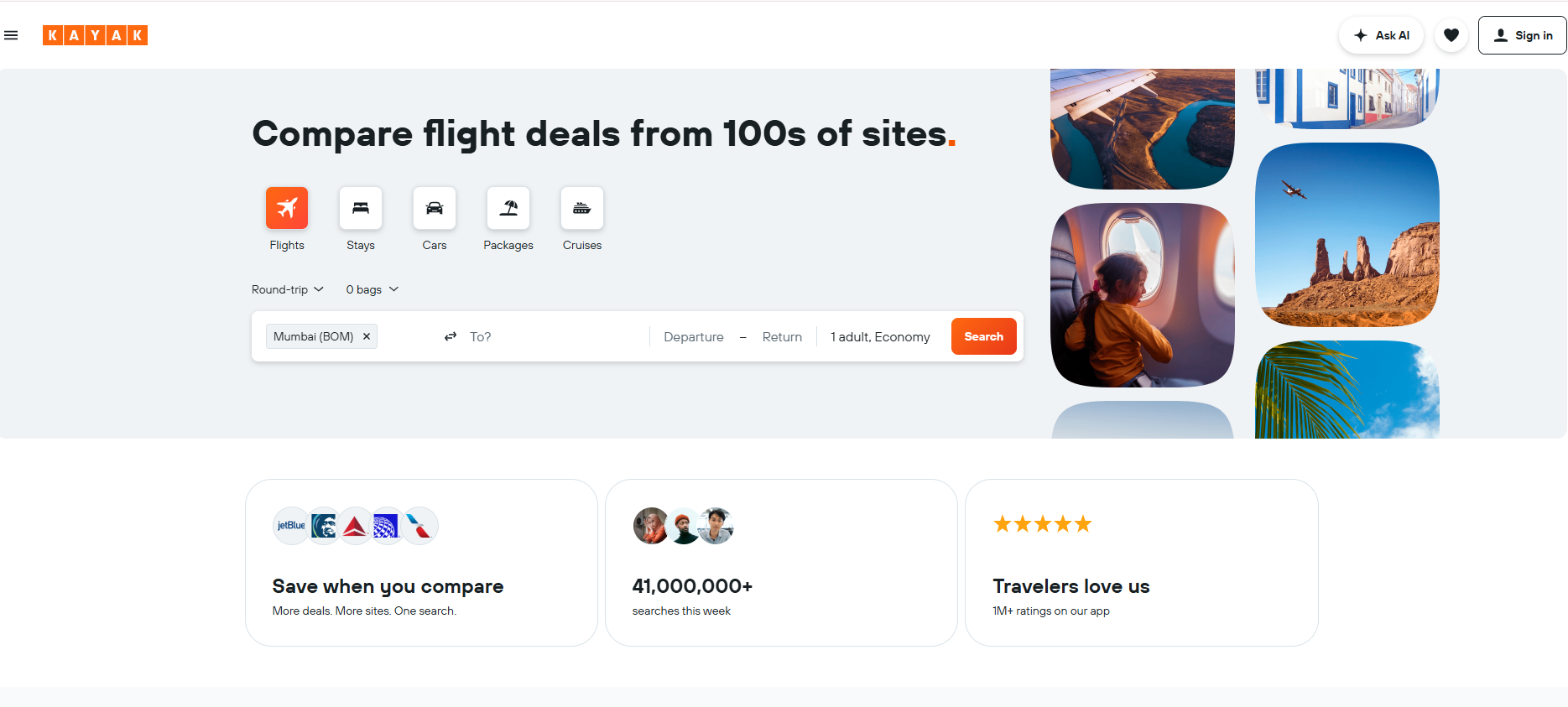
Redirected to link
-
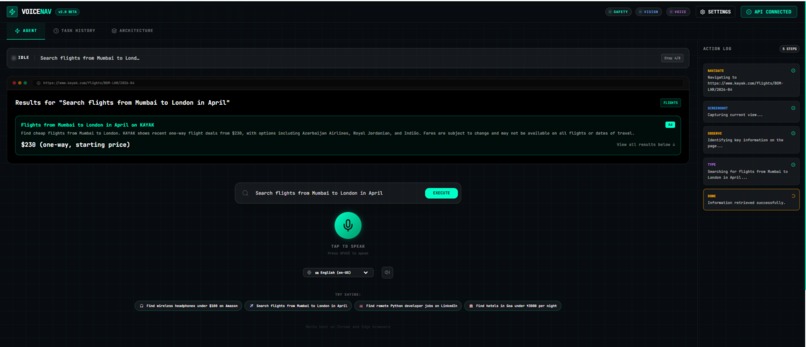
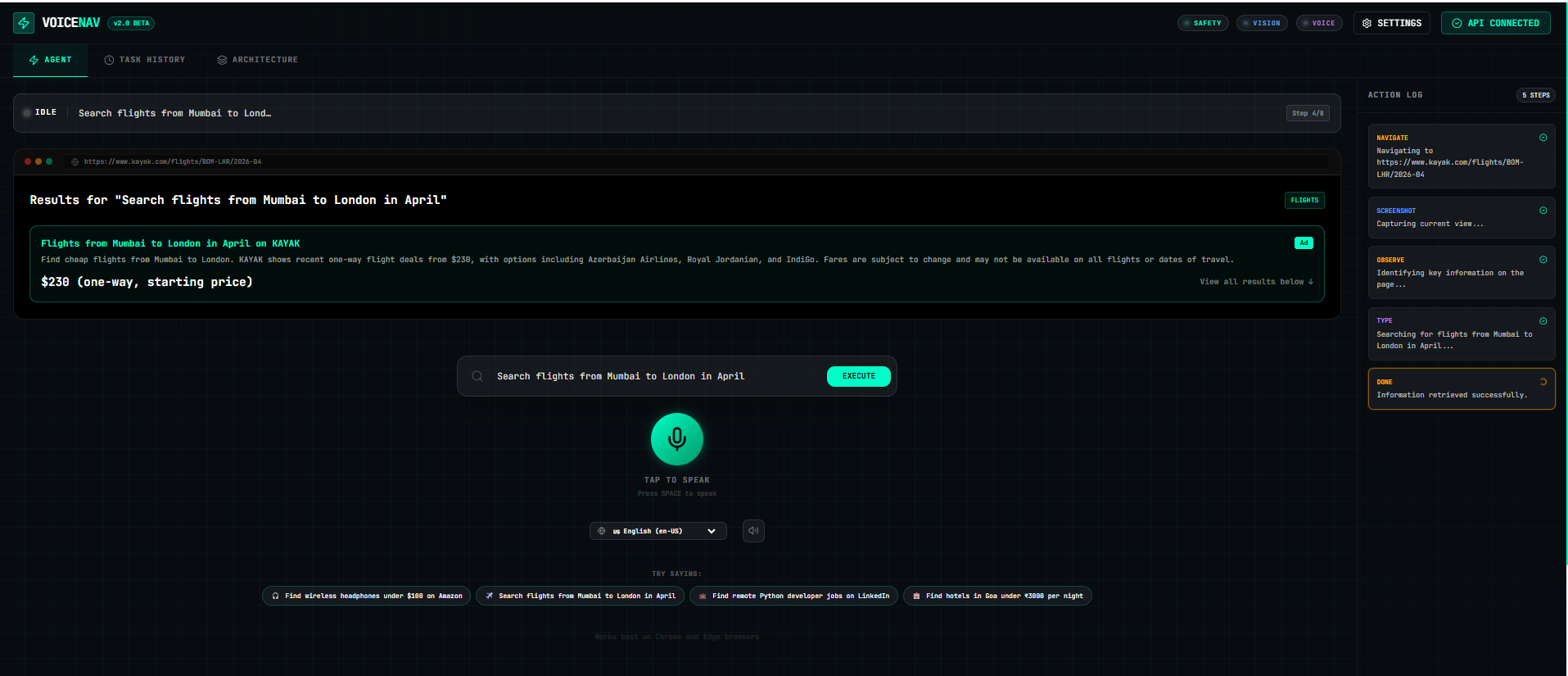
User Input
-
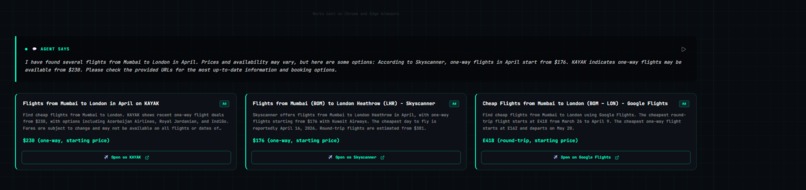
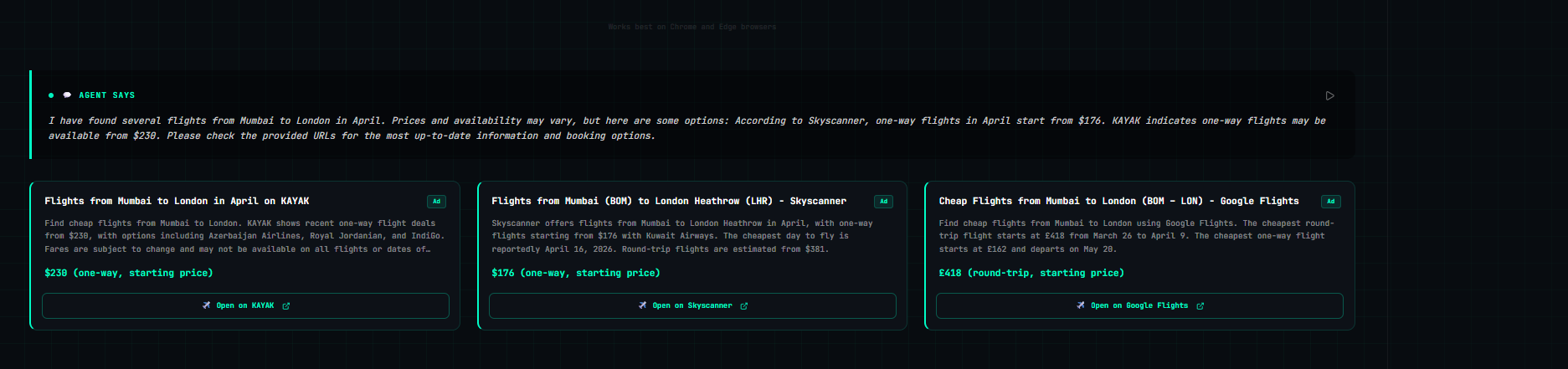
Output
-
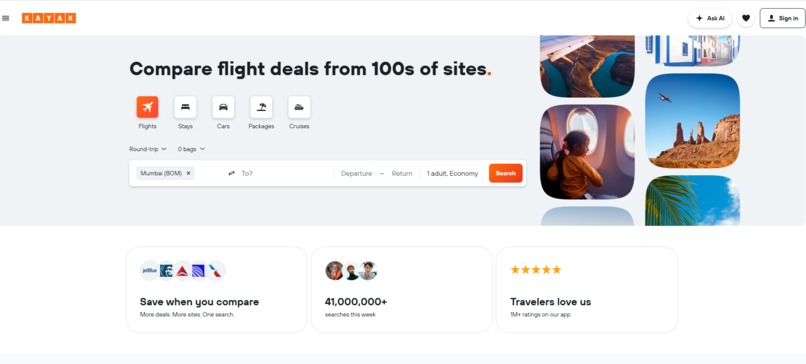
Redirected to link
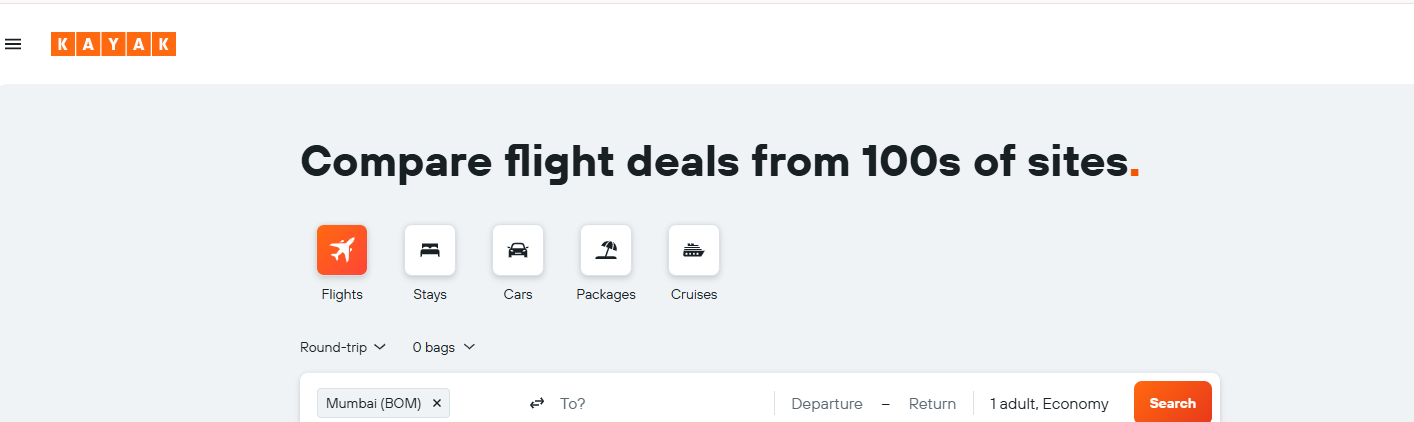
Inspiration
What it does
How we built it
Challenges we ran into
Accomplishments that ## Inspiration
Every day, millions of people waste hours doing repetitive web tasks — searching prices, filling forms, copying data between sites, navigating complex software. Existing automation tools either require coding knowledge, break every time a website updates, or cost thousands of dollars.
I asked one question: What if anyone could just speak a task and watch it happen automatically — on any website, without any setup?
That's what VoiceNav is.
What It Does
VoiceNav is your AI hands on the internet. You speak any task naturally. The agent:
- Hears your command via Gemini Live API in real-time
- Sees your screen by analyzing screenshots with Gemini Vision
- Plans the exact steps needed to complete your task
- Executes real actions — clicks, scrolls, types — purely from visual understanding
- Narrates every step aloud so you always know what's happening
- Confirms before any irreversible action like checkout or form submission
Example commands that work on any website:
- "Go to Amazon and find the best wireless headphones under $100"
- "Search for flights from Mumbai to London in April under $800"
- "Find remote Python developer jobs on LinkedIn posted this week"
- "Open Gmail and find the latest invoice from my supplier"
No DOM access. No website-specific APIs. No coding required. Just speak and watch it happen.
How I Built It
Architecturewe're proud of
Voice Input (Gemini Live API) ↓ ADK Agent (Google Cloud Run) ↓ Screenshot → Gemini Vision ↓ Action Execution (CLICK / TYPE / SCROLL) ↓ Verify Result → Loop until done
The Agent Loop
The core of VoiceNav is an 8-step loop powered by Google ADK:
- LISTEN — Gemini Live API captures real-time voice
- PLAN — Break task into ordered sub-steps
- OBSERVE — Take screenshot, send to Gemini Vision
- DECIDE — Identify the next best action from what's visible
- ACT — Execute CLICK(x,y), TYPE(text), SCROLL, PRESS
- VERIFY — Take new screenshot, confirm action worked
- CONFIRM — Before irreversible actions, ask user
- DONE — Speak completion summary, show results
What Makes It Different
Unlike Selenium or RPA tools, VoiceNav uses pure visual understanding — just like a human would. It never touches the DOM or relies on website-specific APIs. This means it works on every website and never breaks when a site redesigns.
Challenges I Faced
Accurate coordinate mapping — Getting Gemini Vision to return precise pixel coordinates for UI elements required careful prompt engineering and a verification loop after every action.
Handling dynamic pages — Modern websites load content asynchronously. Teaching the agent to wait, detect loading states, and re-observe was critical for reliability.
Voice interruption handling — Implementing graceful mid-task interruptions with Gemini Live API required careful state management so the agent could pause cleanly without corrupting the task state.
Safe confirmation flow — Building the confirmation step for irreversible actions (purchases, form submissions) without making the experience feel clunky took several iterations to get right.
What I Learned
- How to use Gemini Live API for true real-time bidirectional voice
- How to build reliable agentic loops with Google ADK
- How powerful Gemini Vision is for understanding arbitrary UI layouts
- How to deploy scalable agent backends on Google Cloud Run
- That the biggest challenge in web automation is not the actions — it's the verification and error recovery after each action
What's Next
- Multi-tab and multi-window task support
- Scheduled recurring tasks ("do this every Monday")
- Mobile screen support via device streaming
- Team workflows — share automation recipes with colleagues
- Support for 20+ languages via Gemini's multilingual capabilities

Log in or sign up for Devpost to join the conversation.