
Inspiration
The inspiration for VoiceLens stemmed from a desire to bridge the accessibility gap in modern web applications. We envisioned a tool that could empower users with visual impairments, motor disabilities, and reading difficulties to navigate and interact with the digital world more seamlessly. The core idea was to create an AI-powered voice assistant that not only responds to commands but also actively assists users by making web content more accessible. We wanted to move beyond simple voice control and build a companion that could offer guidance, read text aloud, and adapt to individual user needs, fostering a more inclusive online experience.
What it does
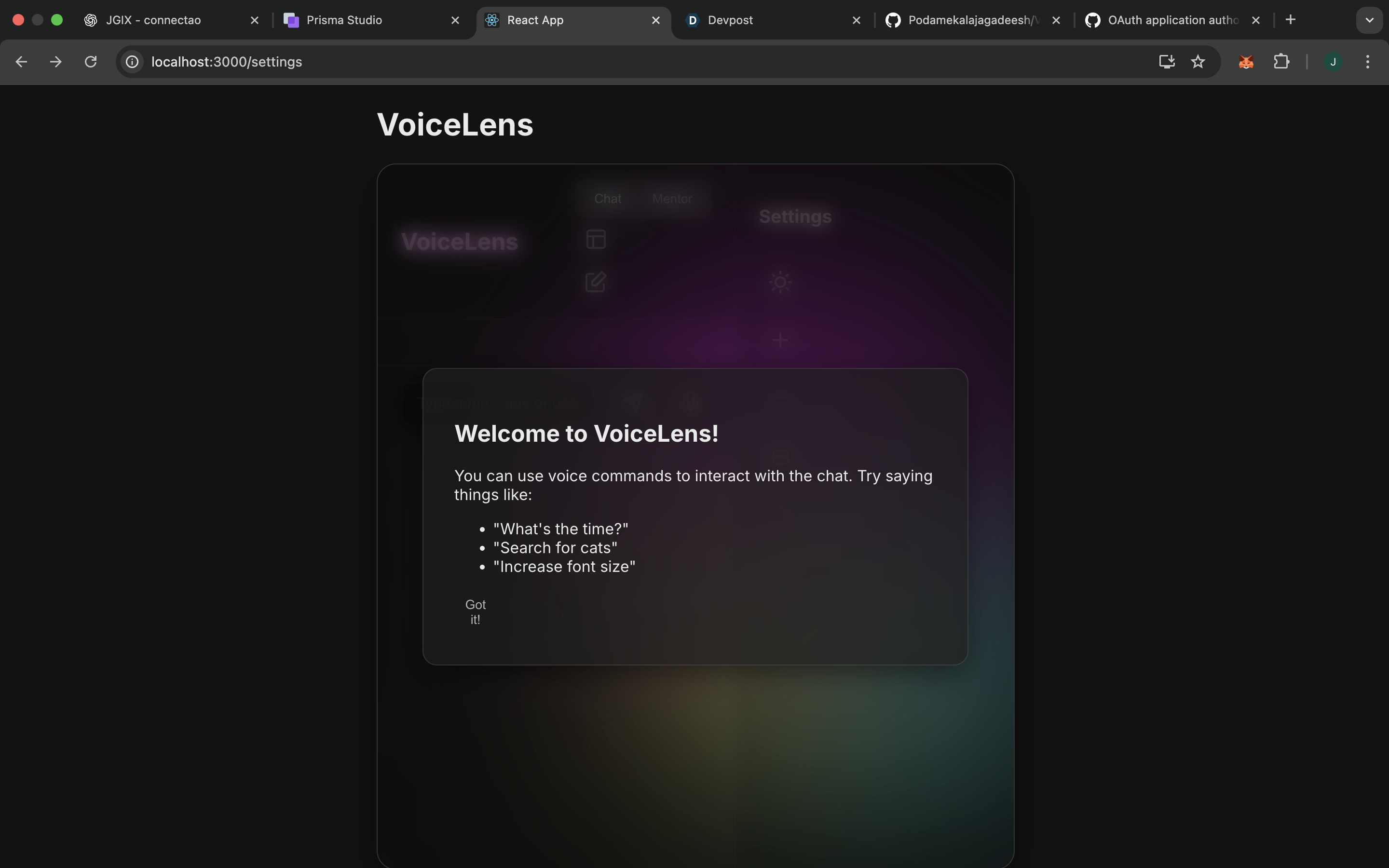
VoiceLens is a web-based AI chat application designed with accessibility in mind. It provides a seamless voice-controlled interface, an AI mentor for users with disabilities, and a range of accessibility features to ensure a user-friendly experience for everyone.
Voice-Controlled Interface: Interact with the chat using voice commands. AI Mentor for Disabilities: A dedicated mentor mode to provide support and resources for users with disabilities. Screen Reader Compatibility: ARIA attributes and other enhancements for screen reader users. Read-Aloud-on-Hover: Hover over elements to have them read aloud. "Skip to Content" Link: Easily navigate to the main content. Customizable Experience: Adjust font size, contrast, and animations. Keyboard Shortcuts: Use keyboard shortcuts for common actions
How we built it
VoiceLens is a single-page application built with React and TypeScript. Here’s a breakdown of our technology stack and development process:
Frontend: The user interface was built with React and styled with standard CSS, including custom styles for a high-contrast mode. Voice Control: The Web Speech API was used for both speech-to-text (voice commands) and text-to-speech (reading messages and UI elements aloud). AI Brains: We integrated the OpenAI API to power our conversational AI, providing both the general chat functionality and the specialized AI Mentor mode. Accessibility Features: Screen Reader Support: We added ARIA roles and properties to make UI elements like modals and buttons more descriptive for screen readers. Keyboard Navigation: A "skip to content" link was implemented to allow users to bypass repetitive navigation. Read Aloud on Hover: We created a custom feature that reads UI elements and text aloud when a user hovers over them, providing immediate auditory feedback. Development Workflow: We followed an iterative process, starting with a basic chat interface and progressively adding features like voice commands, the AI mentor, and the various accessibility enhancements.
Challenges we ran into
Web Speech API Quirks: The Web Speech API has inconsistencies across different browsers. We had to write adaptive code to ensure our voice features worked as reliably as possible for all users. Real-Time State Management: Juggling the state for the chat history, AI mentor mode, UI settings, and the status of the speech recognition engine was complex. We had to carefully structure our React components and state to prevent bugs and ensure everything updated in real-time. Asynchronous Operations: Coordinating multiple asynchronous actions—like fetching AI responses, handling voice input, and updating the UI—required careful management of promises and effects to keep the application responsive.
Accomplishments that we're proud of
We are particularly proud of the comprehensive accessibility features we've integrated into VoiceLens. The "read-aloud-on-hover" feature is a unique solution that provides immediate auditory feedback, and the AI mentor is a step towards more personalized and empathetic assistance for users with disabilities. We're also proud of creating a clean, intuitive, and highly customizable user interface that puts the user in control of their experience.
What we learned
This project was a deep dive into the world of accessible web development. Key learnings include:
Advanced Accessibility: We went beyond basic accessibility and implemented advanced features like ARIA (Accessible Rich Internet Applications) attributes for screen readers, a "skip to content" link for keyboard navigation, and a unique "read-aloud-on-hover" feature to assist users with visual impairments and reading difficulties. Voice Technology Integration: We gained hands-on experience with the Web Speech API, learning the nuances of speech recognition and synthesis to create a robust voice-controlled interface. AI-Powered Interaction: Integrating a large language model for our AI Mentor and chat functionalities taught us how to design conversational flows, manage context, and provide intelligent, helpful responses. React State Management: Building a feature-rich application with multiple modes (chat vs. mentor), UI customizations (font size, contrast), and real-time updates honed our skills in React state management, ensuring a smooth and responsive user experience.
What's next for VoiceLens
We have a number of ideas for the future of VoiceLens:
Multi-language Support: We want to expand our voice recognition and synthesis capabilities to support multiple languages. Expanded Voice Commands: We plan to add more voice commands to allow users to control more of their operating system and other applications. Enhanced AI Mentor: We aim to expand the AI mentor's knowledge base to provide even more specialized and context-aware assistance. User Profiles: We'd like to add user profiles to save individual preferences and settings.
Built With
- css
- openaiapi
- react
- typescript
- webspeechapi


Log in or sign up for Devpost to join the conversation.