-
-
VoiceCompanion - Overview
-
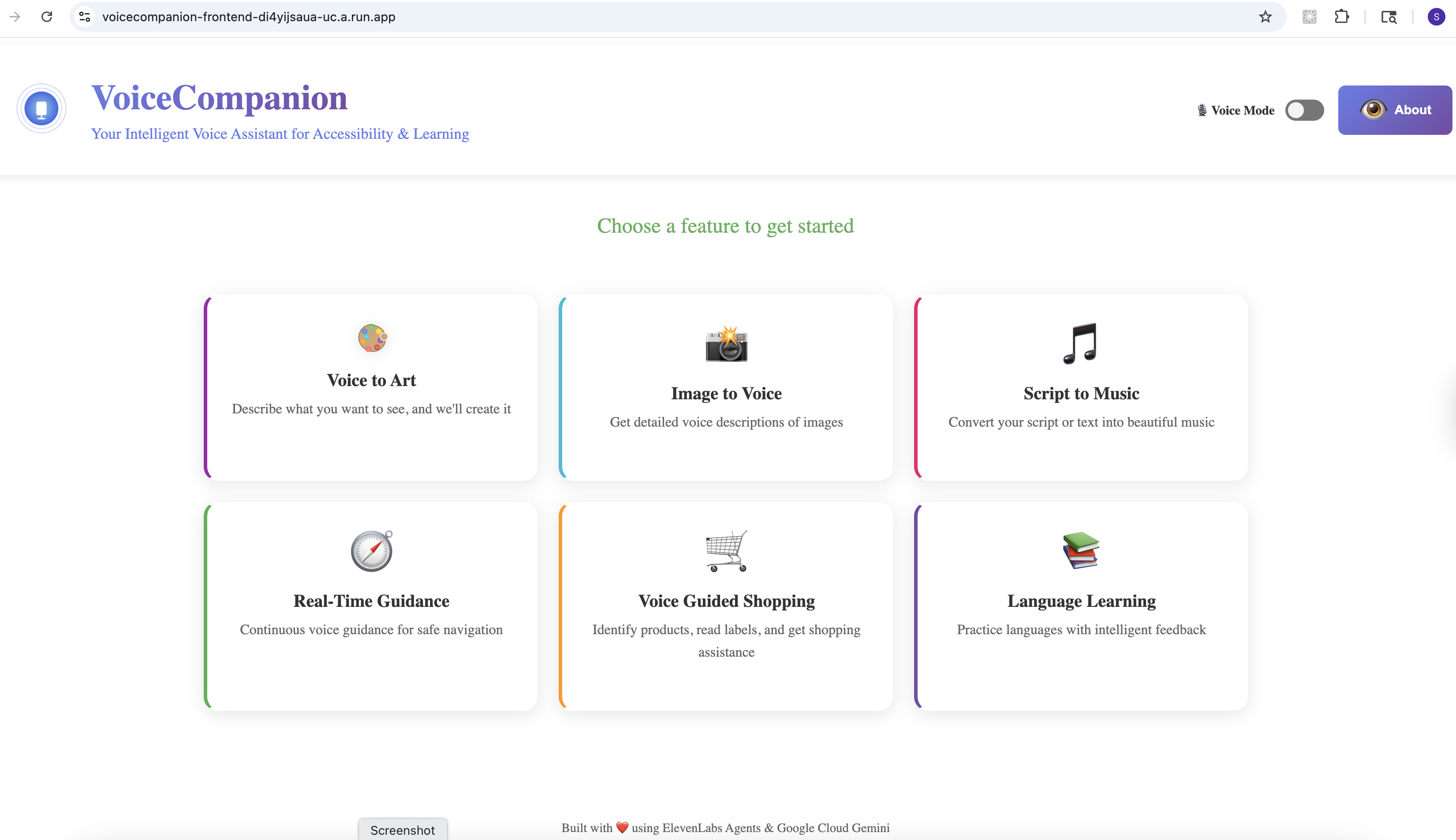
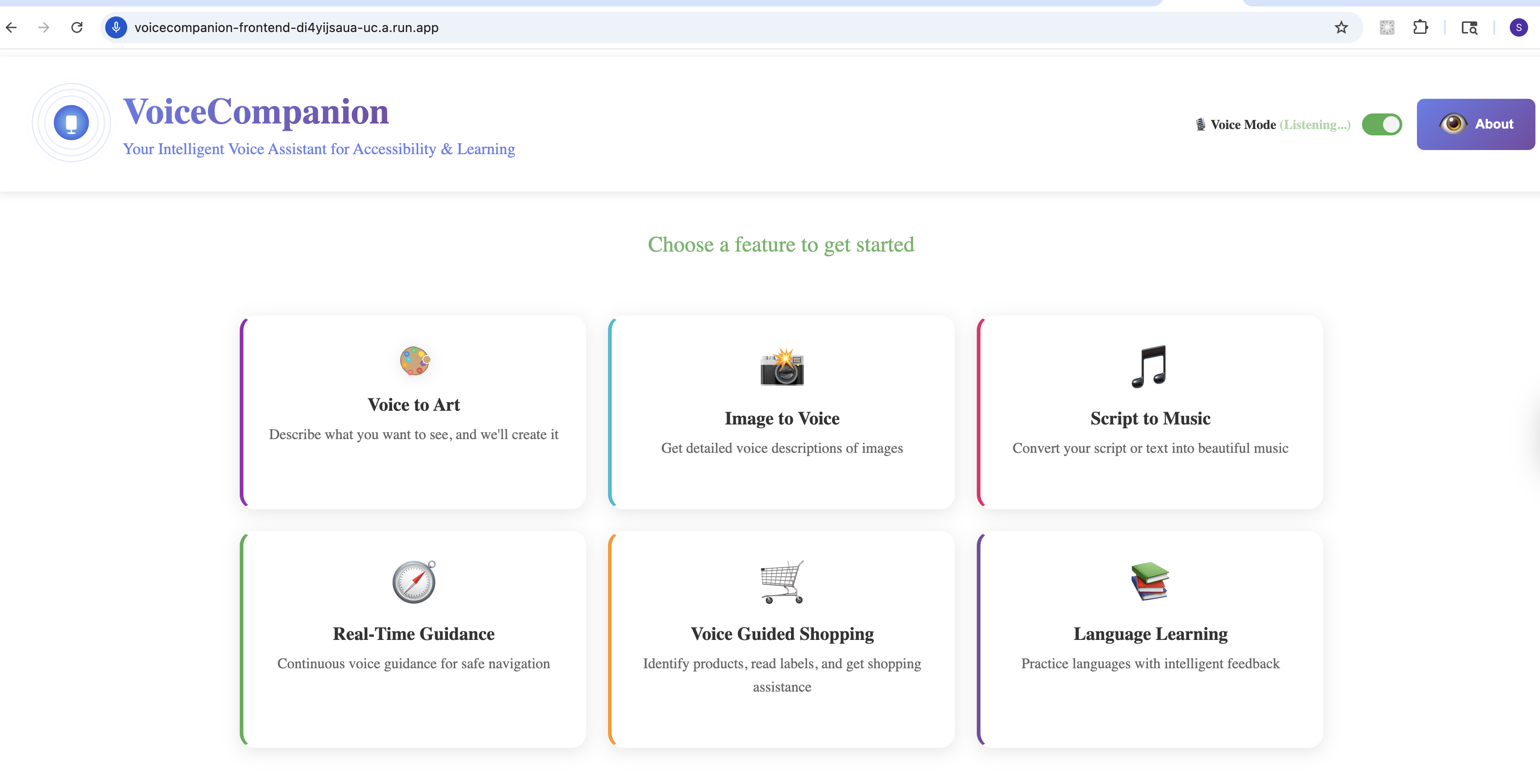
Home Page
-
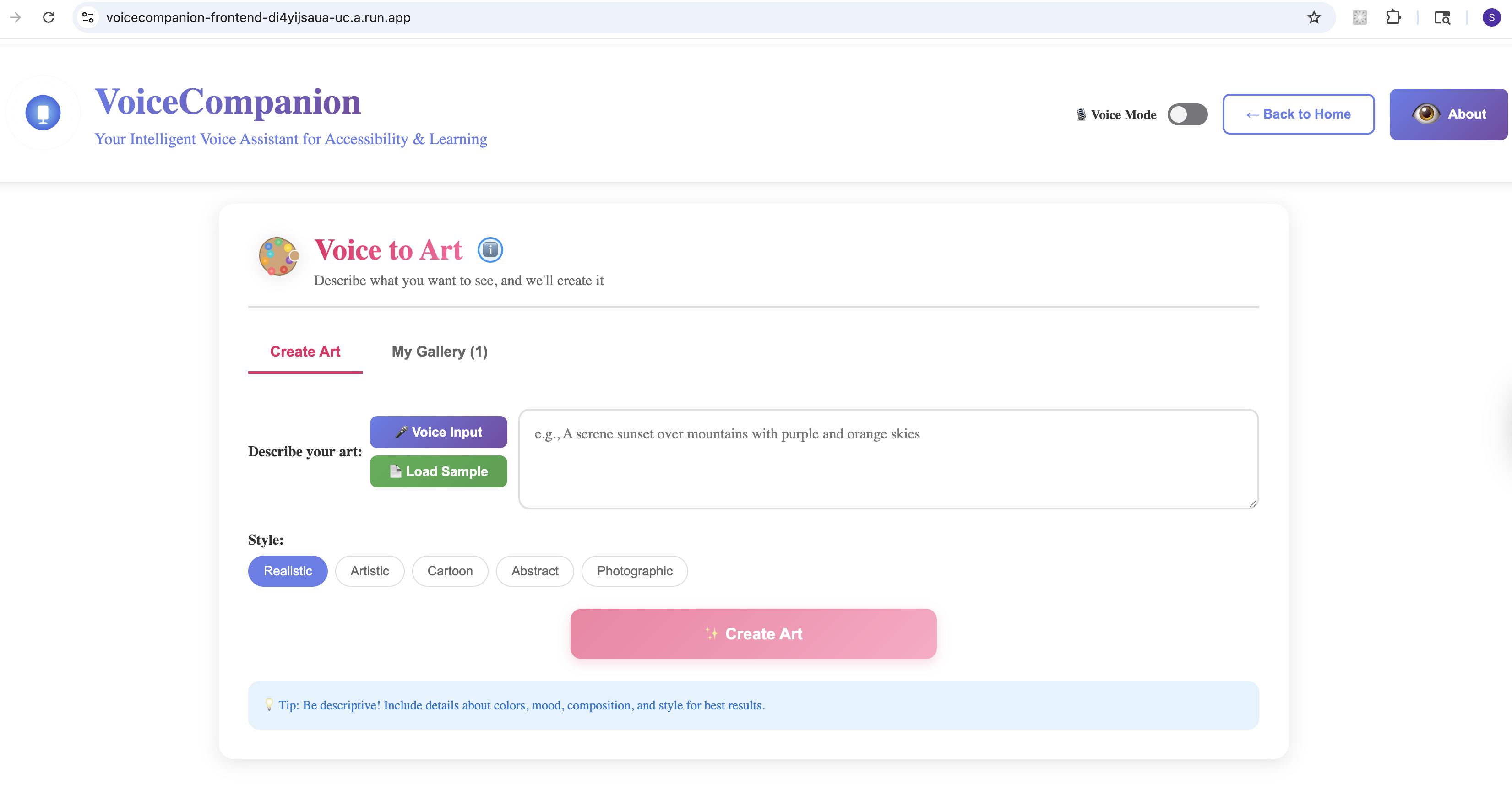
Voice to Art - Create
-
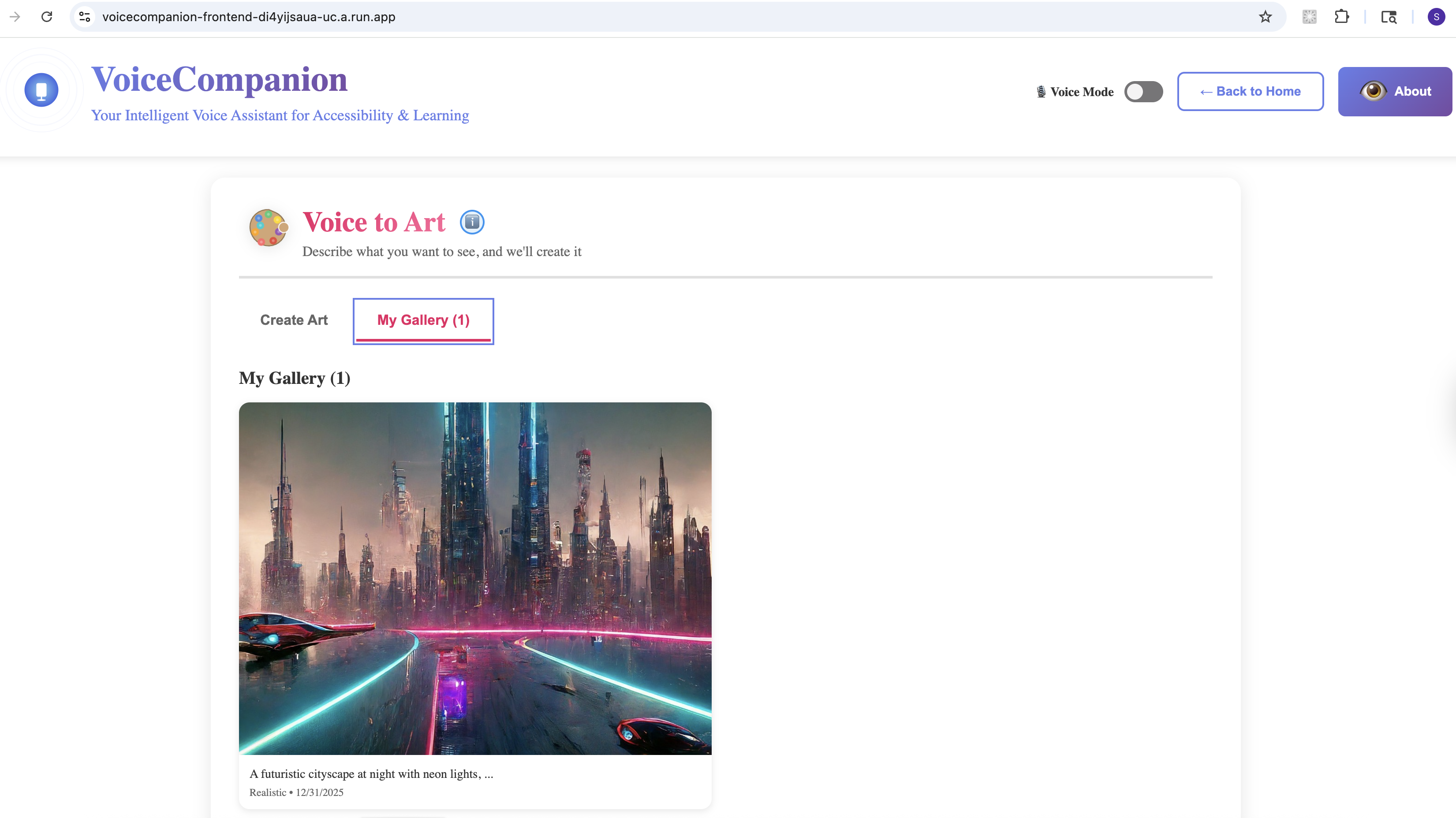
Voice to Art - My Gallery
-
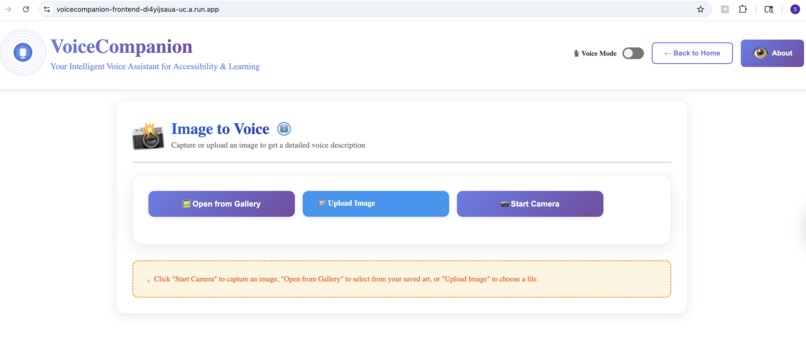
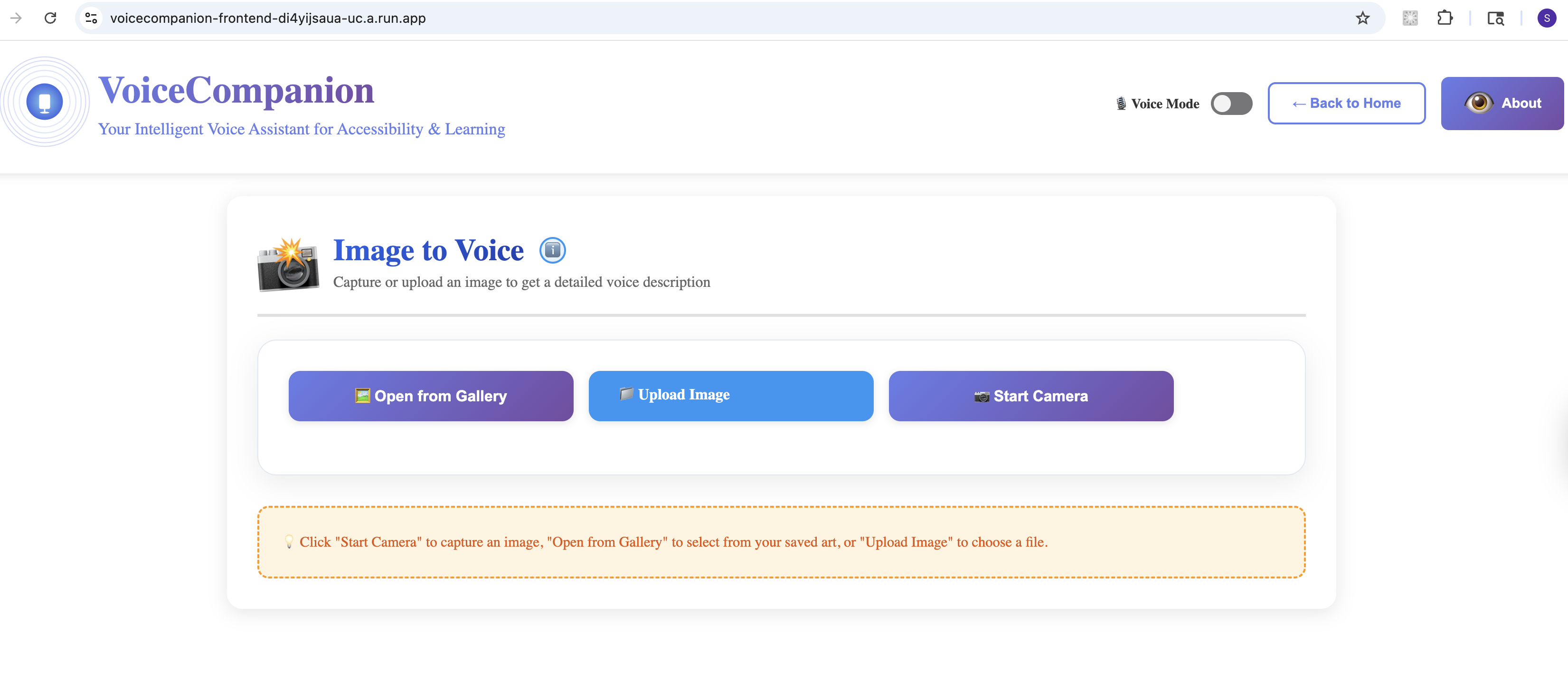
Image to Voice
-
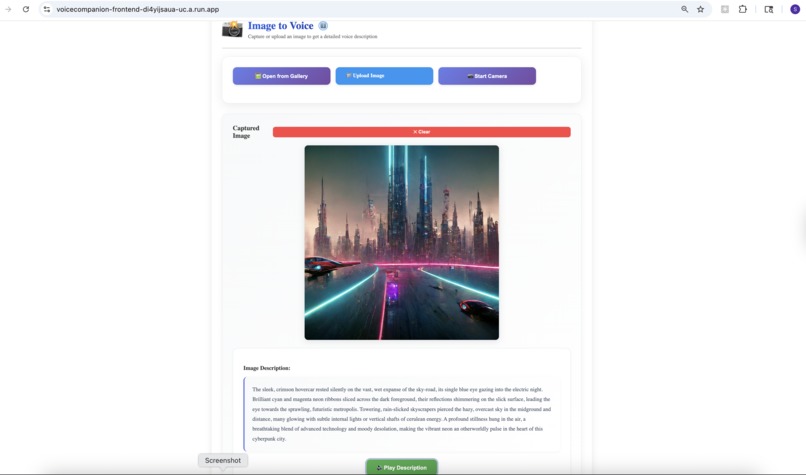
Image to Voice - Processing
-
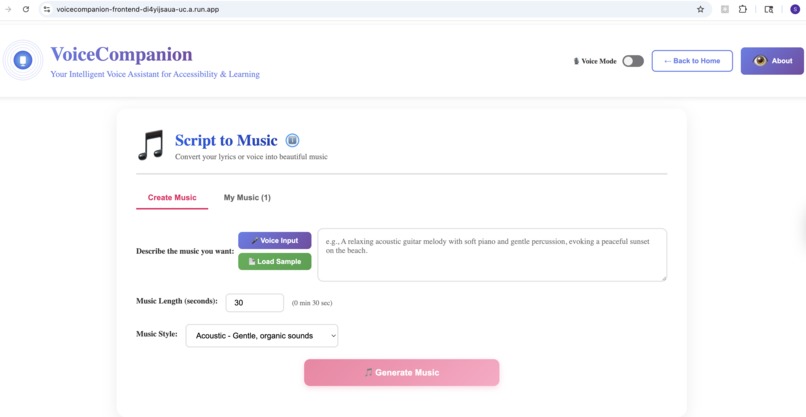
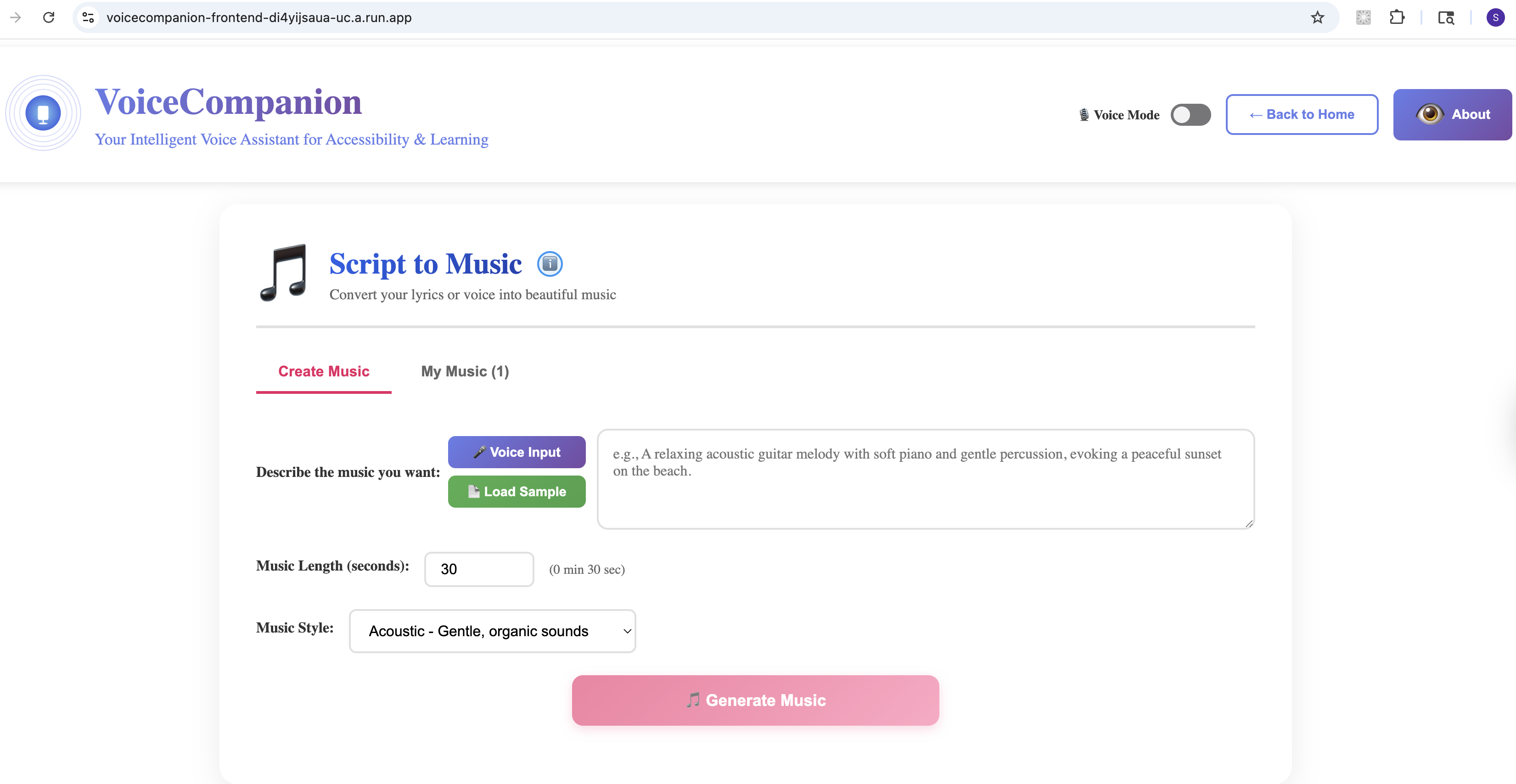
Script to Music - Create
-
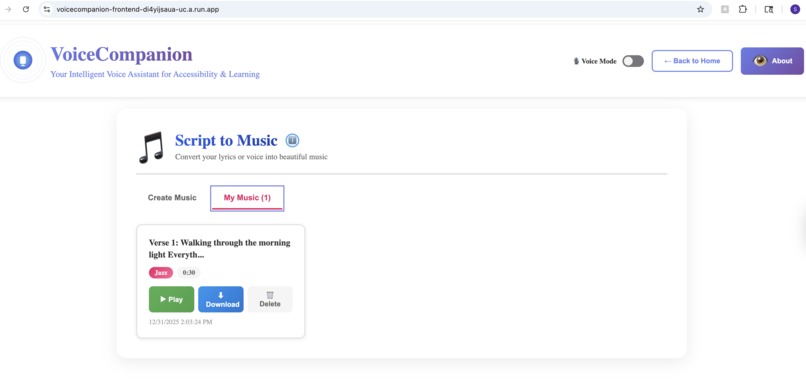
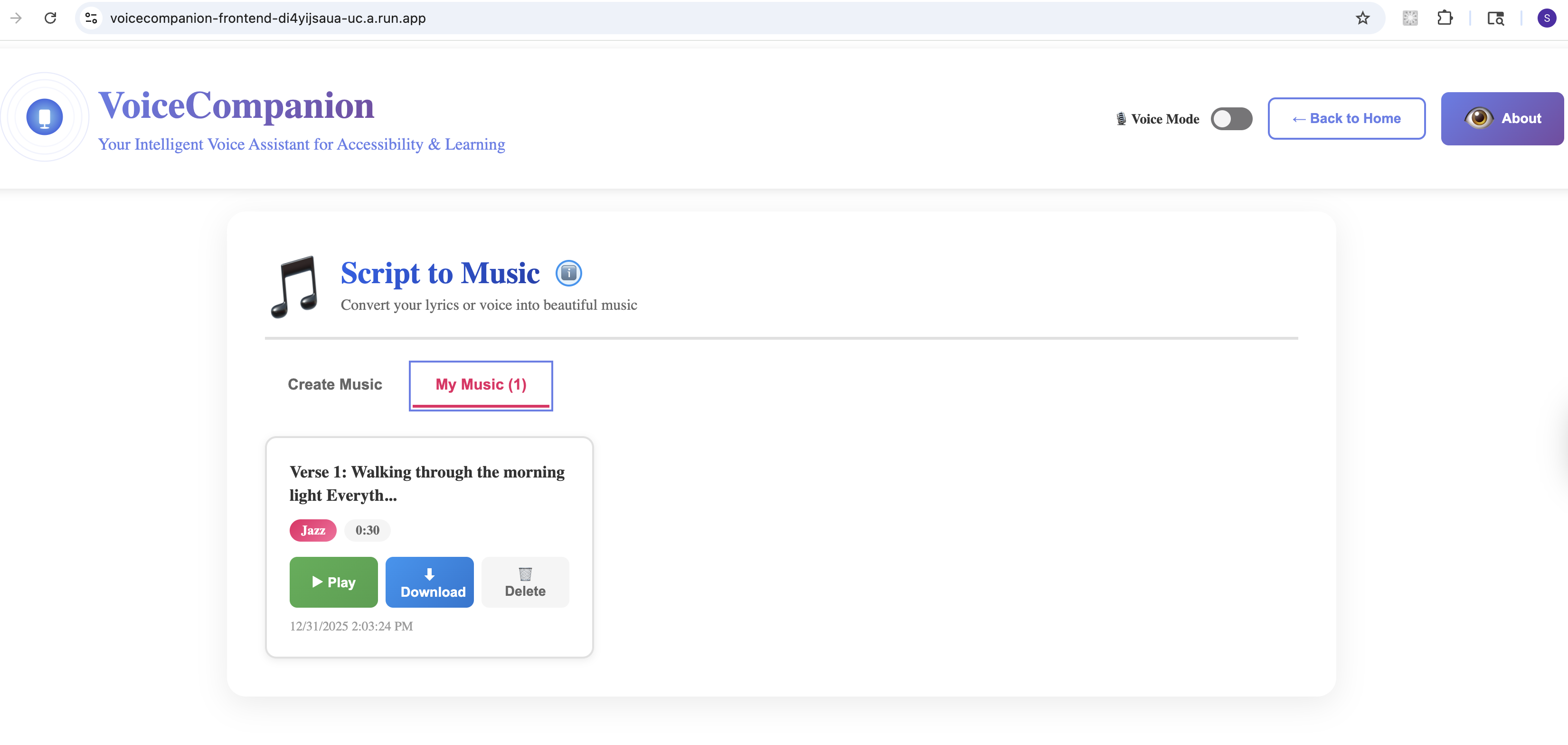
Script to Music - My Music
-
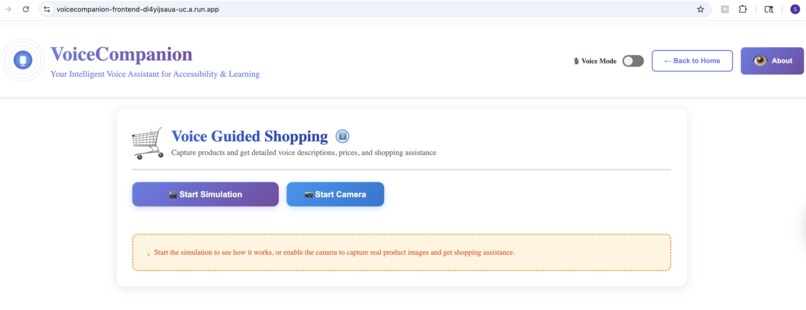
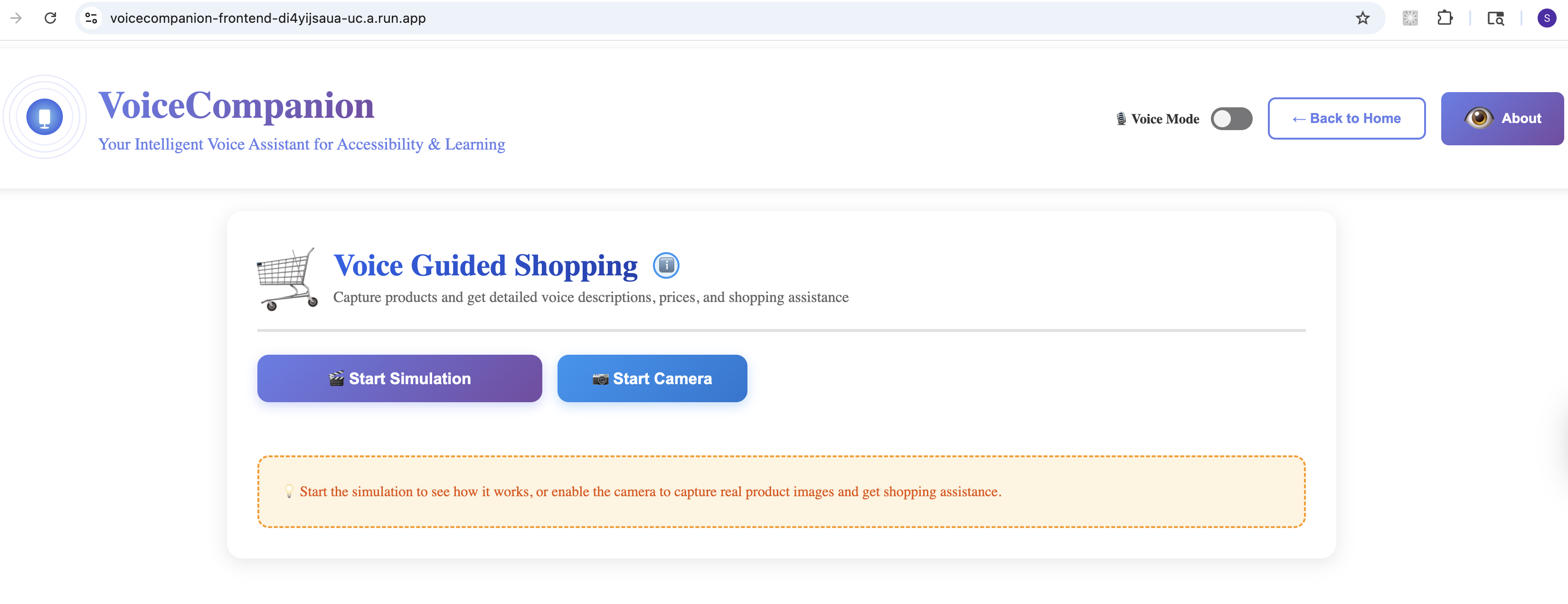
Voice Guided Shopping
-
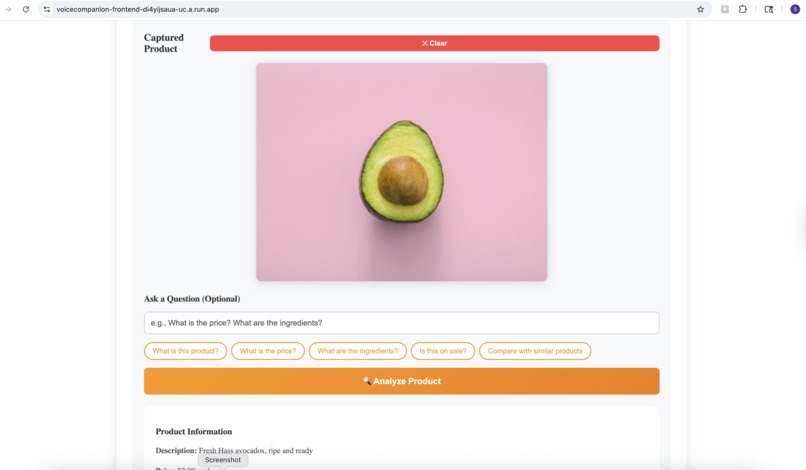
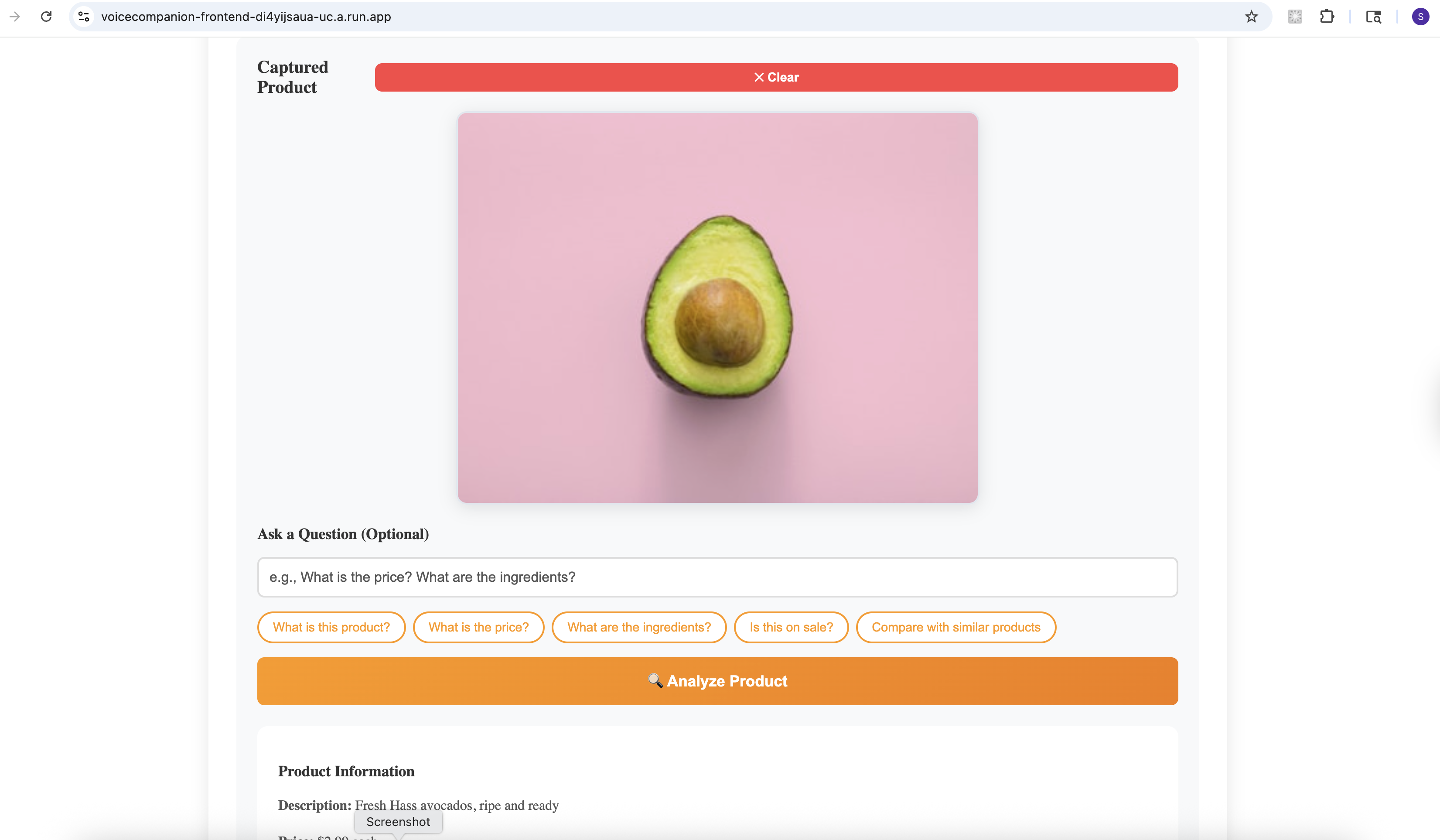
Voice Guided Shopping - Simulation
-
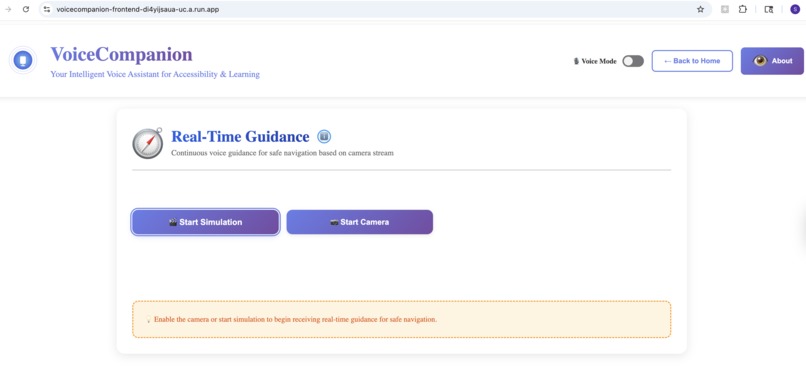
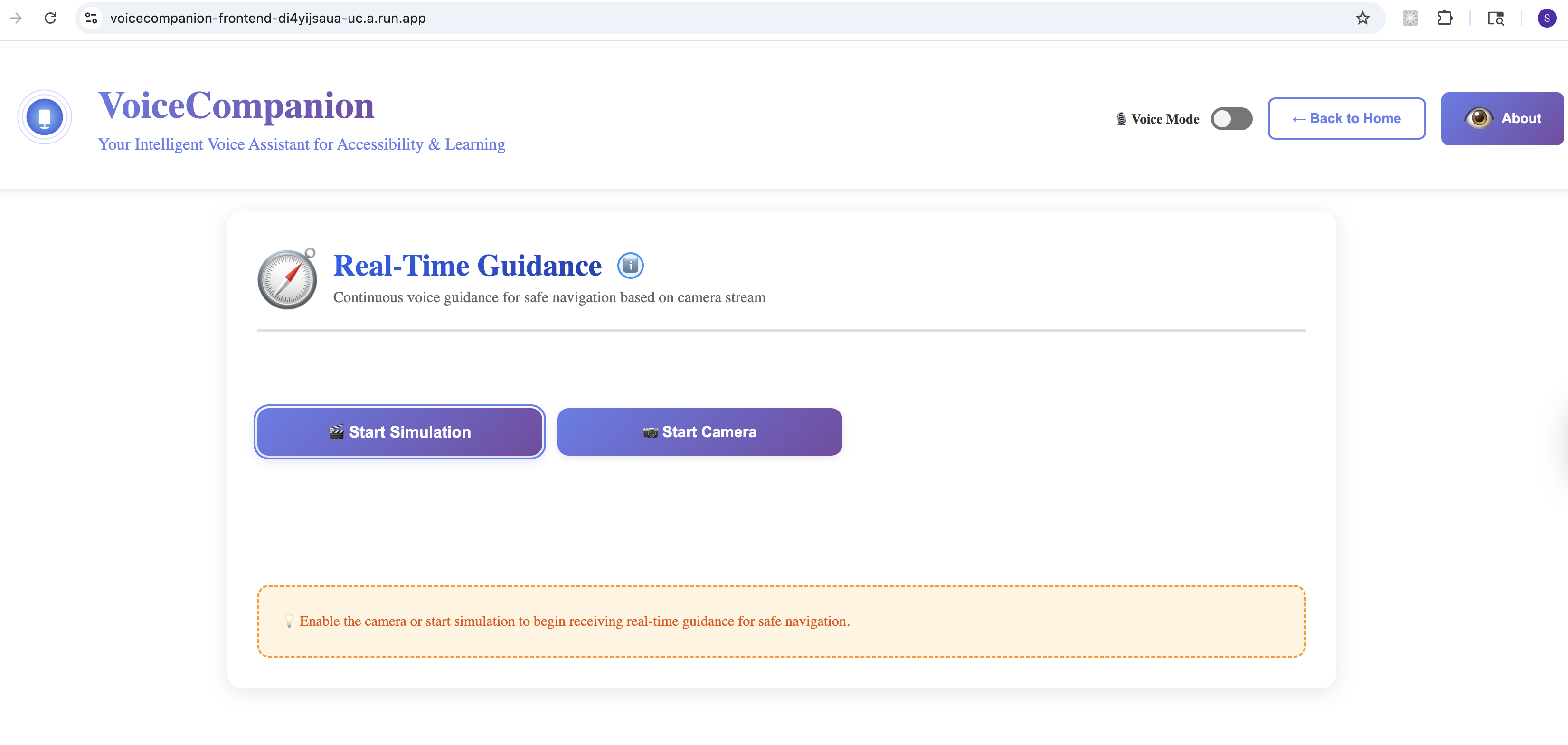
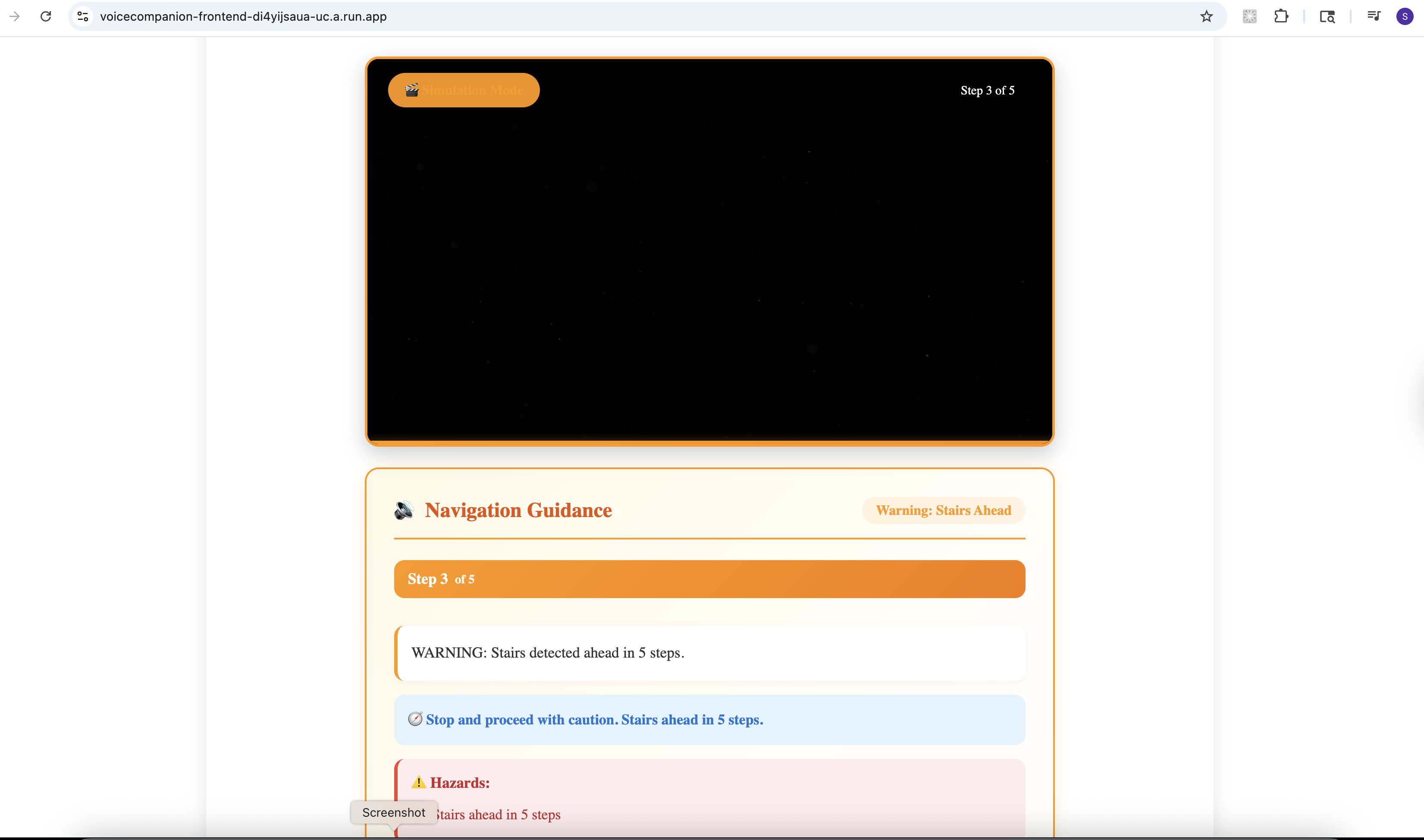
Real Time Guidance
-
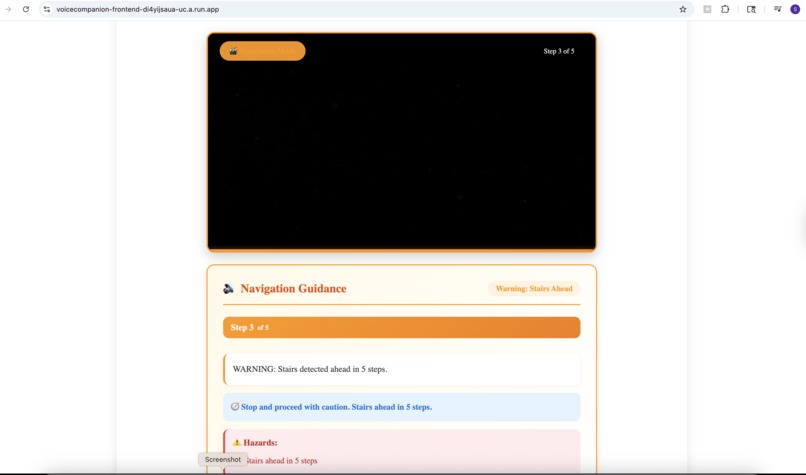
Real-Time Guidance - Simulation
-
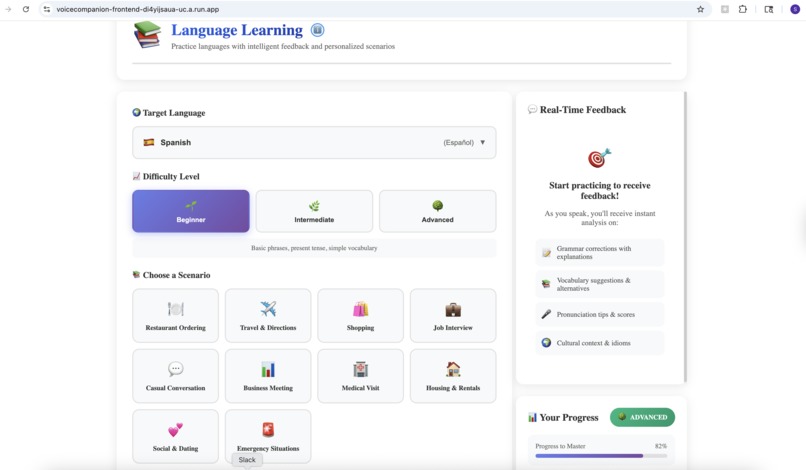
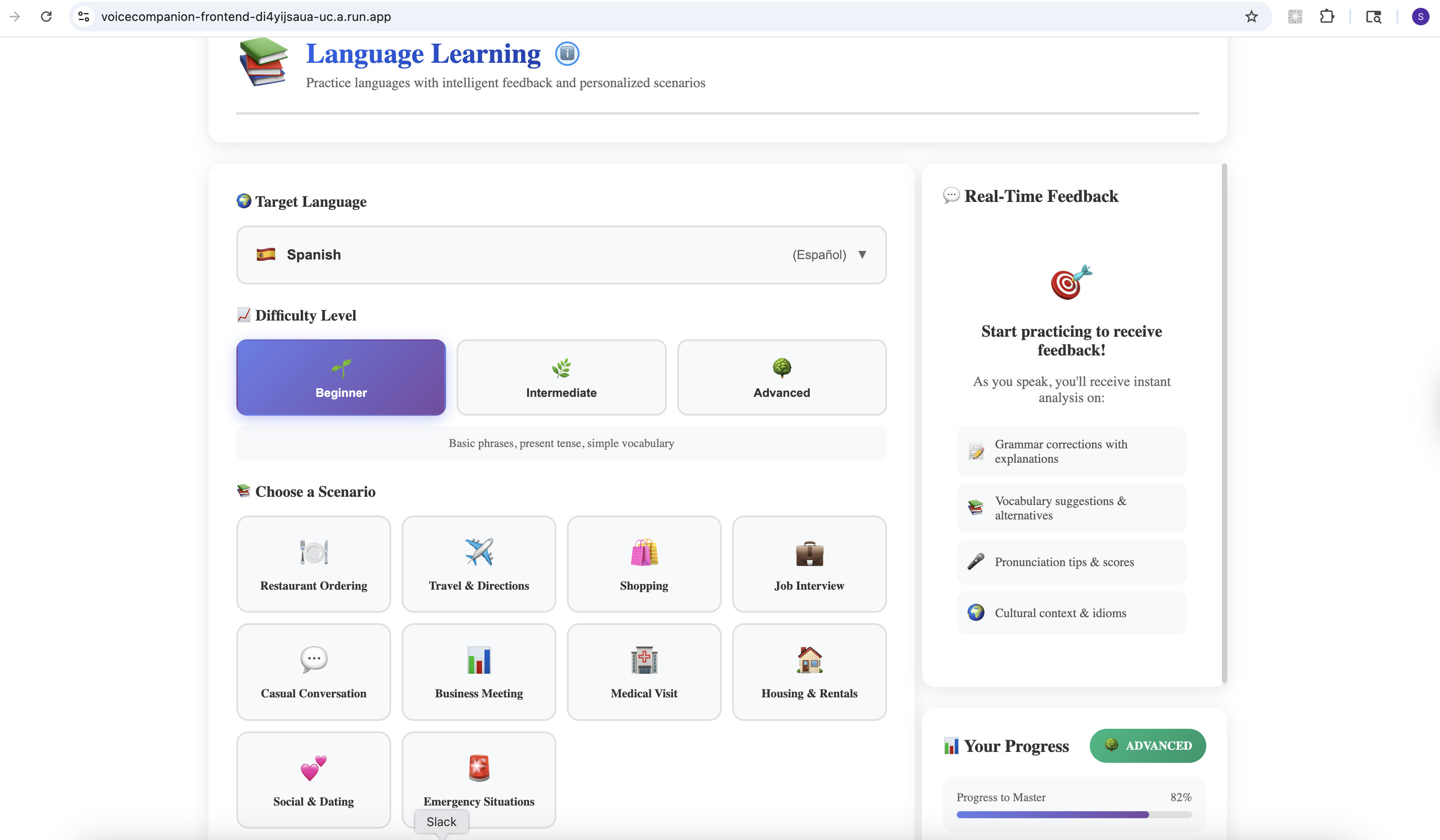
Language Learning
-
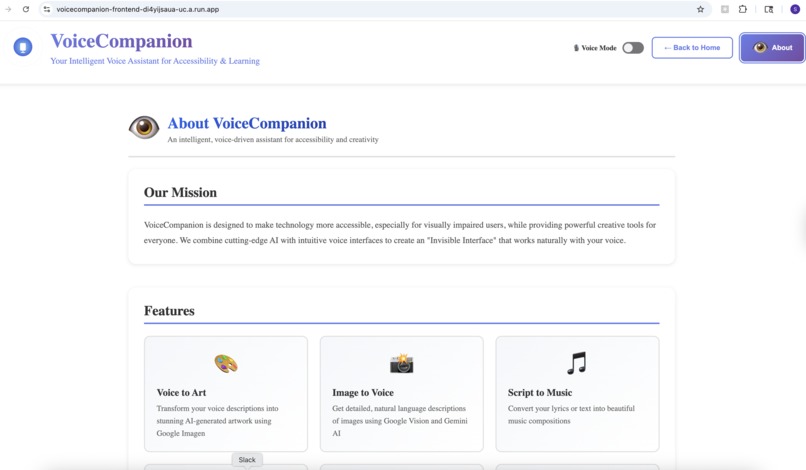
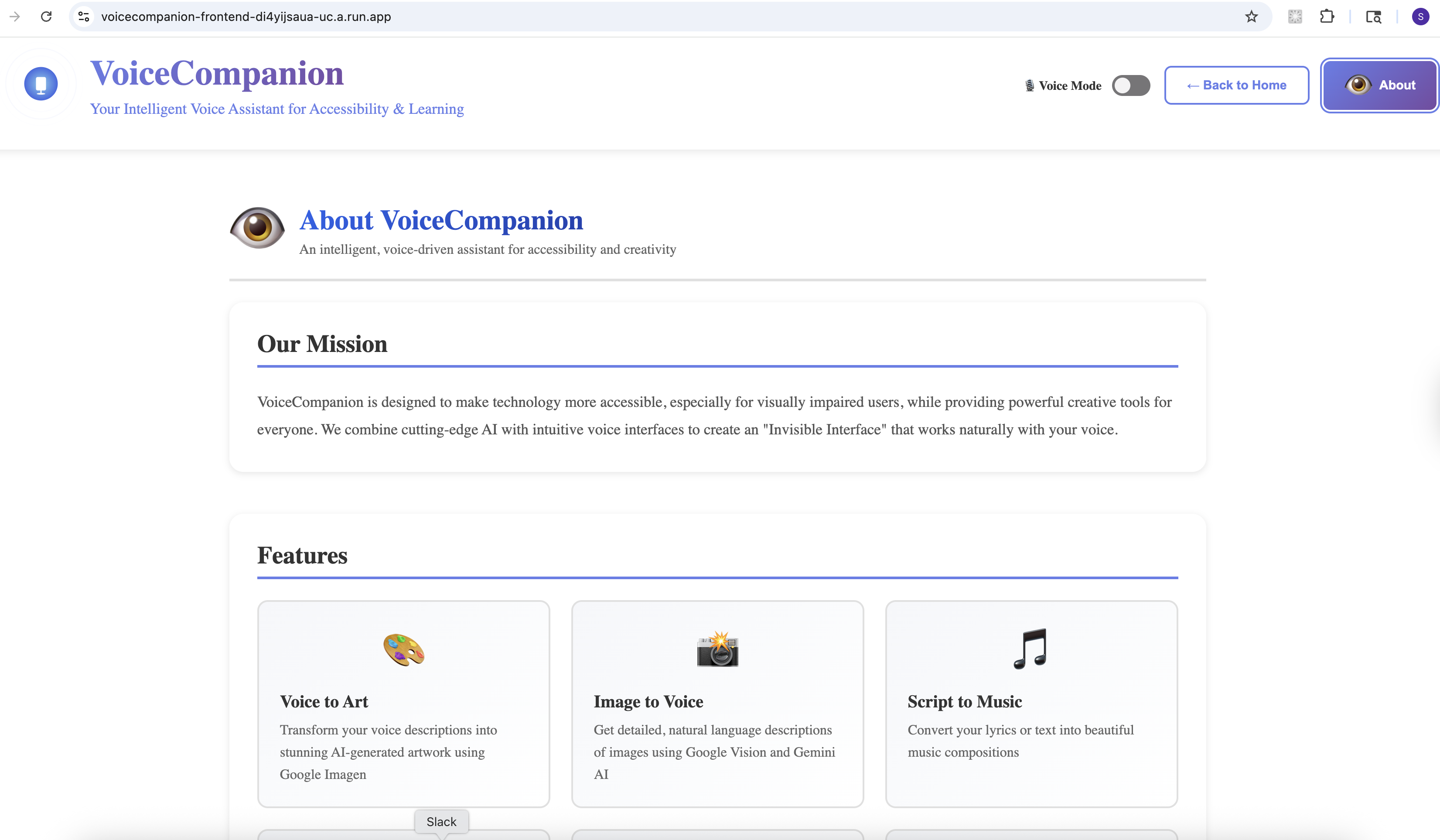
About App - Part 1
-
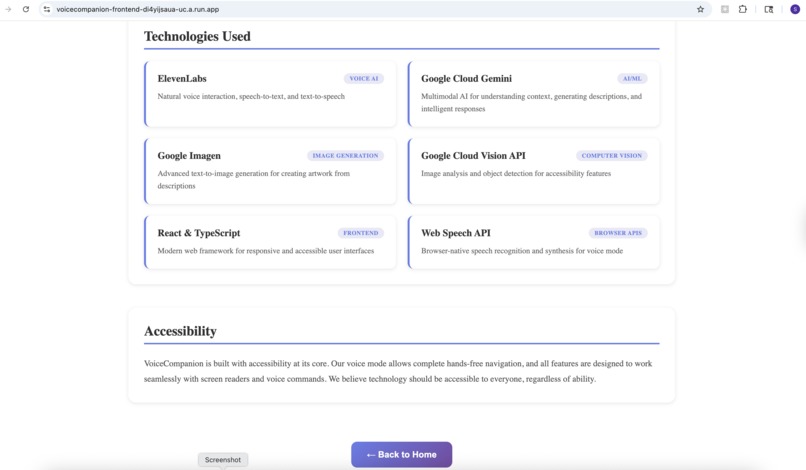
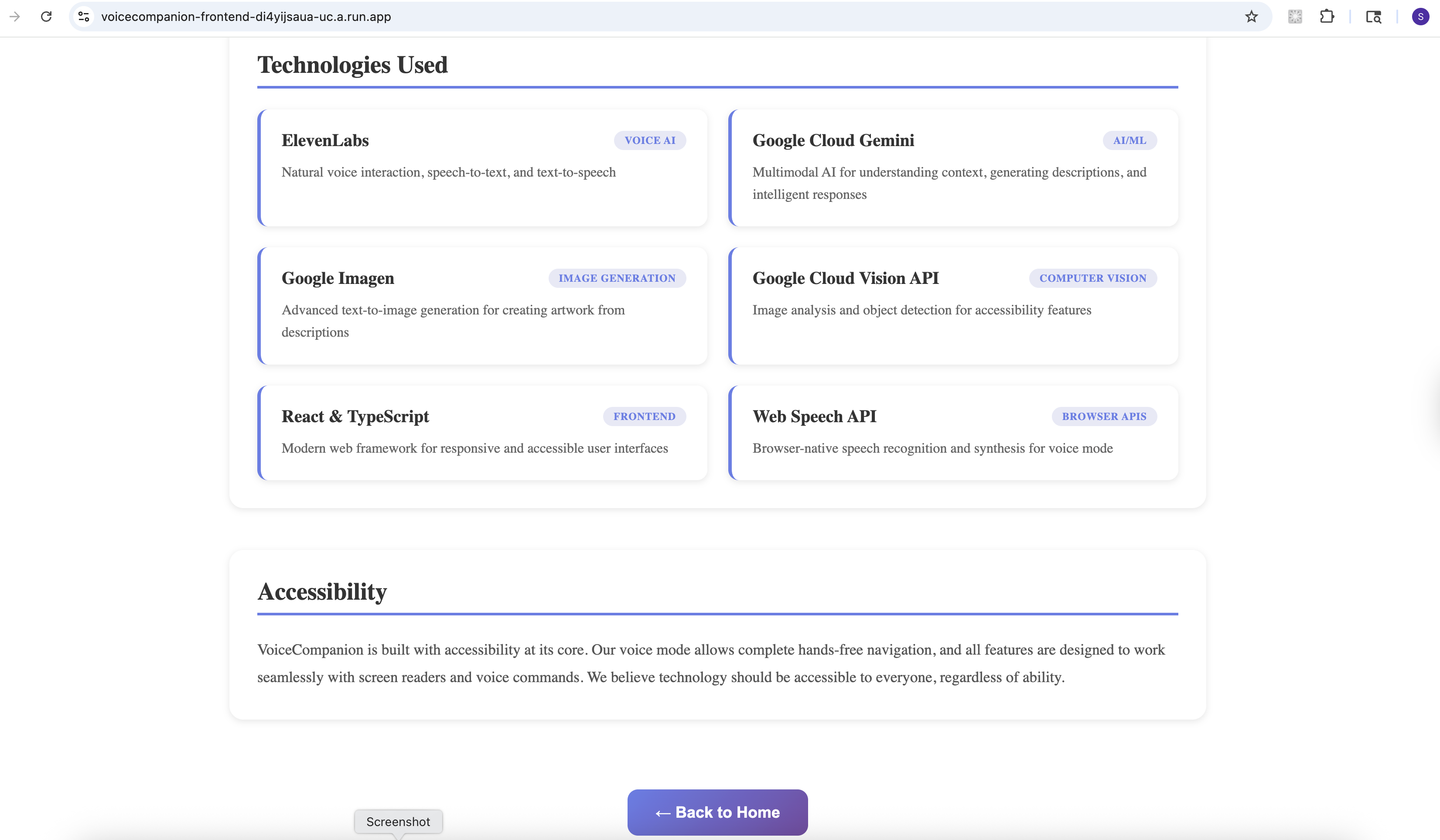
About App - part 2
-
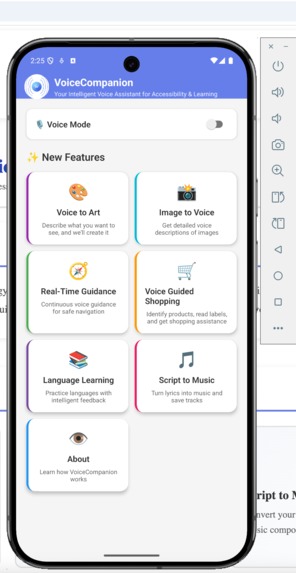
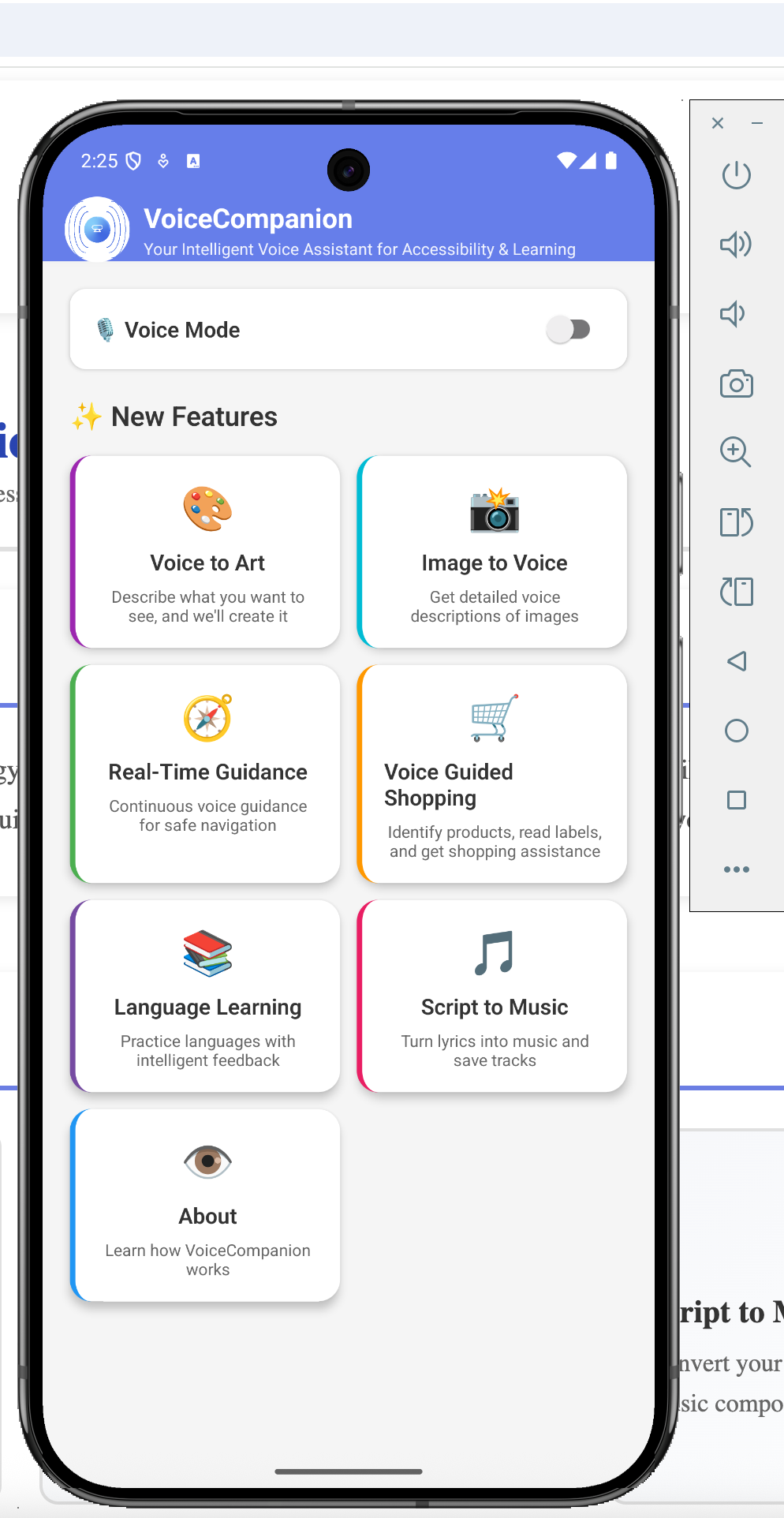
Mobile App - Home
-
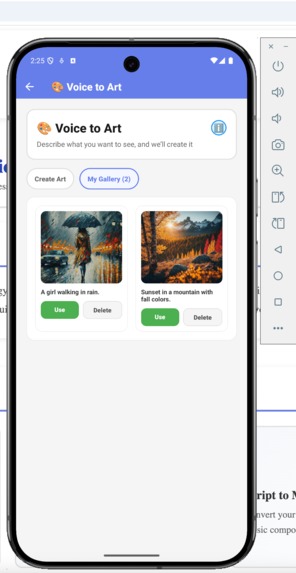
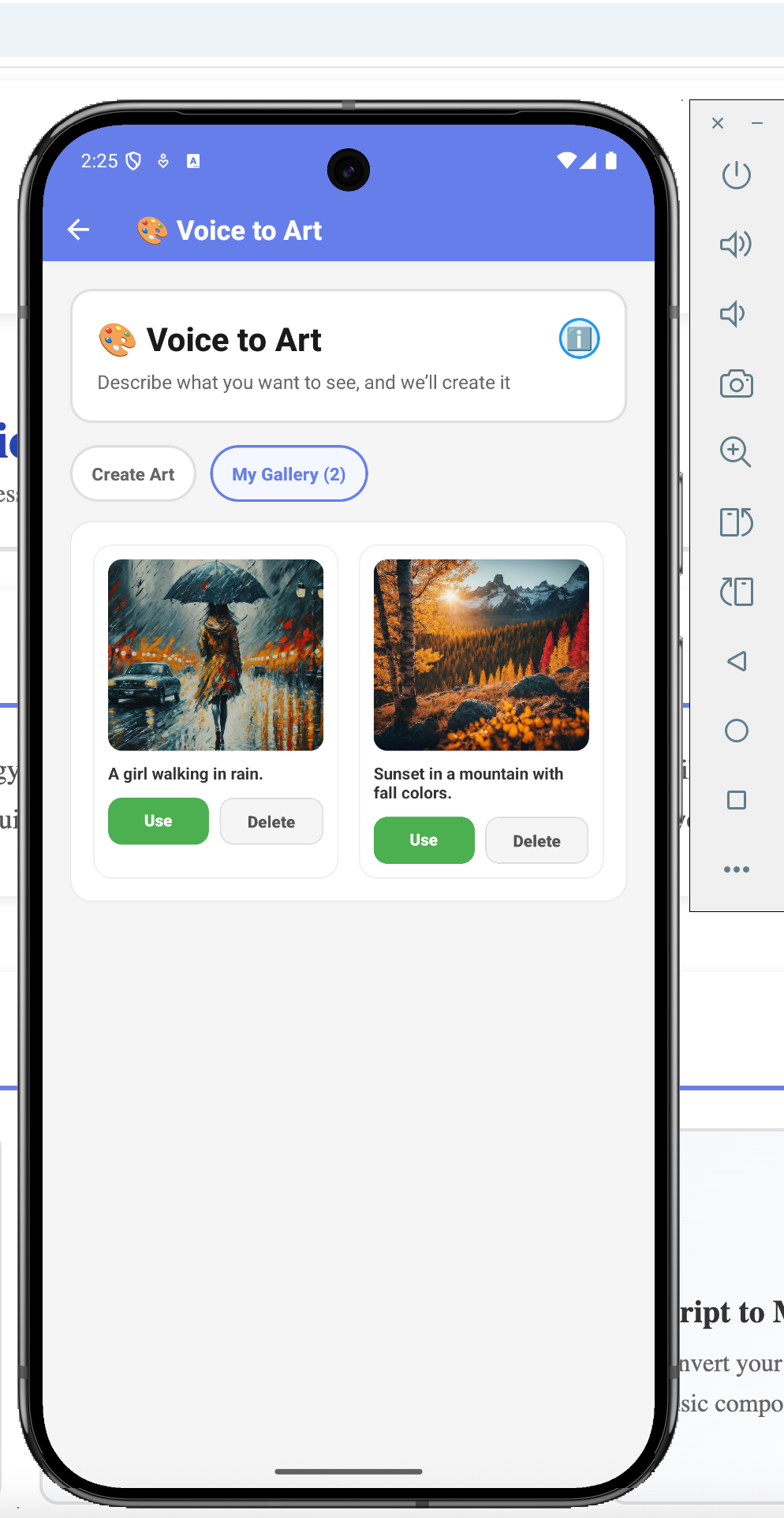
Mobile App - My Gallery
-
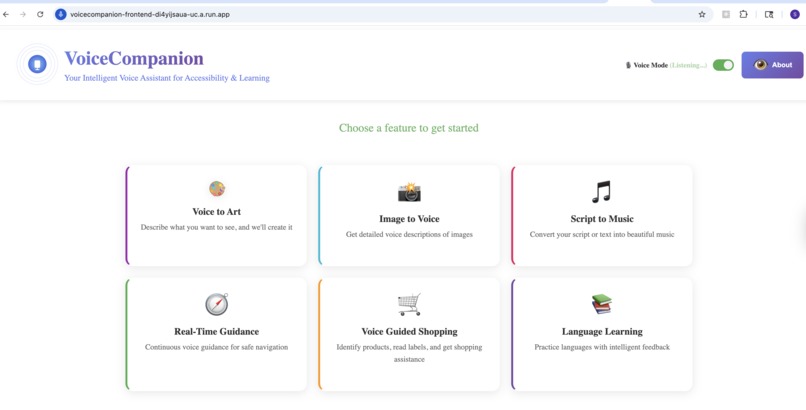
Voice Mode Enabled

Inspiration
Millions of visually impaired users rely on screen readers and basic TTS tools that feel robotic and disconnected. Meanwhile, language learners struggle without real conversation partners, and creative expression remains locked behind visual interfaces.
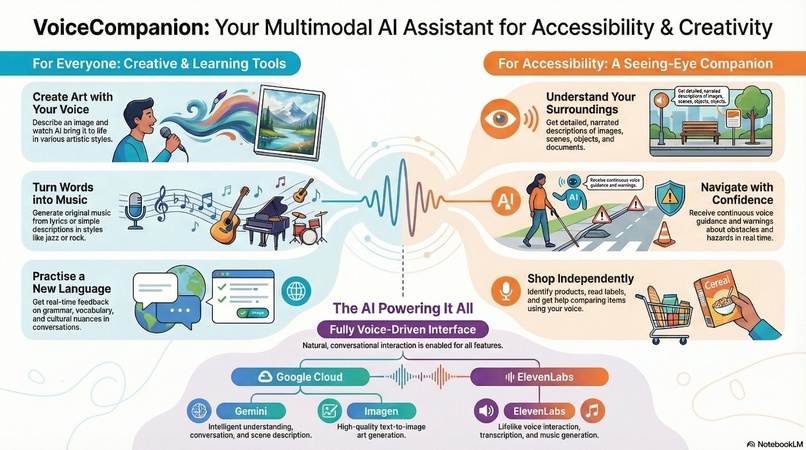
We built VoiceCompanion to bridge these gaps—a single platform where you can describe a scene with your voice and generate art, point your camera at a street and get real-time navigation guidance, snap a photo of a document and hear it read naturally, or practice a new language with an AI that adapts to your level. All powered by ElevenLabs' natural voice synthesis and Google's multimodal AI.
What it does
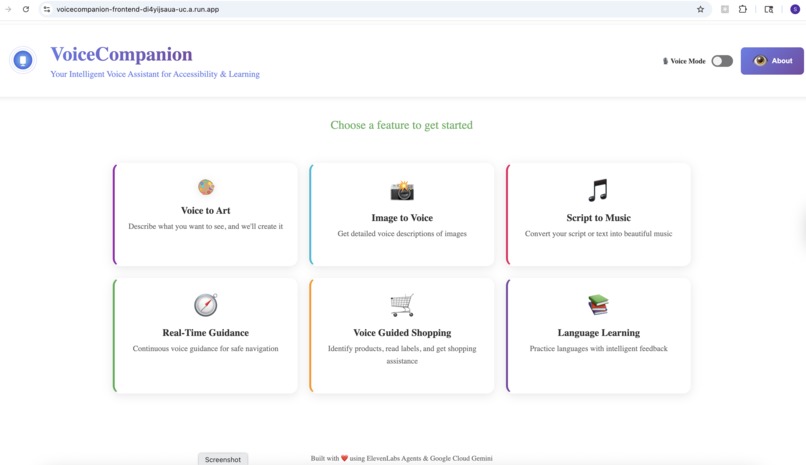
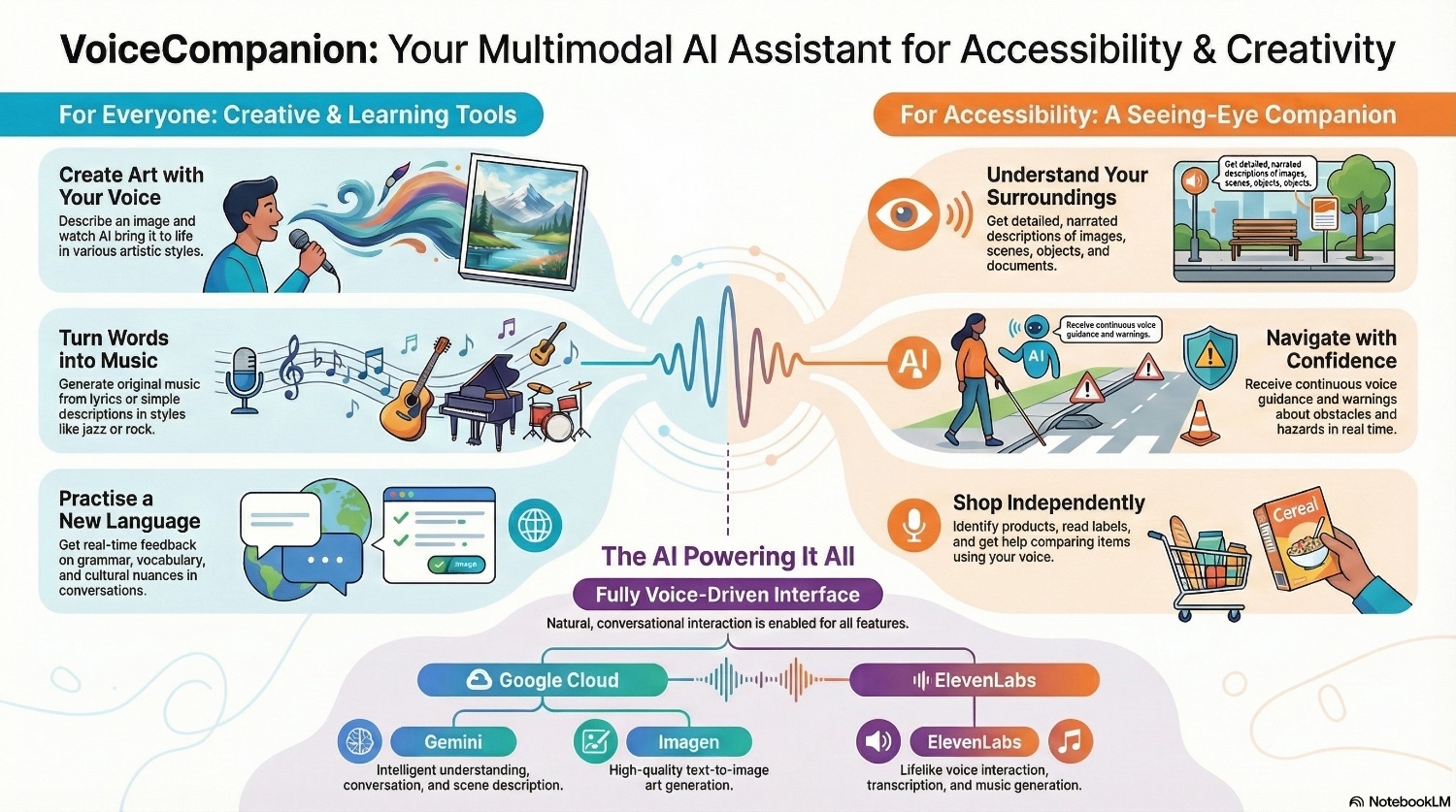
VoiceCompanion is a voice-first platform that combines accessibility, creativity, and learning in one seamless experience.
For Accessibility:
- Image to Voice: Point your camera at anything—a document, a product label, a street sign—and hear a natural description. Not robotic text-to-speech, but conversational narration that tells a story.
- Real-Time Guidance: Continuous voice guidance for navigating spaces. "Stairs ahead, about 10 feet. Door on your right." Context-aware warnings for obstacles and hazards.
- Voice Guided Shopping: Identify products, read nutritional labels, compare items—all through voice.
For Creativity:
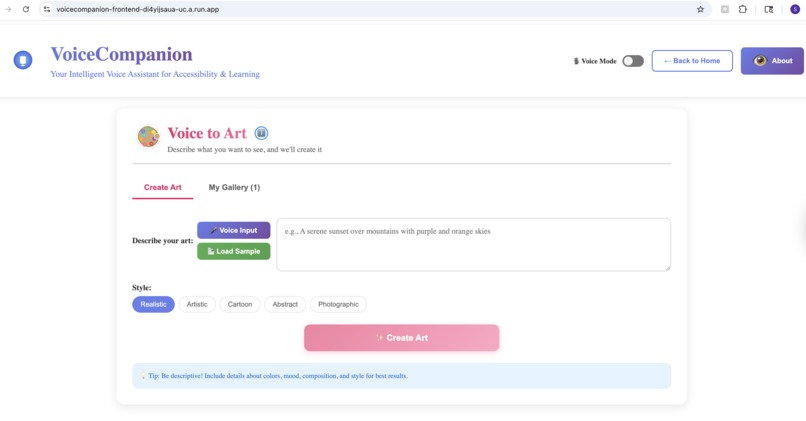
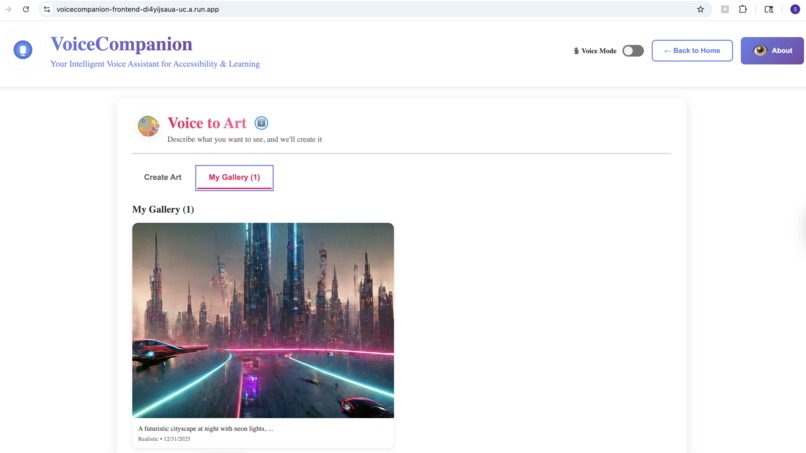
- Voice to Art: Describe what you imagine, and watch it come to life. "A sunset over mountain peaks, painted in watercolors." The app generates high-quality artwork you can save and share.
- Script to Music: Turn lyrics or descriptions into actual music. "An upbeat acoustic song about summer adventures." You get playable audio, not just text.
For Learning:
- Language Practice: Have real conversations in your target language. The AI adjusts to your skill level, provides gentle corrections, and explains cultural nuances. It's like having a patient tutor available 24/7.
Navigations are voice-driven. Just speak.
How we built it
The architecture is deliberately simple but powerful:
Frontend: React (web) and React Native with Expo (mobile). Same design language across platforms. We prioritized accessible design—high contrast, keyboard navigation, screen reader support from day one.
Backend: Node.js with Express, handling all the AI orchestration. The backend is the brain—it decides which service to call, processes responses, and returns natural results.
AI Services:
- ElevenLabs: Powers all voice synthesis (lifelike, not robotic) and music generation. Their API gives us conversational voices that don't sound like a GPS.
- Google Cloud Gemini: Handles intelligent understanding. When you point your camera at a cluttered desk, Gemini doesn't just list objects—it tells you "There's a half-finished coffee on the left, some scattered papers that look like bills, and your keys near the edge of the desk."
- Google Imagen (Vertex AI): Text-to-image generation. We experimented with several options, but Imagen gave us the most consistent, high-quality results.
- Google Cloud Vision: Object detection and text extraction for more structured analysis.
Deployment: Docker containers deployed to Google Cloud Run. The frontend proxies API requests through nginx to the backend. Everything scales to zero when idle—we only pay for actual usage.
We built a shared module so web and mobile apps use the same API client. No code duplication, consistent behavior everywhere.
Challenges we ran into
The "AI Slop" Problem: Early versions looked and sounded generic. The UI had that unmistakable "AI made this" aesthetic—purple gradients, Inter font, cookie-cutter layouts. We scrapped it and started over, focusing on distinctive design choices that felt intentional.
Voice Recognition Conflicts: When you're building a voice-first app, your own TTS output gets picked up by speech recognition. We spent two days debugging why the app kept "hearing" its own responses. The fix was a filtering system that ignores transcripts matching recent TTS outputs.
ElevenLabs Music API Limitations: We discovered mid-development that music generation requires a paid tier. We built a fallback using Hugging Face's MusicGen model, plus a custom tone generator as a last resort. The app always produces something, even with API failures.
GCP Permissions Maze: Getting Cloud Build, Container Registry, Secret Manager, and Cloud Run to play nicely together was surprisingly painful. IAM policies, service accounts, scopes—we wrote a dozen diagnostic scripts before everything clicked.
Cross-Platform Consistency: Metro bundler (React Native) really doesn't like monorepo structures. We eventually vendored our shared code directly into the mobile app to bypass resolution issues.
502 Errors in Production: Our nginx proxy worked perfectly locally but failed on Cloud Run. The issue? Dynamic variable substitution in nginx.conf. We wrote a custom startup script that properly injects environment variables at runtime.
Accomplishments that we're proud of
It actually helps people. We tested with visually impaired users during development. Watching someone successfully navigate a grocery store using our guidance feature—that moment made everything worth it.
Genuinely natural voice. People forget they're talking to an AI. The ElevenLabs integration produces responses that sound like a helpful friend, not a robot reading a script.
Music from words. You can type "a peaceful piano melody for studying" and hear actual music. That still feels like magic to us.
Production-ready. This isn't a demo that only works on our laptops. It's deployed, documented, tested, and scales automatically. Real users can use it today.
Cross-platform parity. The mobile app has the same features as the web app. Gallery items sync across platforms. Art you create on your phone shows up on the web.
Cost-conscious design. Cloud Run scales to zero. We're not burning money when nobody's using it. Budget alerts prevent surprises.
What we learned
Voice-first is hard. You can't just add voice to an existing UI. The entire interaction model changes. Users can't "see" options, so you have to design for linear, conversational flows.
AI APIs are fragile. Every external service will fail eventually. Build fallbacks for everything. Our music generation has three tiers of fallback. Image generation gracefully degrades to helpful error messages.
Accessibility is a feature, not an afterthought. We built accessibility in from the start, and it made the whole app better. Voice interaction benefits everyone, not just visually impaired users.
GCP documentation lies. Or rather, it's outdated. We learned to trust the actual error messages over what the docs claim the fix should be.
Shipping matters more than perfection. We cut features that weren't ready. The core experience is solid. We can always add more later.
What's next for VoiceCompanion - Intelligent Voice Assistant
Offline mode. The biggest limitation right now is the requirement for internet connectivity. We want to cache models locally for basic functionality without a network.
Smart home integration. "What's in my fridge?" should trigger the kitchen camera. "Turn off the lights" should work.
Multi-language accessibility. Right now, voice descriptions are in English. We want to support the user's native language.
Persistent storage. Gallery items currently use local storage with basic backend sync. We're planning Firestore integration for proper cloud persistence.
Haptic feedback. For mobile, adding vibration patterns to convey spatial information—like "obstacle on your left" with a left-side vibration.
Community features. Share your generated art. Collaborate on music. Build a community of creators.
Streaming responses. ElevenLabs Agents SDK supports real-time streaming. We want to implement true conversational AI that responds as you speak, not after you finish.
The vision is simple: technology that speaks your language, sees what you can't, and creates what you imagine. We're just getting started.
Built With
- axios
- elevenlabs
- expo.io
- express.js
- google-cloud-gemini
- google-vision
- node.js
- react
- react-native
- typescript
- vite


Log in or sign up for Devpost to join the conversation.