-
-
Logo for application
-
-
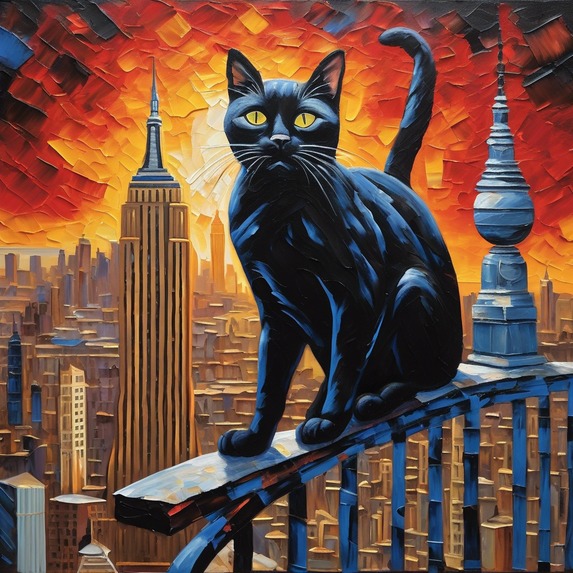
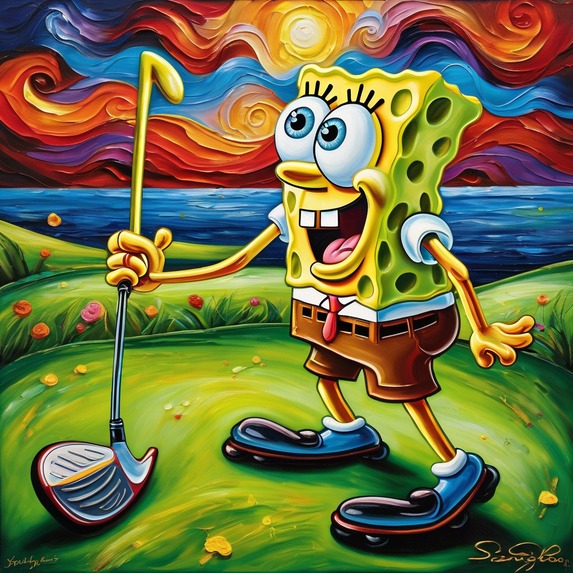
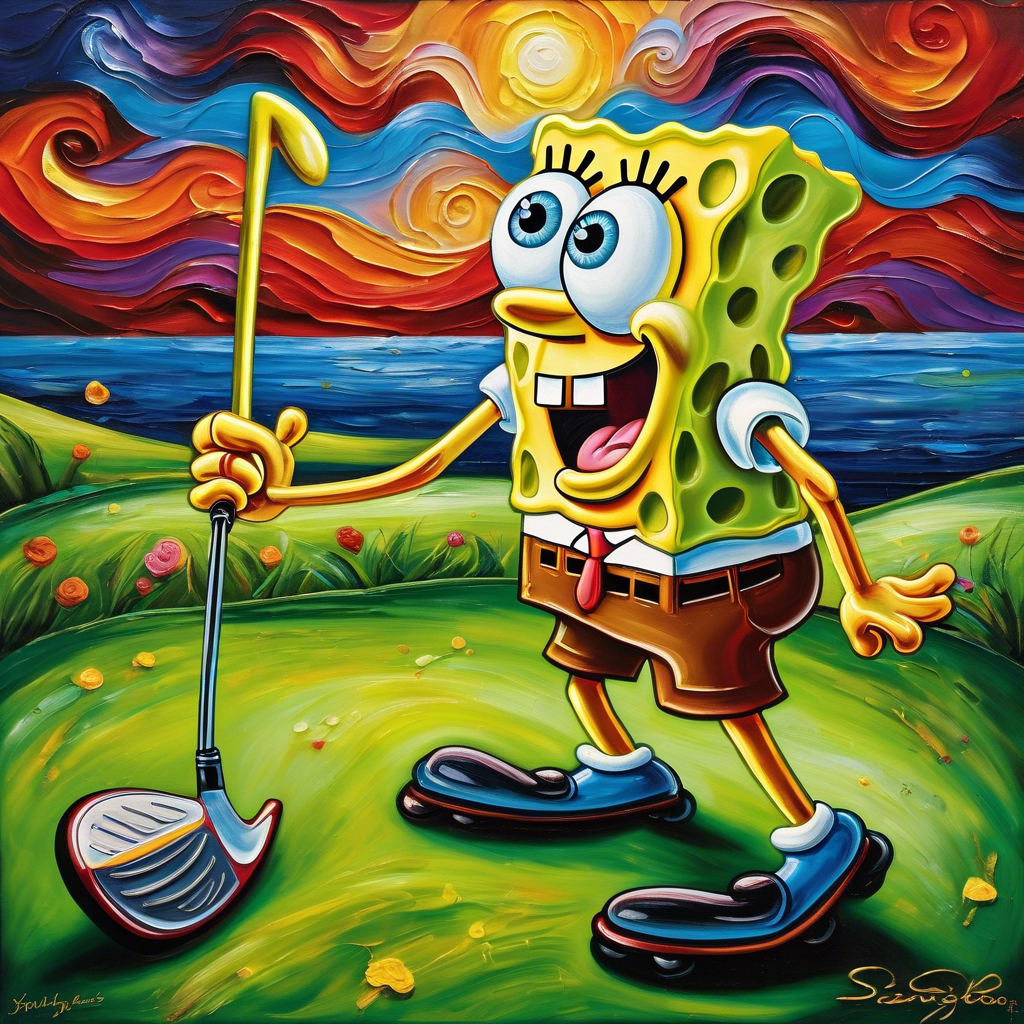
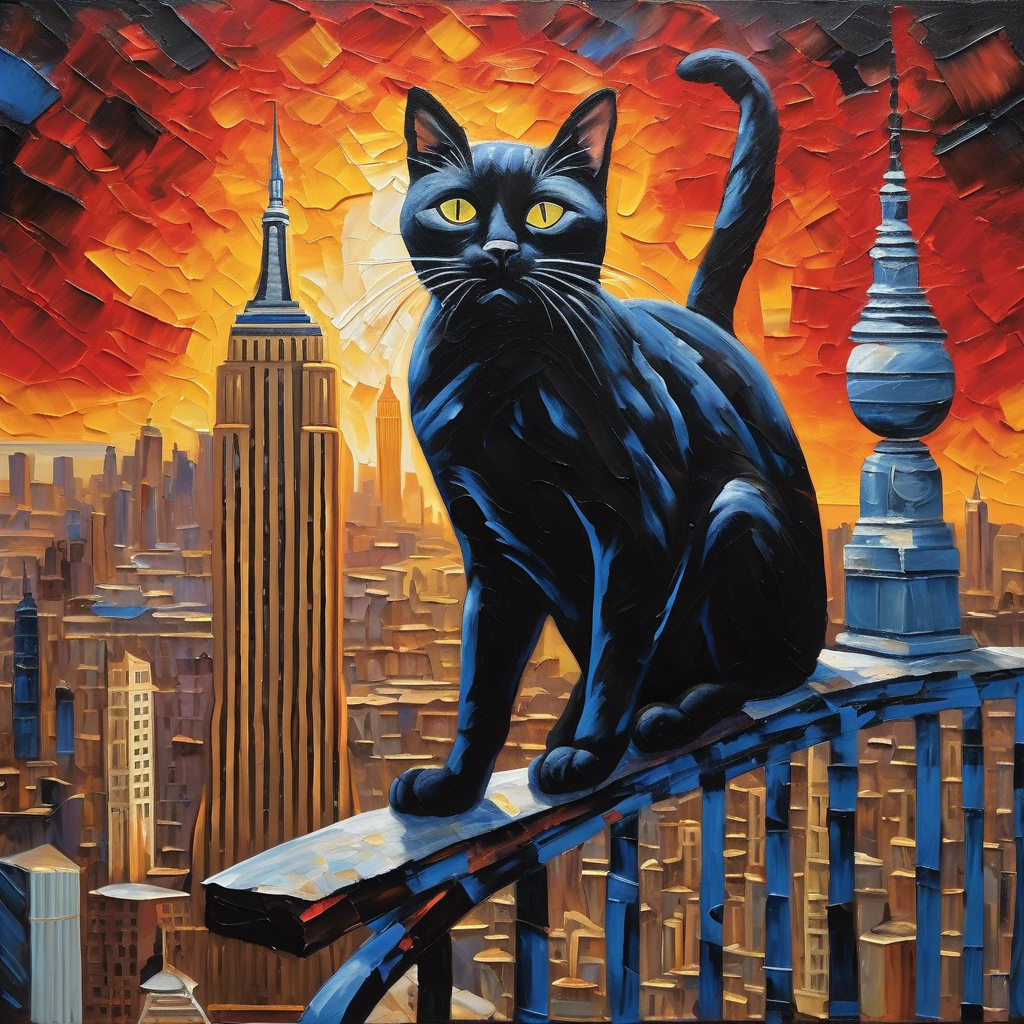
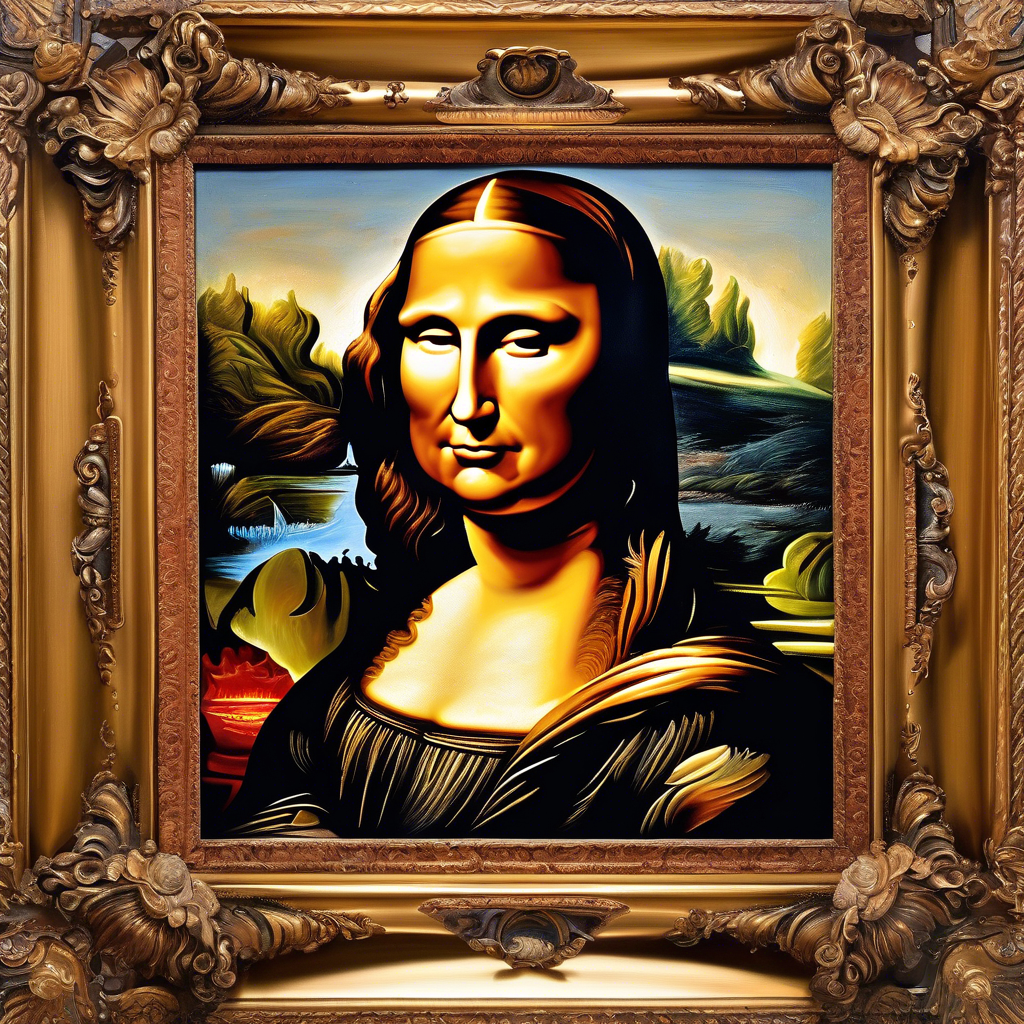
Example of Generated Art in - Canvas / Art Style
-
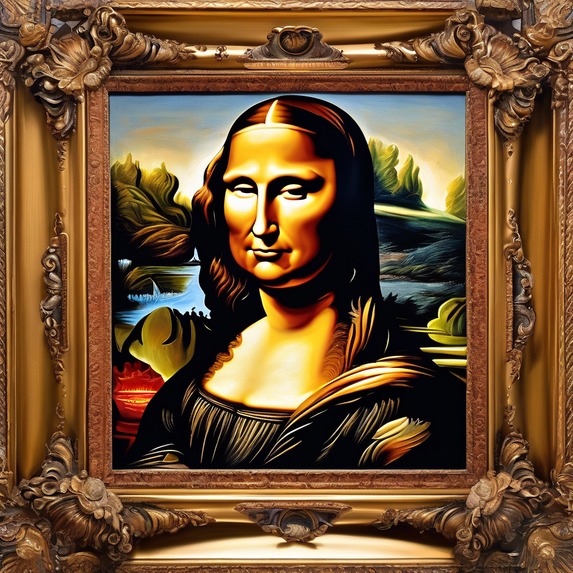
Example of Generated Art - Canvas / Art Style
Inspiration
VoiceCanvas is an innovative application that transforms spoken descriptions into digital art using voice AI and conversational video agents. The app addresses two key challenge categories in the Bolt.new hackathon:
- Voice AI Challenge (using ElevenLabs)
- Conversational AI Video Challenge (using Tavus)
VoiceCanvas was designed with a core mission: to make digital art creation accessible to everyone, regardless of physical ability, artistic skill, or technical knowledge. By leveraging the power of voice commands and AI, we've created a platform that opens up creative expression to those who may have been excluded from traditional digital art tools.
The whole project was to be built using free services which was a key area to prove that AI can be accessible to more people and used in a creative and constructive way . Technology has always been only accessible to the medium and richer class who can afford to pay for these services .
This project set out to prove that AI technology had matured enough in 2025 to disprove this partially as Bolt.new and a few of the associated build tools were only free due to the Hackathon but the services used in this project were mostly free or low cost.
App Design Philosophy
VoiceCanvas was built on three foundational principles:
1. Accessibility First
Every design decision was made with accessibility as the primary consideration. Rather than treating accessibility as an afterthought or add-on feature, we built the entire application around the concept of universal access. This "accessibility first" approach ensures that users with visual impairments, motor limitations, or other disabilities can use VoiceCanvas with the same ease and enjoyment as any other user.
2. AI as a Creative Partner
We view AI not as a replacement for human creativity, but as a collaborative partner that helps translate ideas into visual form. The AI video consultant provides guidance without taking control, offering suggestions while respecting the user's creative vision. This approach democratizes art creation without diminishing the human element.
3. Community and Sharing
Art is meant to be shared and appreciated. VoiceCanvas includes robust social features that allow users to build a supportive community, share their creations, and learn from each other. The gallery and community spaces are designed to foster connection and inspiration among users of all abilities.
Key Features
Voice-to-Art Creation
- Voice Recording: Capture your artistic vision through natural speech
- AI Art Consultant: Receive real-time guidance and suggestions from an AI video consultant
- Prompt Enhancement: Refine your descriptions with expert assistance
- High-Quality Generation: Transform descriptions into beautiful digital artwork
Accessibility
- Screen Reader Compatibility: Full support for screen readers with descriptive announcements
- Voice Navigation: Navigate the app using voice commands
- Keyboard Shortcuts: Complete accessibility for keyboard-only users
- High Contrast Mode: Enhanced visibility for users with visual impairments
- Customizable Text Size: Adjust text to your preferred reading size
- Image Descriptions: Automatic generation of detailed descriptions for all artwork
Gallery and Social
- Personal Gallery: Save and organize your creations
- Community Gallery: Explore artwork created by others
- Likes and Comments: Engage with the community
- Sharing Options: Share your art on social media or download for personal use
- Privacy Controls: Choose whether your art is public or private
User Experience
- Intuitive Interface: Clean, straightforward design that's easy to navigate
- Responsive Design: Works seamlessly on desktop and mobile devices
- Real-time Feedback: Immediate visual and audio feedback during the creation process
- Guided Experience: Clear instructions and help throughout the app
Headline features would include:
- Voice-to-art generation using natural language processing
- Conversational AI video agent with art expertise
- Gallery of created works with sharing capabilities
- Community showcase and inspiration feed
How we built it
Built on bolt but used the one shot attempt on putting together something on the lines of 1 Concept Overview Descripting VoiceCanvas and the vision
- Core Value Proposition - Making art accessible to everyone including those with visual or motor impairments - Elimination the technical barriers to digital art creation
Refinement was done using OpenAI as we found some limitations with AI models and the retention of long prompts and information .
- Technical Architecure - Platform integration Primary Development - build entirely within Bolt.new environment Frontend- React based responsive interface for web Backend **- Node.js with Supabase for data storage and user authentication **Deploment: Netify for web hosting with customer domain
** Key Integrations** ElevenLabs Voice AI : Powers the voice-to-text processing and natural language understanding Tavus Video agents : Provides the conversational AI video art consultant Supabase Handles: user authentication,artwork,storage, and community features RevenueCat Manages: premium subscription features ( optional enhancement)
Challenges we ran into
Various technical challenges when using bolt to correct some of the coding errors and creating the correct glue to incorporate the features we required. Resorted back to using the debug in the Message window to stop destructure nature sometimes experienced with AI coding agents. Also found technical hurdles .OpenAI / Replicate / Gemini / all offer free tiers for AI image generation but integration and output vary I ended up using stability.ai. Using bolt to debug and code some creative elements was a challenge, it had to be prompted and monitored closely to produce the required output. The limitations are that it is easy to burn alot of tokens especially during refining and capturing the correct artistic design.In hindsite I could have reduced the number of tokens used if I manually mocked up using another application like wireframer.
Accomplishments that we're proud of
Nearly Creating the App in one shot buy putting together a very good prompt which contained all the design features and work flow for bolt to build a nearly production ready app in a few minutes . The power of AI and Vibe Coding in 2025
What we learned
AI coding has evolved alot and for a person in the IT industry for so many years and thought they had seen every evolution from the evolvement of Datacenters / Cloud / Devops to LLM's to AI coding and integrations like MCP one principle still stands that you need to have a plan from inception mapping out the steps necessary to get to a full production product. Bolt has shown that we are getting there fast.
This is the process we used
Requirements Analysis
- [x] Review hackathon website and official rules
- [x] Document eligibility requirements
- [x] Document project requirements and technical guidelines
- [x] Document challenge categories and specific requirements
- [x] Document submission requirements and badge display guidelines
Research
- [x] Research Bolt.new platform capabilities and features
- [x] Research integration options with challenge partners
- [x] Explore examples of successful Bolt.new applications
- [x] Identify technical limitations and workarounds
Ideation
- [x] Brainstorm unique app concepts that leverage Bolt.new
- [x] Evaluate ideas against competition criteria
- [x] Select most promising concept based on uniqueness and feasibility
- [x] Refine selected concept
Design
- [x] Create detailed app structure and user flow
- [x] Define core features and functionality
- [x] Design user interface and experience
- [x] Plan integration with relevant challenge partners
- [x] Ensure badge display compliance
Documentation
- [x] Create comprehensive design documentation
- [x] Prepare visual mockups or wireframes
- [x] Document technical implementation approach
- [x] Outline submission materials needed
Finalization
- [x] Review design against all competition requirements
- [x] Ensure all challenge criteria are addressed
- [x] Prepare final presentation materials
- [x] Deliver complete design package to user
What's next for VoiceCanvas App
- Additional AI Models: Support for various art generation models and styles
- Collaborative Creation: Allow multiple users to contribute to a single artwork
- AR/VR Integration: View and modify creations in immersive environments
- Professional Tools: Advanced editing capabilities for professional artists
- Educational Curriculum: Structured learning paths for artistic development

Log in or sign up for Devpost to join the conversation.