Inspiration
What it does
Inspiration
I bought my first 3D printer with my first co-op paycheques, and then hit a wall: the printer was the easy part. Learning CAD software, finding my way around a 3D workspace, and getting the dimensions right took far longer than the prints themselves. Most hobbyists do not want a second hobby in learning software. They just want a phone stand, a bracket or a hook that fits. So I built voicecad: tell your assistant what you want, answer a few simple questions, and get a file that is ready to print.
What it does
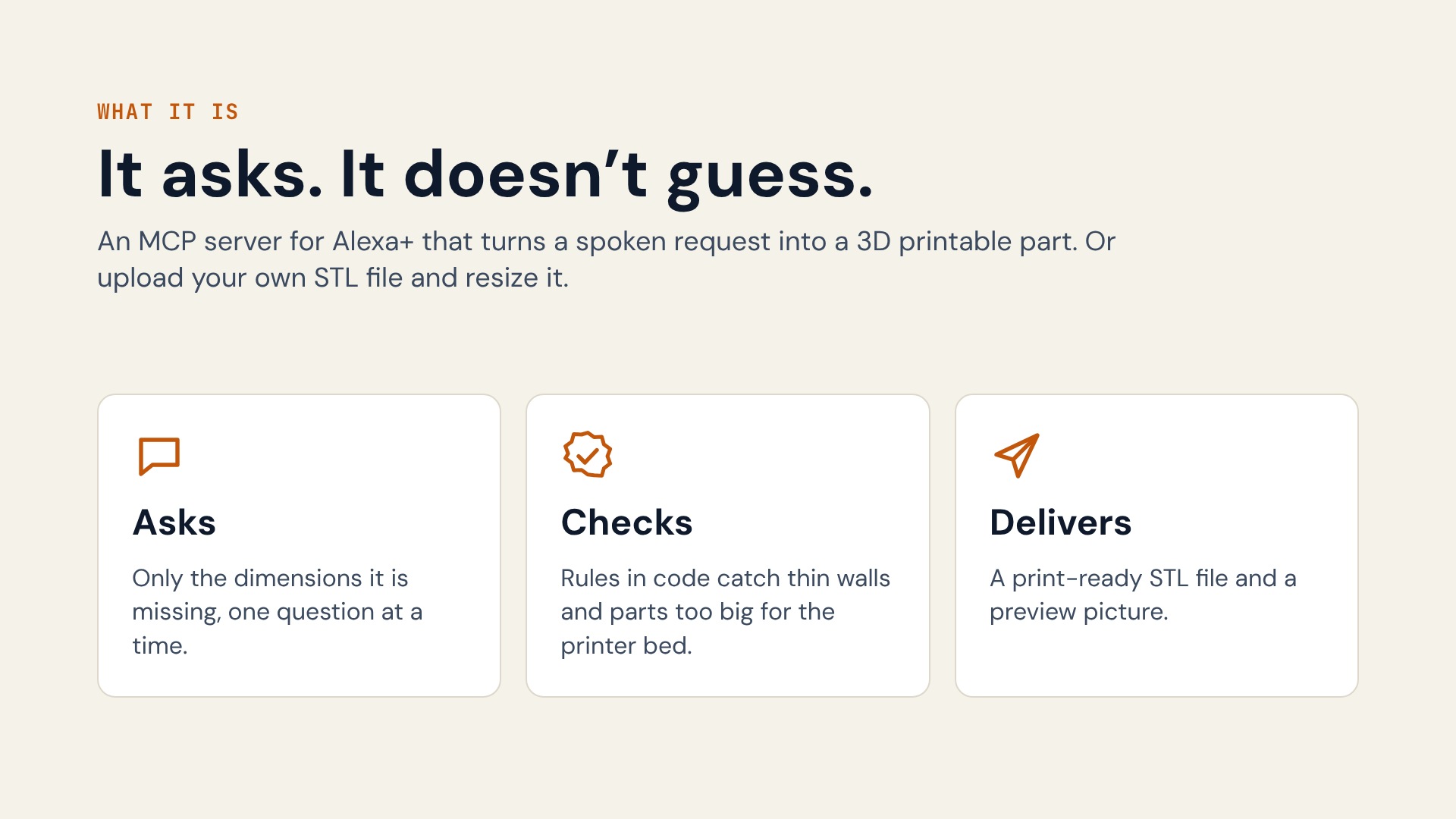
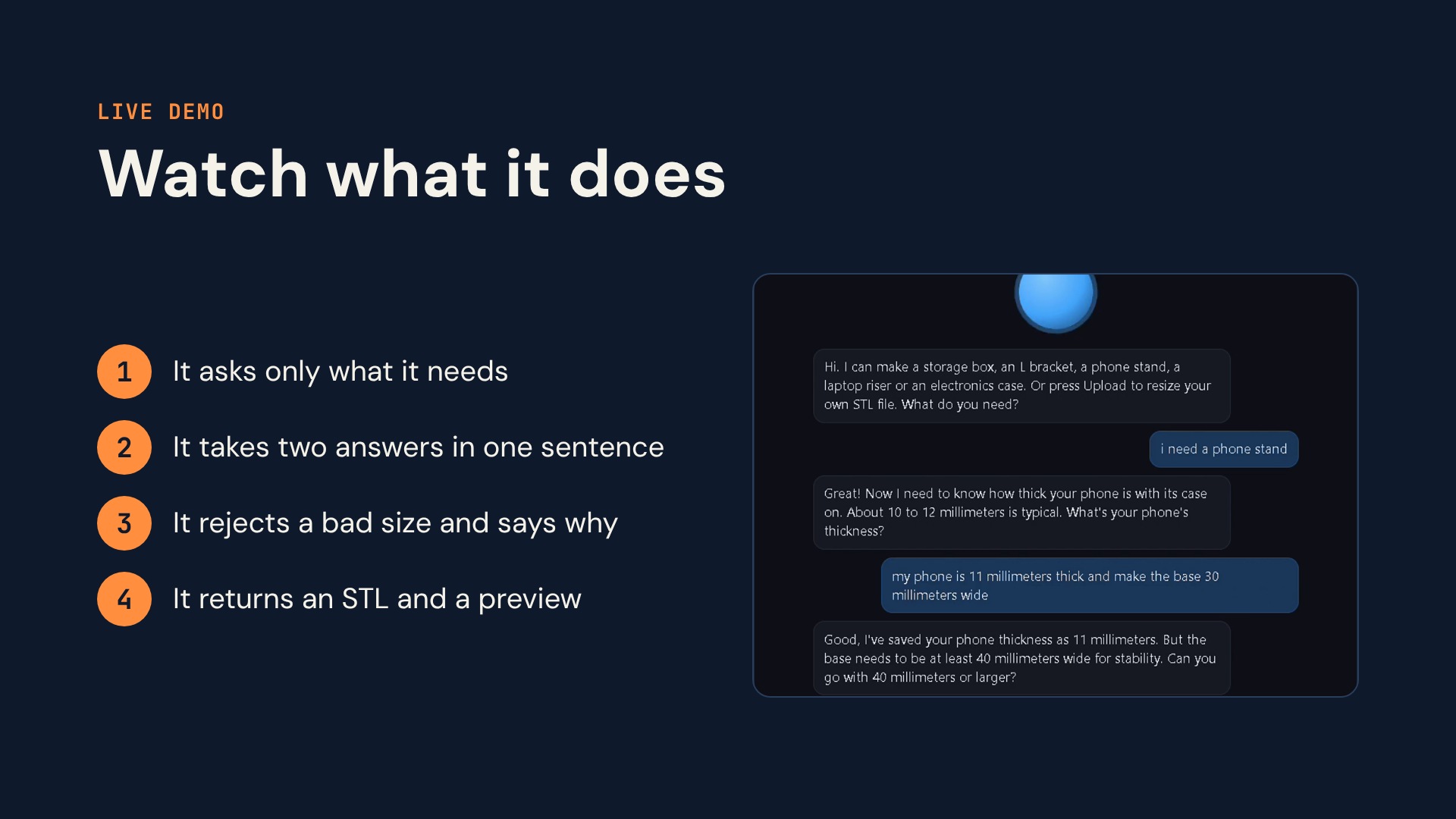
voicecad is an MCP server that makes 3D printable parts by asking the user for dimensions. The assistant starts a conversation for a part such as a phone stand, asks one question at a time, accepts spoken units (millimeters, centimeters, meters, inches), and skips questions that have a sensible default. After every answer, the server re-checks the design against print rules: the part must fit the printer bed, walls must be thick enough, screw holes need material around them, and a laptop riser must tilt in a comfortable range. Designs that fail are explained in plain words and the assistant asks again. When the design is valid, the server builds the model, checks the real geometry is watertight, and writes STL files with a preview picture.
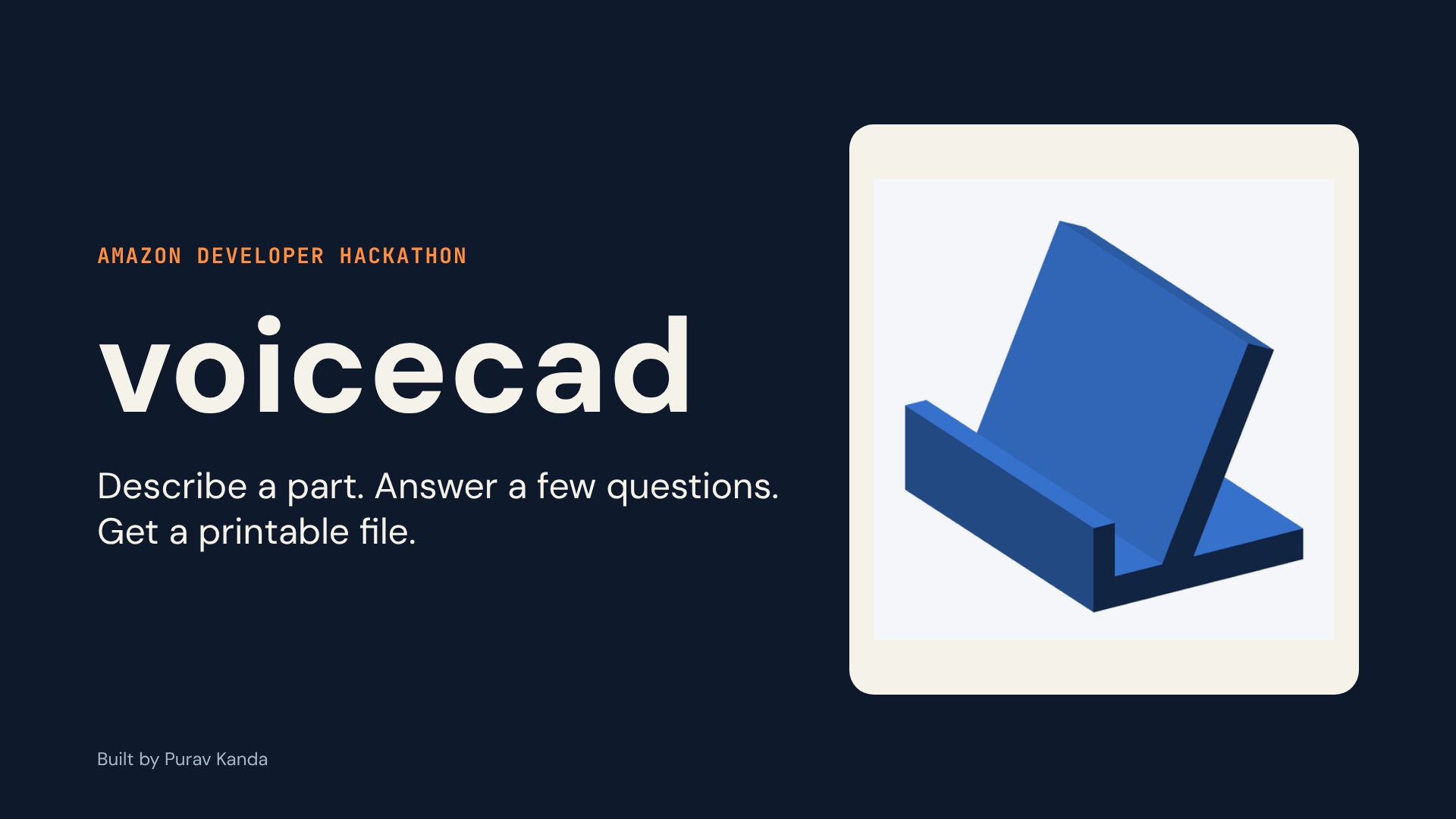
Five parts are available: storage box with lid, L bracket with gusset, phone stand with optional cable hole, laptop riser (two rails), and electronics case for a Raspberry Pi or a custom board with standoffs, vents and a port opening.
You can also bring your own model. Upload an STL file, say what it is, and choose how to size it: keep its size, set its longest side, scale by a percent, or set width, depth and height. The server scales the model and checks the result against the printer bed. It warns when uneven stretching would turn round holes oval, when a big shrink would thin the walls, and when the size looks like a different unit. It scales a model but does not redesign it, and it says so.
How we built it
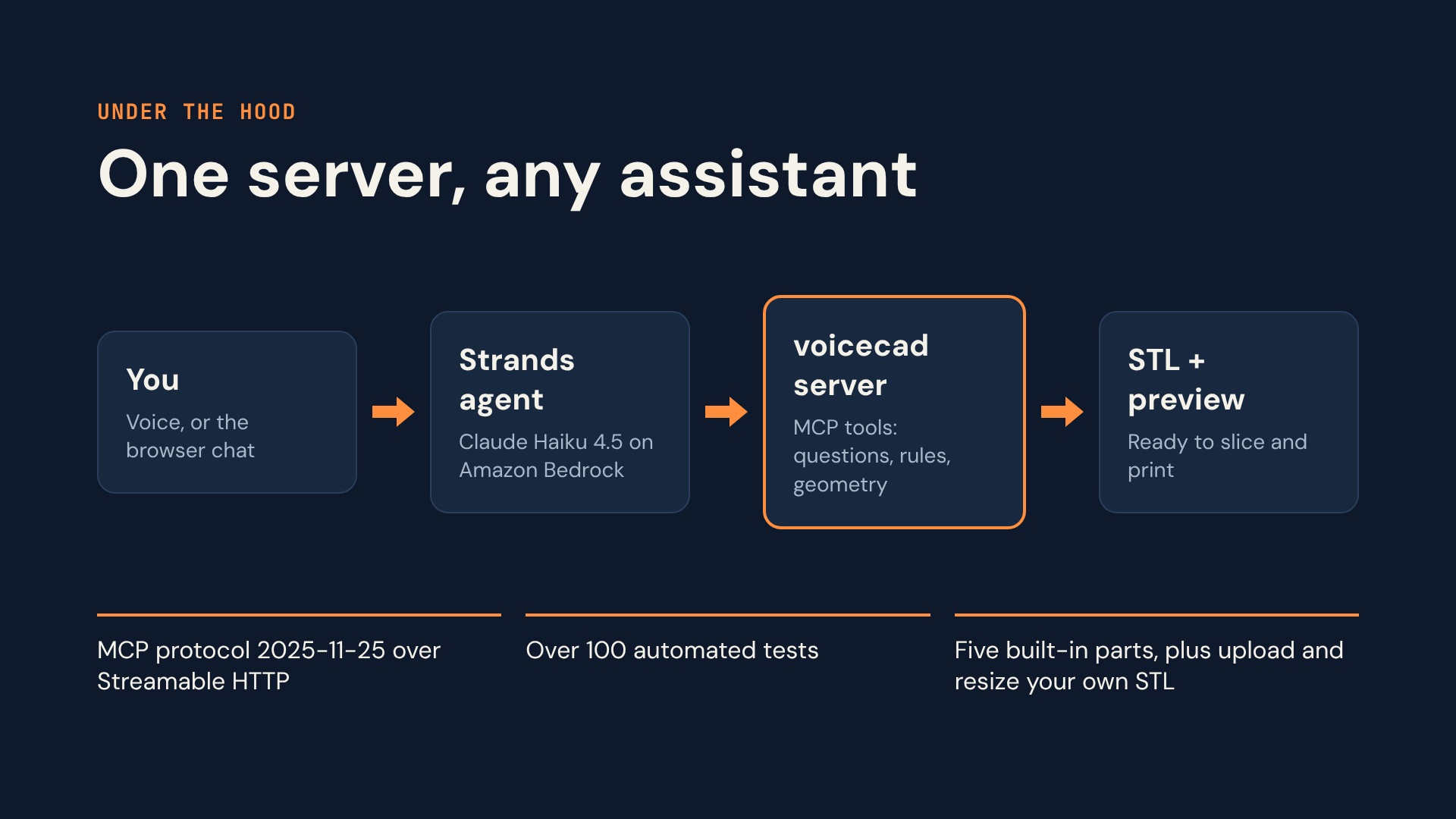
MCP server in Python with the MCP SDK, over Streamable HTTP, speaking protocol version 2025-11-25. guided-intake, a separate open source library, holds the question flow and the rules as plain testable code. The language model never decides which question is next. Geometry with trimesh and manifold3d boolean operations. A small z-buffer renderer makes previews. Assistant in the demo is a Strands Agents SDK agent on Amazon Bedrock that connects to the server with MCPClient and calls its tools. A browser page simulates a voice assistant with the Web Speech API. Structure: each part is one module (questions, rules, geometry) listed in a registry, the printer is passed in as a profile, settings are read once at start up, and server.py is the only place that wires them together. See docs/ARCHITECTURE.md.
Challenges we ran into
Boolean geometry bugs: an inside-out gusset from wrong triangle winding, and a first phone stand design that needed supports. Both now have tests. Hard-coded assumptions: the first version assumed one printer bed and guessed a stand depth. Both were replaced by values computed or injected, with a test that pins the result. Making the protocol requirement visible: the SDK's default negotiated version is older than the track requires, so I wrote a handshake check script.
Accomplishments that we're proud of
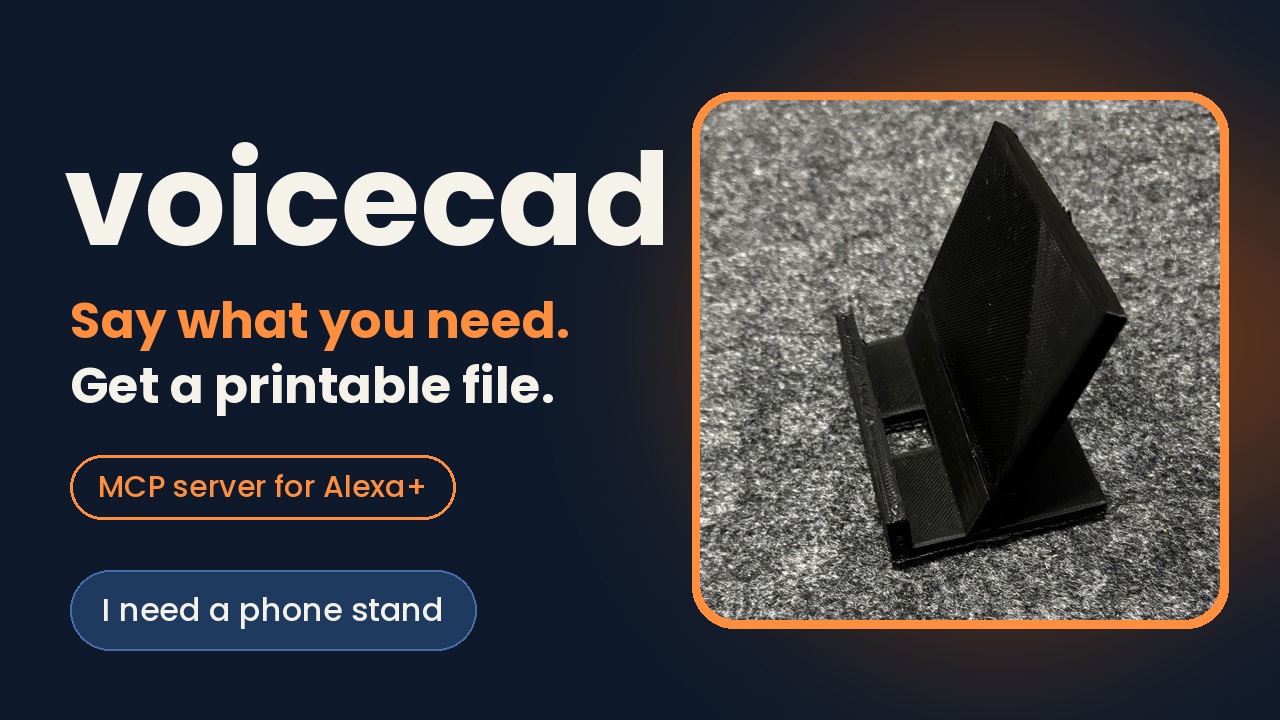
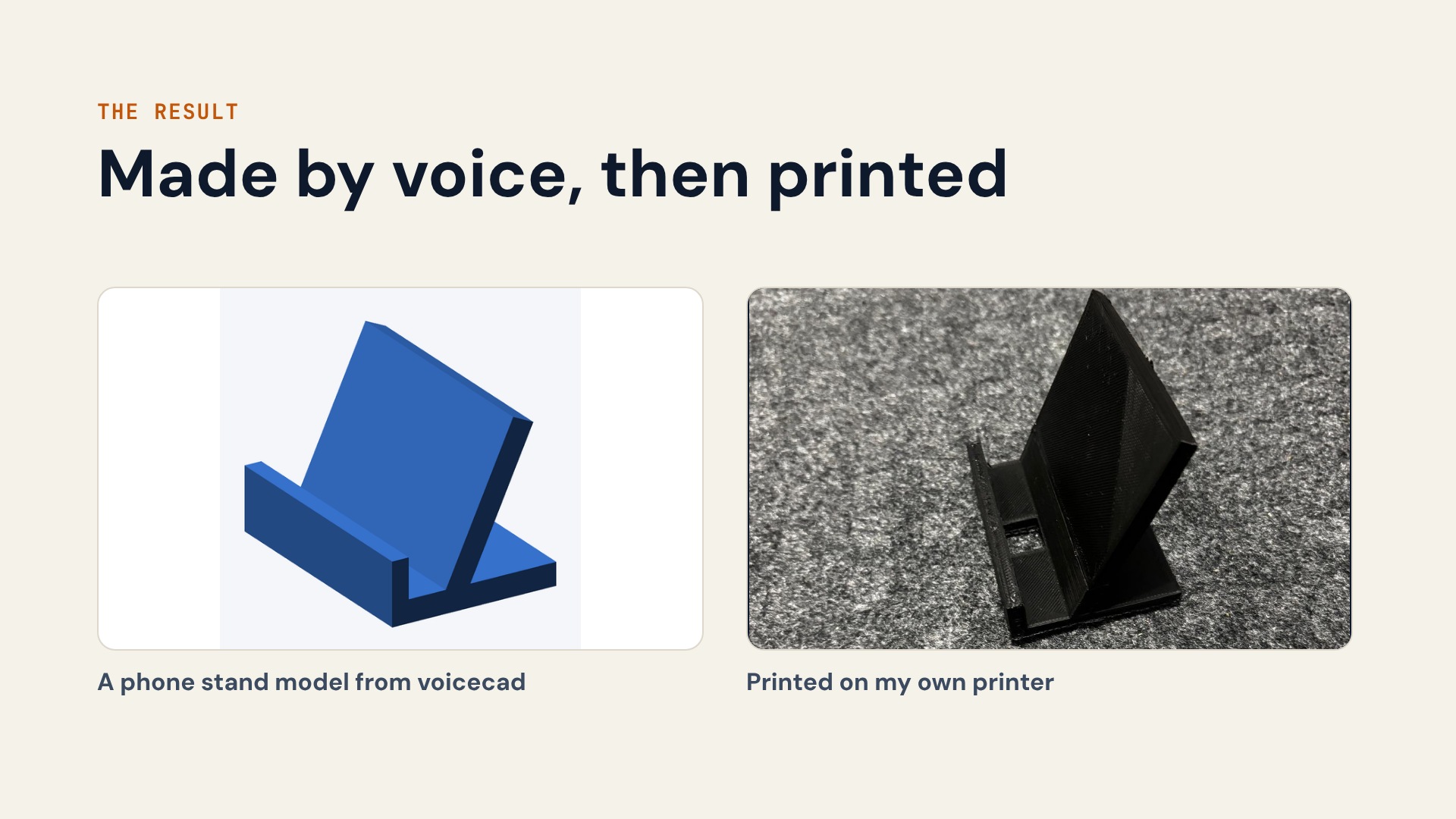
Over 120 automated tests in voicecad (plus 13 in guided-intake). They include a seeded random sweep (every design the rules accept must build into a watertight mesh), an in-process test that drives the server through the real MCP protocol from first question to STL file and preview image, and a headless-browser test of the demo page. A larger one-off sweep of 596 random designs had no build failures. Lint and type checks pass in CI. I printed the phone stand it made on my own 3D printer, and it came out clean. I do not claim every output prints.
What we learned
Do not trust the model to finish a job. Mine sometimes said a part was ready without calling the tool that builds it, so the server now tells the model the next step after every answer, and the agent checks that the file really exists. I also learned to keep all the rules and conversation state in code and let the model only talk, and to test the first live run against a real cloud account early, because quotas and keys took longer than the code.
What's next for voicecad
A slicer-based printability check, parts generated from the user's own measurements, authentication on the MCP endpoint, and a test on an Alexa+ device when a simulator or device access is available.
Known limits
Not tested on an Alexa+ device. The demo uses a simulated assistant in the browser. Printability checks are rules of thumb plus a watertight check, not a slicer. No authentication. Sessions are held in memory.
Testing Instructions
git clone https://github.com/Purav-Kanda/guided-intake git clone https://github.com/Purav-Kanda/AWS-voicecad cd AWS-voicecad python3.13 -m venv .venv && source .venv/bin/activate pip install -e ../guided-intake -e ".[dev]" pytest -q The test suite needs no AWS account. It includes tests/test_server_e2e.py, which runs a whole conversation over the MCP protocol.
To run the server and check the protocol:
python -m voicecad.server & python scripts/check_handshake.py
To run the voice demo, AWS credentials with Bedrock model access are needed (see README). Judges can skip this and watch the demo video.

Log in or sign up for Devpost to join the conversation.