-
-
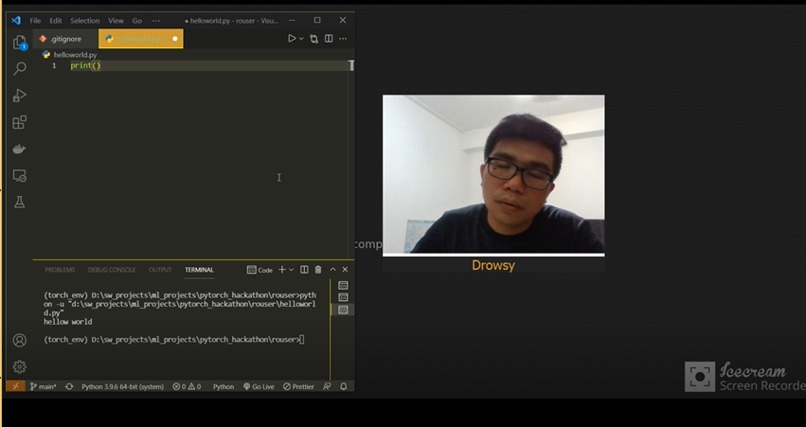
Drowsiness detected
-
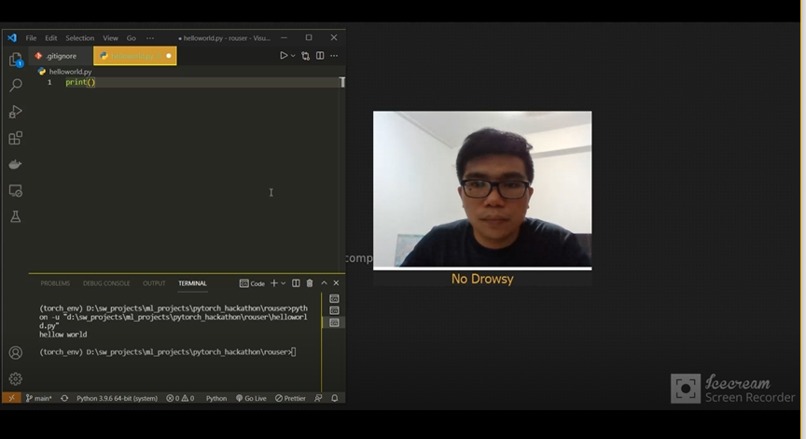
Awake
Inspiration
Nowadays, almost every employer requires their employees working from home to keep themselves safe from coronavirus pandemic. This may sounds good for most of the employees but not for some. Some employees might find it bored to work from home and feel drowsy in front of computer screen. This might due to they are lacking of motivation, or not enough self-discipline to do the jobs in home environment.
What it does
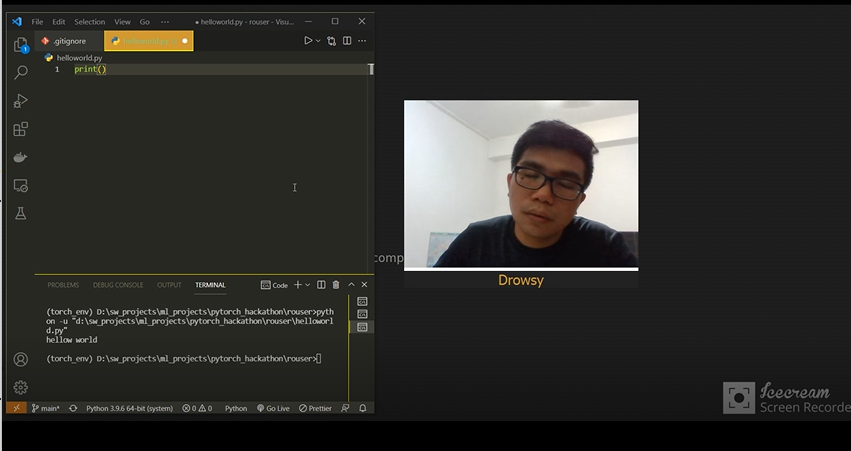
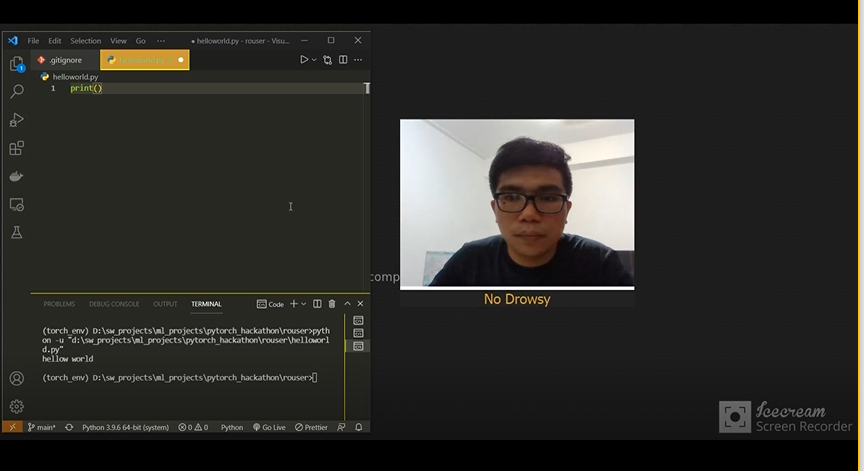
This app can help to boost up employees' job productivity in front of computer/laptop screen by rousing them via playing some ringtones if they fall asleep.
How I built it
I applied PyTorch pretrained MobileNet model to detect and classify user's drowsiness. Because of using transfer learning technique, I created my own small dataset for drowsiness recognition as I believed the model might be able to generalize well. With a python script, I collected ~240 different images with labels by sitting in both drowsy and non-drowsy situations. Then, by freezing all the layers of MobileNet except the last layer and replacing last layer with new FC layer, I trained the model for around 100 epochs on a local Machine with Nvidia-GPU device support. Finally I used PySide2 and PyInstaller to build and compile it into a simple standalone desktop app.
Challenges I ran into
It's hard to find a right set values of hyperparameters for NN to perform better inference. Spent some hours on tuning the optimal ones. Not perfect but it can be treated as workable prototype.
After I compiled the source code to desktop app via PyInstaller, there's a missing module within the bin folder which causing the app failed to launch up. After few rounds of troubleshooting, I found that there's a problem within the latest version of opencv working with recent PyInstaller but no issue for the prior version of opencv.
Accomplishments that I'm proud of
Brushed up a lot of deep learning theories and techniques that I learnt before and finally had a chance to applied them on a real life project. This is my first time to start AI hackathon and I hope it keeps counting in future.
What I learned
- PyTorch Framework
- Transfer Learning
- computer vision
- how to deploy apps
- project documentation
What's next for Rouser
- Training on more data to improve accuracy of detection and generalize it better
- Preprocessing dataset such as extract user face only and pass it as net input instead of whole image to improve detection accuracy
- Quantizing the model
- Improve the desktop app (GUI appearance, binary size etc.)
- Cross platform support (currently working on Window 10 only)
Built With
- opencv
- pyinstaller
- pyside2
- torchvision

Log in or sign up for Devpost to join the conversation.