-
-
Voice Vision
-
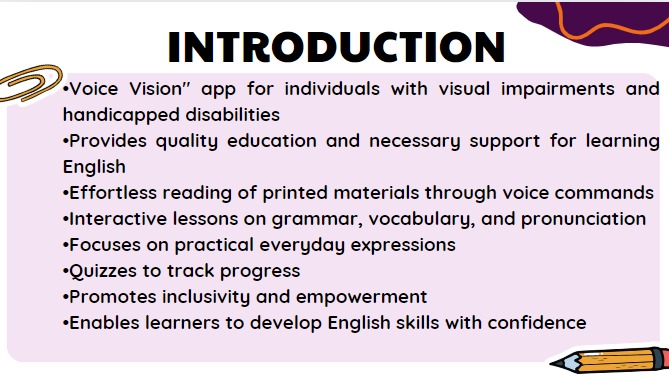
Introduction
-
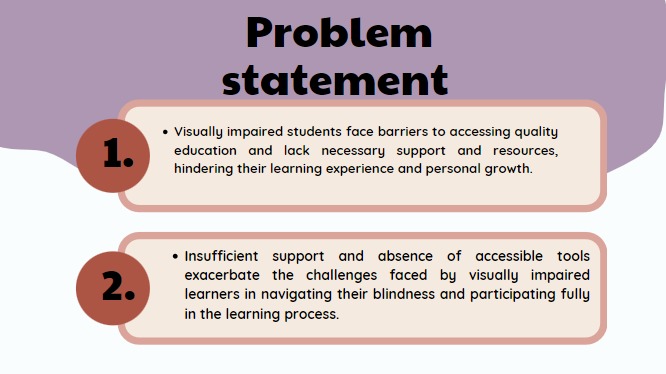
problem statement 1
-
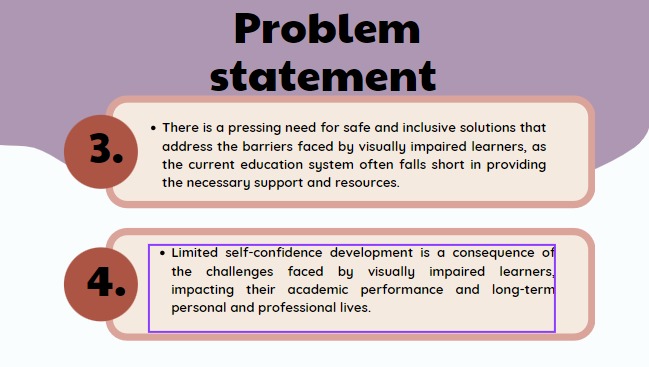
problem statement 2
-
modules
Inspiration
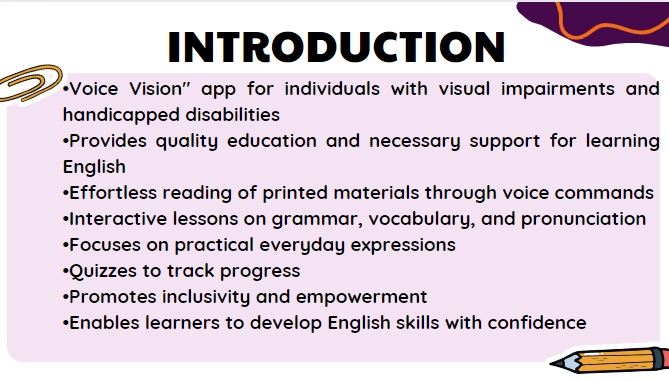
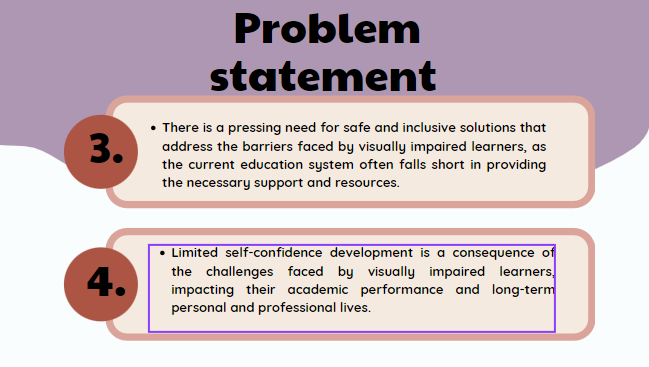
The groundbreaking “Voice vision” (English language app) designed specifically for individual bearing visual impairments or handicapped disabilities. This innovative app shatters barriers, creating an inclusive platform for language learning and empowering users to develop their English language skills with unwavering confidence. Voice Vision includes a feature that enables users to access information similar to Google Assistant. Users can simply voice their queries, and the application will provide relevant results and information.
What it does
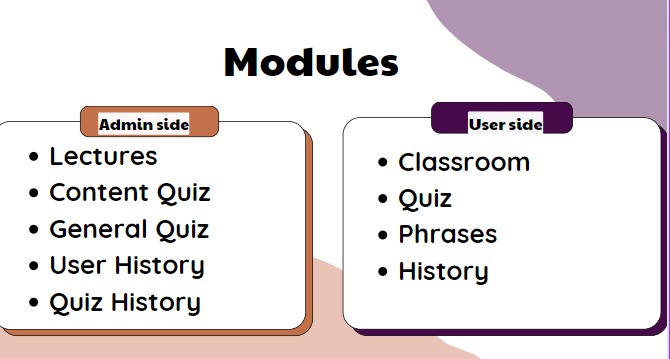
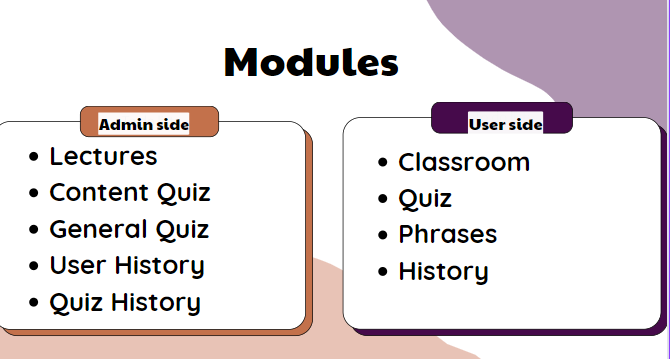
Voice Vision serves as a critical tool in overcoming learning difficulties for visually imapired and handicapped. It enables effortless reading of visually printed materials by utilizing voice commands, making previously challenging tasks accessible. The app's Classroom module provides interactive lessons on grammar, vocabulary, and pronunciation, using audio prompts and responses. The Phrases module focuses on practical everyday expressions, enhancing users' ability to engage confidently in real-life situations. With the Quiz module, users can reinforce their learning and track progress, facilitated by voice mode for seamless navigation through audio prompts.
How we built it
we use these technoligies Hardware: Personal computer (for design and development) • OS version: Windows 10 • RAM 8GB • Processor: Intel(R) Core(TM) i5-7500CPU @ 3.40GHz 3.41GHz • System Type:x64-based processor Software: • Android Studio • Firebase database Languages: • XML • Java
Design: • The development of this project will be done by using a software "Android studio" Constraints: • User cannot download android studio without internet. There must have good internet connection to download it. • GUI is only in English. • The user must have internet connection to use features of android studio. • Android studio requires a high amount of space to install. • The system will be running all 24 hours a day.
Challenges we ran into
have encountered a challenge in using Google Assistant to take prompts and commands and operate based on user input. Users can operate the app in two ways: touch or voice mode. Visually impaired users rely on voice commands to run the app.
Accomplishments that we're proud of
The main goals of this application will be following. • Make the visually imapired and handicap able to learn English language. • Voice mode feature in this application seeks the user attraction. • Foster user satisfaction and engagement by offering valuable content, interactive exercises, and personalized learning pathways. • Assist users in improving their English language skills through phrase expansion, and grammar explanations. • Users can attempt quizzes using this application to check their English level. • This application is very simple and easy to use so that users can easily use it. • By using this application visually impaired learner can be familiar with technology.
## What we learned Voice Vision is a valuable tool for assisting visually impaired and handicapped individuals in their learning process. The app makes reading printed materials easy through the use of voice commands. Interactive lessons on grammar, vocabulary, and pronunciation are available in the Classroom module, utilizing audio prompts and responses. The Phrases module helps users learn practical everyday expressions for confident real-life interactions. The Quiz module allows users to reinforce their learning and monitor their progress with voice-guided navigation.
What's next for Voice Vision
In future iterations of this project, we aim to expand the app's features to include • Expand language module: To expand the language modules, several improvements can be made based on user feedback and collaboration with language experts. User feedback will be collected to analyze user needs, and preferences, and identify areas for improvement. This feedback will be used to refine app features, enhance accessibility for visually impaired individuals, and improve the user interface and design. • Incorporate user feedback: The app will be optimized for visually impaired users by supporting screen readers and voice commands, ensuring that all features and content are accessible. The user interface will be enhanced to make it more intuitive, visually appealing, and optimized for different devices and screen sizes. • Expand language support: Collaboration with language experts, educators, and linguists will ensure the accuracy and comprehensiveness of the materials provided within the app. Their expertise will be utilized in curriculum development, content review, and ongoing improvement processes to ensure high-quality language learning materials


Log in or sign up for Devpost to join the conversation.