-
-
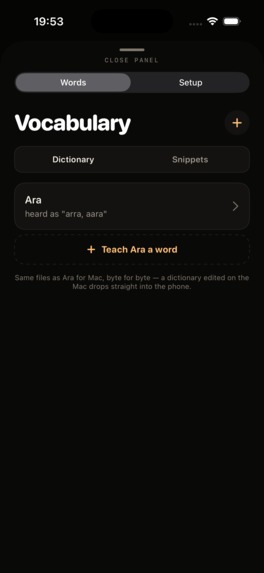
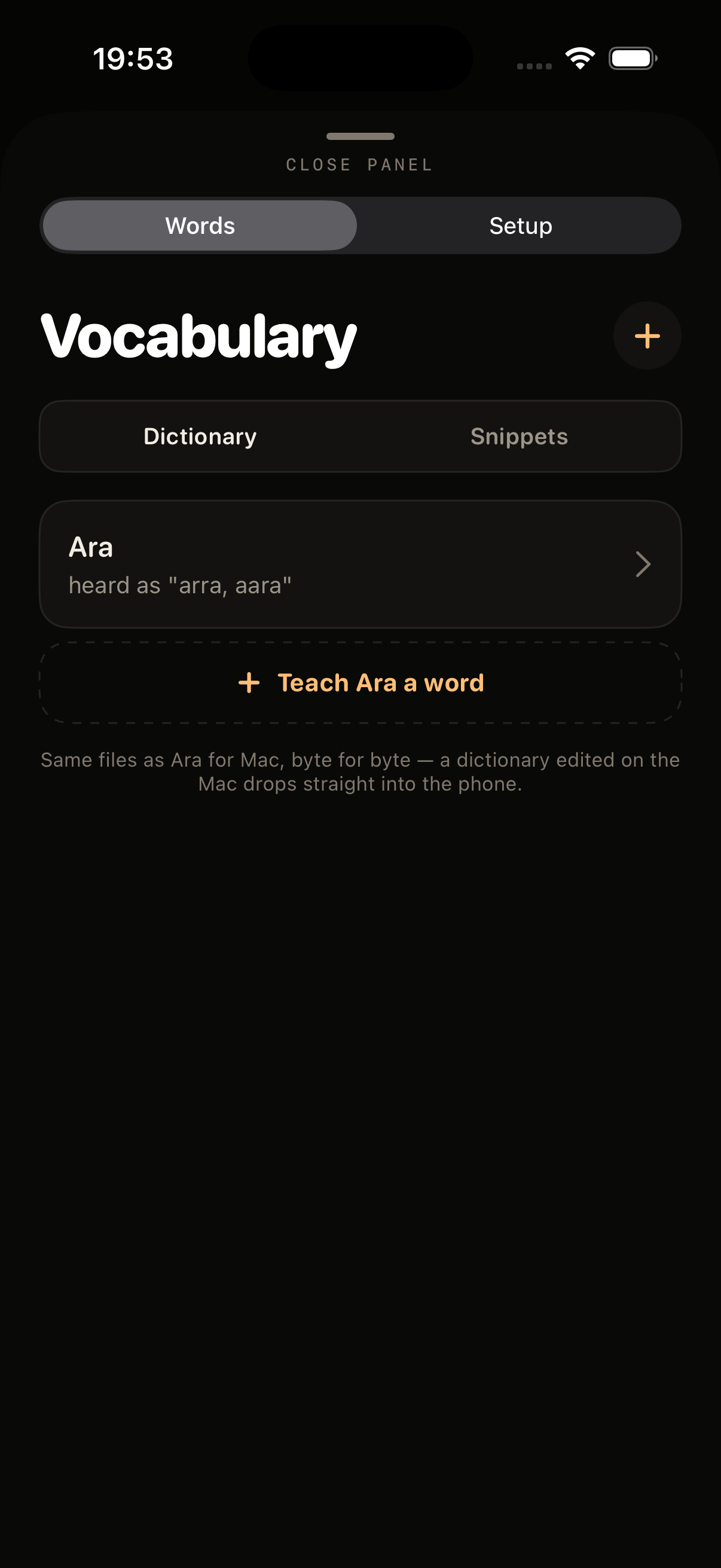
Personal dictionary: save names and specialist terms on the device.
-
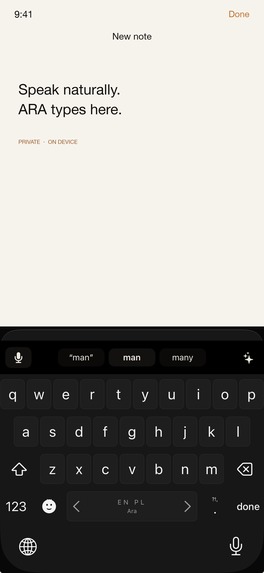
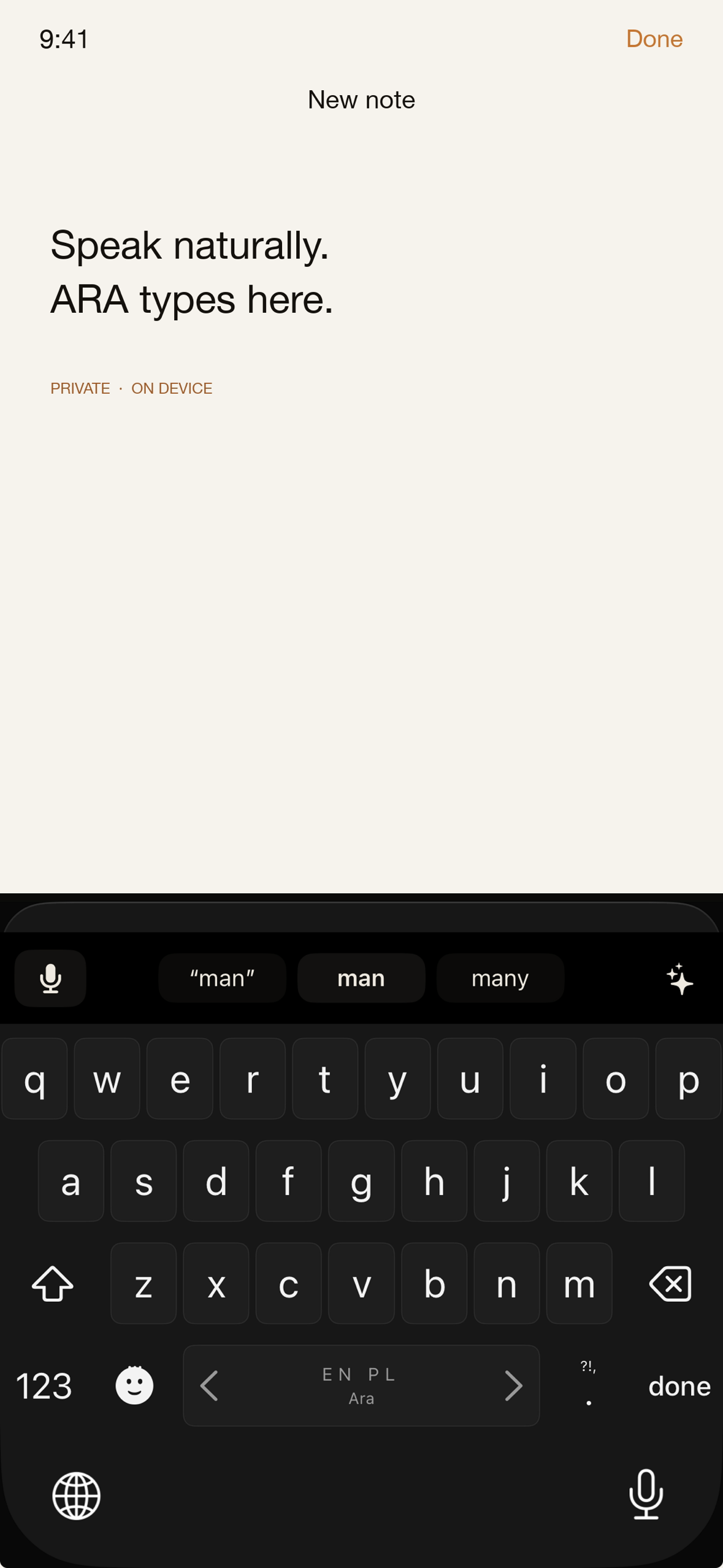
ARA keyboard inside a supported text field.
-
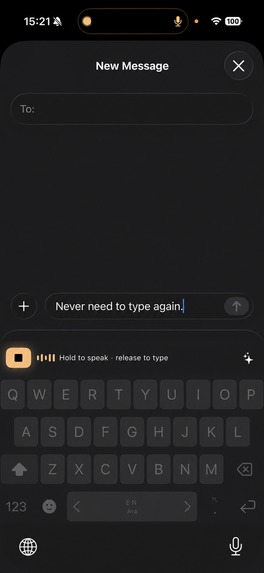
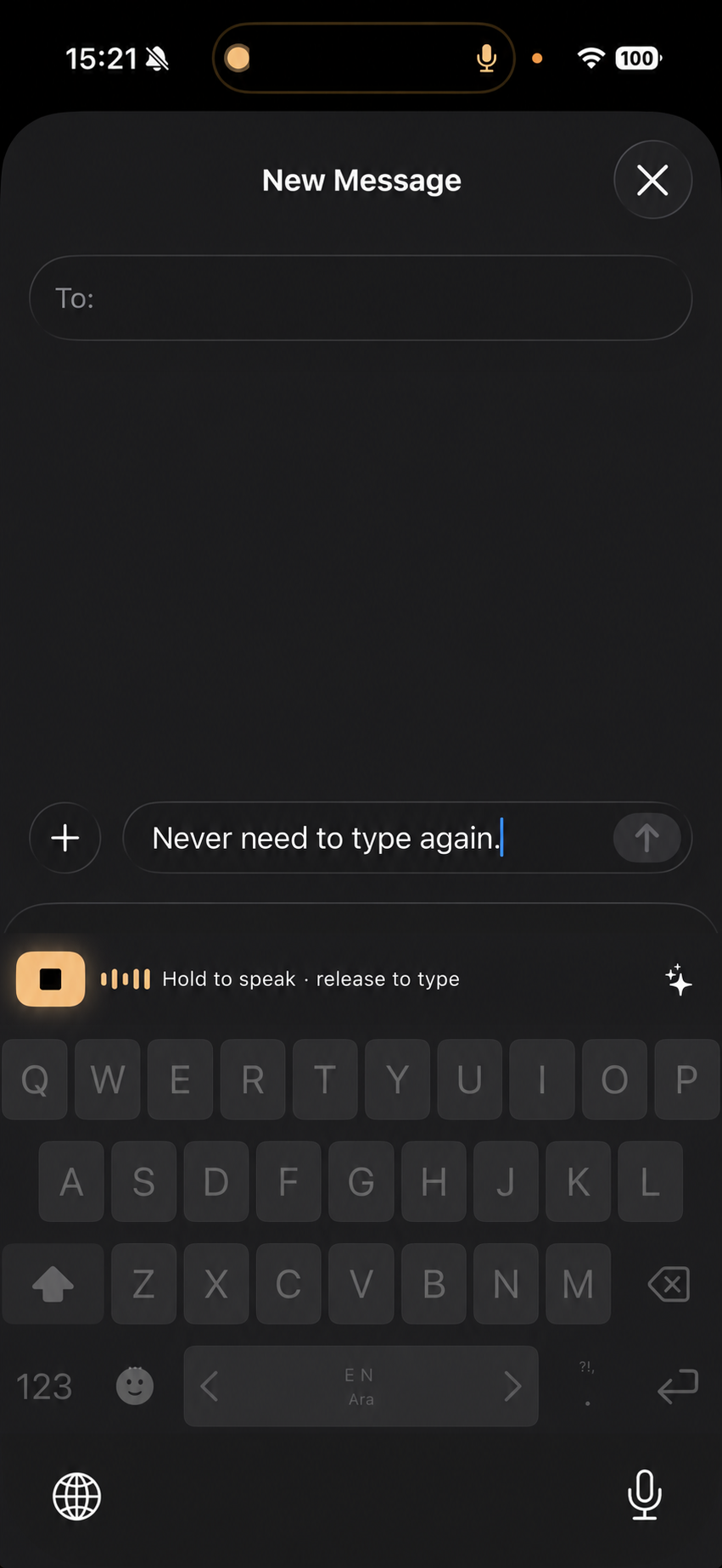
Live dictation in Messages: speak, stop recording, and insert text.
-

ARA app icon. Original upload: 1024 × 1024 pixels, uncropped.
-
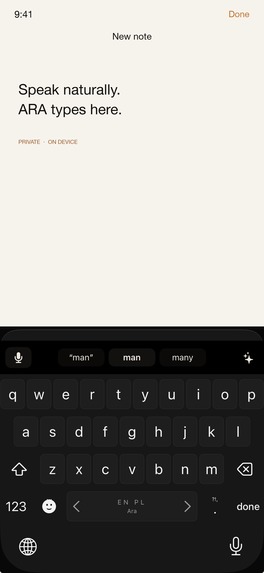
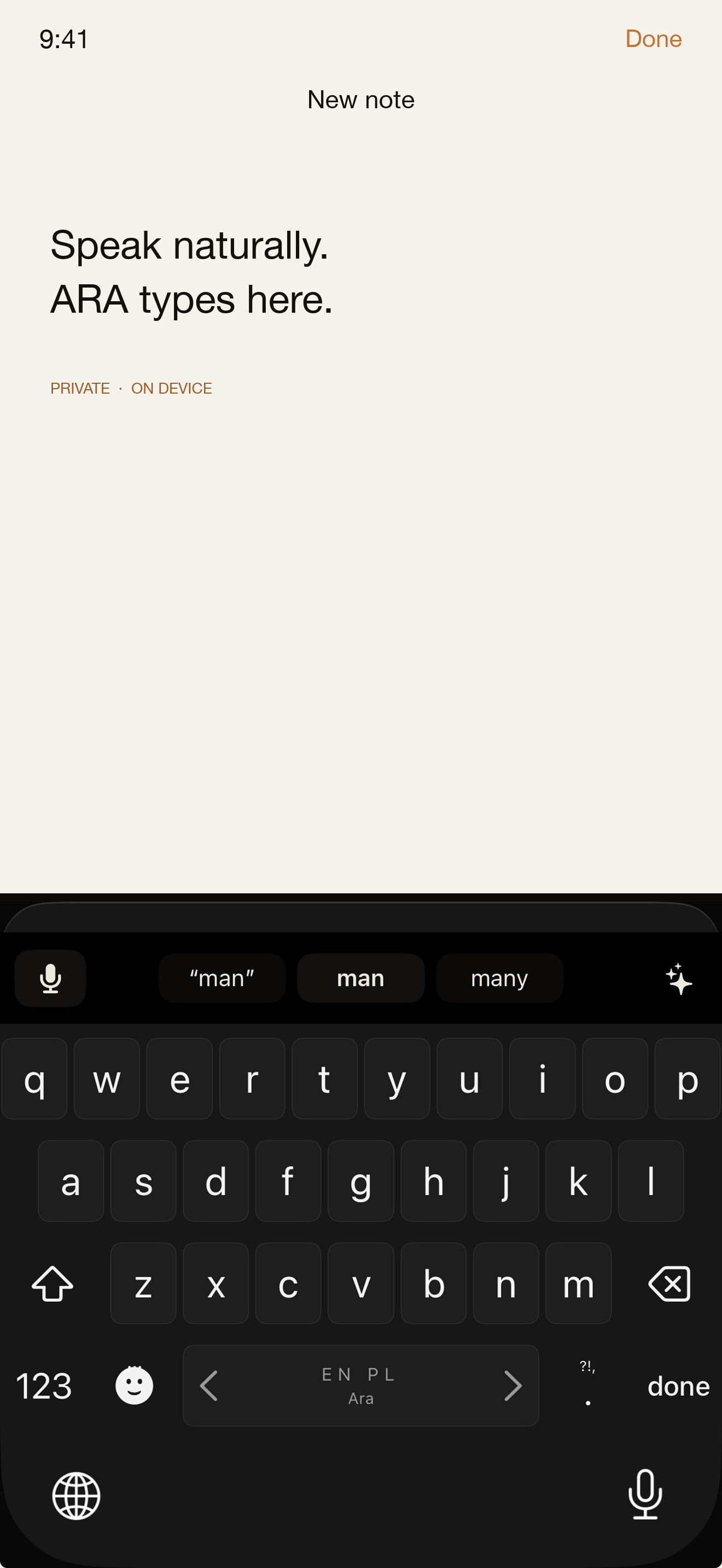
ARA keyboard in Notes. Screenshot: 1179 × 2556 pixels, without a device frame.

Inspiration
Writing a message should not require moving between a recording app and the place where the message belongs. ARA puts dictation in the keyboard and keeps speech processing on the device. It serves people who prefer speaking to typing and want control over their voice and writing.
What it does
Select ARA in a supported text field. Speak into the microphone and finish the recording. ARA inserts the transcript where you are writing.
The keyboard provides sentence cleanup, local word suggestions, a personal dictionary, and reusable text snippets. The dictionary stores names and specialist terms. Snippets store text that users need repeatedly.
Speech recognition runs on the device. Offline availability depends on the language and speech resources installed on the device. On supported iOS 26 devices, Apple Foundation Models can improve cleanup. ARA uses local rules when that model is unavailable.
How it works
ARA uses Swift, SwiftUI, UIKit, Apple's Speech framework, and AVFoundation. iOS keyboard extensions cannot record microphone audio. The main app records speech and sends commands and text through a local App Group.
The user enables this connection and can stop the microphone session from the app. iOS shows its microphone indicator while the session is active. Full Access enables the local connection. The keyboard extension contains no network or purchase code.
RevenueCat runs in the main app. It loads the purchase, handles purchase and restore requests, and checks access. The keyboard reads a local access flag. Voice, transcripts, typed text, dictionary entries, and snippets stay on the device. RevenueCat and Apple process purchase information.
Challenges
The central challenge was coordinating two separate processes under iOS microphone restrictions. The keyboard needs clear states when the main app cannot record or the local connection is unavailable. ARA separates microphone state, text processing, and purchase access so each part has a defined role.
Text correction also needs to respect the user's edits. The released version preserves the user's spelling after they undo a correction during the keyboard session. It leaves ambiguous replacements unchanged.
What the project achieved
ARA reached the App Store in September 2026. It combines dictation, cleanup, vocabulary, and snippets in one keyboard workflow. Its main app and keyboard share local data without sending writing to a server. RevenueCat supports a lifetime purchase without adding purchase code to the keyboard.
What the project taught us
The iOS microphone restriction shaped the architecture and the interface. A visible recording state matters as much as the transcription result. Local processing also requires clear explanations of language and device support.
Business model
ARA offers a seven-day trial and a single lifetime purchase. The current US lifetime price is $19.99. Other countries use localized store prices. The purchase has no recurring subscription. RevenueCat manages the lifetime access entitlement and restoration.
Next steps
The next priorities are microphone reliability and better English and Polish word suggestions. Further speech engine work remains an investigation.
Built With
- revenuecat
- swift
- swiftui

Log in or sign up for Devpost to join the conversation.