
Inspiration
I first got the idea for VoicePay from my experience seeing visually impaired people depend on others for simple daily activities like moving around or using technology. As I grew in software engineering and developed a strong interest in fintech, I began to wonder what is the banking experience like for them?
That question stayed with me. Many visually impaired individuals or people without limbs still rely on others for basic financial transactions, which limits their independence and privacy. I wanted to create a solution that allows them and anyone who prefers a hands-free experience to manage their money confidently using only their voice.
What it does
VoicePay is a wallet-based Android app that allows users to send and receive money securely using their voice.
Users can:
- Create an account linked to a fictional bank (for demo purposes).
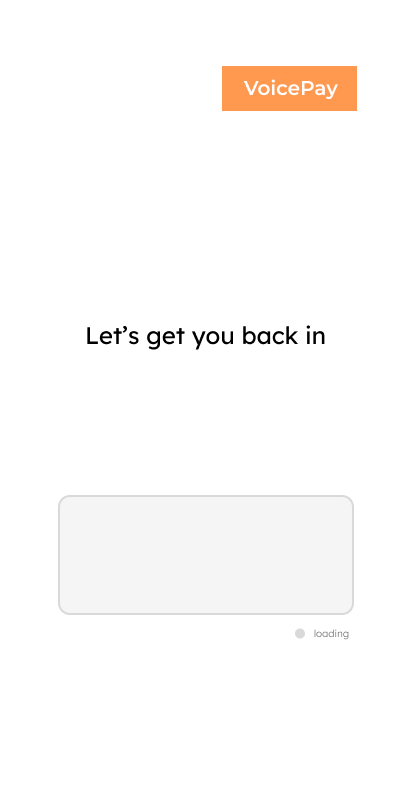
- Log in with fingerprint or PIN authentication.
- Check their account balance.
- Transfer money to a bank account securely with fingerprint confirmation.
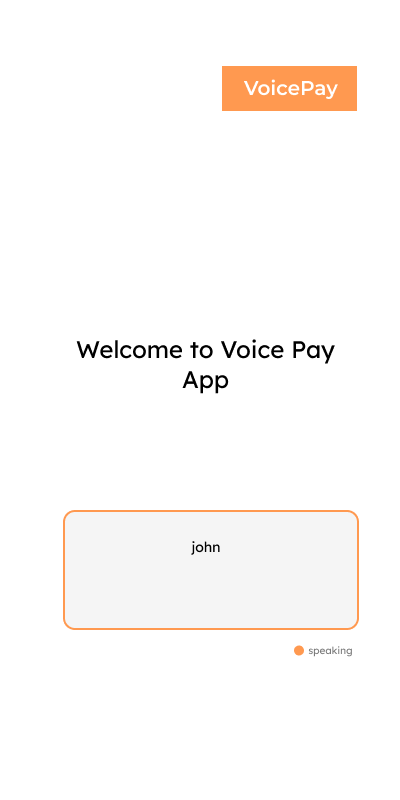
- Hear spoken confirmations and responses through text-to-speech. It currently functions as a demo payment wallet, simulating real banking flows while ensuring accessibility.
How I built it
VoicePay was built using:
- Kotlin and Android Studio for app development.
- Google Speech API for speech-to-text and text-to-speech interactions.
- Android biometric authentication for fingerprint security.
I built the app solo, from design to implementation, focusing on making the interaction smooth and intuitive for people who depend on voice feedback.
Challenges I ran into
The hardest challenge was creating a natural, conversational flow that tracks the user’s speech and silence effectively knowing when to listen, when to respond, and when to stop. I had to dig deep into the Google Speech API documentation, experimenting with different state-tracking methods to make speech recognition responsive and accurate. Another challenge was user feedback handling designing responses that feel human, not robotic, and help users understand what’s happening in real time.
Accomplishments that I'm proud of
My proudest moment was testing VoicePay live with few visually impaired students at my college. Seeing their excitement and hearing their feedback made the project truly rewarding. They loved the concept, provided valuable suggestions, and even asked to be notified at launch that validation meant a lot.
What I learned
I learned how to work with speech and text conversion, implement fingerprint authentication, and handle real-time voice interactions. I also gained deeper insight into accessibility design how to build technology that feels natural, not limiting, for users with disabilities.
What's next for Voice Pay App
Next, I plan to:
- Integrate Natural Language Processing (NLP) using Gemini or OpenAI’s GPT API for smoother, human-like conversations.
- Add voice authentication using Google Cloud Speech-to-Text combined with a speaker verification model like ECAPA-TDNN (from SpeechBrain) to identify and verify users by their unique voiceprint.
- Implement multi-language support with Google Cloud Translation API to make the app accessible to users across different countries.
- Connect real banking APIs like Plaid, TrueLayer and traditional banks for transactions.
- Enhance accessibility features with Android Accessibility Services and Text-to-Speech (TTS) Engine improvements for clearer, natural-sounding feedback.

Log in or sign up for Devpost to join the conversation.