-
-
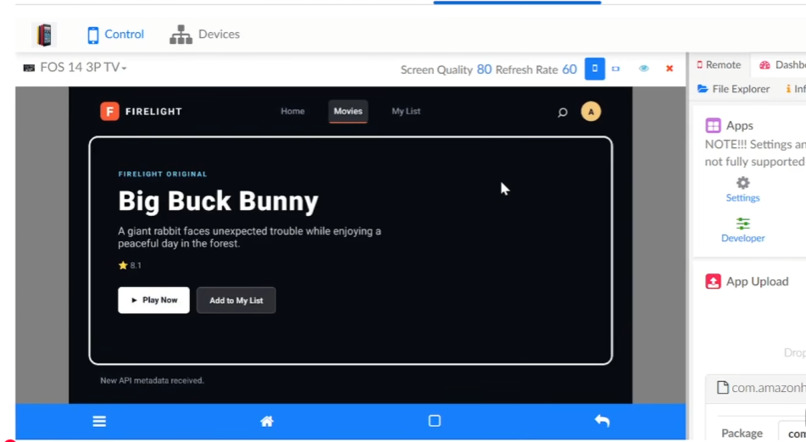
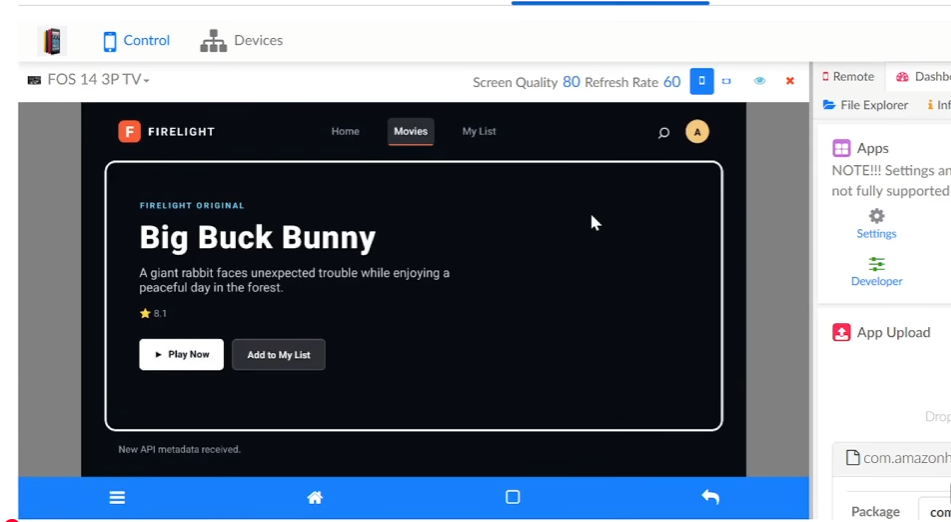
Fire OS Compatability
-
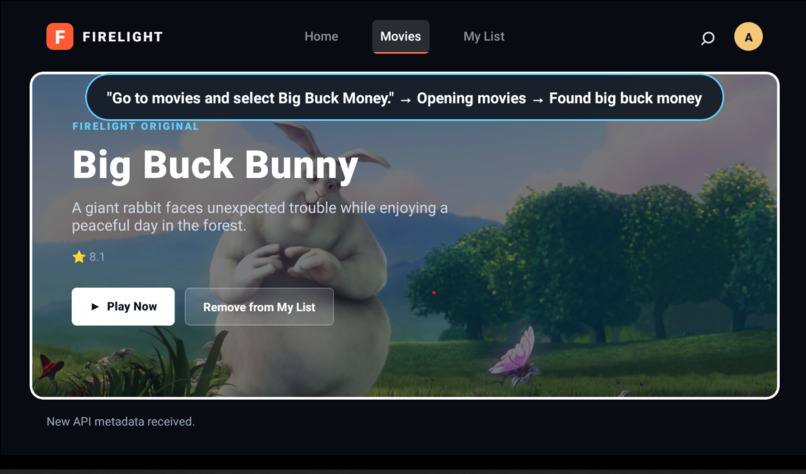
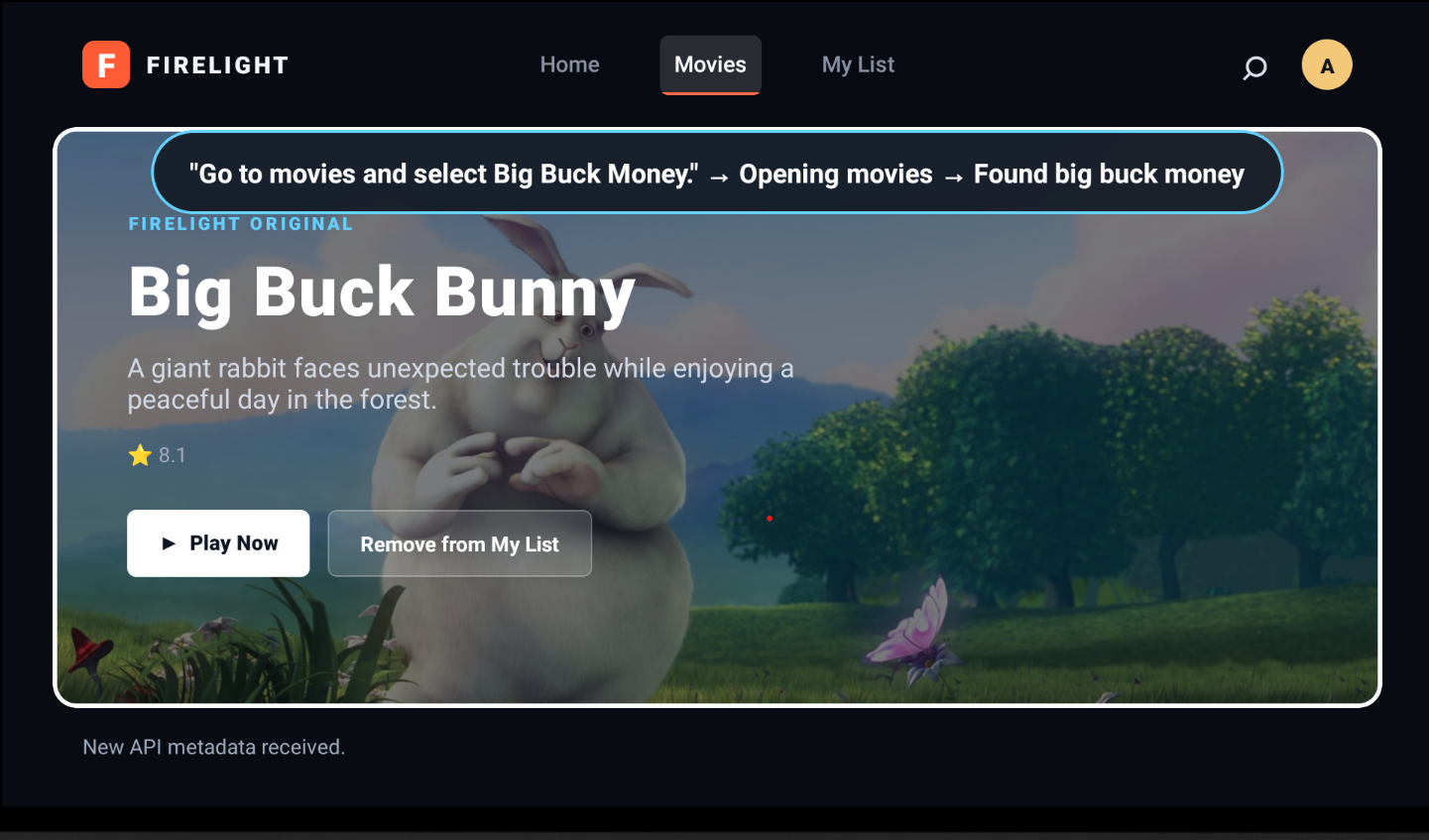
Direct AI to go to movies
-
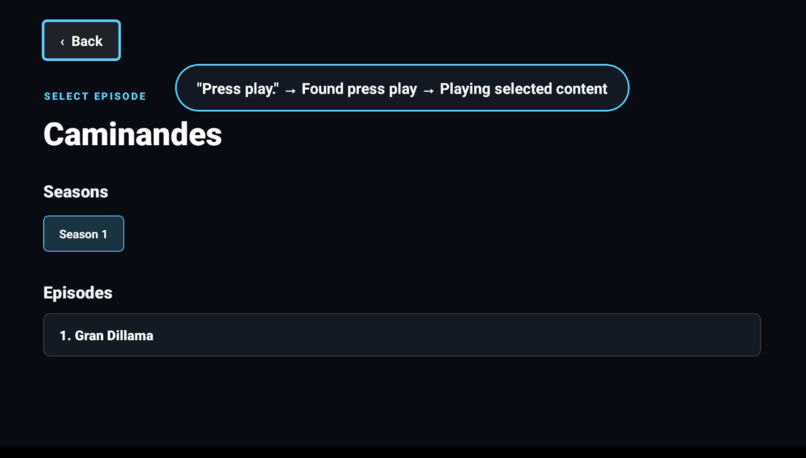
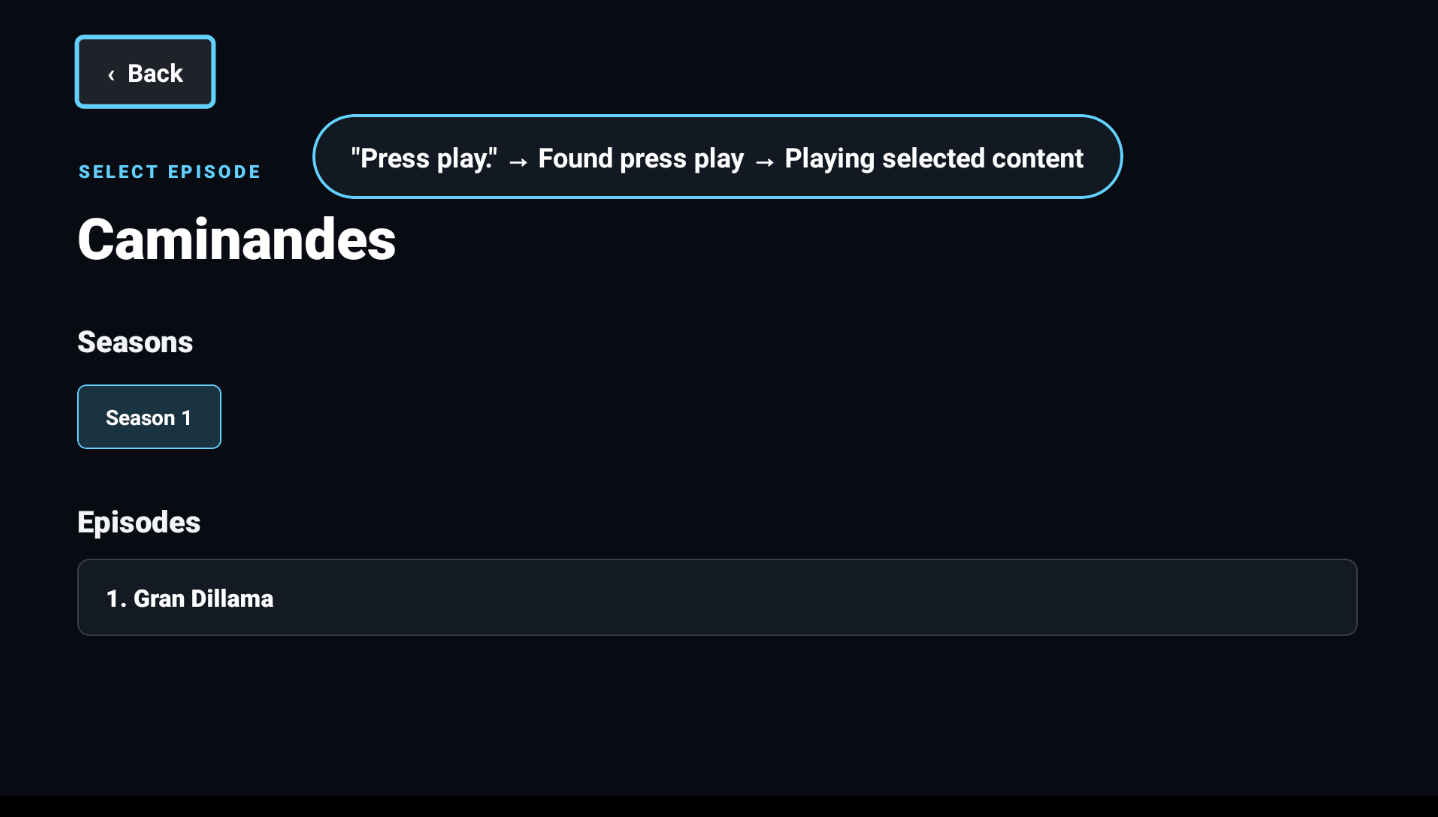
Tell the program to go to the episode picker
-
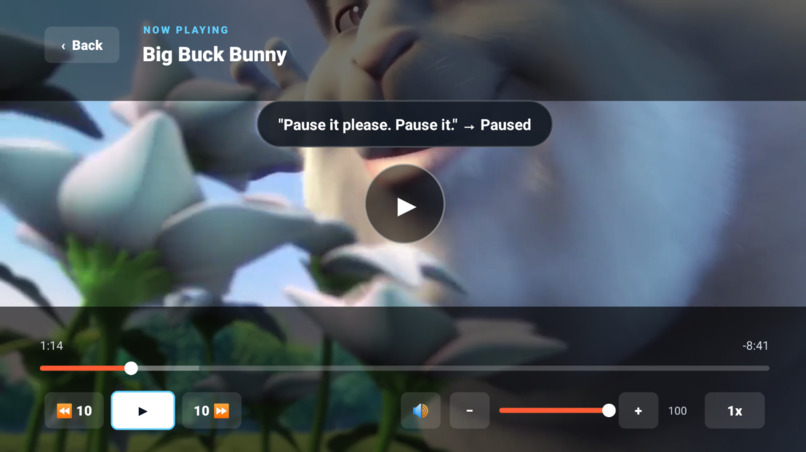
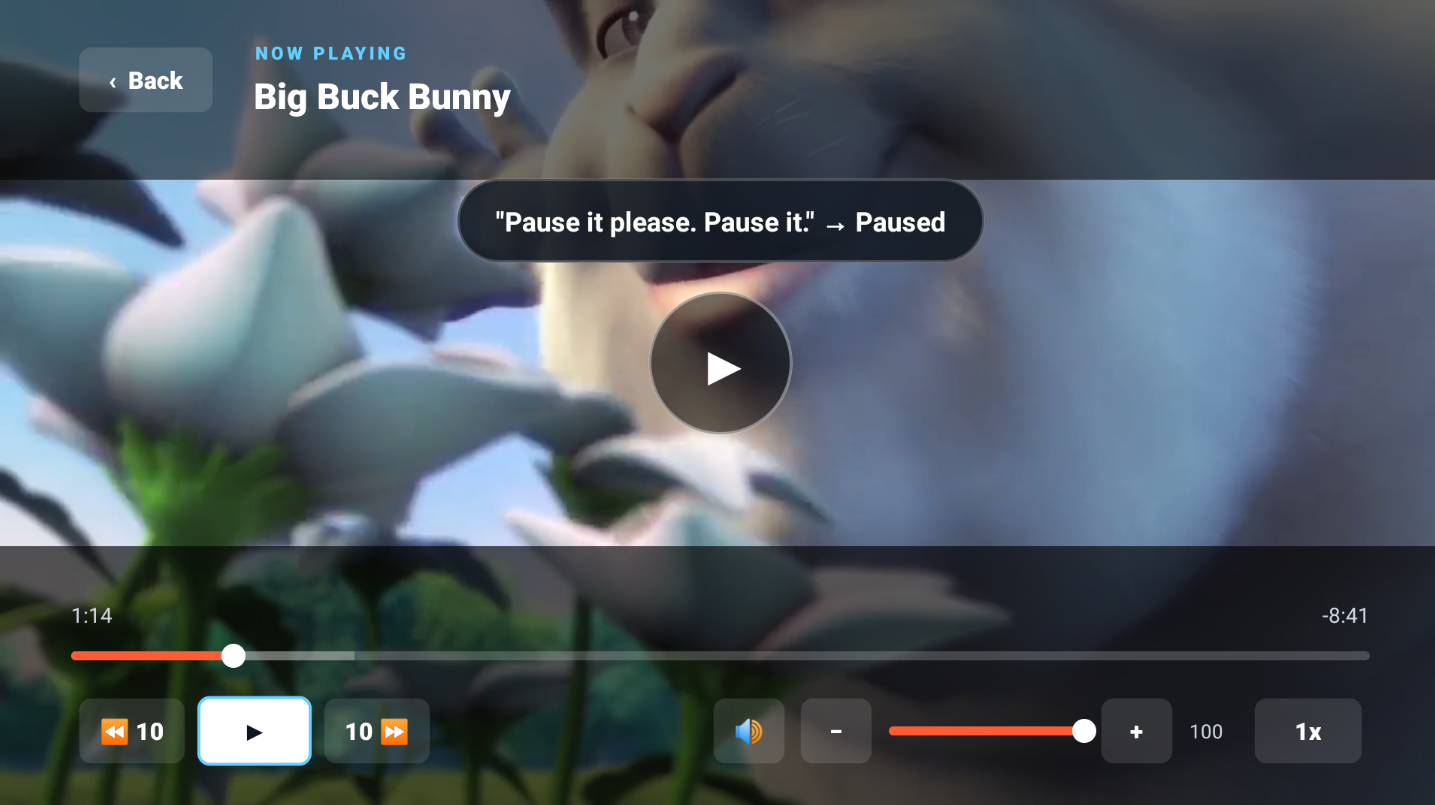
Pause the video
-
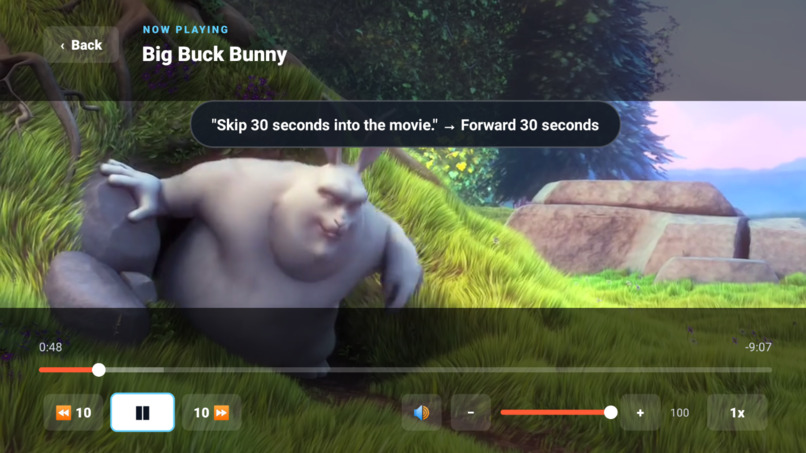
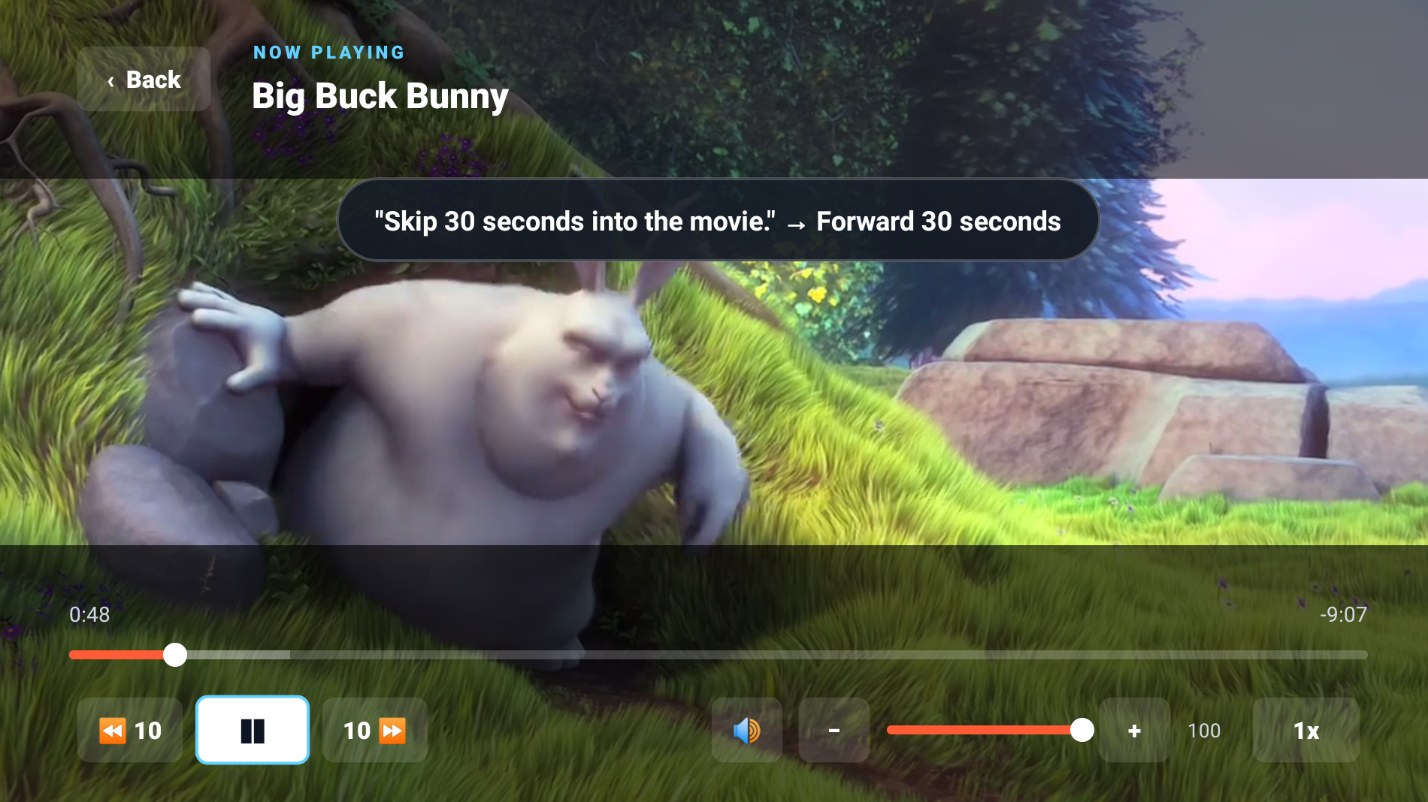
Fast forward 30 seconds into the video
-
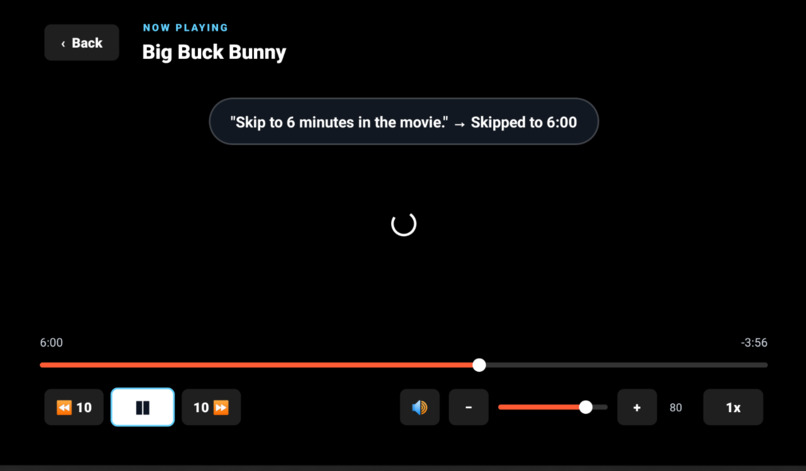
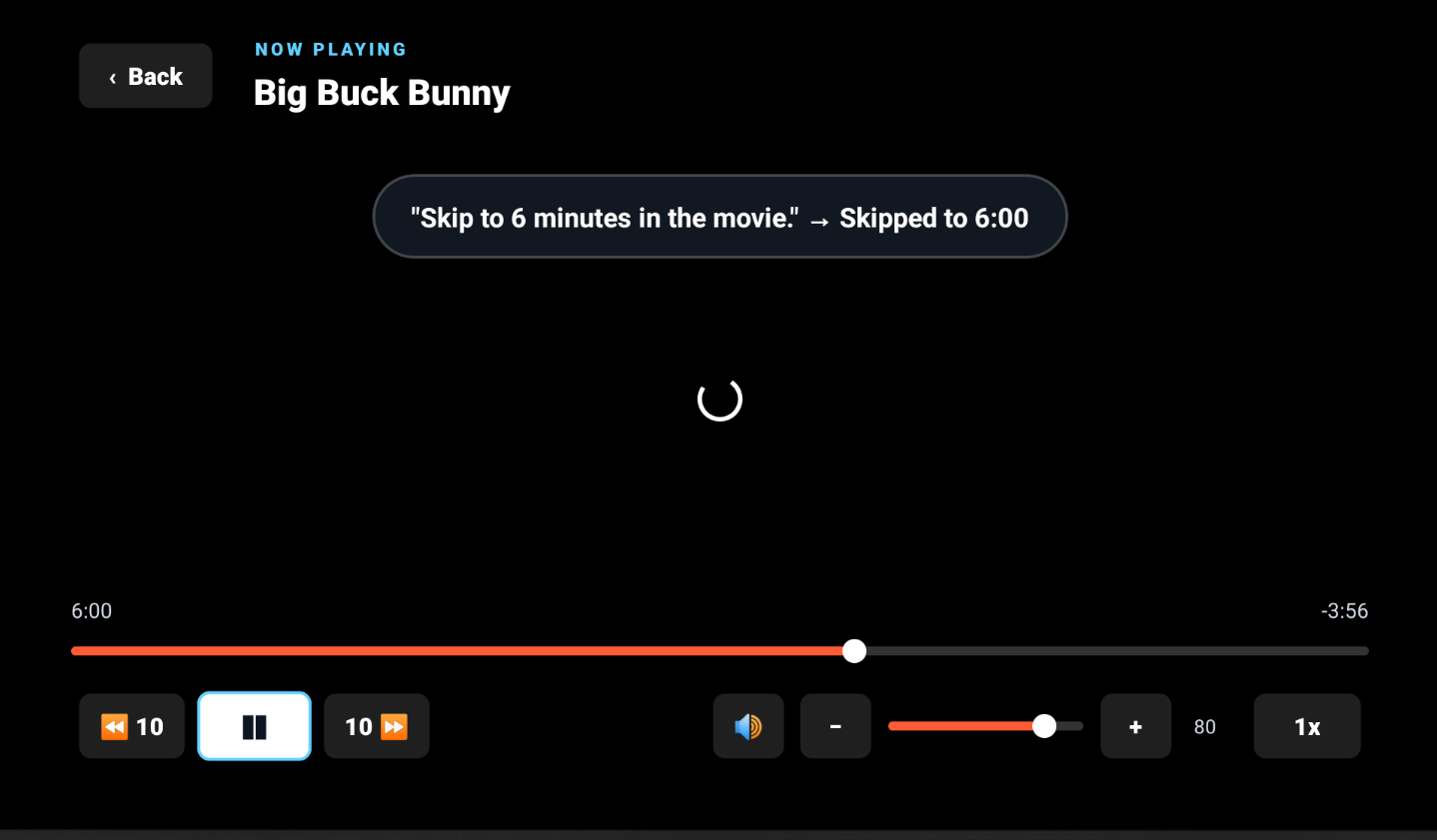
Skip to a specific timestamp
-
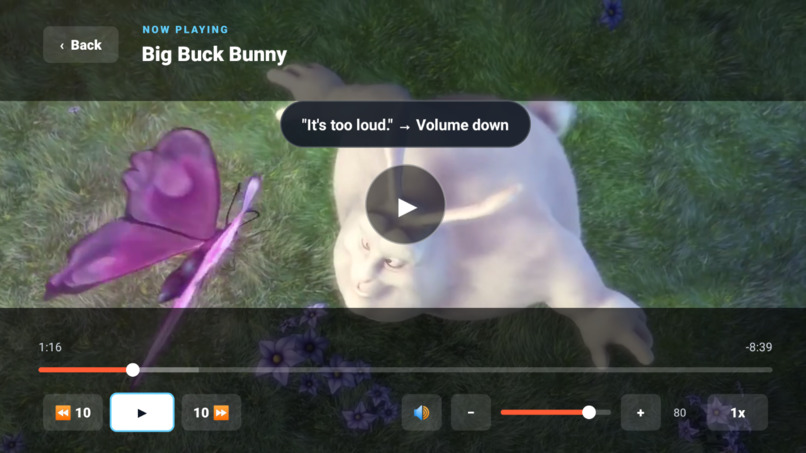
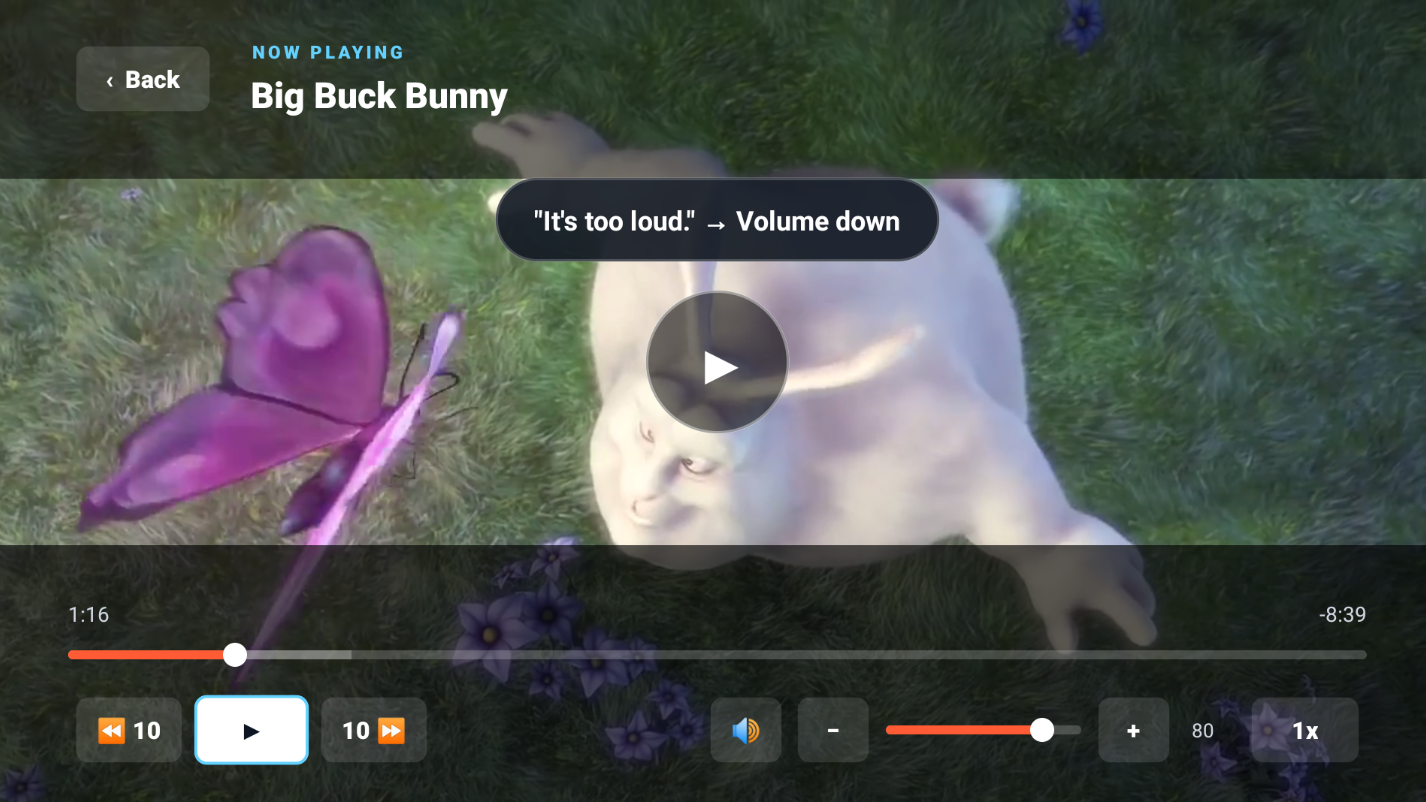
Volume is too high so please turn it down
Inspiration
Imagine this: you come home feeling lazy, and there is a show you have in mind. You have the remote in your hand, but you do not feel like navigating through menus. What if you need to adjust the volume or skip parts you have already seen? Wouldn’t it be better to use your voice?
That is the philosophy behind Voice Navigation TV. With only a single-button hold, users can find the show they want and adjust their viewing experience with minimal effort.
What it does
Voice Navigation TV lets users control their viewing experience with voice commands. Users can select a show, hold down the select button, and say what they want. The AI processes the request and converts it into a predefined command that can control supported features.
The application is designed for remote-based television navigation. It supports directional controls, select-button interactions, media playback, and allowlisted voice commands for navigating the menu and adjusting the viewing experience.
How we built it
Voice Navigation TV was built with React Native and TypeScript, packaged as an Android APK, and deployed to Amazon’s Fire TV virtual device for testing and demonstration. Local development used Expo and an Android TV emulator, while the final Fire TV demo uses the virtual remote controls.
The frontend uses React Native and TypeScript. KrakenD proxies requests to Jellyfin, which provides the media catalog and playback services. Docker manages the backend environment, while Python powers the AI voice-command processing pipeline. The interface was designed around Fire TV remote navigation, directional controls, and a select-button voice interaction.
The Fire TV virtual-device demo verifies that Voice Navigation TV runs in the Fire TV environment, supports remote-based navigation, and reliably plays media. Because microphone input was unavailable in the virtual-device environment, we demonstrate the complete AI voice-command workflow using the Android TV build from the same React Native codebase.
Challenges we ran into
In the beginning, we spent over a week understanding how to set up the project. We eventually resolved several challenges, including configuring our AI coding tools, porting the initial React Native project to Expo for rapid development, and connecting the frontend to our containerized backend.
We were initially unfamiliar with many of the technologies used in the project. However, iterating through the application and understanding the architecture helped us learn how each technology contributed to the overall system.
Although AI played a major role in development, bug fixes, and integration, it still took significant effort to write careful prompts and ensure that the generated work aligned with our project scope. We had to repeatedly review, test, and adjust the implementation.
Near the end of development, we needed to ensure that the application could run on Fire TV or in a Fire OS simulation. After deploying the application to the Fire TV virtual environment, we discovered that microphone input was not available there. As a result, our video demonstrates the application's Fire TV compatibility and reliable playback, while the Android TV build demonstrates the AI voice-command functionality.
External responsibilities, including exams and work, also prevented us from developing full-time. Despite those limitations, we were still able to complete and deploy the project before the deadline.
Accomplishments that we're proud of
Despite using unfamiliar technologies, we were able to finalize the application while developing a stronger understanding of each technology’s role in the system. This project showed us how important system architecture is when AI is involved throughout the development workflow.
We maintained a tight schedule with a small buffer and completed the project before the deadline.
We initially treated AI as one feature of the application, but it eventually became the central part of the experience once we understood the direction we wanted to take.
What we learned
Although AI can significantly speed up development, strong design skills are still essential. When using AI, developers need to write well-defined prompts, clarify requirements, and carefully review the results before implementation.
We also learned that AI can be used as a learning tool. Asking it to explain why a system works, clarify unfamiliar syntax, and discuss engineering decisions helped us understand the project rather than simply accepting generated code. Being able to read and write code allowed us to identify solutions and perspectives that an AI coding agent might miss.
Most importantly, we learned that one of the best ways to learn industry technologies is to create a project that genuinely interests us. In only one month, we worked with technologies we had never used before and incorporated them into a complete development workflow.
What's next for Voice Navigation TV
In the future, we would like to create an entirely hands-free navigation system and optimize the voice-command pipeline. Some features still need to be expanded, including voice navigation through additional menus and application screens.
We would also like to explore content-creation features and allow voice input to enhance the viewing experience through features such as video sharpening and dynamic brightness control.
Product Feedback
Amazon Fire TV virtual development environment
The Fire TV virtual environment and virtual remote made it possible to test a television-first interface without physical Fire TV hardware. Remote navigation worked well for validating directional controls, select-button interactions, application navigation, and media playback.
The most challenging part was distinguishing between local Android TV development and final Fire TV deployment, especially when configuring the APK and ensuring that the backend services were reachable from the Fire TV environment. Microphone input was also unavailable in the virtual-device environment, which limited our ability to demonstrate the voice workflow there.
We would build for Fire TV again because its Android-compatible development workflow allowed us to use React Native while still targeting a television platform.
Built With
- android-studio
- codex
- docker
- expo.io
- jellyfin
- krakend
- node.js
- powershell
- python
- react-native
- typescript

Log in or sign up for Devpost to join the conversation.