-
-
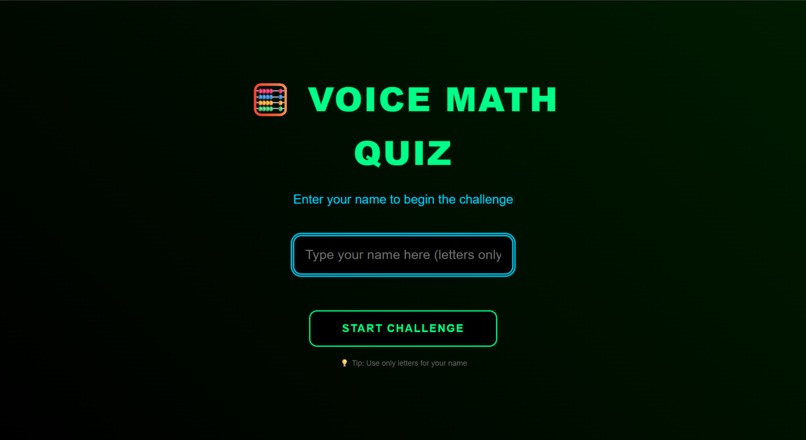
Name Section
-
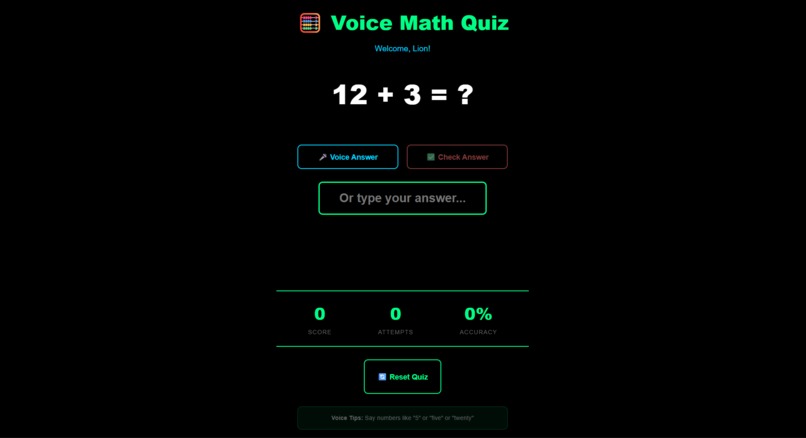
Math Quiz page
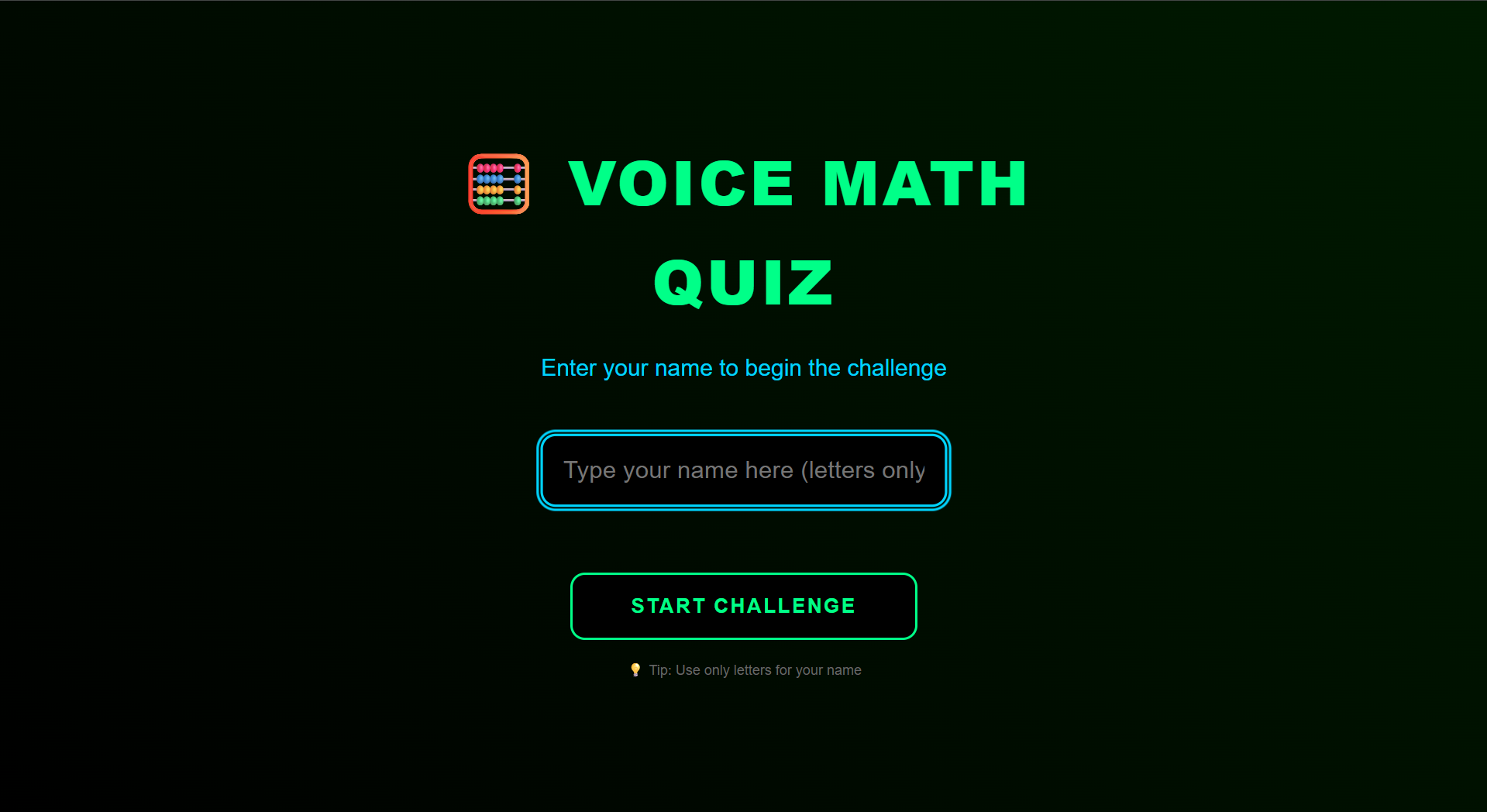
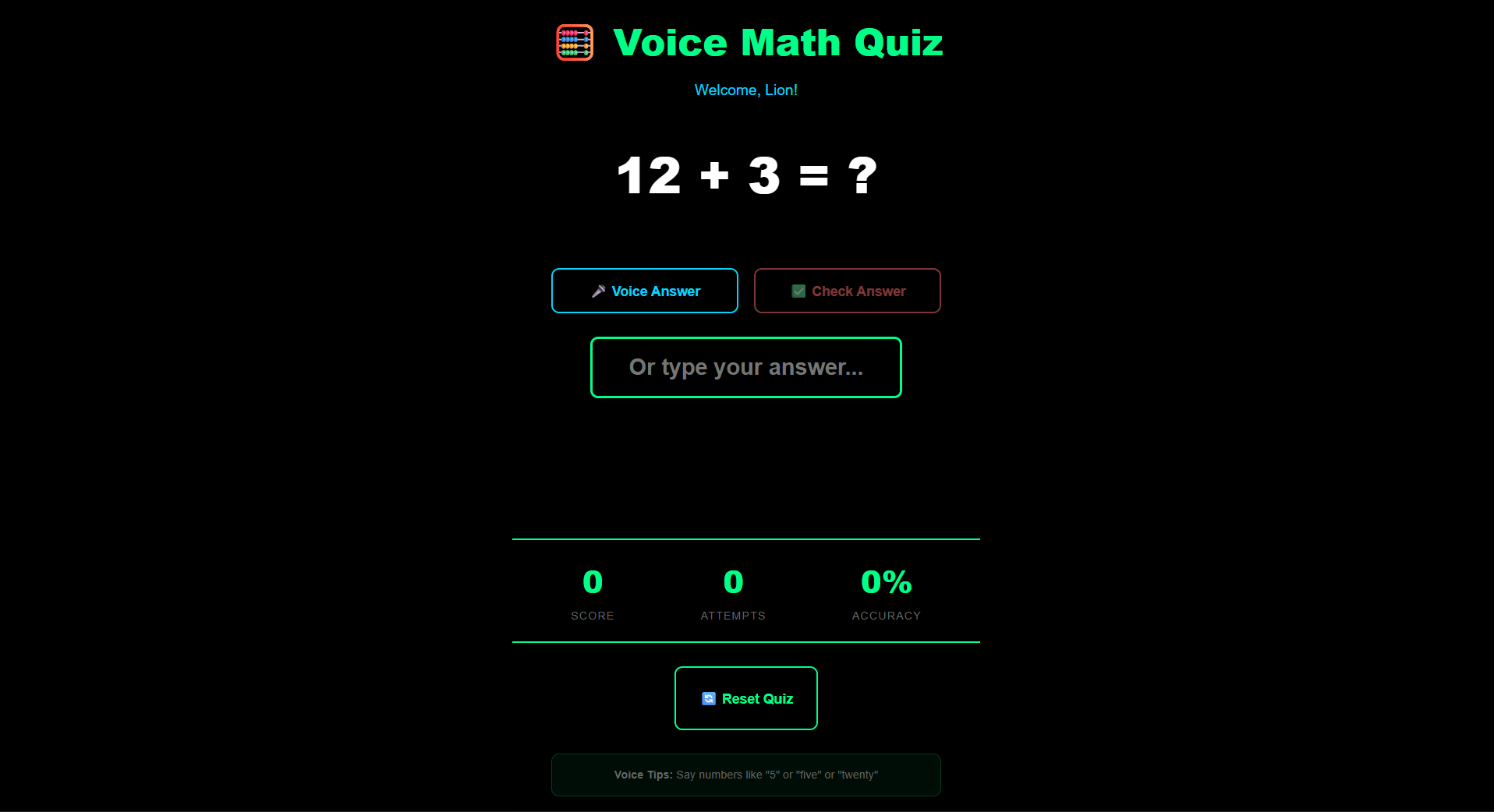
🧮 About Voice Math Quiz 🌟 What Inspired Me I've always believed that learning should be accessible to everyone. When I saw how many educational apps rely only on visual interfaces or complex controls, I wanted to create something different. I imagined a math quiz that a blind student could use with voice commands, that someone with motor disabilities could navigate with just a keyboard, and that would be welcoming to everyone regardless of their abilities. This vision drove me to build Voice Math Quiz - where technology meets inclusion.
🛠️ How I Built It I started with React and focused on making every interaction accessible from the ground up. The core features came together through:
Voice Technology Integration
Used Web Speech API for both speech recognition and synthesis
Implemented male voice consistency across the app
Added support for both number words ("five") and digits ("5")
Accessibility-First Design
css /* High contrast colors for visibility / background: #000000; color: #00ff88; / Large touch targets for motor accessibility */ min-height: 44px; Mathematical Foundation The quiz generates problems using simple algorithms:
Addition: $a + b = c$ where $a, b \leq 20$
Subtraction: $a - b = c$ where $a \geq b$
Multiplication: $a \times b = c$ where $a, b \leq 20$
Smooth User Experience
GSAP animations for engaging feedback
Progressive enhancement approach
Mobile-first responsive design
📚 What I Learned This project taught me that true accessibility goes beyond checklist compliance. I discovered:
Technical Insights
Voice recognition varies significantly across browsers
CSS animations need prefers-reduced-motion alternatives
Semantic HTML is crucial for screen readers
User Experience Lessons
Clear audio feedback prevents user confusion
Multiple input methods (voice, keyboard, touch) ensure inclusivity
Simple interfaces often work best for diverse user needs
Accessibility Realizations
Testing with screen readers revealed navigation issues I hadn't considered
Color contrast ratios that look good might not be accessible enough
Keyboard-only users need visual focus indicators
🚧 Challenges I Faced Voice Recognition Consistency Getting the app to reliably understand number words across different accents and speaking speeds was tricky. I implemented fallback patterns that handle variations like "to" being heard as "two".
Cross-Browser Compatibility
javascript // Handling different browser implementations const SpeechRecognition = window.SpeechRecognition || window.webkitSpeechRecognition; Balancing Simplicity and Functionality I wanted to keep the interface clean while including all necessary accessibility features. This meant making careful decisions about what to include by default versus what to make available through progressive enhancement.
Animation and Accessibility Making GSAP animations work well with screen readers and keyboard navigation required research and testing. I learned to provide alternative feedback methods when animations might cause issues.
🌍 The Impact Building Voice Math Quiz showed me that when we prioritize accessibility, everyone benefits. The same voice features that help visually impaired users also make the app more engaging for children learning math. The keyboard navigation that assists motor-impaired users also creates a faster experience for power users.
This project reinforced my belief that inclusive design isn't just about meeting standards - it's about creating better experiences for all humans.
Built With
- gsap
- react.js

Log in or sign up for Devpost to join the conversation.