-
-
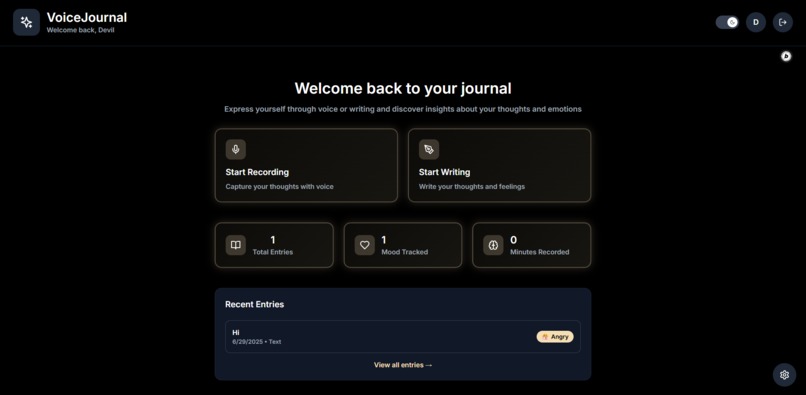
Home Page
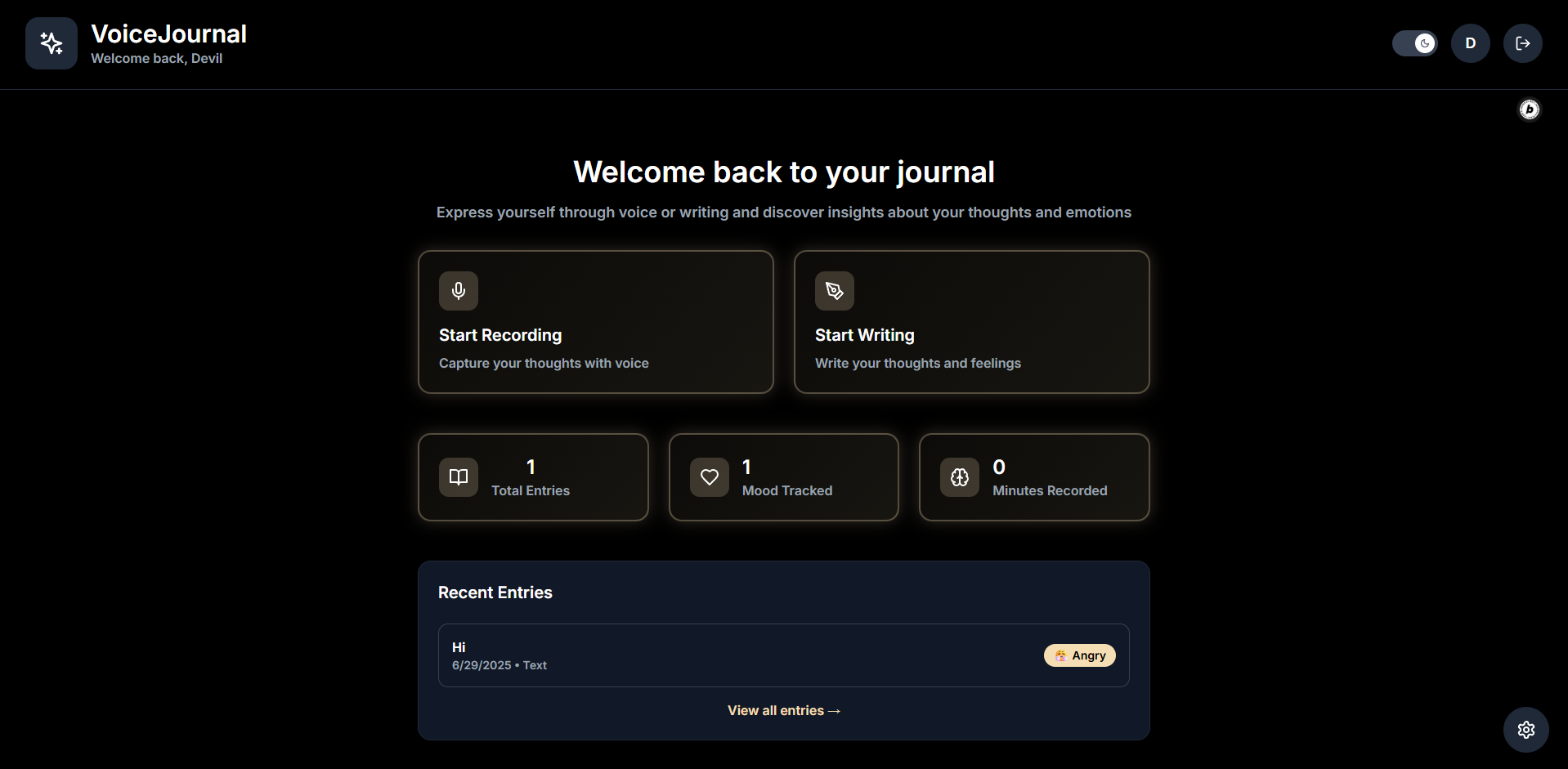
Inspiration
In today’s fast-paced world, many people — myself included — often find it hard to express their thoughts to someone. We’re either too busy, too private, or just don’t have someone available to listen. That’s what inspired me to build this voice-based journaling app — a personal, safe space to simply speak your mind.
According to psychology research, speaking out our thoughts can be up to 40% more effective in reducing emotional stress compared to just thinking or writing silently. I wanted to build something that could help me and others develop this habit — not just as a hackathon idea, but as a tool I plan to use daily and improve over time.
What it does
The aim of this project is to build a clean and minimalistic journaling app where users can record their thoughts using voice or text. Each entry is saved with a timestamp and can be revisited or deleted anytime. I’ve kept the interface intentionally simple—something anyone can pick up and start using without distractions.
Two journaling modes: → Type directly on a full-page writing screen → Speak your thoughts—your voice is transcribed and saved
Entries saved with date and time
The audio file is stored along with the transcription.
View or delete previous entries (no edits to maintain integrity)
Export option for saving offline or printing
Minimal white/black UI with a dark mode toggle
Smooth transitions and easy-to-use layout
Mood Tracker of the Day... (How was your mood while you recorded the voice)
How we built it
I’m using Bolt, an AI-powered app builder, which helped me quickly design and develop the app’s flow without needing to write full backend code.
Voice input is handled using Bolt's blocks and speech-to-text API
Text input uses a simple, distraction-free editor
Entries and audio are saved using cloud database/storage blocks
I’ve added an export feature for any journal entry
The UI is styled using clean typography (Inter Semi Bold) and gradient borders for buttons
Challenges we ran into
Working with voice input blocks and syncing transcription with audio files
Getting a good balance between clean design and functional utility
Managing smooth navigation transitions in Bolt’s block-based interface
Making sure entries are organized, timestamped, and accessible
Accomplishments that we're proud of
I created a real, usable journaling tool in just a short time and single prompt.
The voice-to-text feature adds a natural and personal feel
The interface is distraction-free and looks clean on both light and dark modes
The project feels like something people could actually use to reflect and unwind
What we learned
How to convert a simple idea into a fully working app within a short time
Designing for real user habits—keeping it quick, expressive, and focused
Working efficiently with low-code platforms and AI tools
What's next for Voice Journal
This is just the beginning. I plan to use this app every day—to capture my own thoughts, test what works, and discover areas to improve. From UI tweaks to adding stronger security features, I’ll keep iterating based on real usage, not just assumptions.
Built With
- html
- javascript
- supabase
- tailwind

Log in or sign up for Devpost to join the conversation.