-
-
-
k
Voice-Controlled Runner
1. Project Name: Voice-Controlled Runner
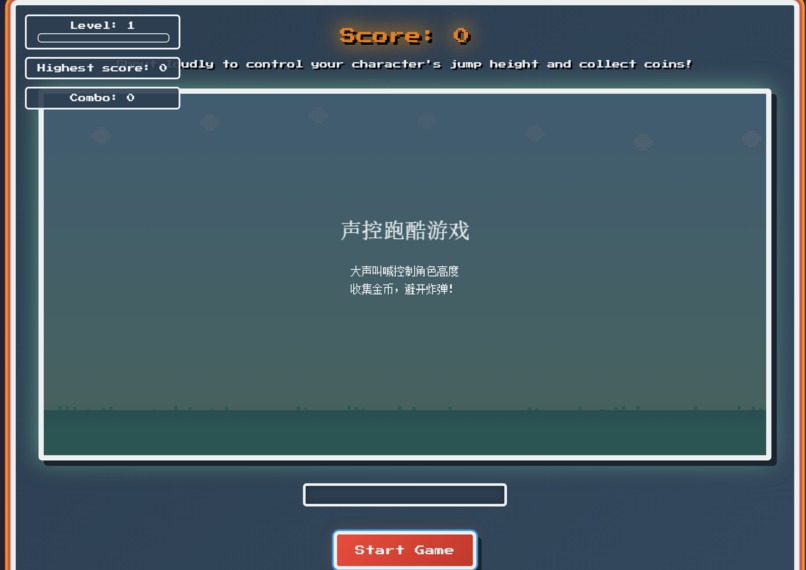
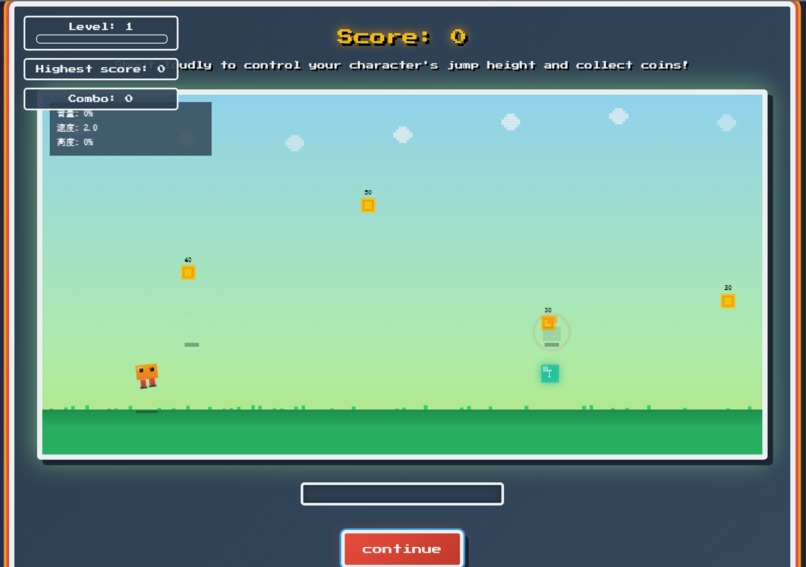
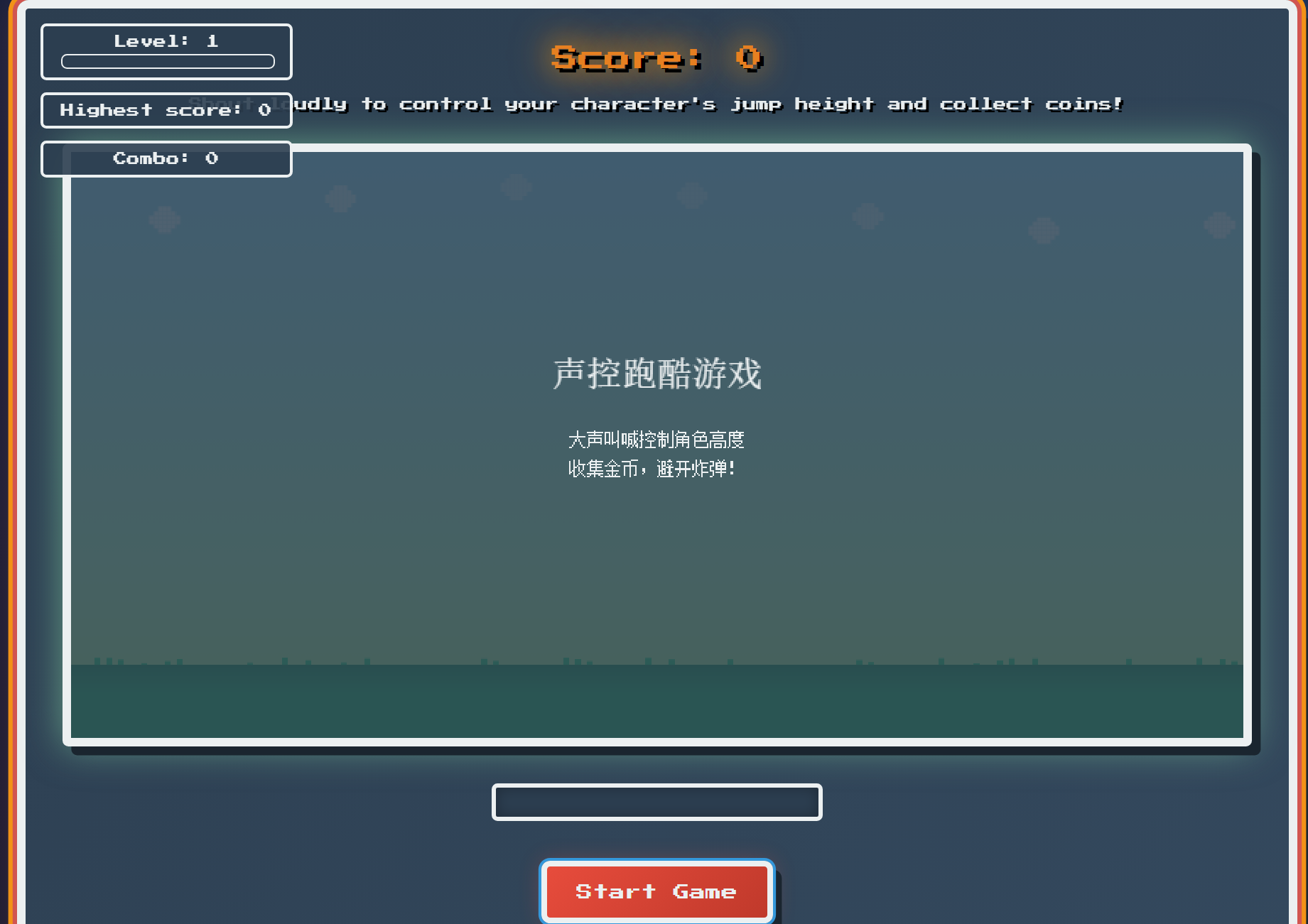
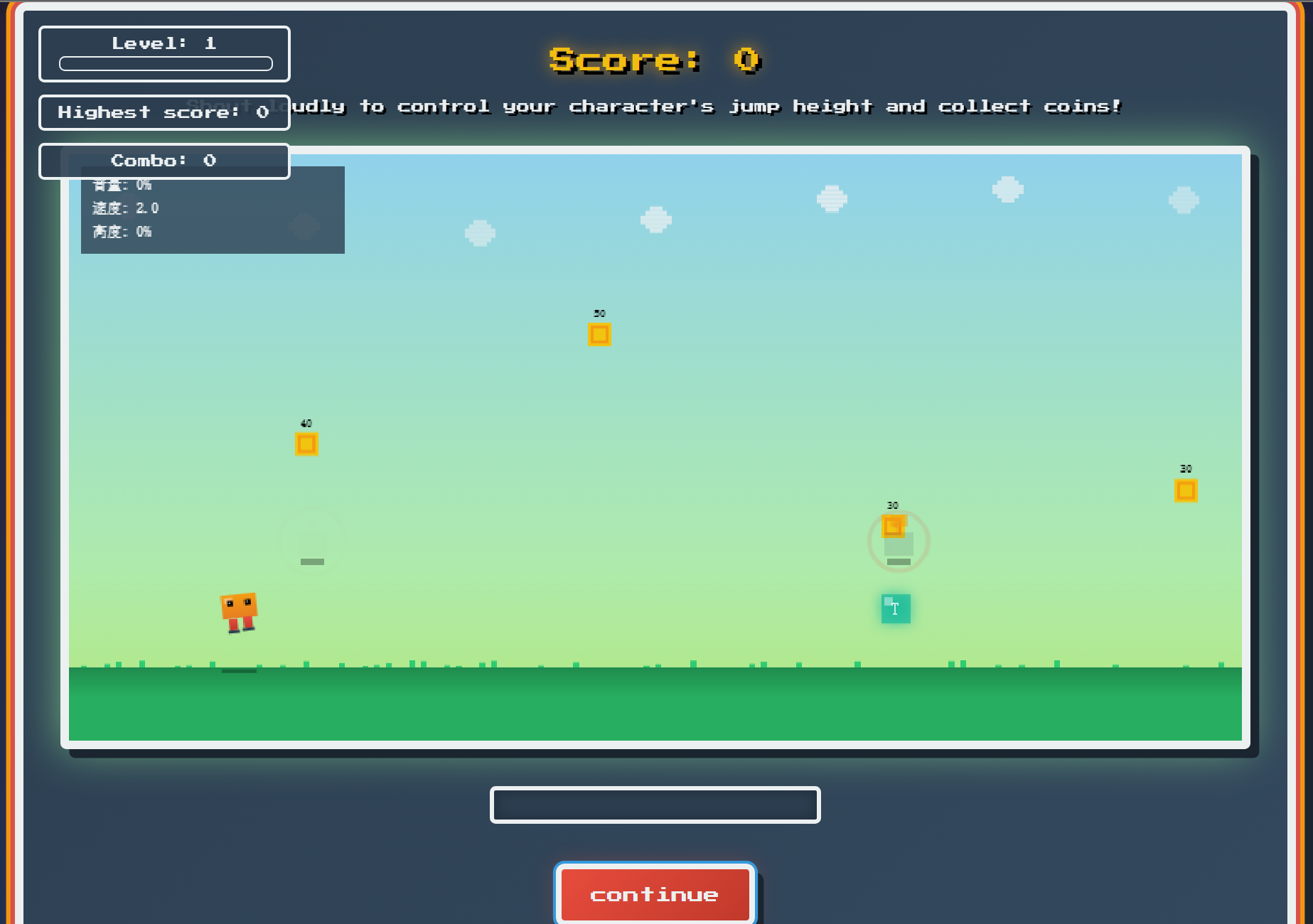
2. Elevator Pitch (One Sentence): A pixel-style parkour game controlled by your voice—shout to control jumps, collect coins, and dodge bombs, all within a browser.
3. Project Story (American-Style Essay):
About the Project: We transformed microphone input into game actions, making sound a playable and tangible interactive method. The project pursues novel interaction and lightweight implementation, suitable for beginners to learn and expand upon.
Inspiration: At a lively hackathon, we had a sudden inspiration: could we turn "shouting" into a game operation? Real-world scenarios include party interactions, classroom icebreakers, and accessibility needs in situations with hand disabilities. We hope to combine the fun of classic pixel parkour with the audio capabilities of Web Audio to create a lightweight game that can be played solely in a browser.
What it does
Capture microphone audio, calculate volume using RMS, and apply noise threshold and EMA smoothing.
Map real-time volume to character height for continuously controllable "voice-activated jumping".
Generate coins, bombs, and various power-ups (magnets, shields, speed boosts, double damage, slow motion).
Track combos, levels, achievements, and high scores (persistent in
localStorage).Provide calibration, sensitivity adjustment, and mute options.
Draw pixelated visuals, particles, lightning, and rainbow trails using HTML5 Canvas.
Key code references:
Microphone initialization:
game.js:476Volume to height mapping:
game.js:516-528Main game loop:
game.js:1441-1484Item system:
game.js:561-656Achievement system:
game.js:315-371HTML Controls:
index.html:671-683
How we built it (Building Process and Challenges)
Using HTML5 Canvas to render layers and a lightweight particle system
Web Audio API:
AudioContext+AnalyserNode, using temporal RMS to improve stabilitySignal Processing: Ambient noise baseline calibration, noise thresholding, sensitivity scaling, EMA smoothing
Generator and Collision: Deterministic generation, overlap threshold collision, ensuring rhythm and fairness
Performance Optimization: Limiting particle count, batch updates, minimizing allocation per frame
The challenges lay in microphone permissions and cross-browser audio differences, and making "shouting" both sensitive and jitter-free. We stabilized input through EMA smoothing and thresholding control, then guided the player with visual feedback.
Challenges we ran into (Challenges, International Perspective)
Vastly different permission prompts and UX across browsers
Baseline differences caused by different hardware/environments (quiet room vs. noisy scene)
Trade-offs between Chinese interface and global user expectations
Privacy: Microphone used only locally, no uploads
Low-end device performance: Optimized drawing paths and limited number of effects
Accomplishments that we're proud of (Gains and Significance)
A voice-controlled game for beginners with stable response
A clear and learnable audio processing pipeline (RMS + EMA)
Rich interaction and visuals achieved without relying on external libraries
What we learned (Learning Outcomes, Closely Related to the Competition Theme)
Real-time audio capture in browsers and the practice of
getUserMediaUX surrounding voice interaction: calibration, sensitivity, feedback indicators
Canvas game architecture: main loop, entity system, effects, and UI layering
Expressing rhythm and increasing difficulty using simple mechanisms
What's next for Voice-Controlled Runner (Next Steps and Business Plan)
Productization: Applications include party/classroom interaction and rehabilitation training warm-ups
PWA mobile adaptation, offline and full-screen experience
Online leaderboards, season events, and achievement synchronization
Accessibility mode (clapping/whistling detection) and secure input
Collaboration and Demos: Events and educational scenarios, providing a lightweight SDK for voice-controlled mini-games
Supports Markdown and LaTeX mathematical formulas. The core formula is as follows:
- RMS (Normalization):
$\displaystyle r = \frac{1}{128} \sqrt{\frac{1}{N} \sum_{i=1}^{N} (x_i - 128)^2}$
- EMA smoothing:
$\displaystyle y_t = \alpha \cdot v_t + (1 - \alpha) \cdot y_{t-1}$
- Height mapping:
$\displaystyle h = h_{\min} + v \cdot (h_{\max} - h_{\min})$
- Pixel overlap collision (50% rule):
$\displaystyle \text{overlap}_x \ge 0.5\,\min(w_1, w_2)$ and $\text{overlap}_y \ge 0.5\,\min(h_1, h_2)$
4. Technology Stack (Detailed)
HTML5 Canvas: Fine-grained pixel drawing, particles and effects
Web Audio API:
AudioContext,AnalyserNode; temporal data, RMS calculationJavaScript (ES6): Game state management, generators, collision and system logic
CSS3: UI styles and animations (buttons, containers, indicators)
localStorage: Highest score persistenceNo external libraries or build tools required; validated on the latest Chrome/Edge (desktop)
5. Project Structure
.
├─ index.html # UI, canvas, controls, and styles
└─ game.js # Main loop, audio pipeline, entities/effects/system/drawing

``` Entry Point Description:

- `index.html` loads `game.js` and defines controls (start, pause, calibration, sensitivity, etc.)

- `game.js` constructs `VoiceControlledRunner` (`game.js:1488-1490`) in `DOMContentLoaded`

## 6. How to Start the Project

Windows PowerShell:

``` python -m http.server 3000

``` Then open:

``` http://localhost:3000/

``` After allowing microphone access, click "Start Game" to optimize the experience through calibration and sensitivity adjustments.

Note:

- You must use `http://localhost` (not `file://`) to enable `getUserMedia`

- The port can be changed as needed; the example uses `3000`

## 7. Project Operation Mechanism (Information Flow and Logic Graph)

### Information Flow

``` Microphone → AudioContext → Analyser (Time Domain Bytes)

→ RMS → Baseline/Noise Threshold → Sensitivity → EMA → Volume (0–1)

→ Height Mapping → Character

→ Main Loop → Entities (Coins, Bombs, Items)

→ Collision → Score/Combo/Experience → UI Stack
Structure Logic Graph (High Level)
[Audio Initialization]

└─ getUserMedia → Analyser → DataArray

[Signal Processing]

└─ RMS → Threshold → EMA → Volume

[Gameplay]

├─ Player (height←Volume)

├─ Spawners: Coins/Bombs/PowerUps

├─ Collisions: Pixel overlap threshold

└─ Effects: Particles/Lightning/Trails

[System]

├─ Combos and Multipliers

├─ Achievements and Levels

├─ Item Lifecycle (Activation/Deactivation)

└─ High Score Persistence

[UI]

├─ Canvas HUD

├─ HTML Controls (Start/Pause/Calibration/Sensitivity/Mute)

└─ Status Overlay (Tutorial, End)
Core Update Loop
Read volume → Update character height
Push entity → Collision detection → Update score/experience/combo
Update effects and status → Draw background, sprites, UI
Use
requestAnimationFrameto schedule the next frame
Code Reference: - Update loop: game.js:1441-1484
Volume pipeline:
game.js:489-514Height mapping:
game.js:516-528Collision detection:
game.js:842-859Generators: Coins
game.js:530-541, Bombsgame.js:675-694, Itemsgame.js:543-559
Built With
- css3
- javascript
- kiro


Log in or sign up for Devpost to join the conversation.