-
-
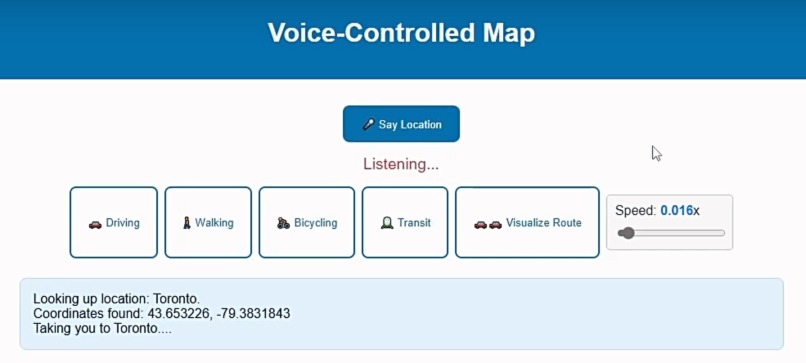
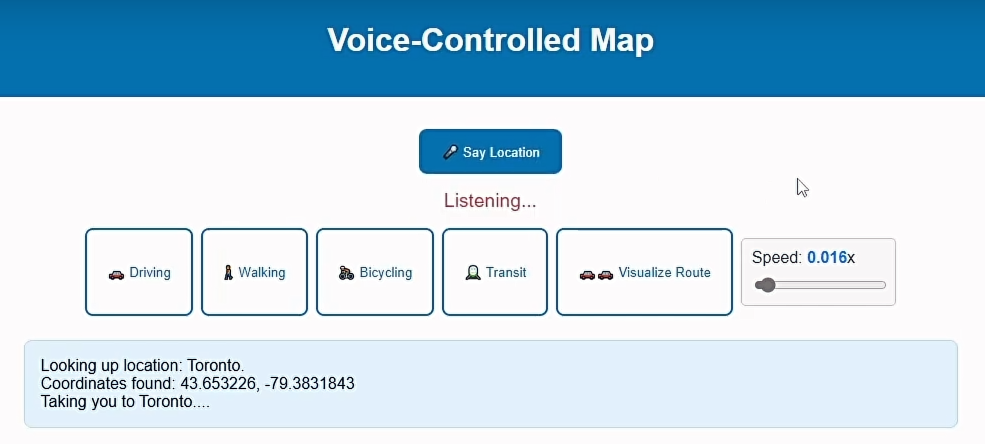
Ready to Capture Your Voice!
-
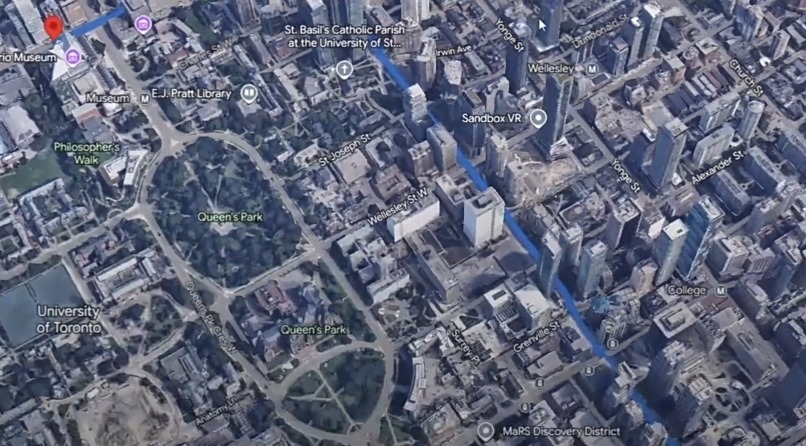
Drawing a Path With Only Your Voice!
-
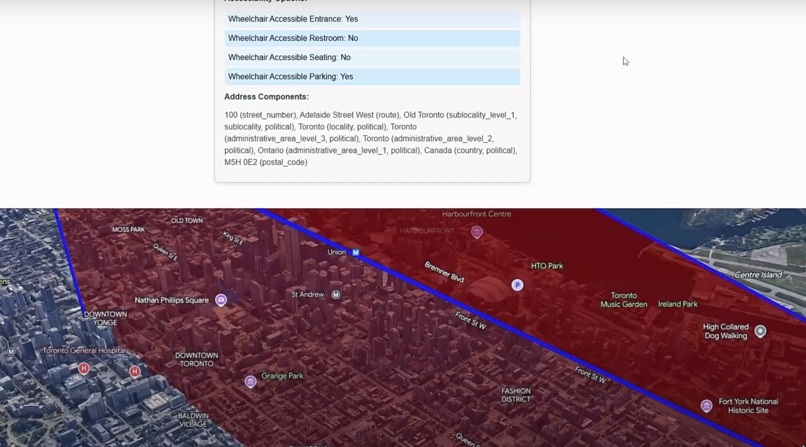
Drawing a Polygon With Only Your Voice!
Inspiration
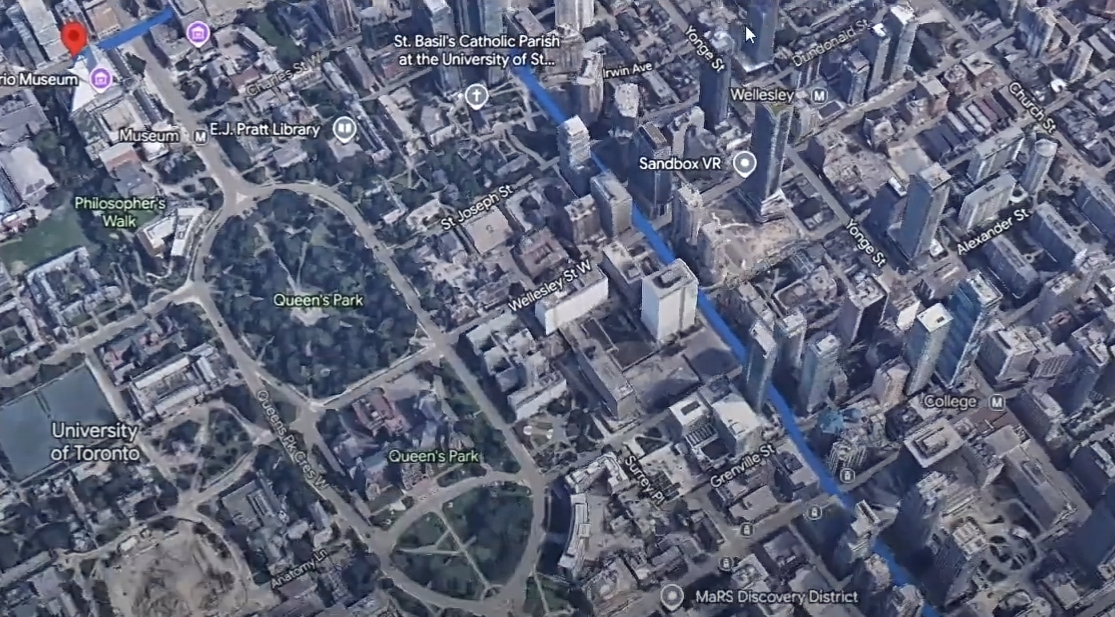
As I was learning the 3D maps API from google, I thought it would be super cool to integrate the API with voice commands. Allowing users to explore the world with only their voice really sparked a lot of inspiration behind this project, as it would make it even more user friendly, where users can speak through their microphone.
What it does
The application takes in voice commands and allows the user to get directions to a location by simply using their voice. It will automatically take the user to the start point of the location and draw a path to the destination. The user can also visualize the path where a 3D model is rendered at the start of the path and the user can control the vehicle by going forward and backwards with the W and S keys respectively. The car speed can also be controlled with a slider. A marker will be drawn at the start and end destination. The user can also toggle between Driving, Walking, Bicycling, and Transit and the path will automatically update, as well as an ETA will be shown for each transportation method.
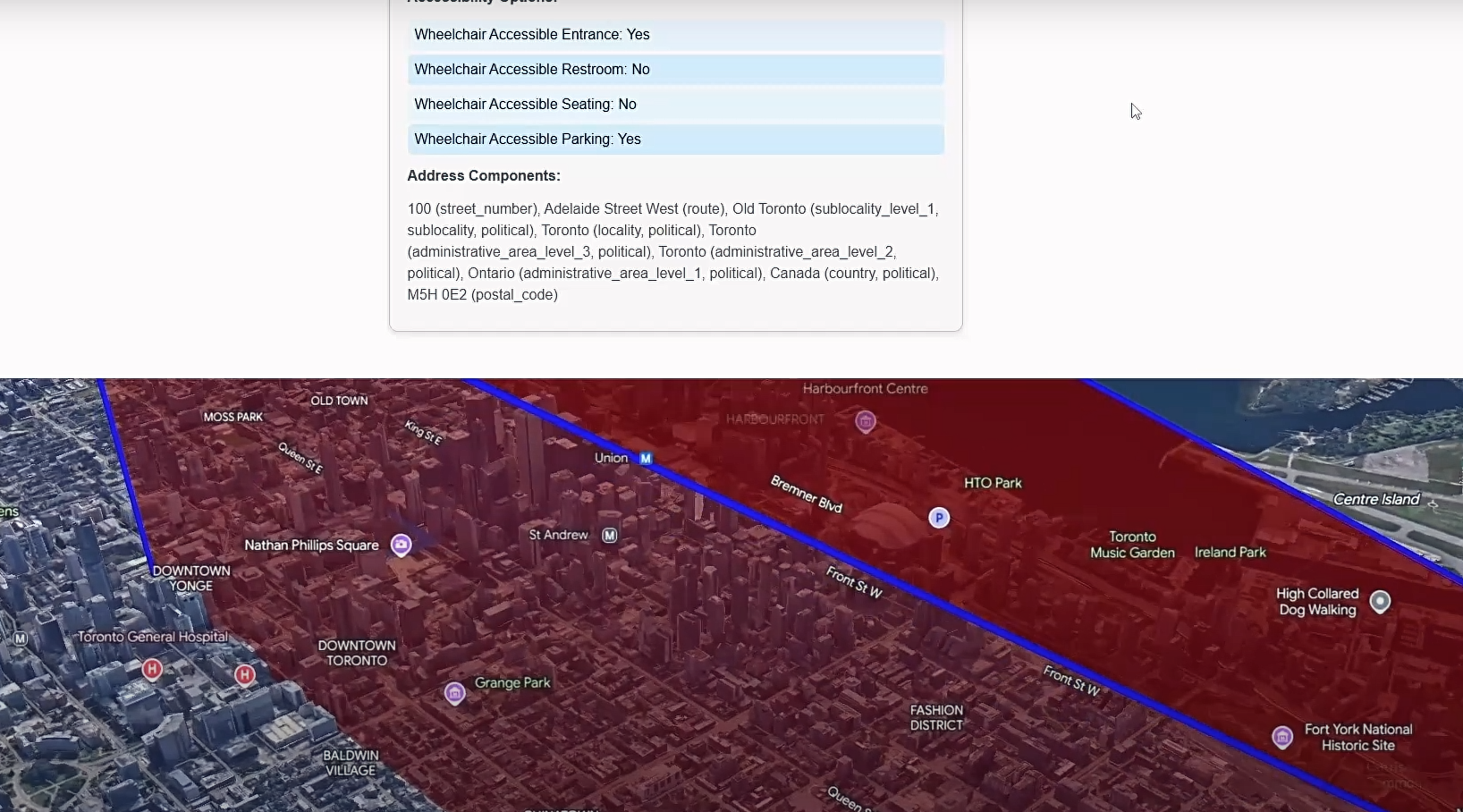
The user can also say a location, such as a city or place and it will take the user there. The user can also say to draw a polygon around at least 3 locations to show a visual shape connecting them. The user can also say to draw a marker on a location and a marker will automatically be drawn on the desired location.
There is a display logs UI that logs when actions are done to help document the actions that are happening.
How I built it
I built it using the google 3D maps, places, and directions APIs in order to render an interactive 3D map, and get place details, as well as directions of different locations. I also used the webkitSpeechRecognition API to capture voice commands. JavaScript was used to listen to actions from the user and utilize all the API calls in order to make this web application come to live, as well as allow for a lot of the frontend functionalities to work together. HTML and CSS were used to simply display UI elements.
Challenges I ran into
Originally this project was going to be a mobile application, but I had a lot of trouble getting the 3D maps API to work on mobile. As a result, I opted in to do a simple web page, that can be almost used like a sandbox environment to play with the APIs.
I faced challenges getting the camera to follow the car model smoothly. As a result, for now the camera only moves when the car makes it to the next coordinate in the route. It was very stuttery when I would try to animate the camera with the model at the same time and this is something I am interested in seeing if I can get it to work after the hackathon.
Accomplishments that I'm proud of
I am very proud of the progress I made so far for this web application and I believe with a few more tweaks, I can take this to the next level. I got super excited when I would successfully map a 3D maps functionality with a voice command. It was super cool to see an interactive map function with only a user's voice.
What I learned
I learned so much during this hackathon. It was my first time ever using the APIs in this hackathon, such as 3dmaps, webkitspeechrecognition, directions, geocode, and place. I definitely plan on using these again, as there are so many cool possibilities that can be done with them, as well as I can keep utilizing these APIs that can take this hackathon project to another level, as illustrated in the next section of this post.
What's next for Voice-Controlled Map
1) Getting the camera to follow the car model smoothly.
2) If a user changes the transportation method, I would love it for the application to automatically change the model for one that matches the transportation method. For example, if transit is selected, then a bus model would be rendered instead of a car.
3) I would love to add the ability of multi-path finding with voice commands. For example, a user could say get me directions to location A, then location B, then location C and it would automatically draw a route between all destinations with an ETA calculated.
3.1) To take point 3 a step further, I would also love the ability for a user to say: "Get me directions to location A by car, then directions to location B by bus, then directions to location C by walking, and etc." Then the ETA will automatically be calculated between all paths with the method of transportation kept in mind and the model would switch, as per point 2 depending on where the user is along the path.
4) Improvements to the direction of the model as well can be done, such as ensuring the vehicle is facing the direction along the path it is navigating.
Built With
- 3dmaps
- css3
- directions
- geocode
- html5
- javascript
- place
- webkitspeechrecognition

Log in or sign up for Devpost to join the conversation.