-
-
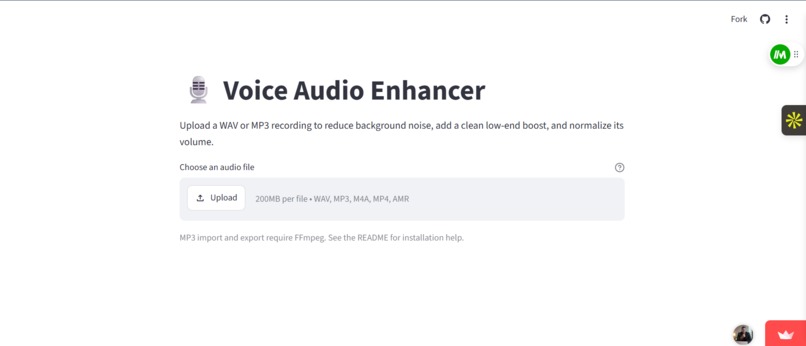
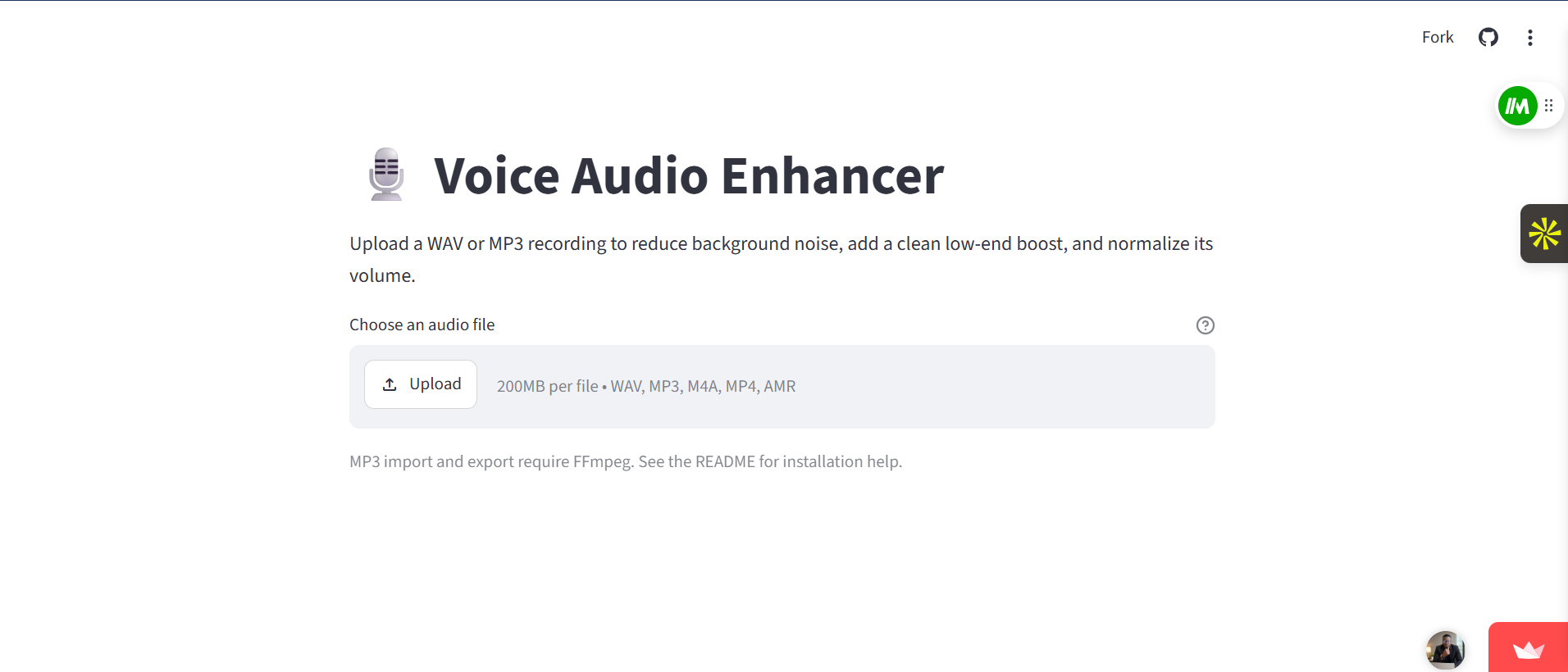
The clean and simple user interface of the Voice Audio Enhancer web application running live on Streamlit Cloud.
Inspiration
I wanted to create a simple, effective tool to help content creators quickly clean up and enhance their voice recordings without needing complicated desktop audio editing software.
What it does
The Voice Audio Enhancer allows users to upload an audio file directly from their desktop or mobile phone. The application automatically reduces distracting background noise, applies a clean low-end bass boost, and normalizes the final volume for a professional studio output.
How I built it
I designed the web interface using Streamlit and handled the audio engineering logic using Python, the Pydub library, and FFmpeg for cross-platform audio file decoding. The application is hosted and deployed live on Streamlit Community Cloud.
Challenges we ran into
One major challenge was dealing with deep Python version compatibility issues and cross-platform audio processing dependencies during cloud deployment. We ran into specific file-uploader limits and syntax bugs when expanding support for mobile-recorded formats like .amr, which required fixing server-level system packages and making adjustments to the main application parameters.
Accomplishments that we're proud of
Successfully taking an audio processing concept from a local script to a fully functional, live cloud application that processes multiple file formats seamlessly across both mobile devices and desktop computers.
What we learned
I learned how to configure system-level dependencies like FFmpeg in cloud environments, structure clean Streamlit file upload pipelines, and troubleshoot syntax and deployment errors dynamically.
What's next for Voice Audio Enhancer
Adding support for real-time microphone recording directly within the browser interface, integrating AI-driven speech isolation models, and offering multiple preset equalizer options for different voice profiles.


Log in or sign up for Devpost to join the conversation.